Last Updated or created 2026-08-14
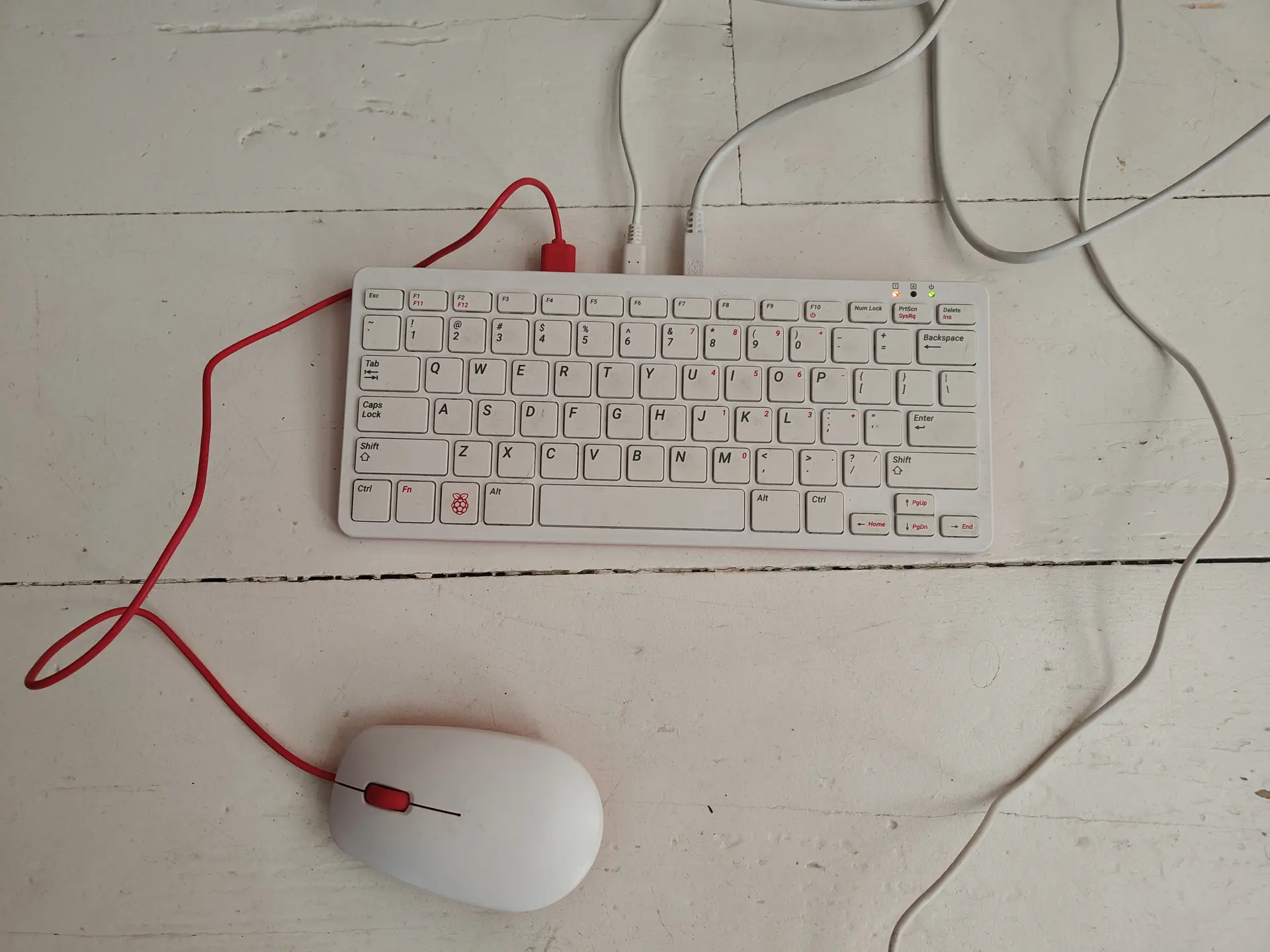
I bought some broken RPi 400’s from Marktplaats, after repairing I installed PiMiga on one of them.
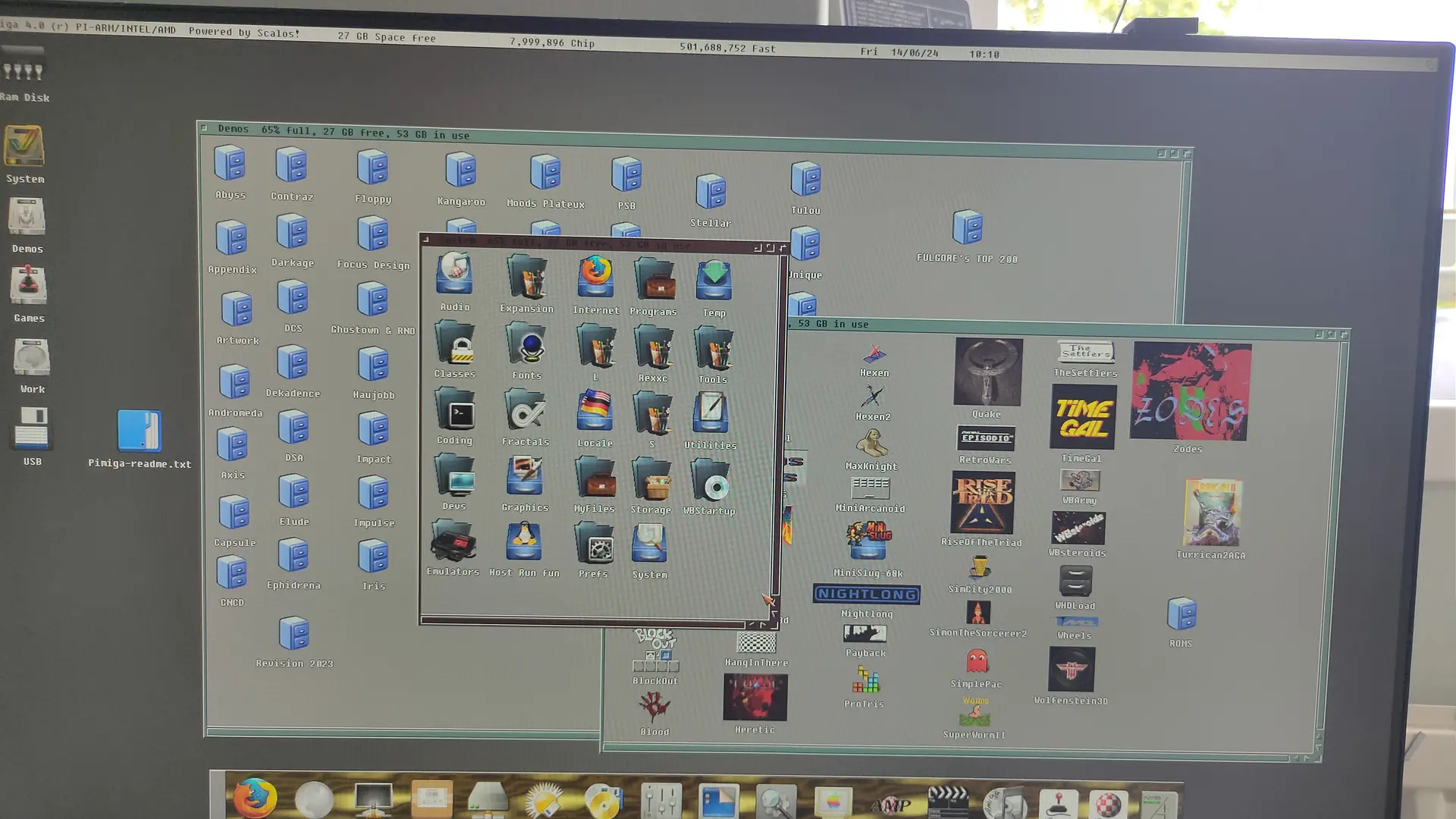
To set up PiMiga, download the PiMiga image via its community torrent link, flash it to a 16GB+ SD card using Raspberry Pi Imager, add your own legally obtained Amiga Kickstart ROM to the boot/kick partition.
I bought the Amiga Forever ROM set.
https://www.amigaforever.com/screenshots
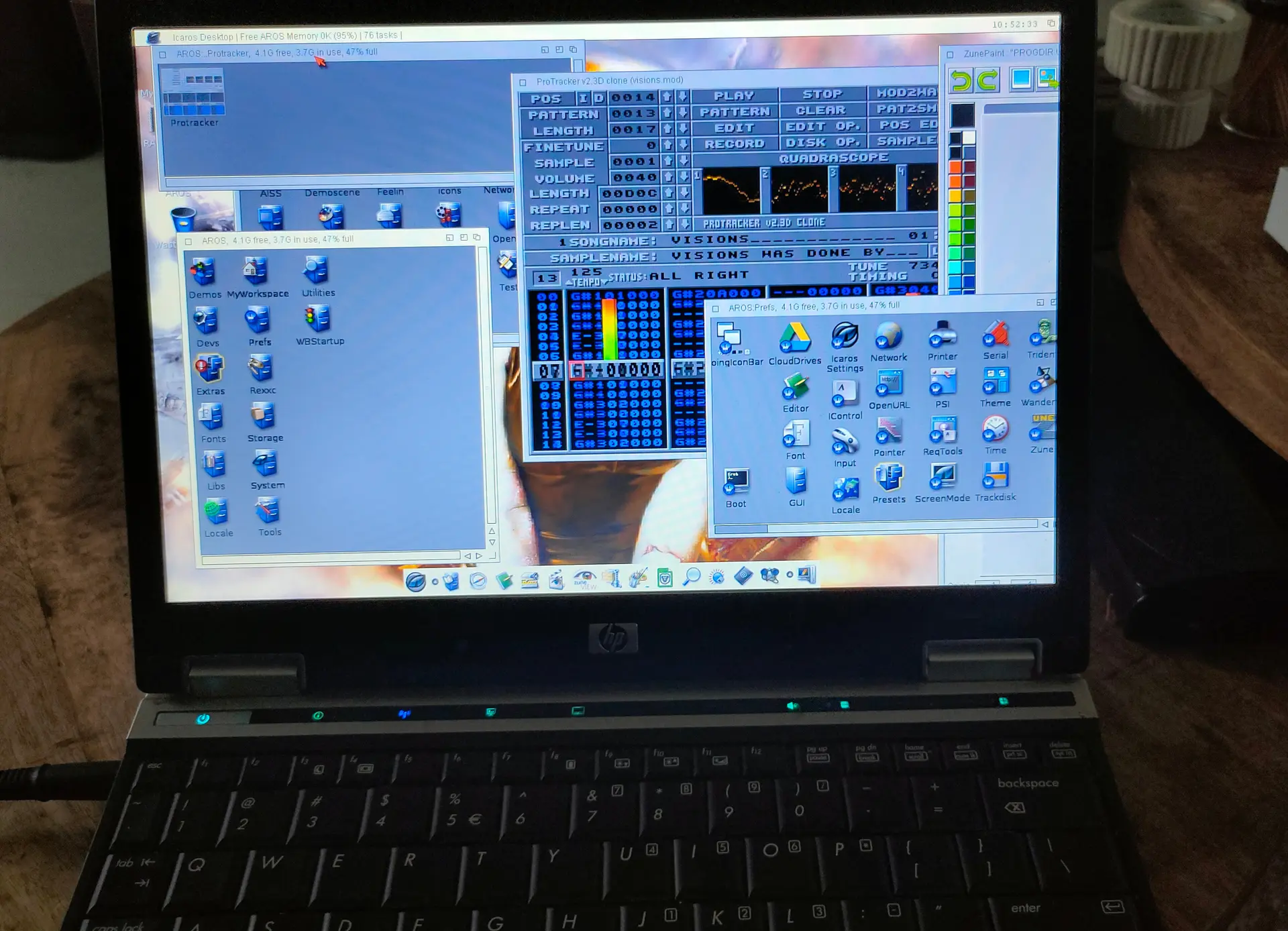
I also installed Aros os on a old Laptop.
http://www.aros.org/