I always wanted to have everything on my fileserver. But indexing or searching for the right document is a pain in the *ss.
I wrote several tools for this but wanted to try something new.
Maybe its a perfect solution for all my datasheets I use in my electronics as well.
So I installed Paperless-ngx using docker.
Paperless-ngx is a community-supported open-source document management system that transforms your physical documents into a searchable online archive so you can keep, well, less paper.
Features
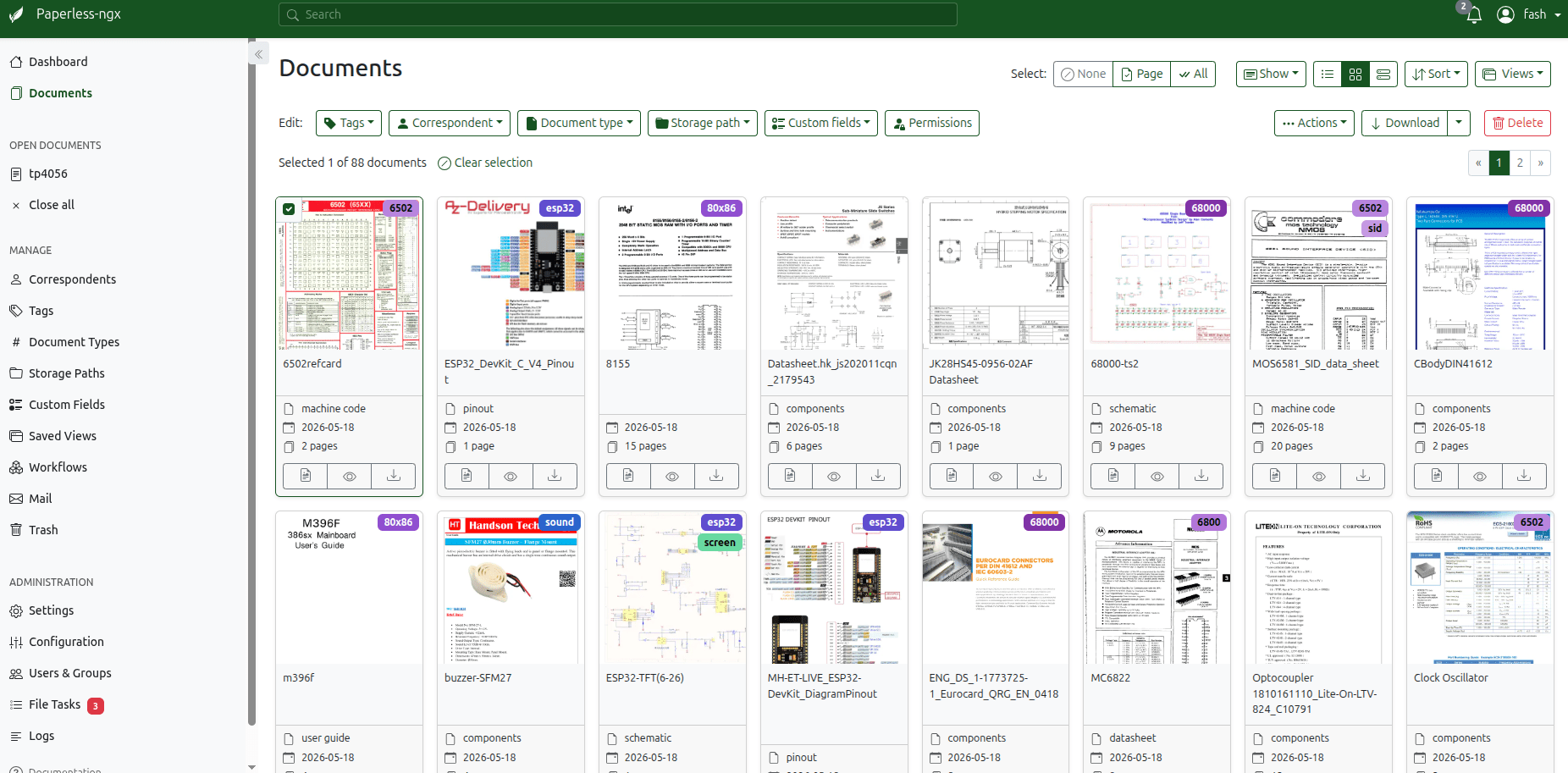
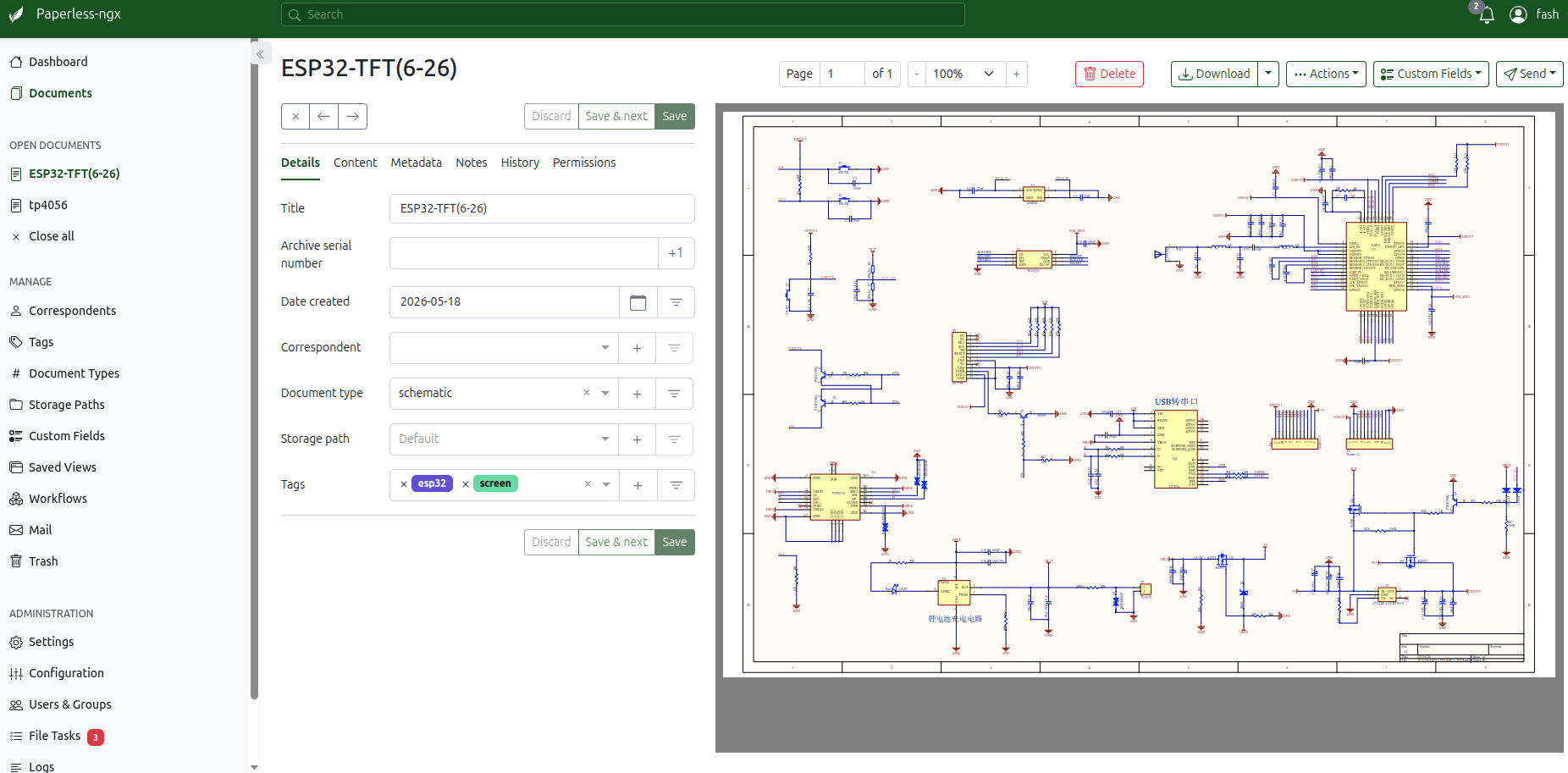
Organize and index your scanned documents with tags, correspondents, types, and more.
Your data is stored locally on your server and is never transmitted or shared in any way.
Performs OCR on your documents, adding searchable and selectable text, even to documents scanned with only images.
Utilizes the open-source Tesseract engine to recognize more than 100 languages.
Documents are saved as PDF/A format which is designed for long term storage, alongside the unaltered originals.
Uses machine-learning to automatically add tags, correspondents and document types to your documents.
Supports PDF documents, images, plain text files, Office documents (Word, Excel, PowerPoint, and LibreOffice equivalents) and more.
Paperless stores your documents plain on disk. Filenames and folders are managed by paperless and their format can be configured freely with different configurations assigned to different documents.
Beautiful, modern web application that features:
Customizable dashboard with statistics.
Filtering by tags, correspondents, types, and more.
Bulk editing of tags, correspondents, types and more.
Drag-and-drop uploading of documents throughout the app.
Customizable views can be saved and displayed on the dashboard and / or sidebar.
Support for custom fields of various data types.
Shareable public links with optional expiration.
Full text search helps you find what you need:
Auto completion suggests relevant words from your documents.
Results are sorted by relevance to your search query.
Highlighting shows you which parts of the document matched the query.
Searching for similar documents (“More like this”)
Email processing: import documents from your email accounts:
Configure multiple accounts and rules for each account.
After processing, paperless can perform actions on the messages such as marking as read, deleting and more.
A built-in robust multi-user permissions system that supports ‘global’ permissions as well as per document or object.
A powerful workflow system that gives you even more control.
Optimized for multi core systems: Paperless-ngx consumes multiple documents in parallel.
The integrated sanity checker makes sure that your document archive is in good health.