3D projection experiments

Last Updated or created 2026-03-27

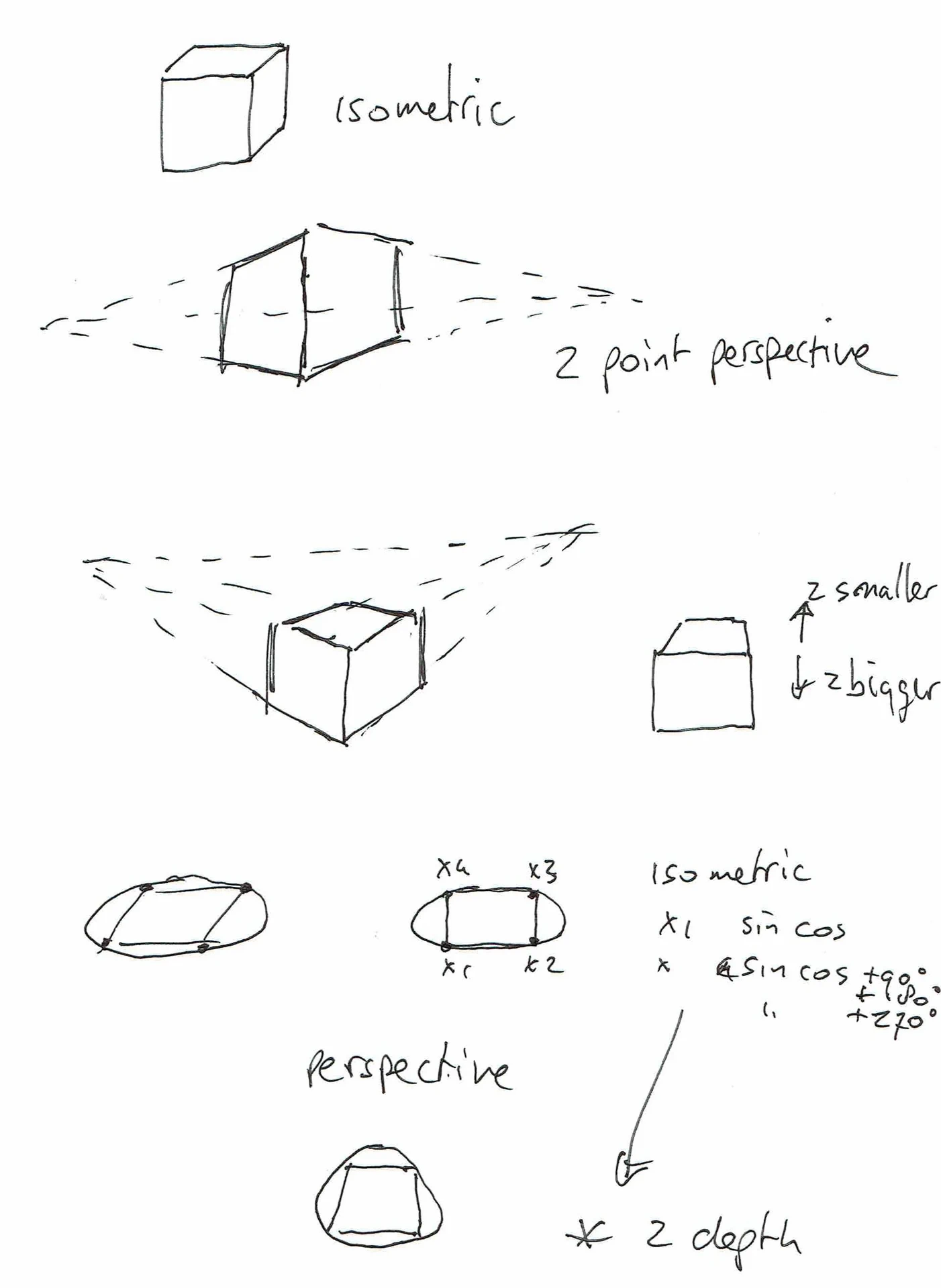
I’ve posted this last time

These are my experiments using python.

You can see that I had some trouble with projecting depth in some of these animations.
The sliders helped me to understand what was going on.

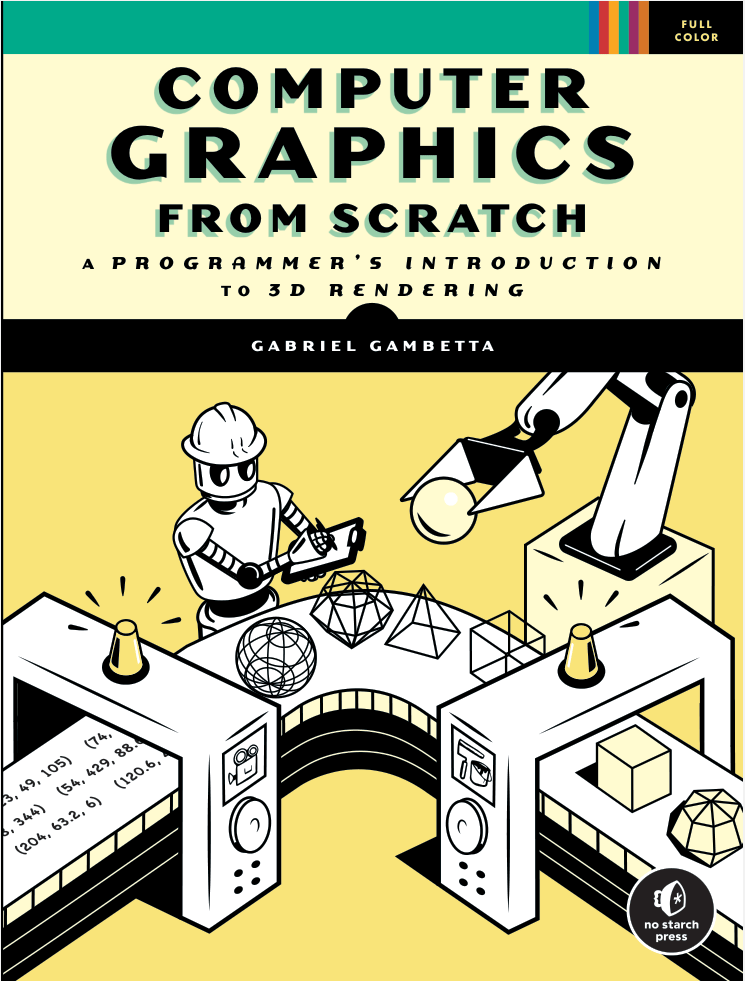
I’ve used some information from these books.
Code (much like my BBC Acorn Basic program)

import tkinter as tk
import math

def rotate(p, ax, ay):
    x, y, z = p

    # rotate around X
    cy, sy = math.cos(ax), math.sin(ax)
    y, z = y * cy - z * sy, y * sy + z * cy

    # rotate around Y
    cx, sx = math.cos(ay), math.sin(ay)
    x, z = x * cx + z * sx, -x * sx + z * cx

    return x, y, z


def project(p, blend):
    x, y, z = p

    # isometric
    iso_x = x - z
    iso_y = y + (x + z) * 0.5

    # perspective
    d = 4
    f = d / (d + z)
    per_x = x * f
    per_y = y * f

    # blend projections
    px = iso_x * (1 - blend) + per_x * blend
    py = iso_y * (1 - blend) + per_y * blend

    return px, py

CUBE = [
    (-1, -1, -1), (1, -1, -1), (1, 1, -1), (-1, 1, -1),
    (-1, -1,  1), (1, -1,  1), (1, 1,  1), (-1, 1,  1)
]

EDGES = [
    (0,1),(1,2),(2,3),(3,0),
    (4,5),(5,6),(6,7),(7,4),
    (0,4),(1,5),(2,6),(3,7)
]

root = tk.Tk()
root.title("Rotating Cube")

canvas = tk.Canvas(root, width=400, height=400, bg="black")
canvas.pack()

slider = tk.Scale(root, from_=0, to=1, resolution=0.01,
                  orient="horizontal", label="Isometric / Perspective")
slider.pack(fill="x")

ax = ay = 0

def draw():
    global ax, ay
    canvas.delete("all")

    blend = slider.get()
    points = []

    for p in CUBE:
        r = rotate(p, ax, ay)
        x, y = project(r, blend)
        points.append((200 + x * 80, 200 + y * 80))

    for a, b in EDGES:
        canvas.create_line(*points[a], *points[b], fill="white")

    ax += 0.02
    ay += 0.03
    root.after(16, draw)

draw()
root.mainloop()
BBC Acorn Basic – 3D projection

Last Updated or created 2026-03-27

I found some of my old BBC Acorn basic programs a while ago.
And doing some research into 3D projections I ran some on a emulator.

Cleaned-up code for brandy basic

MODE 1
VDU 5

DIM X(7), Y(7), Z(7)
DIM SX(7), SY(7)

DATA -1,-1,-1, 1,-1,-1, 1,1,-1, -1,1,-1
DATA -1,-1,1,  1,-1,1,  1,1,1,  -1,1,1

FOR I=0 TO 7
READ X(I), Y(I), Z(I)
NEXT

DIM E(11,1)
DATA 0,1, 1,2, 2,3, 3,0
DATA 4,5, 5,6, 6,7, 7,4
DATA 0,4, 1,5, 2,6, 3,7

FOR I=0 TO 11
READ E(I,0), E(I,1)
NEXT

angleX=0
angleY=0
REPEAT
CLS

camera=5
scale=600

FOR I=0 TO 7
y1 = Y(I)*COS(angleX) - Z(I)*SIN(angleX)
z1 = Y(I)*SIN(angleX) + Z(I)*COS(angleX)
x2 = X(I)*COS(angleY) + z1*SIN(angleY)
z2 = -X(I)*SIN(angleY) + z1*COS(angleY)

zc = z2 + camera
IF zc=0 zc=0.01

SX(I) = 640 + (x2 * scale) / zc
SY(I) = 512 - (y1 * scale) / zc

NEXT
FOR I=0 TO 11
MOVE SX(E(I,0)), SY(E(I,0))
DRAW SX(E(I,1)), SY(E(I,1))
NEXT
angleX = angleX + 0.03
angleY = angleY + 0.02

WAIT 2
UNTIL FALSE

Some old notes

DIY VR using two cameras on a Raspberry 5

Last Updated or created 2026-02-11

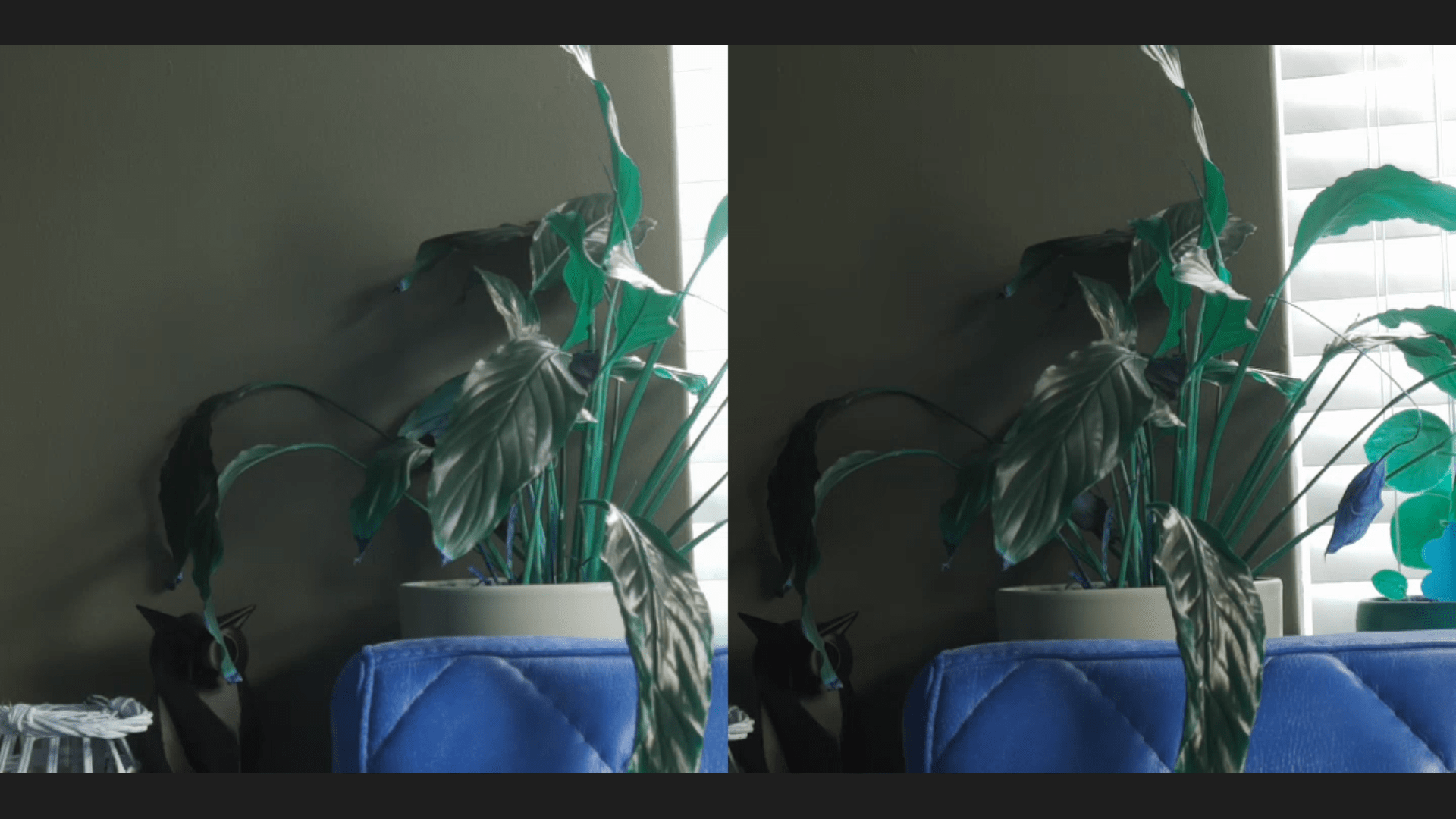
Above a screenshot of a browser screen (Left and Right in fullscreen)
Colors are a little of (codec Red/Blue problem?)
But the setup works!

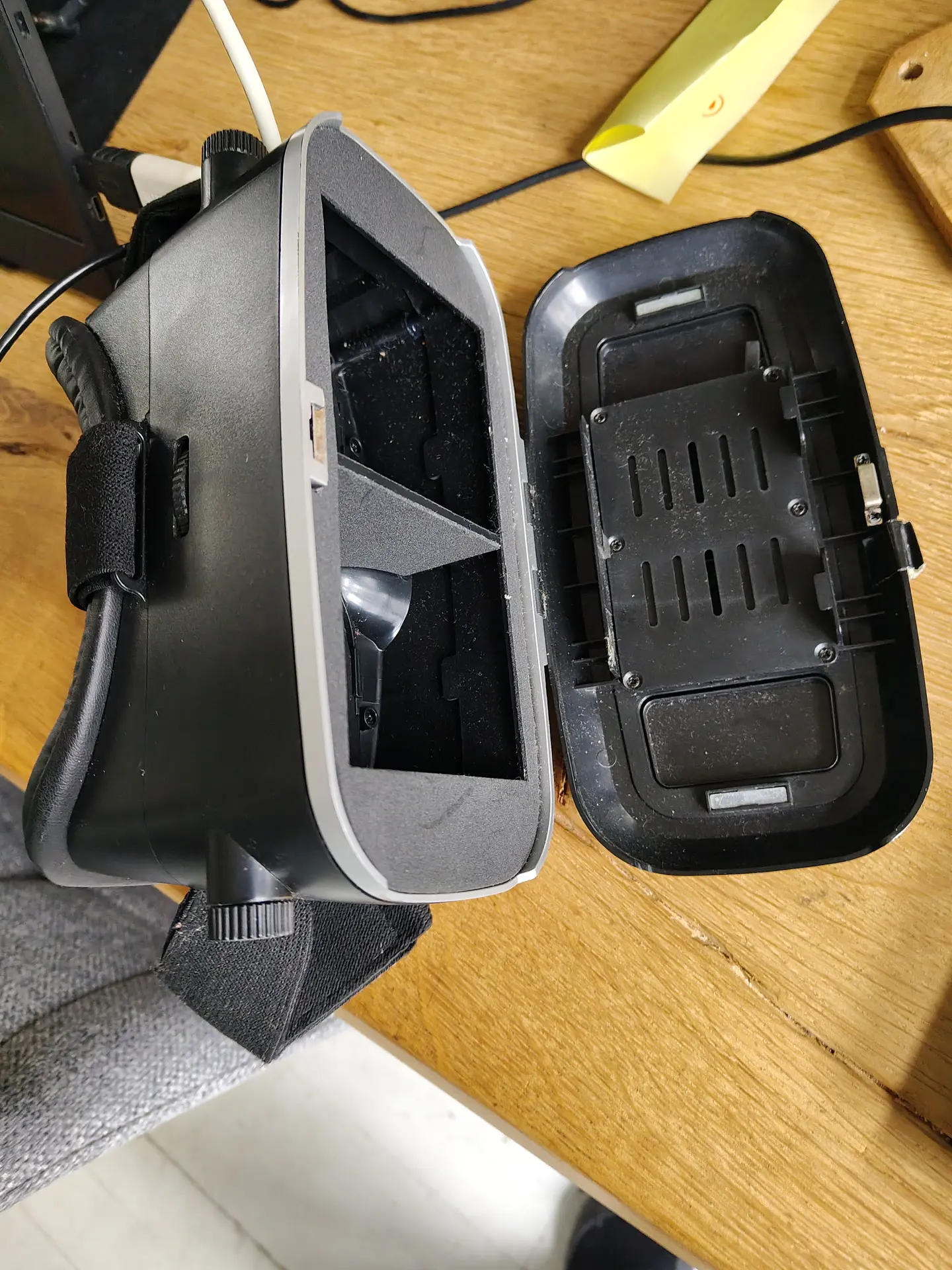
I used a android phone in above setup.
I tried a Quest 2 VR set, but I couldn’t get the browser in full screen mode. (YET)

Hardware setup

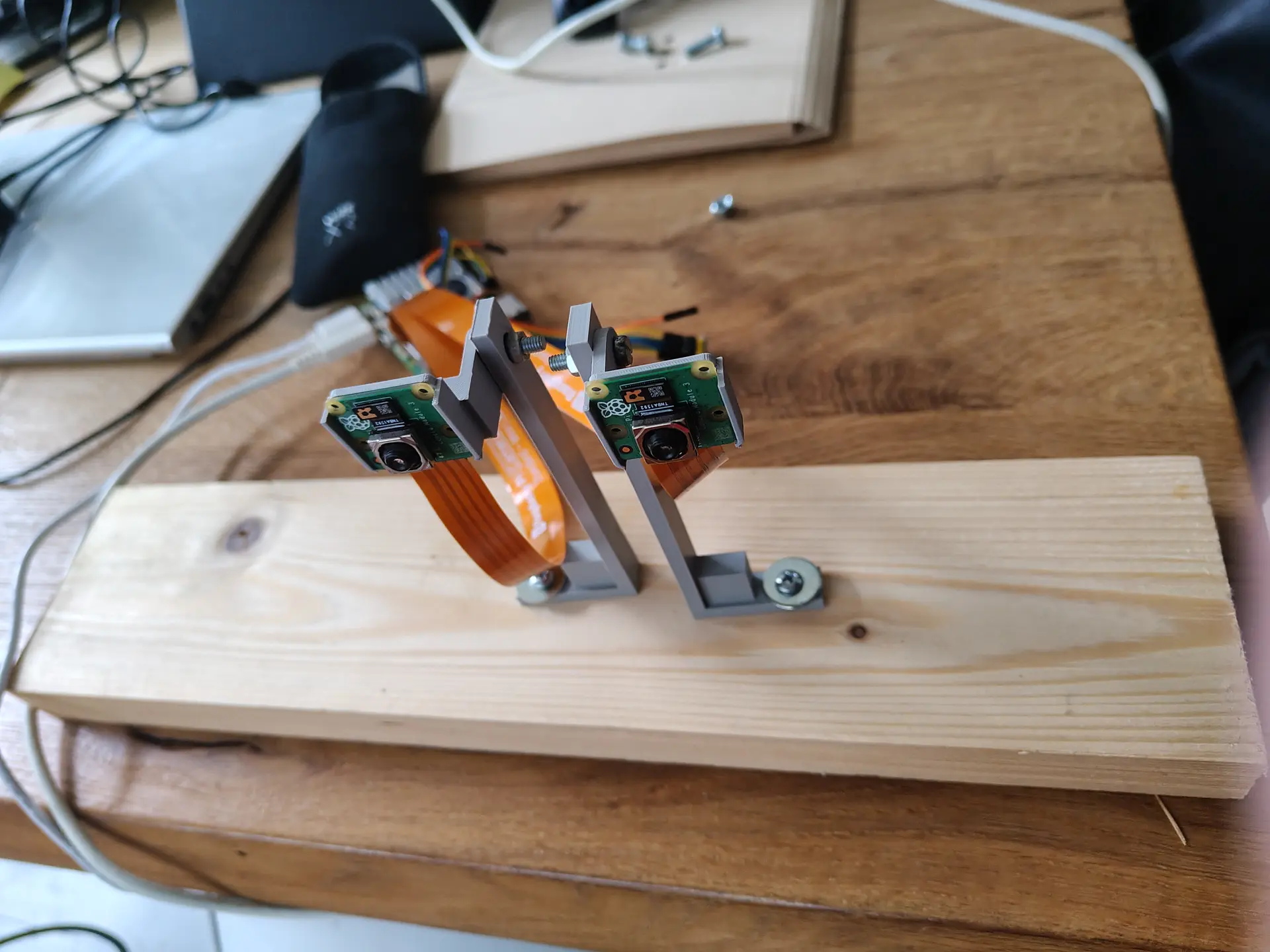
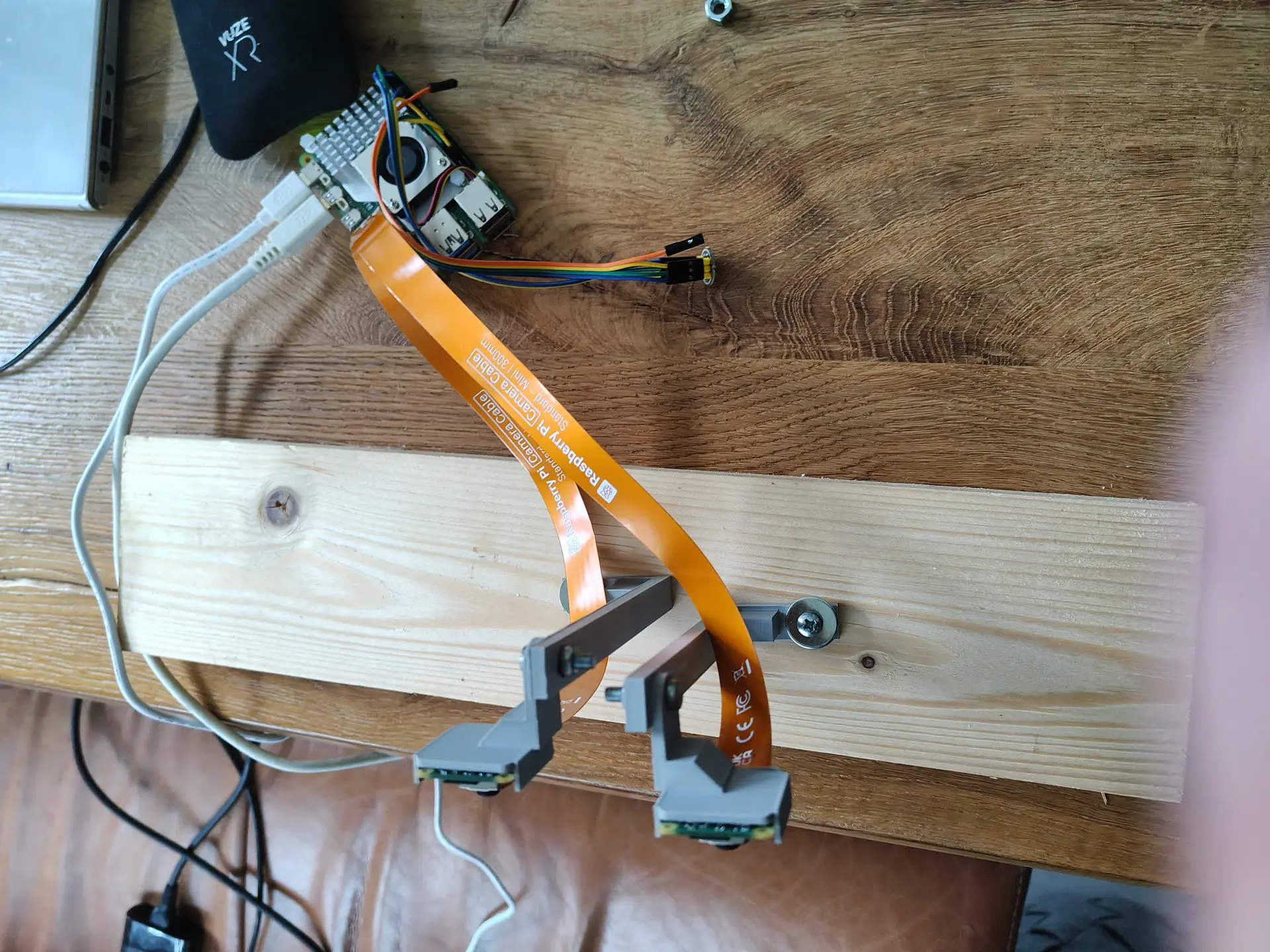
Two Raspberry Pi Camera Modules, connected via the two 4lane-MIPI DSI/CSI connectors.

Manually focussed and using some 3D printed stands on a piece of wood will do for now.

I build a RTSP NGinx proxy to test, which I previously used for OBS. But there was too much latency.

So I used below webrtc setup, with a latency below 80ms.
(I previously did some test using Janus)

CODE:

wget https://github.com/bluenviron/mediamtx/releases/download/v1.16.1/mediamtx_v1.16.1_linux_arm64.tar.gz
tar xzvf media*
cp mediamtx.yml mediamtx.org

NEW mediamtx.yml

webrtc: yes
webrtcAddress: :8889

rtmp: yes
rtmpAddress: :1935

paths:
  dualcam:
    source: publisher

run it

./mediamtx mediamtx.yml

Next make a streamer.
This Python script takes two square camera inputs, merge them side-by-side to one image and pushed the H264 frame to MediaMTX

import numpy as np
from picamera2 import Picamera2
import subprocess
import time

#WIDTH = 1280
WIDTH = 720
HEIGHT = 720
FPS = 30
BITRATE = "2500k"
RTMP_URL = "rtmp://127.0.0.1:1935/dualcam"  # MediaMTX RTMP

# FFmpeg  raw frames / H.264 
ffmpeg_cmd = [
    "ffmpeg",
    "-y",
    "-f", "rawvideo",
    "-pix_fmt", "bgr24",
    "-s", f"{WIDTH*2}x{HEIGHT}",
    "-r", str(FPS),
    "-i", "-",
    "-c:v", "libx264",
    "-preset", "ultrafast",
    "-tune", "zerolatency",
    "-b:v", BITRATE,
    "-g", str(FPS),  # keyframe every second
    "-x264-params", "keyint=30:min-keyint=30:no-scenecut=1",
    "-pix_fmt", "yuv420p",
    "-f", "flv",
    RTMP_URL
]


ffmpeg = subprocess.Popen(ffmpeg_cmd, stdin=subprocess.PIPE, bufsize=0)

picam0 = Picamera2(0)
picam1 = Picamera2(1)

cfg0 = picam0.create_video_configuration(
    main={"size": (WIDTH, HEIGHT), "format": "BGR888"}, controls={"FrameRate": FPS}
)
cfg1 = picam1.create_video_configuration(
    main={"size": (WIDTH, HEIGHT), "format": "BGR888"}, controls={"FrameRate": FPS}
)

picam0.configure(cfg0)
picam1.configure(cfg1)

picam0.start()
picam1.start()

print("Streaming to MediaMTX via RTMP...")

try:
    while True:
        f0 = picam1.capture_array()
        f1 = picam0.capture_array()
        combined = np.hstack((f0, f1))
        ffmpeg.stdin.write(combined.tobytes())
        time.sleep(1/FPS)
except KeyboardInterrupt:
    print("Stopping...")
finally:
    picam0.stop()
    picam1.stop()
    ffmpeg.stdin.close()
    ffmpeg.wait()

Open using http://REMOTEIP:8889/dualcam

Nintendo Switch controller fix, and Lora measurements

Last Updated or created 2026-02-05

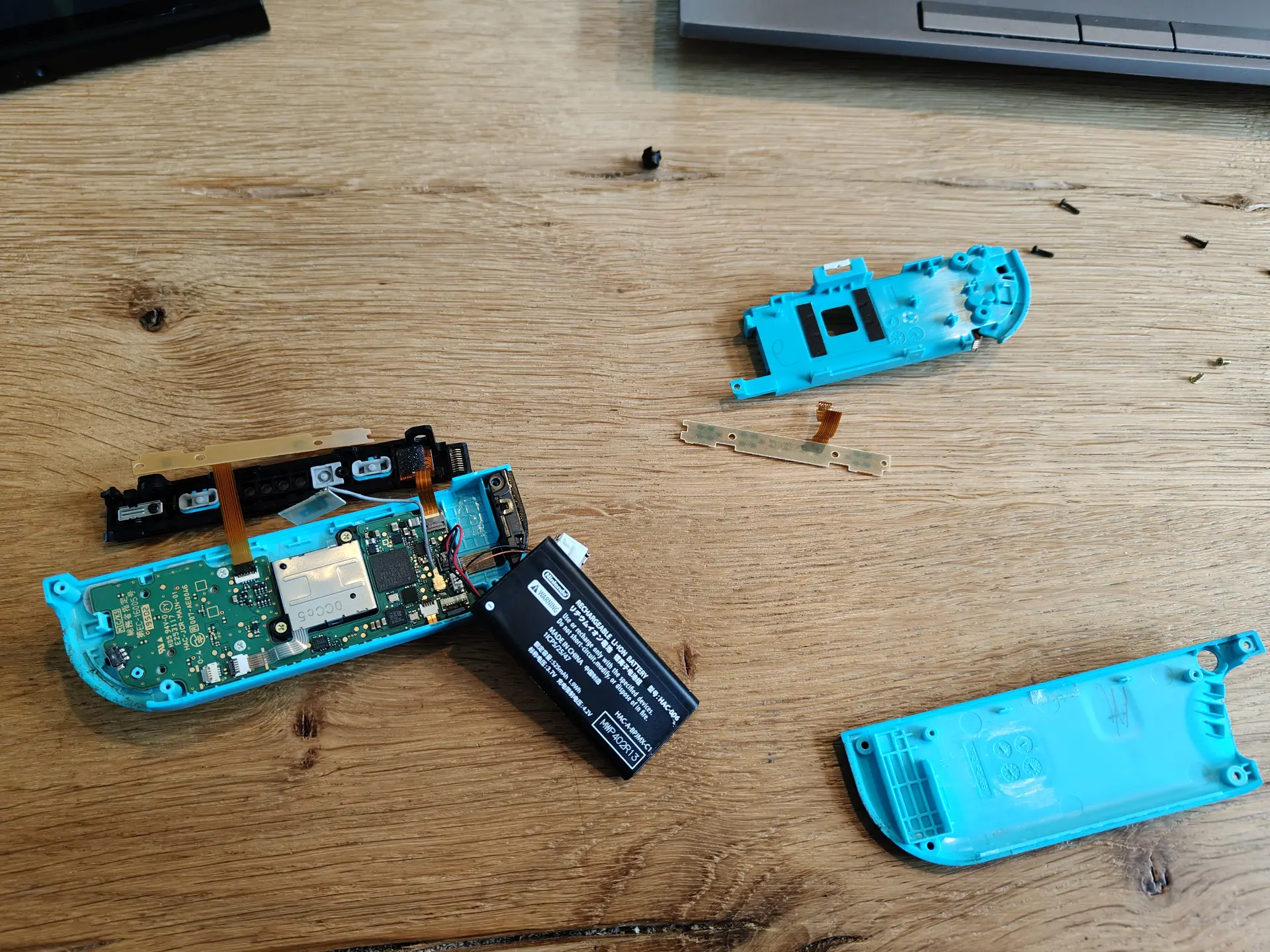
One moment playing with LoRa. Next, a Nintendo Switch controller to fixed.

Side buttons or whatever you call them didn’t work anymore, so I replaced the flex PCB.

LoRa Antenna measurements

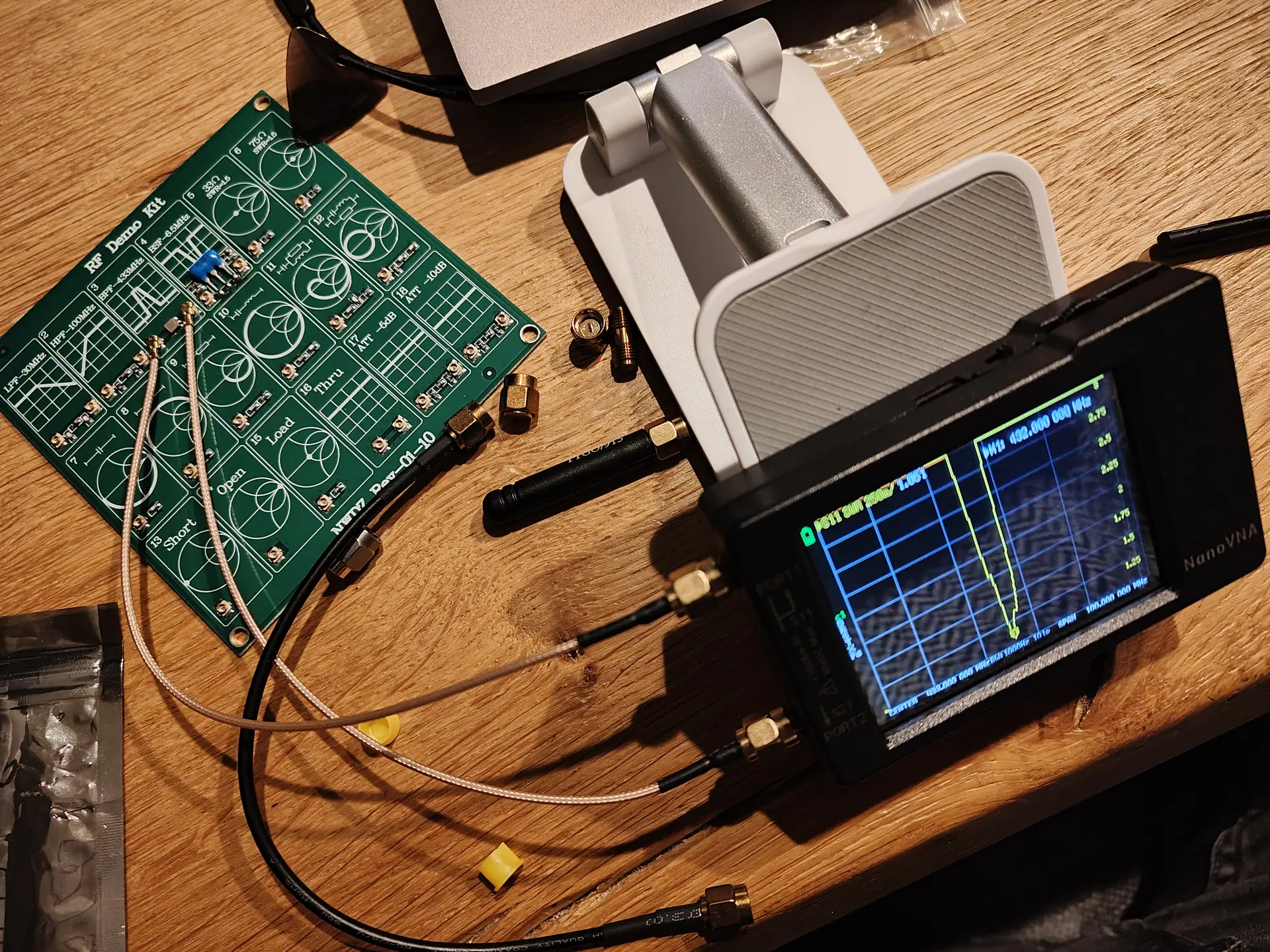
Using my NanoVNA and a RF test Kit I learned something about measuring antenna.

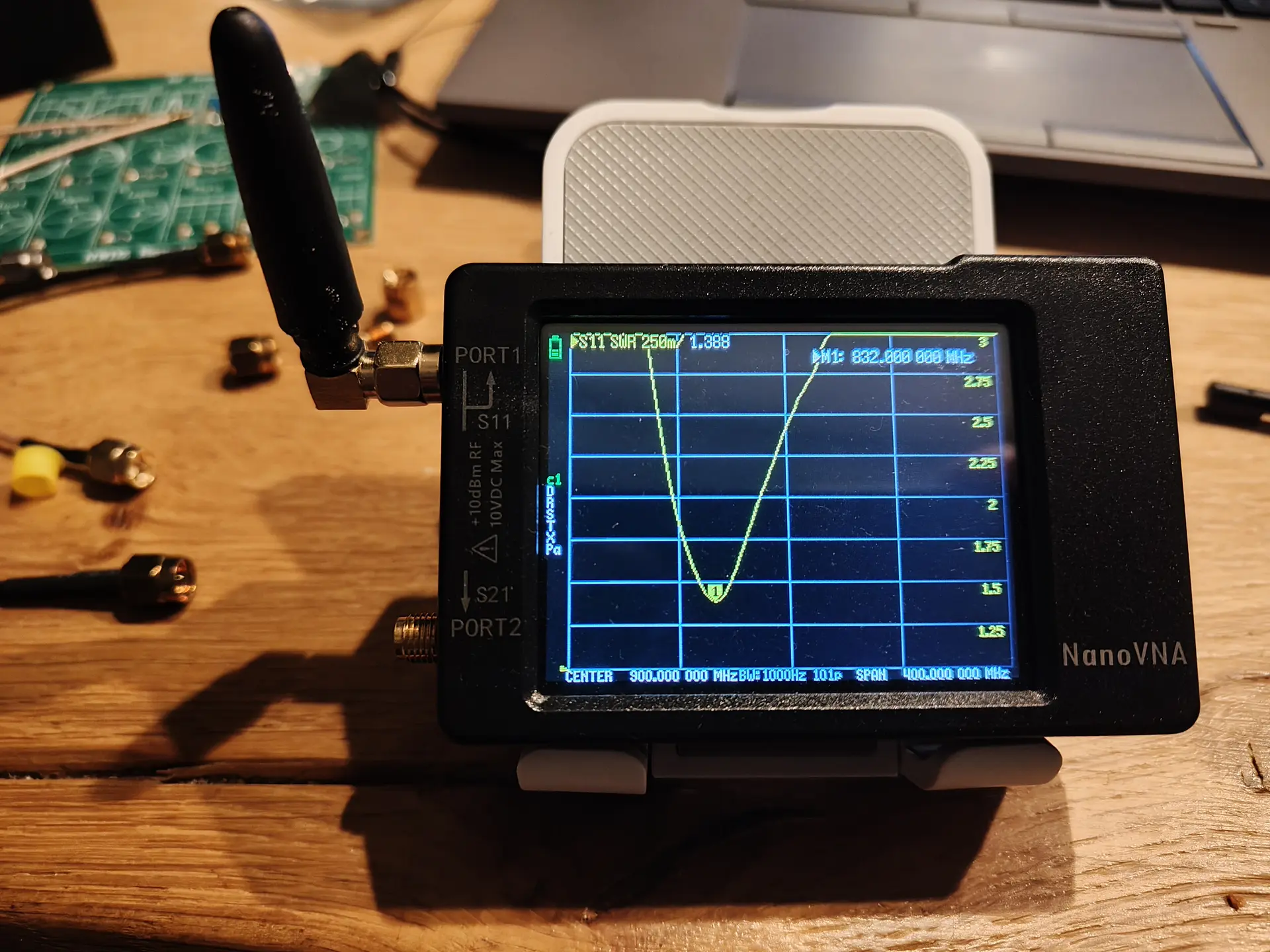
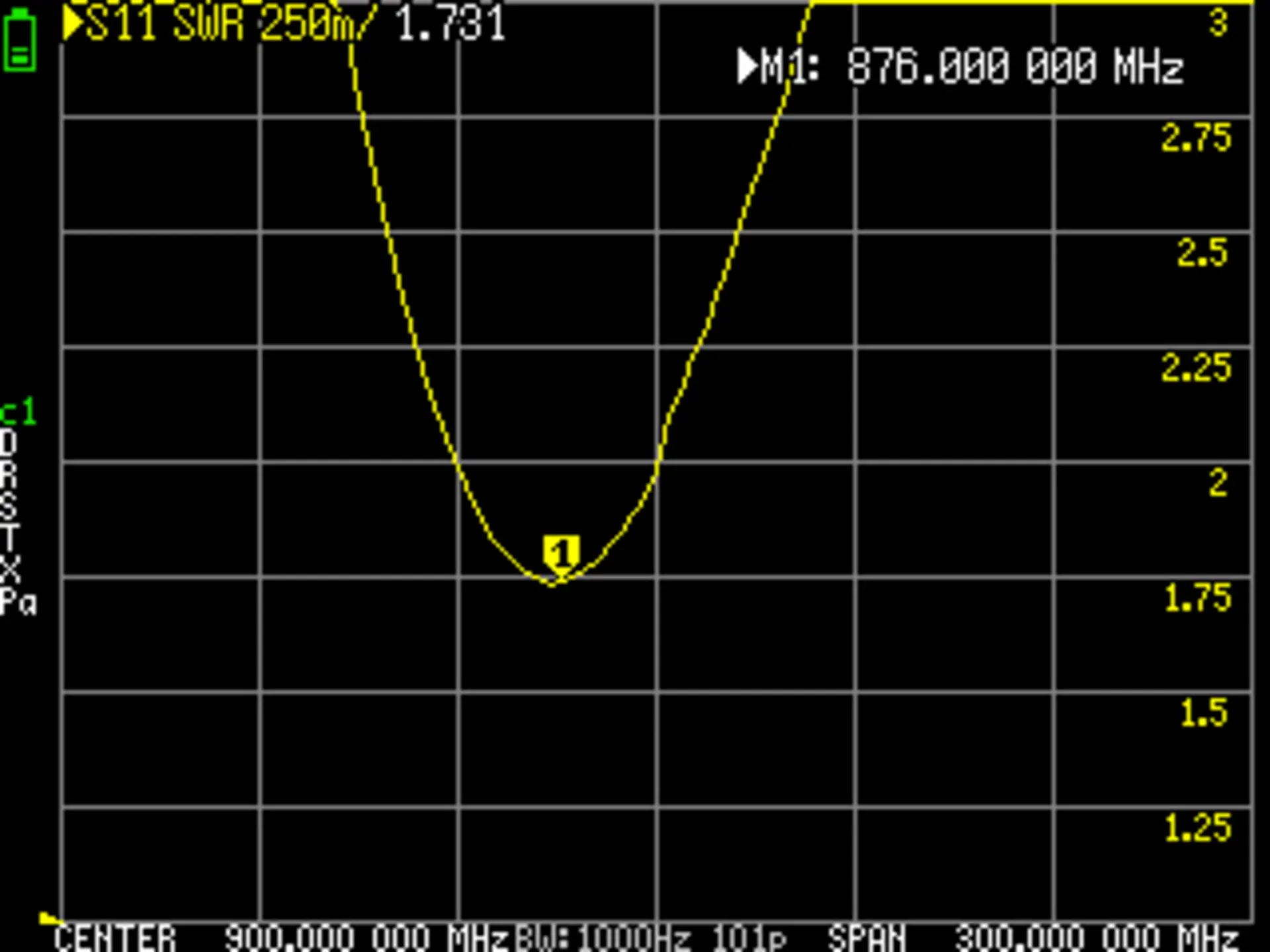
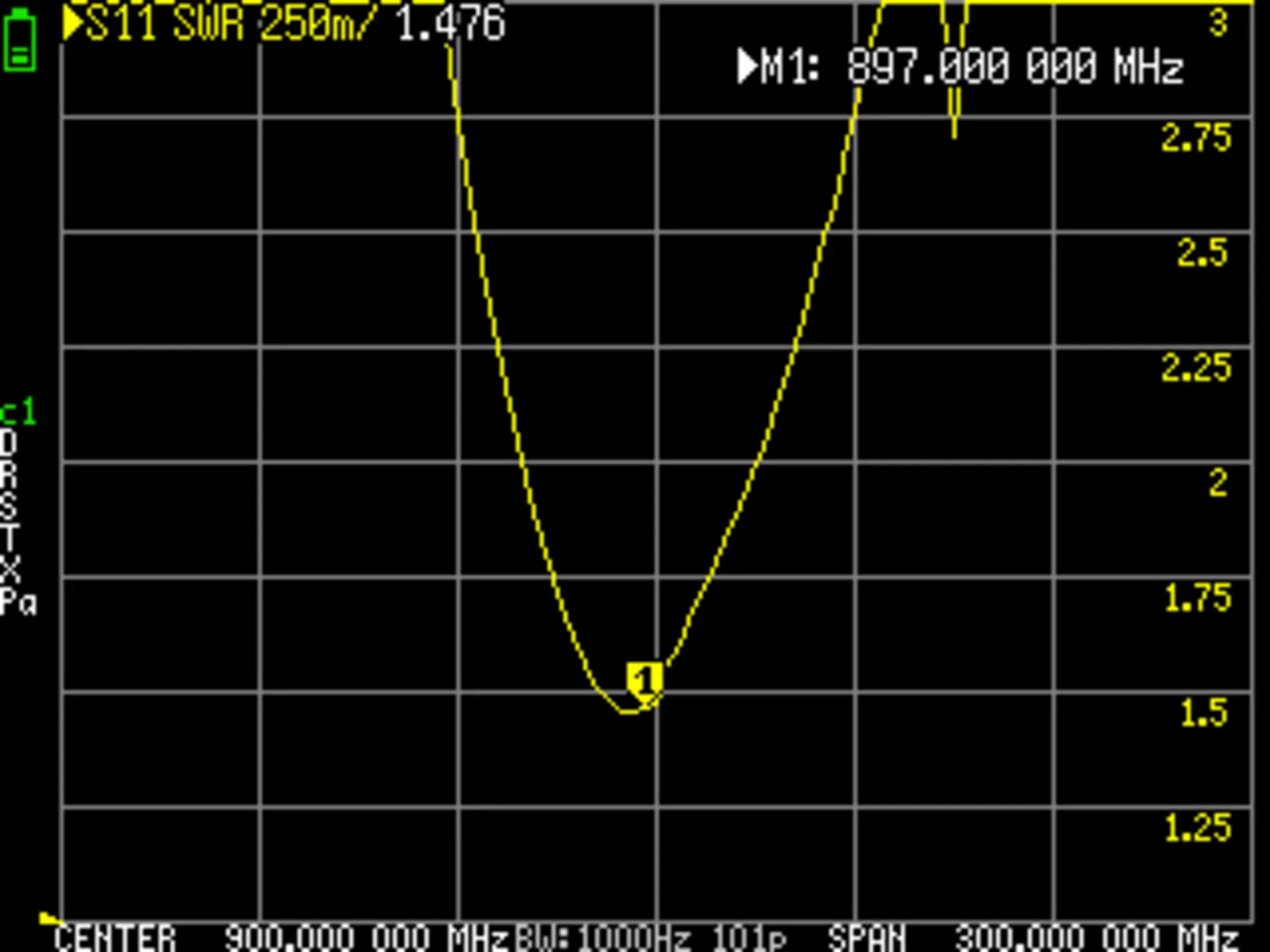
Below a measurement of a unknown antenna, ITs off, I need to shorten the metal spring inside.