Category Archives: Hobby

Bat detector

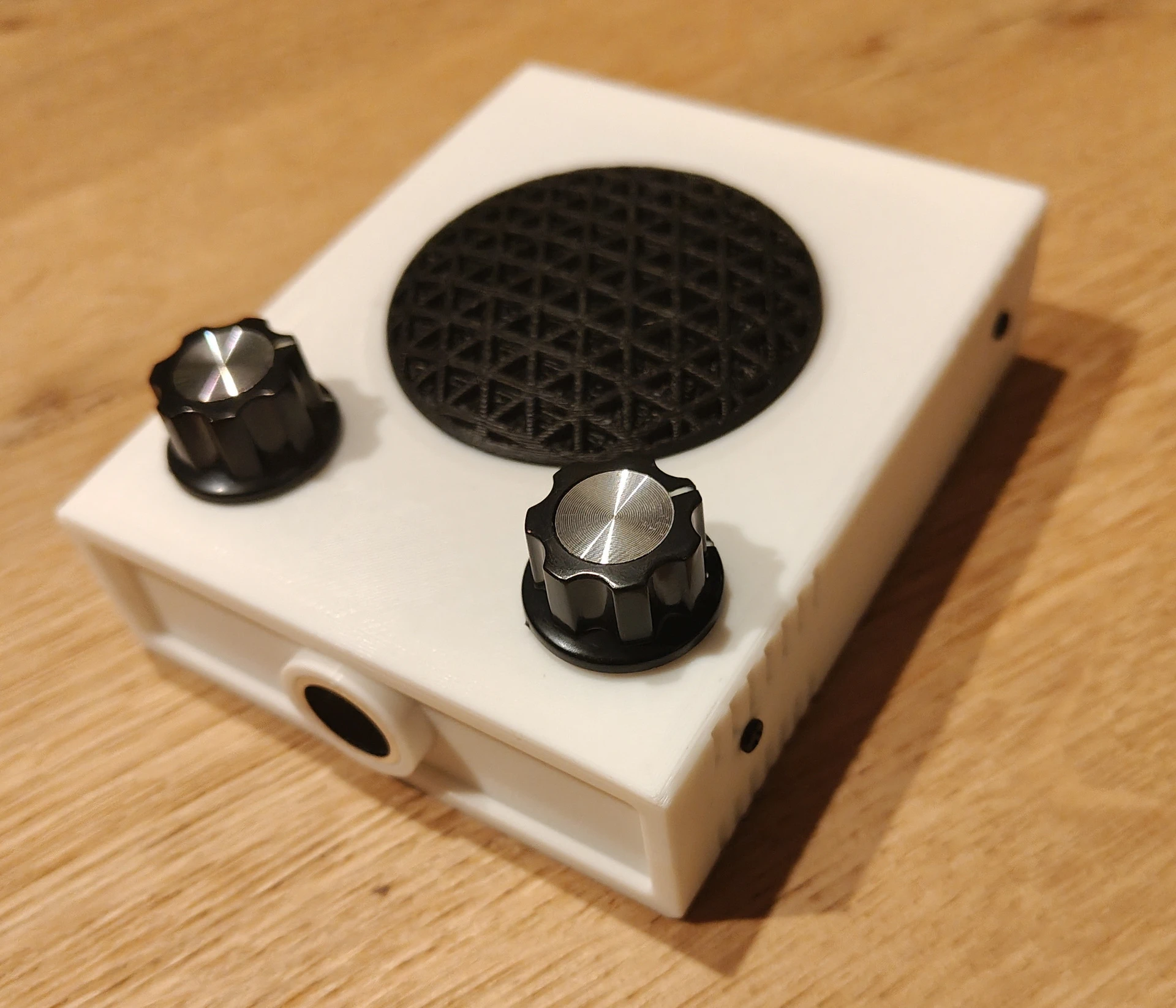
I’ve got a DIY Bat detector, today I designed and printed a Case for this PCB.

Below a link to the design files

https://media.henriaanstoot.nl/bat-case.zip

Next todo:

  • Weatherproof case
  • Alternative power
  • Audio Jack
  • Remote access with remote sound

Bash-completion, C64 Pico Amplifier and Laser cutting

Worked on bash autocompletion for QP

source below script to get
qp <tab><tab> shortcode

Not happy with both versions yet …

#/usr/bin/env bash

# Version 0.1
qpcompl()
{
  COMPREPLY=($(compgen -W "$(qp | cut -f2 -d \' )" "${COMP_WORDS[1]}"))
}
complete -F qpcompl qp
--------------------------------------------------------------------------------------
# V 0.2
_qp_complete() {
    local cur prev opts
    COMPREPLY=()
    cur="${COMP_WORDS[COMP_CWORD]}"
    prev="${COMP_WORDS[COMP_CWORD-2]}"
    opts="add del"

    case "${prev}" in
        add)
            COMPREPLY=( $(compgen -d -- ${cur} ))
            return 0
            ;;
        del)
            COMPREPLY=( $(compgen -f -- ${cur}) )
            return 0
            ;;
        *)
            COMPREPLY=( $(compgen -W "$(echo add; echo del ;echo "" ; qp)" -- ${cur}) )
            return 0
            ;;
    esac
}

complete -F _qp_complete -o nospace qp

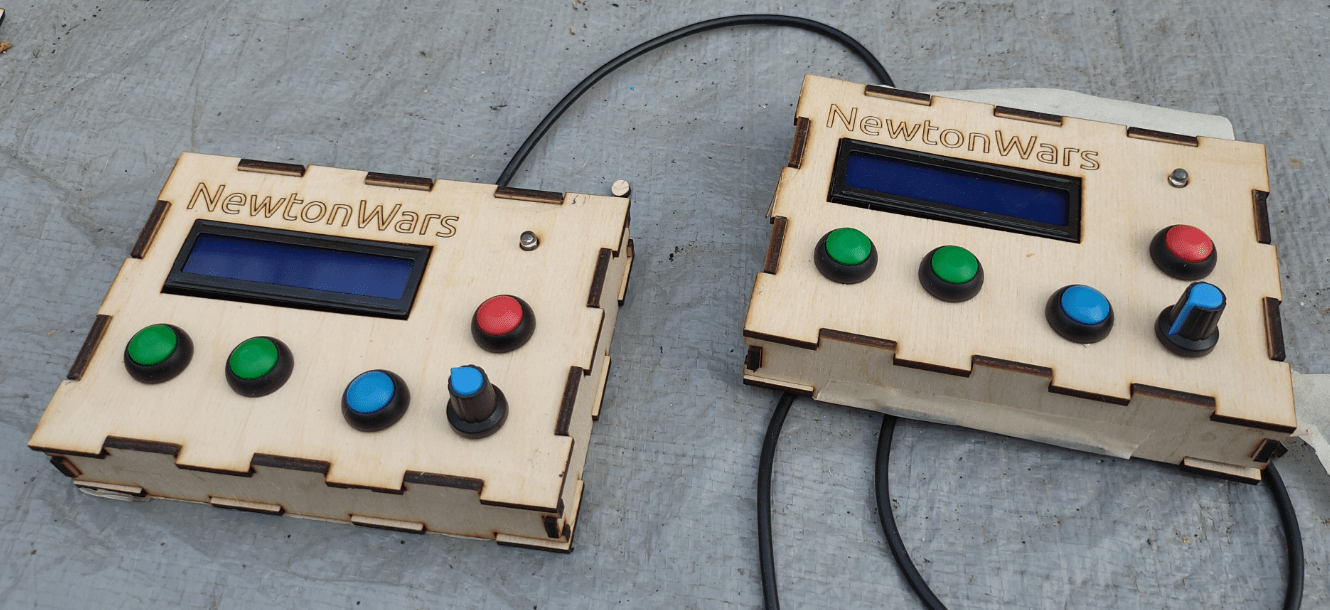
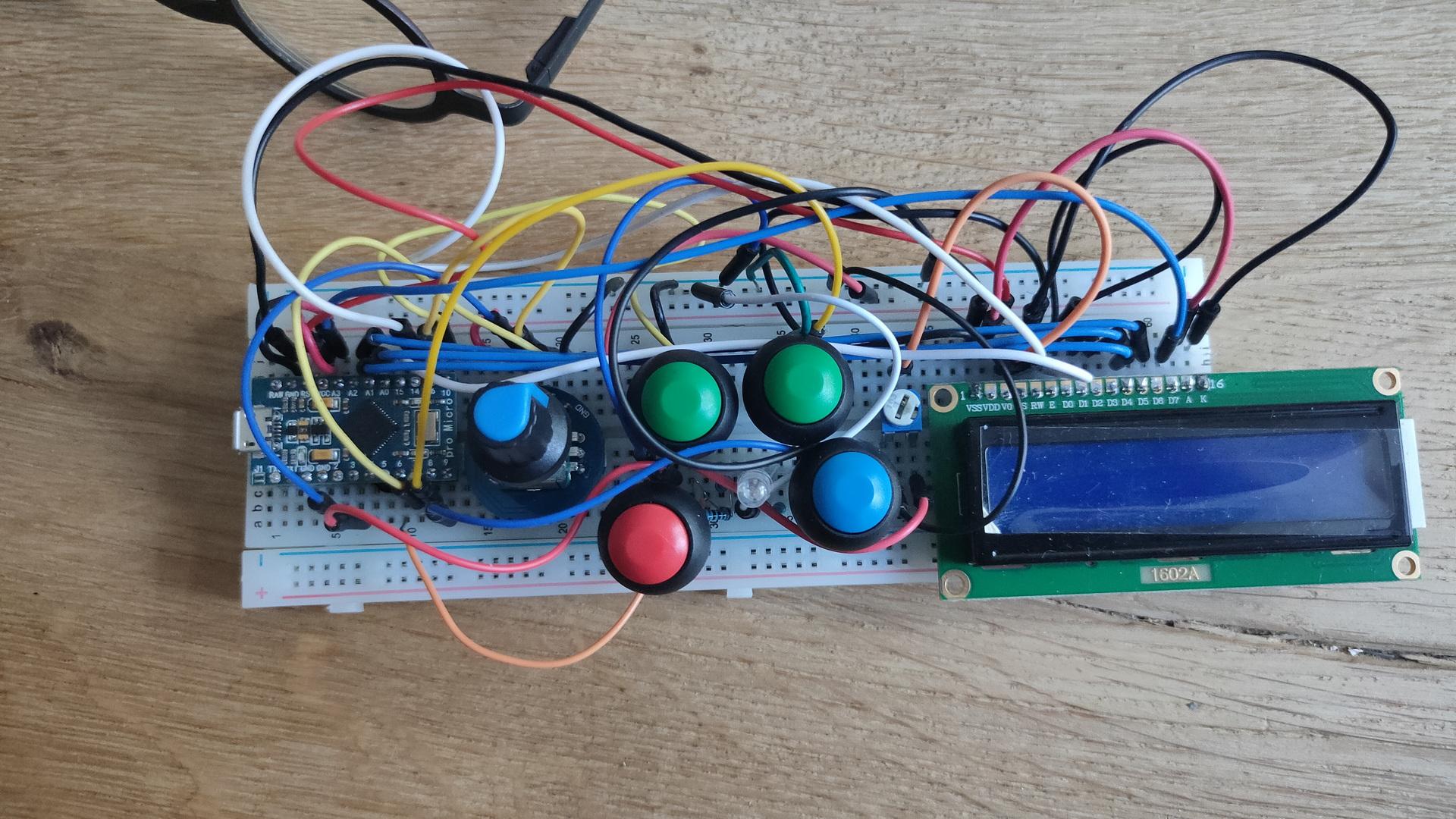
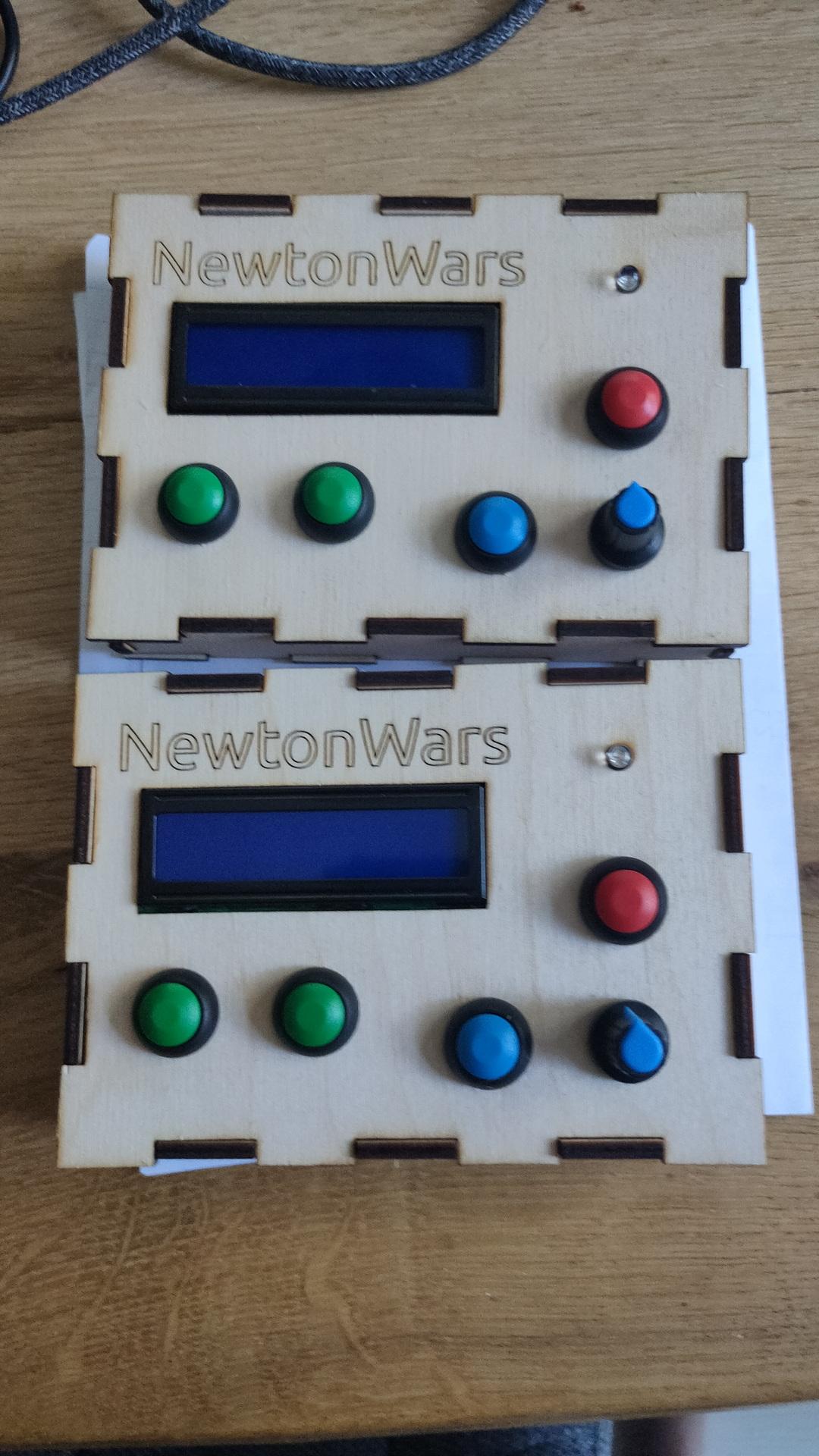
Game controllers : left into right setup

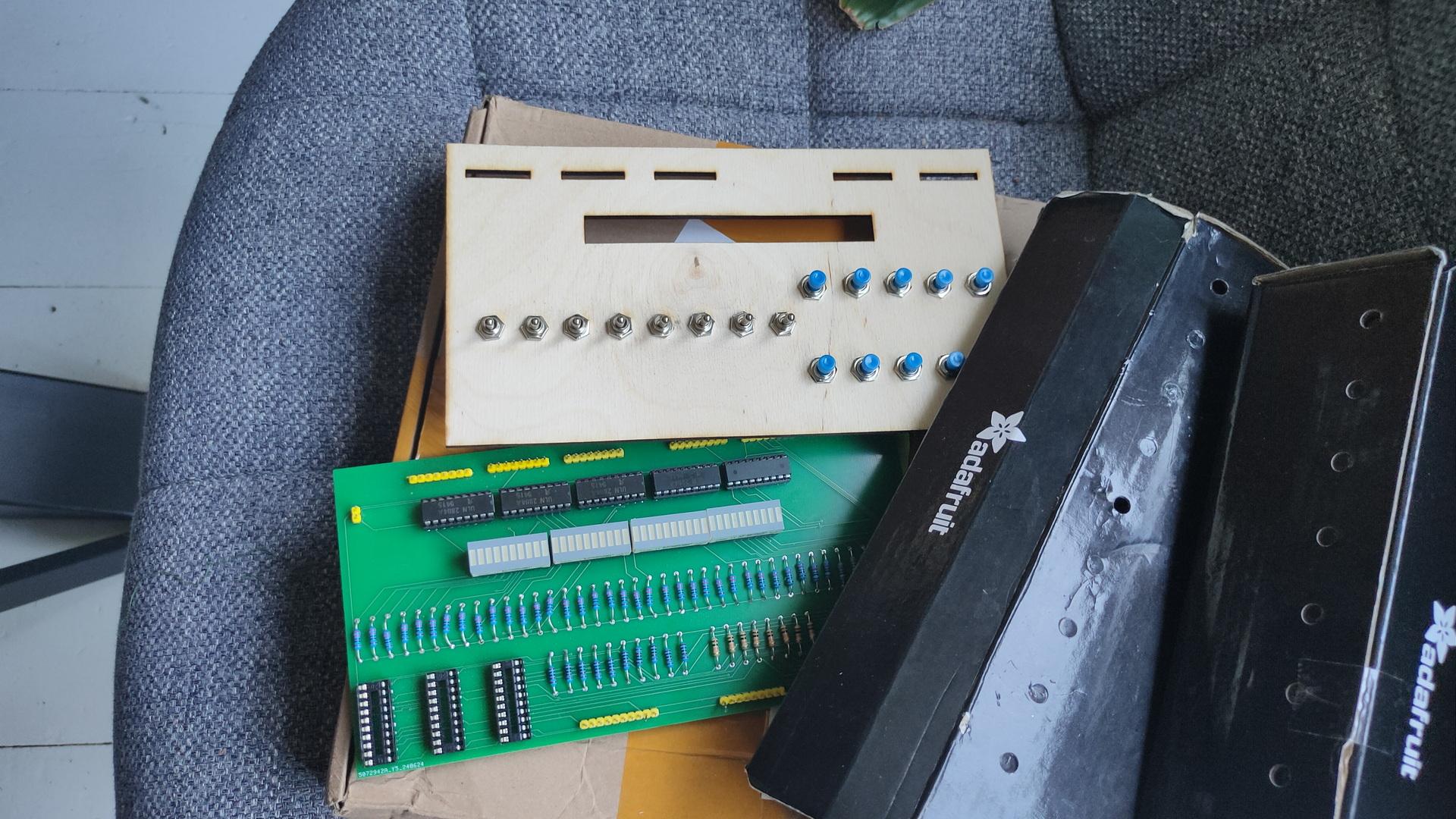
My Bus Manipulator

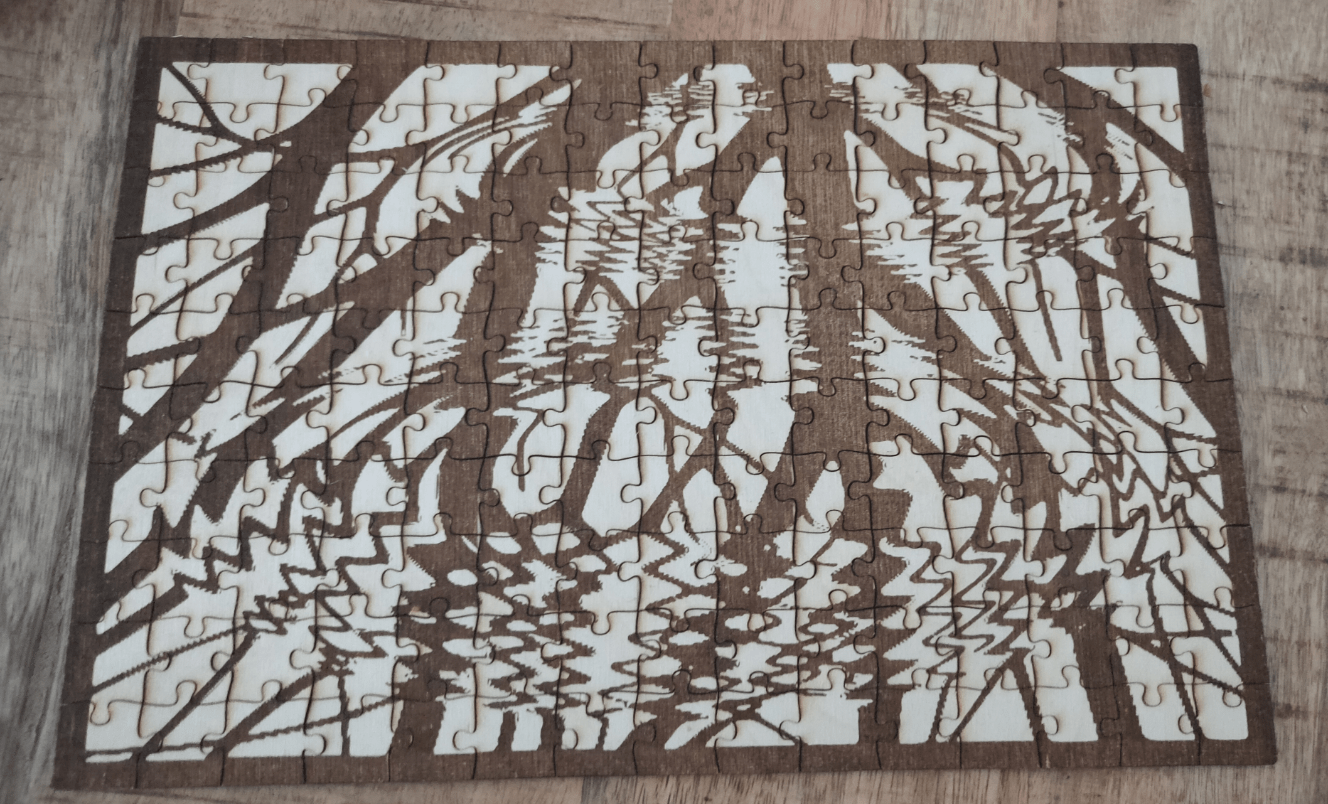
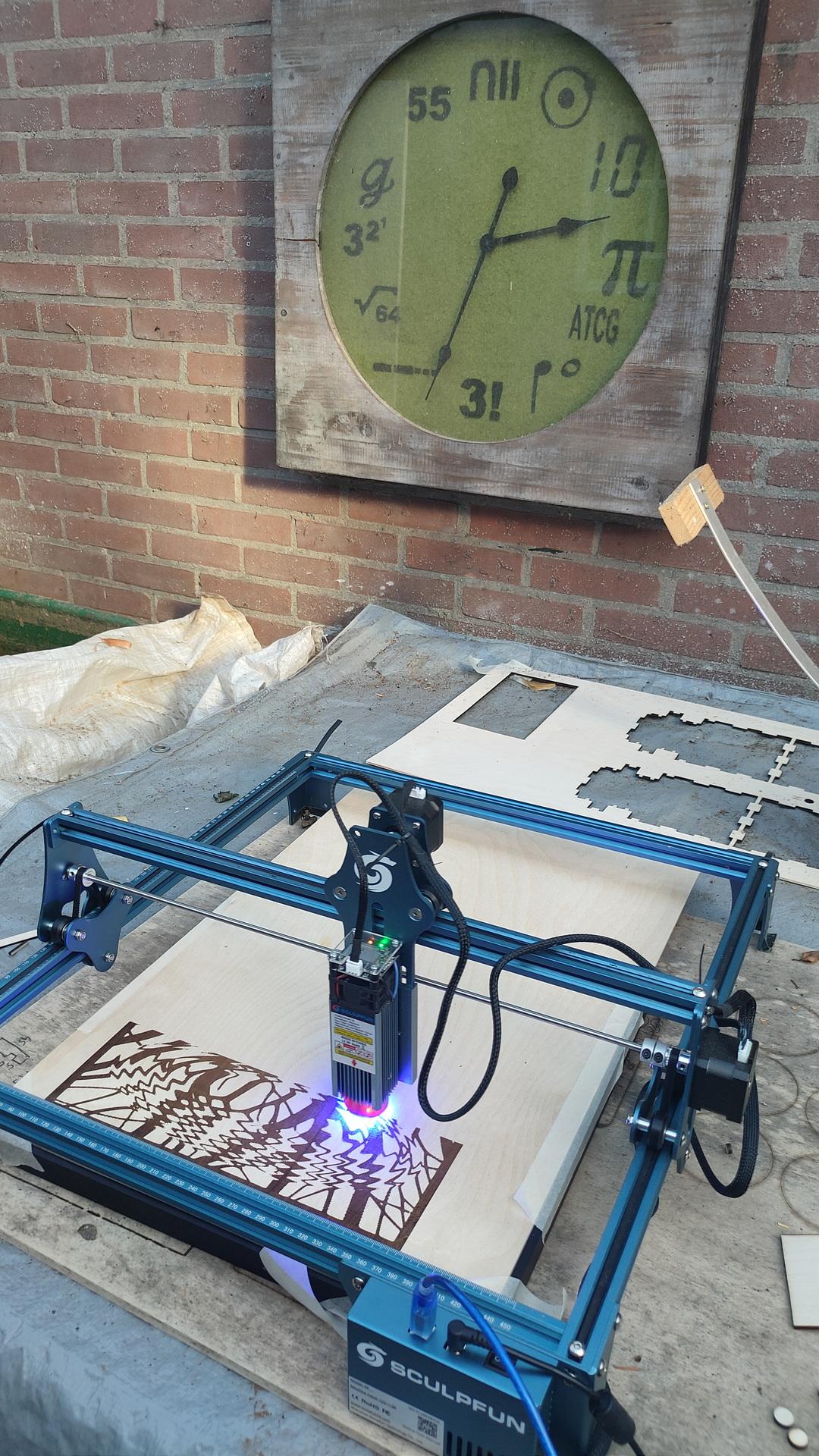
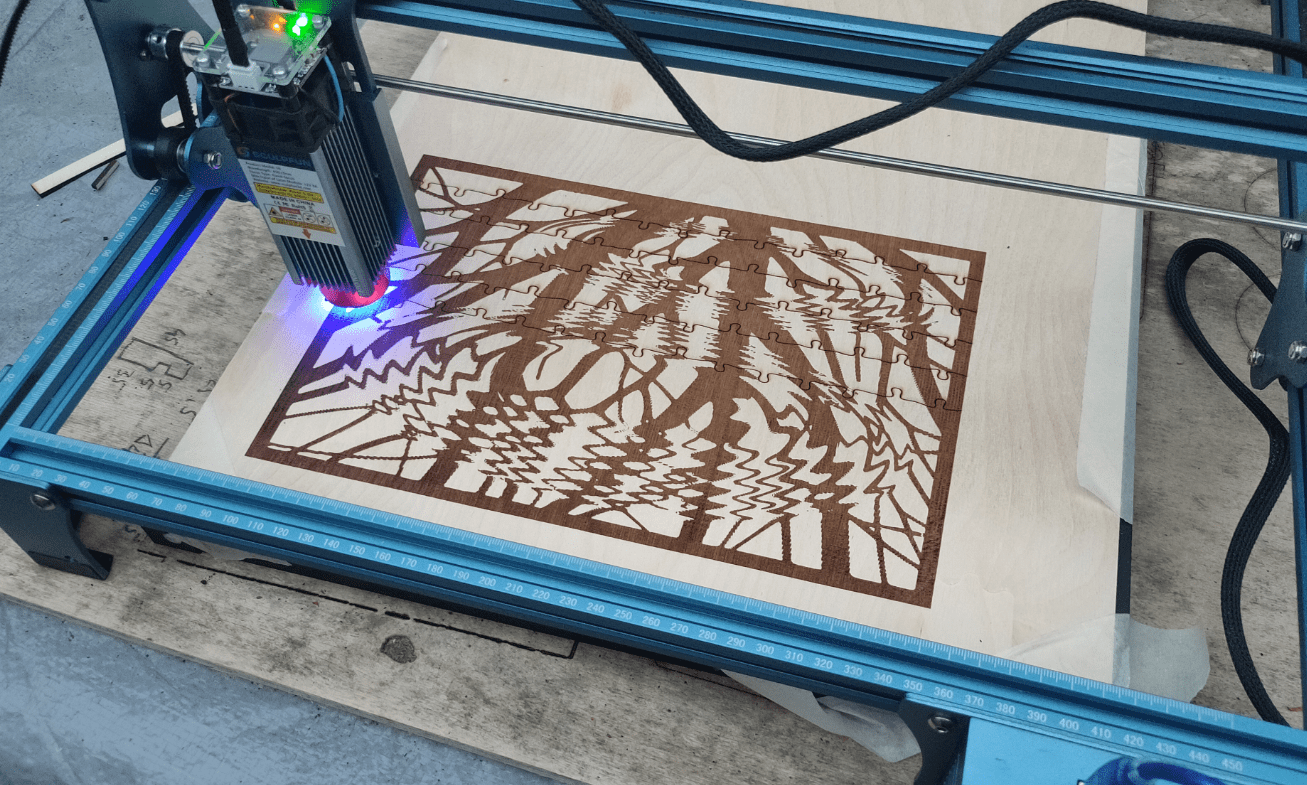
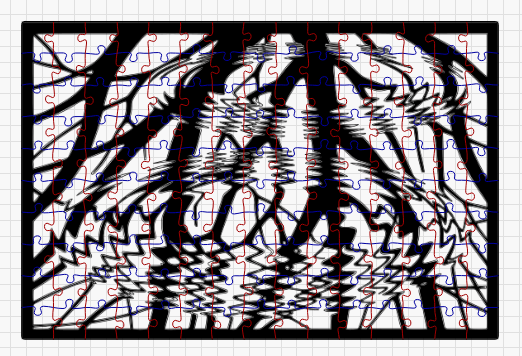
And a Jigsaw in progress (with our own made clock in the background)

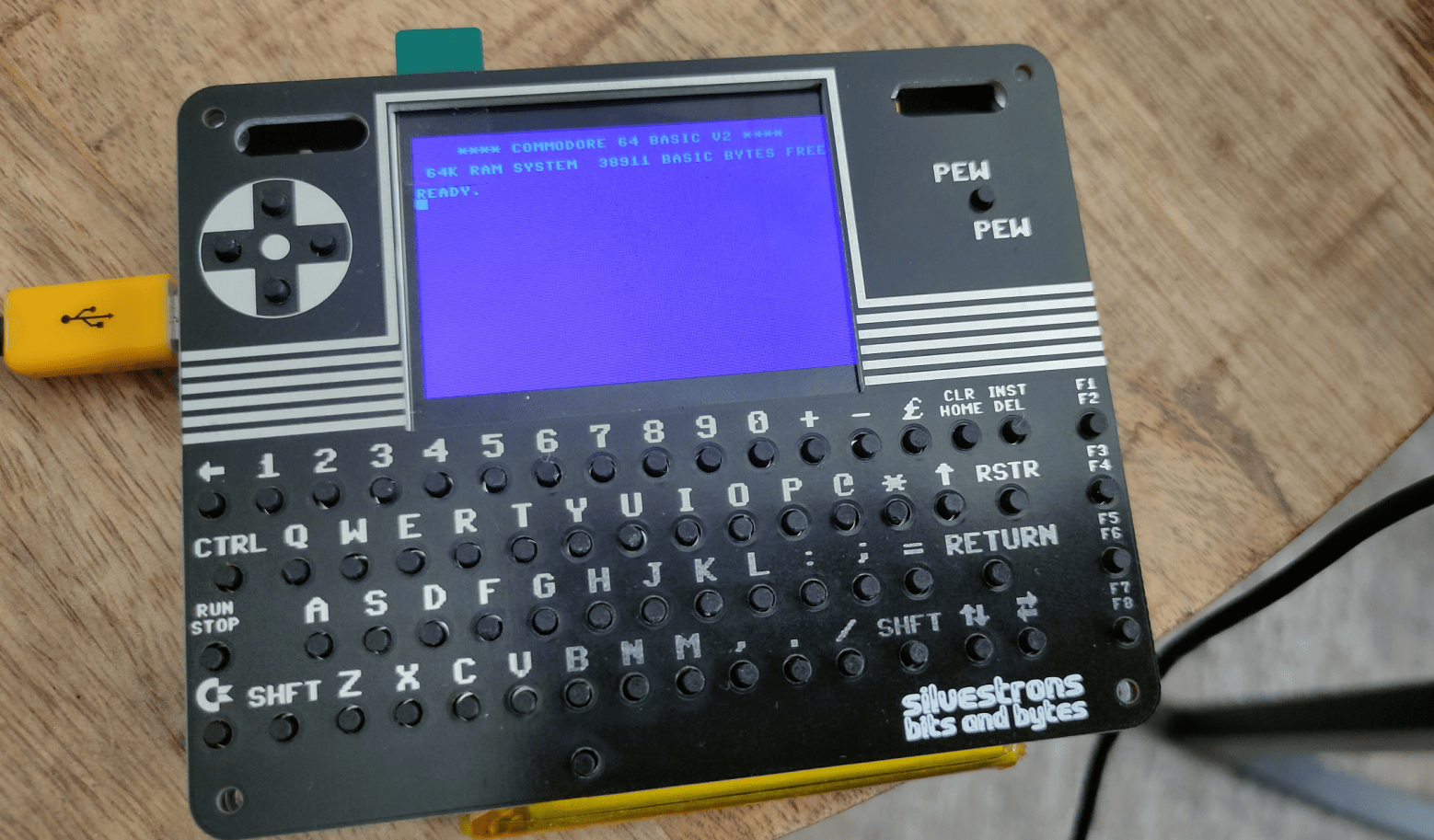
C64 Pico Amplifier

My C64 had a problem with previous attached speaker.
It drew too much current to drive. And random characters where printed.
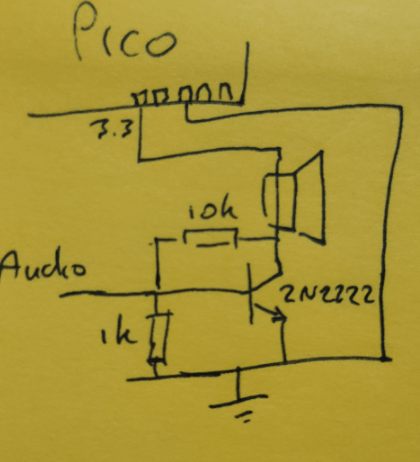
Choosing another speaker and a minimal amplifier solved the issue.
(Thanks to Bigred finding the problem at Bornhack 2024)

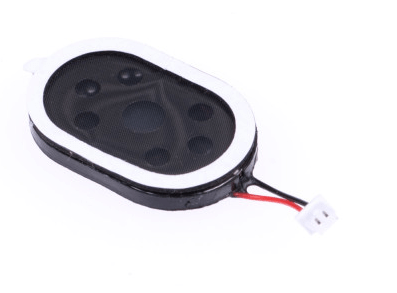
My minimal amplifier for:

Using below mini speaker:

QuickPath and laser cut designs

Today I made a Linux version of Tyrone’s QuickPath tool.

My friend Tyrone came up with a great idea.

A directory switching tool, to move around in often used directories.
You can use a keyword to move around. These keywords are configured in a config file.
Even starting Total Commander with preset directories.
Work/Private/Programming environments.
His version uses PowerShell, but he wanted a multiplatform version, so we have chosen to use Python on both environments.

My version uses Python and Bash.
(Bash is used for a change directory workaround on Linux and bash completion.)

Source will be in Tyrone’s git when finished.

Options:

  • qp – lists config items with number and short key
  • qp 1 or qp c64demo – changes directory to below example
  • qp add c64demo /data/store/git/projects/c64code2024 – add a entry
  • qp del 1 – removes entry
  • qp mc tmp c64demo – starts midnight commander with left and right directories

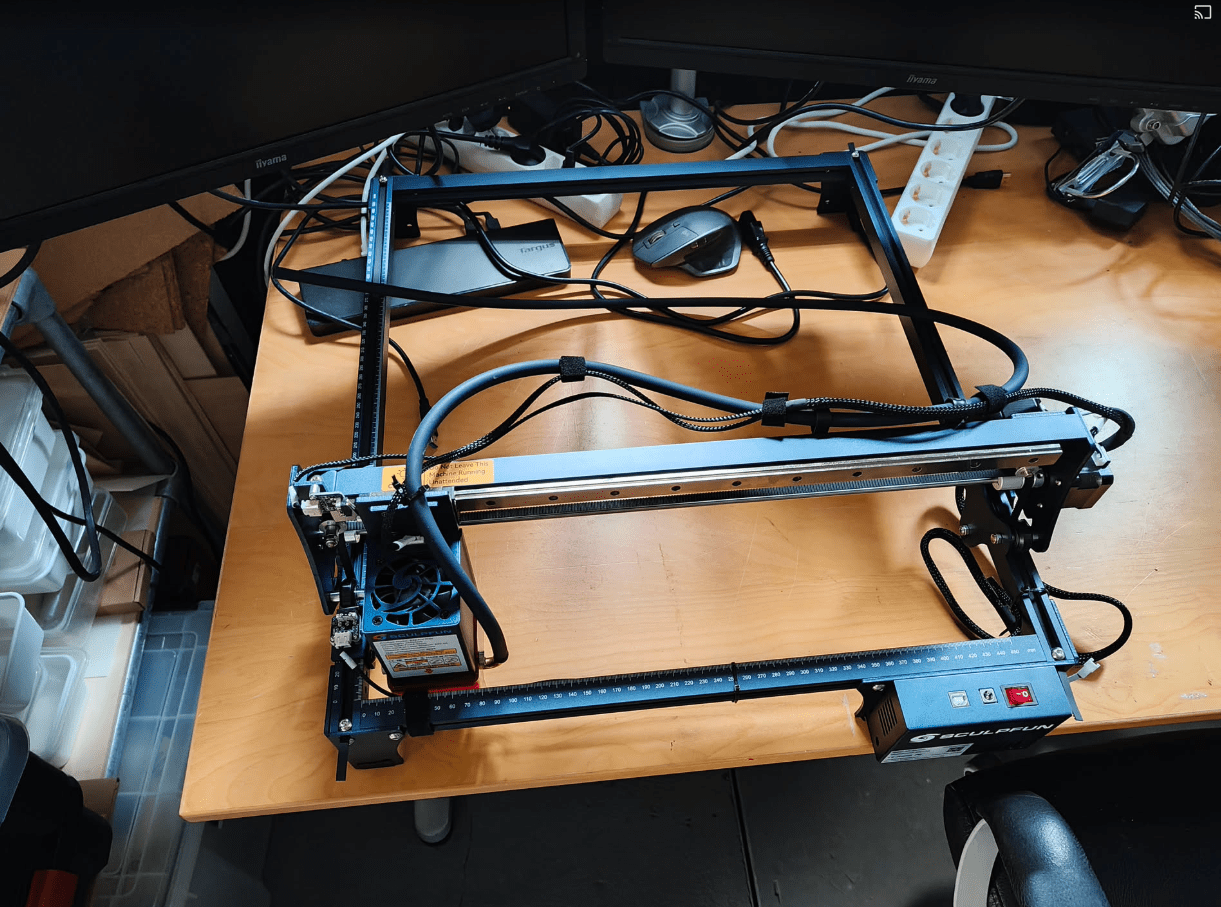
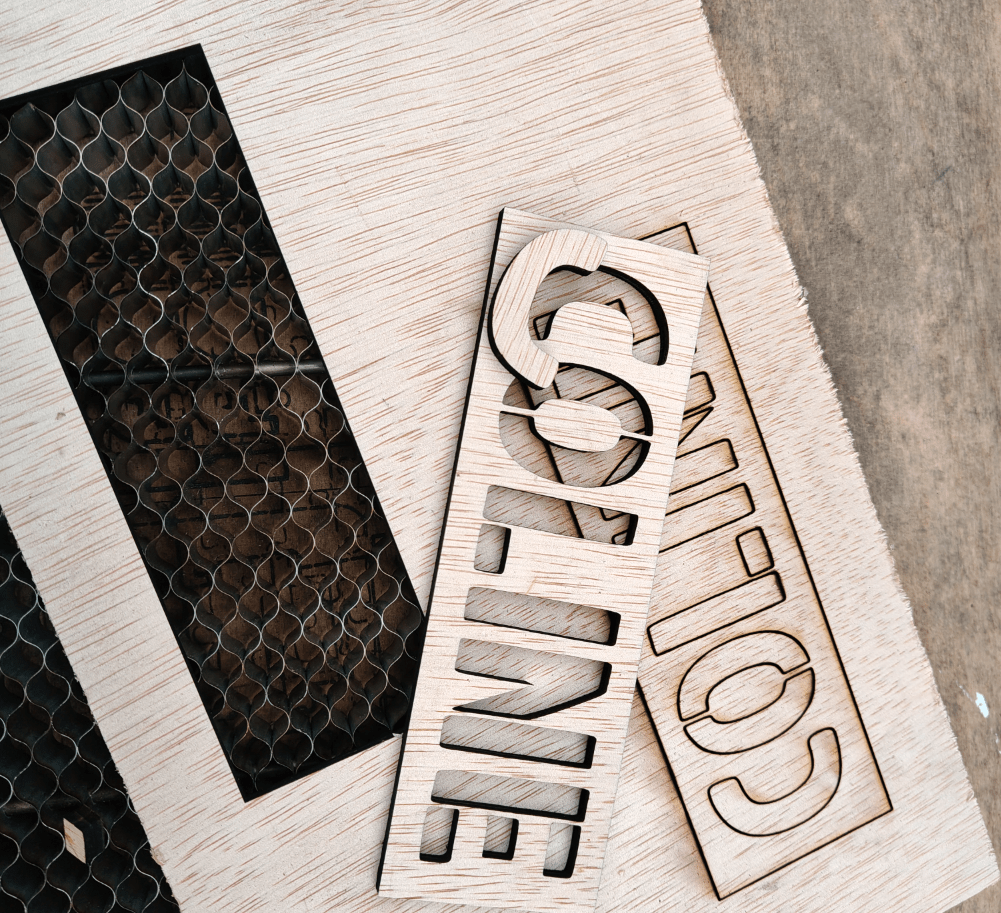
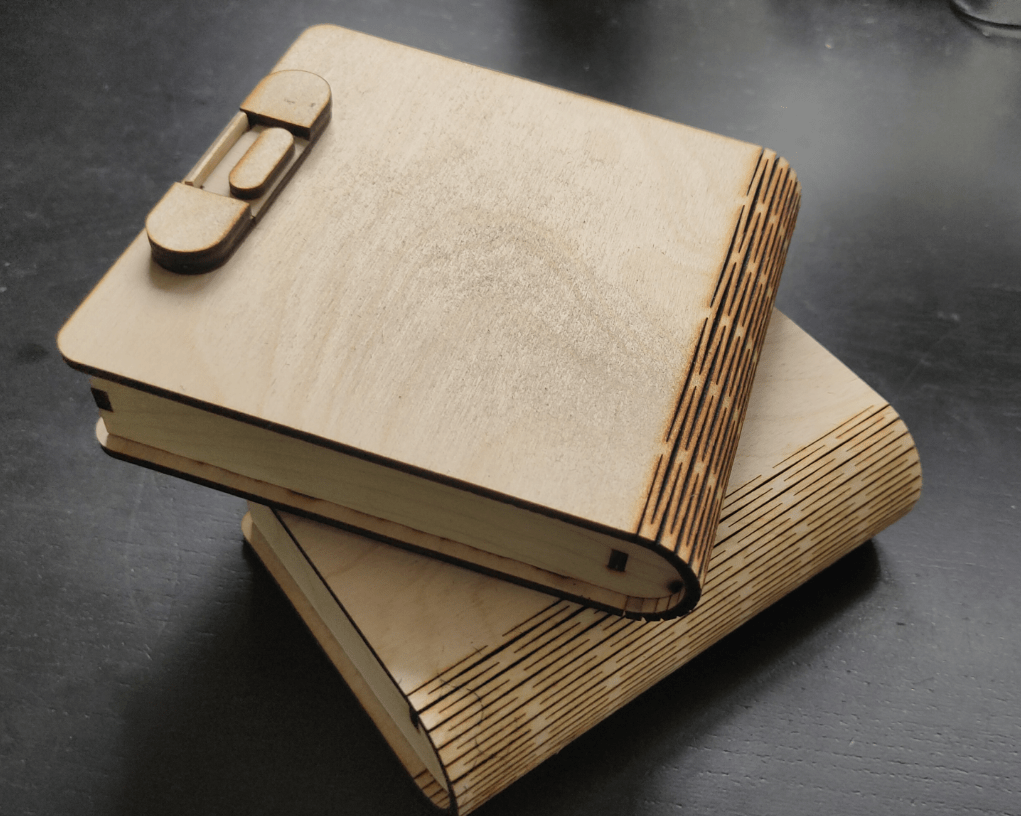
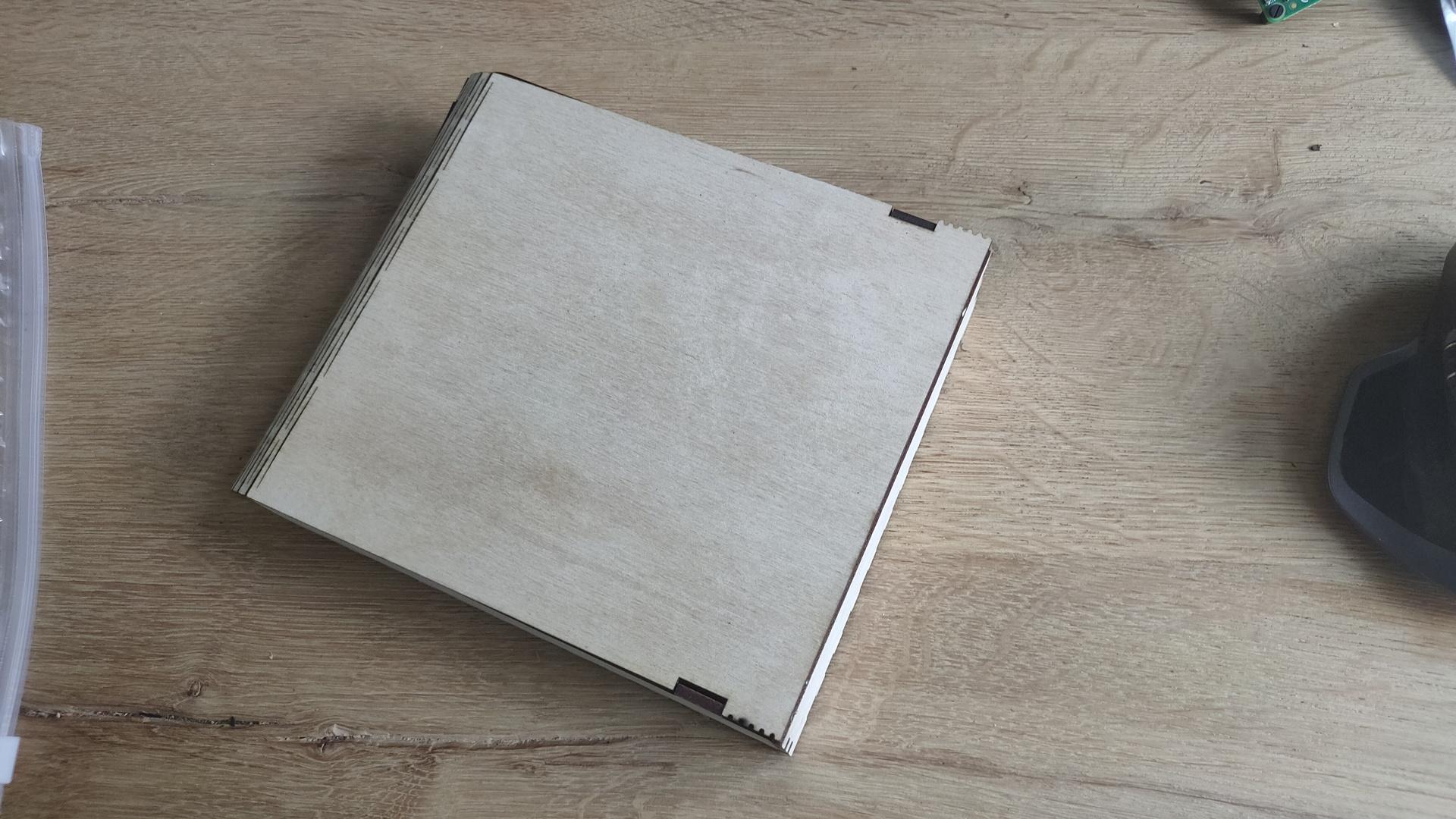
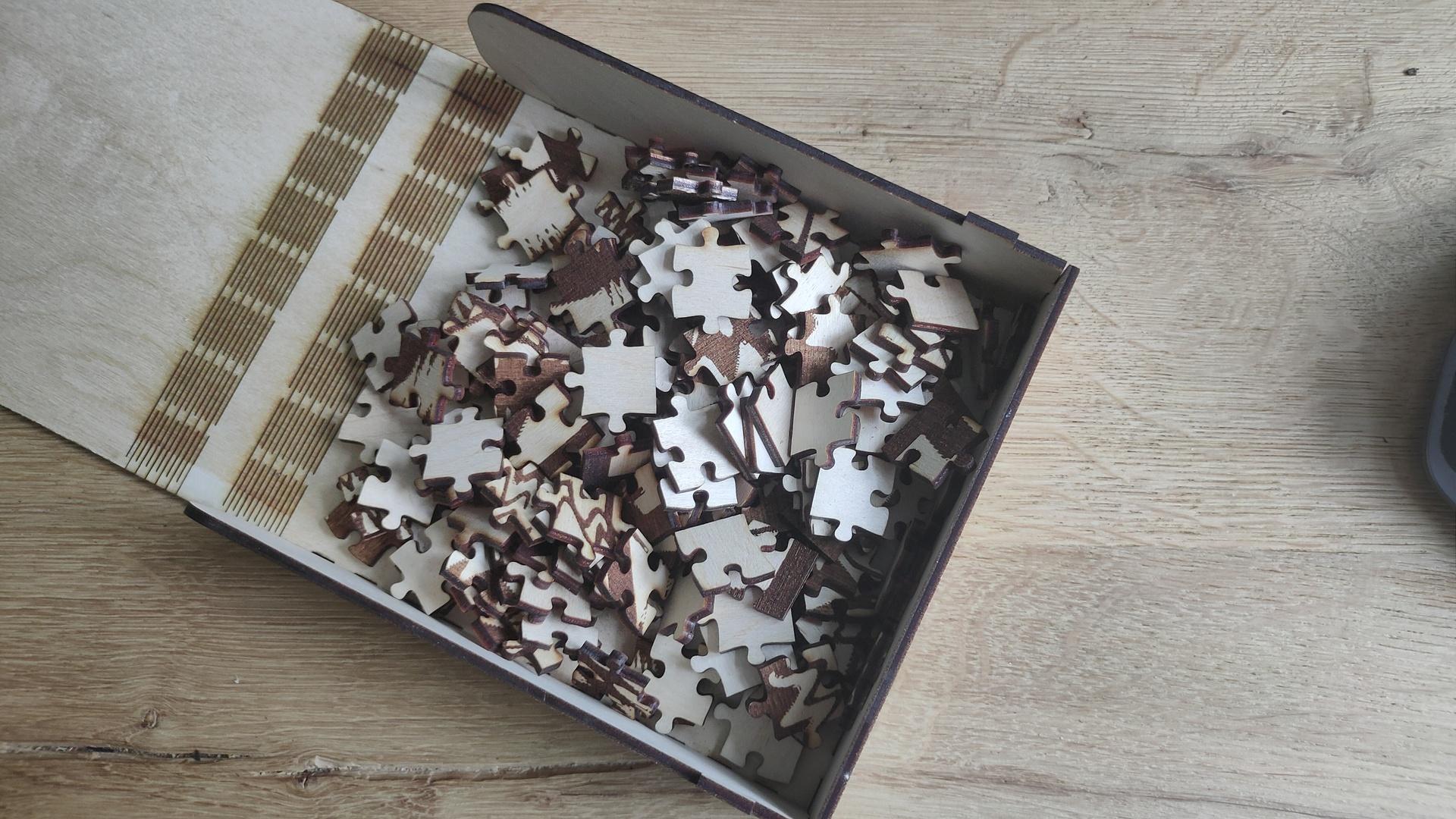
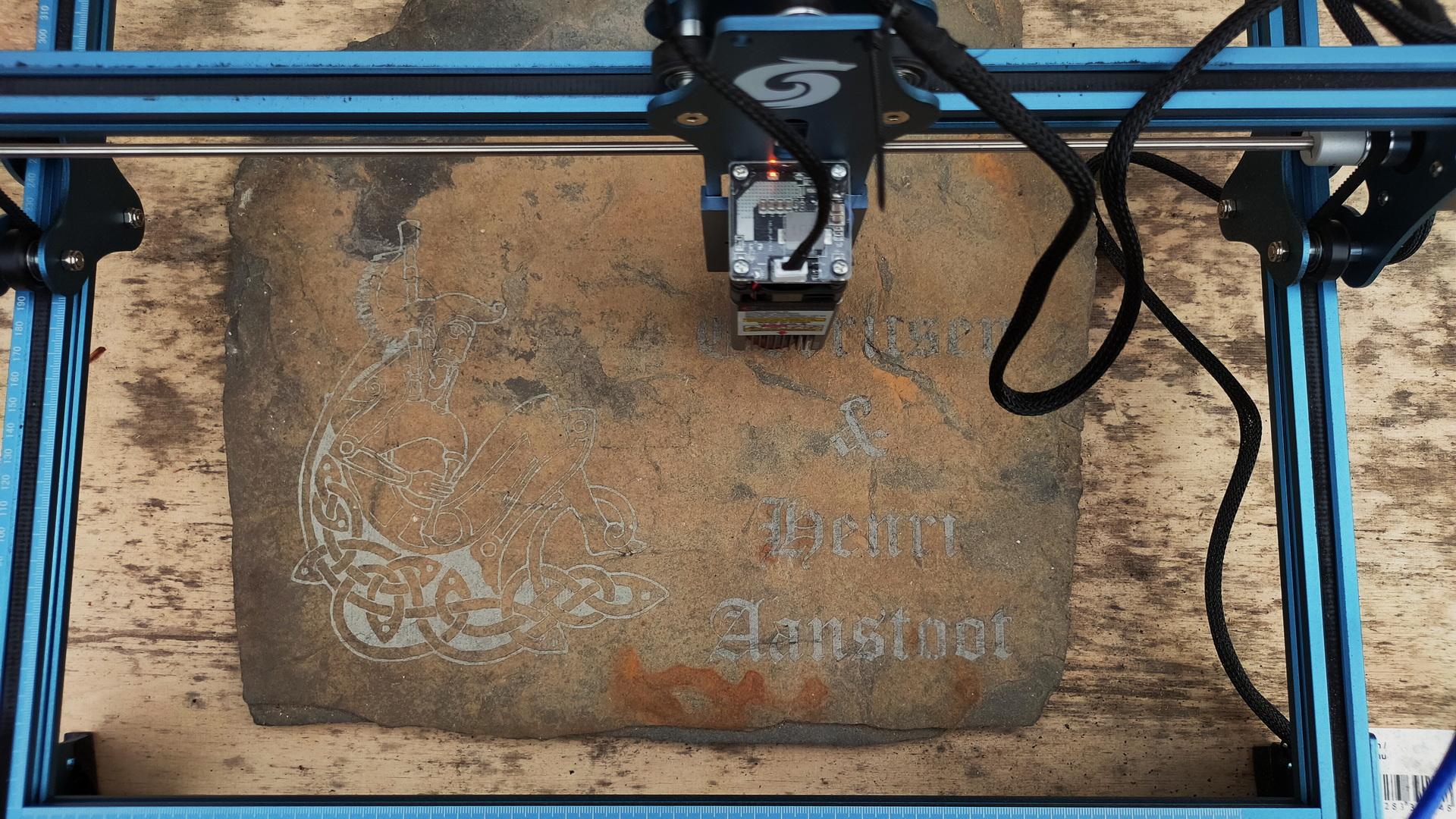
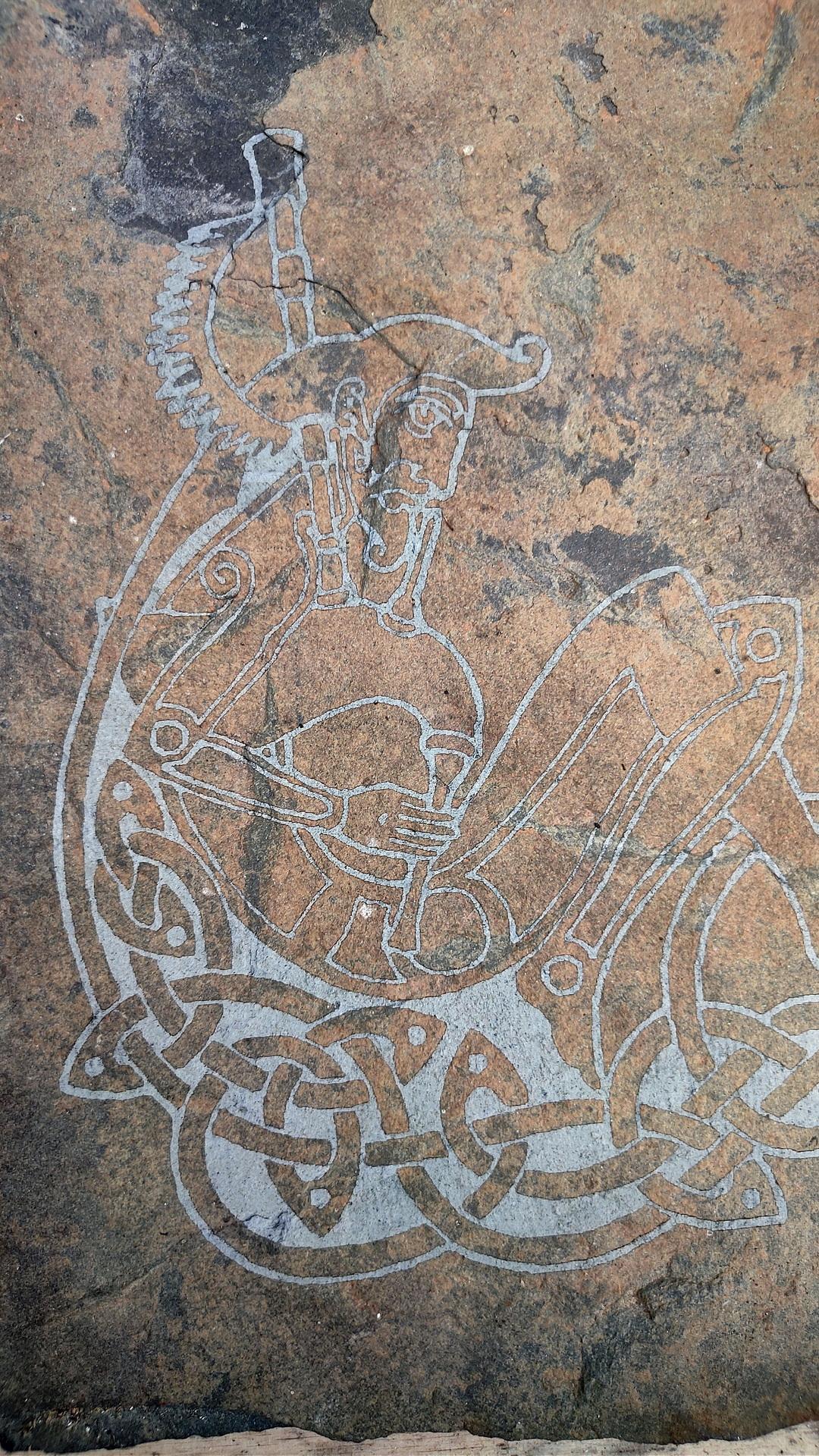
Tomorrow some laser cutting, so let’s design some things to cut.

  • Jigsaw test – using engraving and cutting
  • Make a front for my bus manipulator
  • Make some cases for the game controllers (These are beta, and will be 3D printed at a later stage. My old 3D printer is slow)

Leather straps for a painting easel

Doing a project using leather is something I do not often enough.
So I’m always looking for new ideas/projects.

This weekend, I made some straps for portable painting easels.
Keeping the poles of the tripod together with multiple straps and a longer leather strip allows for easy carrying on your back.

A simple project, I need some challenge next time!

My leather strip cutter I made in 2011.

Tiny animator for stop-motion

I was working on a RP2040 HID project, but I needed some components I didn’t have … right now .. again ..

So I made something else ..

A tiny animator for stop motion animations using my webcam, python and OpenCV.

For claymotion or lego or whatever.

The program displays your webcam with the previous snapshot overlayed, so you can position everything relative to your previous snapshot.

Difference between two shots.

Press B to take a frame.

Just a proof of concept using a (BAD) webcam. (Don’t look at my hand )

CODE (short but you need OpenCV)

import  cv2
from datetime import datetime
# black is just a start empty image .. 
img=cv2.imread("black.png");
cap = cv2.VideoCapture(0)

while True: 

    ret,vid=cap.read()
    dim = (800,600)
    img1 = cv2.resize(img, dim, interpolation = cv2.INTER_AREA)
    vid1 = cv2.resize(vid, dim, interpolation = cv2.INTER_AREA)

    result=cv2.addWeighted(img1,0.5,vid1,0.5,0)
    cv2.imshow('overlay', result)
    if(cv2.waitKey(10) & 0xFF == ord('b')):
            now = datetime.now()
            current_time = now.strftime("%d_%m_%Y_%H_%M_%S")
            filename = '%s.png' % current_time
            if not cv2.imwrite(filename, vid1):
                raise Exception("Could not write image")
            img=cv2.imread(filename);

Pressing B fills your directory with PNG’s
like 24_10_2023_00_01_01.png (date formatted)

convert to GIF

convert -delay 10 -loop 0 24*.png animation.gif