xrandr is an official configuration utility to the RandR (Resize and Rotate) X Window System extension. It can be used to set the size, orientation or reflection of the outputs for a screen.
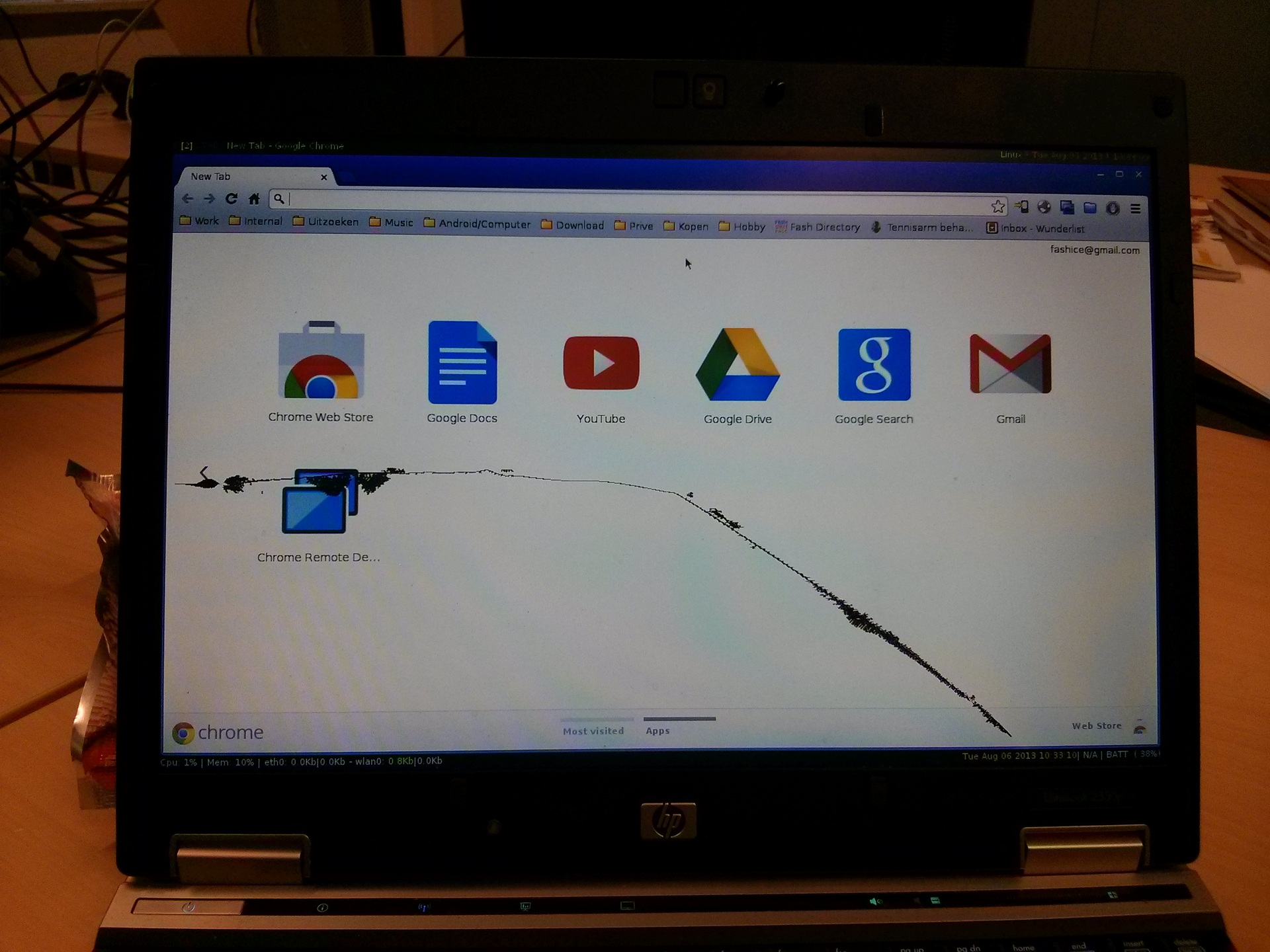
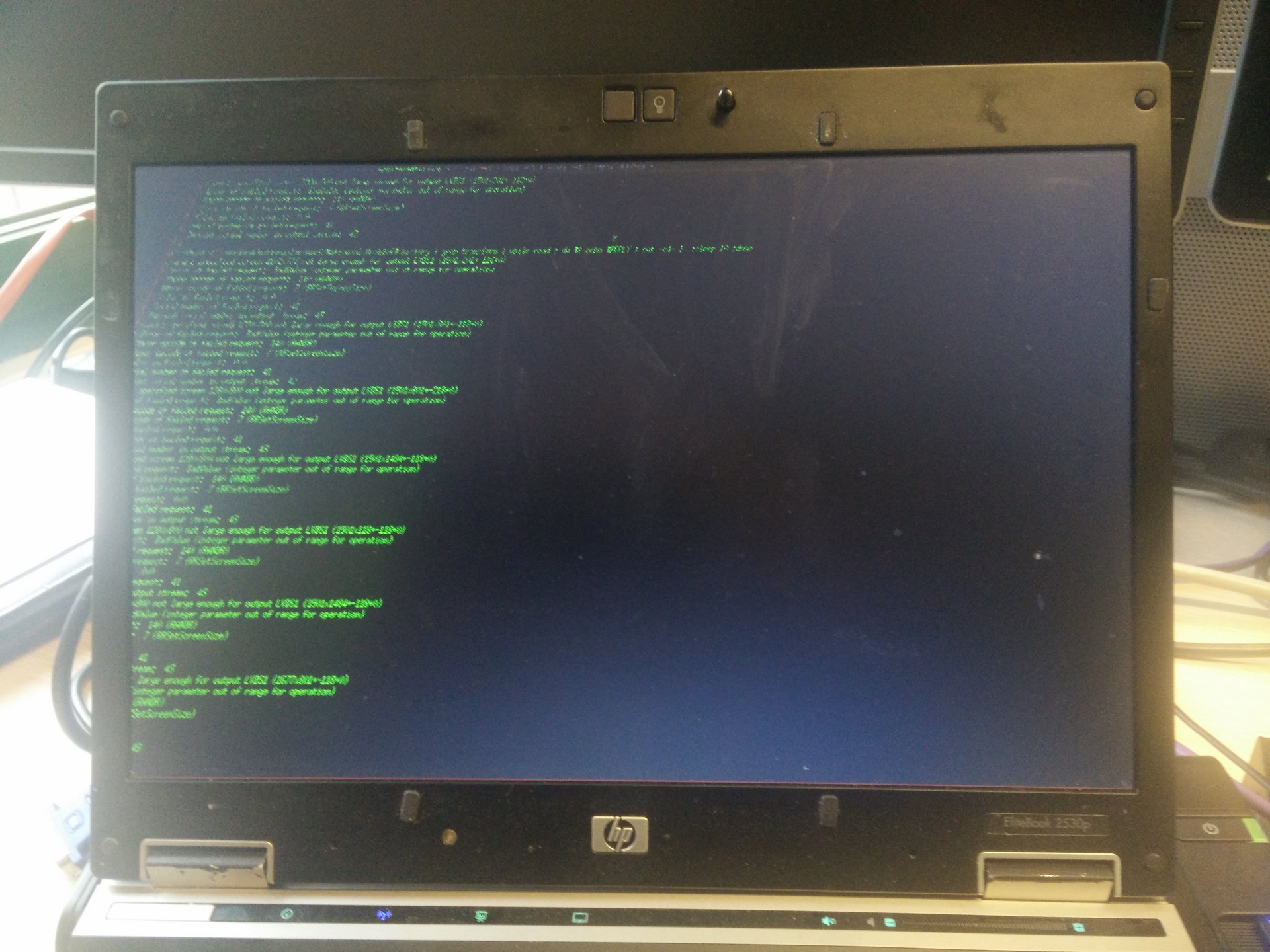
Someone broke my screen at a hackers event. The terminal was really hard to read with the black parts, so i tilted the screen
Broken screen in 2013
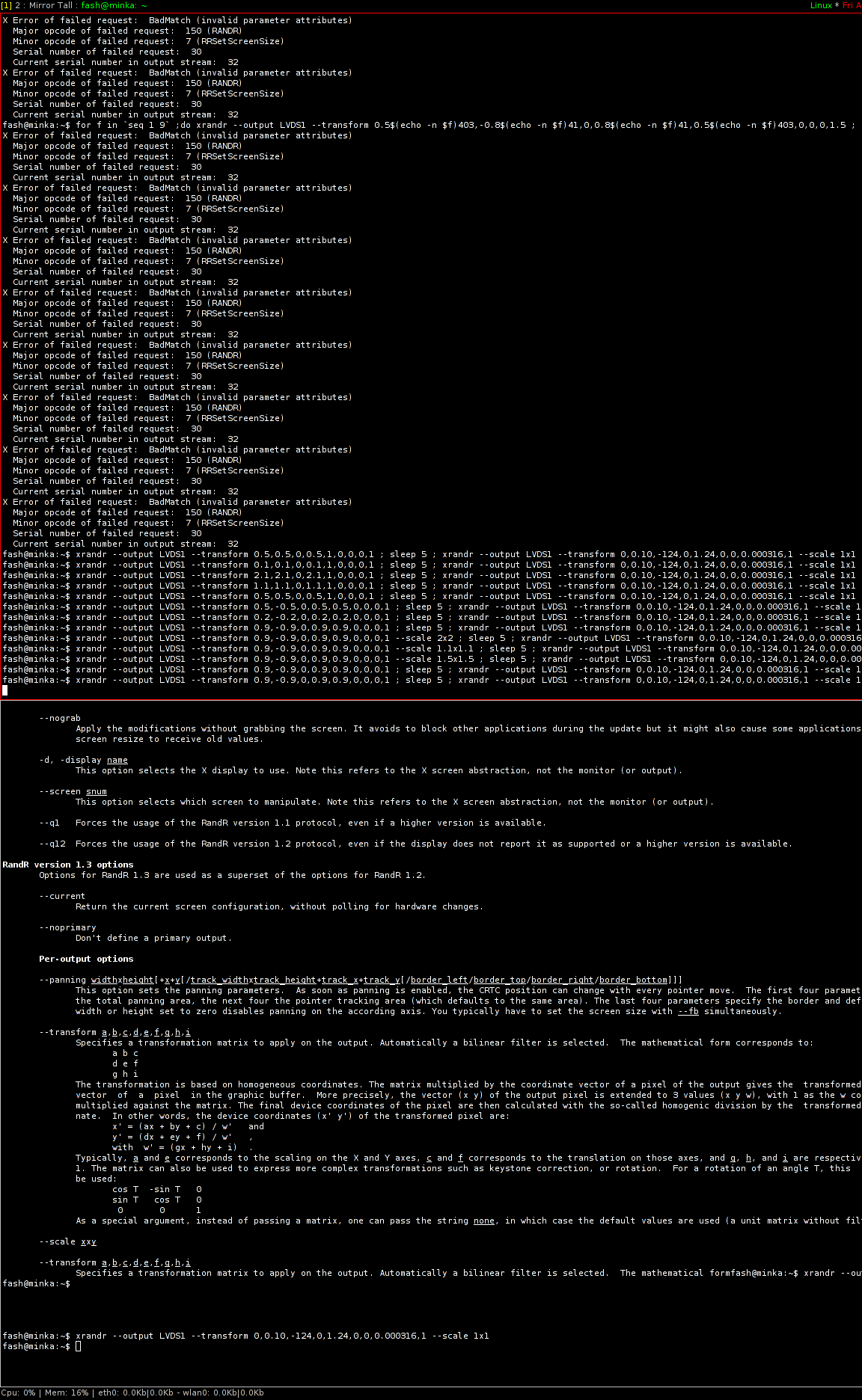
Quiet friday at work, playing with my little trusty 2530p. I’m using xmonad, so i don’t need any fancy work laptop.
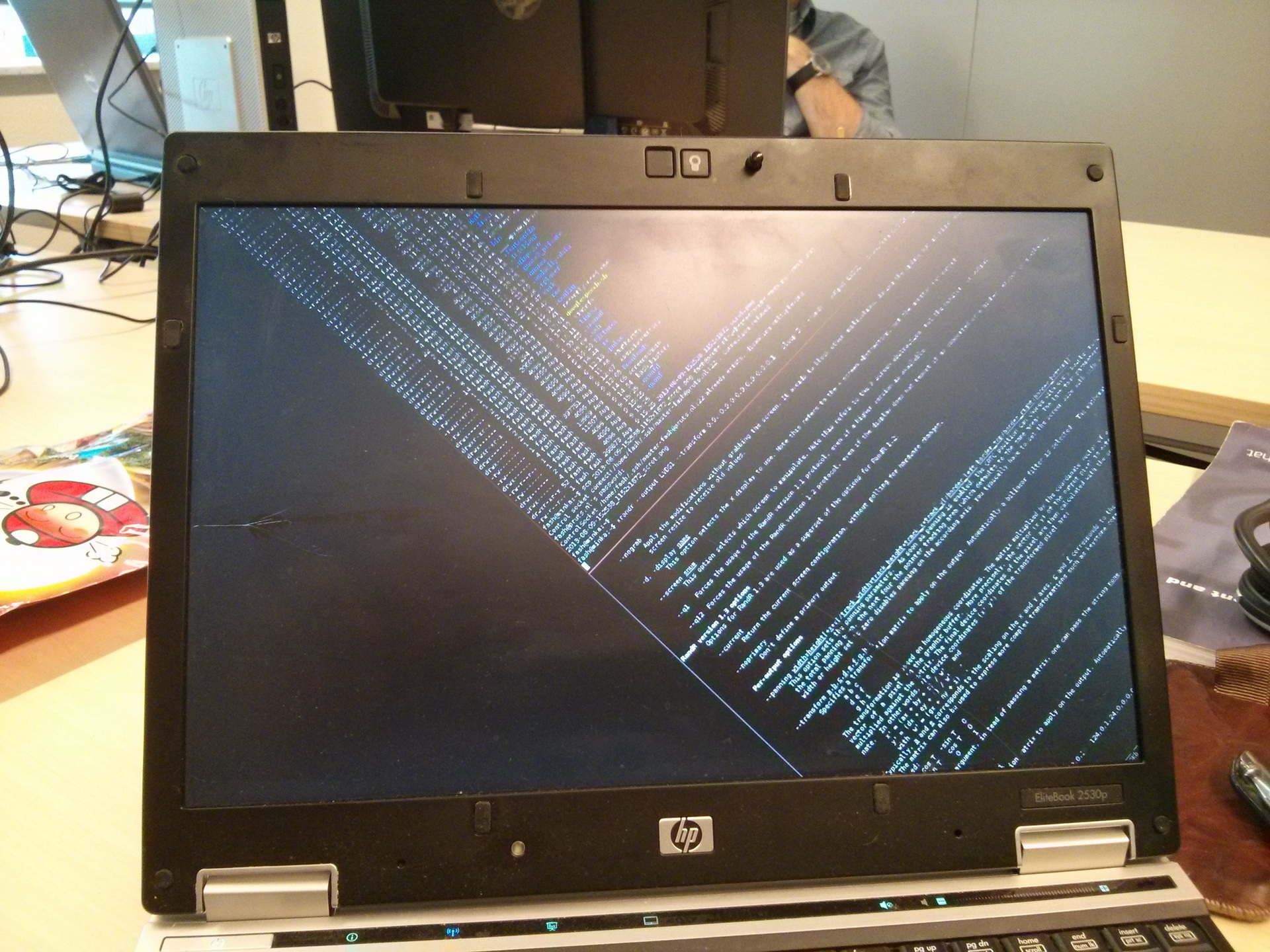
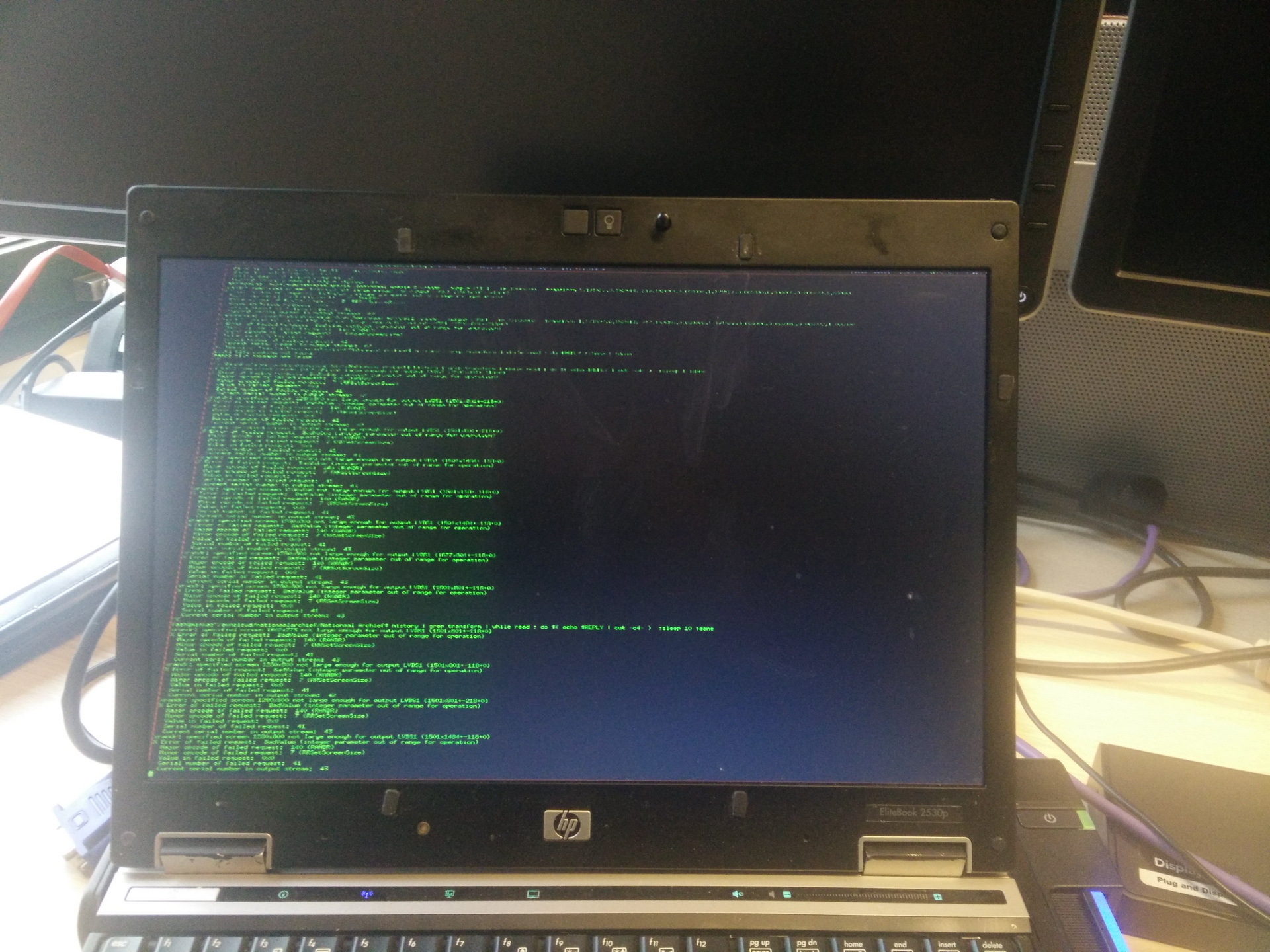
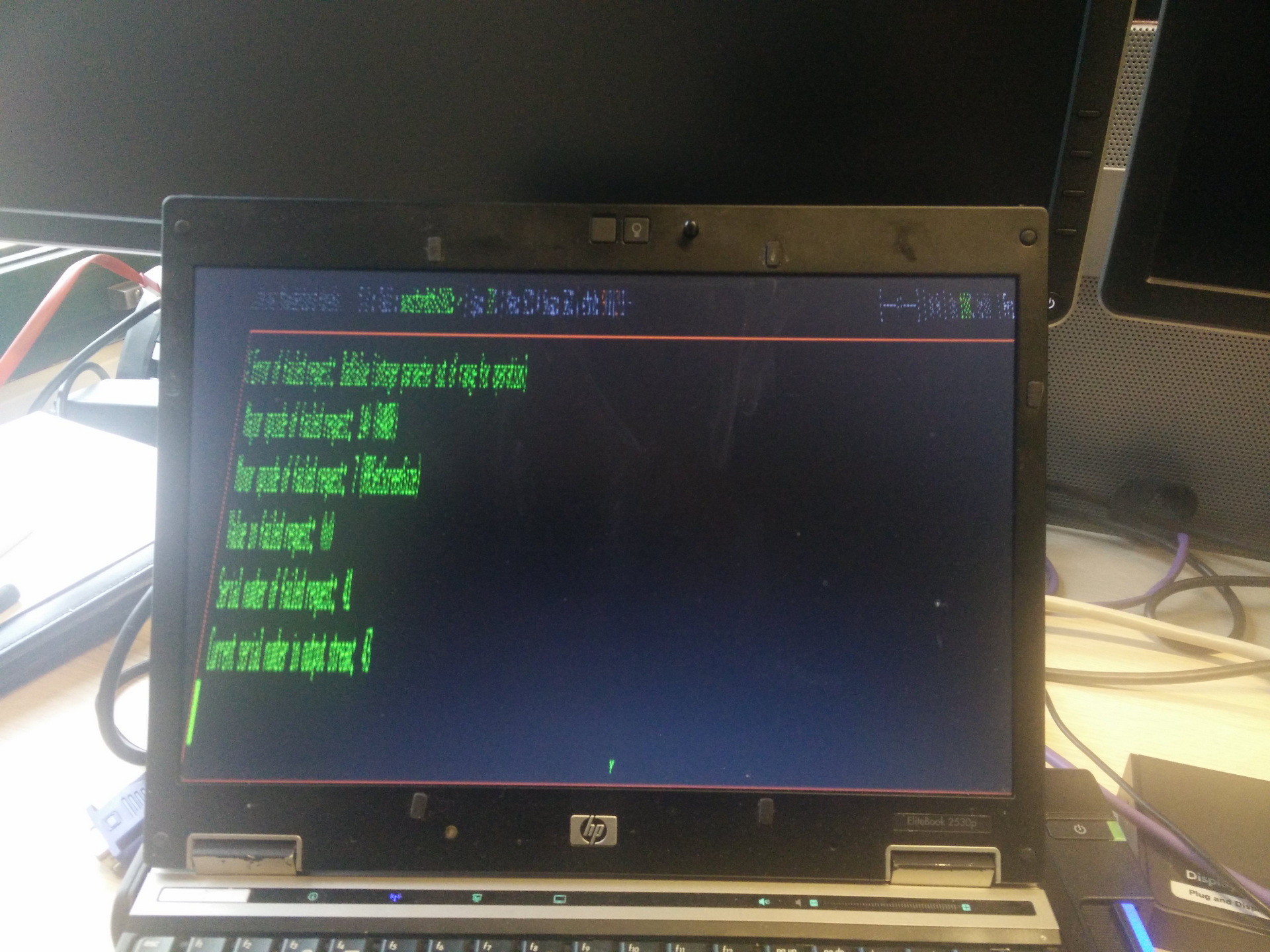
Fun with distorting the screen
Another quiet friday at work, working from home, i turned all monitoring displays upside-down, sideways, or rotated them every so much seconds.
While this is a lot of fun to use, i used this to get my monitorsetups exactly the way i wanted, at home or at work. Different screen sizes, height differences .. no problem.
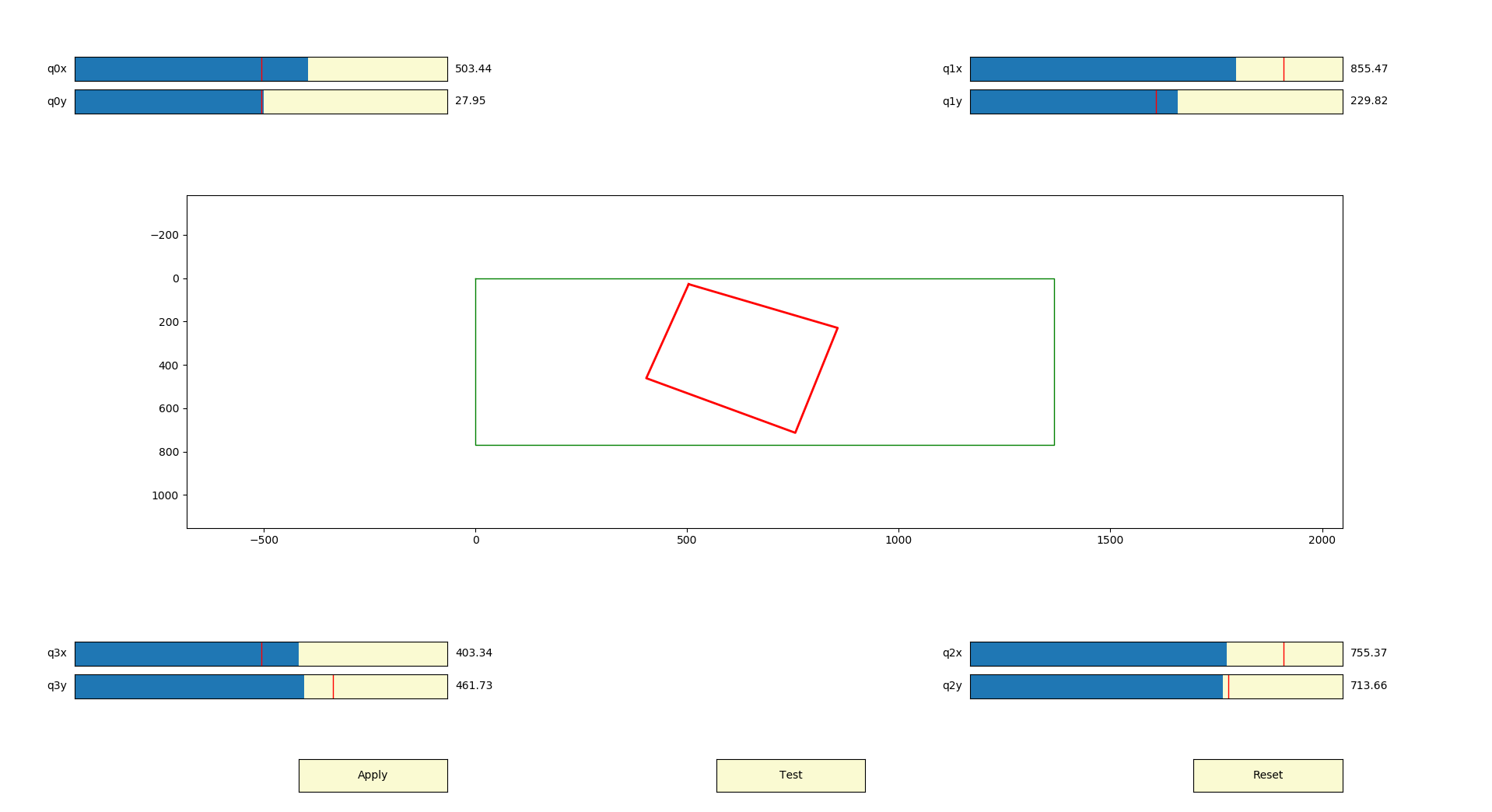
A fun tool to use is: https://github.com/qurn/xrandr-keystone-helper
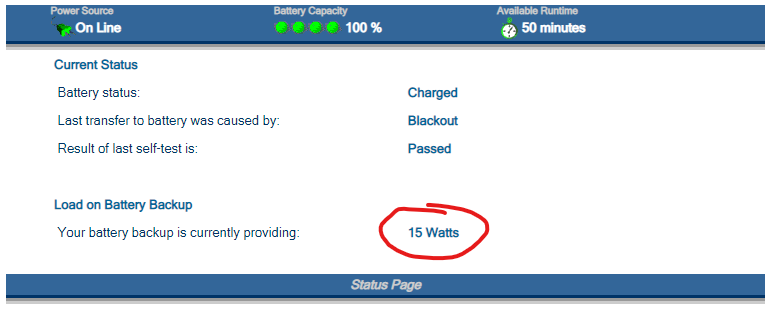
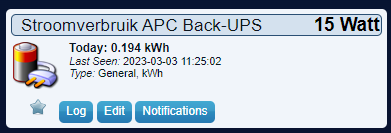
A friend of mine wanted to monitor his UPS using domoticz. This UPS only had a simple web interface with information.
So we needed to scrape this information and push this into domoticz.
First create a dummy device in domoticz and note its IDX.
Then we can scrape needed information using below script.
#!/bin/bash
#set -x
# Domoticz server
SERVER="127.0.0.1:8080"
# APC Back-UPS HS 500 status URL
UPS="http://IP-OF-UPS/status.cgi"
# The number of the IDX in the list of peripherals
IDX="362"
# Path for temporary file (RAM drive)
TMPFILE="/tmp/apc-hs500-status.txt"
# Get APC Back-UPS HS 500 status and write to temporary file
wget $UPS -O $TMPFILE 2>/dev/null
if [ $? = 0 ]
then
PWR=$(cat $TMPFILE| tr -dc '[[:print:]]' |awk -F"Watts" '{print $1}' |rev |cut -f1 -d\> |rev |cut -f1 -d\&)
fi
if [ $PWR ]
then
echo "Load on Battery in Watts: $PWR"
# Send data to Domoticz
curl -s -i -H "Accept: application/json" "http://$SERVER/json.htm?type=command¶m=udevice&idx=$IDX&nvalue=0&svalue=$PWR"
PWR=""
fi
rm $TMPFILE
Later i made a script to push this information in Grafana
Now for the SSH part. I’m jumping from machine to machine using ssh, sometime i loop back to a server i was already connected to .. this helps me to keep track
in ssh_config add
SendEnv SSHTRAIL

in sshd_config add
AcceptEnv SSHTRAIL

in /etc/profile
export SSHTRAIL=$SSHTRAIL:$HOSTNAME

restart sshd
when you do this on all your machines you can get a trail of ssh using:
echo $SSHTRAIL
workstation:server1:server66:server1

I could change the prompt when a loop is detected
echo $SSHTRAIL | sed -e 's/:/\n/g' | sort | uniq -c | grep -v 1 | ... | echo "WARNING: loop in ssh"
makecock        # above script
Impact.ttf      # used font
Trebuchet_MS_Bold_Italic.ttf # used font
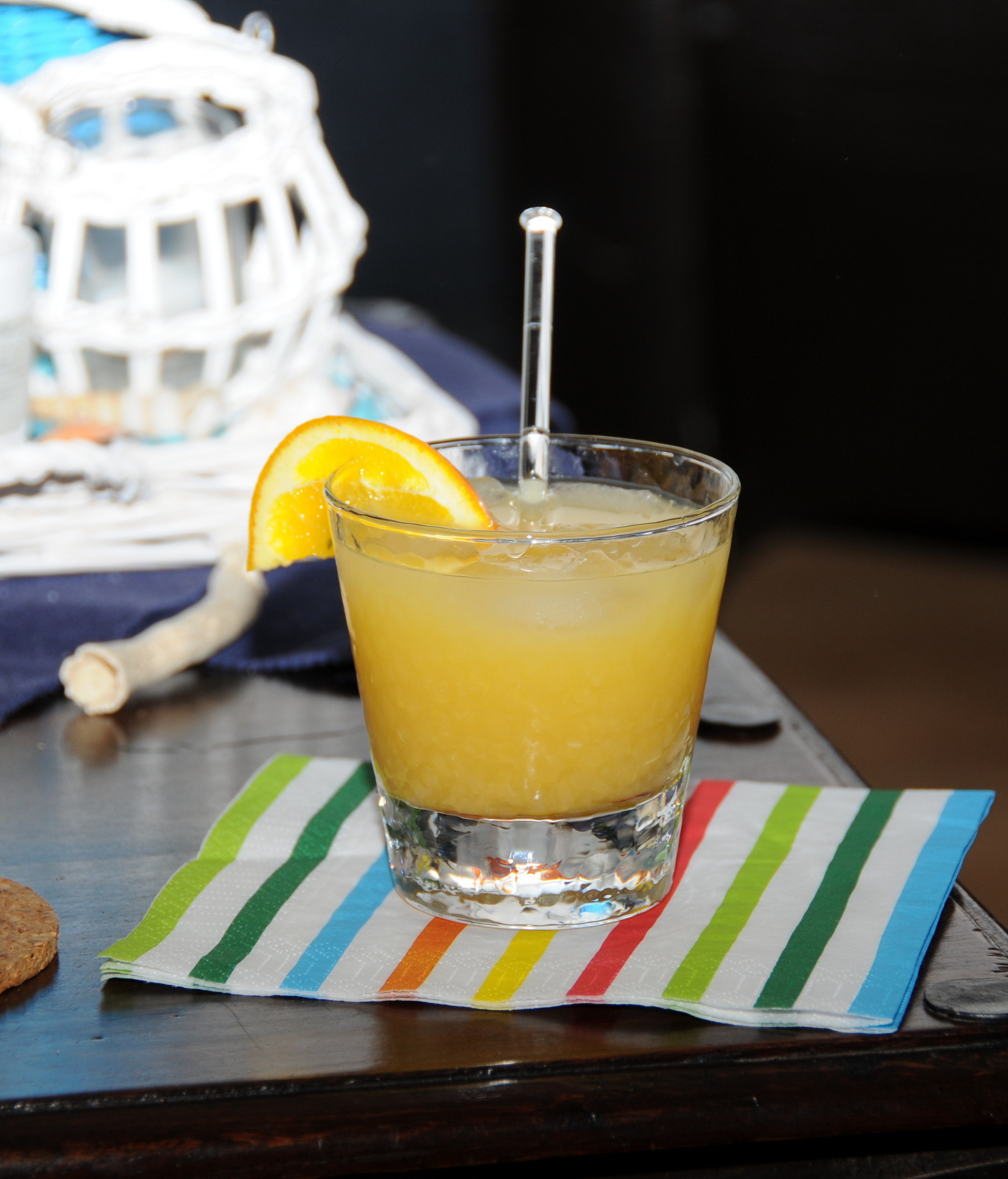
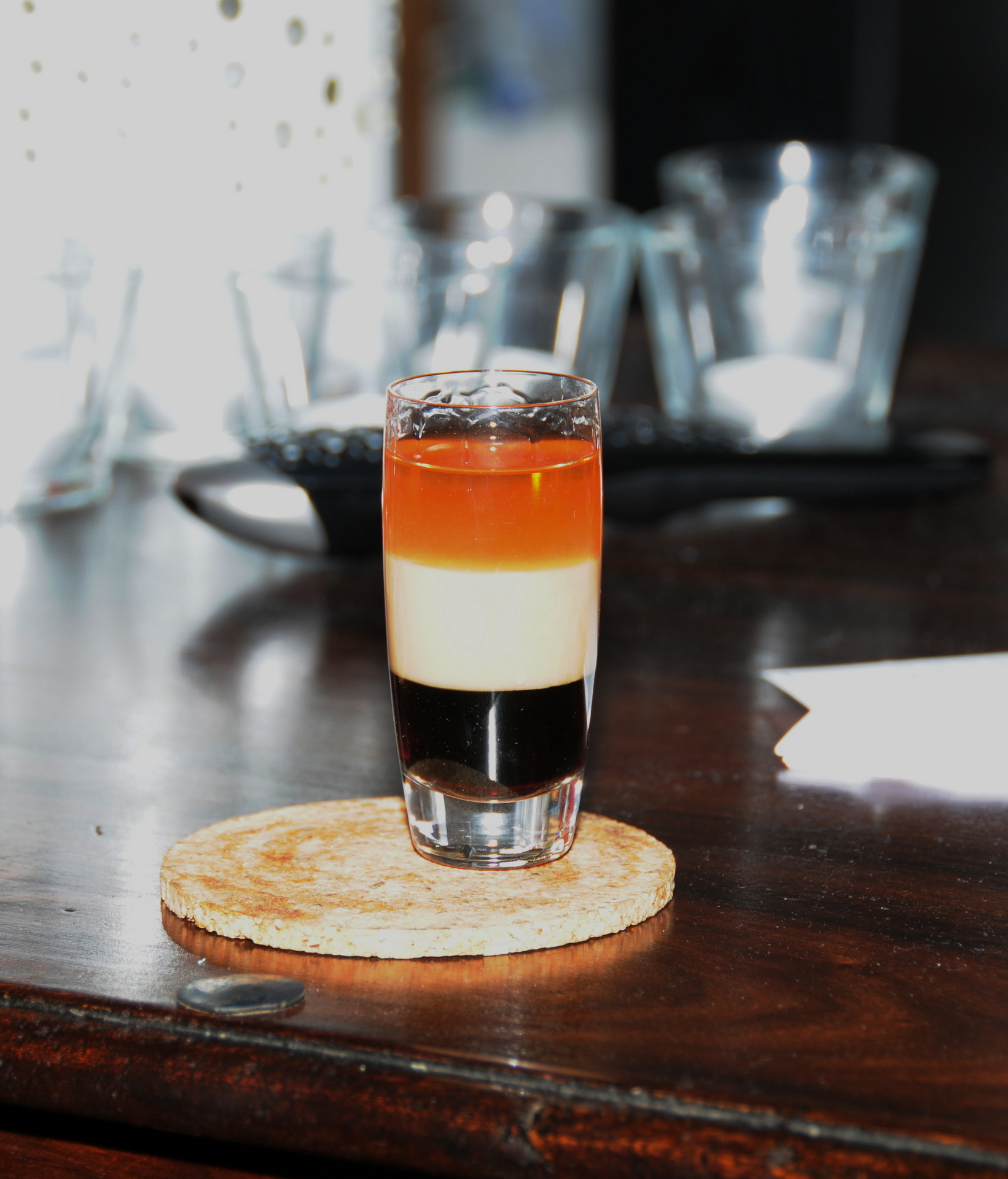
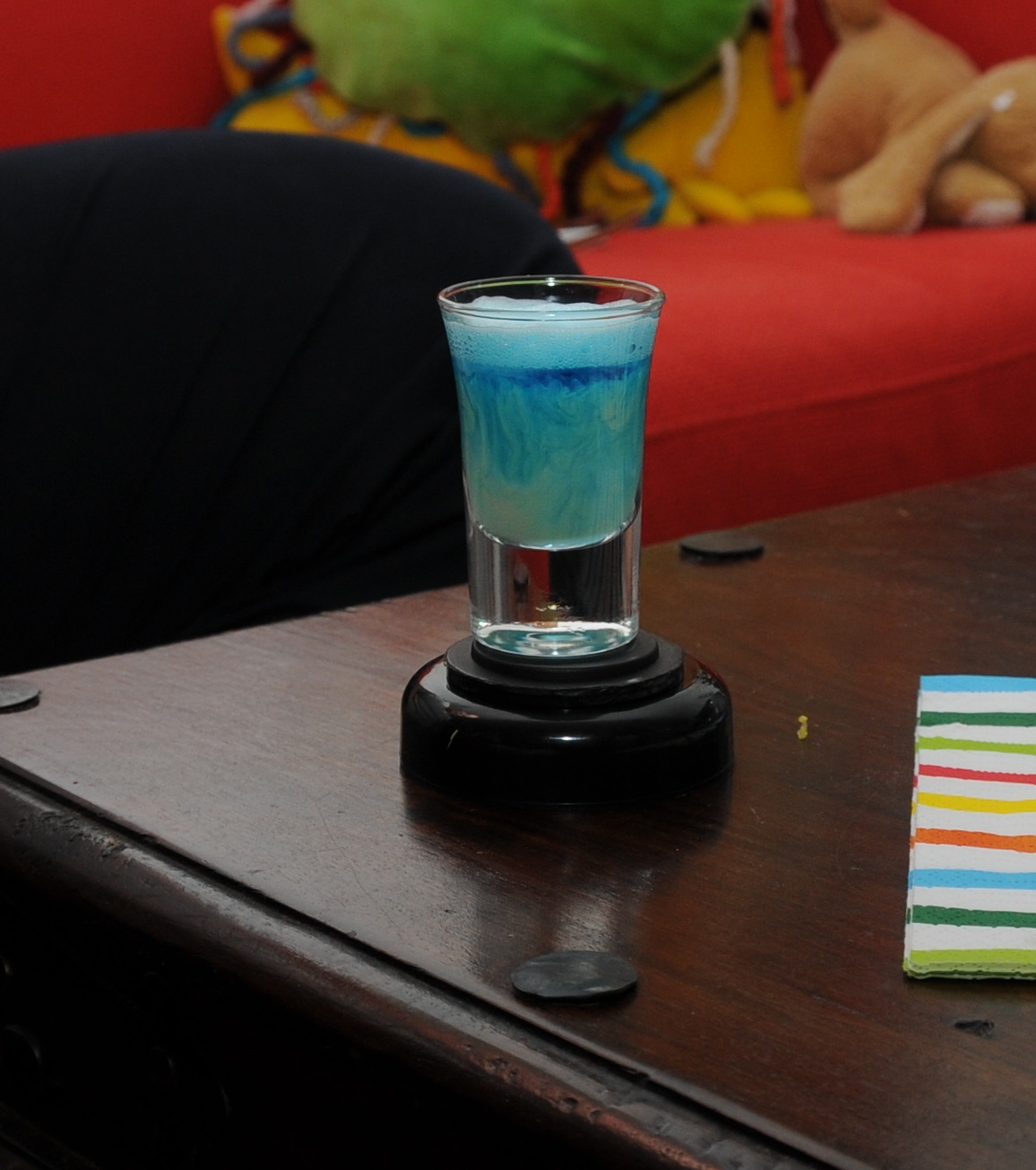
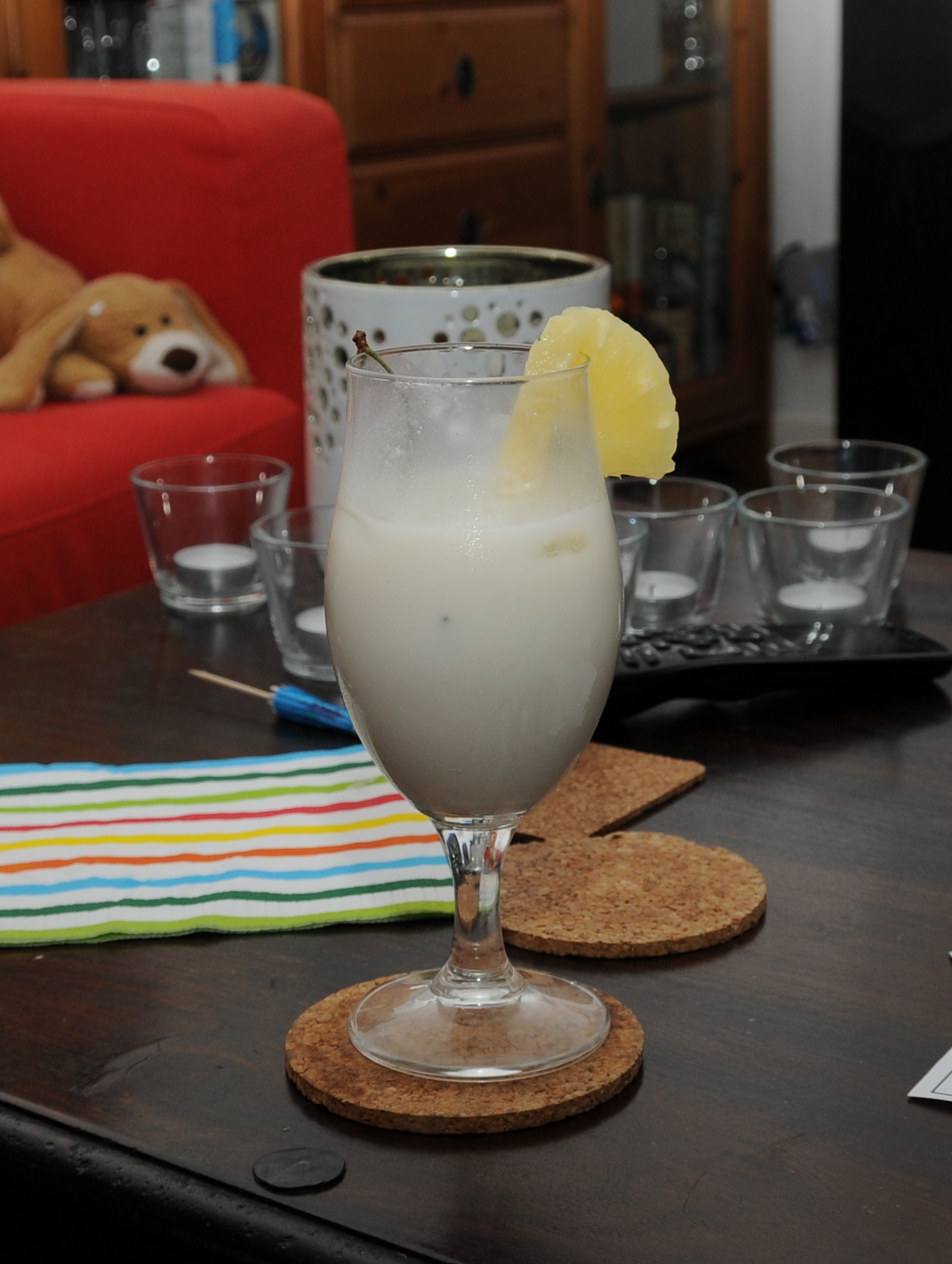
cocklist-leeg.png            # Empty template
drinks/01Alien (shooter)     # Drinks dir
drinks/07Half and half (Shooter)

Files in the drink directory have the short list of ingredients.

Blue curacau,
Whisky cream
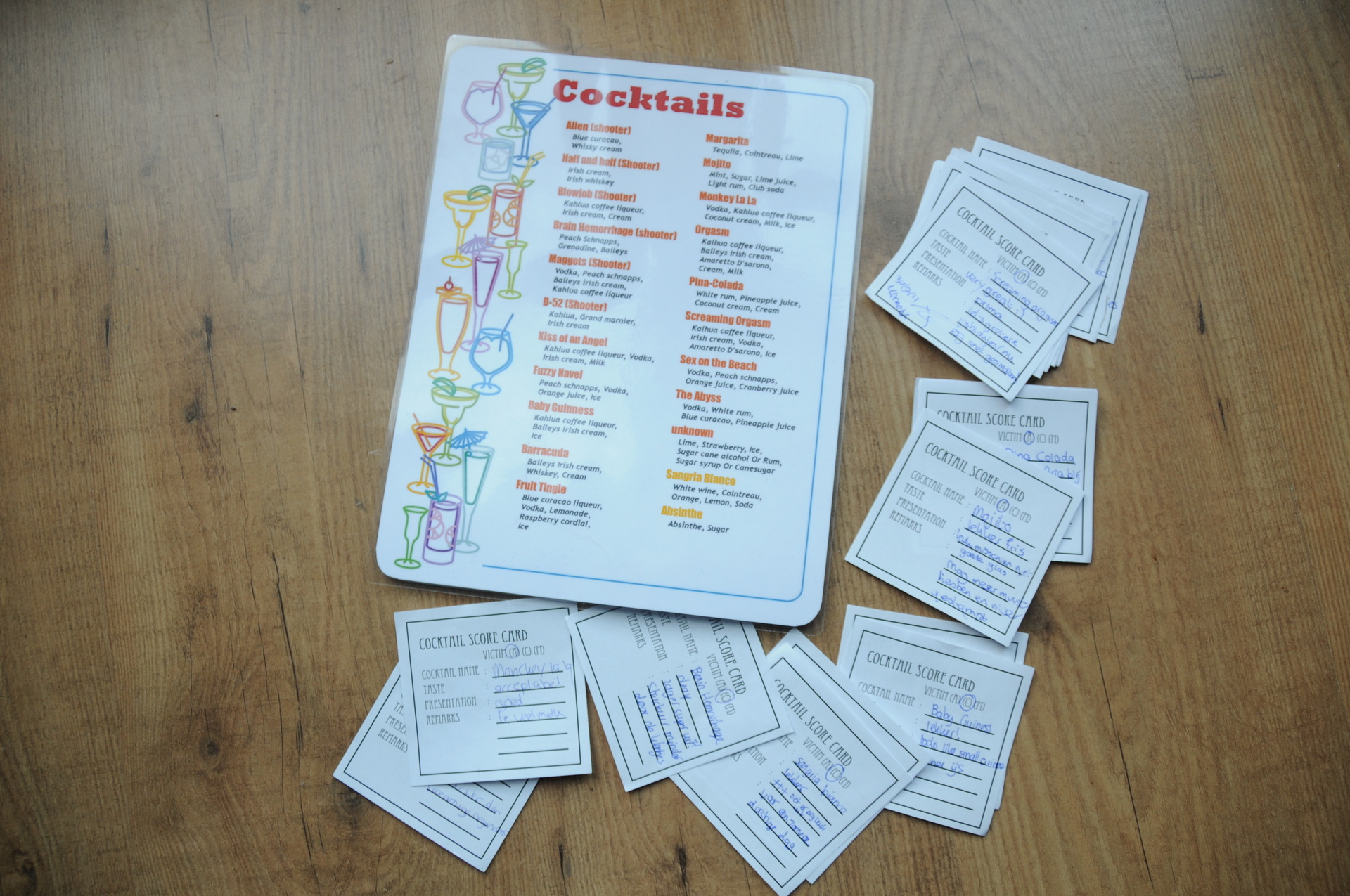
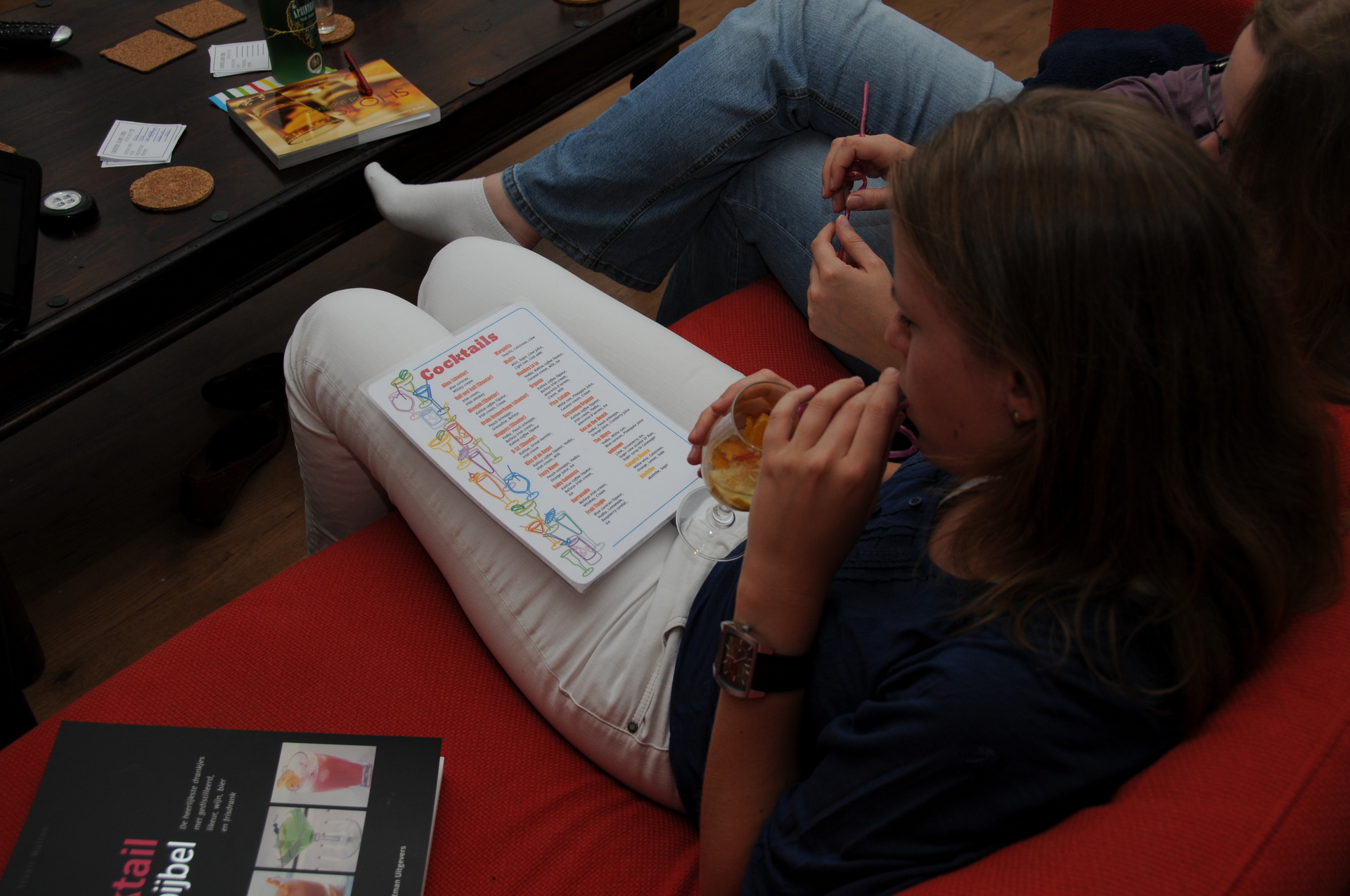
Run the script and you end up with the above images. Have fun.
Empty template
Some drinks that evening:
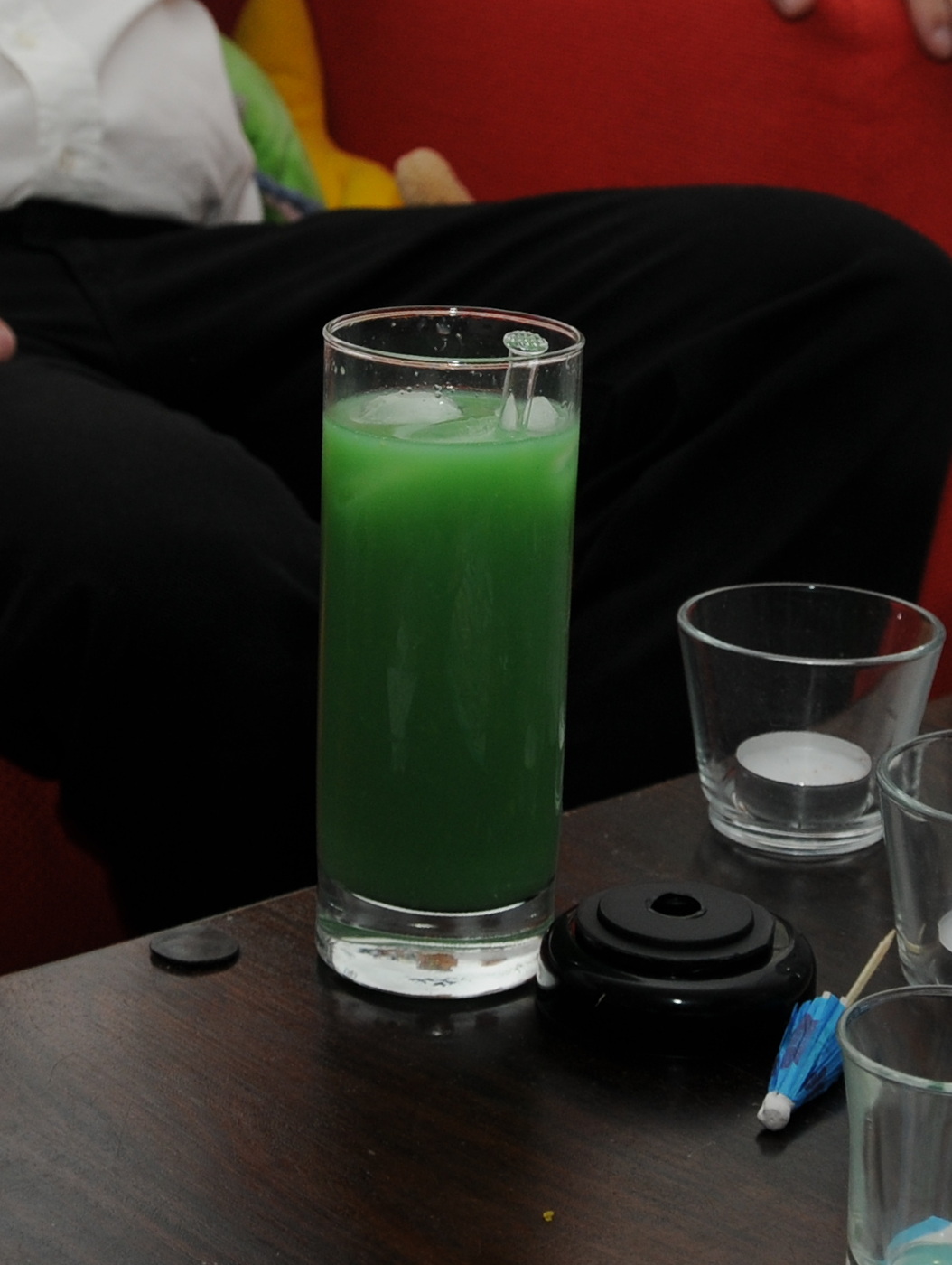
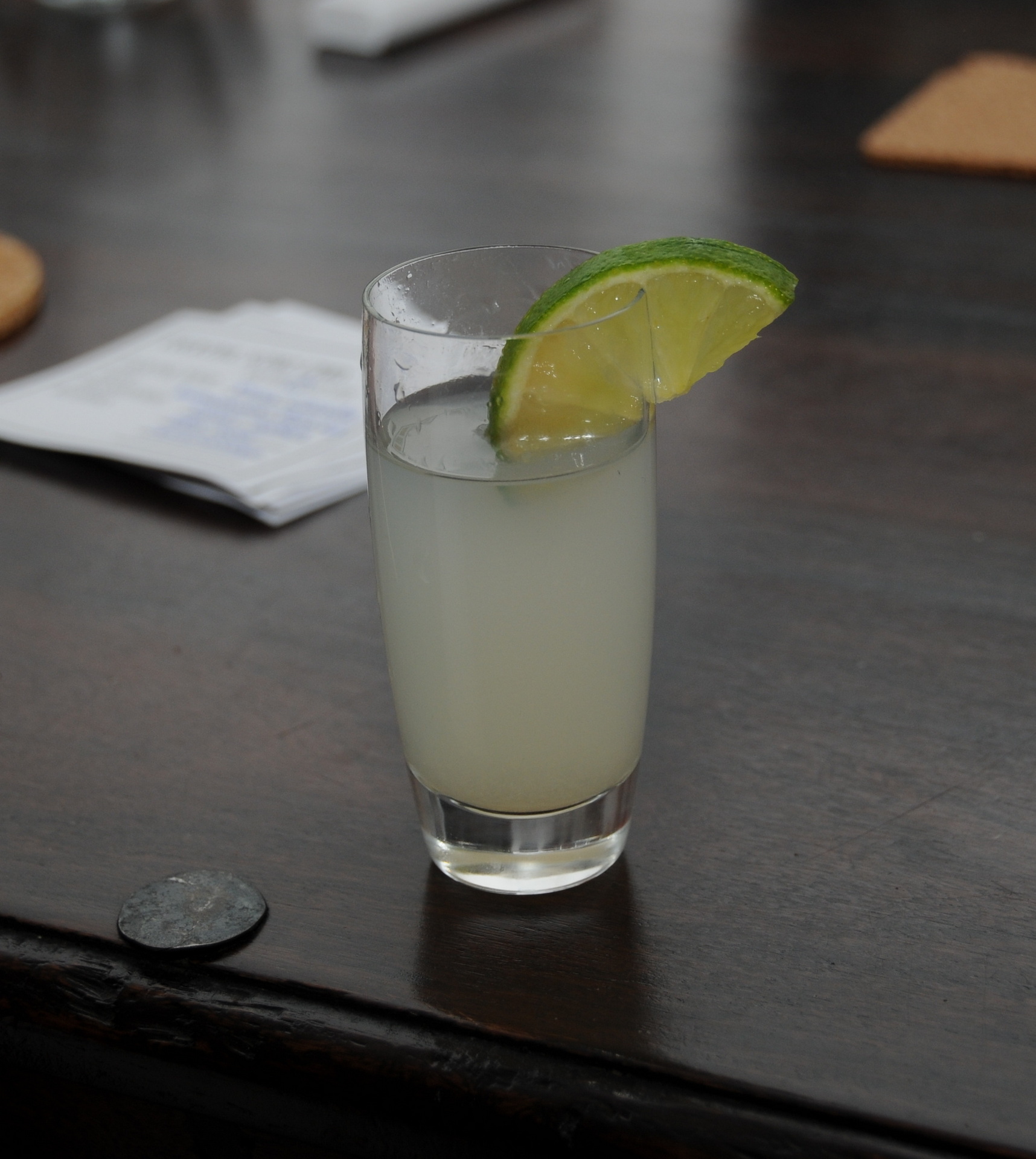
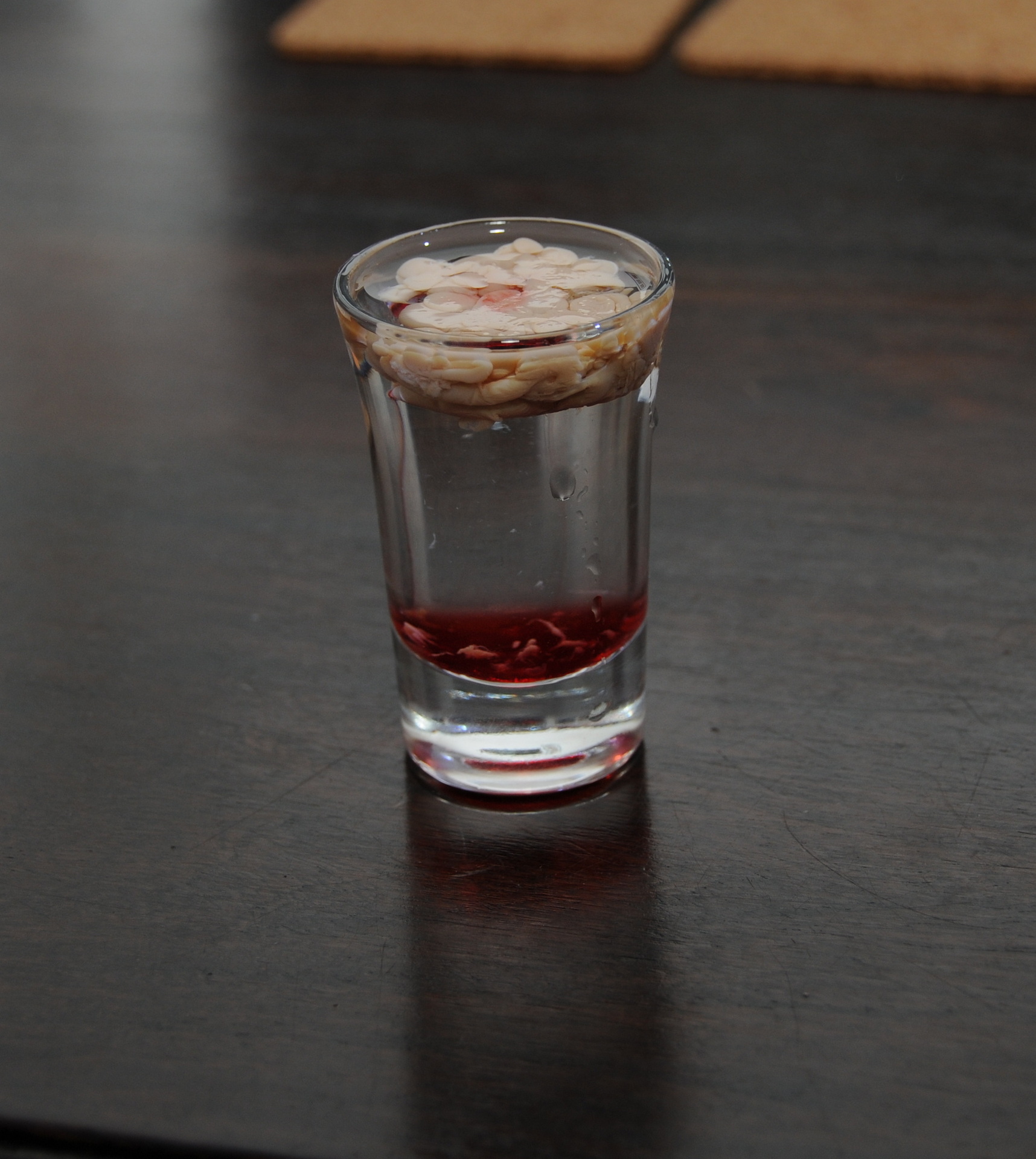
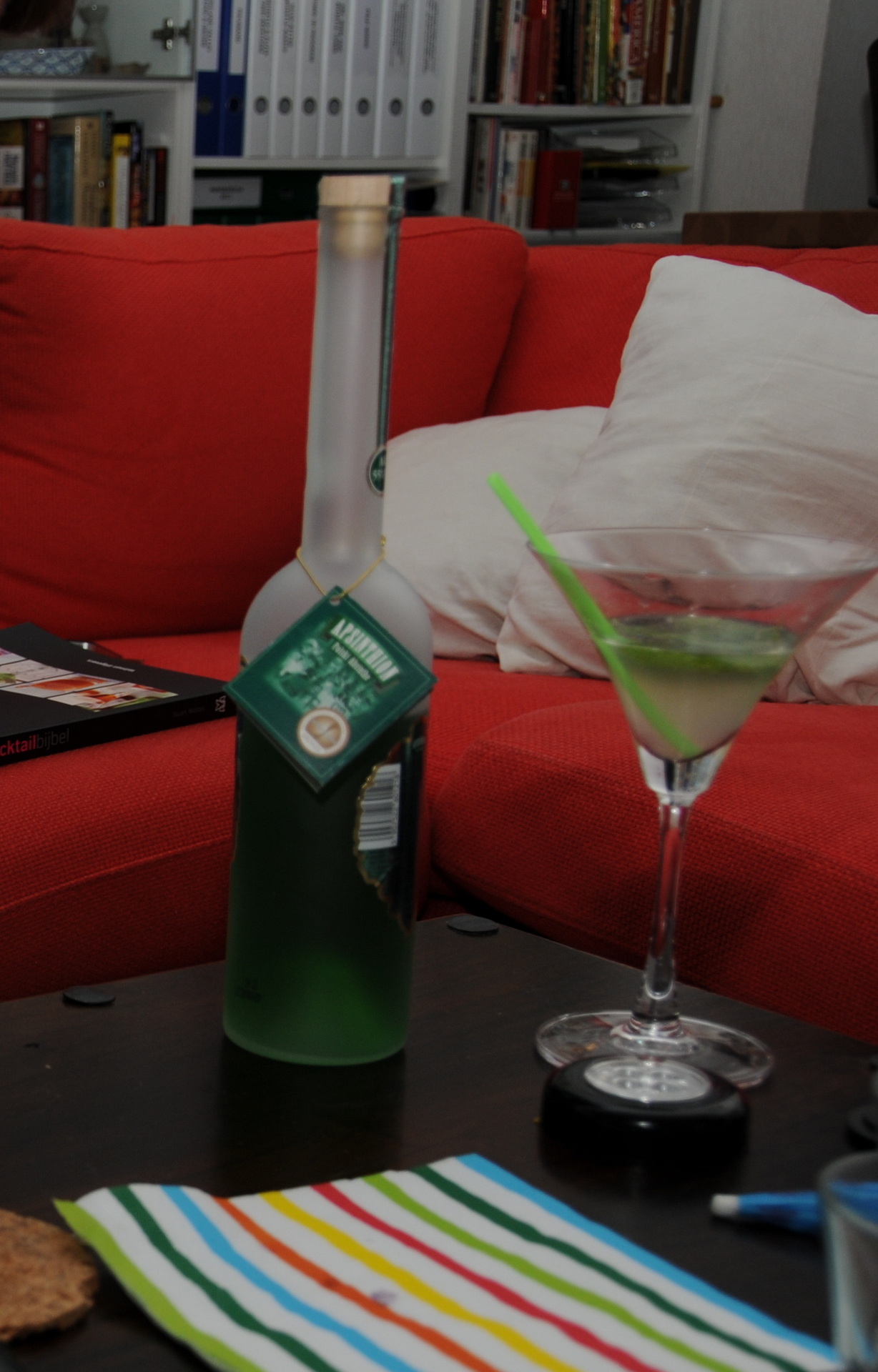
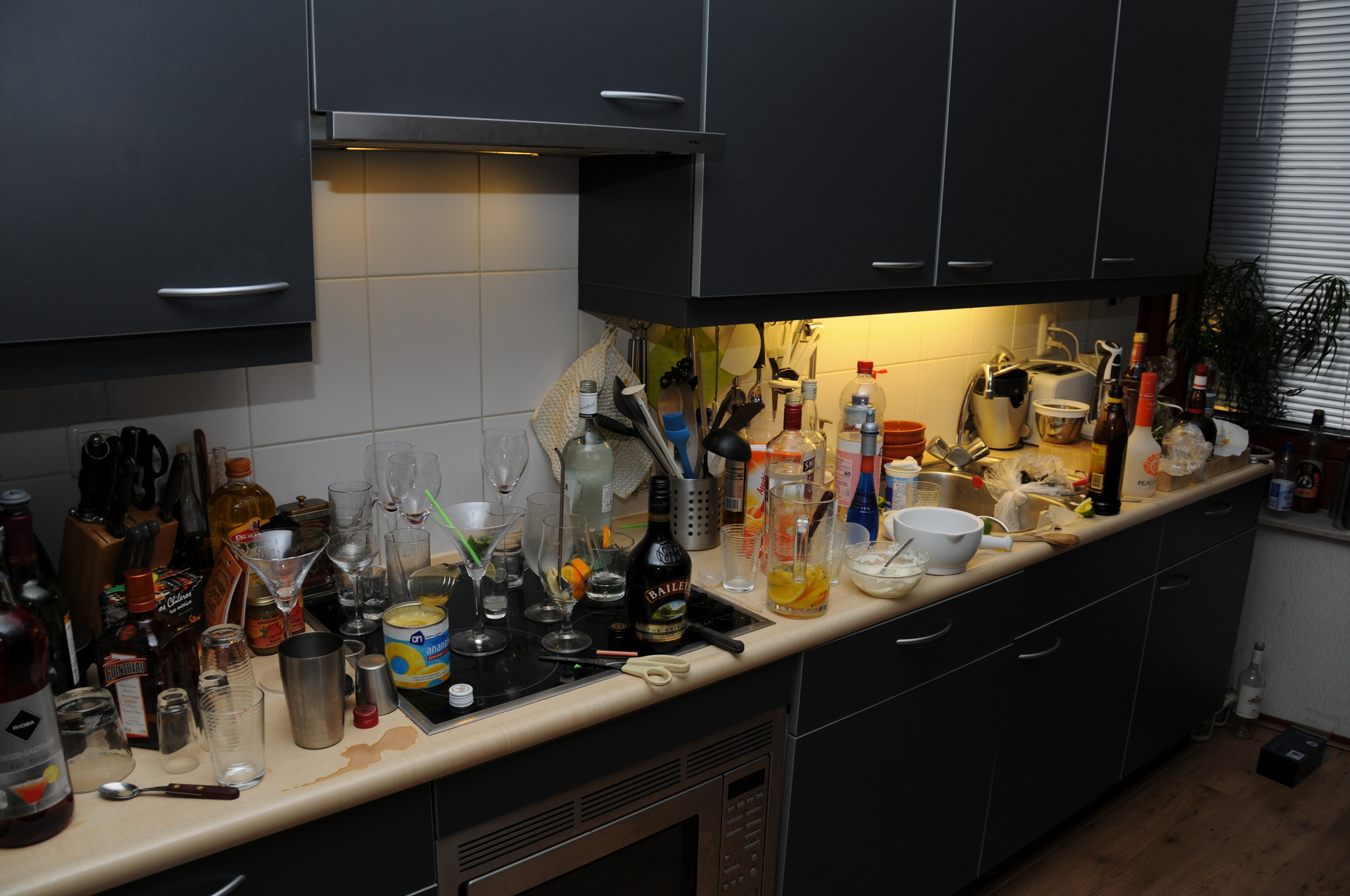
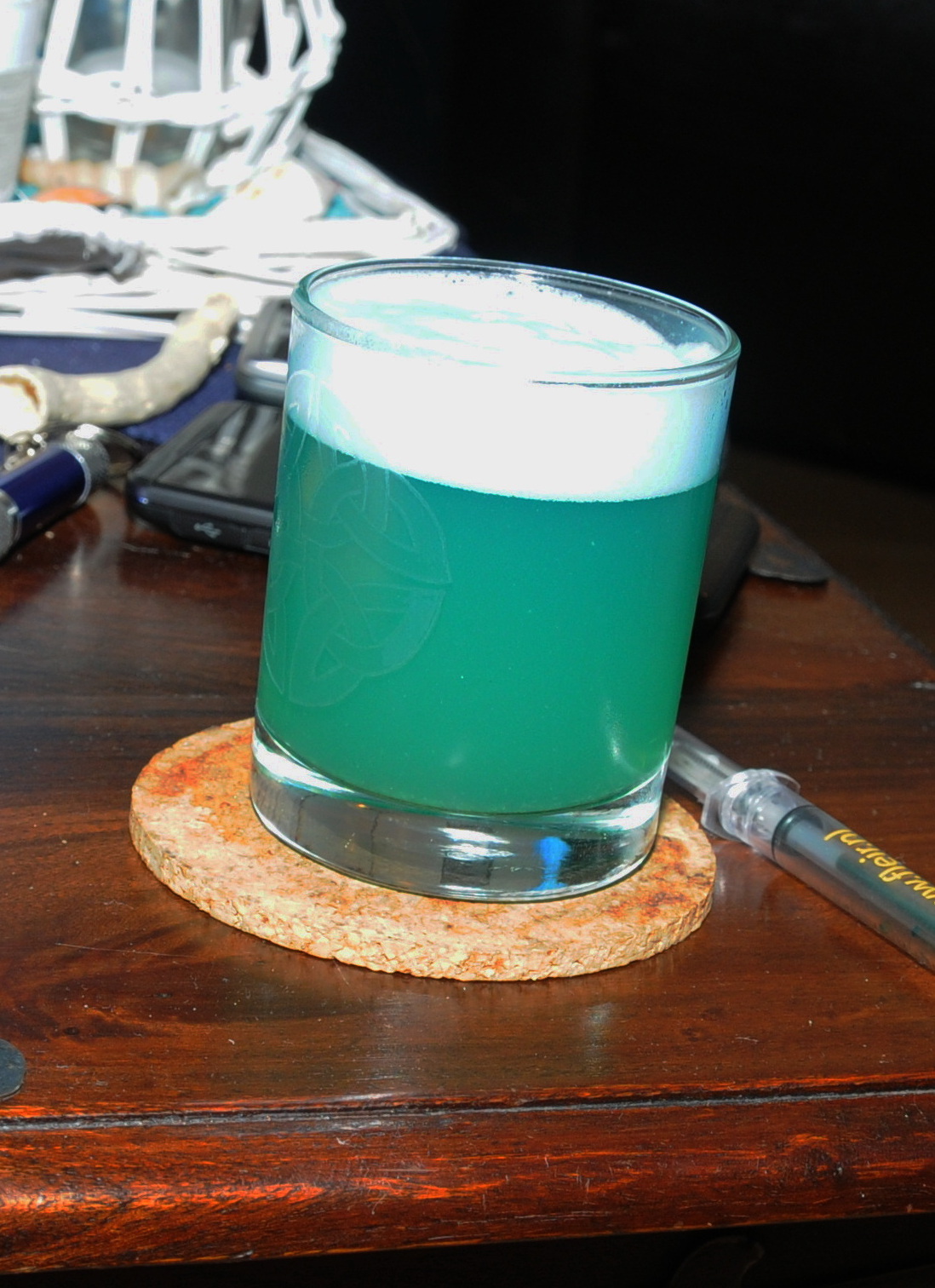
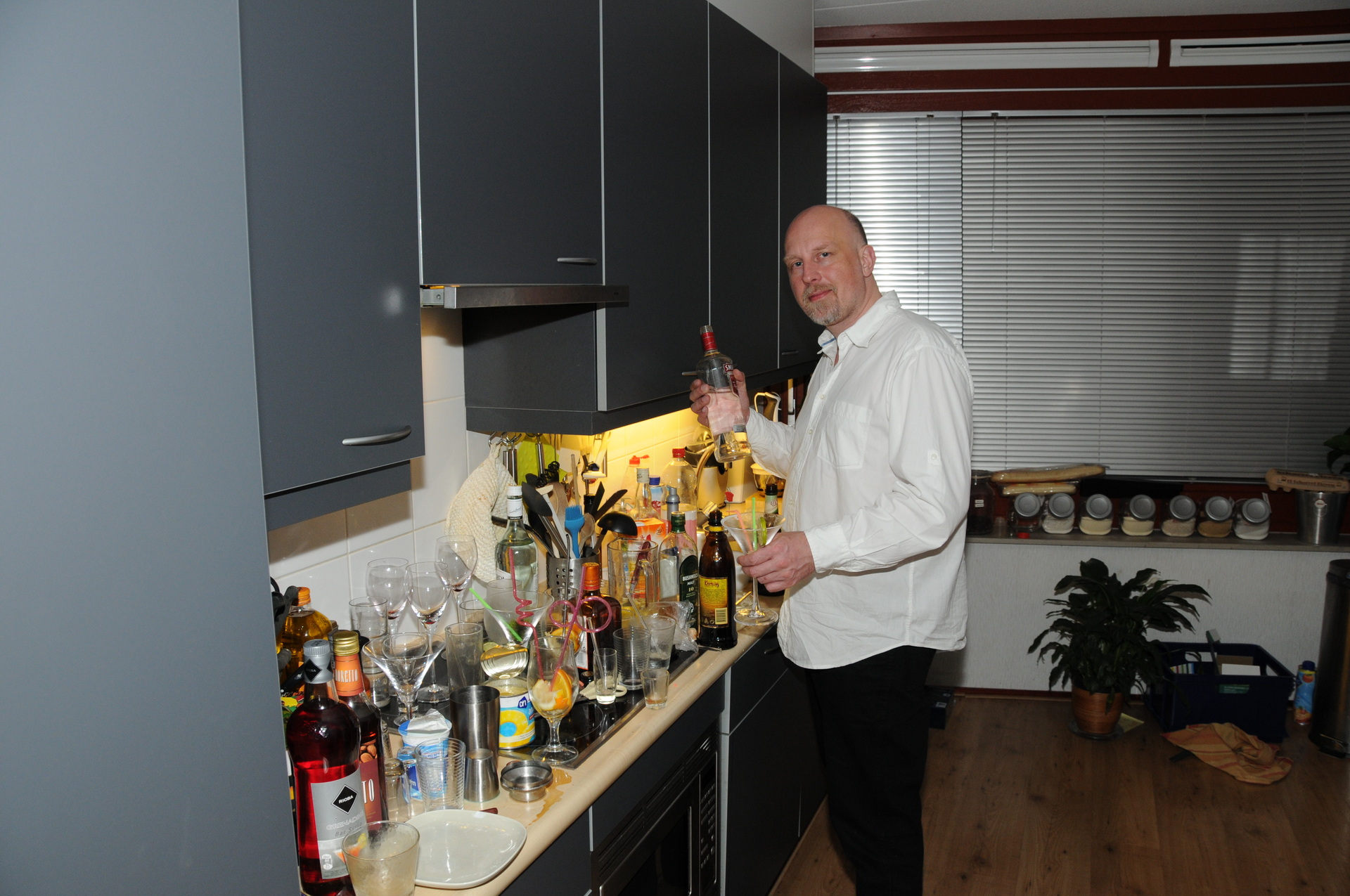
MoniqueLayeredWith a lightCheersA Brain Hemorrhage standing too long on the table see other posts A messChoosing a next to drink, finishing onedetergent?Seems okay?Happy at the “bar”
I made a better cocktail bar after this adventure. Well .. i gave three ladies an orgasm this night, not bad 🙂
I made a very bad playlist .. but I was even dancing the Macarena at 4am.
# some of the tunes LOL
01-george_ezra-budapest.mp3
01 - Nakatomi - Sing a Song.mp3
01 - Turn Down For What.flac
02.Sak Noel - Loca People - WTF.mp3
03 - Here Comes The Hotstepper.mp3
04_daft_punk-harder_better_faster_stronger-wax.mp3
[05] Mas Que Nada - Sergio Mendes and Brasil '66.mp3
084 - Tune Up! - Ravers Fantasy (Tibby Remix).mp3
09-pendulum_-_out_here-boss.mp3
15 - DJ Aligator - The Whistle Song (Blow My Whistle Baby).mp3
201) Shaggy - Boombastic [1995].mp3
All that she wants - Ace of Base.mp3
Anders Nilsen - Salsa Tequila.mp3
Aqua  Barbie girl.mp3
Bellini-_-samba_de_janero_club_mix.mp3
Benni Benassi - Satisfaction.mp3
Black Eyed Peas - My Humps.mp3
Bloodhound Gang - The Bad Touch - discoverychannel.mp3
Bloodhound Gang - Uhn Tiss Uhn Tiss Uhn Tiss.mp3
Blumchen - Heute Ist Mein Tag.mp3
Boom Boom Boom - Venga Boys.mp3
Café Del Mar.-.Volume 1.-.04.-.Penguin Cafe Orchestra  Music For A Found Harmonium.-.3astUpRoaR.mp3
Carrapicho - Tic Tic Tac.mp3
Colette - Think You Want It.mp3
Doop - Doop.MP3
Dreams.mp3
Eternal I wanna be the only one.MP3
Fire Burning - Sean Kingston.mp3
From Paris To Berlin.mp3
GANGNAM STYLE.MP3
Geen idee klinkt wel leuk.mp3
Hengelo-o-o.mp3
Hot Tamale.mp3
Iets met moonlight shadow.mp3
Ievan Polka
Jerry C - Canon Rock (backing track).wma
Kim Kay - Li La Li (From Videoclip).mp3
Kim Kay - Li la li la li.mp3
Kim Kay - Lilali.mp3
kp ft. young sam   hot tamale (a. eyvaz) - [MP3JUICES.COM].mp3
L.C.D. - Zorba's Dance.mp3
Lily Allen - Fuck You.mp3
Lloyd-Dedication_to_My_Ex_(Feat_Andre_3000__Lil_Wayne).mp3
[Los Del Rio] Macarena.mp3
LosUmbrellos_NoTengoDinero.mp3
Music For Cocktails Moments
Odorikuruu Mamboleo - Best AMV 2001.mp3
Polka power!.mp3
Populair met geinige beat
Professional widow (Remix) - Tori Amos.mp3
refugee camp-Avenues.mp3
Sail.mp3
Sander Hoogendoorn - Volvo IKEA (Official lyric video).mp3
Tamale.mp3
Tenacious D - Tribute.mp3
TOKYO GHETTO PUSSY - I KISS YOUR LIPS.MP3
V.A. - Q-Music - De Foute 111 (2011) DutchReleaseTeam
Ylvis - The Fox.mp3
YOLANDA BE COOL &  DCUP   WE NO SPEAK AMERICANO (Official Video).mp3
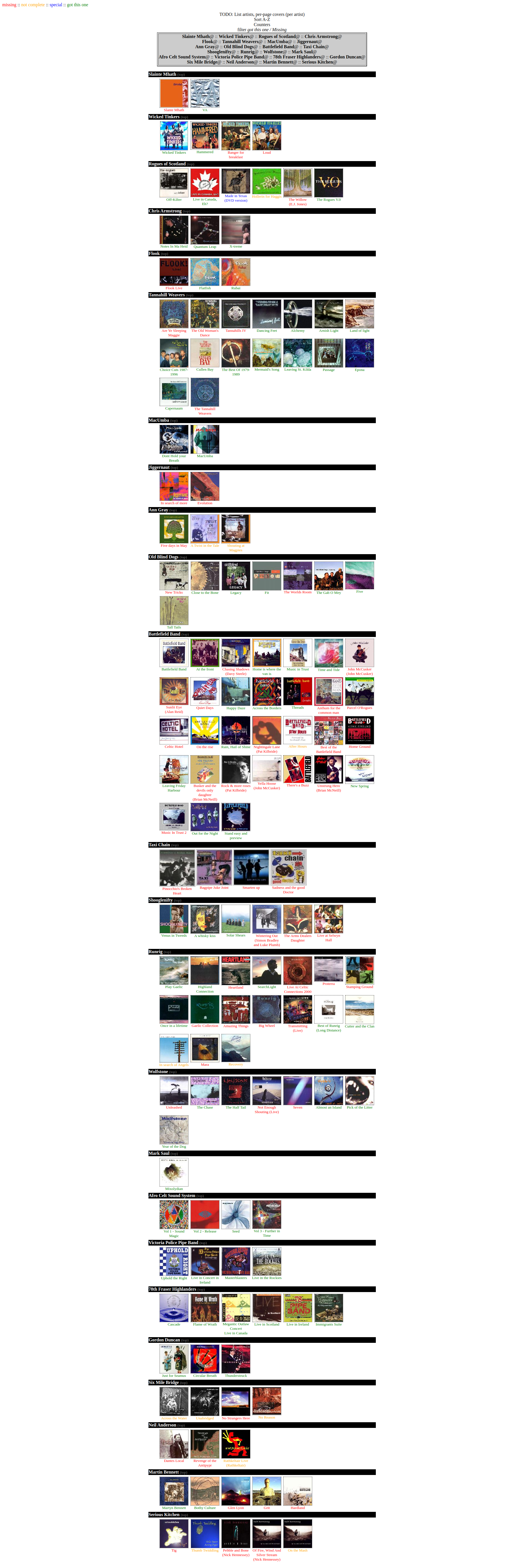
I’ve got a large Folk Music collection. And i wanted to have an overview of the Audio CD’s (mp3/flac) i’ve got from every Band or Artist.
So I made some PHP scripts and a scraping tool. To get a nice overview.
A part of it looks like this:
Most is auto-generated:
The scraper part needs eyed3 (made at a later date)
PHP Files
::::::::::::::
artist.php
::::::::::::::
<html><head><title></title>
<style type="text/css">
 img.clams { border: black dotted 1px; }
 </style>
</head><body vlink=black alink=black link=black>
<? $filebak=$file; ?>
<center><P>
<table border=2><tr><td bgcolor="#cccccc">
<P>
<?php include "list.php"; ?>
</td></tr></table>
<P>


<table>

<?php
$file=$filebak;
echo "<tr><td bgcolor=black><a name=\"$file\"><font color=white face=tahoma><b>$file</b></font></a></td></tr>"; include "readcovers.php";
?>

</table>
<P>
<?php if (file_exists("thumbs/$file/info.txt")){ include "thumbs/$file/info.txt"; } ?>
</body></html>
::::::::::::::
index.php
::::::::::::::
<html><head><title></title>
<style type="text/css">
 img.clams { border: black dotted 1px; }
 </style>
</head><body vlink=black alink=black link=black>
<a name="top">
<font face=tahoma color=red>missing</font> ::
<font face=tahoma color=orange>not complete</font> ::
<font face=tahoma color=blue>special</font> ::
<font face=tahoma color=green>got this one</font><P>
<center><P>
<font face=Tahoma>TODO: List artists, per-page covers (per artist)<BR>
Sort A-Z<BR>Counters<BR>filter <i>got this one / Missing</i>
<table border=2><tr><td bgcolor="#cccccc">
<P>
<?php include "list.php"; ?>
</td></tr></table>
<P>


<table>

<?php
$dir = "thumbs/";

// Open a known directory, and proceed to read its contents
if (is_dir($dir)) {
	$dh = opendir($dir);
       	while (($file = readdir($dh)) !==false) {
           #echo "filename: $file : filetype: " . filetype($dir . $file) . "\n";
		if (filetype($dir . $file)=="dir" && $file!=="." && $file!=="..") { echo "<tr><td bgcolor=black><a name=\"$file\"><font color=white face=tahoma><b>$file</b></font></a><a href=\"#top\"> <f
ont face=tahoma color=\"grey\"><small>(top)</small></a></td></tr>"; include "readcovers.php";  }
       	}
}
       closedir($dh);
?>

</table>
</body></html>
::::::::::::::
list.php
::::::::::::::
<html><head><title></title>
<style>
<!--
A:link {text-decoration: none; color: "#000000";}
A:visited {text-decoration: none; color: "#000000";}
A:hover {text-decoration:  none; }
//-->

</style>
</head><body>

<center><P>
<?php
$countart=0;
$dir = "thumbs/";

// Open a known directory, and proceed to read its contents
if (is_dir($dir)) {
	$dh = opendir($dir);
       	while (($file = readdir($dh)) !==false) {
		if (filetype($dir . $file)=="dir" && $file!=="." && $file!=="..") { echo "<a href=\"index.php#$file\"><font color=black face=tahoma><b>$file</b></font></a><a href=\"artist.php?file=$file\
">@</a> "; $countart=$countart+1; if ($countart==4) { $countart=0; echo "<BR>";} else { echo ":: ";}  }
       	}
}
       closedir($dh);
?>
</body></html>
::::::::::::::
readcovers.php
::::::::::::::

<tr><td align=left>
<table><tr><td width=30></td>
<?php
$dir1 = "thumbs/$file";
$counter=0;
// Open a known directory, and proceed to read its contents
if (is_dir($dir1)) {
   if ($dh1 = opendir($dir1)) {
       while (($file1 = readdir($dh1)) !==false)  {
#echo "filename: $file : filetype: " . filetype($dir1 . $file) . "<BR>";
$fileinfo="leeg";
if ($counter==7) { echo "</tr><tr><td width=30></td>"; $counter=0; }
if ($file1!=="." && $file1!=="..") {
if (stristr("$file1", ".jpg")) { echo "<td valign=top width=105><center><img src=\"$dir1/$file1\" class=\"clams\">";
$fileinfo = str_replace("jpg", "txt", $file1); $counter=$counter+1;}
if (file_exists("$dir1/$fileinfo")) { echo "<br><font face=tahoma><small>"; include "$dir1/$fileinfo"; }
echo "</small></td>";
}
       }
       closedir($dh1);
   }
}
?>
</tr></table>
</td></tr>
Scraper
mkdir -p /tmp/1
find  celtic/Celtic/ -type d | while read ; do
countmp3=$(ls "$REPLY" | egrep -i mp3$ | wc -l)
if [ $countmp3 -gt 0 ] ; then
	rm -f /tmp/1/*
	album=$( echo $REPLY | rev | cut -f1 -d/ | rev)
	artist=$( echo $REPLY | rev | cut -f2 -d/ | rev)
	countslash=$(echo "$REPLY"  | tr -cd '/' | wc -c)
	if [ $countslash -lt 4 ] ; then
		artist=$album
		album=""
	fi
	echo "artist : $artist - Album : $album"
	mkdir -p "thumbs/$artist"
	ls "$REPLY" | egrep -i "mp3$|flac$" | while read biggest; do
		eyeD3 --write-images=/tmp/1  "$REPLY/$biggest"

		if [ ! "$( ls -A /tmp/1/ )" ]  ; then cp empty.jpg /tmp/1/FRONT.jpg ;fi
		deze=$(ls -S /tmp/1/* | head -1)
		convert -resize 200x200 "$deze" "thumbs/$artist/$album.jpg"
		echo "$album" > "thumbs/$artist/$album.txt"
	done
fi
done
I’m planning to make an version which shows every individual mp3, and shows me if they are valid mp3’s/flac and have a good cover. (Using tiny thumbnails) (Made this, didin’t post)
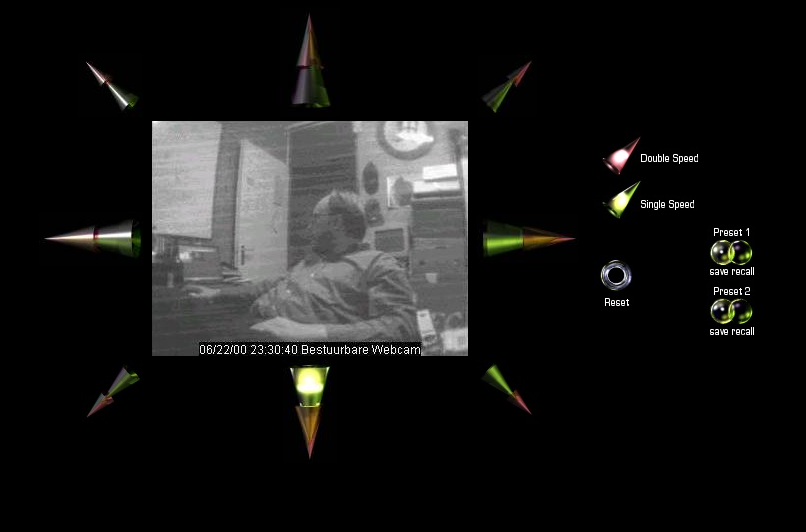
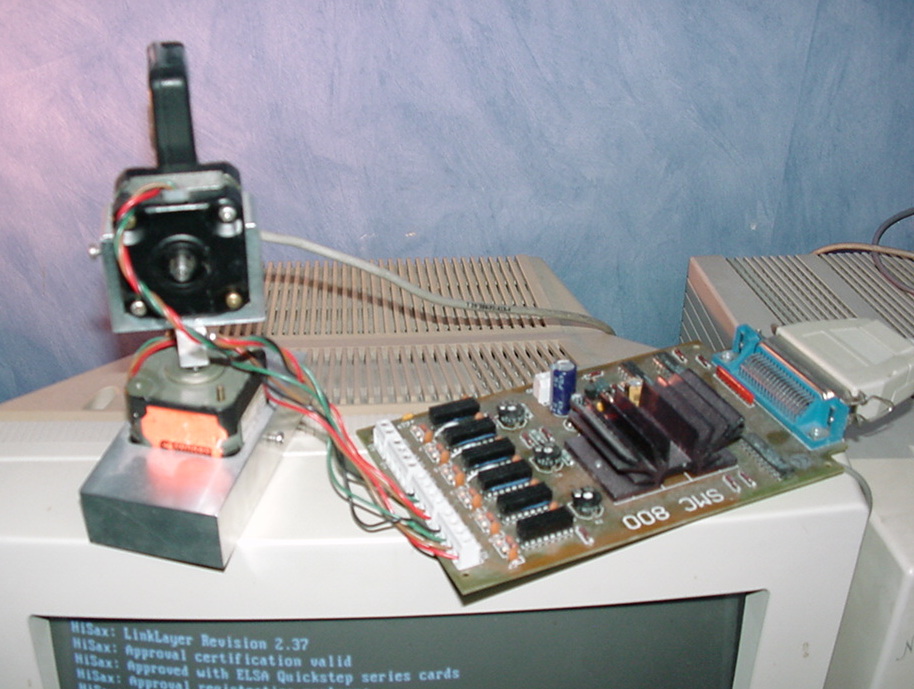
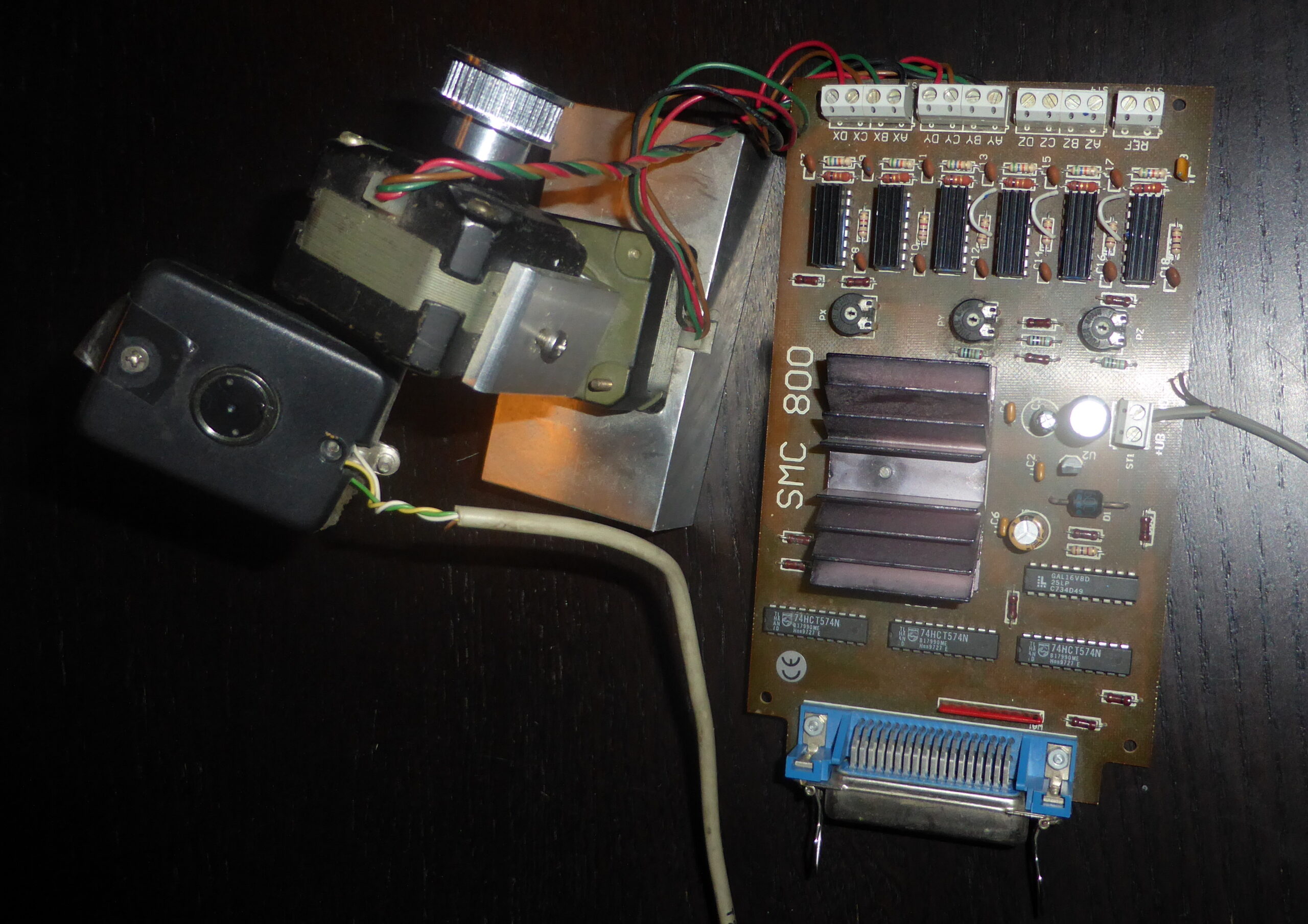
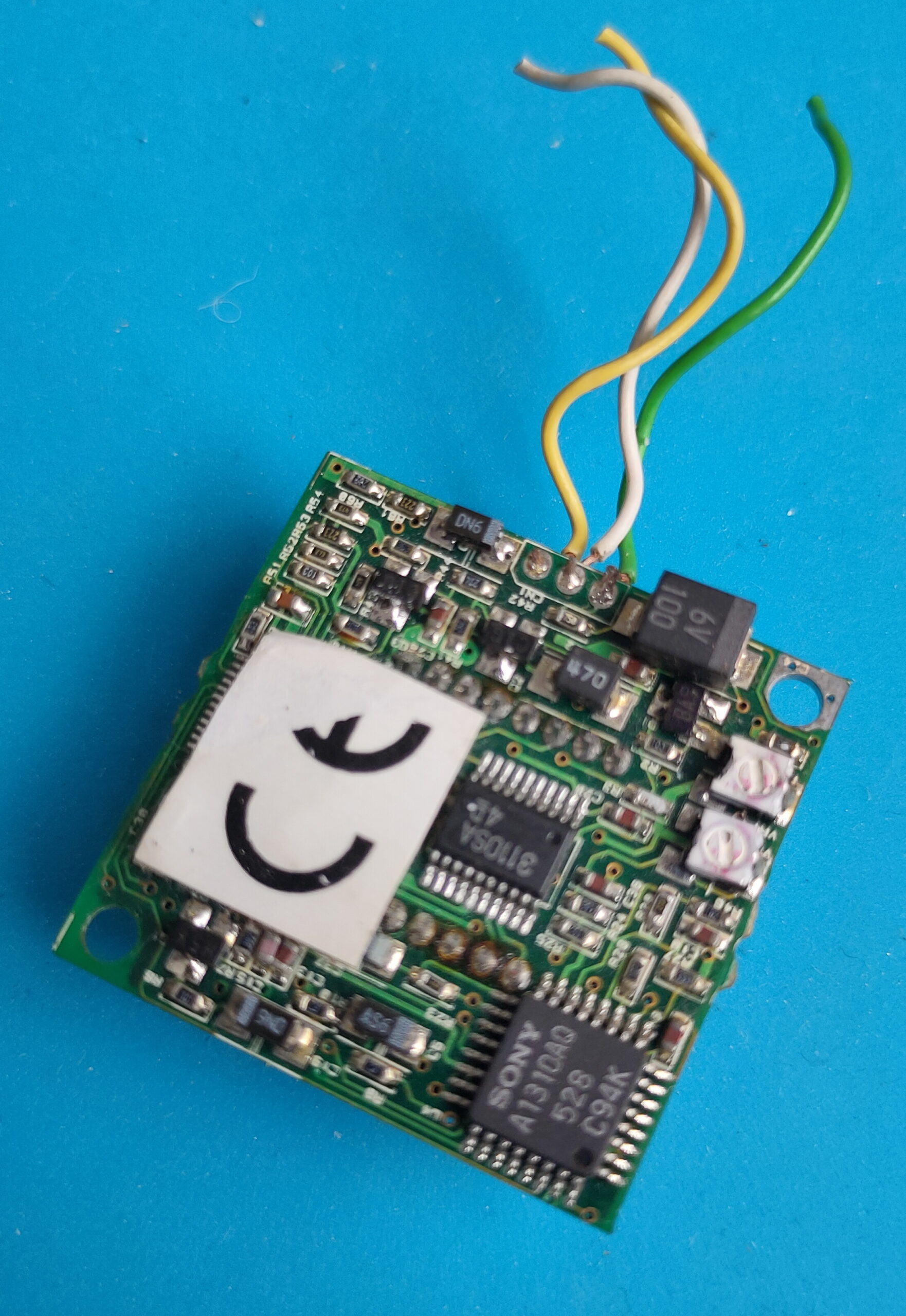
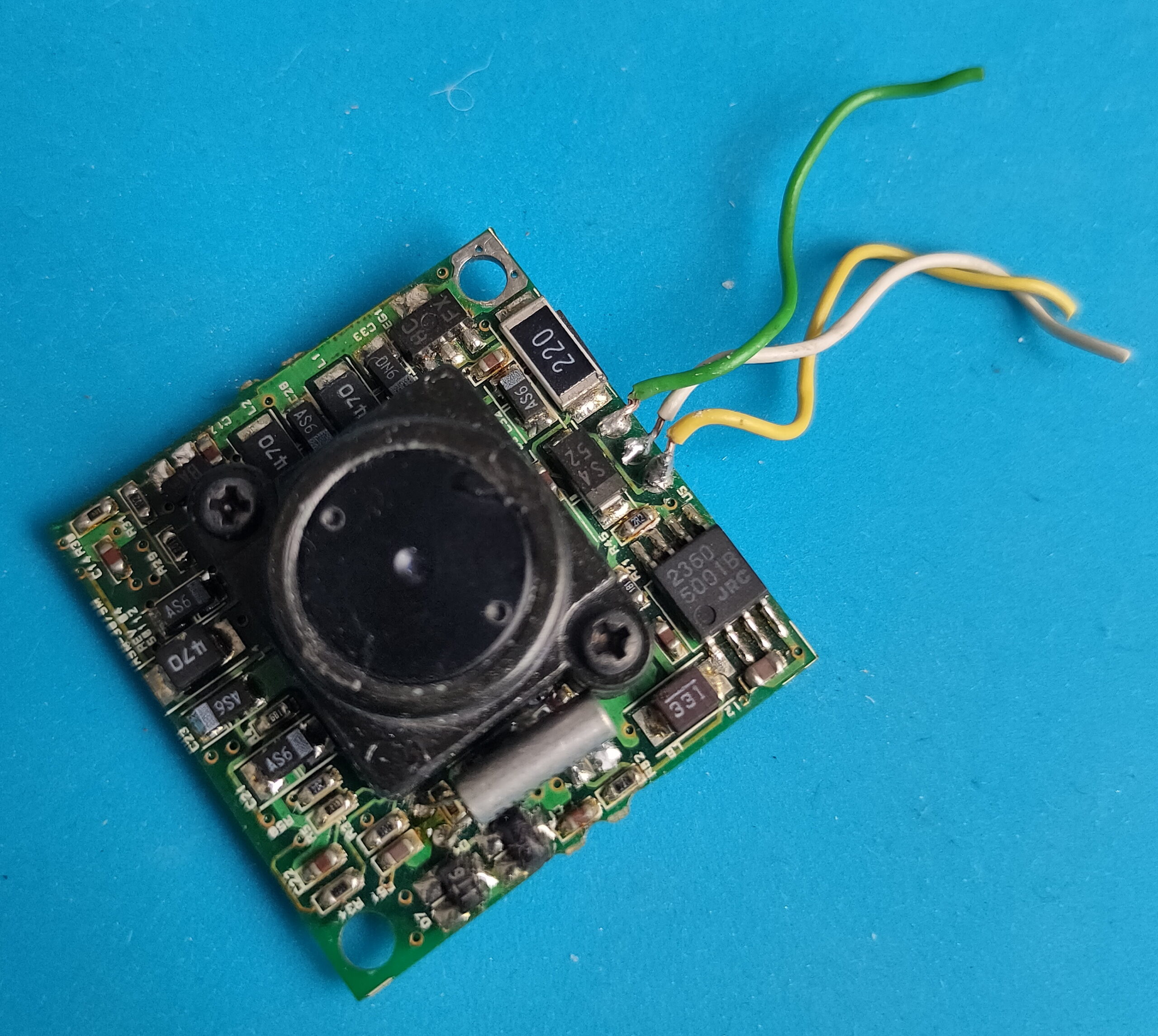
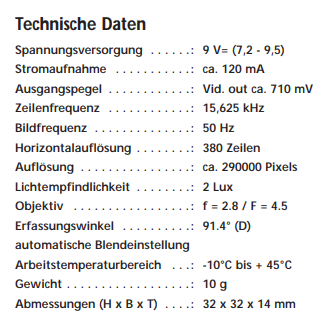
Using a steppermotor controller with two motors. A video capturing device (videoblaster) and a mini B/W camera.
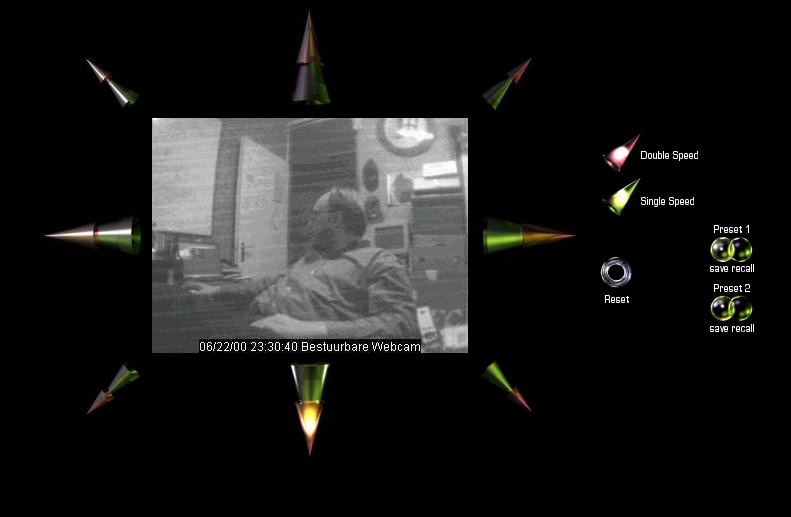
Web interface with glassbuttons effects which i rendered using Bryce.
Up/down/left/right and diagonal
Red double speed green single speed
Reset view
2 Presets with save and recall
Setup with parallel cable
Written software in html and some CGI scripts. Perl and C.
#include <asm/io.h>

# C Code for moving left

int main(int agrc,char agrv[])
{
  int i,wachten;
  int richting1[8]={0x27,0x2d,0x1c,0x0d,0x03,0x09,0x38,0x29};
  int richting2[8]={0x29,0x38,0x09,0x03,0x0d,0x1c,0x2d,0x27};
  ioperm(0x378,3,1);
  ioperm(0x37a,3,1);
  wachten=100;


for (i=0; i<=7; i=i+1)
        {
        outb(richting2[i], 0x378);
        outb(1, 0x37a);
        usleep(wachten);
        outb(0, 0x37a);
        usleep(wachten);
        outb(1, 0x37a);
        usleep(wachten);
        }

 return(0);
}
#!/usr/bin/perl
# Perl CGI script

# Uses 204 no content trick to stay on same page
use LWP::Simple;
my $img = get ('http://10.1.0.1/cgi-bin/left.cgi');
print "Status: 204 No content\n\n";
Streaming video was done using progressive JPG push. Later i used the capturing command in the loop below.
#!/bin/sh

# push jpg, and update after 1sec
# output mime header

echo Content-type: multipart/x-mixed-replace;boundary=--WebcamRules\n
echo
echo --WebcamRules

# create stream

while true; do
   echo Content-type: image/jpeg
   echo
   cat /var/lib/httpd/htdocs/webcam.jpg
   echo
   echo --WebcamRules

   sleep 1
done
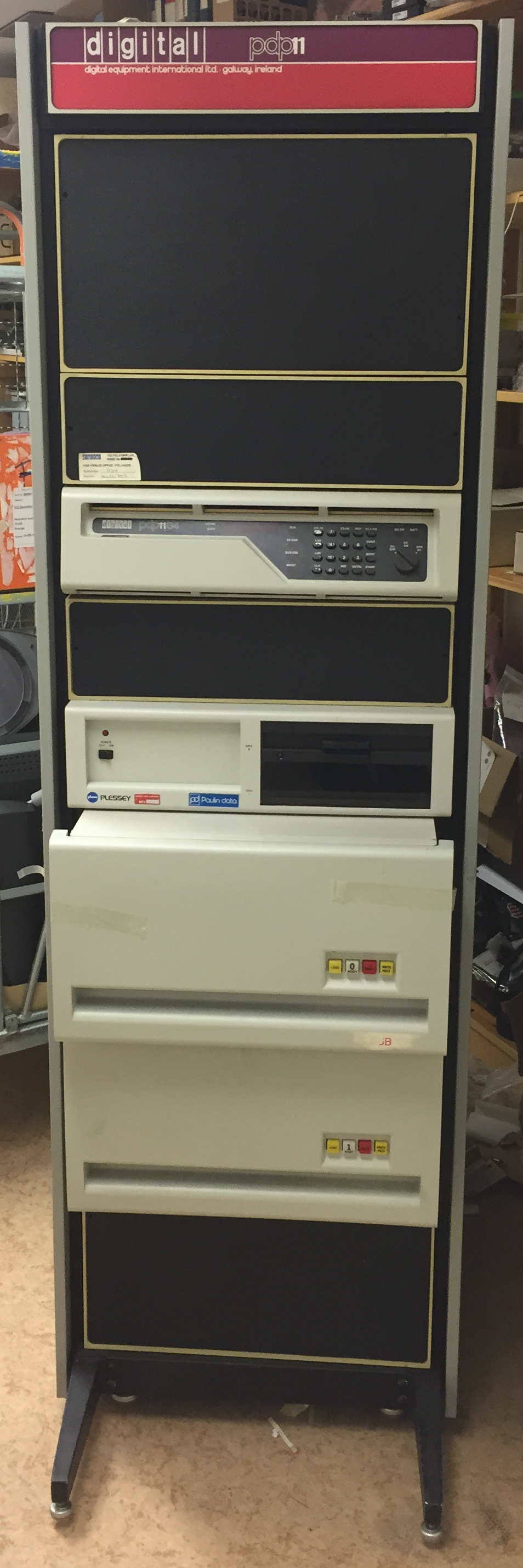
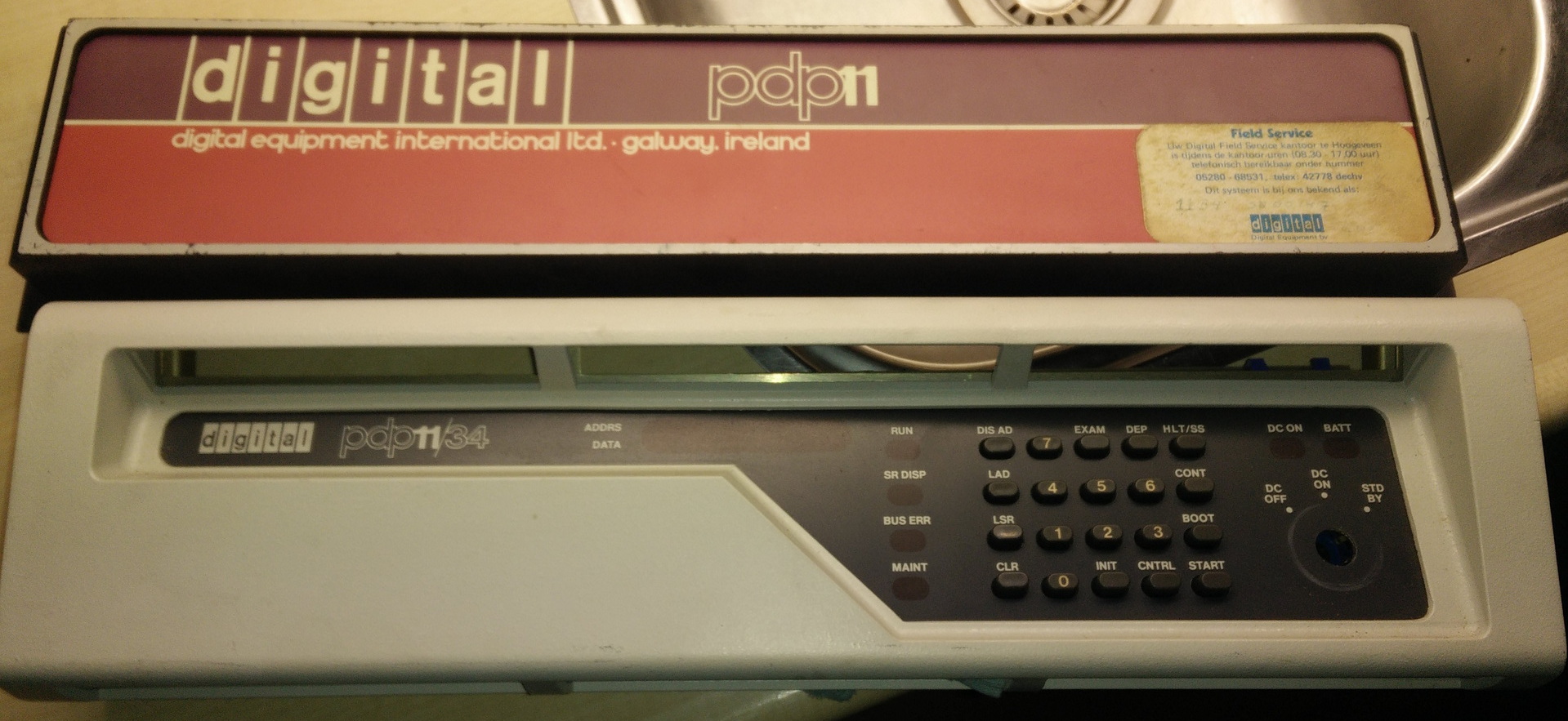
I got a free mainframe, when i was about 17. It was a huge Pdp-11/34 which a had to get from Enschede to Holten using a trailer.
PDP-11/34
It was a 19inch rack (loads of metal)
2x 8inch floppy drives
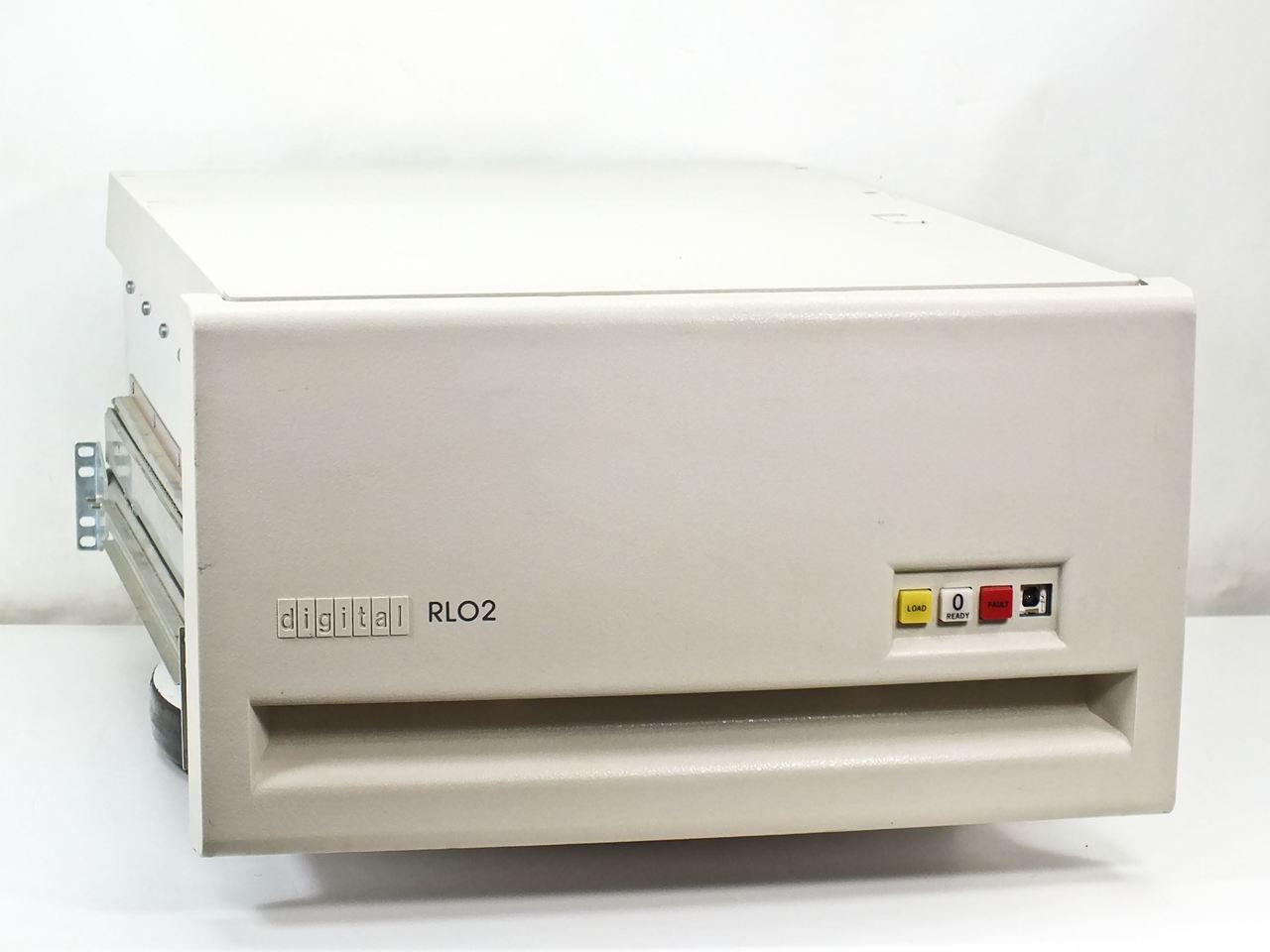
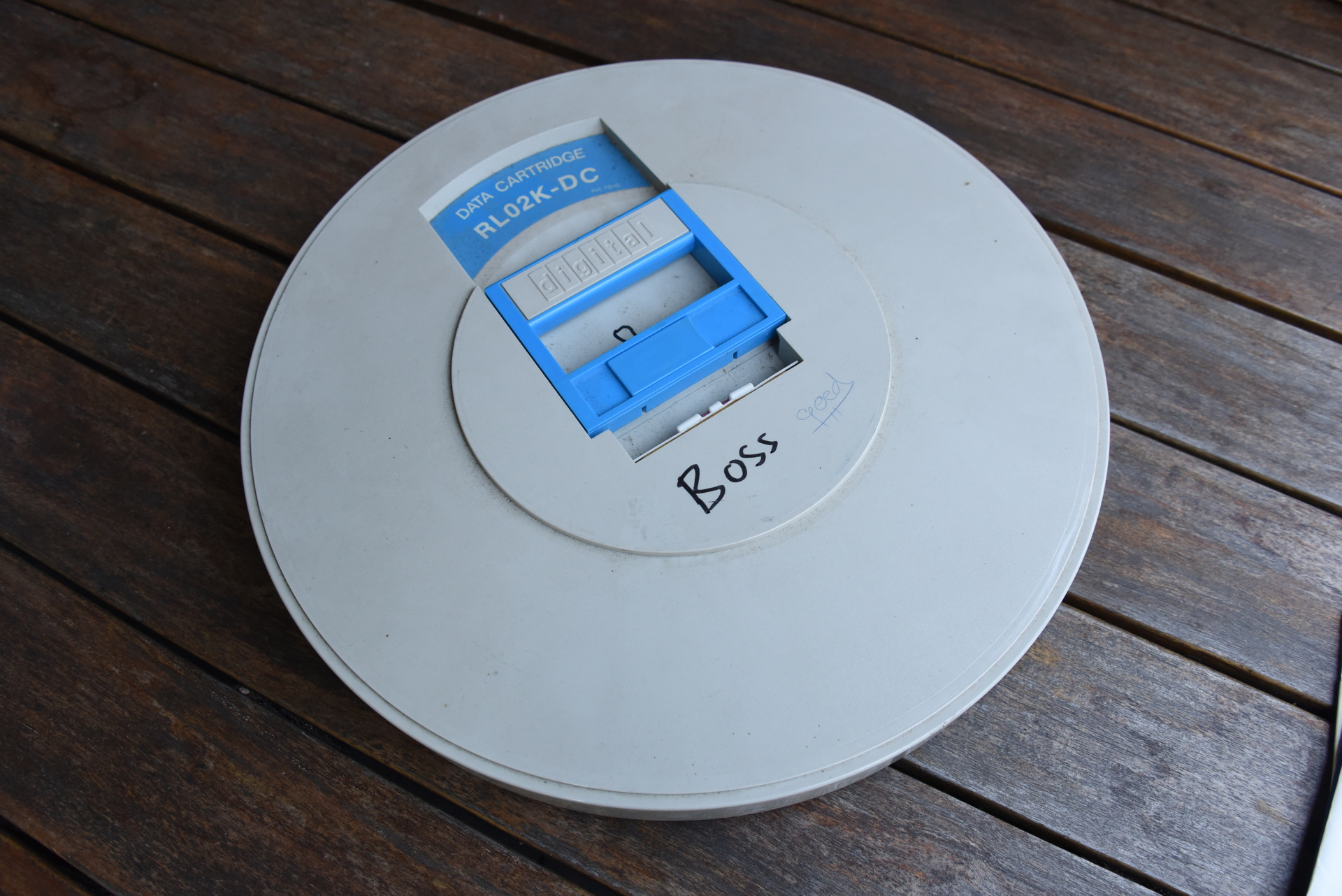
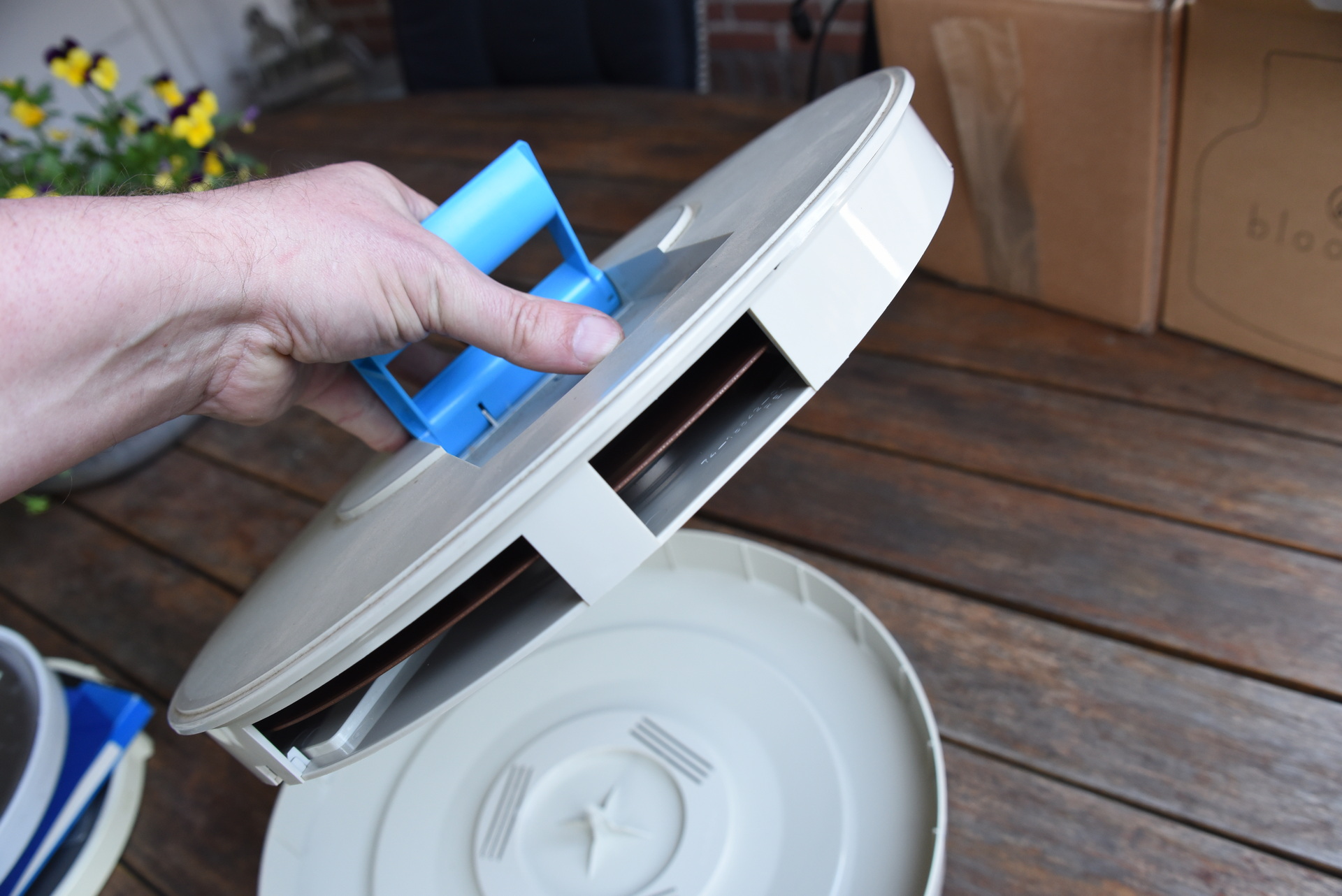
2x 20MB harddisk drives (with cardridge) each 34KG!
multiple (3?) Decwriter III printers
loads of VT100 terminals
2.5 meter of manuals
cables
disks (8 inch) and harddisk cartridges
I converted the power to a generic 230V connector. When booting the machine all the lights in the house dimmed.
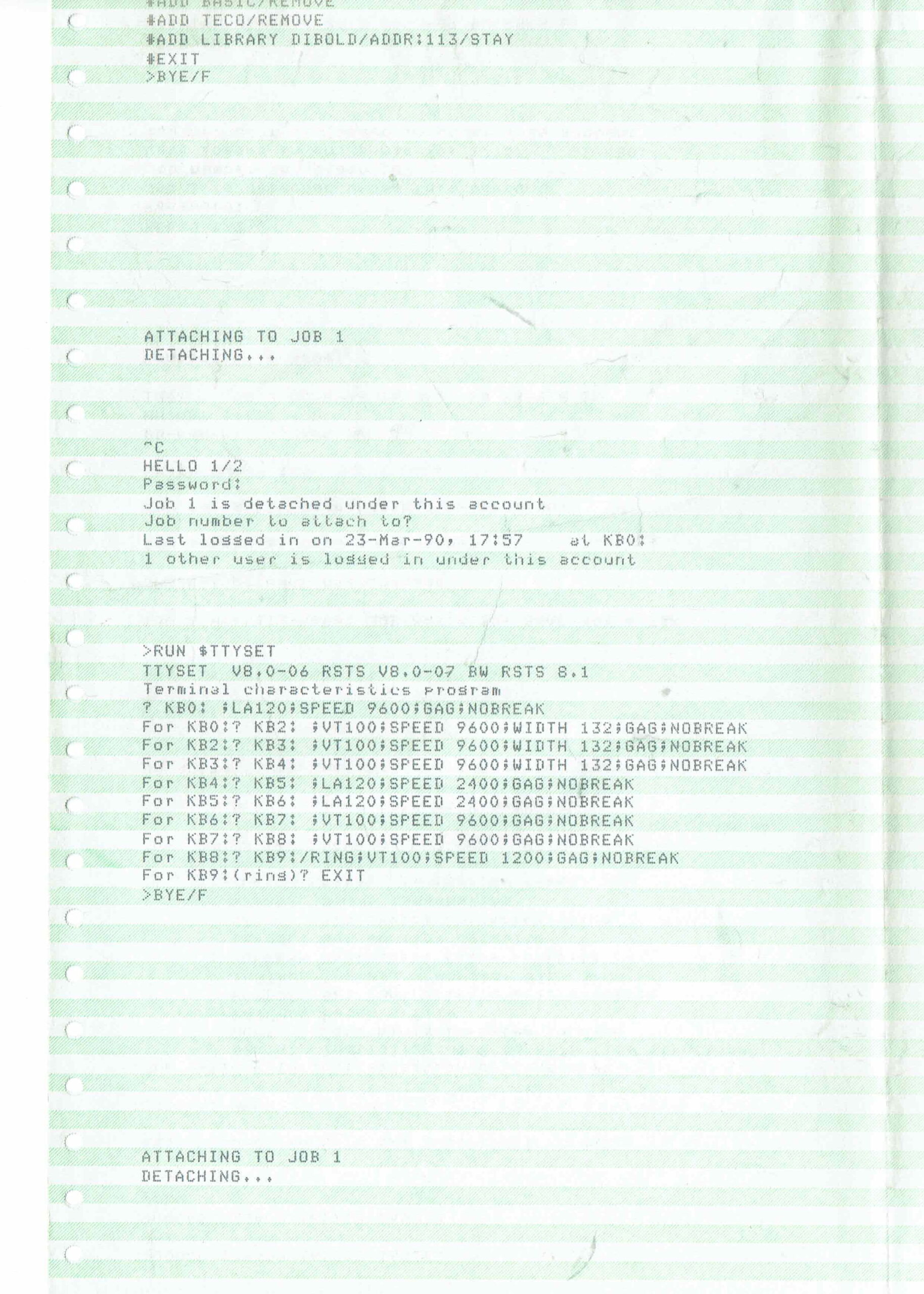
I didn’t know anything about mainframes, but i got things working. Sometimes i would play with it, but after a while it didn’t run anymore.
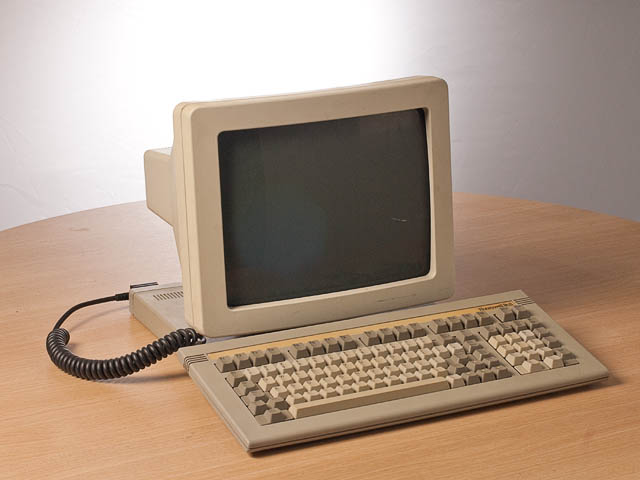
I’ve kept some of the parts of the machine. Terminals we used for a long time to connect to a linux server. ( The VT100 where later switched for more modern Wyse terminals )
One of the two drives (34kg) (not my picture)
Some parts i’ve kept
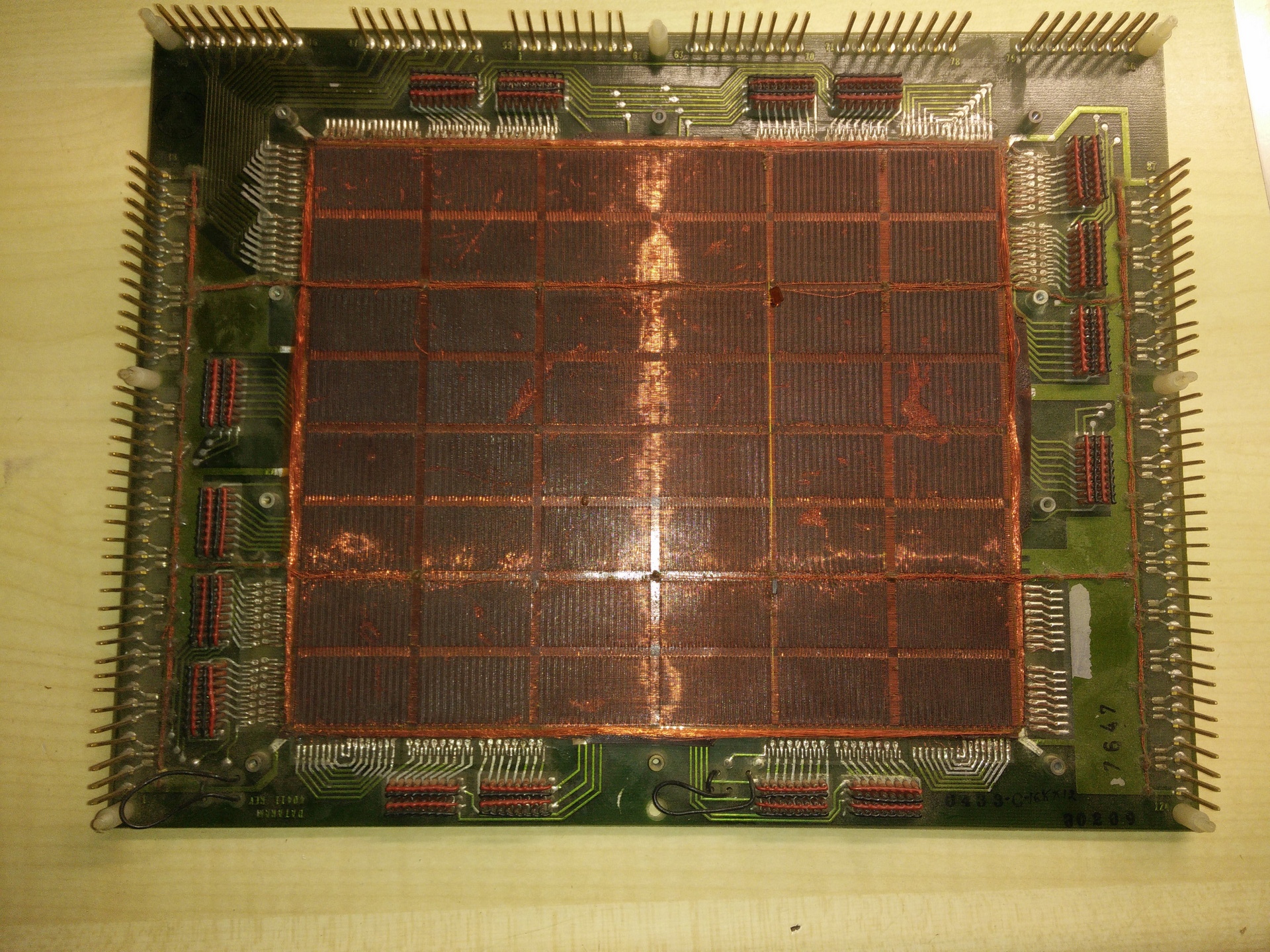
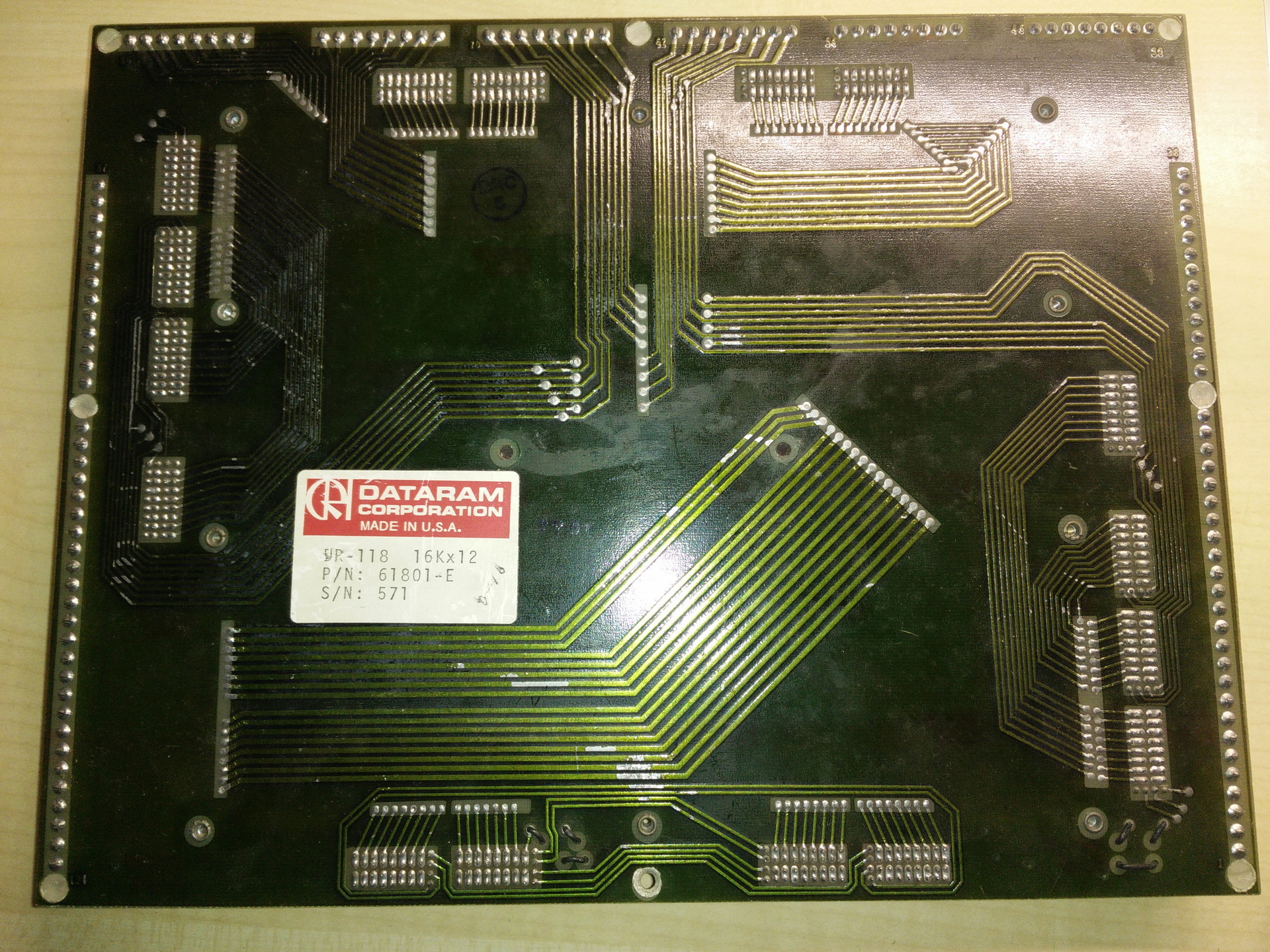
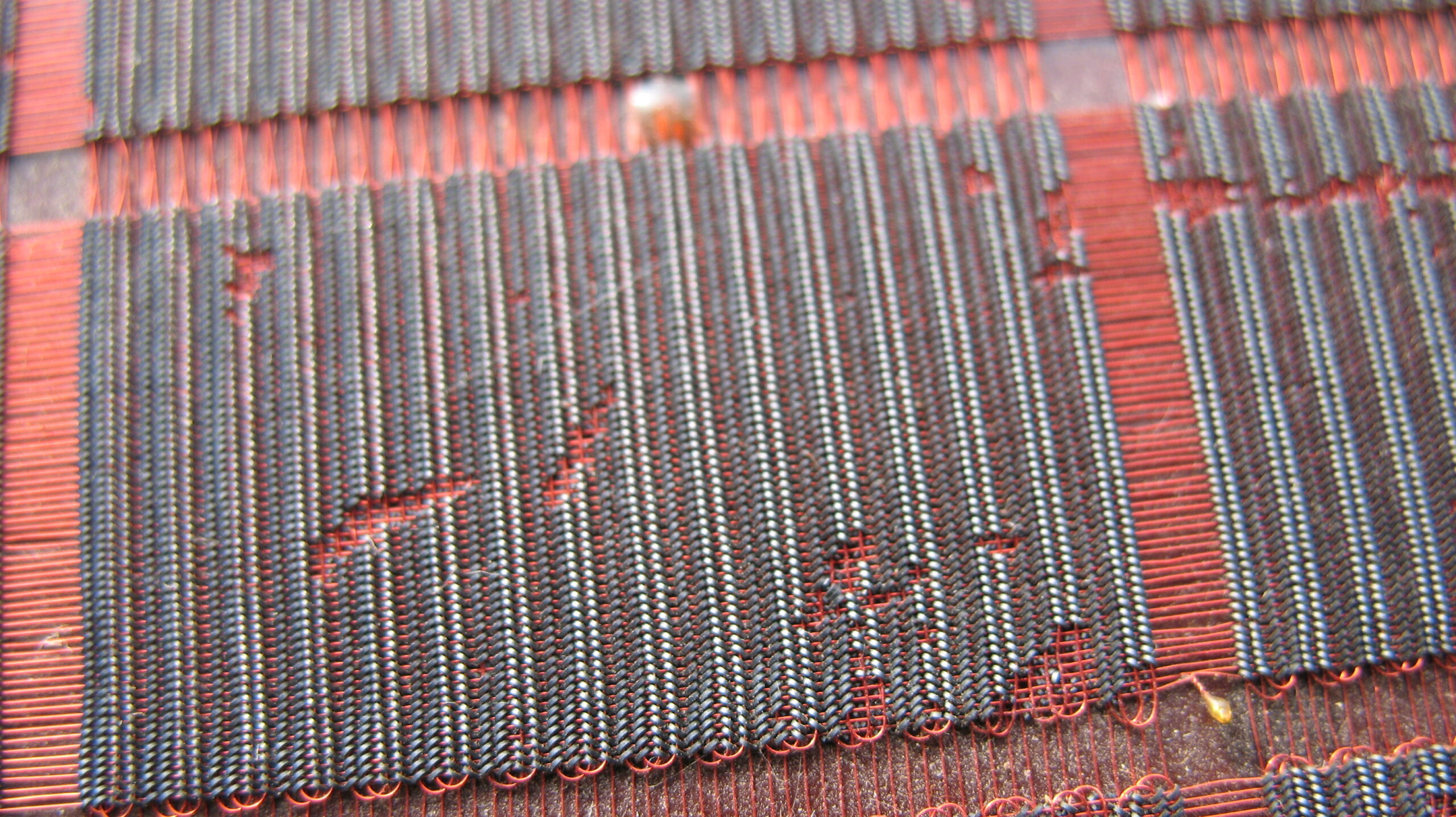
20MB cartriges for above driveMagentic core memory!16K x 12
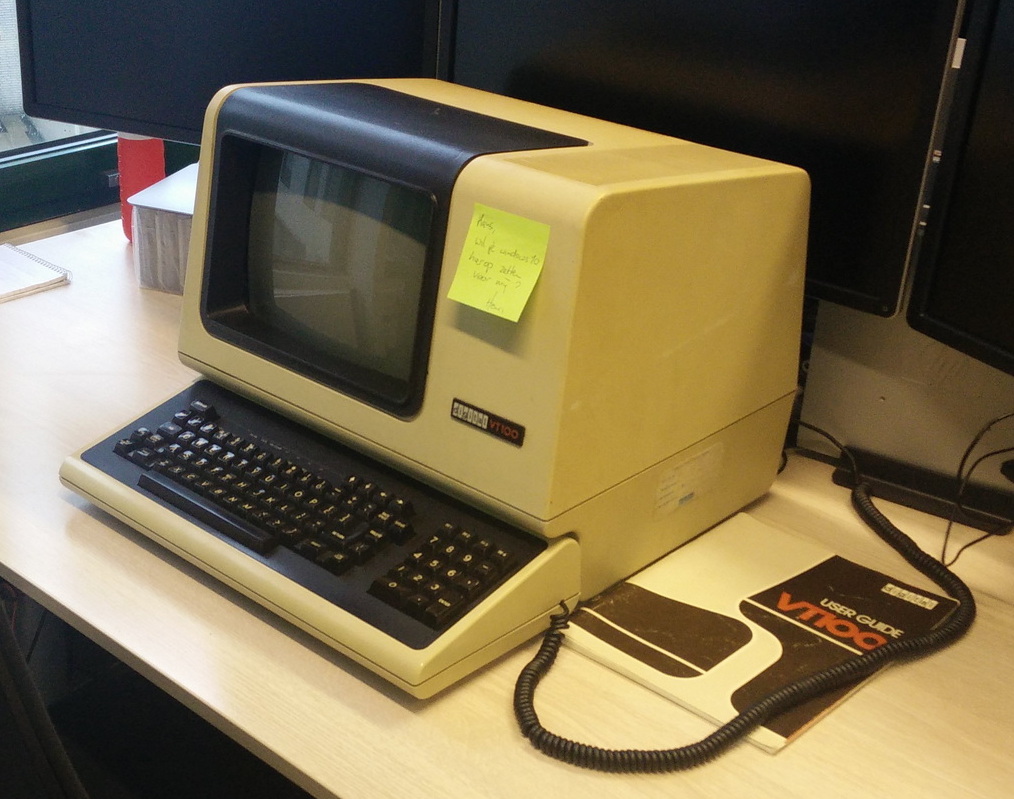
VT100 serial terminal (gave this one to a colleage) Postit says: Could you install Windows on this for me??
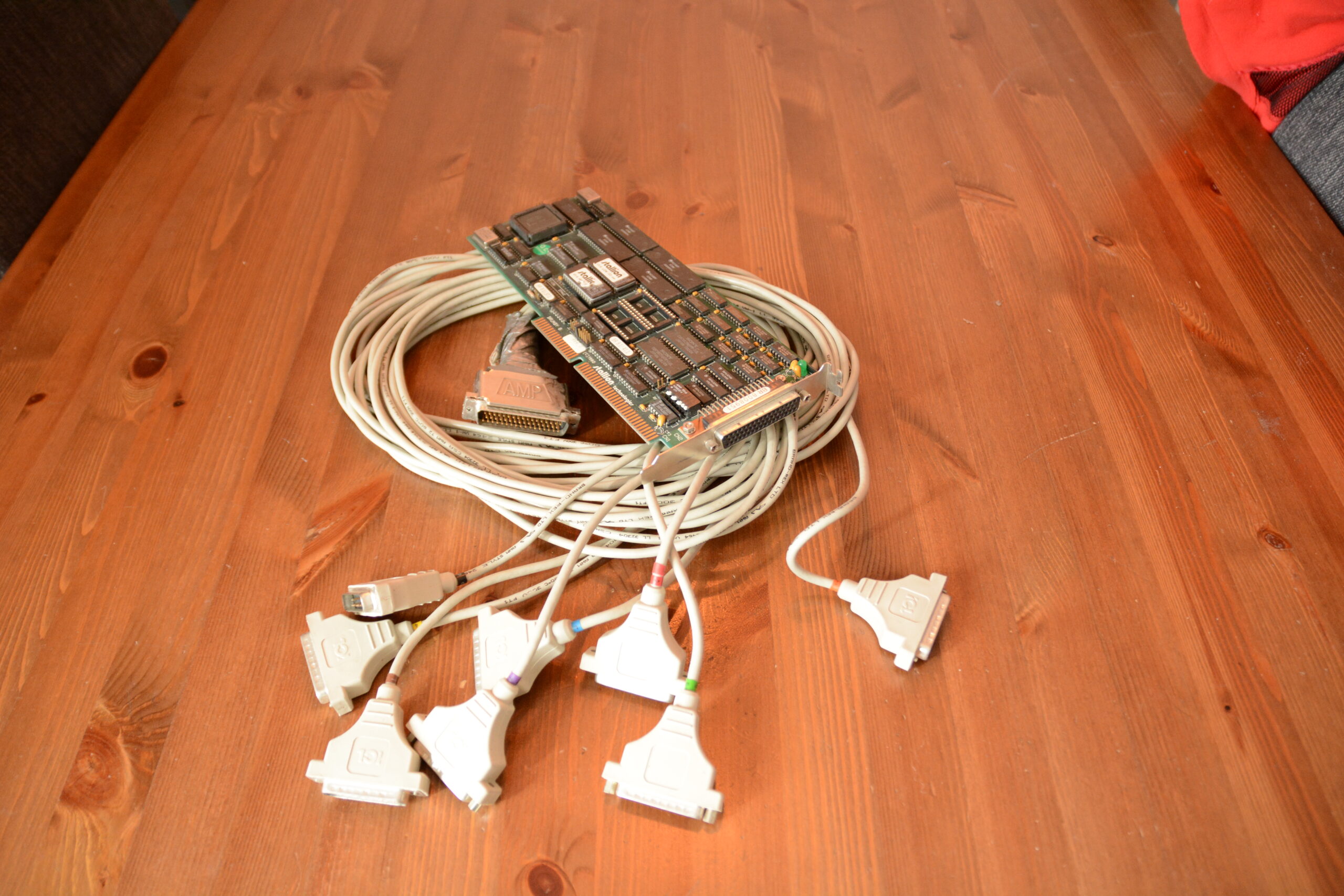
Wyse 50 TerminalStallion Card to connect 8 terminals
Serial printer
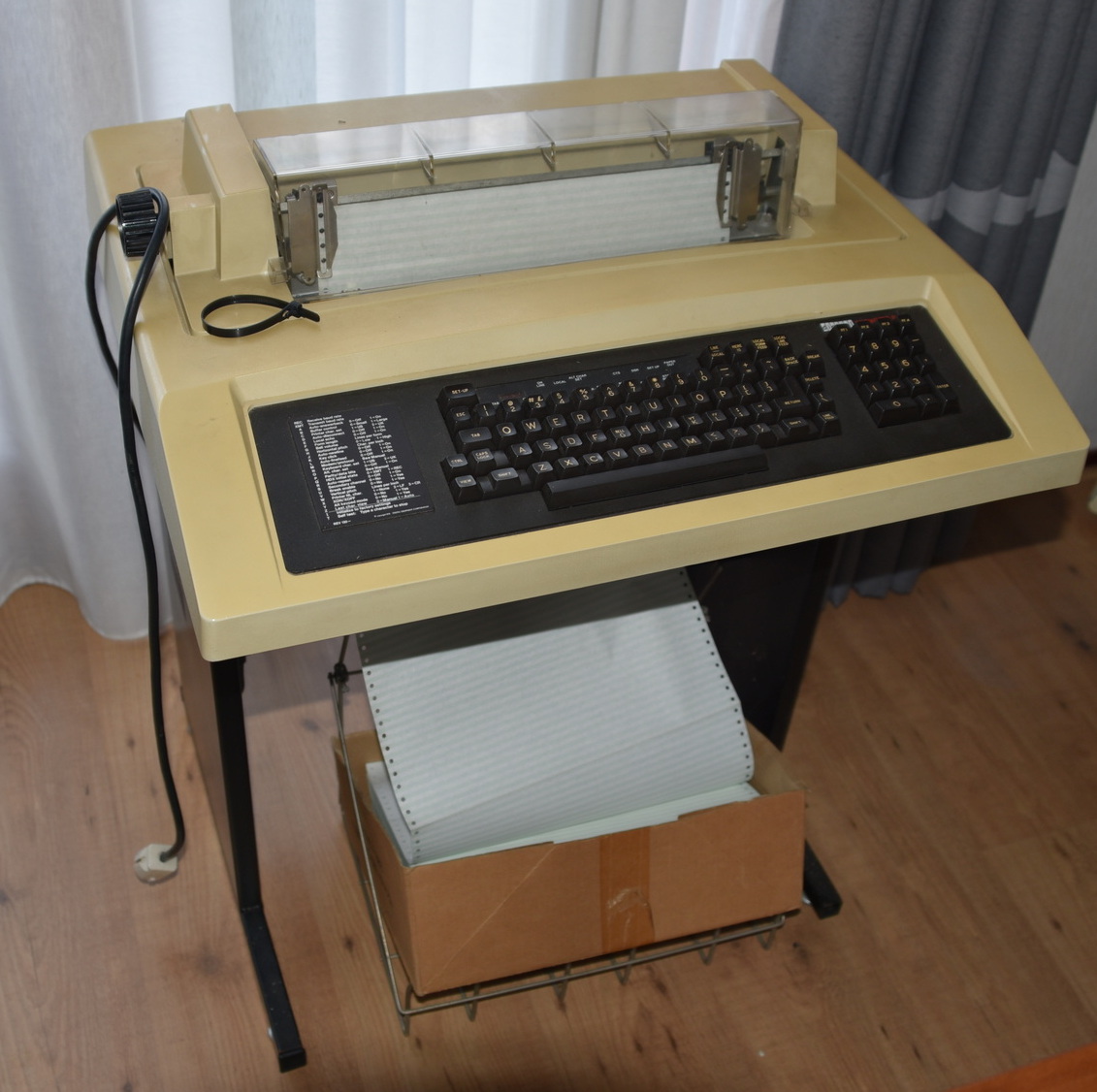
Last Decwriter i’ve got, also gone now.
These printer we used for generic printing, and just for fun. They made a lot of noise, and even they are serial printers they are fast!
So i resourced ms-dos into assembly and printed that, that was a sh*tload of paper. We even made a racing game. (Can’t find the source, but i’ve recreated a lookalike in linux-bash)
Object of the game was to keep your car O character on the road. The printer printed the lines, and you could use the keyboard to move your car, which also got printed.
Below the build-in-5-minutes bash lookalike. ( z left, x straight and c right) Original had more intricate road, and probably the road was drawn using two lines, to speedup printing (Decwriter III could print at 180 characters per second bidirectional!)
Looked more like this i think
#!/bin/bash
i=0
j=0
car=8
while true ; do
no=$(awk "BEGIN{print sin($i*atan2(0,-1)/180)*40+40}" | cut -f1 -d.)
way=$(awk "BEGIN{print sin($j*atan2(0,-1)/180)*10+13}" | cut -f1 -d.)
#echo $way
if [ $car -lt 0 ] ; then echo "boom" ; exit ; fi
if [ $car -gt $way ] ; then echo "boom" ; exit ; fi
carr=$car
rest=$((140-$no-$way))
i=$(($i + 1))
j=$(($j + 5))
while [ $no -gt 0 ] ; do
echo -n " "
no=$(($no - 1))
done
echo -n "#"
while [ $way -gt 0 ] ; do
echo -n " "
if [ $carr -eq 0 ] ; then
echo -n "O"
fi
way=$(($way - 1))
carr=$(($carr - 1))
done
echo -n "#"
while [ $rest -gt 0 ] ; do
echo -n " "
rest=$(($rest - 1))
done
echo ""
read -r -t 0.1 -n 1 -s key
if [ "$key" == "z" ] ; then
car=$((car - 1 ))
fi
if [ "$key" == "x" ] ; then
car=$((car - 1 ))
fi
if [ "$key" == "c" ] ; then
car=$((car + 1 ))
fi
done
"If something is worth doing, it's worth overdoing."