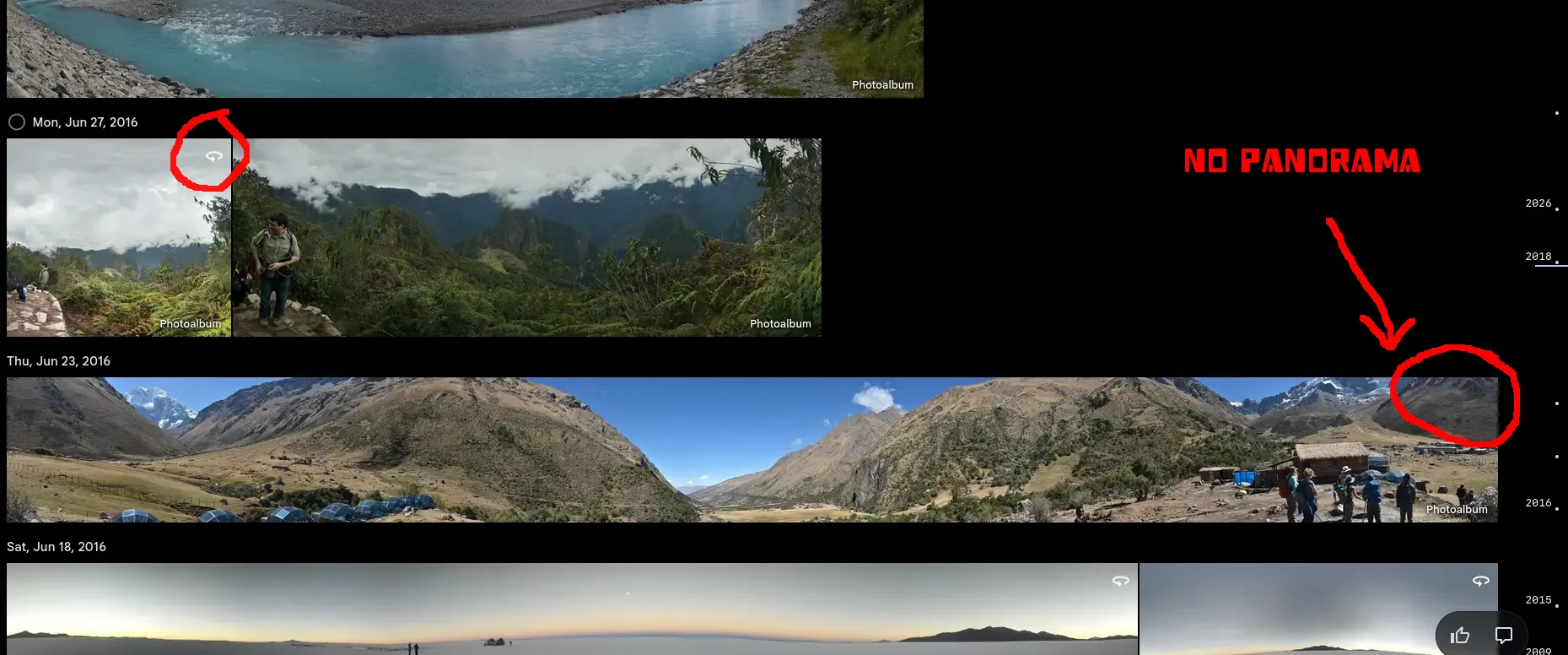
I have a bunch of panorama’s, made with phones or my Niko DLSR stitched with Hugin. These are not being detected as panorama by Immich, due to missing panorama tags … Here is my fix
I’ve got a bunch of media in my library with the following issues:
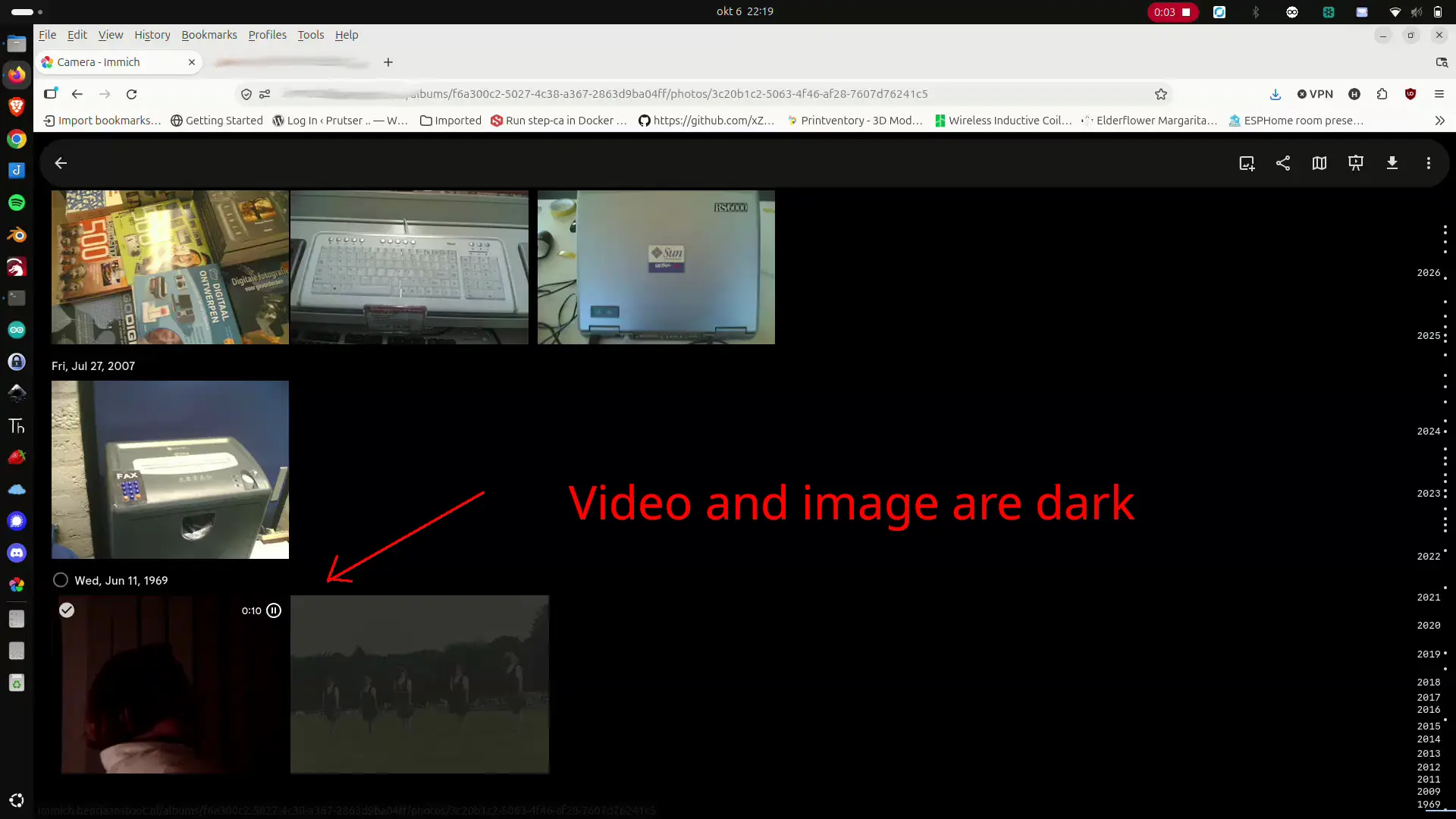
Images : too dark (rotation can be done within Immich)
Videos : too dark, interlaced or rotated
I used to fix these by removing from Immich, change original media, and upload again. Then I had to fix the date of media with missing exif dates, using touch command.
Now I have a script which is doing the following:
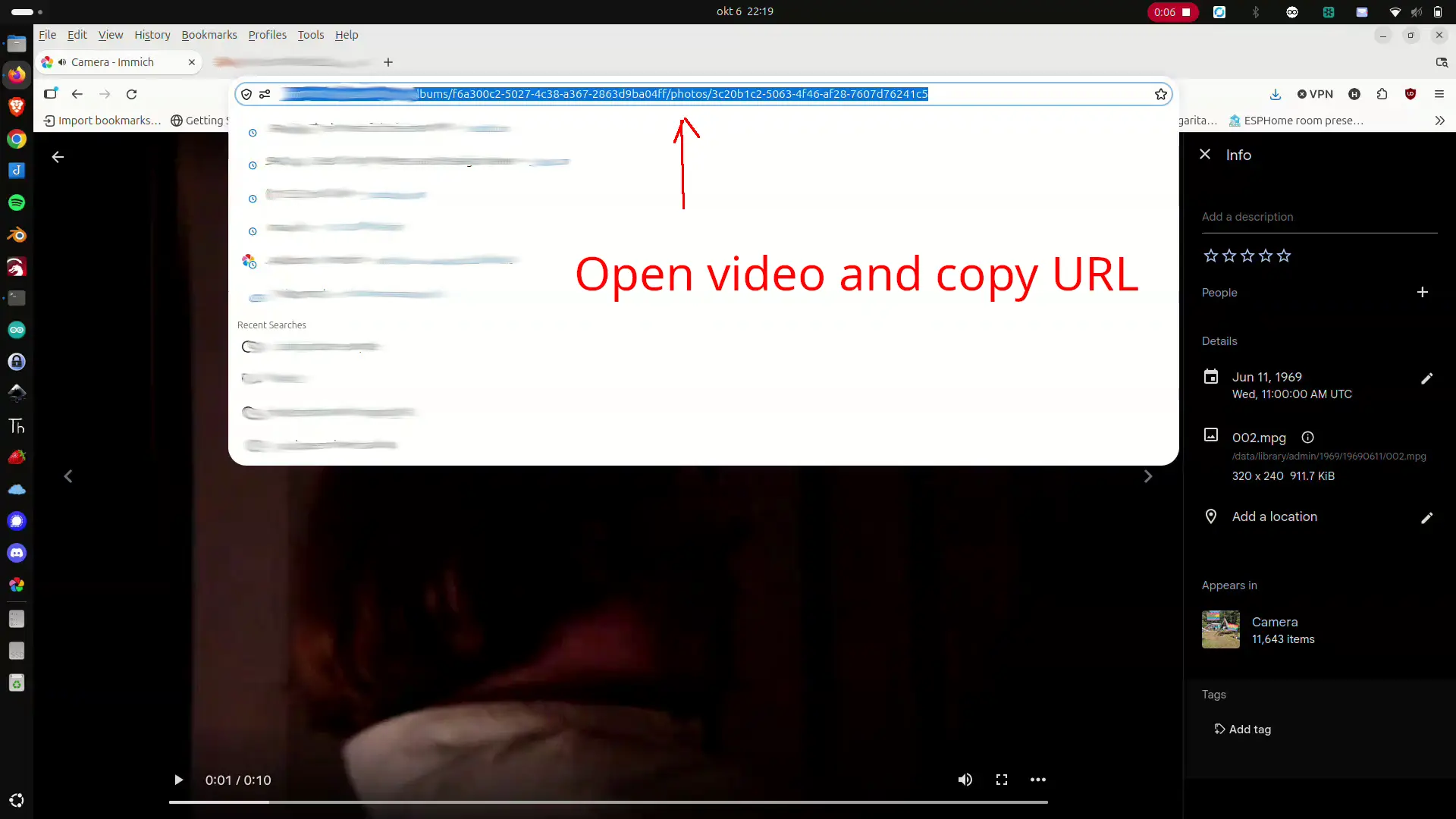
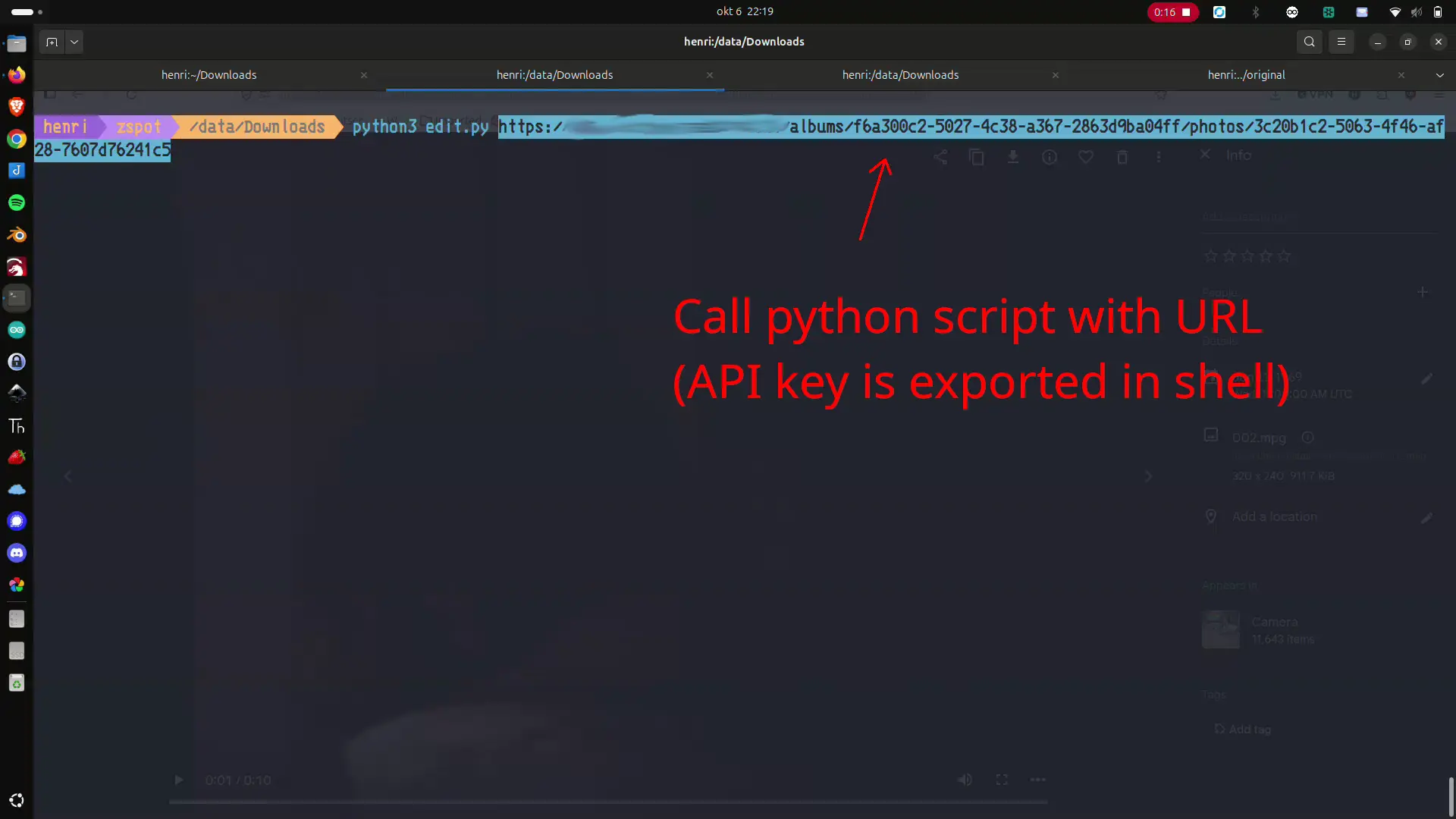
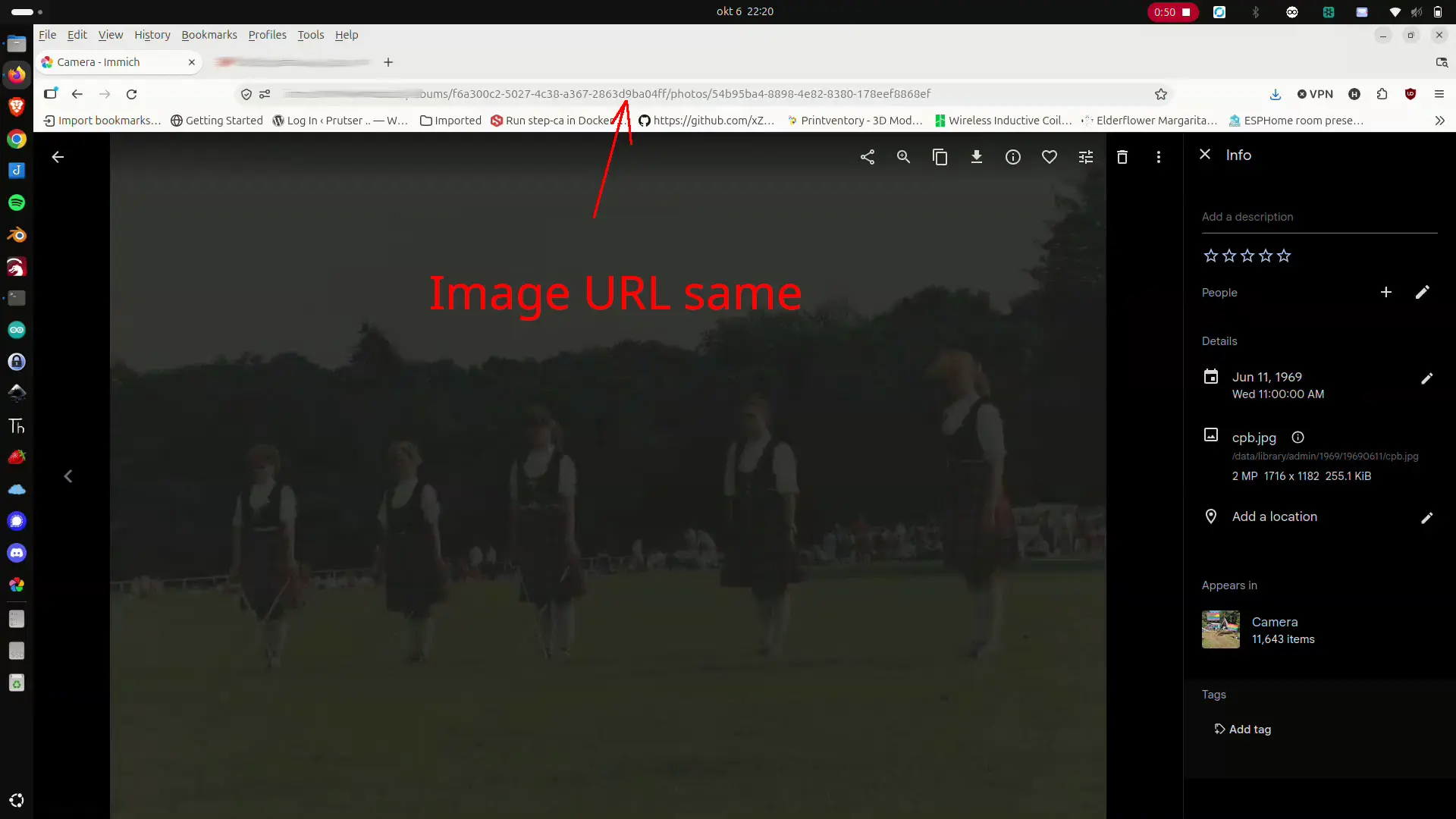
Copy the URL containing the media
It downloads the media using API calls
It downloads the metadata for dates and tags
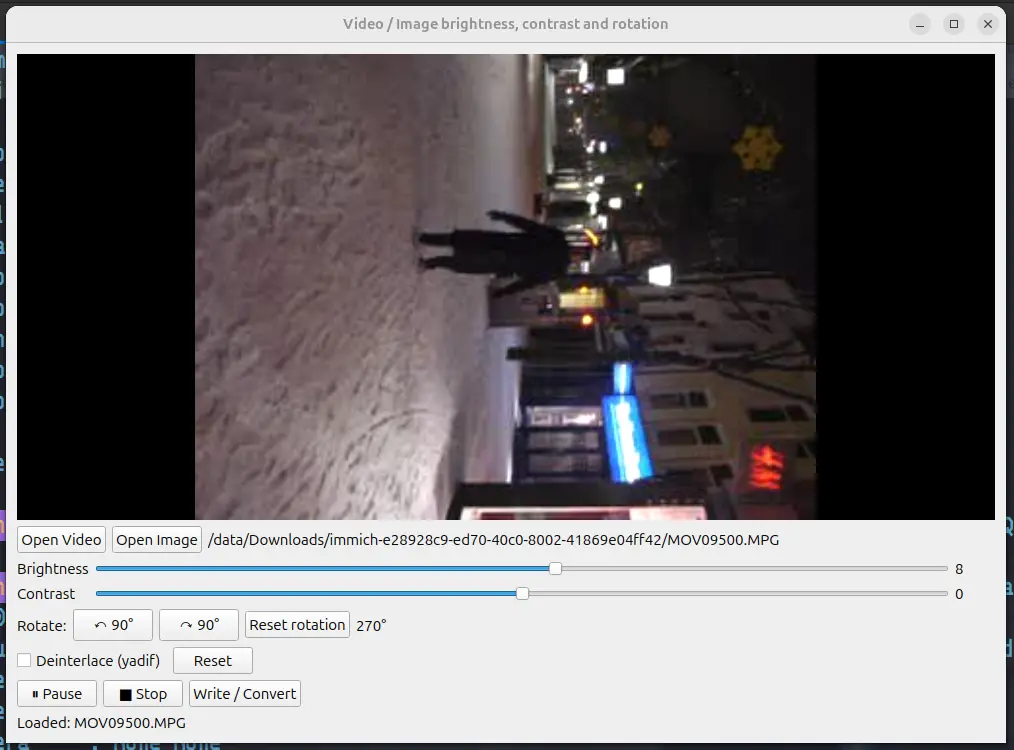
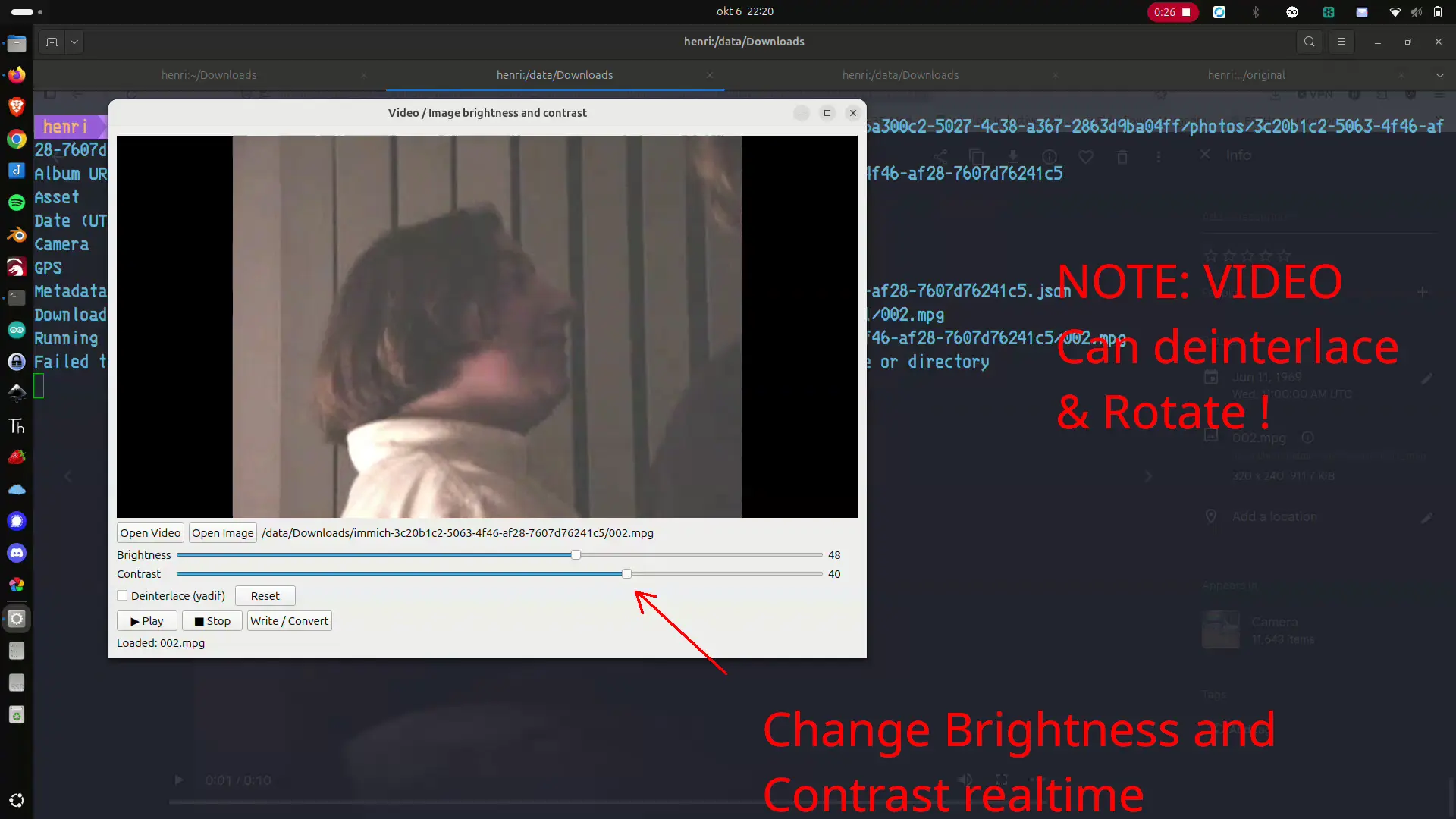
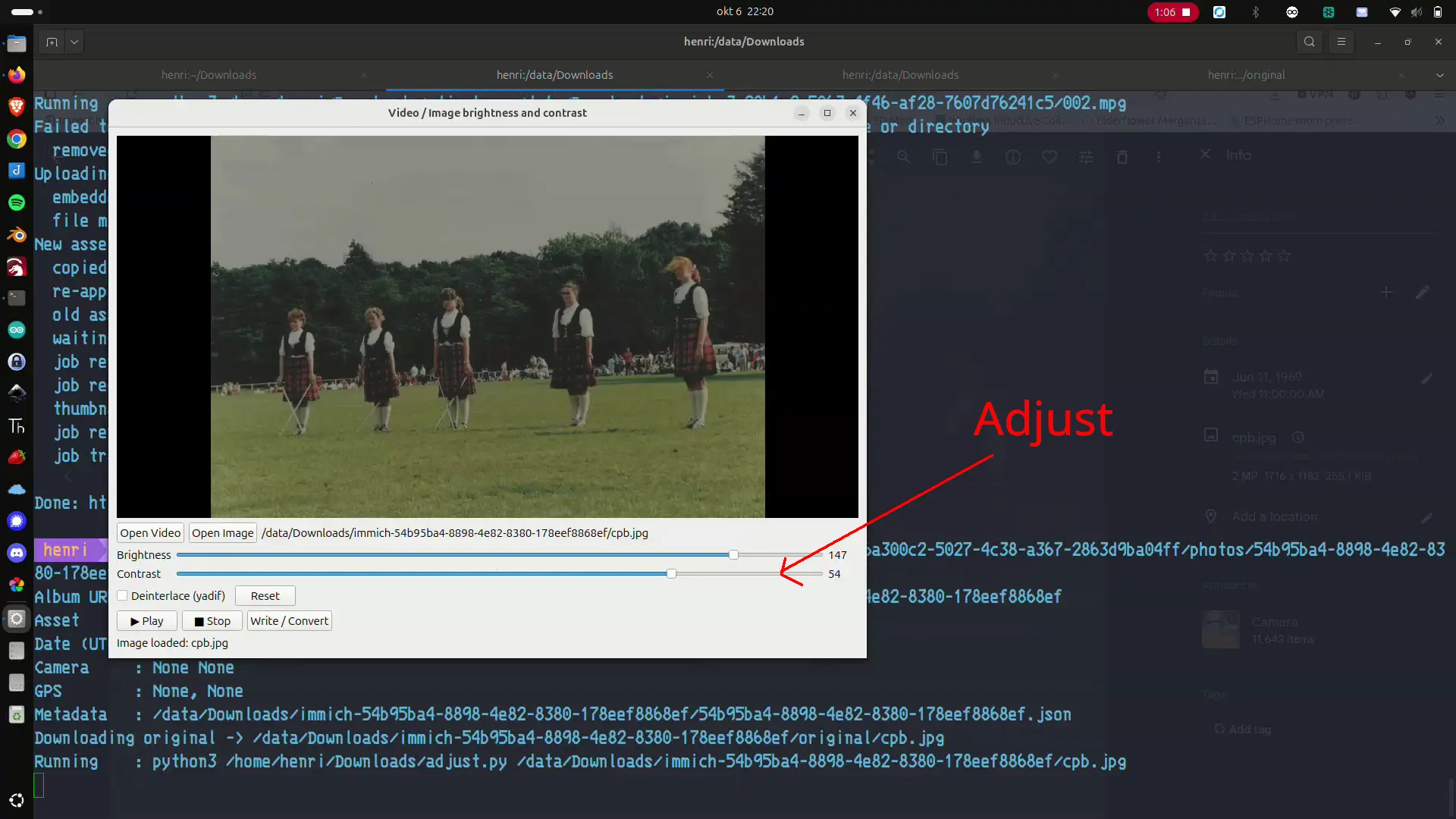
I calls a second python script in which you can do the following: Change contrast/brightness, rotate CW or CCW, and select deinterlace when needed.
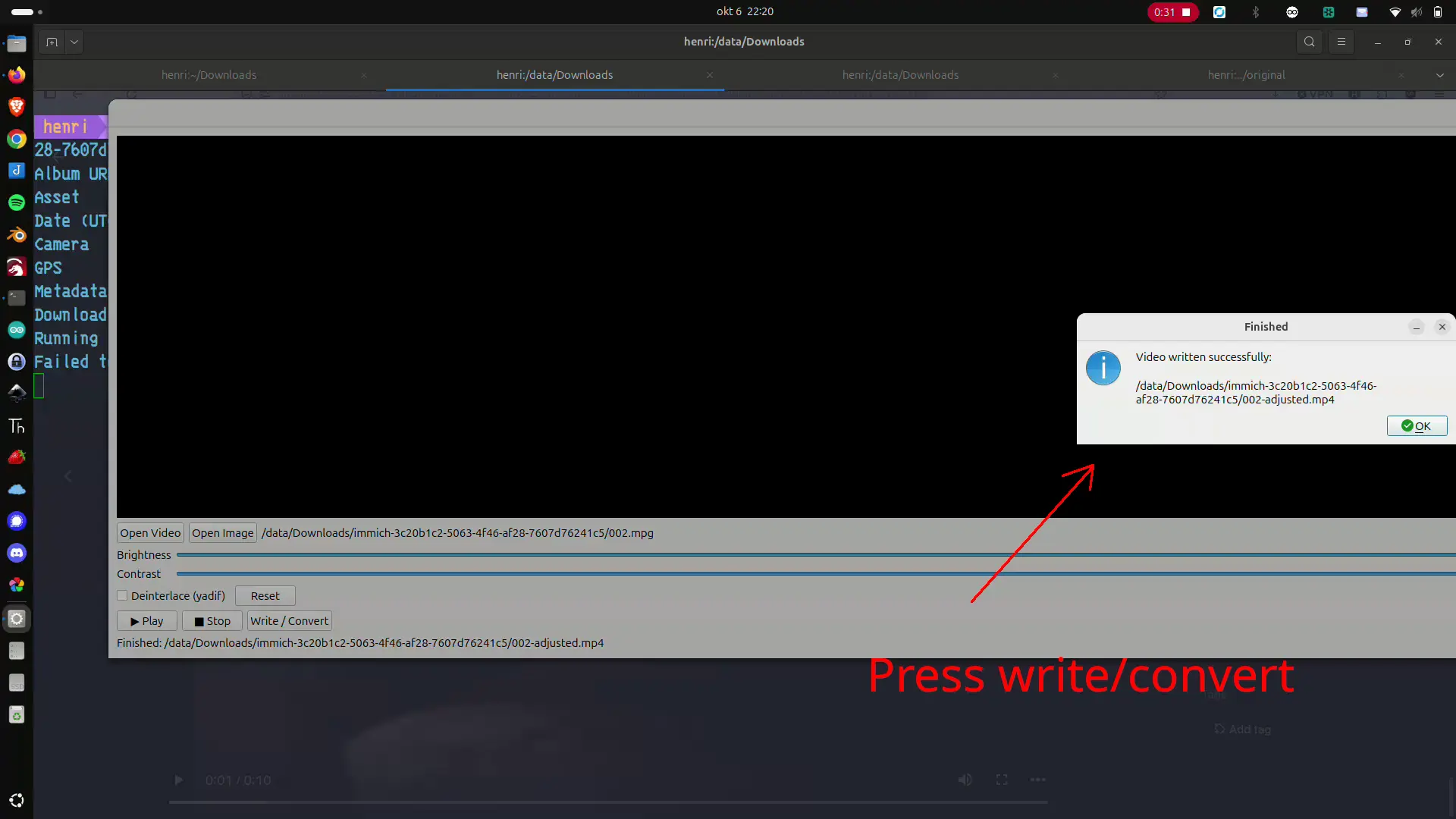
Write the new image or movie to a temp file
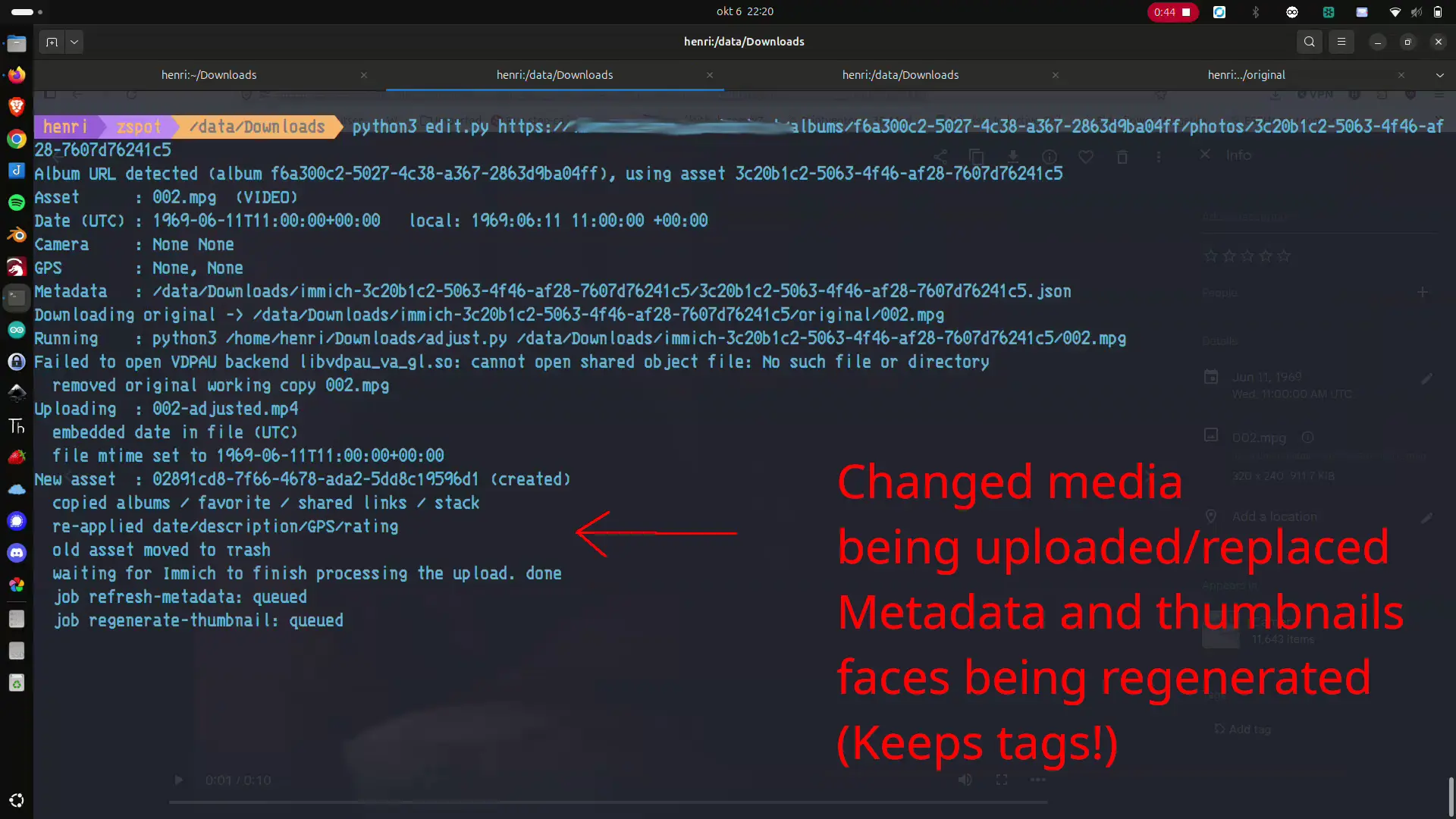
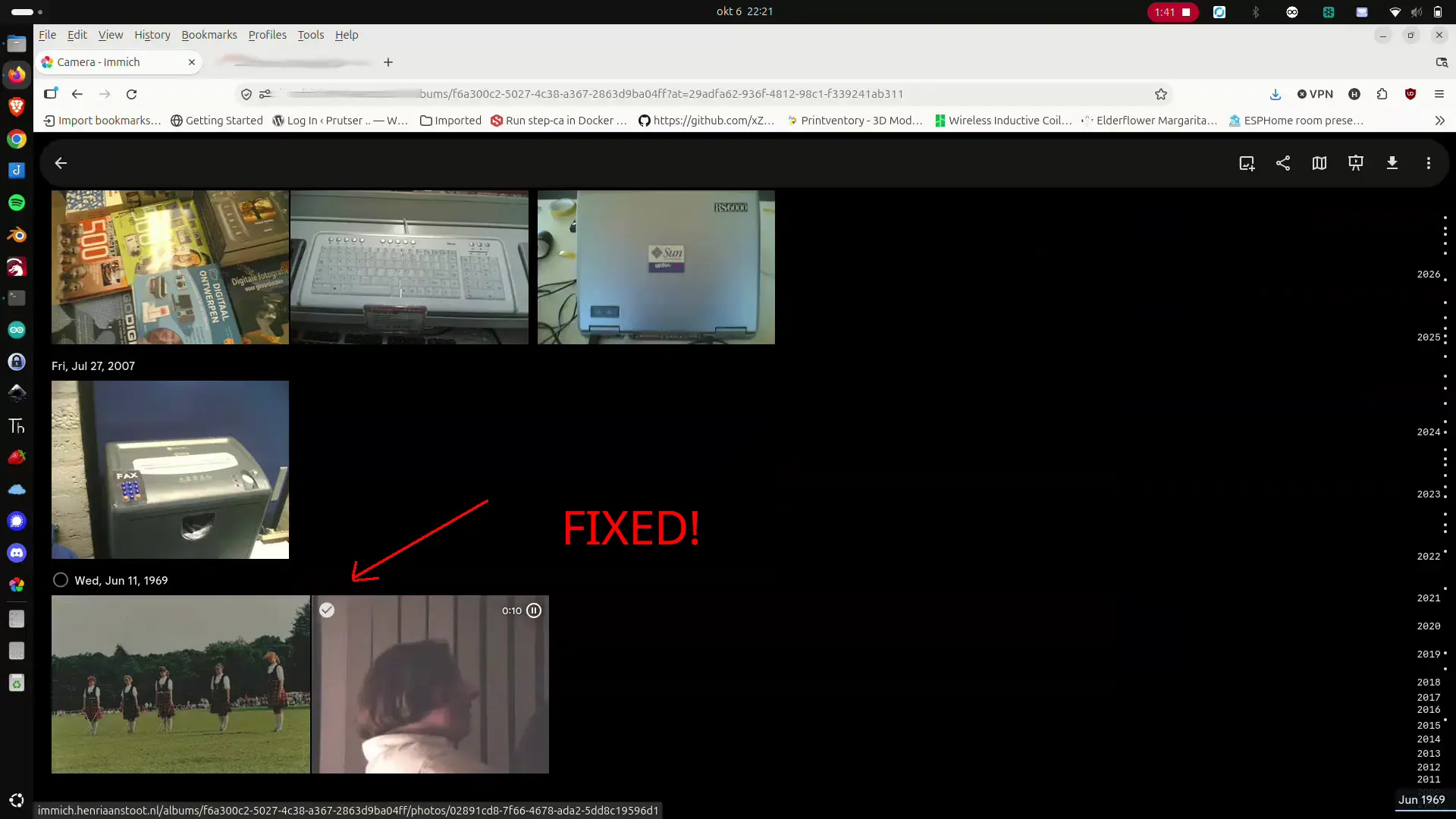
When exiting the editor the first called python script uploads the altered media and fixes tags and dates
After that some jobs are being started: Thumbnail recreation, Encoded videos, metadata and face recognition.
Takes only a few seconds to fix an asset
No code, because of some Vibe coding. PM me if interested ..
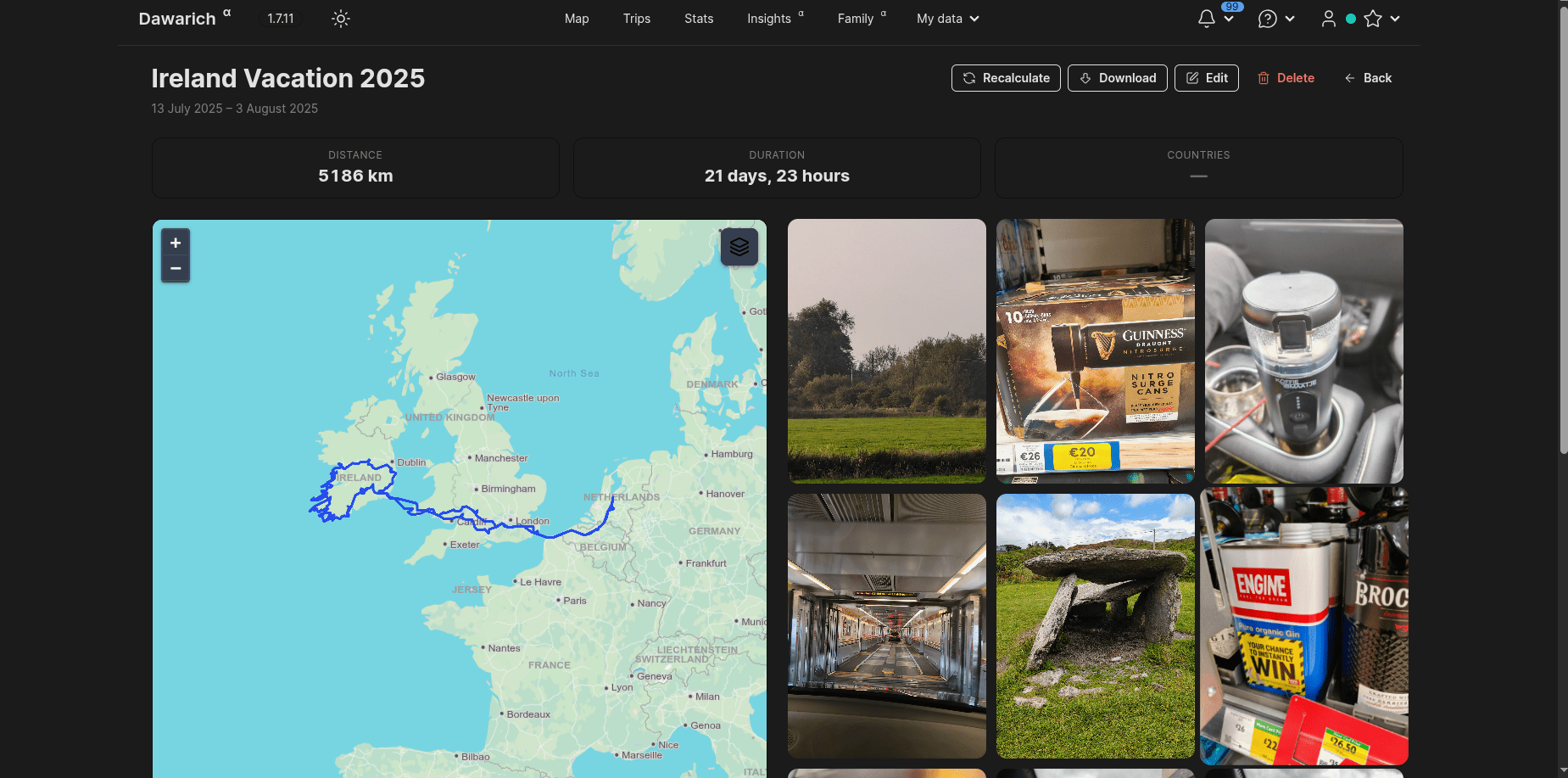
When ingesting WhatsApp media, the dates in the database will contain the ingest date. This is because the GPS/Date and other exif information are removed from the Media in WhatsApp.
NOTES:
Always import your camera media first, these will contain all exif info, if you upload WhatsApp media containing the same image it can be skipped. (Look for deduplication tip below)
WhatsApp autouploaded using the App on your phone rarely needs adjusting. (Taking a photo and uploading it the same day will fix the wrong day issue)
Luckily the WhatsApp media contains the date in the filename.
This software will connect to your immich instance, searches for ingestdates and whatsapp filenames discrepancies. And wil fix these in the immich database.
I’ve got a directory containing above code for every user, with their own .env file, and custom filters
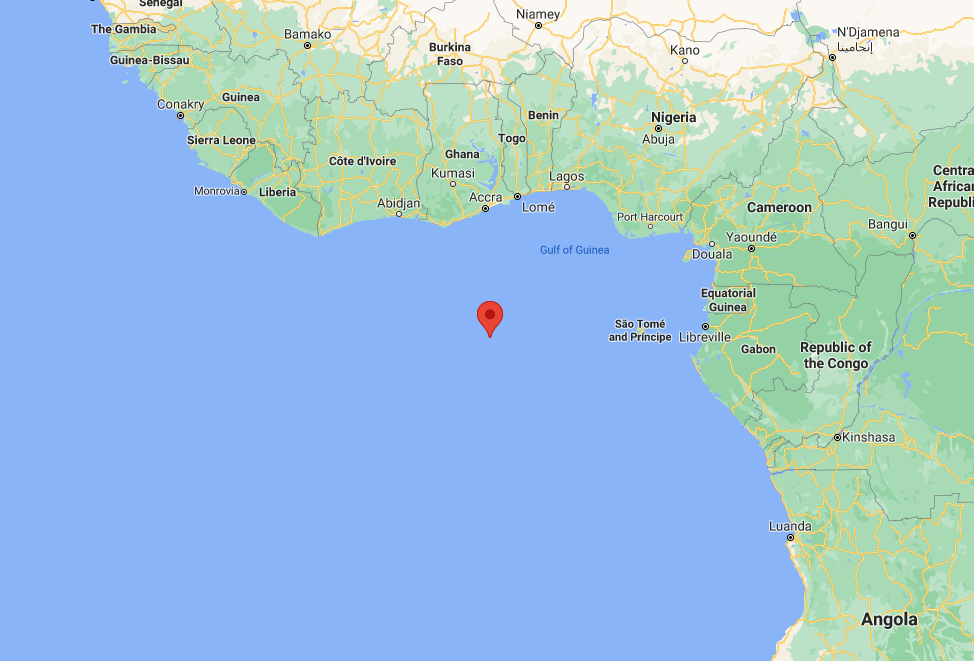
Sometimes media has a incorrect GPS location, or it is missing, or as above set as 0:0
You CAN change the location of Images using the MAP in Immich. (Select MAP > Day or image > Menu: Change location) (Also under Utilities) Immich WILL NOT change your image!, It will write a sidecar file with updated location info.
How I like to fix this: Download the images for which you want to remove the GPS information. Delete from Immich. Run below script over those images to remove Exif information and reupload.
exiftool -gps:all= FILENAME
Loads of the same images
Deduplicate? : Use Utilities > Review duplicates
Select camera instead of WhatsApp image to keep. (Most of the time bigger and has all exif information!)
Burst photos or simular photos? Use Stacking. This will show only ONE thumbnail in albums/timeline.
Manage people data in bulk : Options to update people data in bulk, and with advance filters
People Merge Suggestion : Option to bulk merge people with suggested faces based on similarity.
Update Missing Locations : Find assets in your library those are without location and update them with the location of the asset.
Potential Albums : Find albums that are potential to be created based on the assets and people in your library.
Analytics : Get analytics on your library like assets over time, exif data, etc.
Smart Search : Search your library with natural language, supports queries like “show me all my photos from 2024 of “
Bulk Date Offset : Offset the date of selected assets by a given amount of time. Majorly used to fix the date of assets that are out of sync with the actual date.
PYTHON script to download an album (with a filename filter)
NOTE: At the bottom you can remove the # comments to also REMOVE from immich
import requests
import os

IMMICH_URL = "http://192.168.1.2:2283/api"
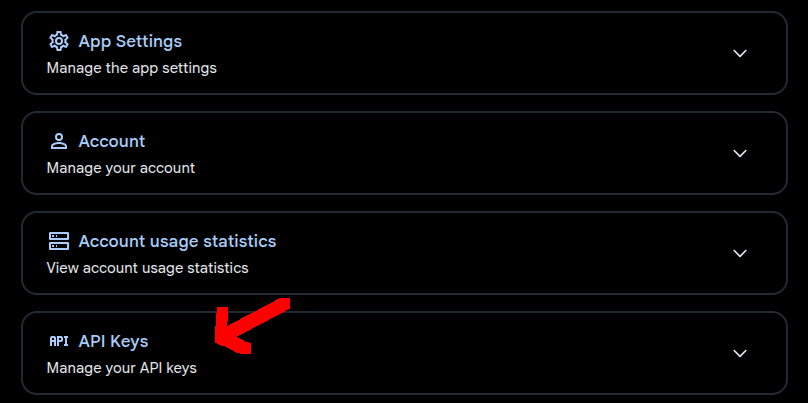
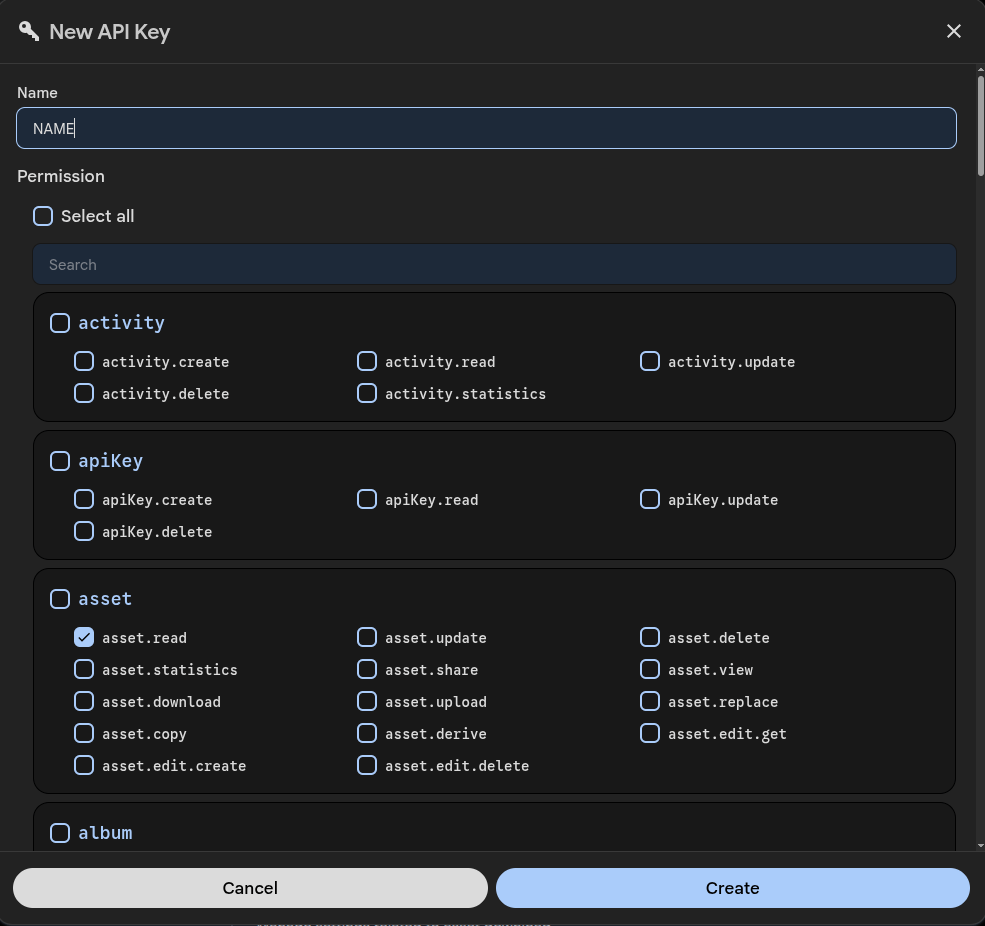
API_KEY = "2Nk4sO4eEm001Cm1Dsnl3XXXXXXXXXXXXXXX"

ALBUM_ID = "c4ce0661-0c4c-4c49-b6c1-XXXXXXXXXXXXXXXXXXXXX"
FILENAME_PREFIX = "VID_"  # filename filter

HEADERS = {
    "x-api-key": API_KEY
}

DOWNLOAD_DIR = "./downloaded"
os.makedirs(DOWNLOAD_DIR, exist_ok=True)


def get_album_assets(album_id):
    r = requests.get(
        f"{IMMICH_URL}/albums/{album_id}",
        headers=HEADERS
    )
    r.raise_for_status()
    return r.json()["assets"]


def filter_assets(assets):
    # simulate SQL LIKE 'IMG_2023%'
    return [
        a for a in assets
        if a["originalFileName"].startswith(FILENAME_PREFIX)
    ]


def download_asset(asset):
    asset_id = asset["id"]
    filename = asset["originalFileName"]

    url = f"{IMMICH_URL}/assets/{asset_id}/original"

    r = requests.get(url, headers=HEADERS, stream=True)
    r.raise_for_status()

    path = os.path.join(DOWNLOAD_DIR, filename)

    with open(path, "wb") as f:
        for chunk in r.iter_content(8192):
            f.write(chunk)

    return path


def delete_assets(asset_ids):
    r = requests.delete(
        f"{IMMICH_URL}/assets",
        headers=HEADERS,
        json={"ids": asset_ids}
    )
    r.raise_for_status()


def main():
    print("Fetching album assets...")
    assets = get_album_assets(ALBUM_ID)

    print(f"Total assets in album: {len(assets)}")

    print("Filtering by filename...")
    filtered = filter_assets(assets)

    print(f"Matched assets: {len(filtered)}")

    downloaded = []

    print("Downloading...")
    for asset in filtered:
        try:
            path = download_asset(asset)
            downloaded.append((asset["id"], path))
        except Exception as e:
            print(f"Download failed: {asset['id']} - {e}")

    # VERIFY
    print("Verifying...")
    if len(downloaded) != len(filtered):
        print("Download mismatch. Abort delete.")
        return

    for _, path in downloaded:
        if not os.path.exists(path) or os.path.getsize(path) == 0:
            print(f"Invalid file: {path}")
            return

    print("Verification OK")

    # DELETE
    ids_to_delete = [asset_id for asset_id, _ in downloaded]

    #print("Deleting assets...")
    #delete_assets(ids_to_delete)

    print("Done!")


if __name__ == "__main__":
    main()