Tag Archives: pico

Dual PICO UART test with CirquitPython

Test for UART serial communication for my whack-a-mole game
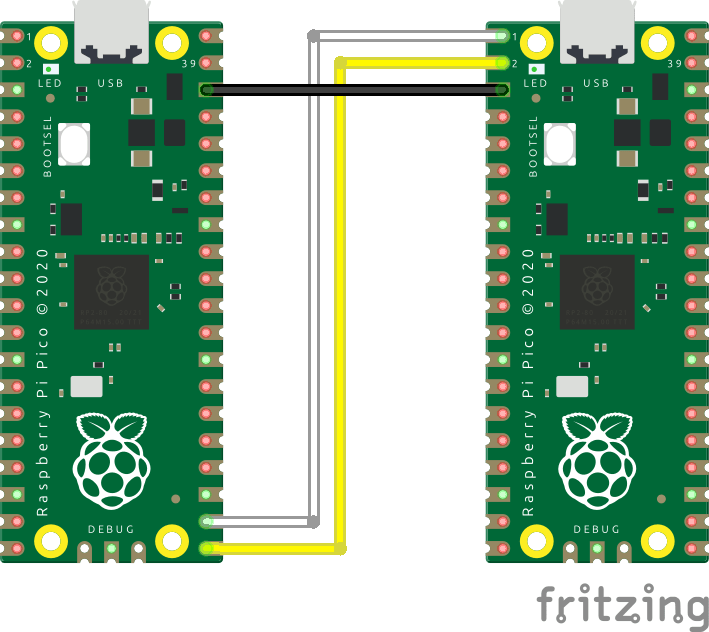
CODE for Client

import board
import busio
import time

uart = busio.UART(
    tx=board.GP16,
    rx=board.GP17,
    baudrate=115200,
    timeout=1,
)

time.sleep(2)

commands = ["PING", "HELLO", "TEST"]
while True:
    for cmd in commands:
        print("Sending:", cmd)
        uart.write((cmd + "\n").encode())

        response = uart.readline()

        if response:
            print("Response:", response.decode().strip())
        else:
            print("No response")

        time.sleep(1)

CODE for server

import board
import busio
import digitalio
import time

# UART pins
uart = busio.UART(
    tx=board.GP0,
    rx=board.GP1,
    baudrate=115200,
    timeout=0.1
)

# Onboard LED
led = digitalio.DigitalInOut(board.LED)
led.direction = digitalio.Direction.OUTPUT

print("UART LED server ready")

while True:
    data = uart.readline()

    if data:
        command = data.decode("utf-8").strip()
        print("Received:", command)

        if command == "PING":
            # Blink LED
            led.value = True
            time.sleep(0.2)
            led.value = False

            # Reply
            uart.write(b"PONG\n")

        else:
            uart.write(b"UNKNOWN\n")

    time.sleep(0.01)
Whack-a-mole progress

A while back I started modifying Arcade buttons.

UPDATE 20260706

Now, I’ve made a board with 16 modified buttons and some micropython code.

White = mole, green = hit in time, red = wrong button/out of time, rainbow = bonus points.

Now i have to think of a display and select buttons, to select the game mode and see the score.

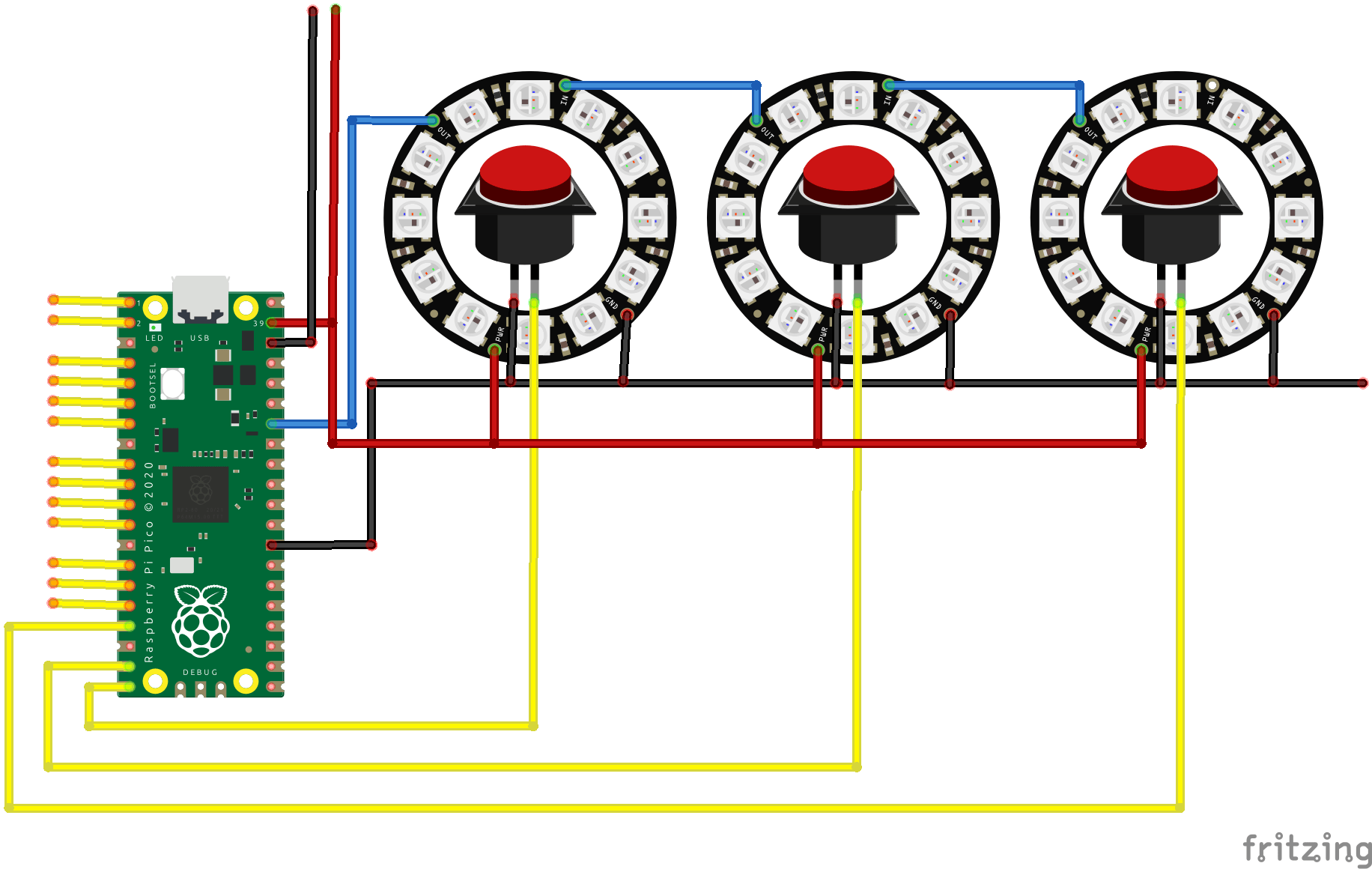
Schematic

Above is a simplified schematic. See notes below.

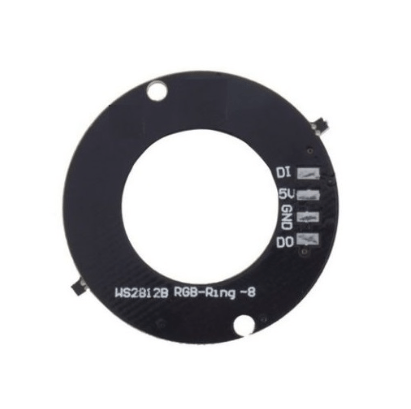
  • Led rings are 8 not in example 12 (didn’t have that part in fritzing)
  • Led rings have 5V, GND, DI (data in) and DO (data out)
  • Led rings are connected in series, python code divides by 8
  • GPIO for buttons (16 yellow) have internal PICO pullup resistors
  • Todo: Screen and mode select
  • Game modes : Currently I can think of four.
  • 1 Player mode – with bonus button – works kindda
  • 2 Player mode – Green player 1 and Blue player 2 – need testing
  • 2 Player mode (half playfield) … todo
  • Above with mixed random colors, press only GREEN (or blue) .. todo
  • 1 Player mode – all random colors + bonus .. todo
  • 1 Player mode – with bonus button – keep bonus pressed for 5 seconds to double, so you need to single hand press others. (Missing is reset bonus?!?) … todo
  • Button keeps lit until pressed .. do 10 in a row. Print fastest and average time… todo

Speedup ?

Scoreboard – using a HUB75 (previous project here)

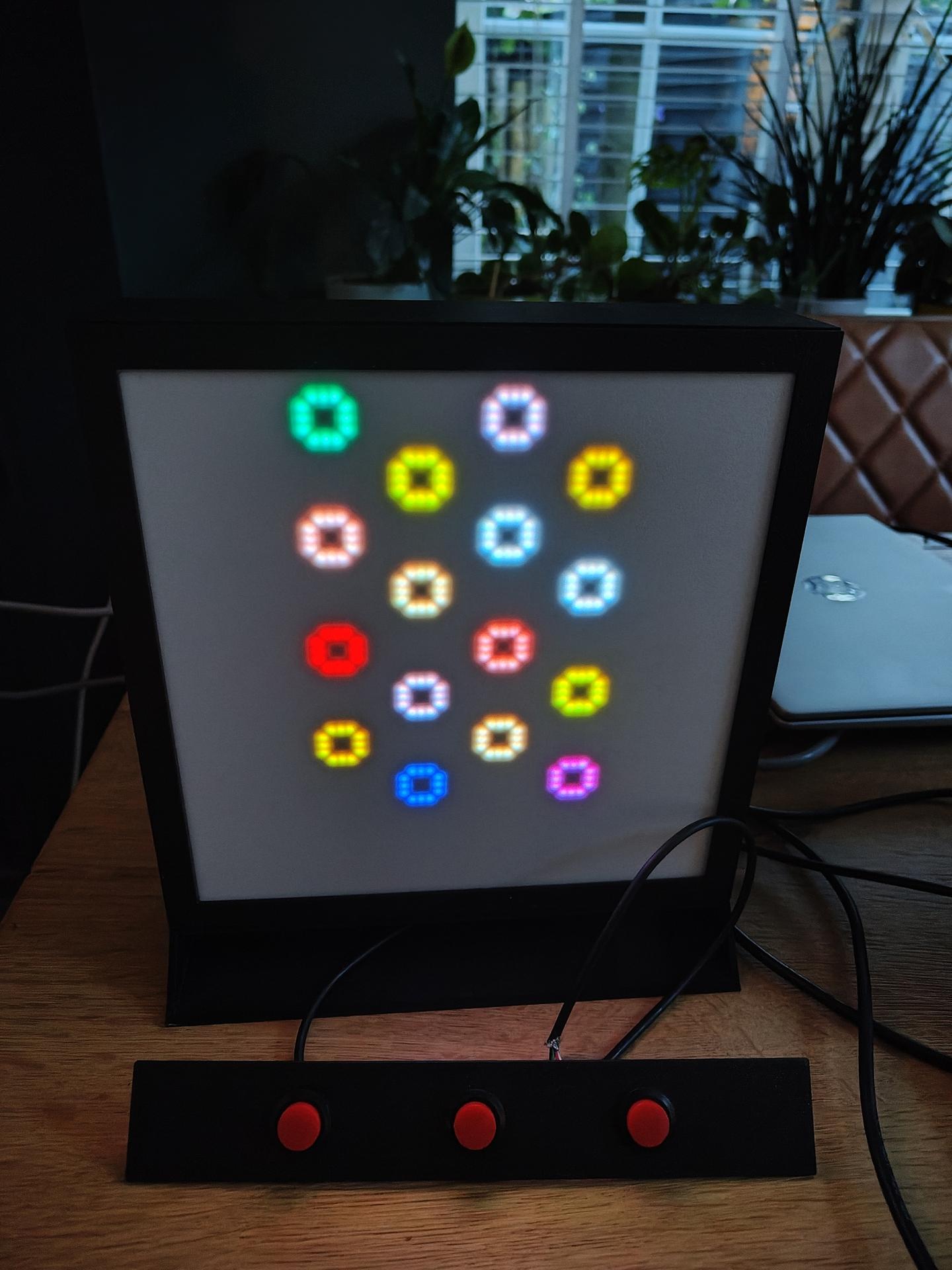
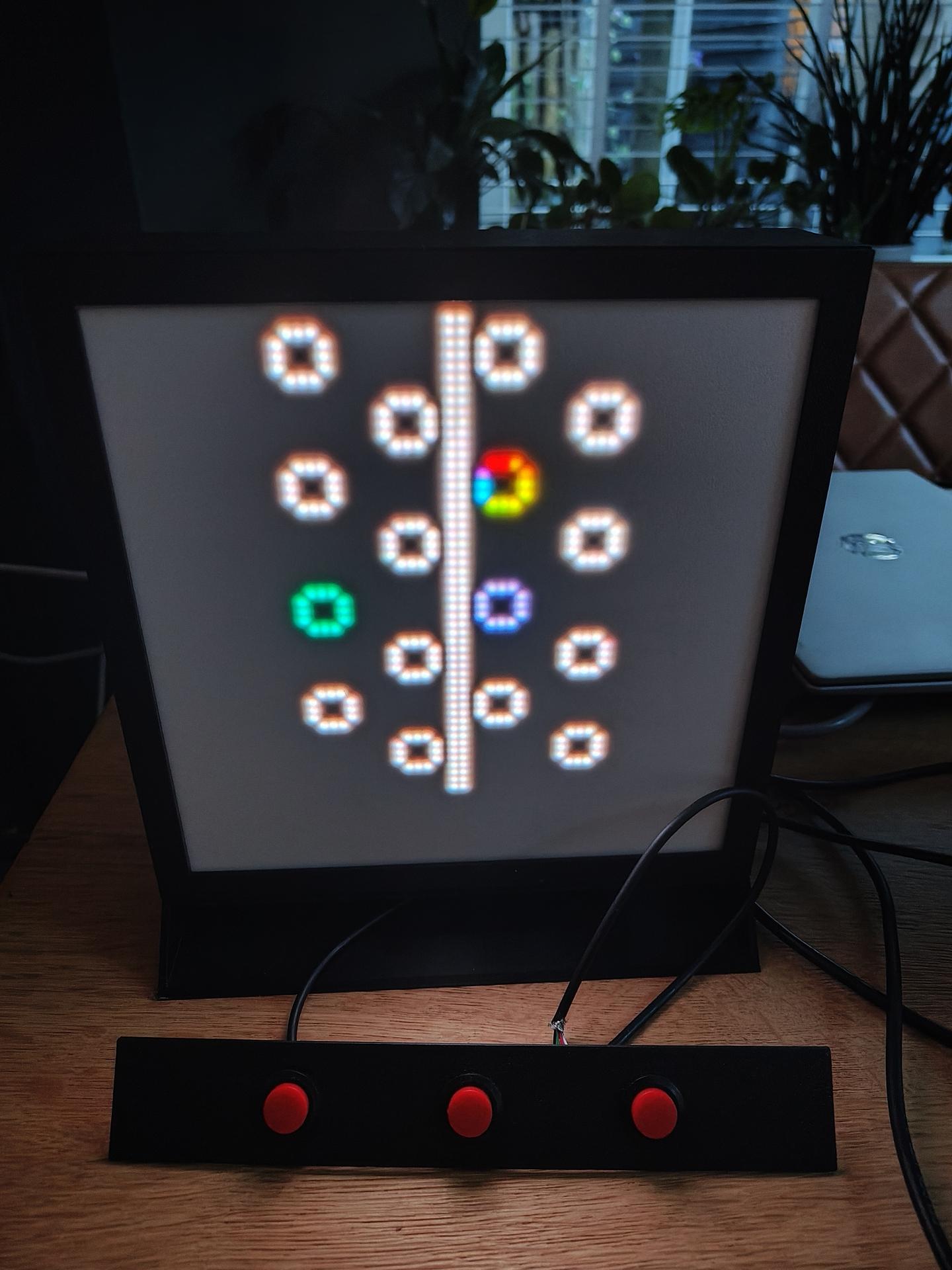
SCOREBOARD this will be connected using UART to the whack-a-mole Raspberry Pico

Scoreboard