My previous plotter test was using my old Laser-cutter, I sold this one, because I wanted a better one.
So, I was thinking about repurposing my old 3D printer as Plotter/CNC machine.
Pen holder in above post was GCODE controlled, but I lost it somewhere. Now not needed because i’ve got a bedslinger 3D printer with Z axis instead of using a X/Y lasercutter frame.
Using Inkscape and OpenScad (to design a pen holder see below)
In Inkscape you need the Gcodetool extention
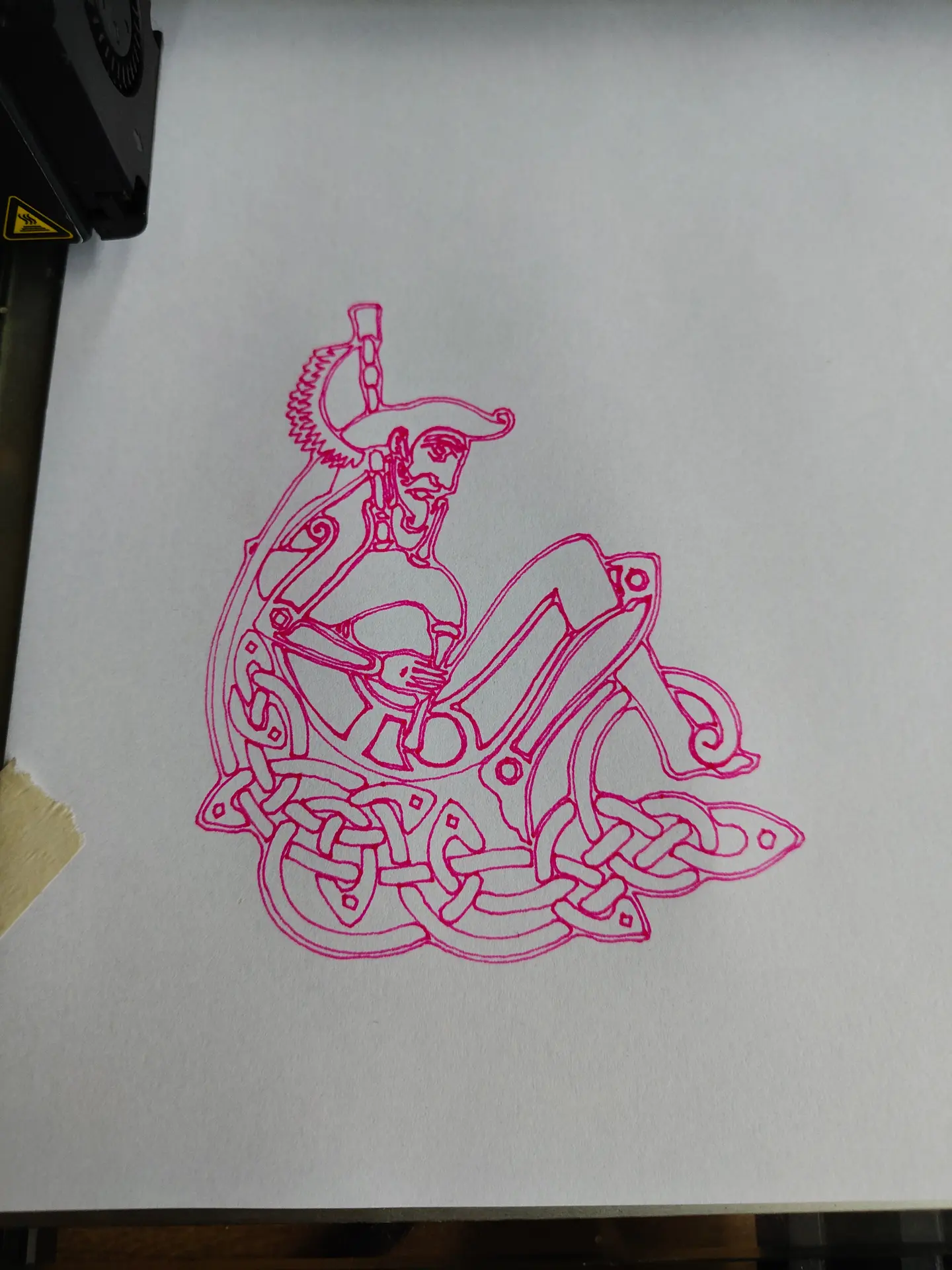
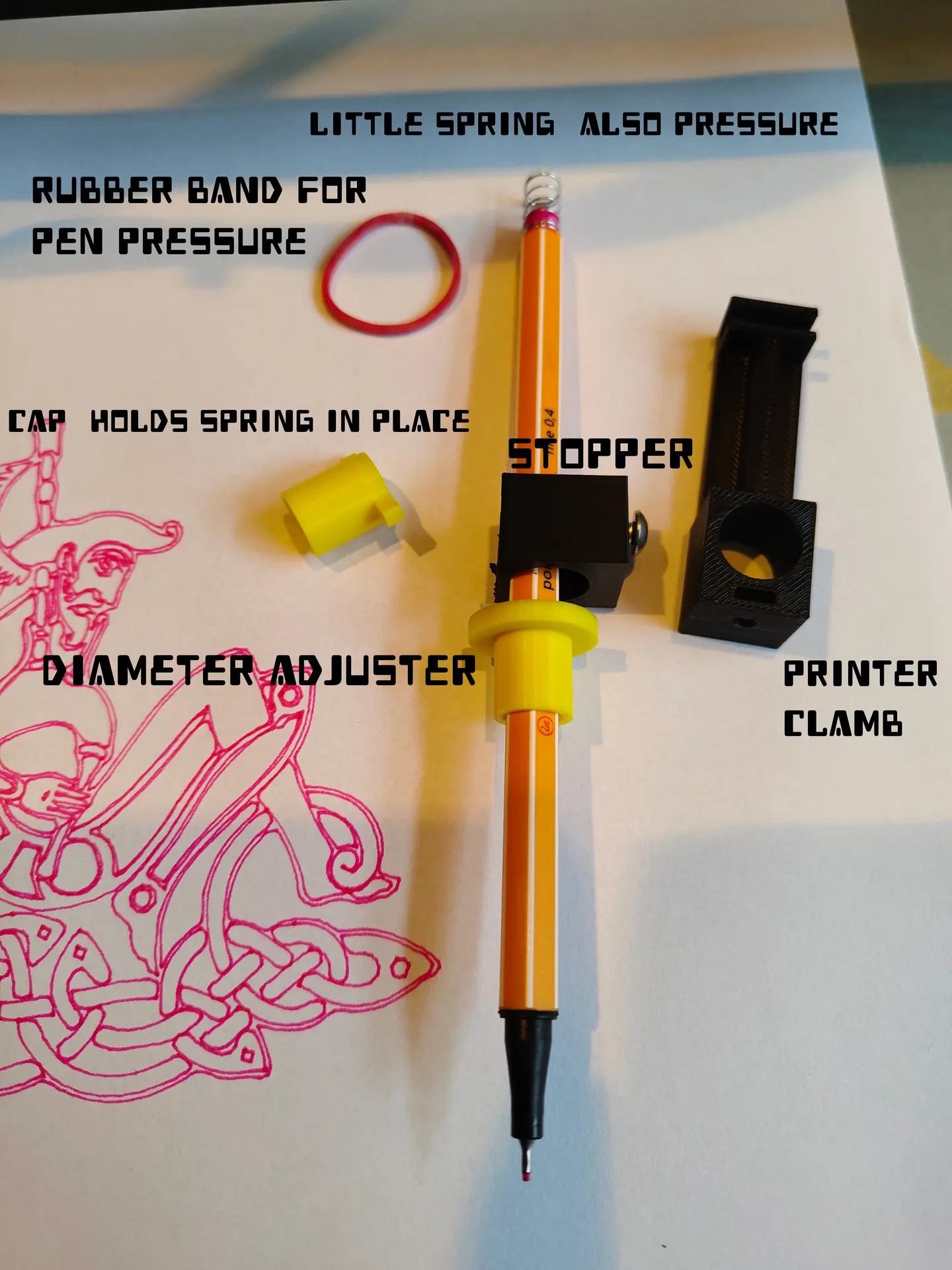
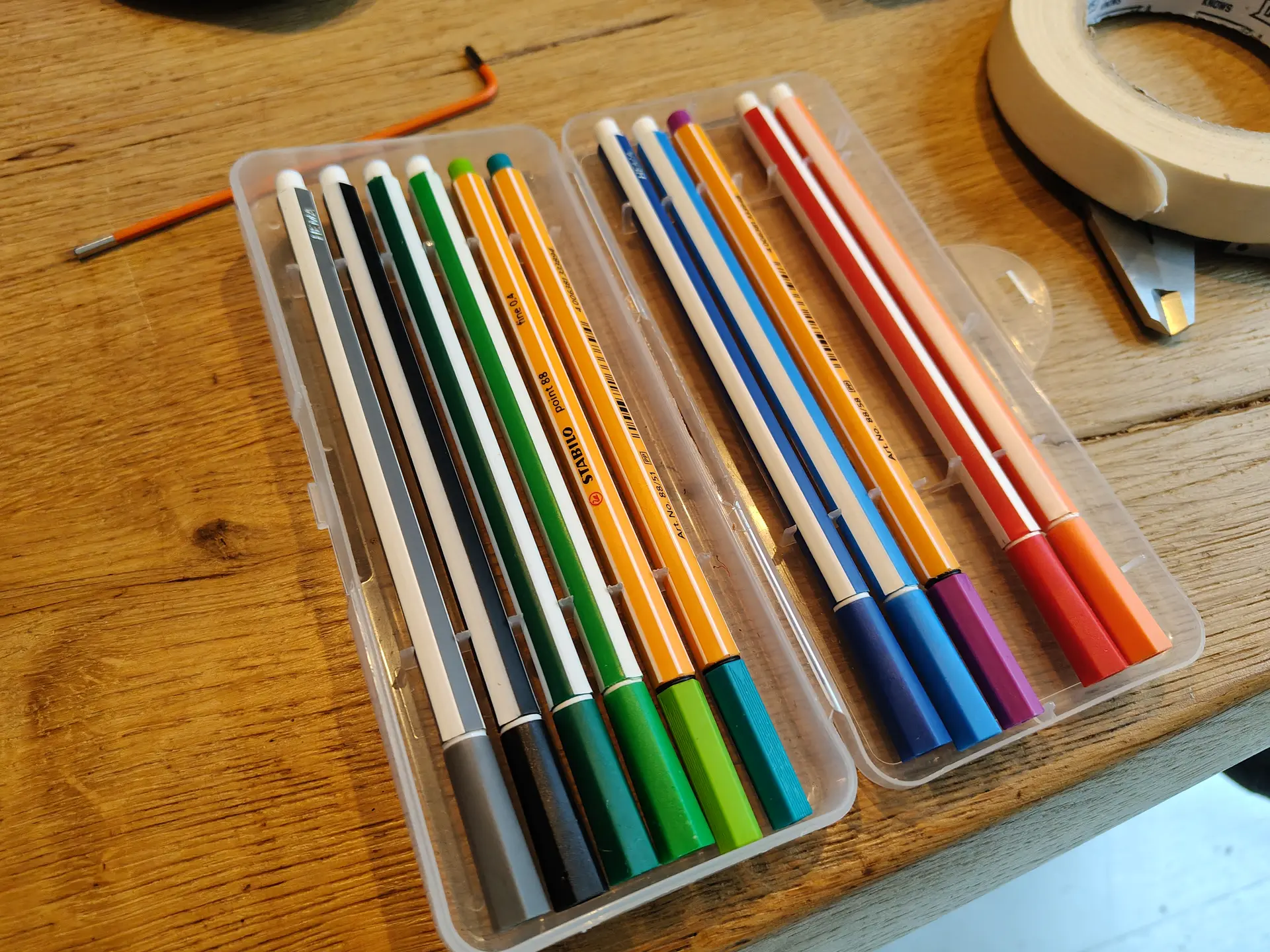
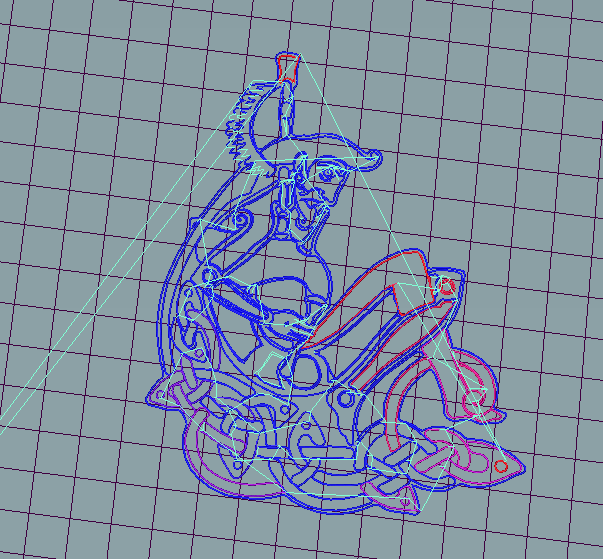
UPDATE:
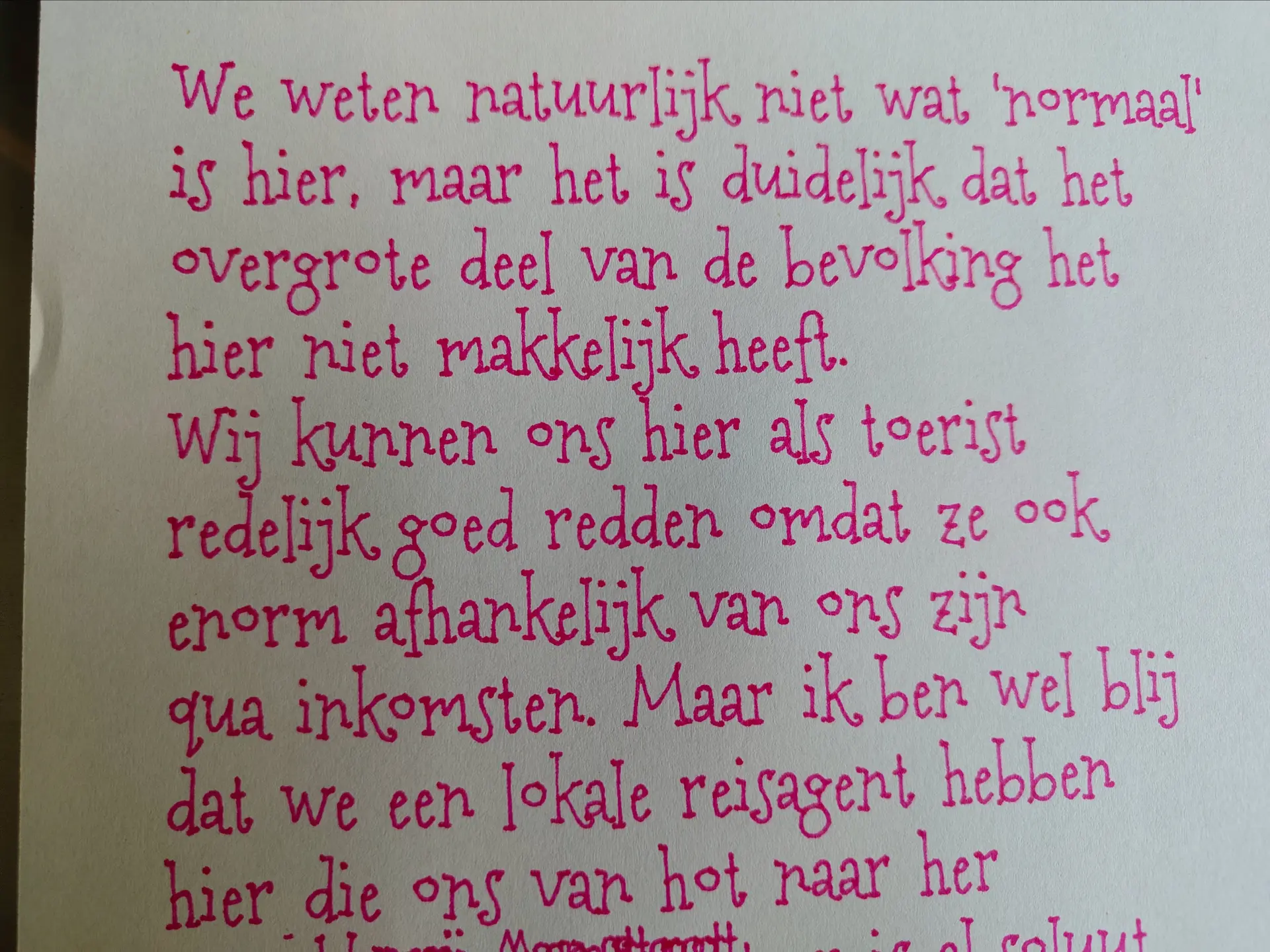
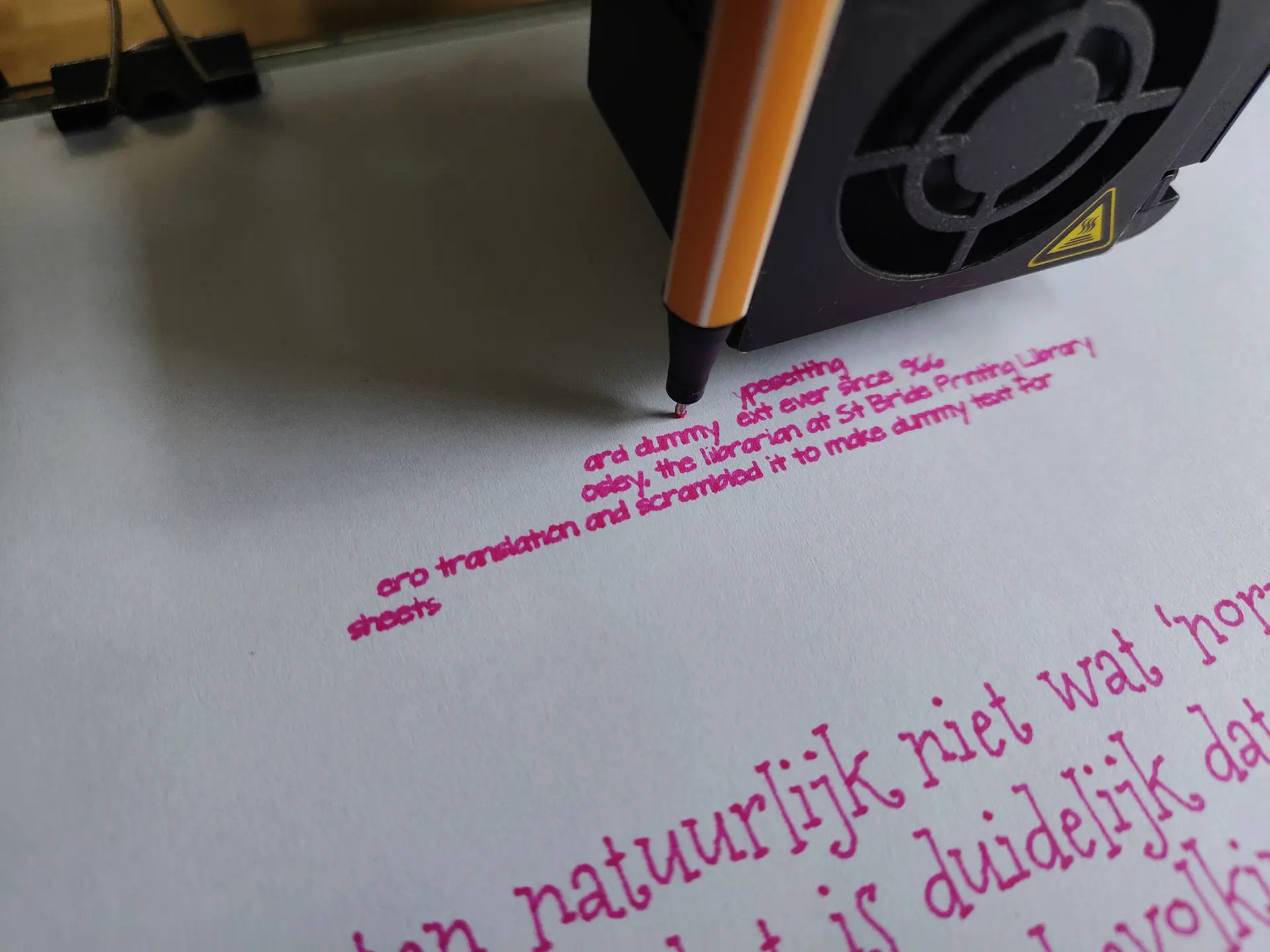
Some text writing using Hershey fonts.
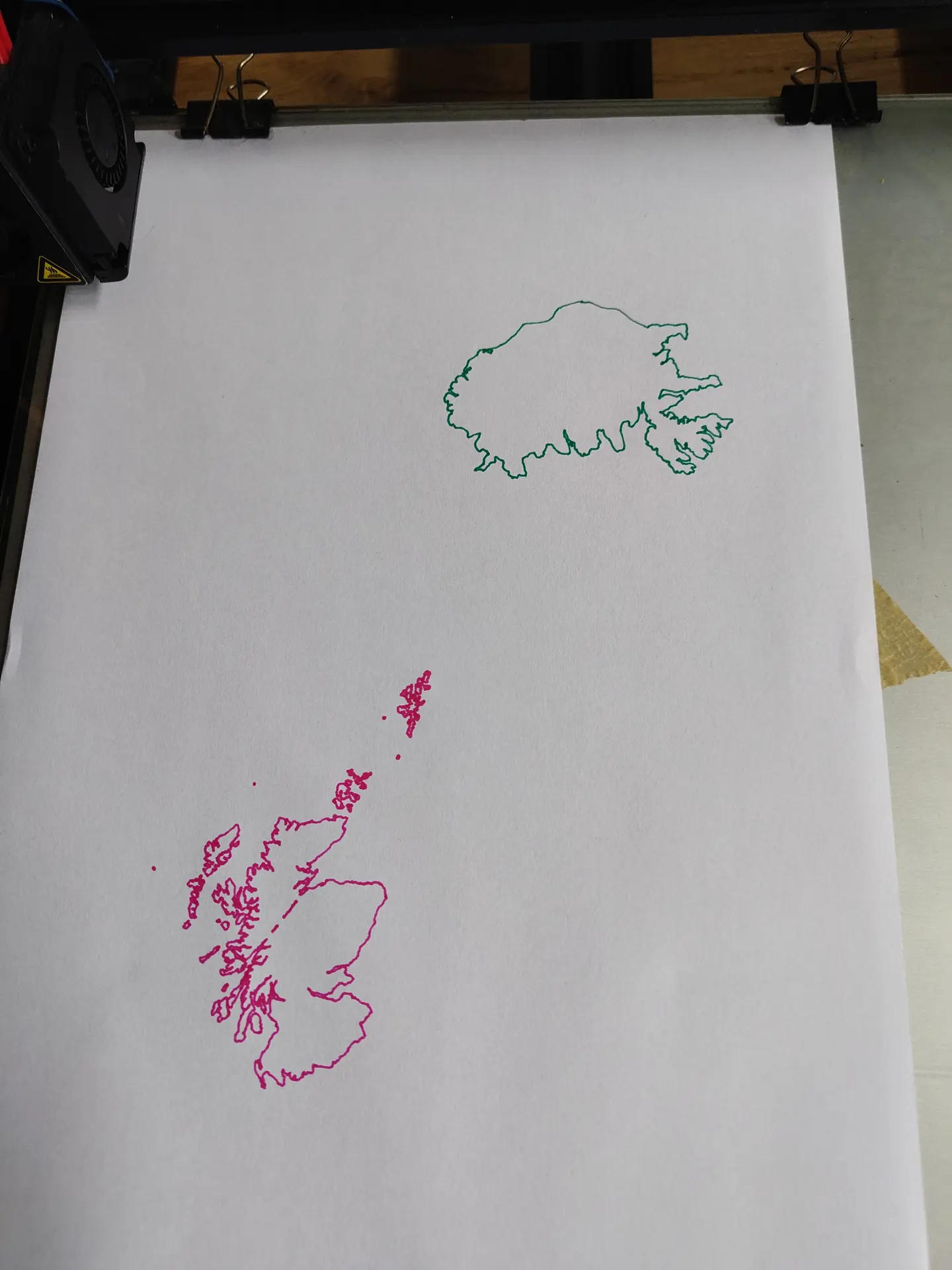
Below a python script to move X/Y in the GCODE
#!/usr/bin/env python3
import re
import sys

OFFSET_X = 40.0
OFFSET_Y = 80.0


def shift_gcode(input_file, output_file):
    coord_re = re.compile(r'([XY])([-+]?\d*\.?\d+)')

    with open(input_file, "r", encoding="utf-8", errors="ignore") as f:
        lines = f.readlines()

    with open(output_file, "w", encoding="utf-8") as f:
        for line in lines:

            def replace_coord(match):
                axis = match.group(1)
                value = float(match.group(2))

                if axis == "X":
                    value += OFFSET_X
                elif axis == "Y":
                    value += OFFSET_Y

                if value.is_integer():
                    value = int(value)

                return f"{axis}{value}"

            line = coord_re.sub(replace_coord, line)
            f.write(line)


if __name__ == "__main__":
    if len(sys.argv) != 3:
        print(f"Usage: {sys.argv[0]} input.gcode output.gcode")
        sys.exit(1)

    shift_gcode(sys.argv[1], sys.argv[2])
    print(f"Shifted X/Y by {OFFSET_X} x {OFFSET_Y} mm: {sys.argv[1]} -> {sys.argv[2]}")
Pen height adjusted using sed
sed -i "s/Z0.0/Z1.5/g" example.gcode