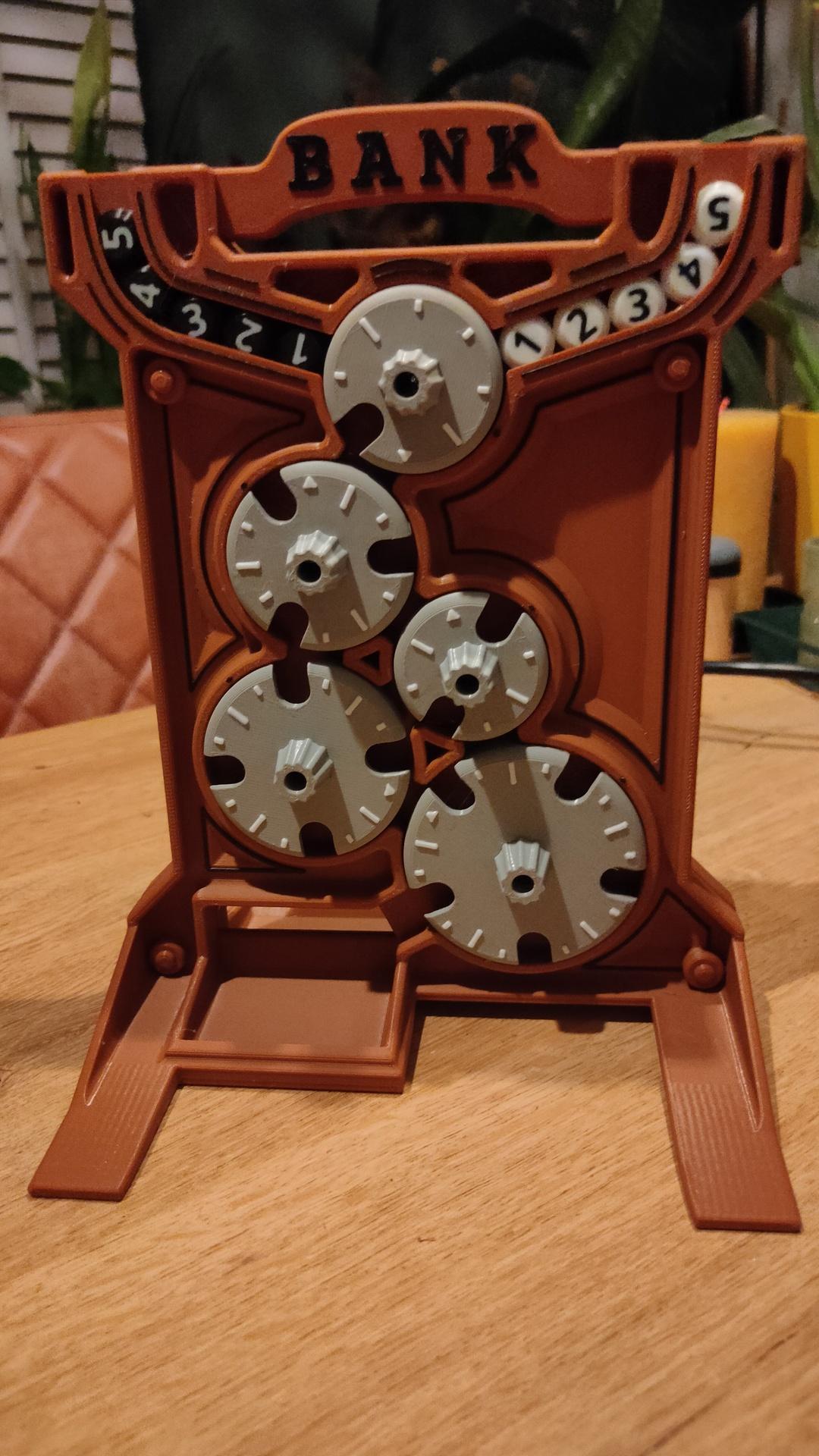
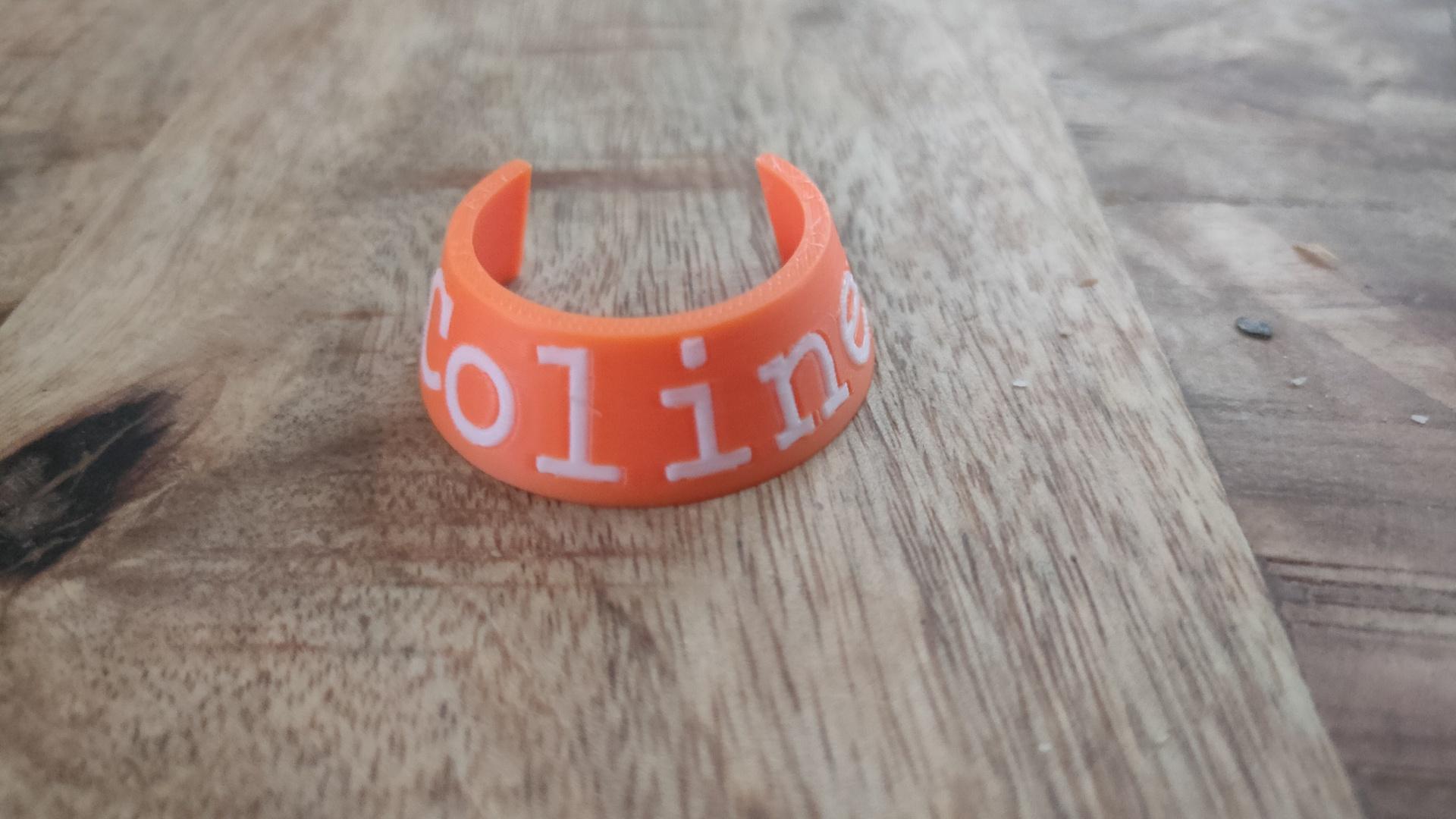
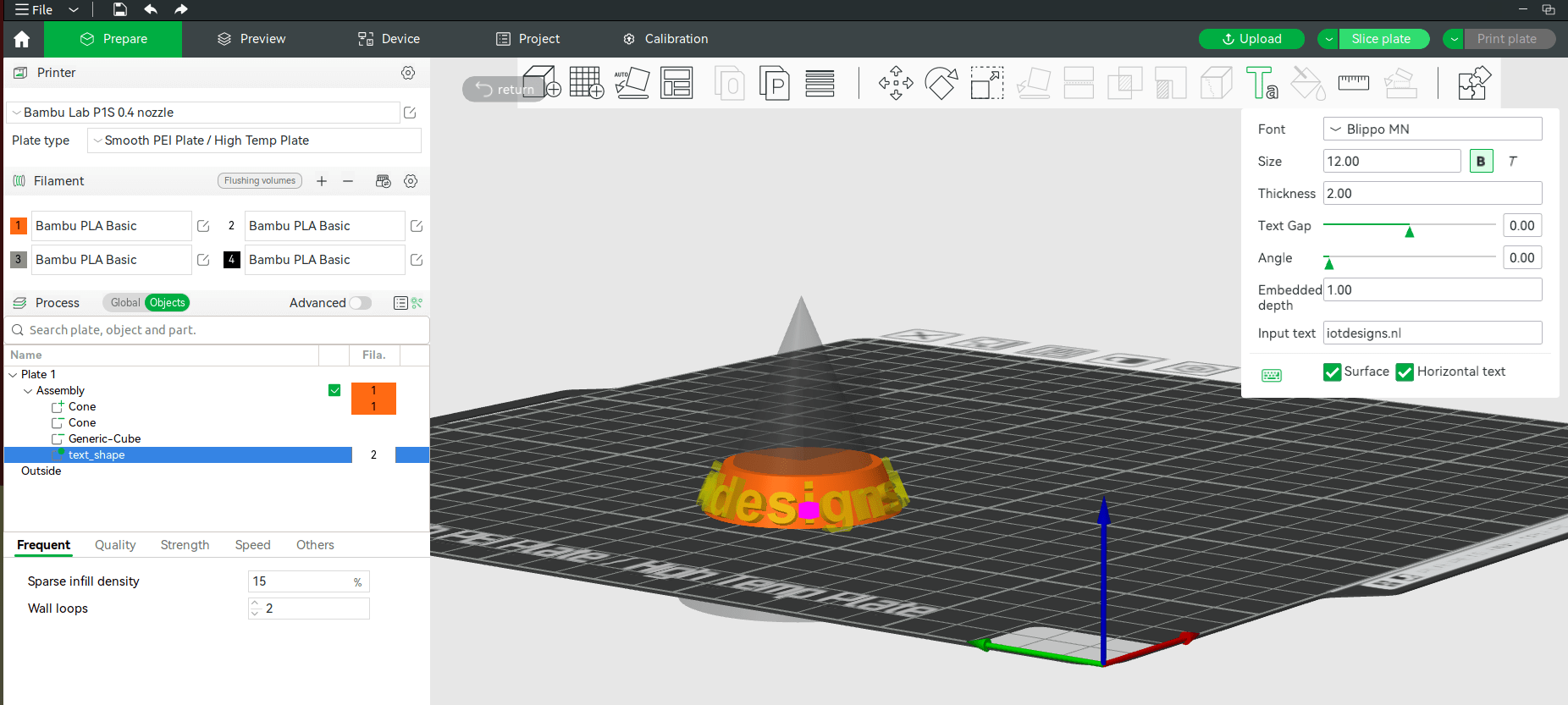
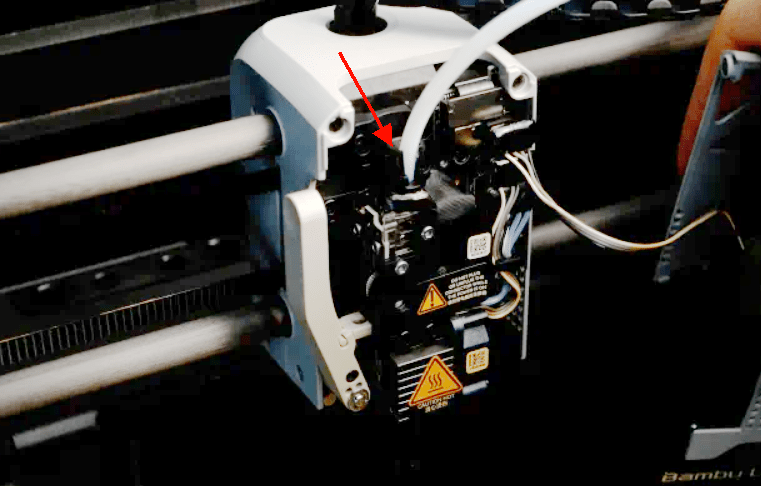
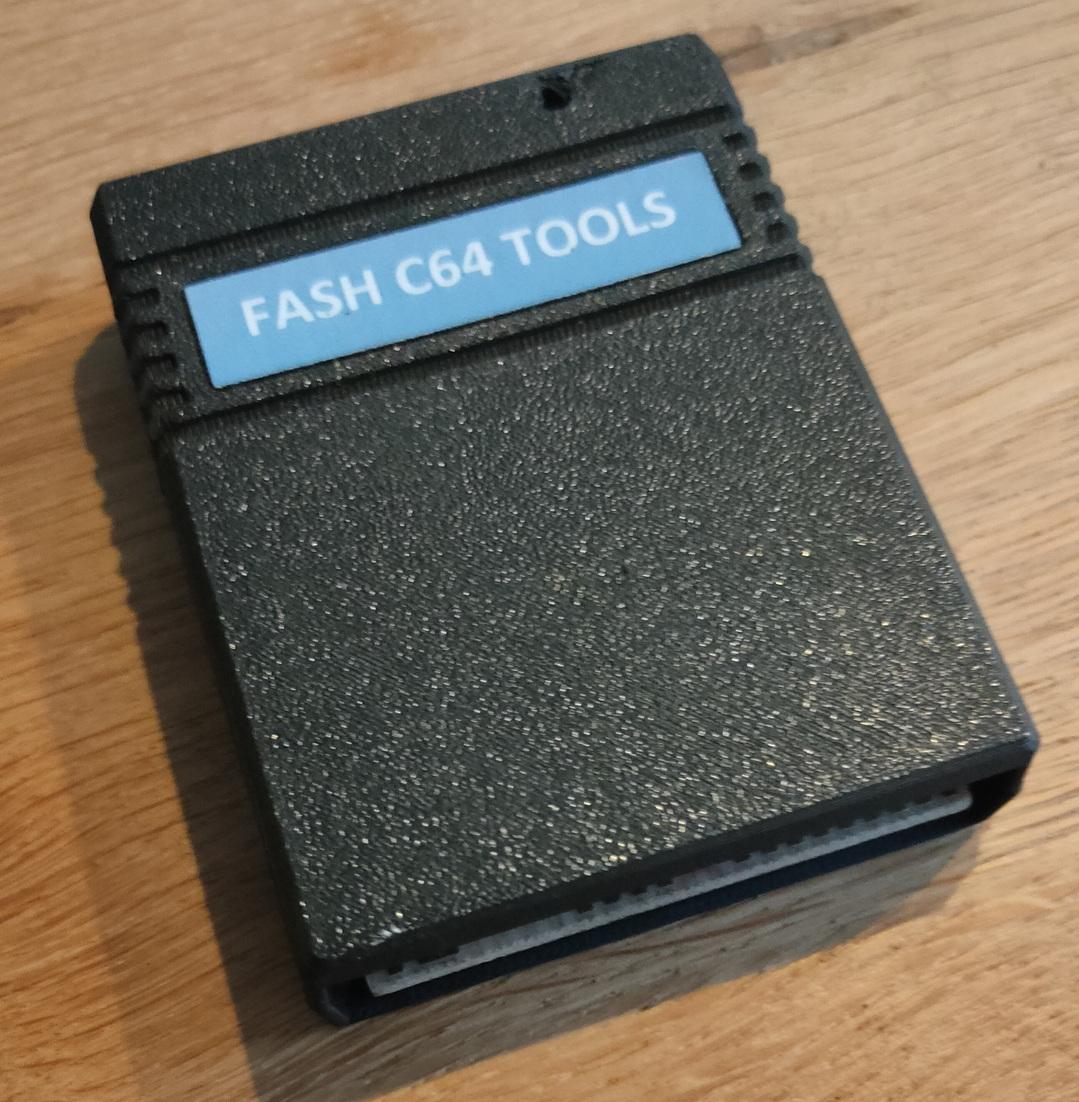
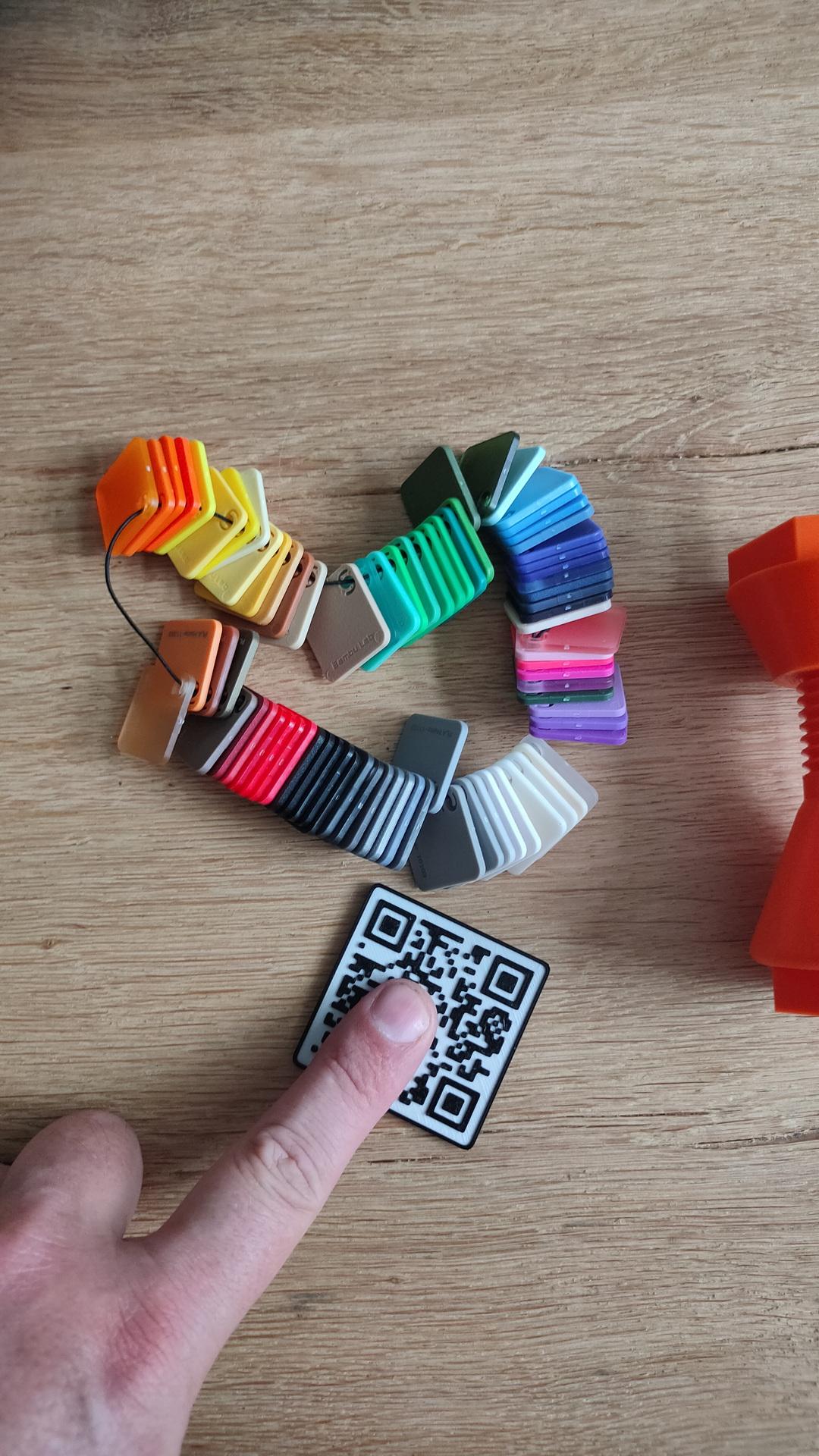
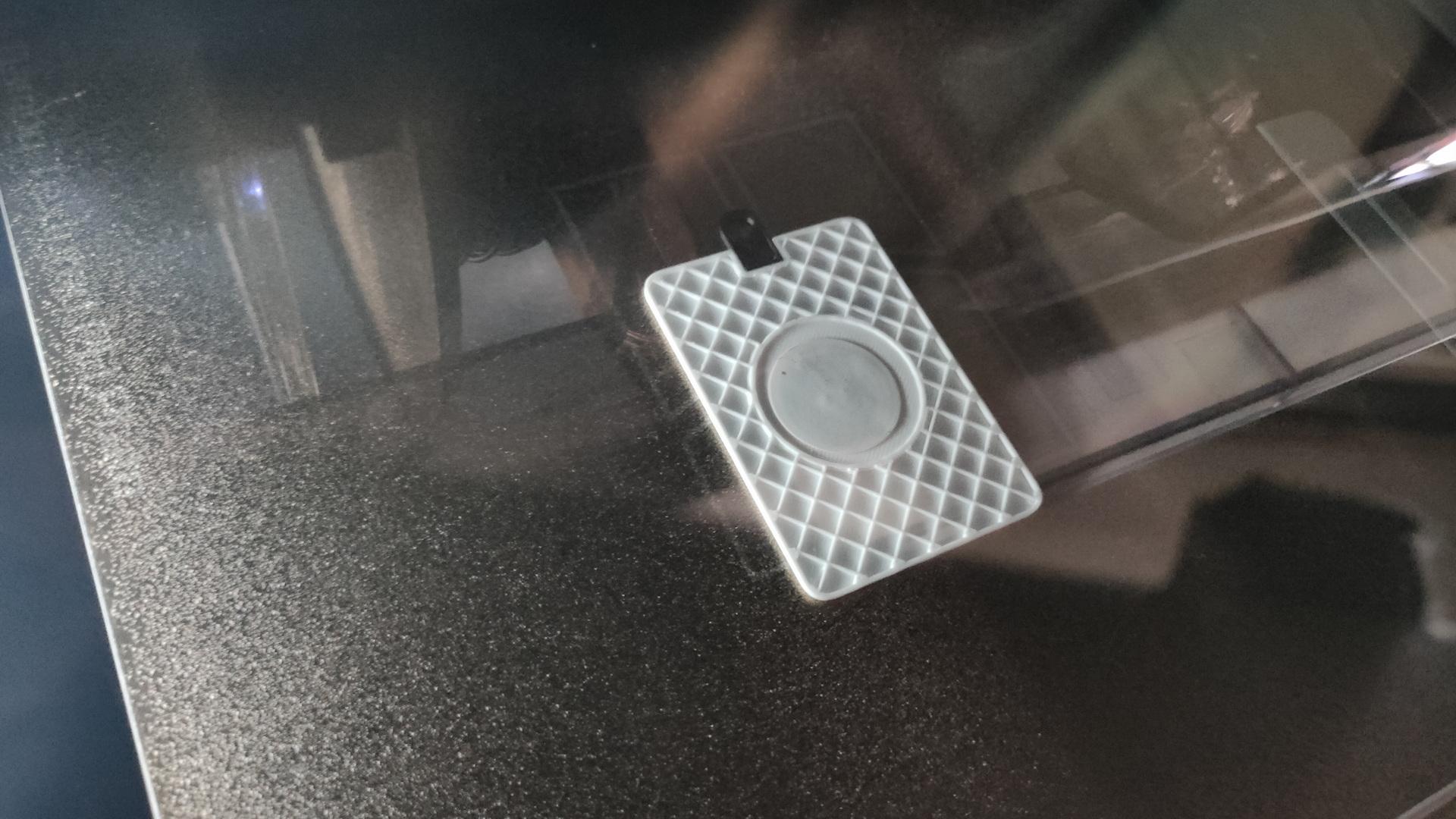
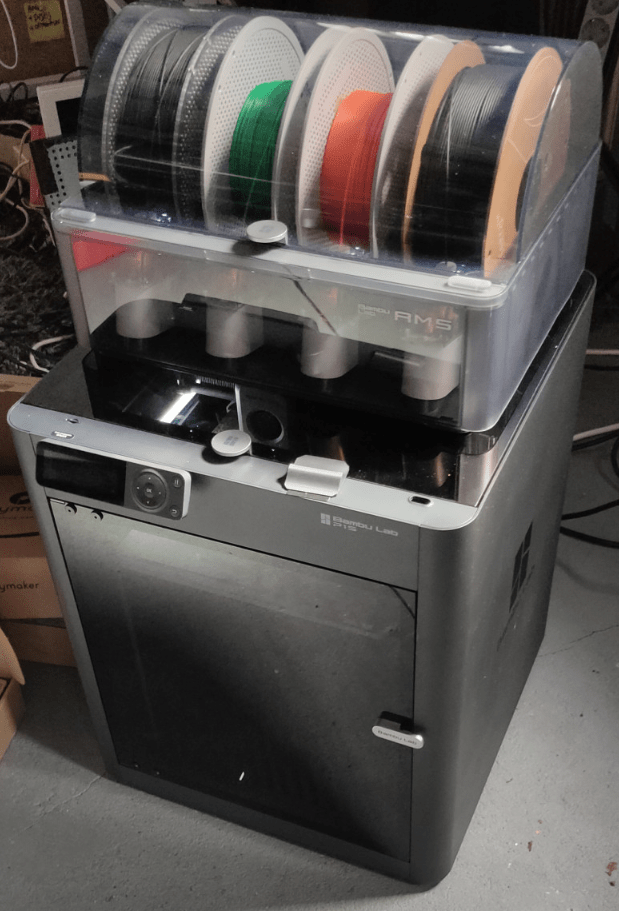
I’ve made a script to view the camera using vlc. But it was much work. Now I’ve installed the HACS Bambu integration in Home Assistant. Much easier to get an image.
While Bambu studio is nice, I started using FreeCad. I still use OpenScad and Blender, but I really try to use a CAD program for modeling 3D prints (technical prints). For sculpting I still use blender.
Add filament and print model (after calibration process)
All fine and dandy, problems? Check YouTube for solutions.
What do you know about 3D printing?
People are forgetting about the knowledge to get at this point ..]…
How does it work, what is needed?
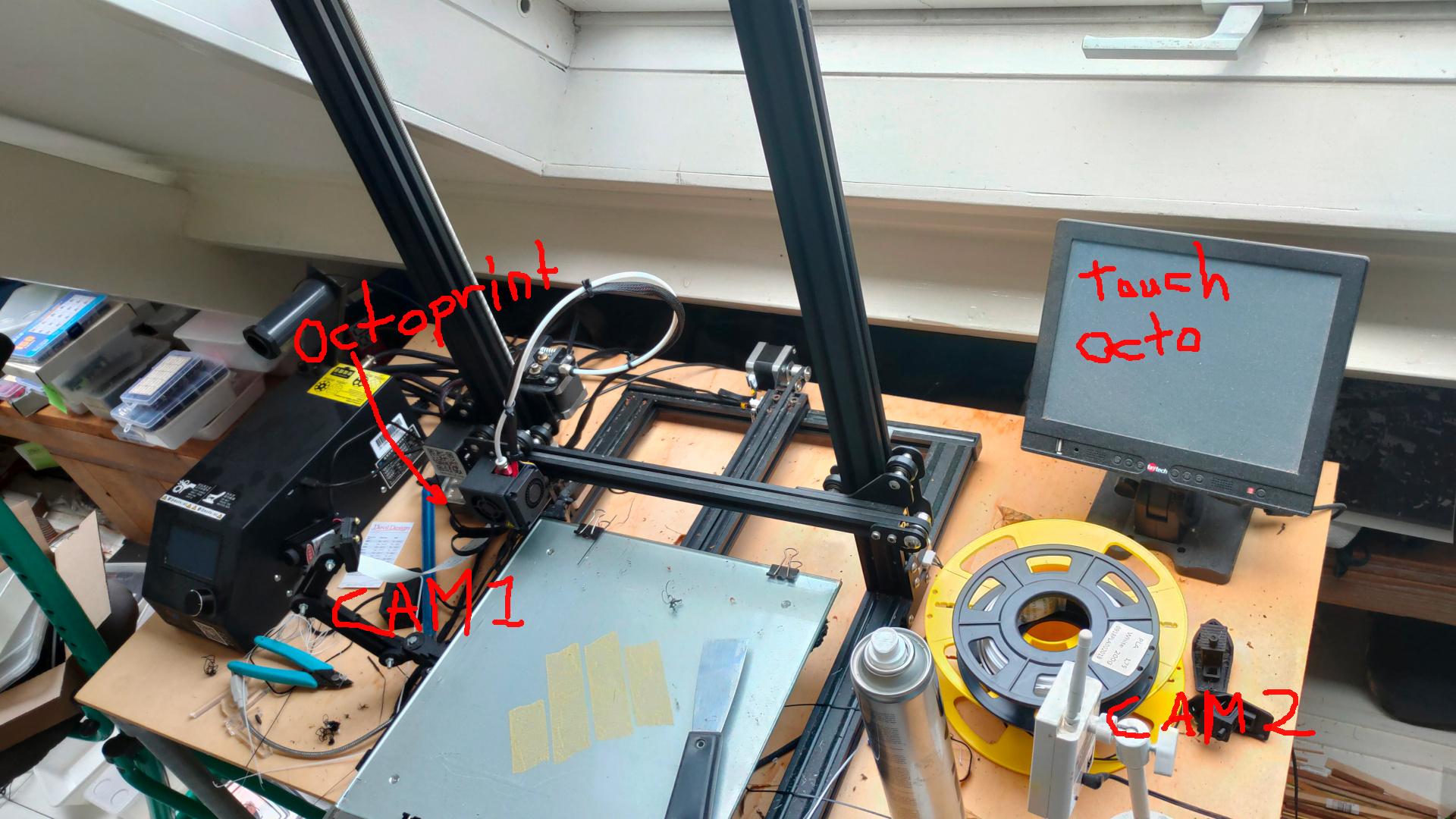
My first 3D printer. Lets compare:
Get printer in parts
Assemble
Calibrate
Manual bed calibration (*) 5 point calibration step by step, needs user input
Test print
Fail several times
Try different sticky methods (hairspray, double sided tape, gluestick)
Bed warping? Add tape to underside
Feed filament by cutting at 45 degree angle and manual feeding.
Load and unload using buttons and feeding until previous color flushed
Learn about Gcodes
color changing? split part and pause manually, switch manually.
out of filament, problem with printing? start the whole print again
no out of filament detector, no temperature failsave
Filament error? Start again or split gcode by hand and superglue parts
Clean plate, clean head
Manual change temperature of head and bed when problems arise
Using multiple software tools to design and slice
Put your gcode on a sdcard to print, or later via octoprint
Every next print start at calibrate in above list.
What did you learn? How your machine works and reacts. Fix extruding problems, temperature, filament wetness, starting layers. Difference between PLA, PETG, ABS in great detail. Learn to wait Troubleshooting in general
Never forget where we came from! 40 years old, but getting available to the masses after 2000.
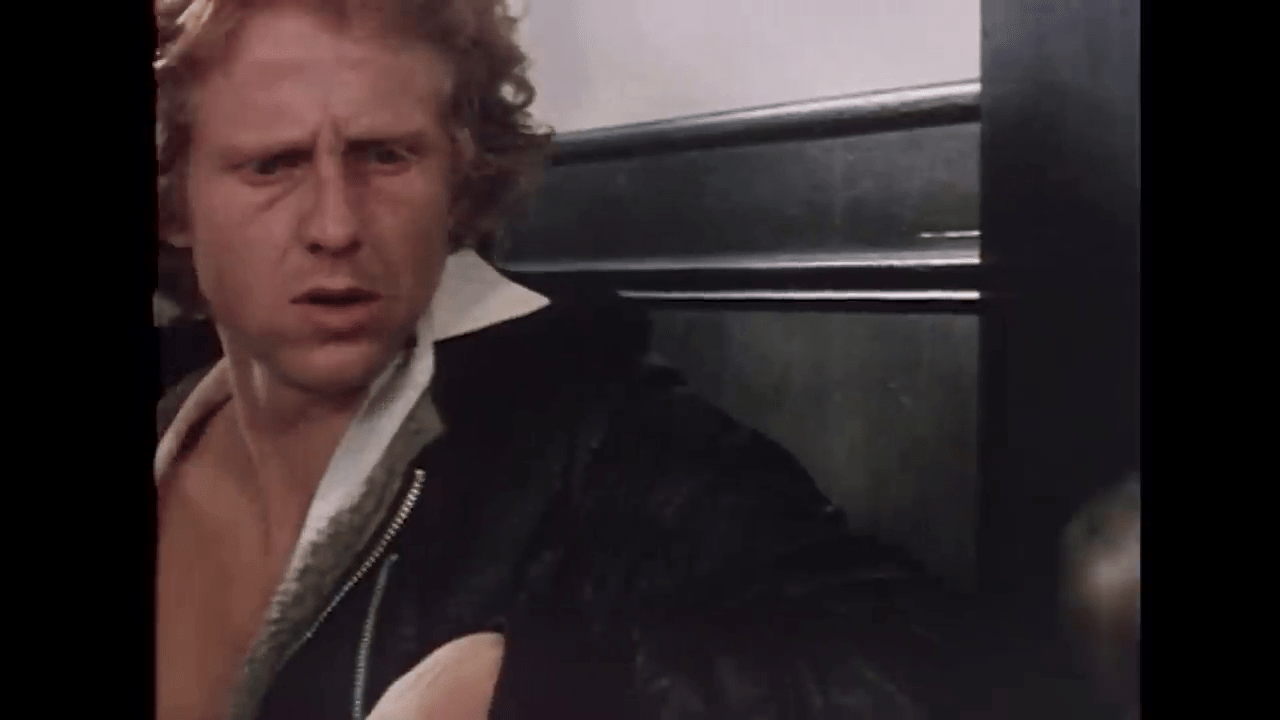
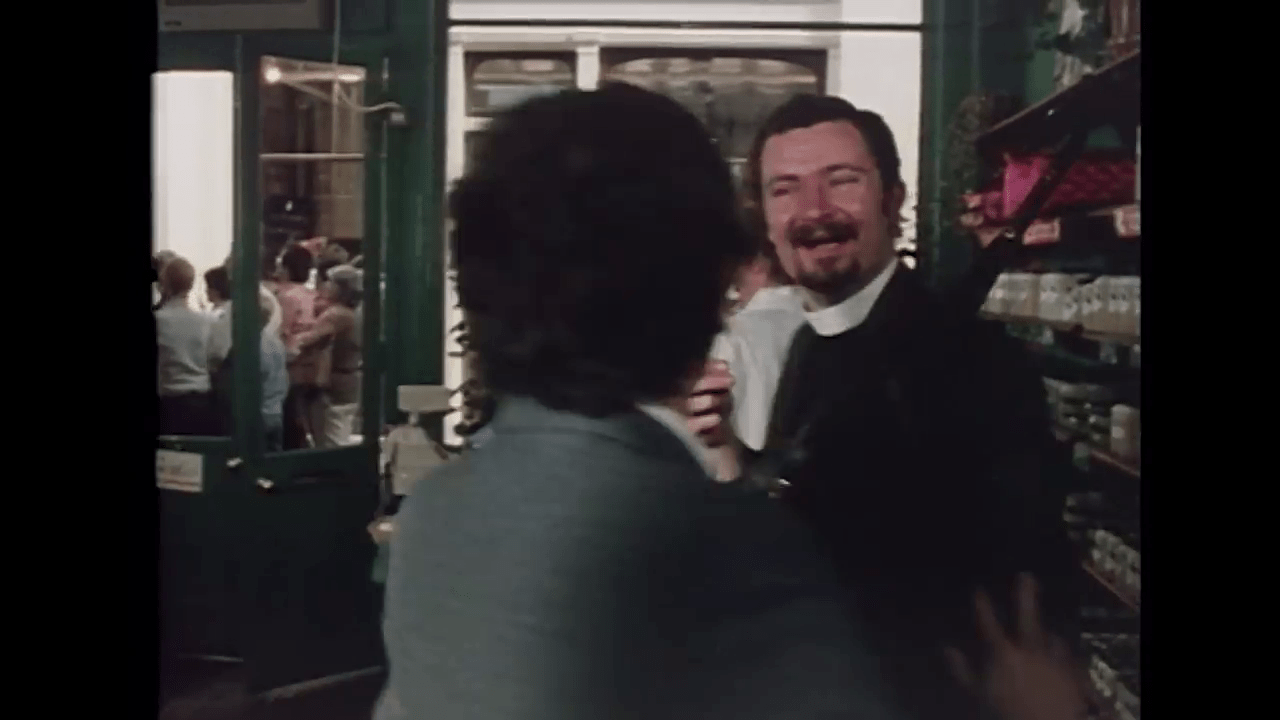
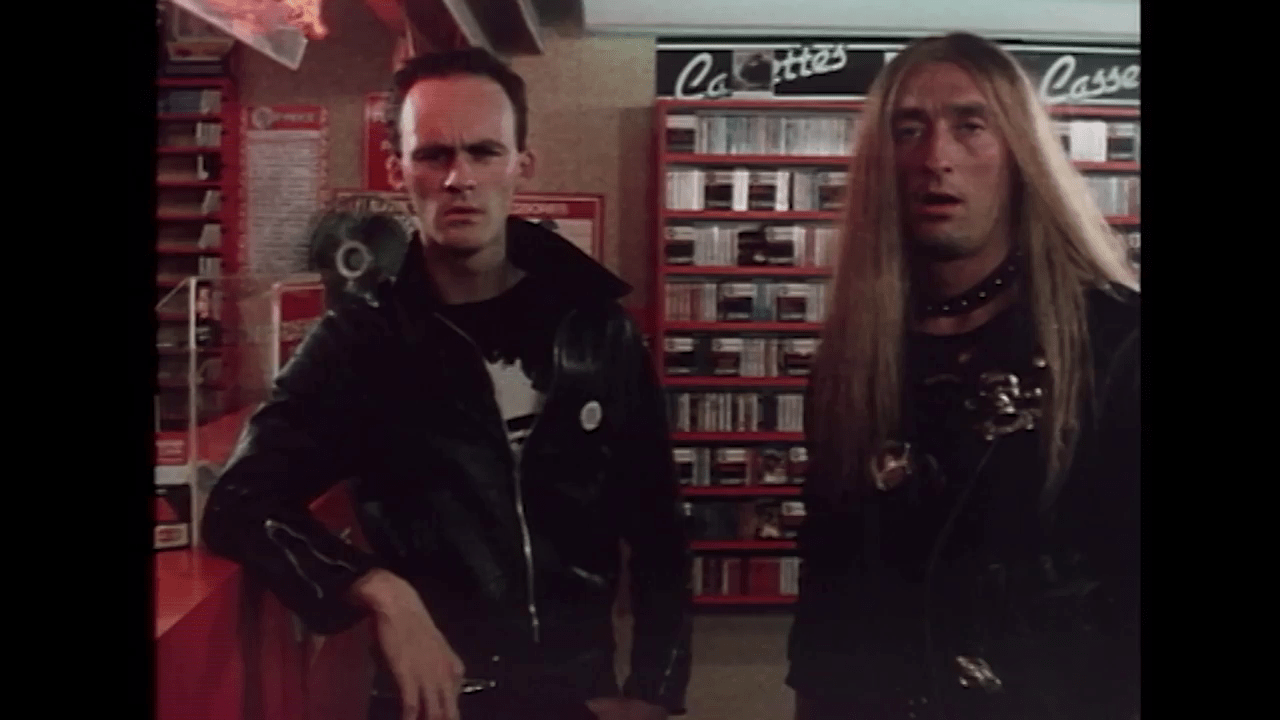
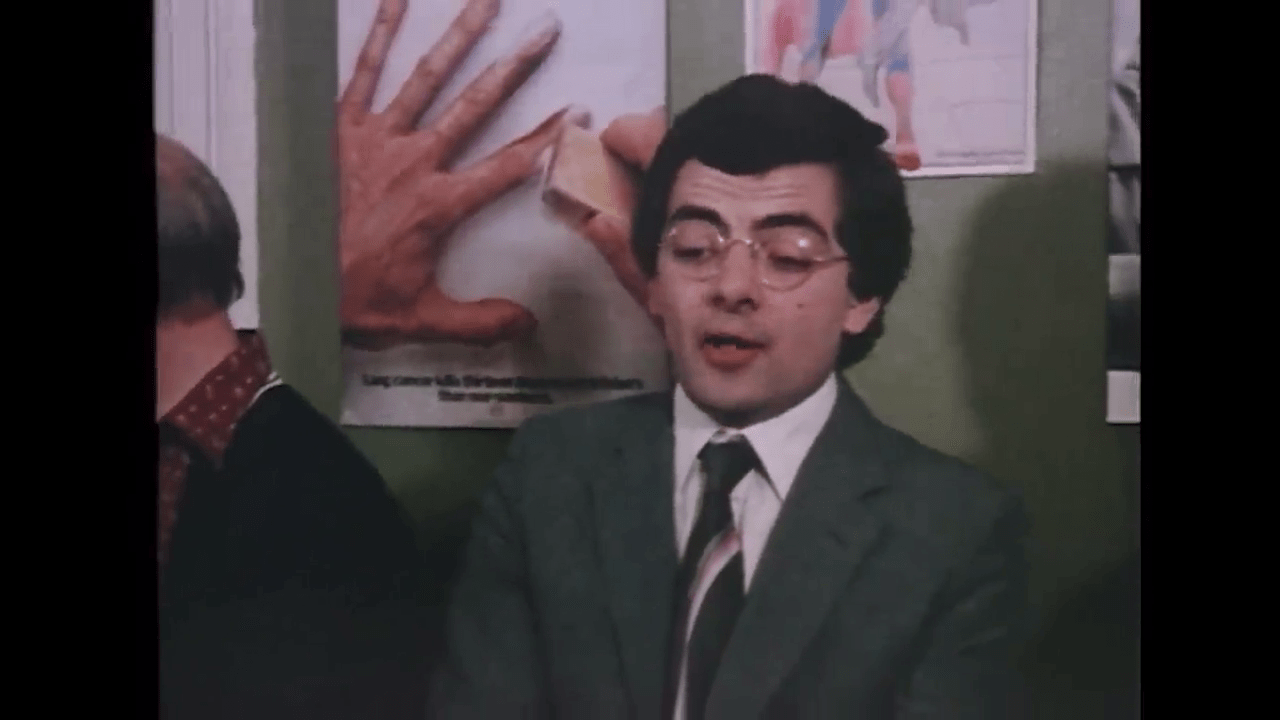
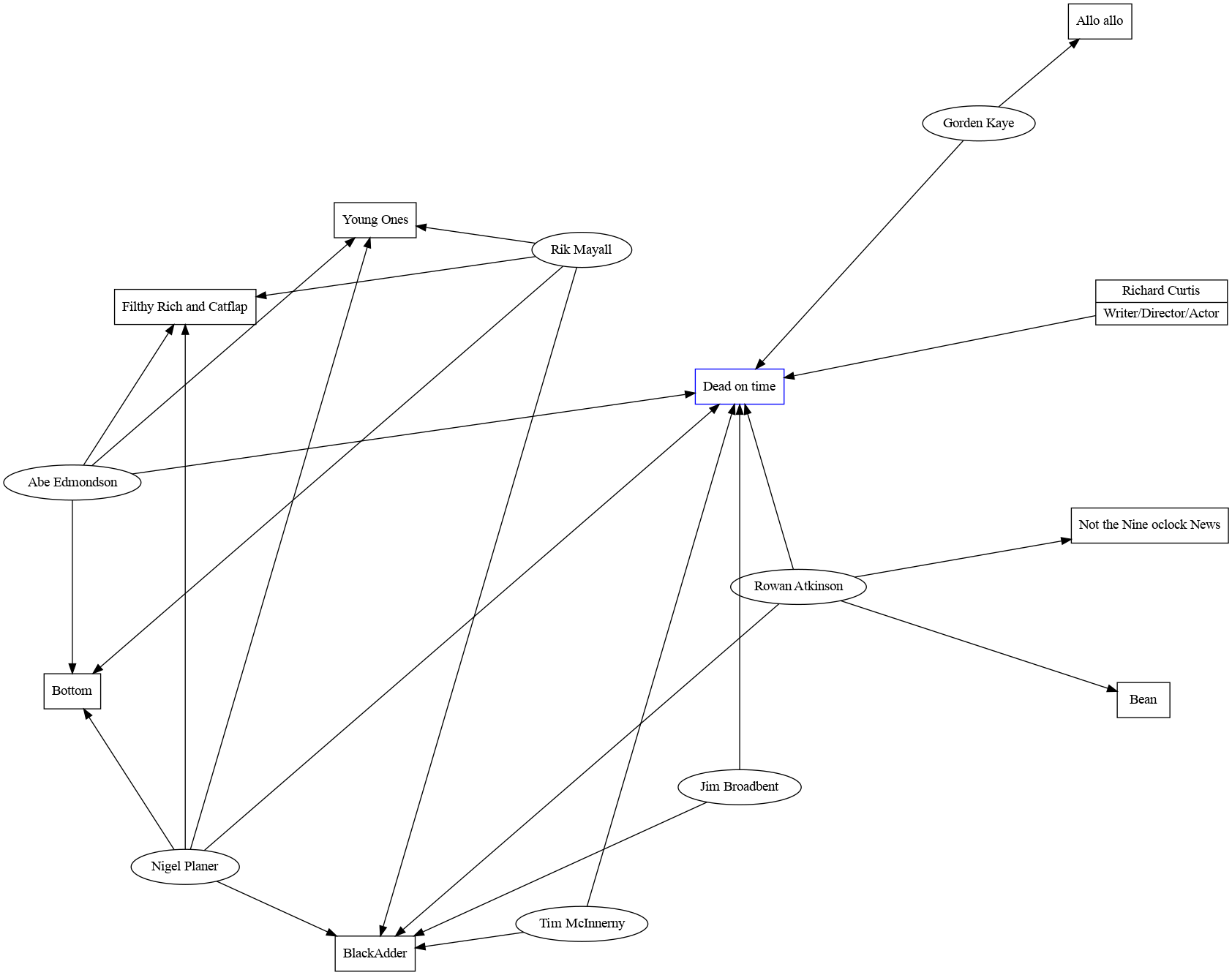
While watching this movie on YouTube, I recognised several people in small roles. Most of them their first roles. (I never knew about this short before last night)
It is the first (short) movie by Richard Curtis, a (now) famous writer/director. (Mr Bean, The Black Adder) He only did “Not the nine O’clock News” before that.
Having my own business means having a more professional electronics lab is a must. So I’m moving from the attic to our outside workshop. That also means I have to make our Music Studio smaller.
So moving, printing a lot on my new 3D printer and designing EuroCards.
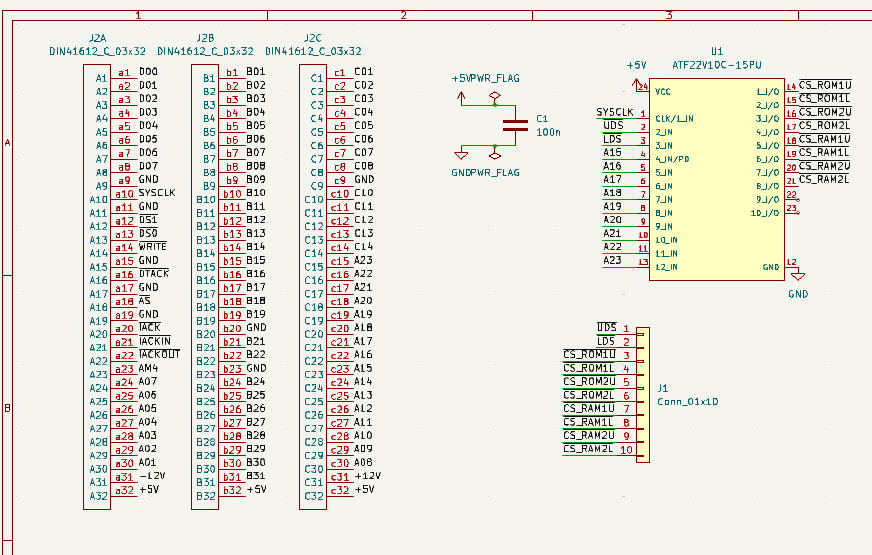
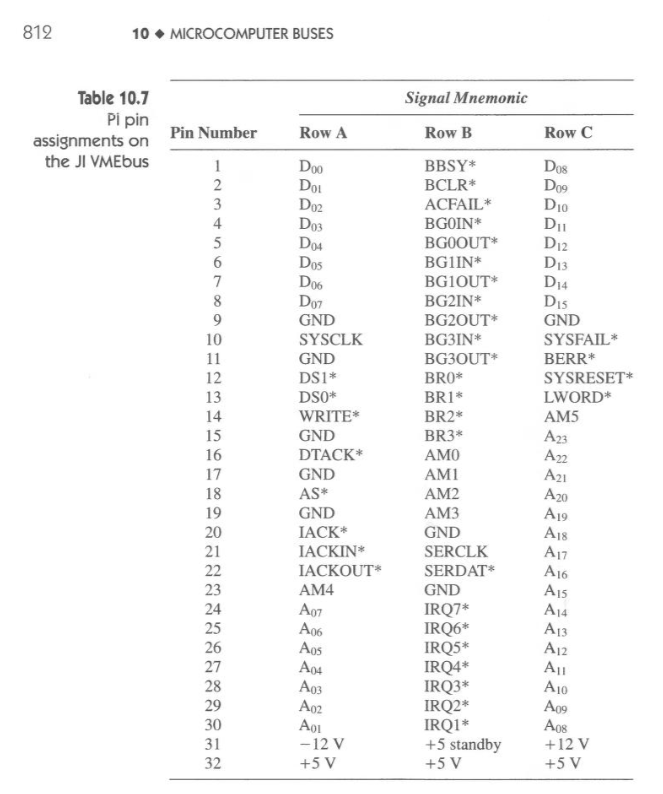
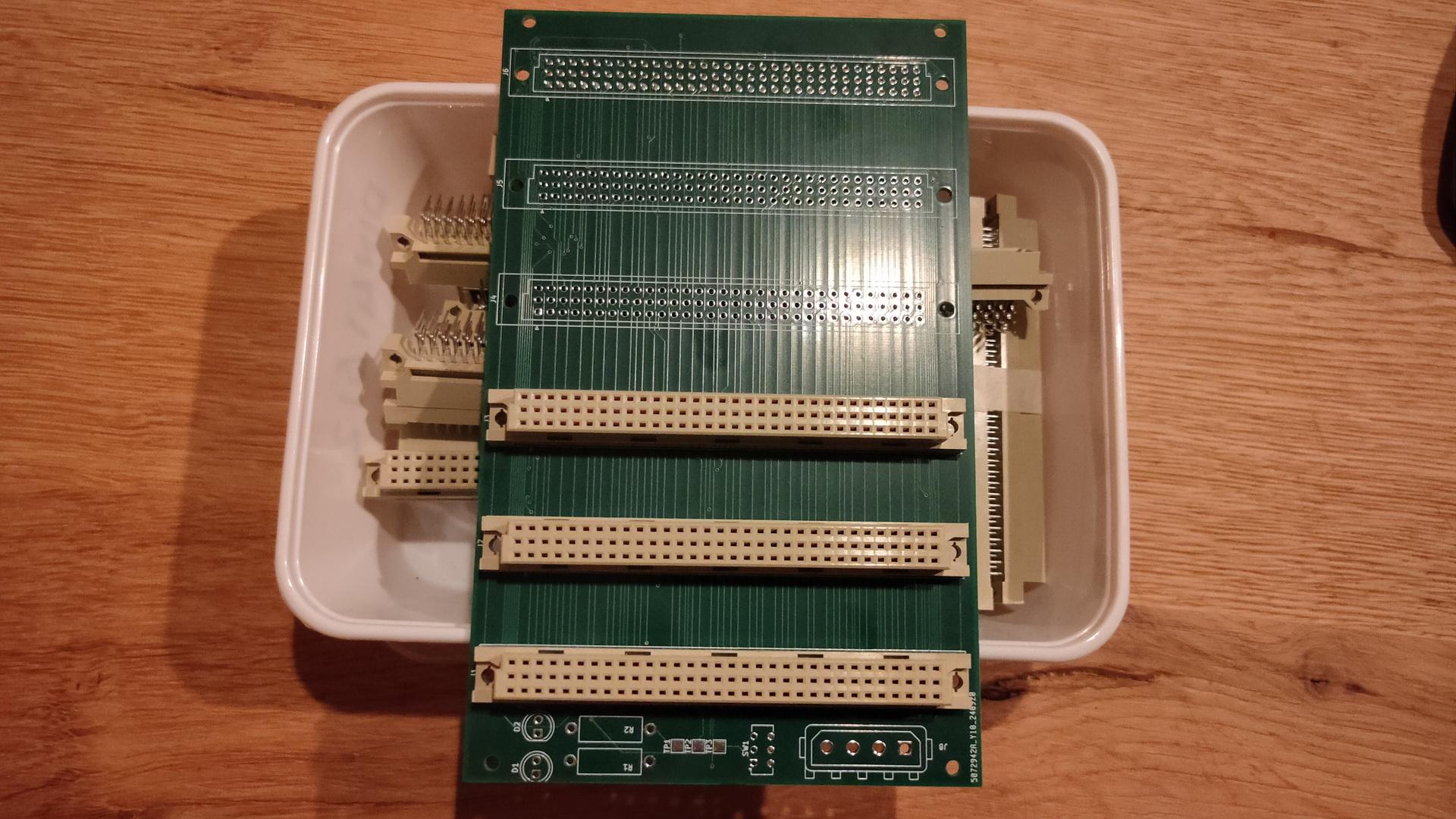
Part of the Address decoding eurocard with din41612.
Above card will hold two address decodes parts, selectable using jumpers. ( Old skool TTL using 74xx and a new solution using ATF22V10.
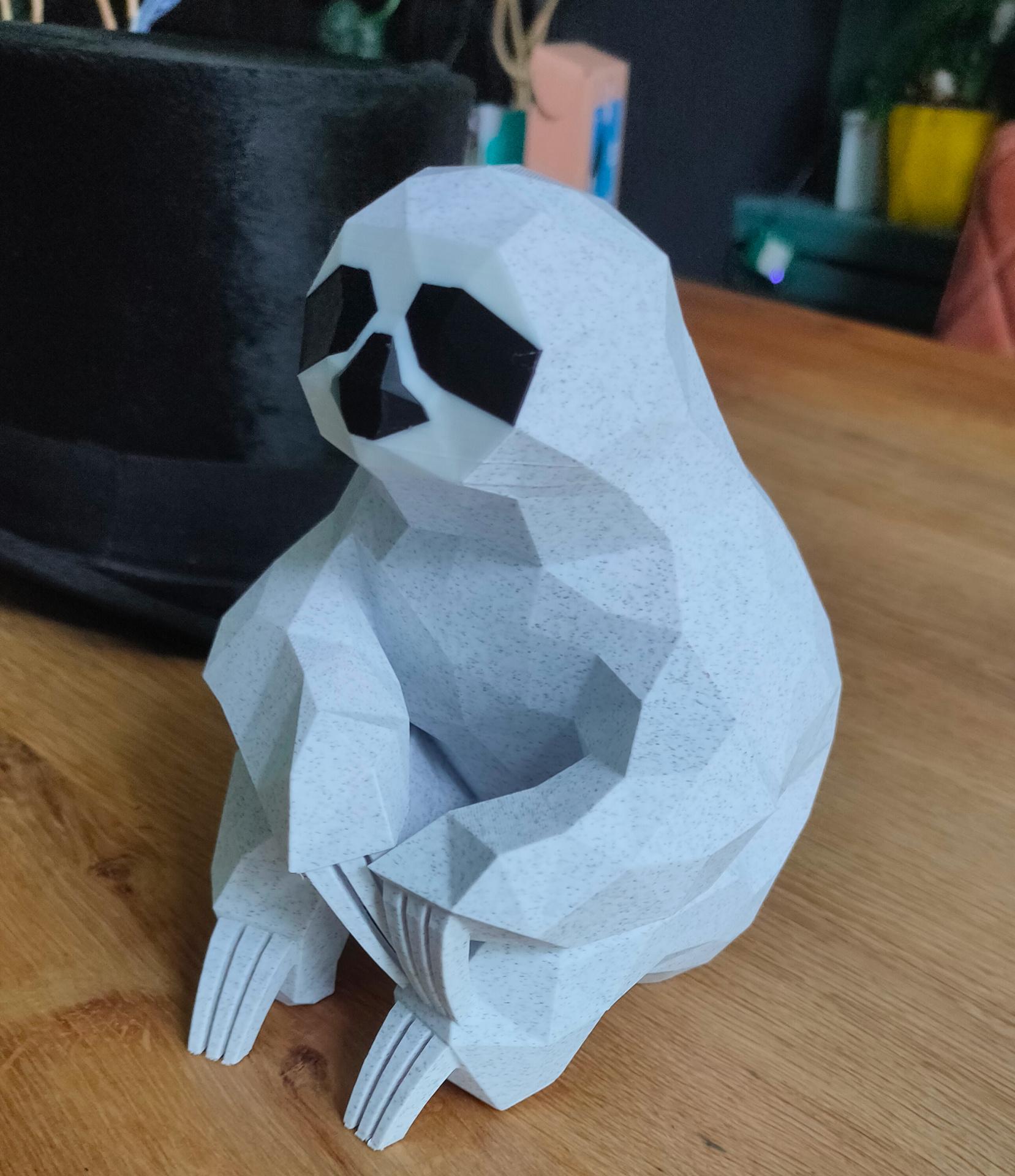
We like Low Poly models, so I printed one using marble PLA.
In the back my 100yr old highhat from my Grandfather (moleskin)
I’ve cleaned my old 3D printer, and I am planning to convert this printer to a 2D plotter and a CNC machine.
I’ve already printed a pen holder and a dremel holder. (The filament head will be removed)
I’m working on a Gcode writer to plot drawings using a pen, or using a Gyro-cut knife to cut paper. And the biggest project using this old 3D printer, a CNC machine!
Test Code:
import time
import serial

arduino = serial.Serial('/dev/ttyUSB0', 115200, timeout=.1)

# Motor stuff
arduino.write(str.encode("M84 X Y Z S12000\r\n"))
arduino.write(str.encode("M92 X160 Y160 Z800\r\n"))
# Extrude fix
arduino.write(str.encode("G92 E0\r\n"))
# Go home
arduino.write(str.encode("G28\r\n"))
# Move to x,y,z
arduino.write(str.encode("G1 Z90 X50 Y50\r\n"))
# Wait
arduino.write(str.encode("M400\r\n"))
Sin wave fun:
import time
import serial
import math
from time import sleep

arduino = serial.Serial('/dev/ttyUSB0', 115200, timeout=.1)

arduino.write(str.encode("M84 X Y Z S12000\r\n"))
arduino.write(str.encode("M92 X160 Y160 Z800\r\n"))
arduino.write(str.encode("G92 E0\r\n"))
arduino.write(str.encode("G28\r\n"))
arduino.write(str.encode("M220 S100\r\n"))
arduino.write(str.encode("G1 Z10 X60 Y60\r\n"))
arduino.write(str.encode("M400\r\n"))
sleep(10)
count = 0
while True:
	newx=(math.sin(math.radians(count))*50)+60
	newy=(math.cos(math.radians(count))*50)+60
	newz=(math.cos(math.radians(count))*10)+20
	count = count + 1
	mystring="G1 Z" + str(newz) + " X" + str(newx) + " Y" + str(newy) + "\r\n"
	print(mystring)
	arduino.write(str.encode(mystring))
	arduino.write(str.encode("M400\r\n"))
        # Not waiting for answer yet
	print(newx)
	sleep(0.1)
I’ve got two friends who make old retro computers.
They like to use old chips and use only THT.
What is my take on this?
I like to use THT when possible. Exceptions are:
Size constrains
No THT parts available
New gadgets
Old versus new chip solutions
CPU : never a new alternative (I’m not going to replace a 6502 using Arduino emulation, for example)
Yes, I’m using static ram instead of dynamic
Address decoder using 74xx ? Yes, I want to test at least once. But using a ATF22v10 has my preference. (Not using GALs anymore)
I only replace with newer alternatives when it does NOT interfere with how a system is performing. CPU has its own quirks, also chips like the SID. I never emulate when it can be avoided. Address decoding, RAM or ROM yes please 🙂 Old untrusted UV Eproms are sh*t. Give me the new flash-able alternatives any time
I can emulate everything, but I need real hardware.
Real 6502
Real 68000
Real 8088
Real 8086
Real 80386
I still want a real VGA monitor because I used to write VGA manipulation programs which only work on CRTs.
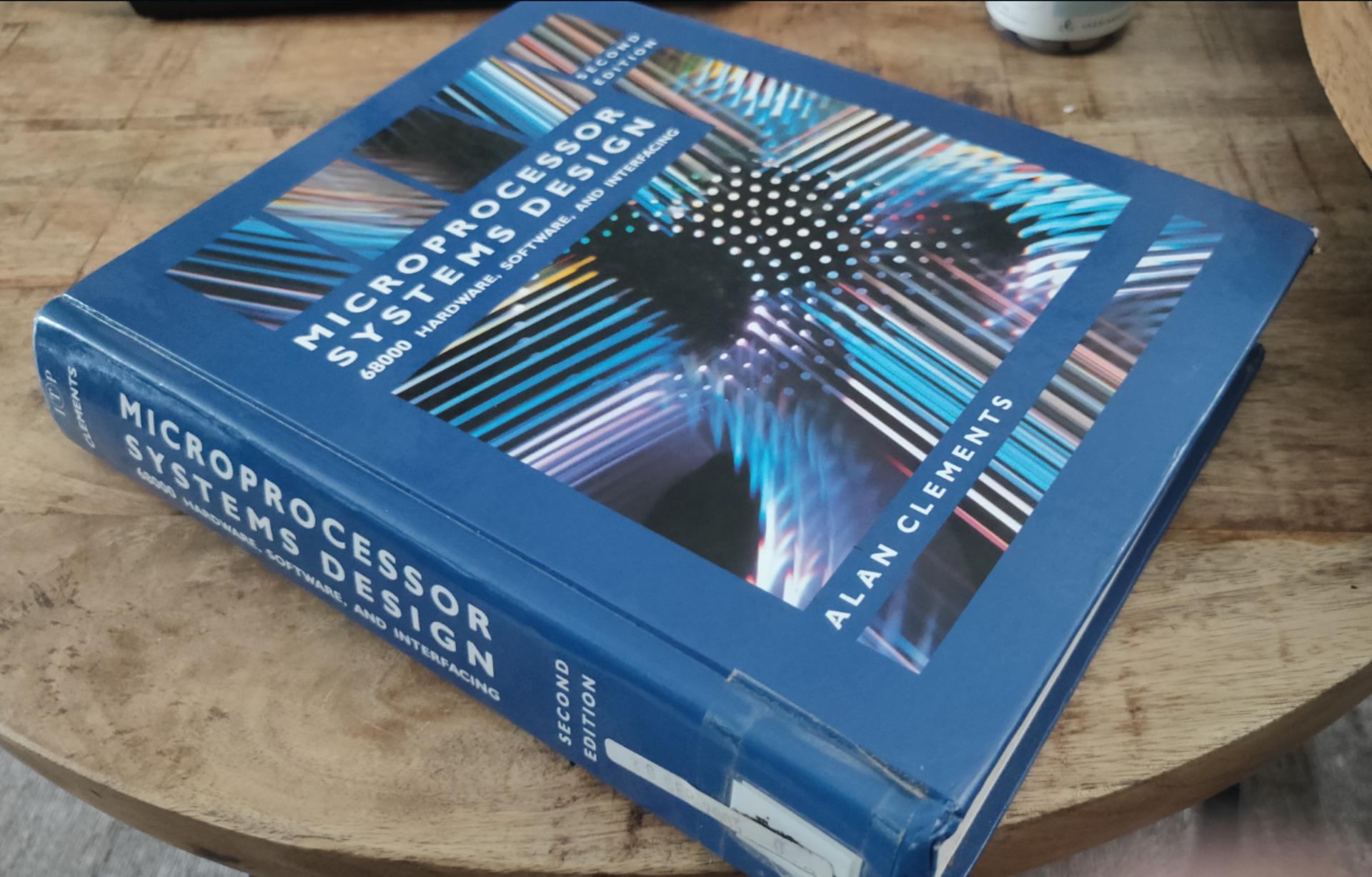
While testing on a breadboard is fast, I still want my 68000 on PCBs.
Breadboards are nice for testing, and I use them in the design stage. But they will fail in the end. Loose wires, oxidated contacts and alike.
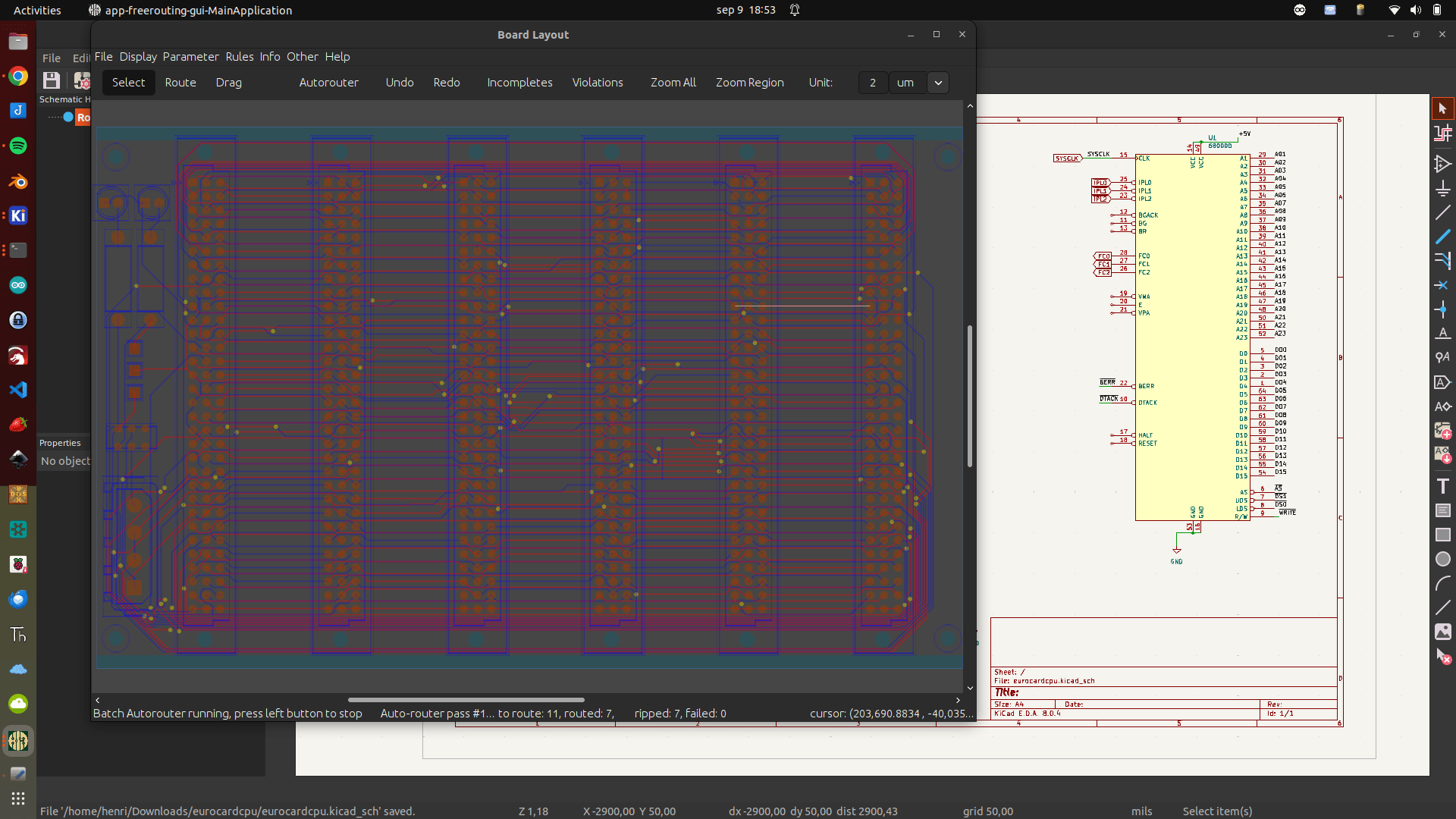
So when I was testing using breadboard, I drew the schematics in KiCad.
I wanted to use Eurocards for this one. If I divide the whole system in system blocks, I can exchange and experiment parts. (My 6502 uses another method to connect different cards)
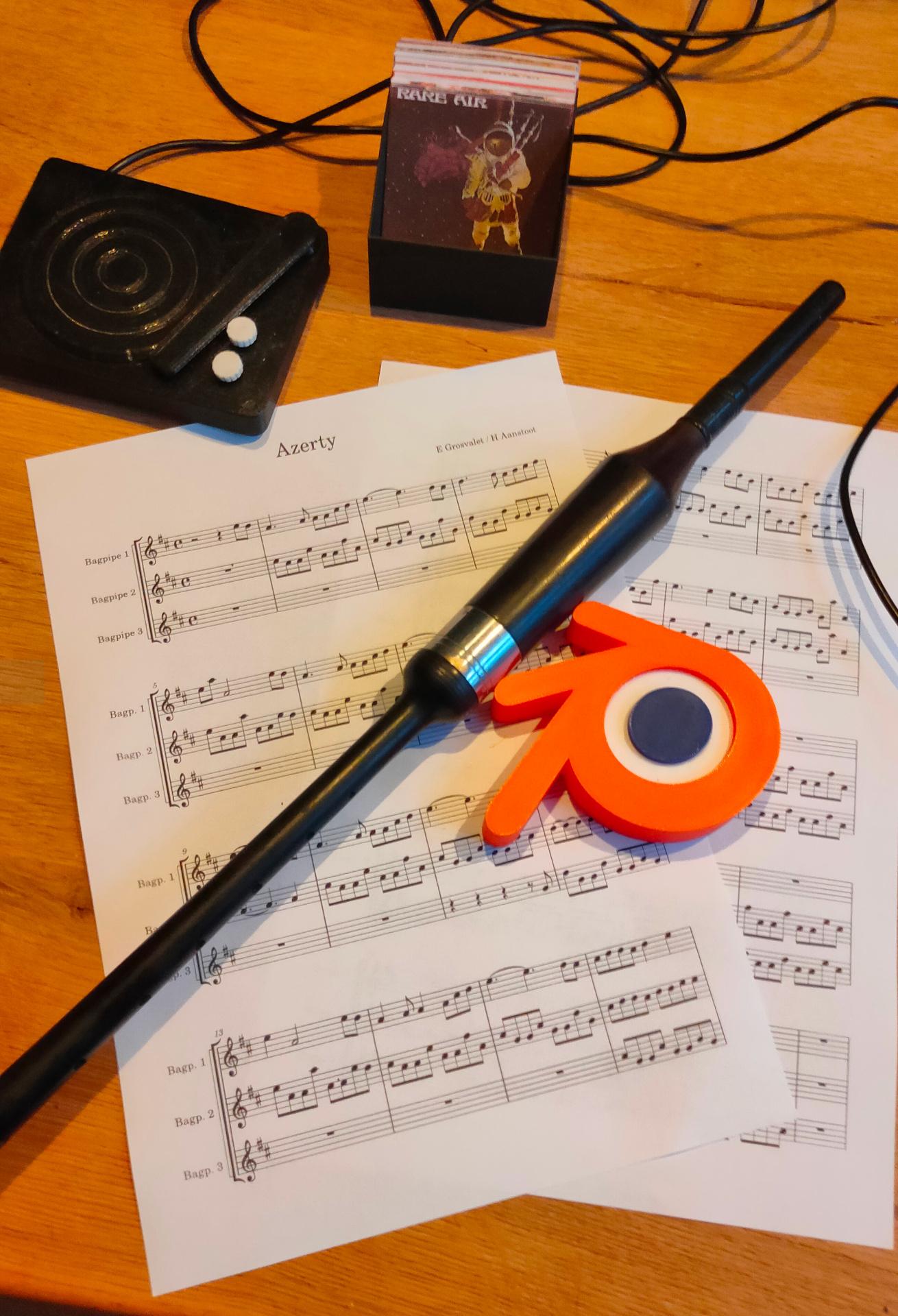
I was making a re-arrangement of a bagpipe tune. Designing a blender 3D printed light box. Cooking a Mexican BBQ dinner. Visiting a textile place with old and new weaving looms. (Which gave me some great ideas). And working on my 68000 computer.
A great weekend.
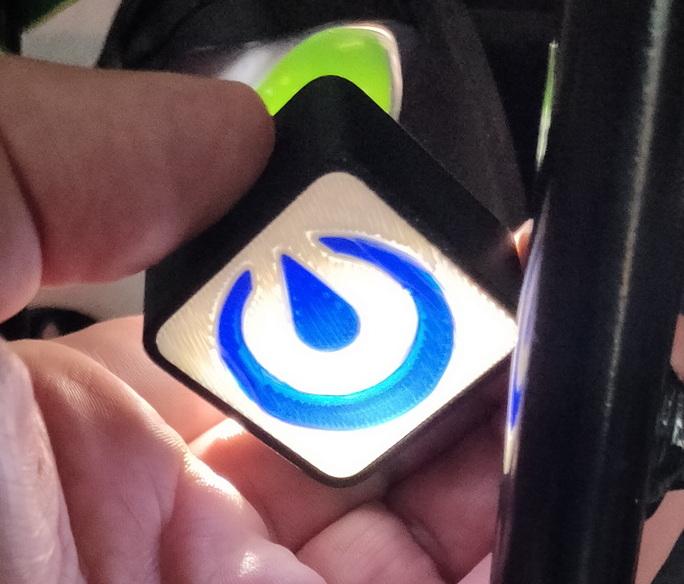
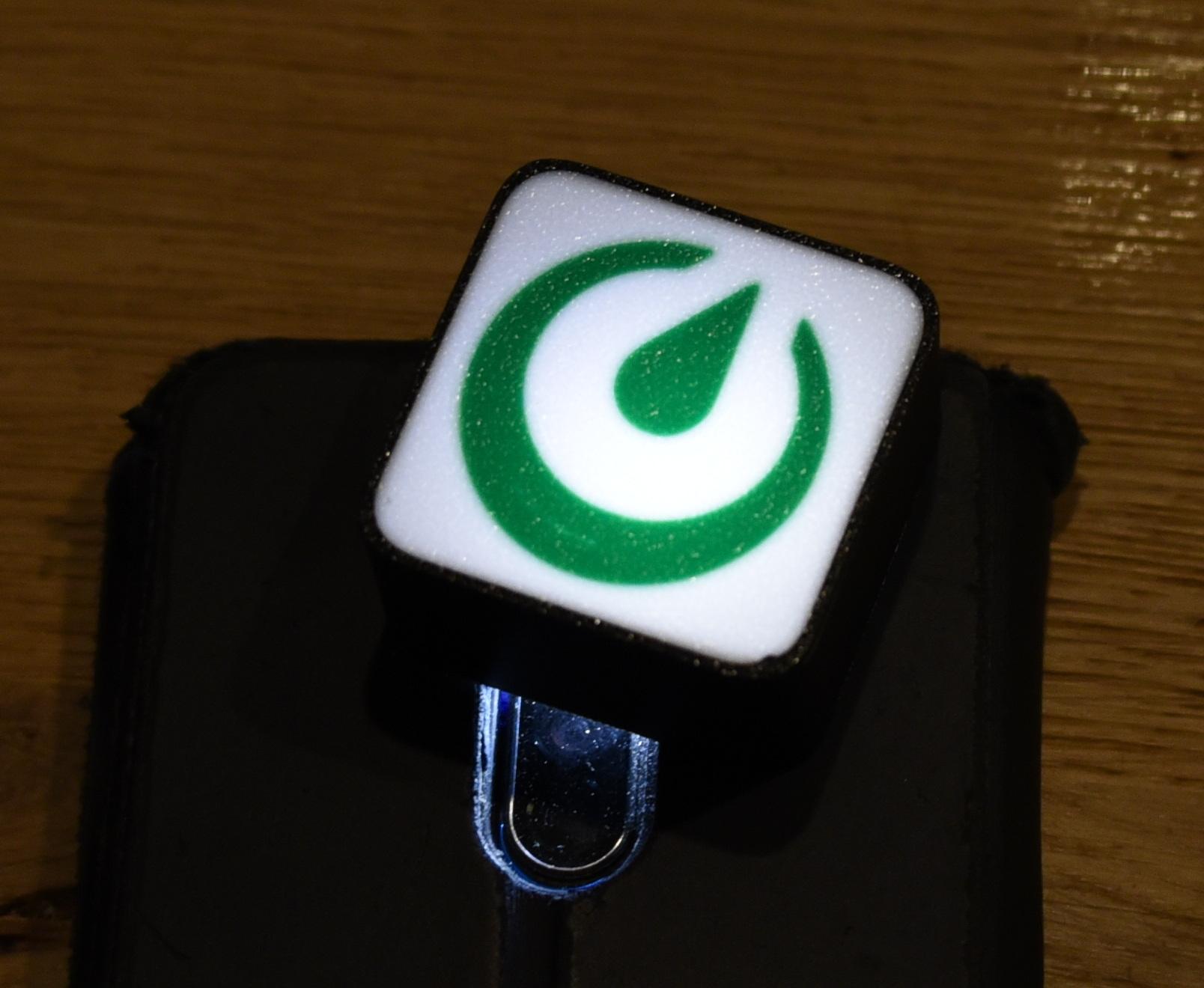
No embellishments yet, and no lights in de blender logo.
My little record player project is also in the picture, I need to re-print the parts using my new printer!
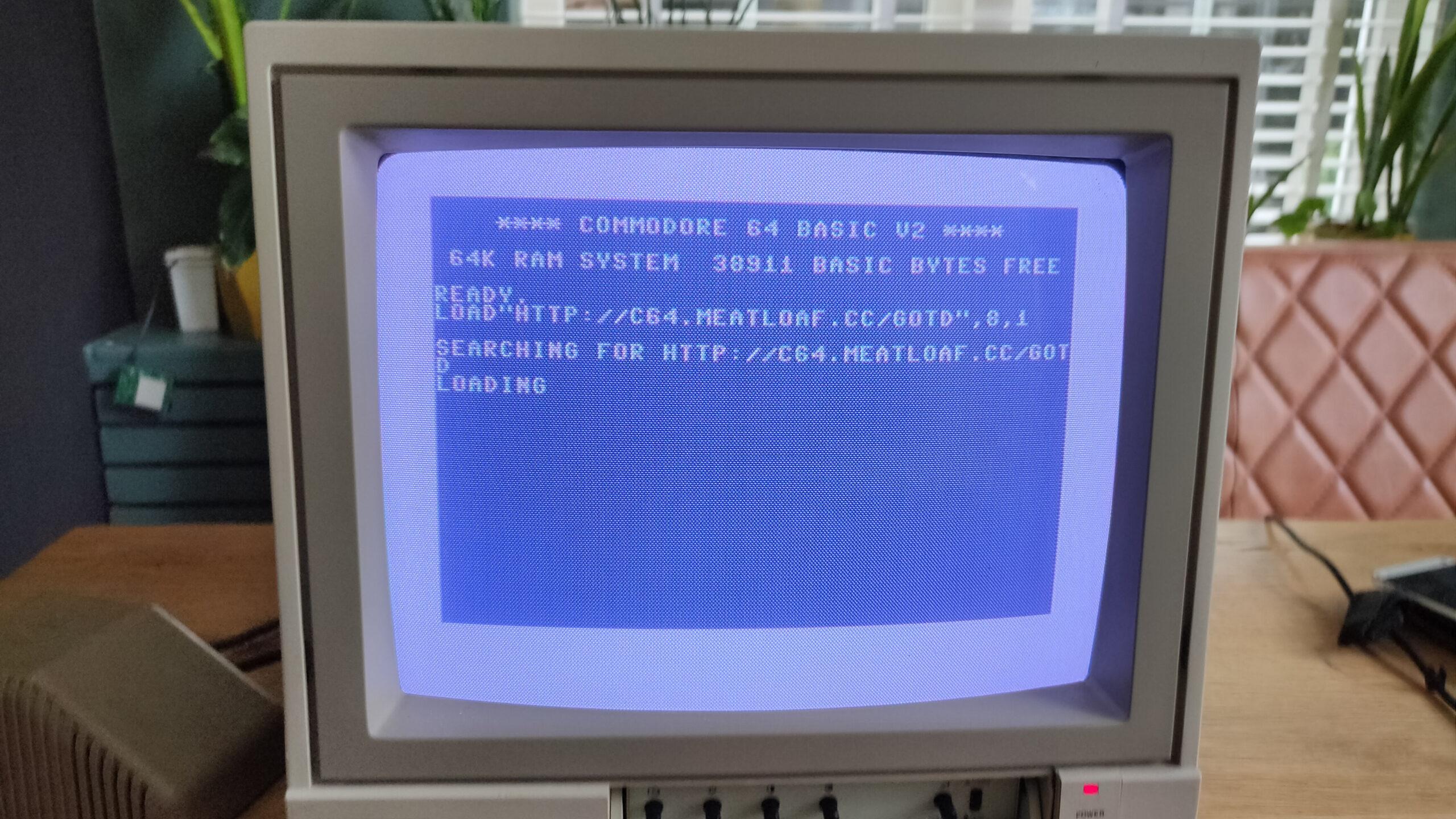
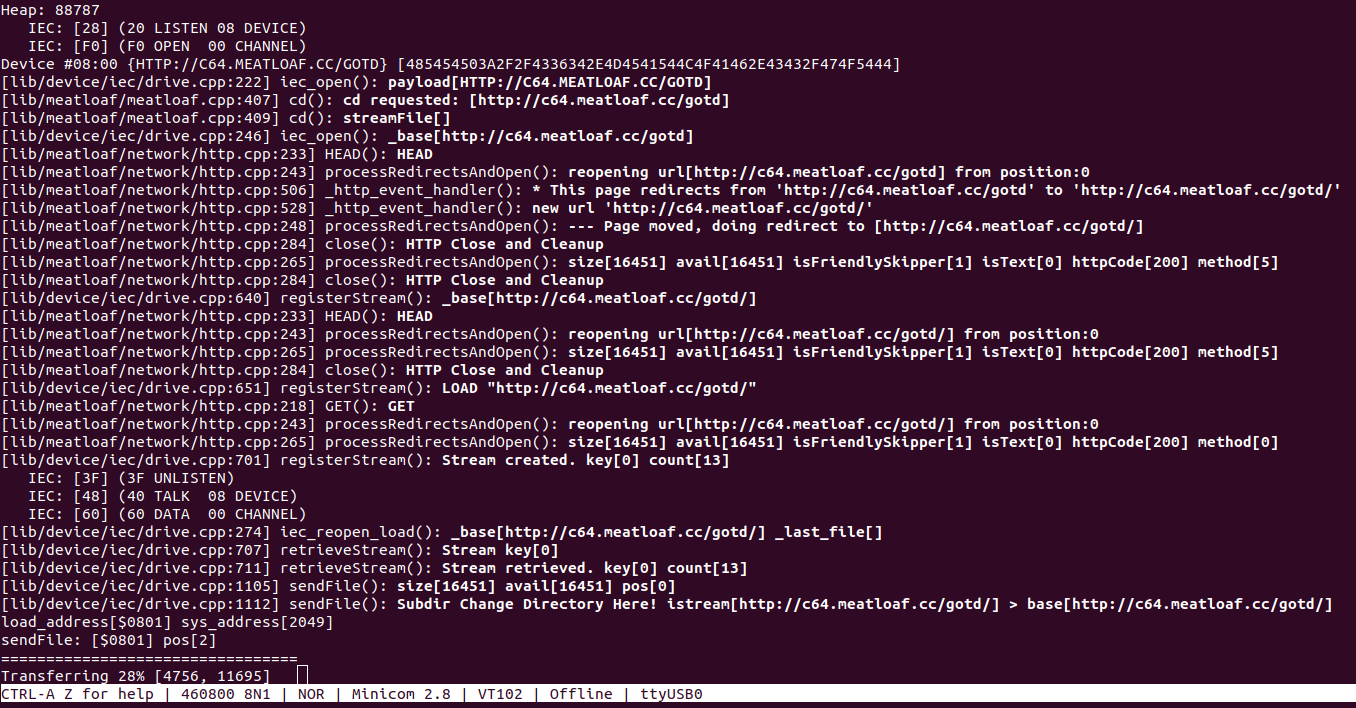
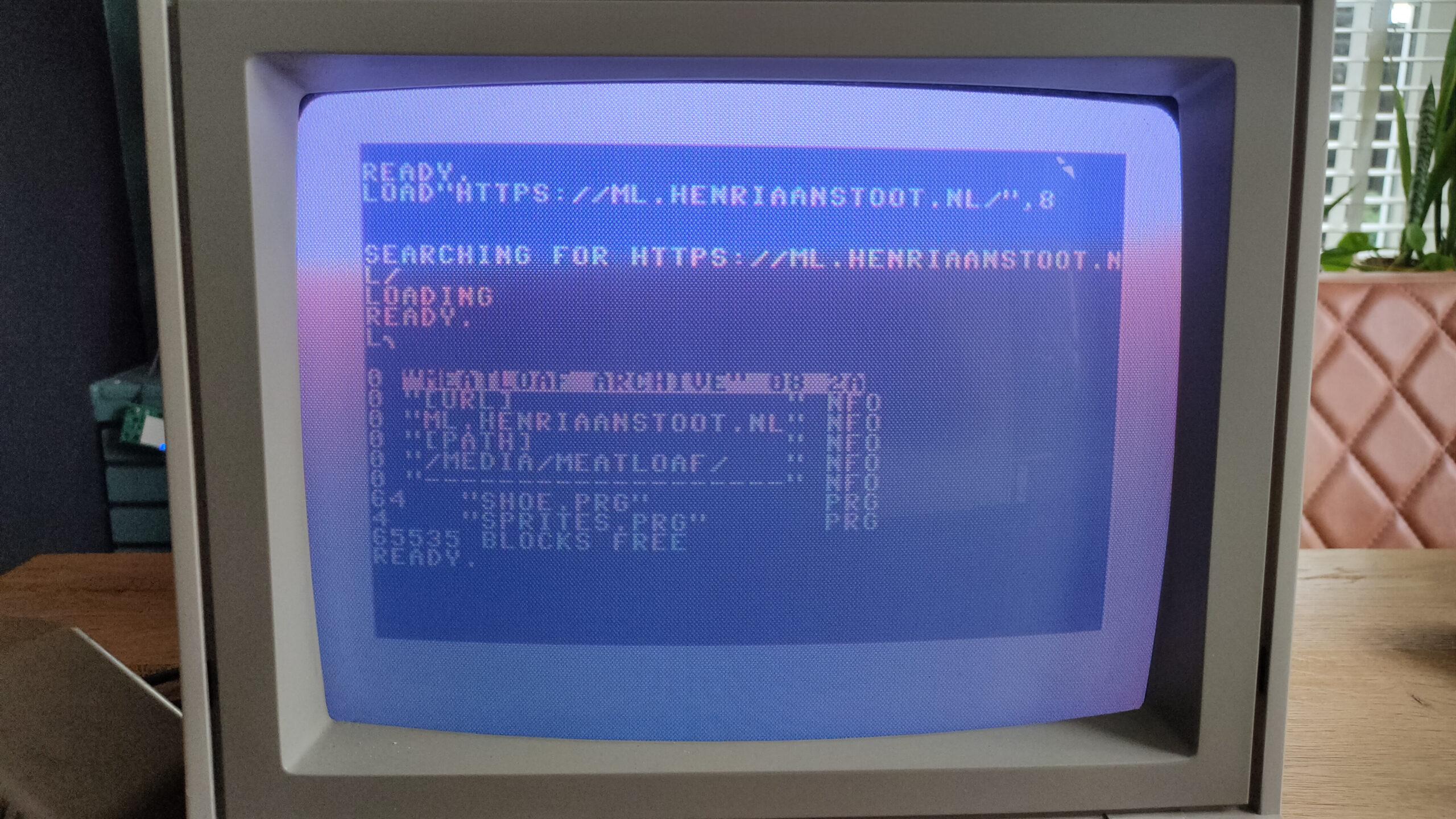
Emulates a floppy drive: Meatloaf plugs into the Commodore 64’s IEC serial port and acts like a virtual floppy drive. This allows you to load software and data stored on its internal flash memory, sd card, or stream it via WiFi using various protocols from servers all over the world.
Supports multiple virtual drives: Unlike a single floppy drive, Meatloaf can be configured to emulate up to 26 virtual drives (IDs 4-30). Each virtual drive can have a different disk image loaded, essentially offering the equivalent of having thousands of floppies connected to your C64.
Supports additional virtual device types: Printers, a network interface, and more.
Connects to the internet: Meatloaf also functions as a WiFi modem, enabling your Commodore 64 to connect to Telnet BBS (bulletin board systems) for communication and sharing information.
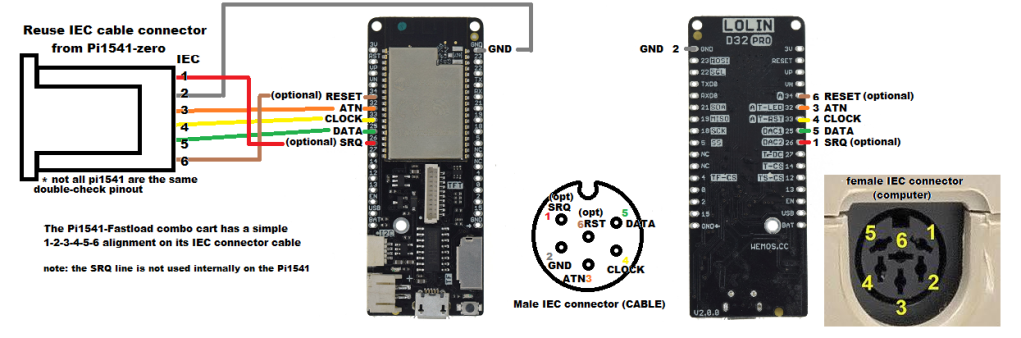
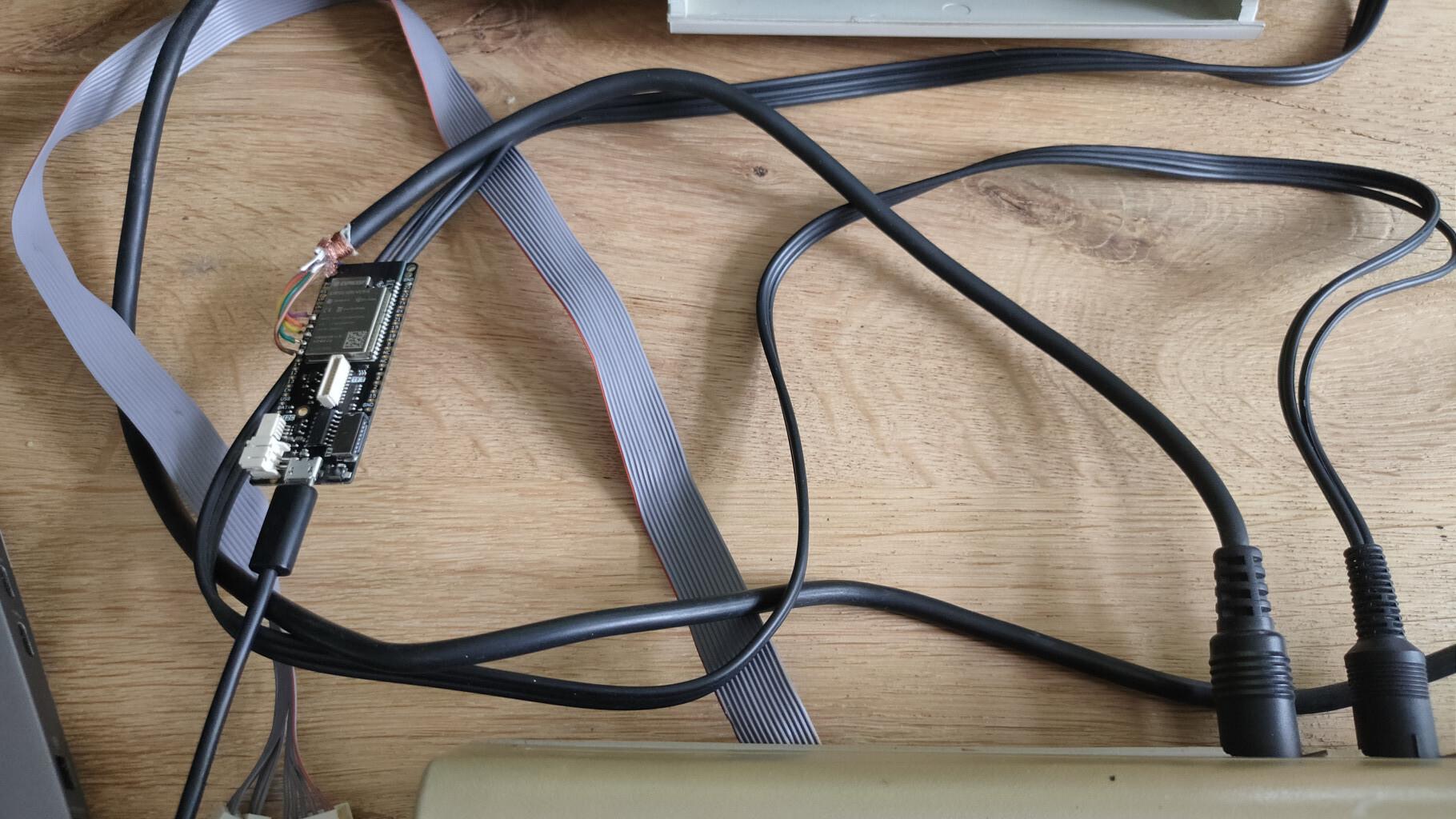
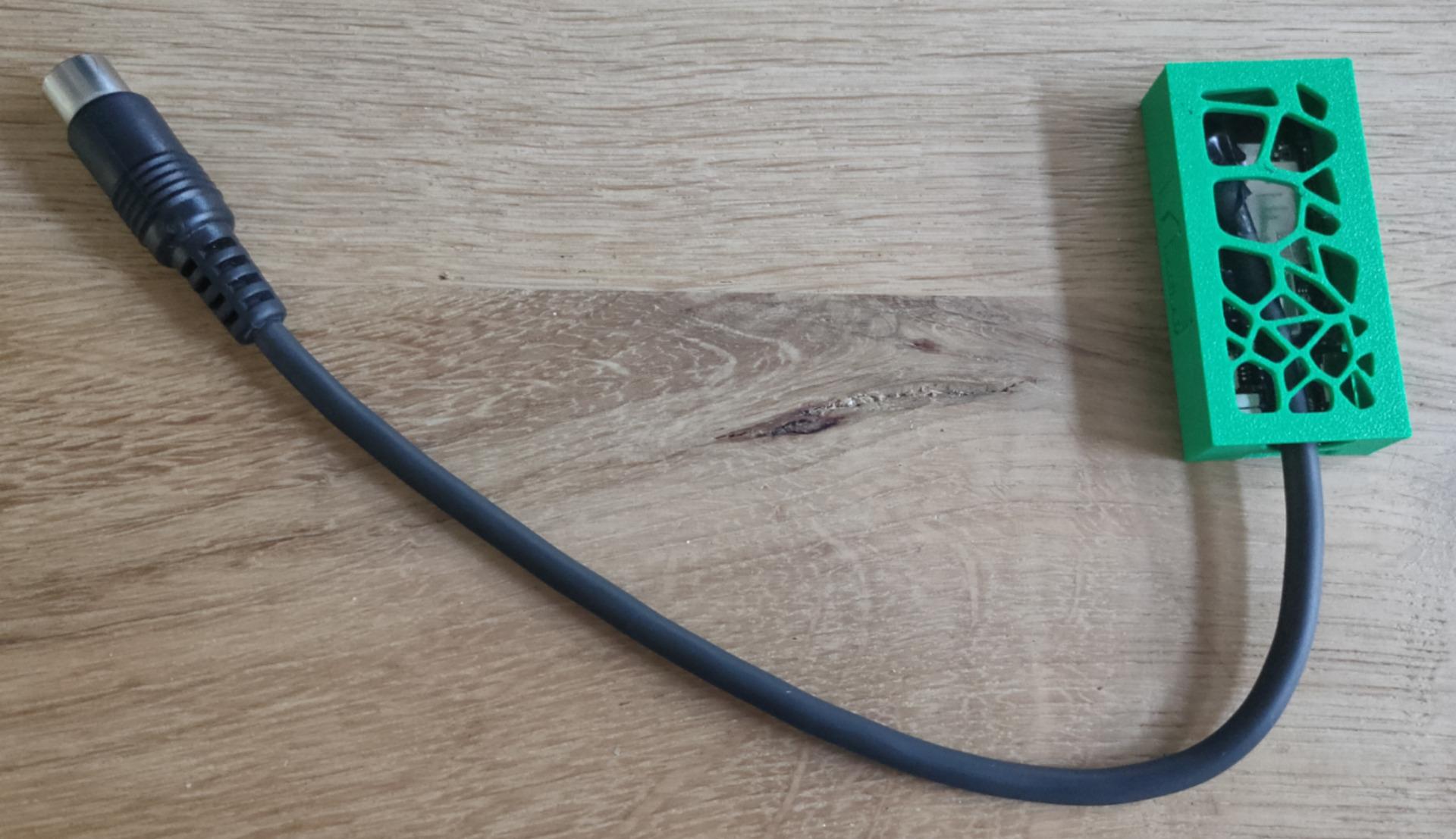
load from urldebug outputmy own repo testOnly a Lolin D32 and a cable with din connector.