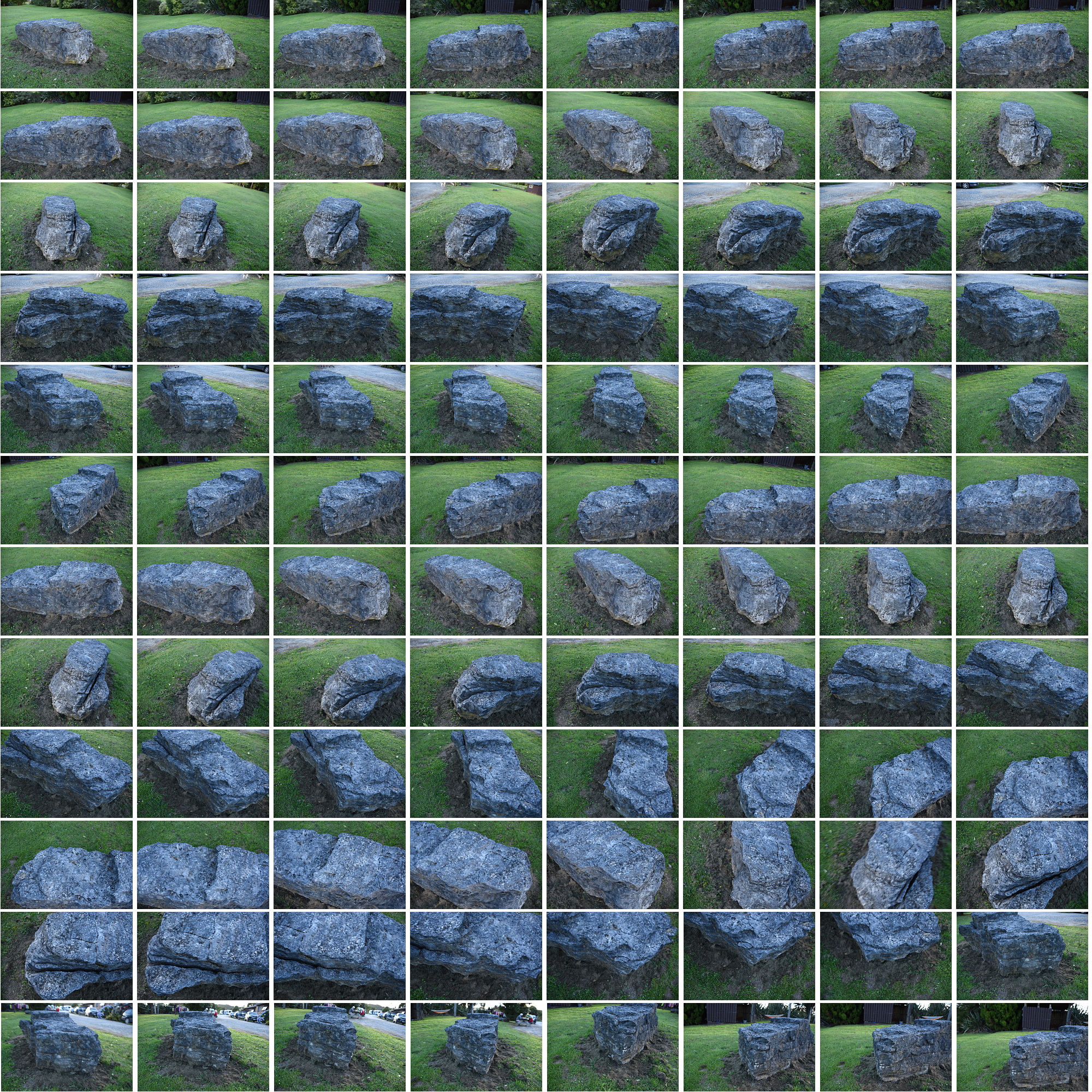
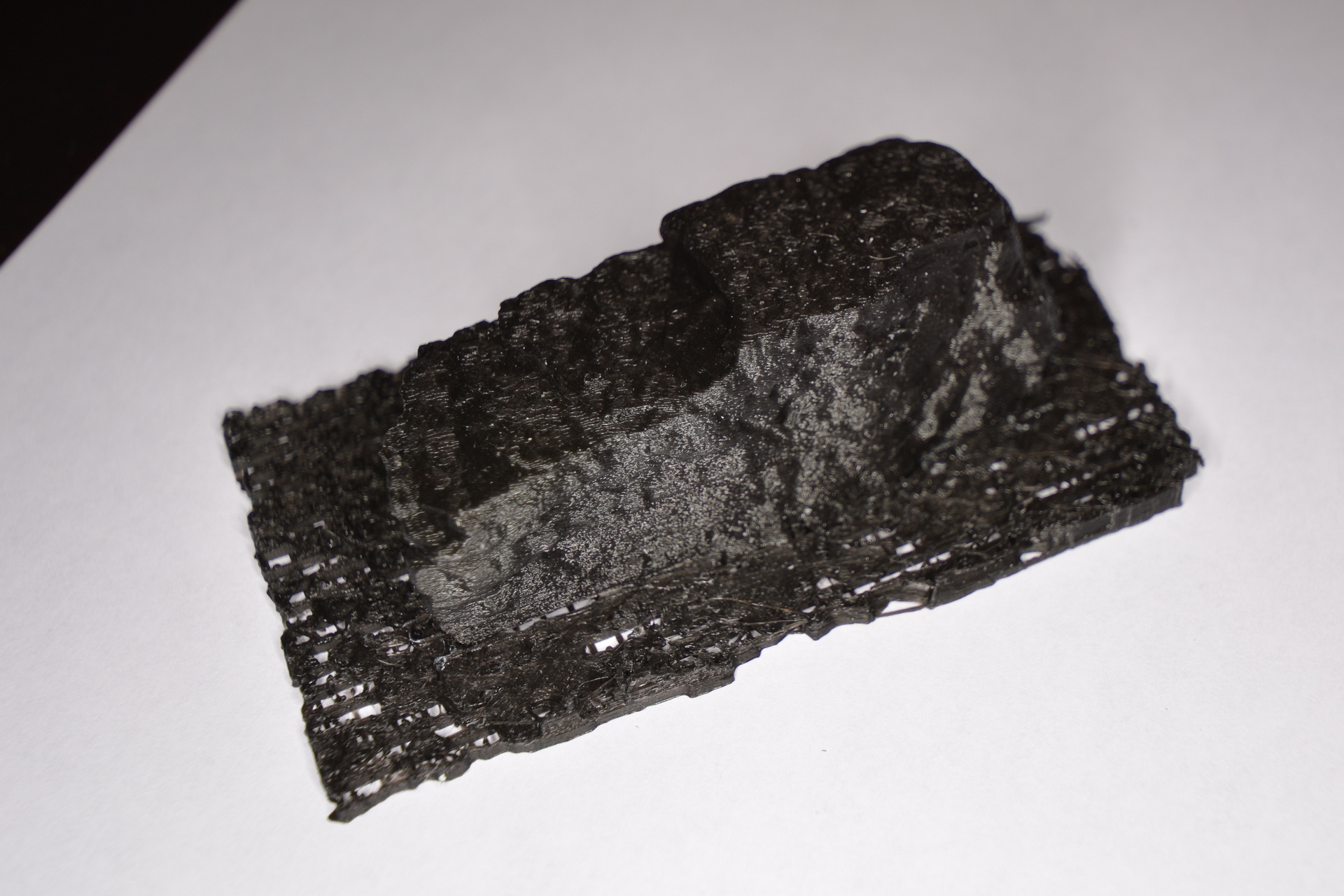
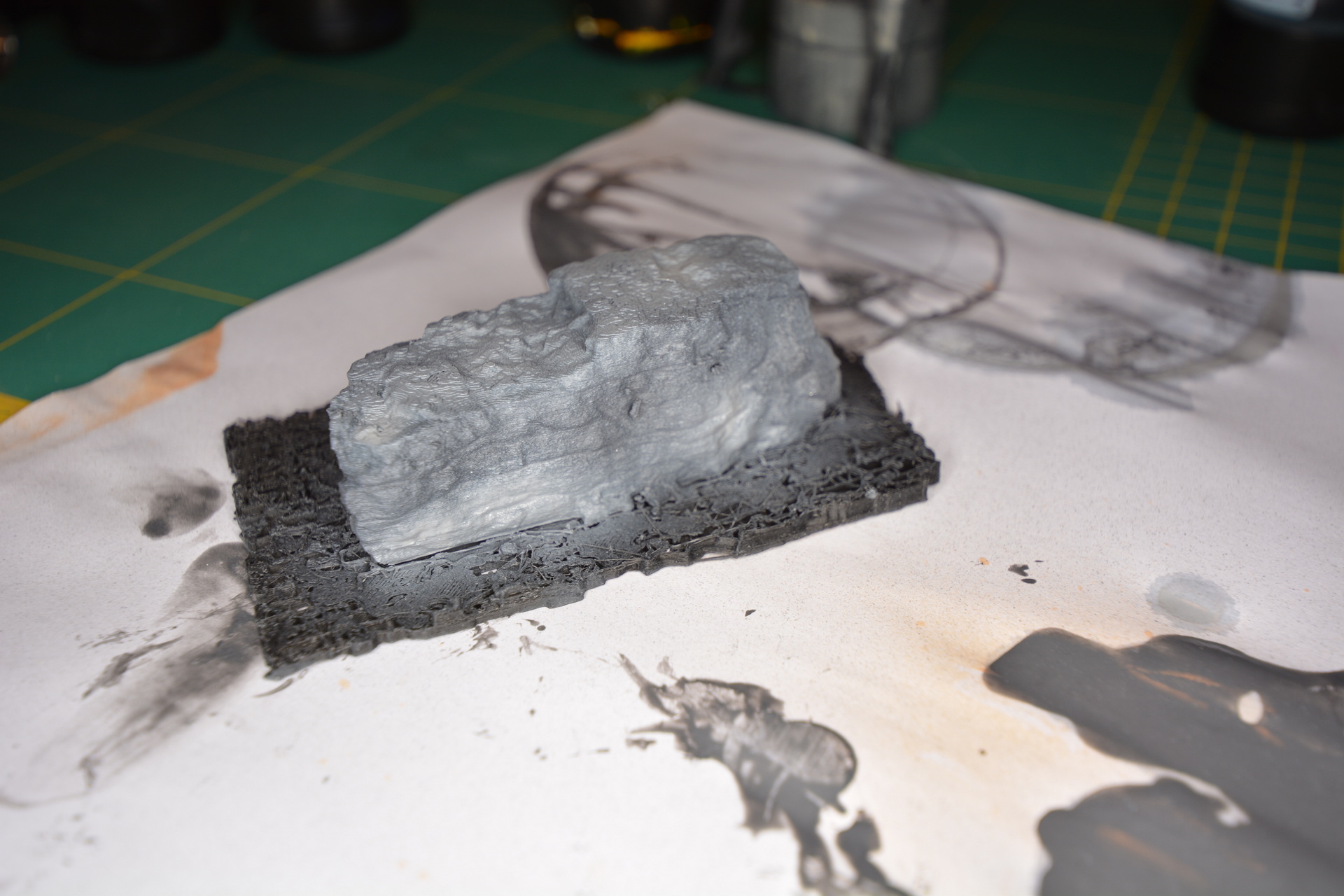
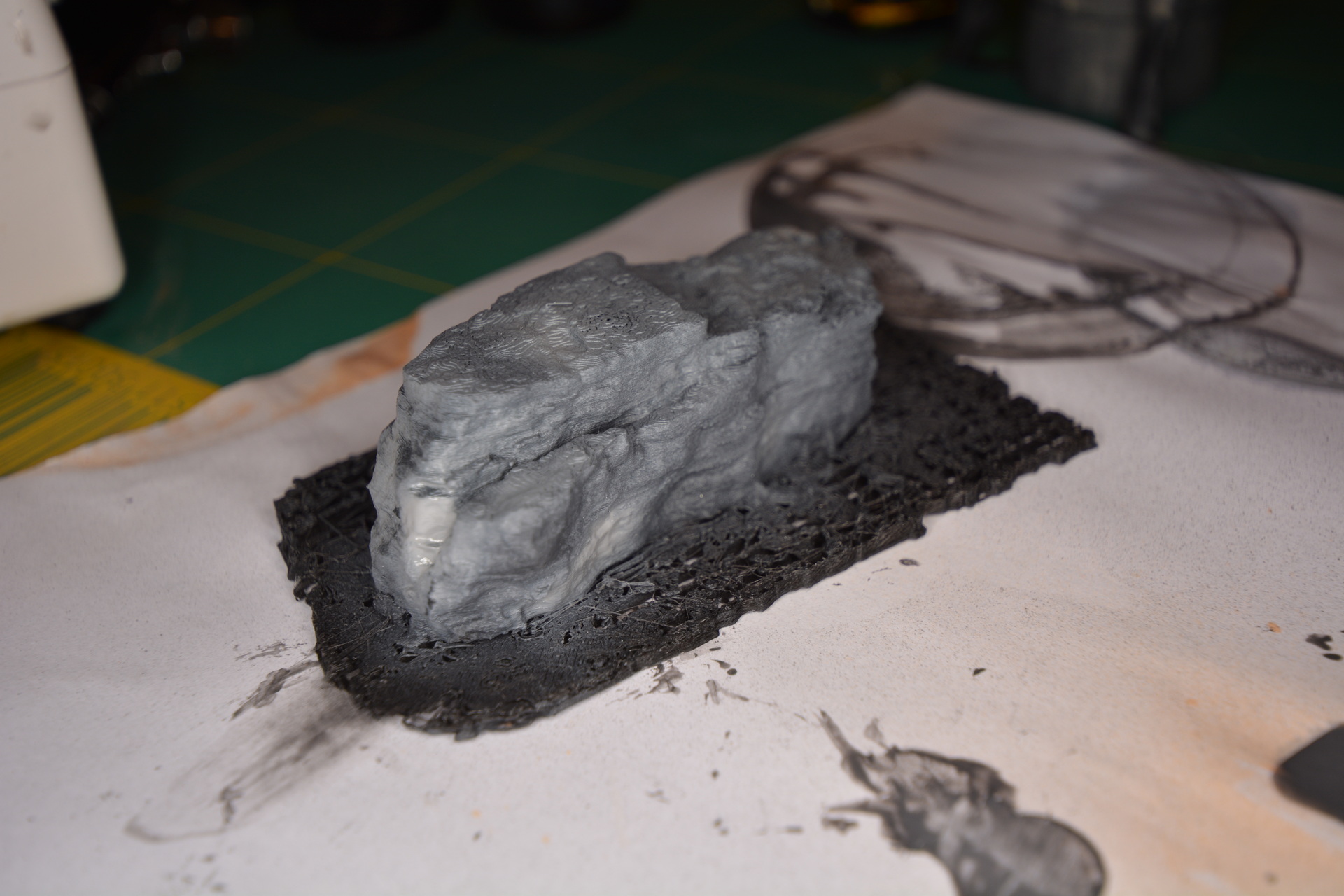
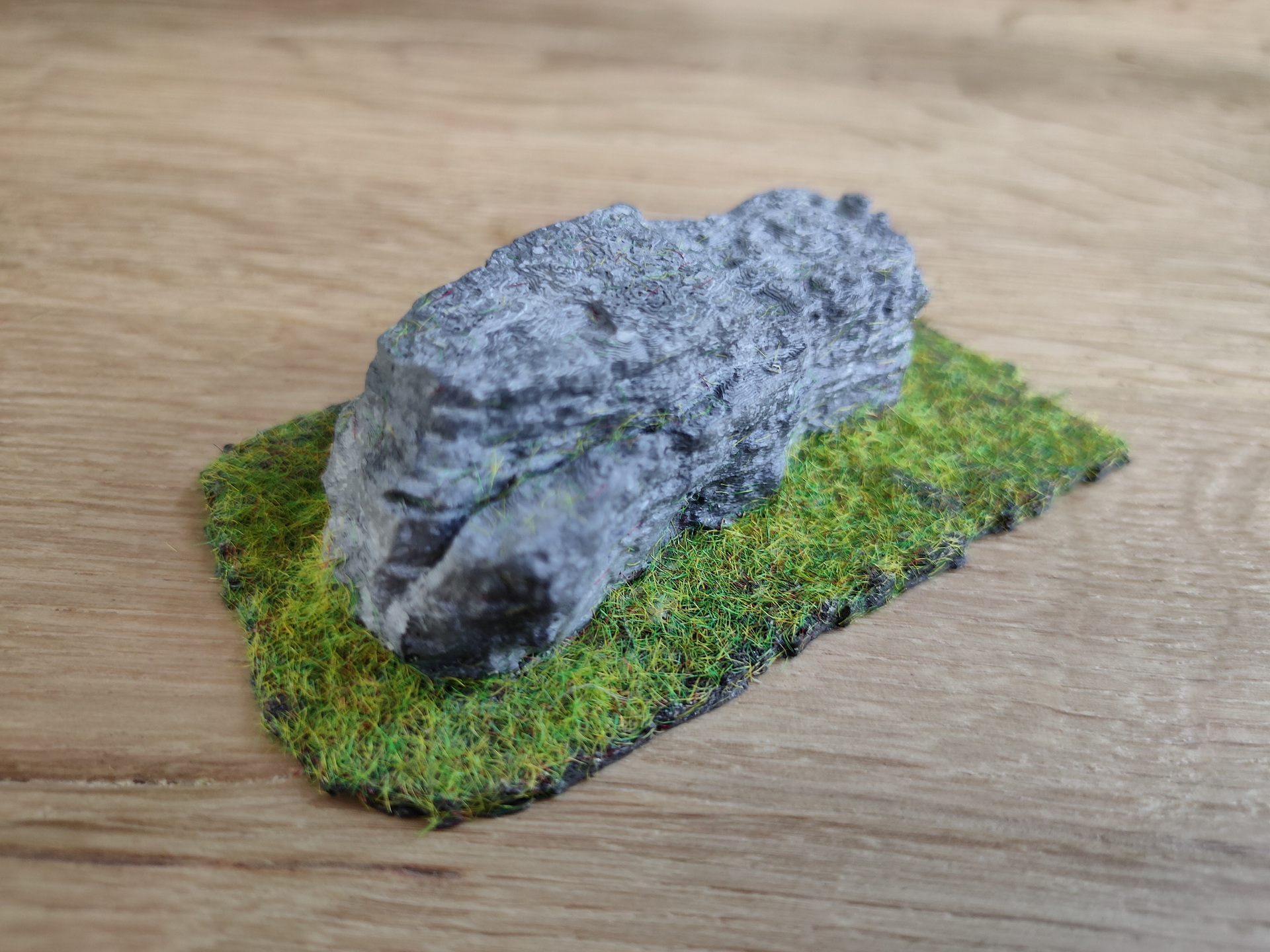
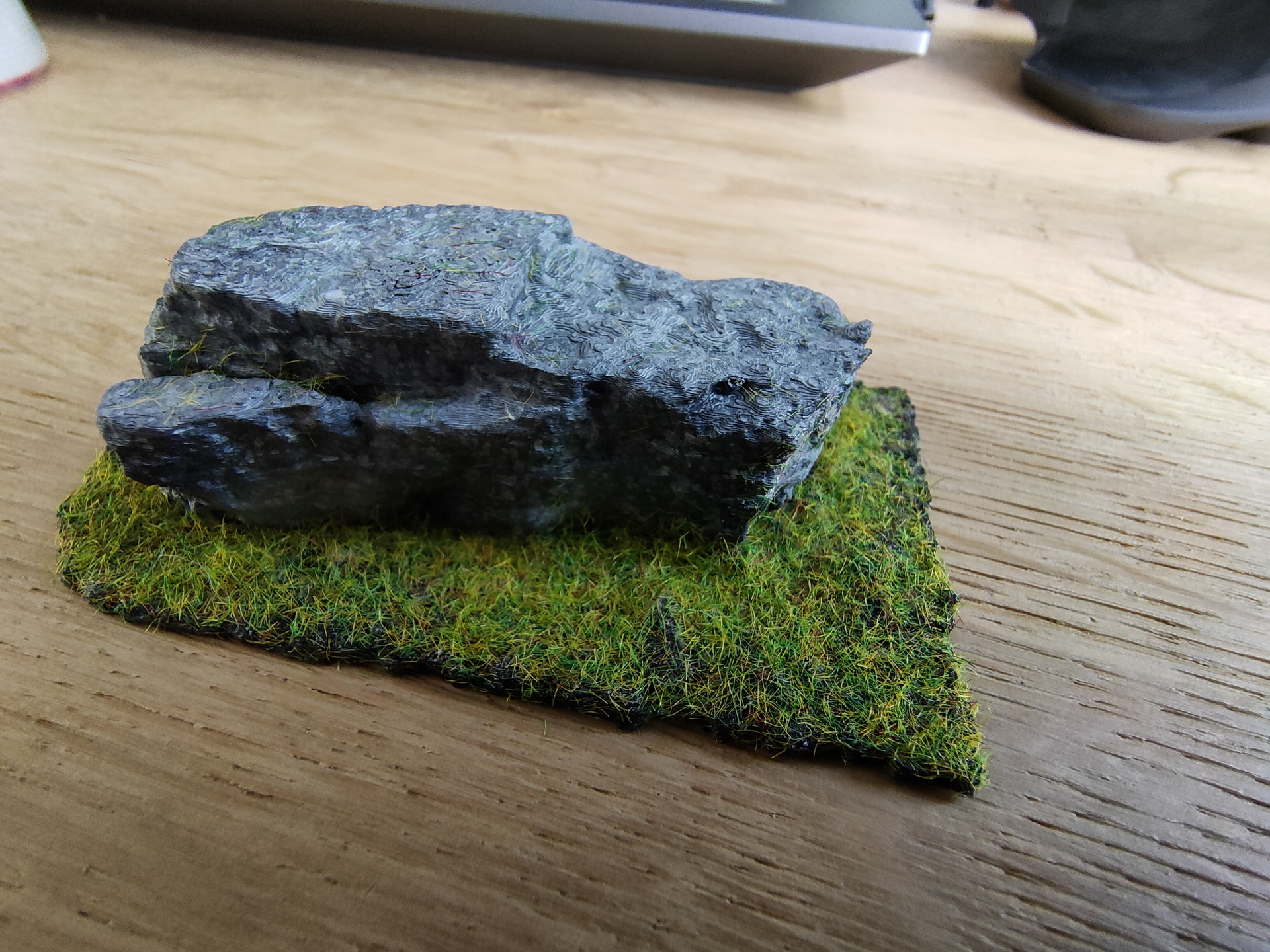
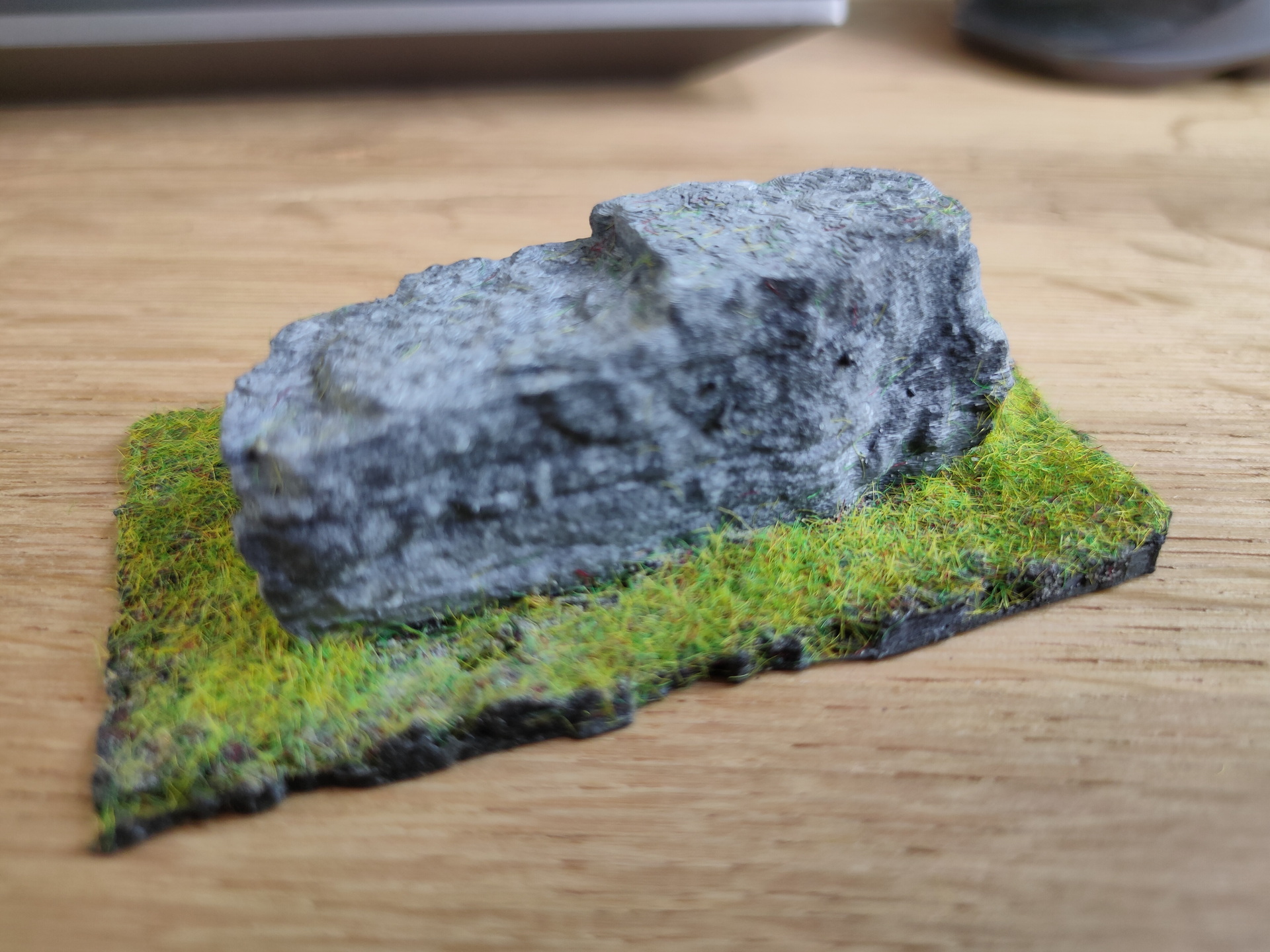
While on holiday in New Zealand i made photos of a rock i found on the campsite we where. Nothing special about the rock, but it was a nice subject to try to replicate.
So i took many many pictures of the stone from all sides.
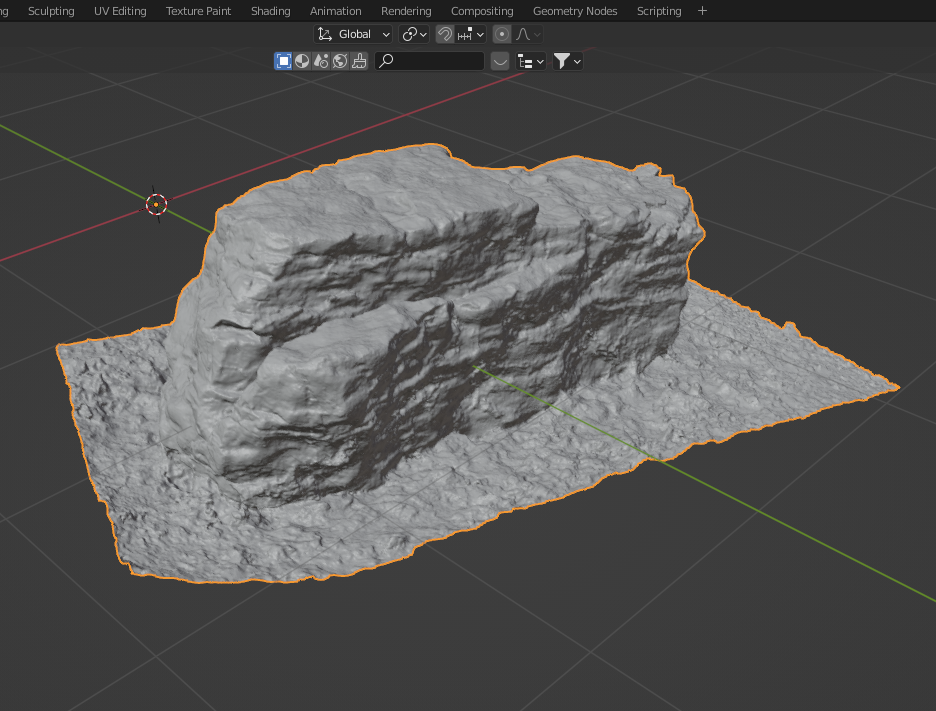
Imported those images in meshroom and convered it to a 3D stl object.
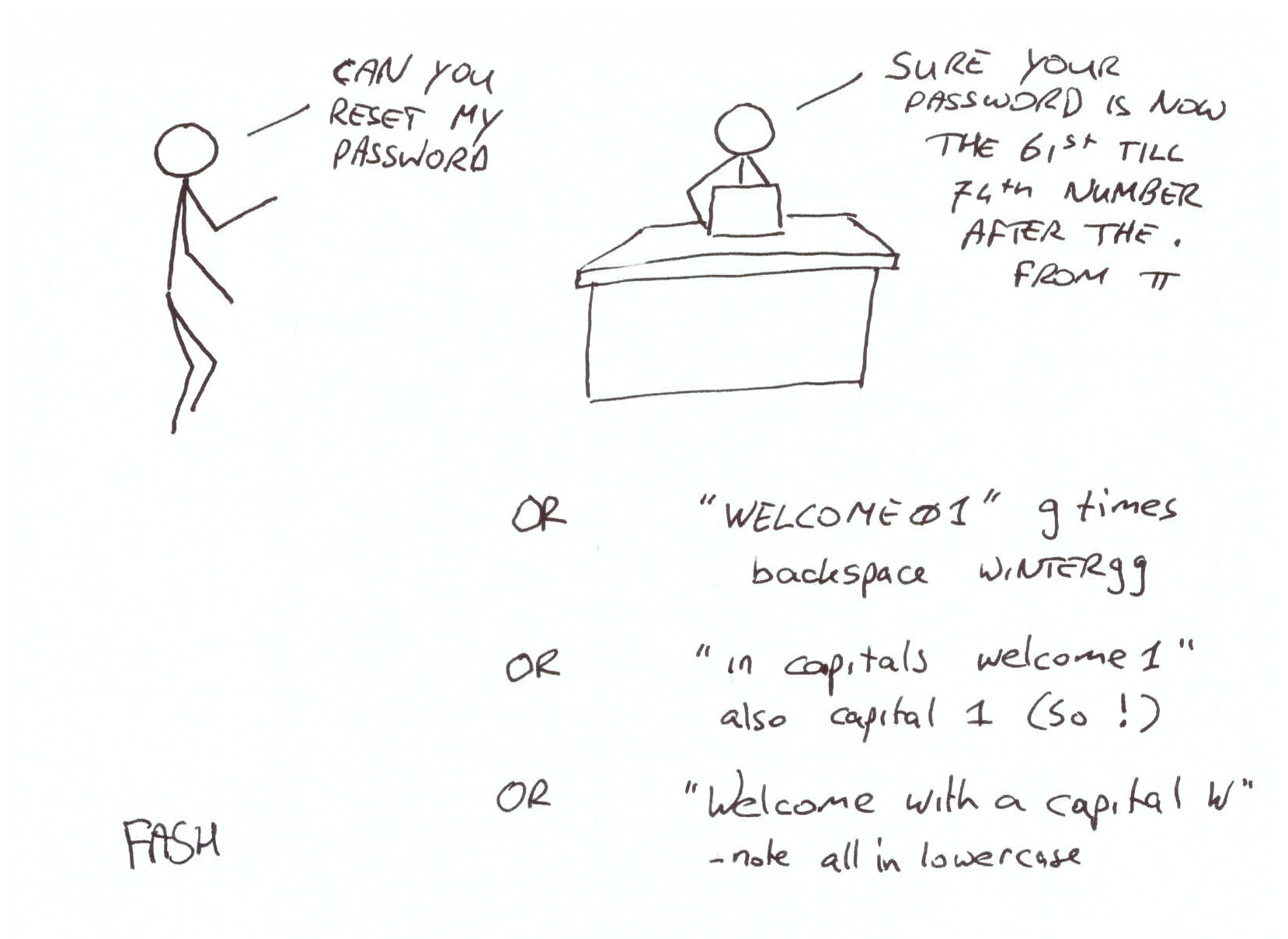
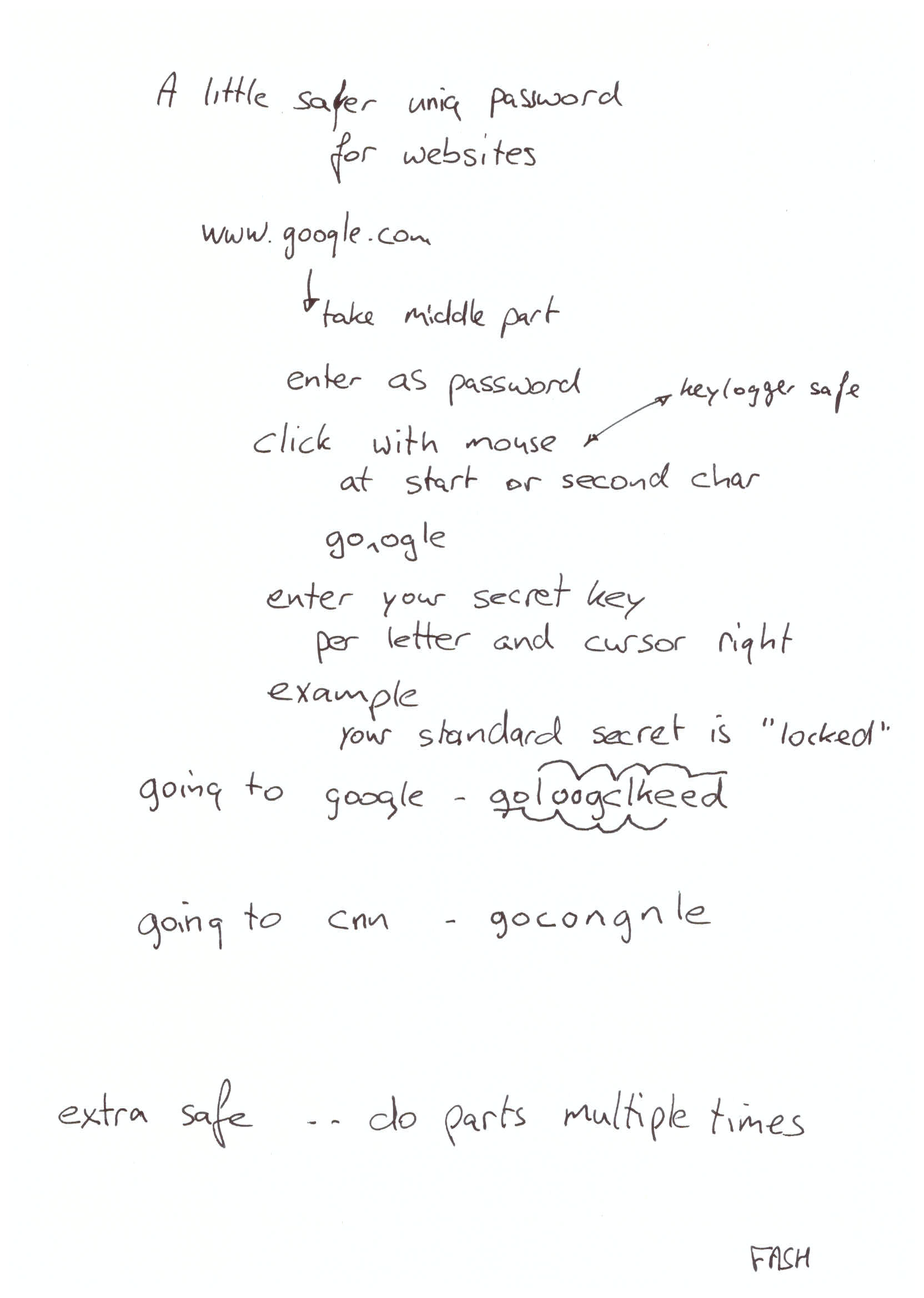
Never ask me to reset your password, i you are to stupid to remember or not using a passwordsafe … I WILL give you a new password, and you WILL remember not having to ask me again. 🙂 On this day i drew some example pictures for colleages.
Okay .. now some tips to create uniq passwords for every site in you head.
NOTES! .. CNN example uses google as secret key .. Want to type faster and not using mouse? .. Press home!
Type website
dirkjan (press home)
(press right) s
(press right) e
(press right) c
(press right) r
(press right) e
(press right) t
dsierckrjeatn <- your password
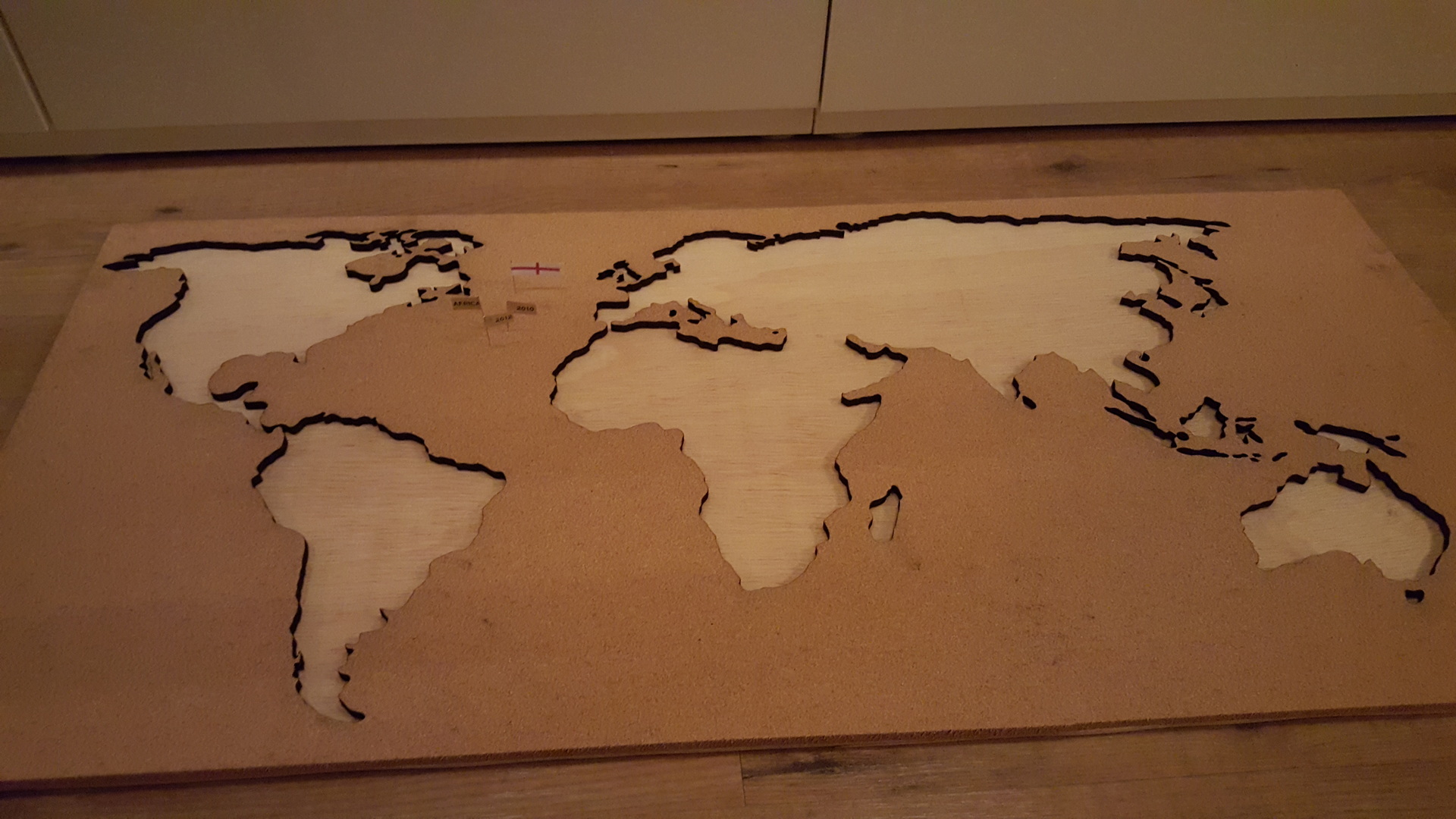
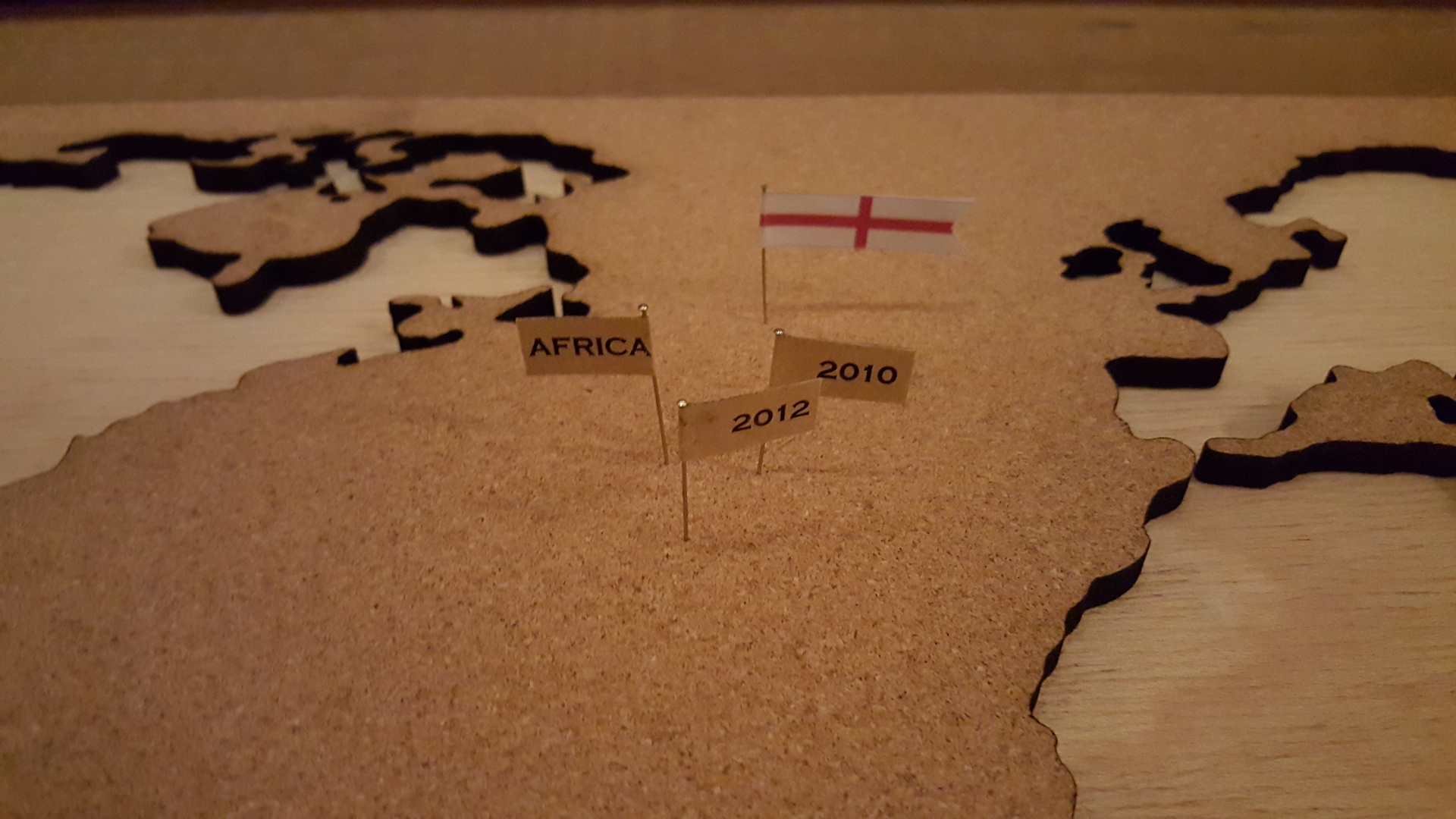
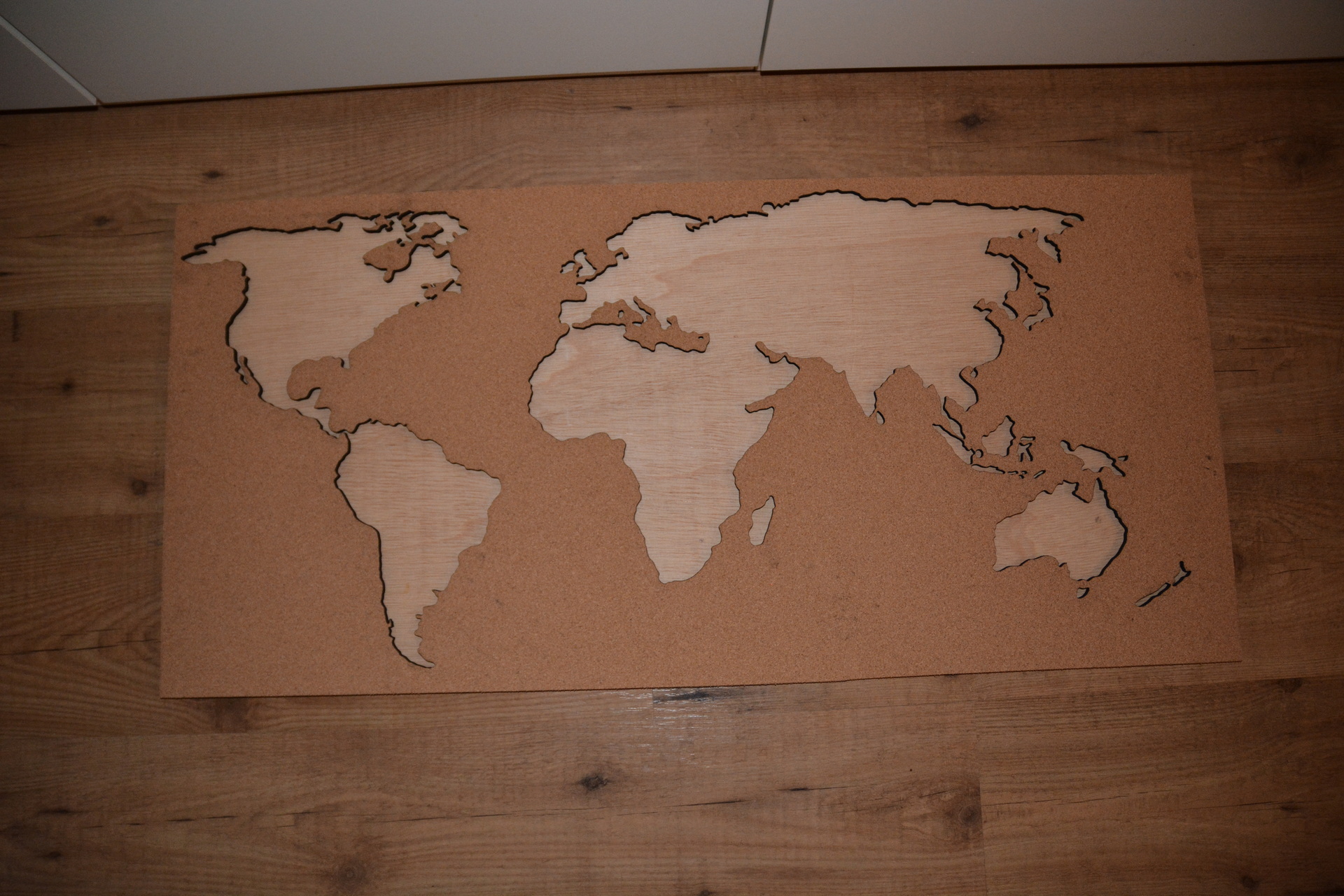
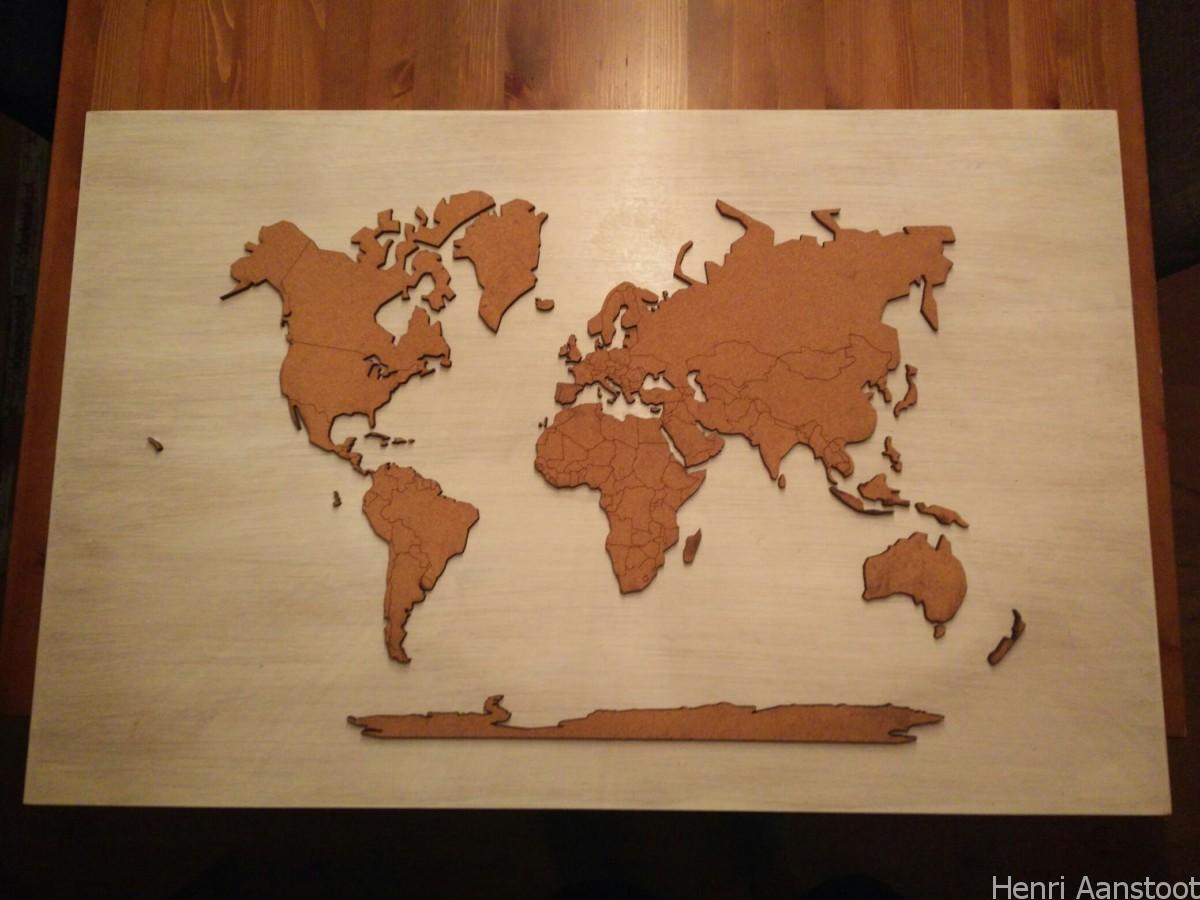
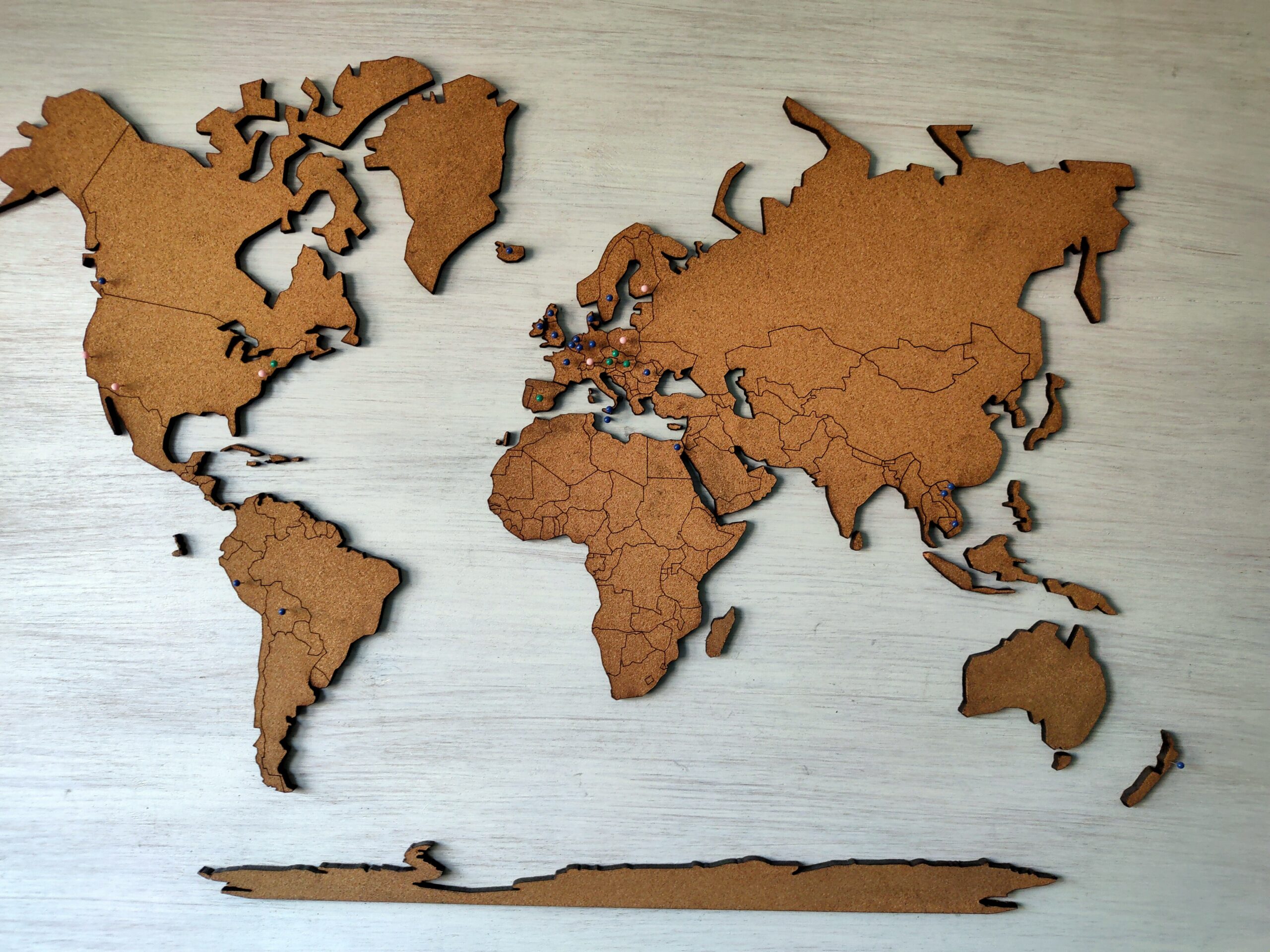
In the weeks before Arja got her University degree, i’ve been working on a cork worldmap. She always wanted to have a way to mark the places she has been.
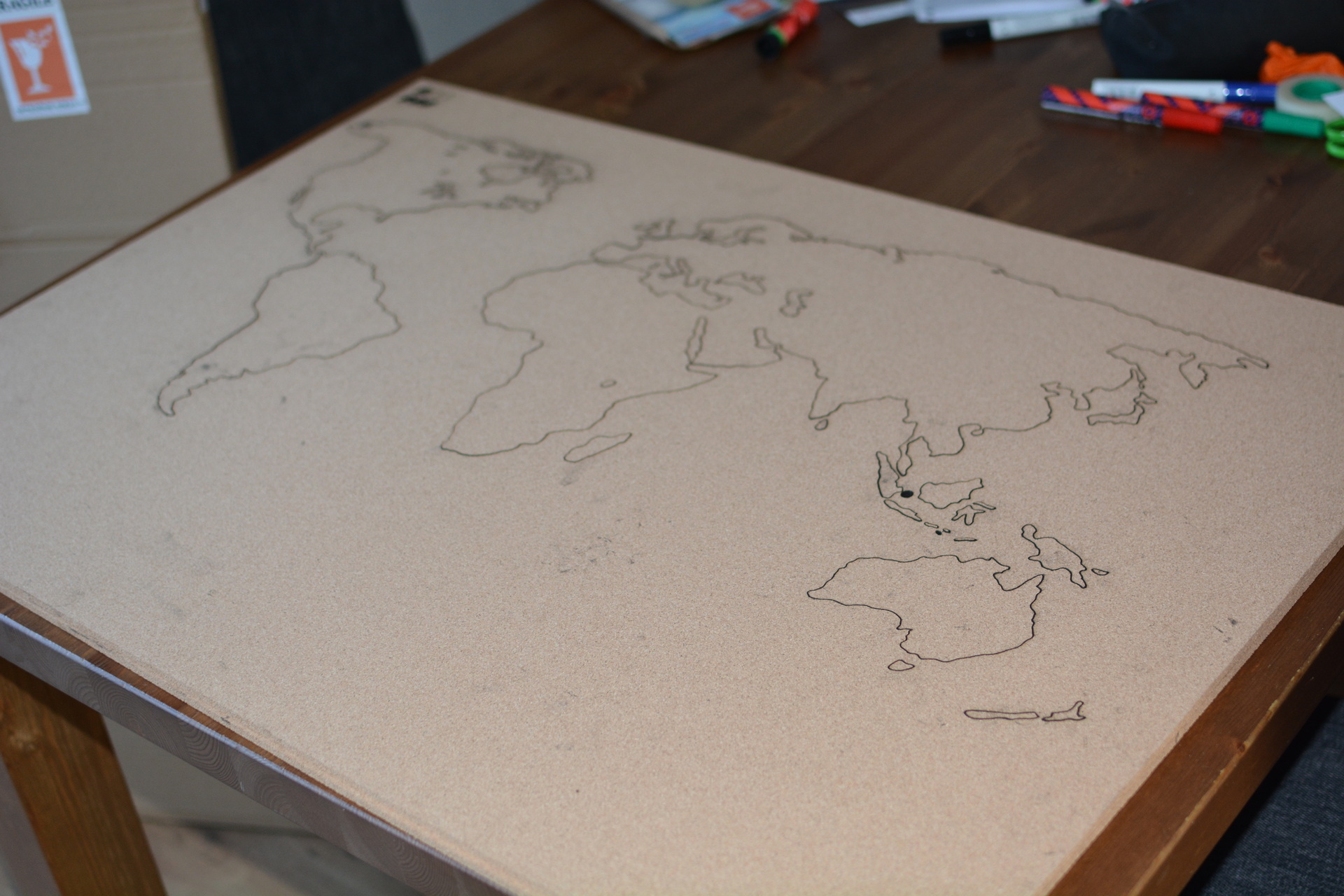
So i started drawing, copy pasting, moving, potracing and editing. Using Coreldraw and Inkscape i ended up with this:
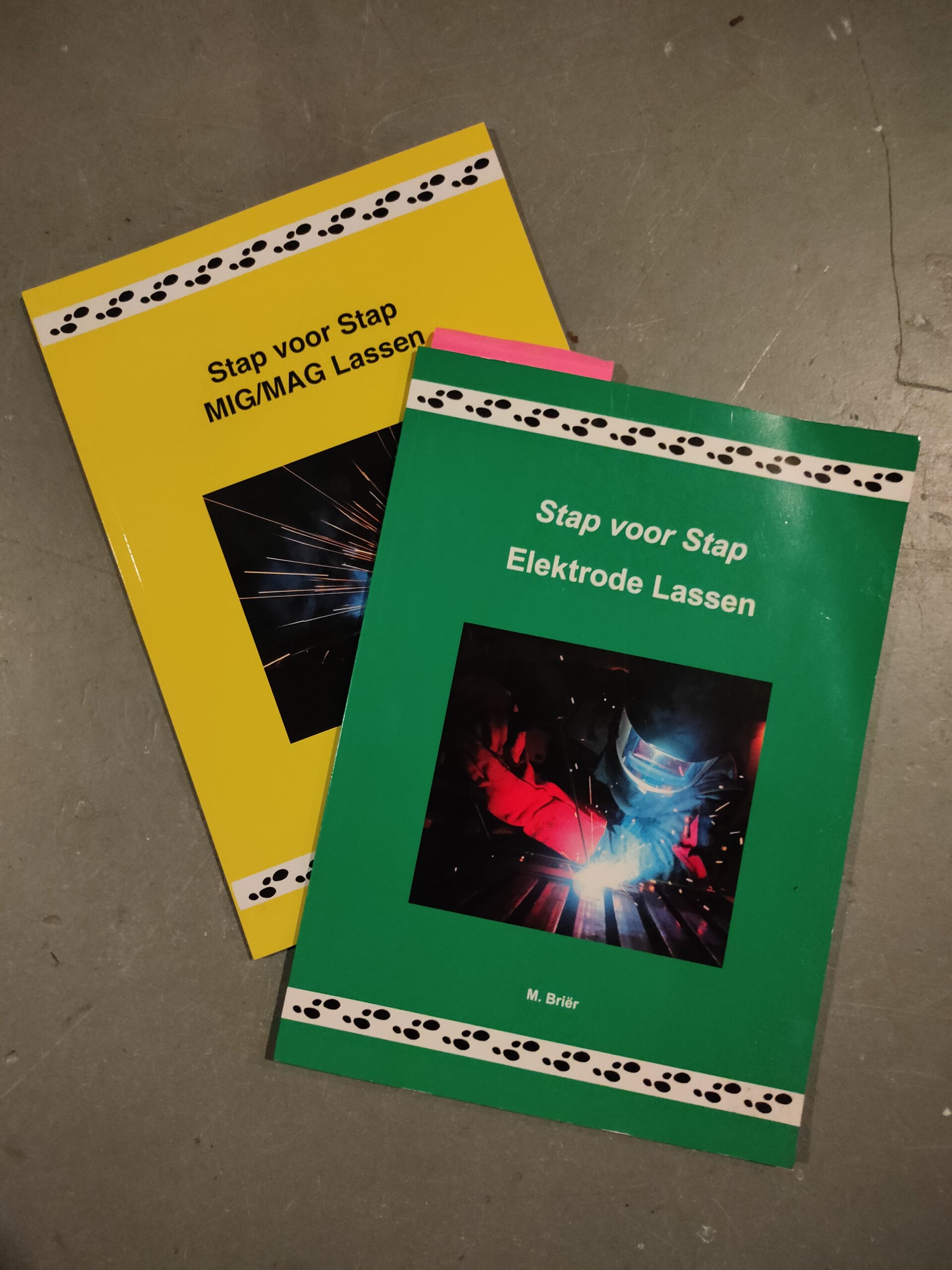
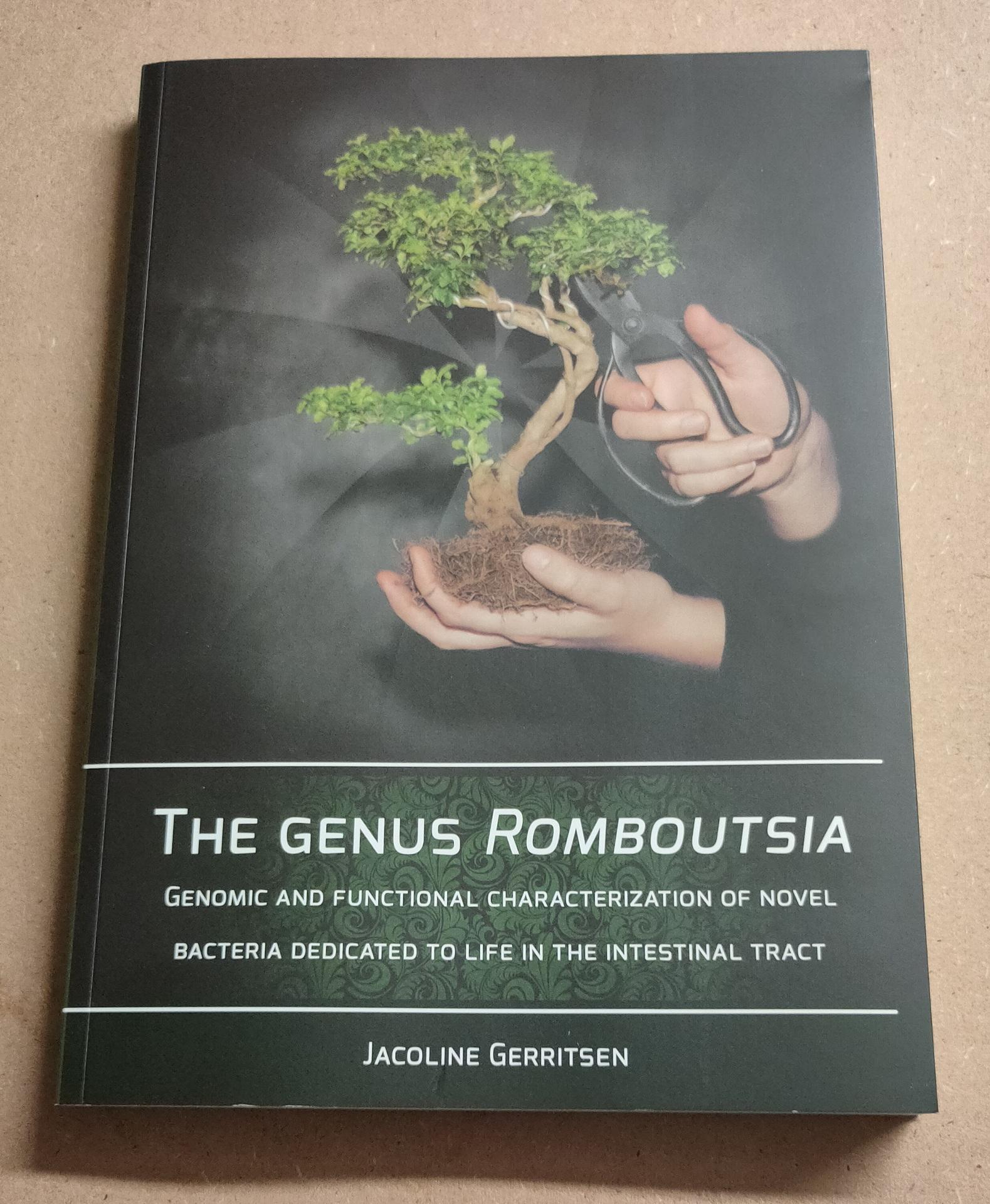
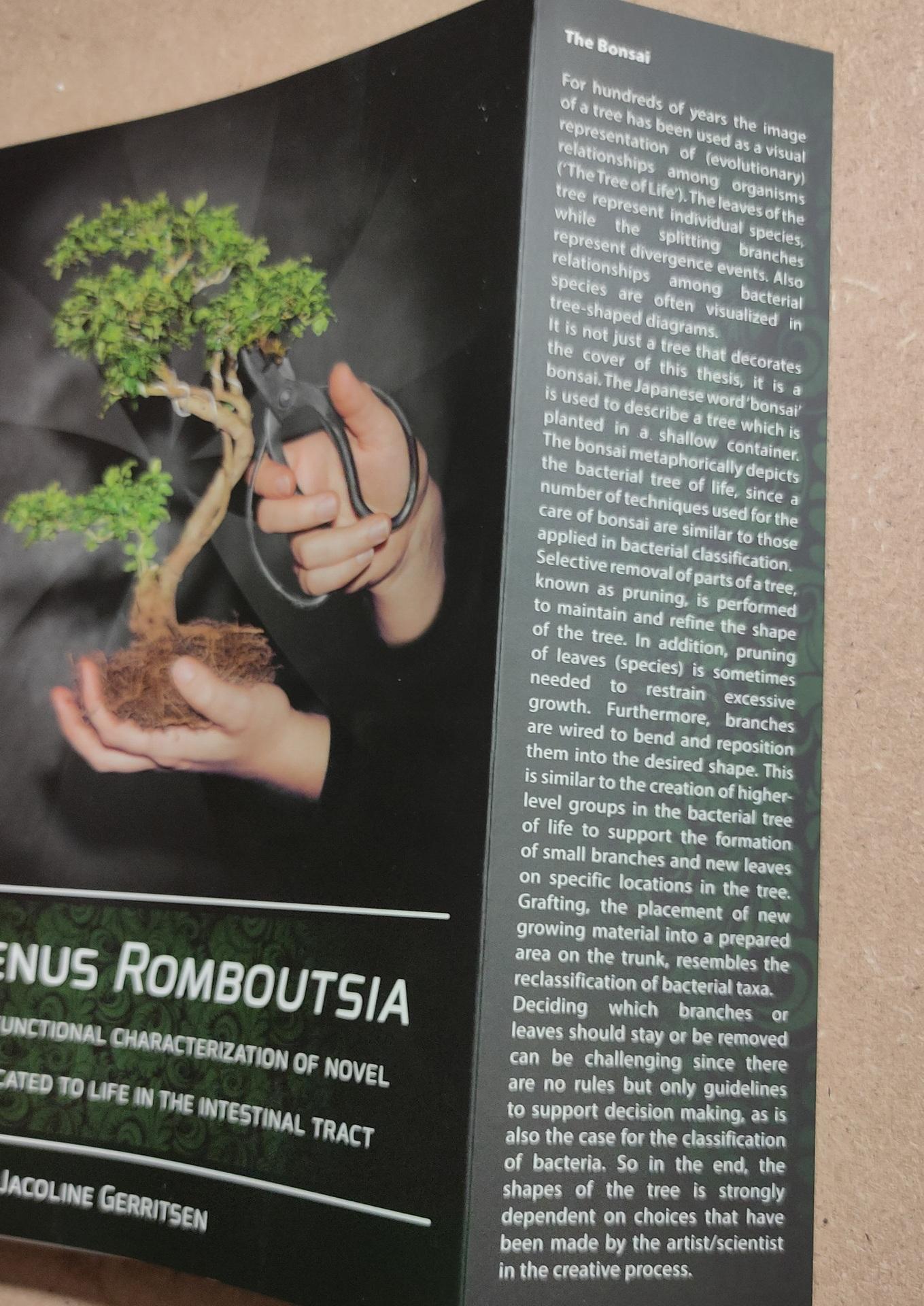
I used Scibus to make a mockup design. The graphics in the book are made using Inkscape.
The book itself was written using Indesign.
Inkscape is perfect to create vector graphics. These can be resized to any resolution. So always perfect. https://simple.wikipedia.org/wiki/Vector_graphics In the past i’ve used a program like sodipodi, there is something like it now integrated in Inkscape. This is a tool to convert bitmap to vector graphics. (Using a small jpg, i could convert it to vector graphics and print it in a huge size)