I’ve seen some commercial solutions, and some free blender solutions which where too complex or too much hassle.
I’m not paying anything when you can do it yourself for free.
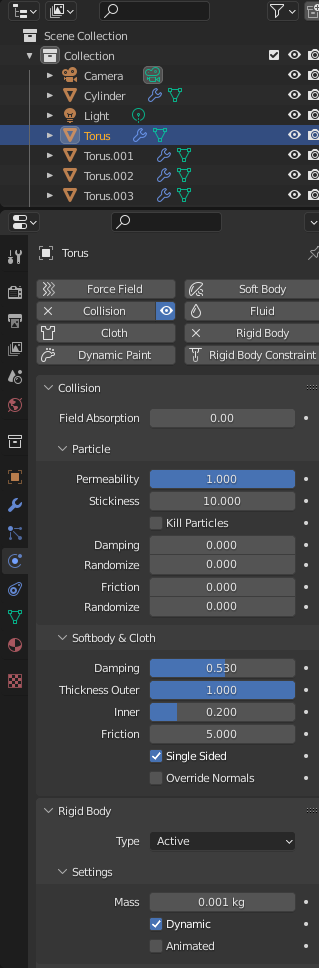
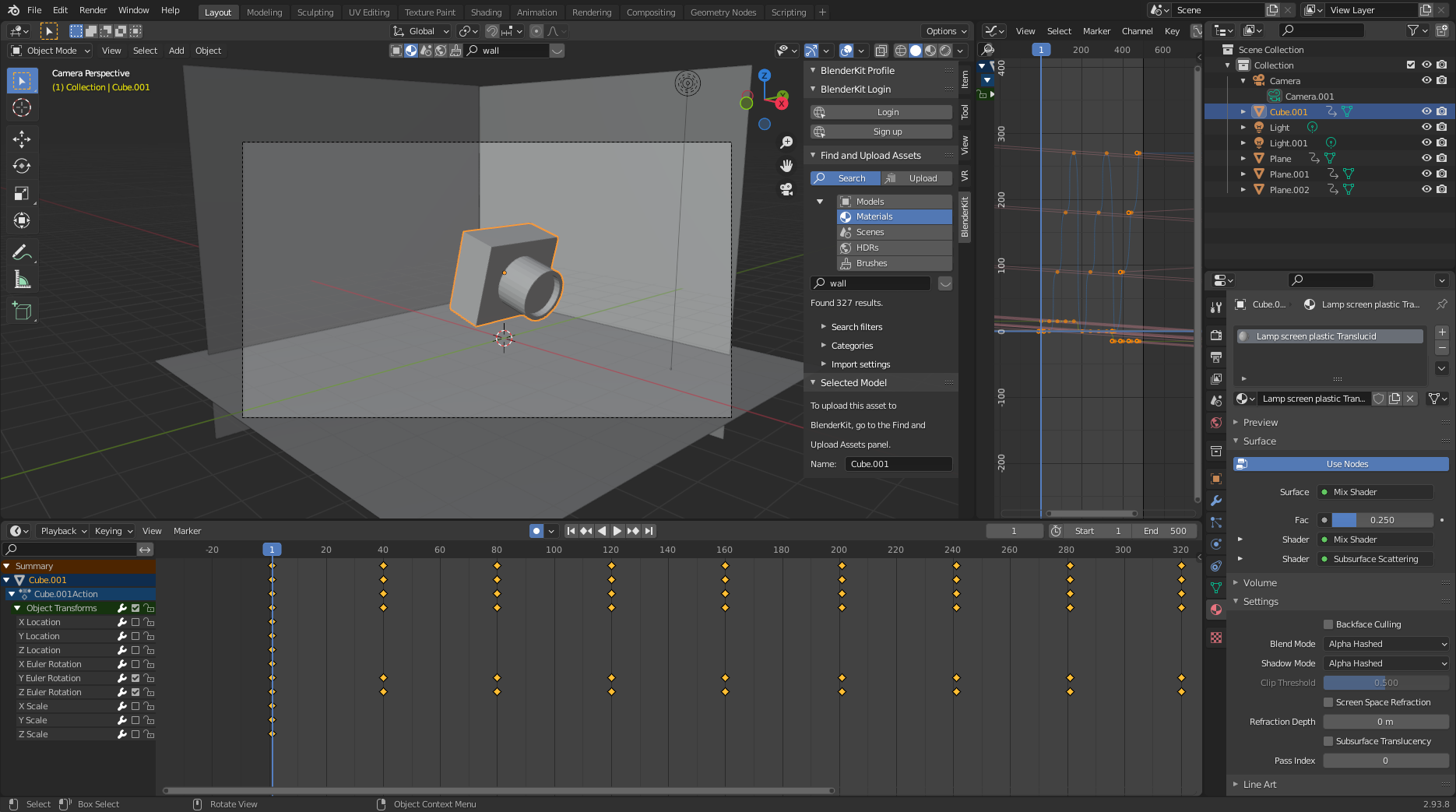
So below is a blender howto
Above also shows howto enable displaying keypresses for making howto movies and a plugin for distributing objects.
Little example using method above
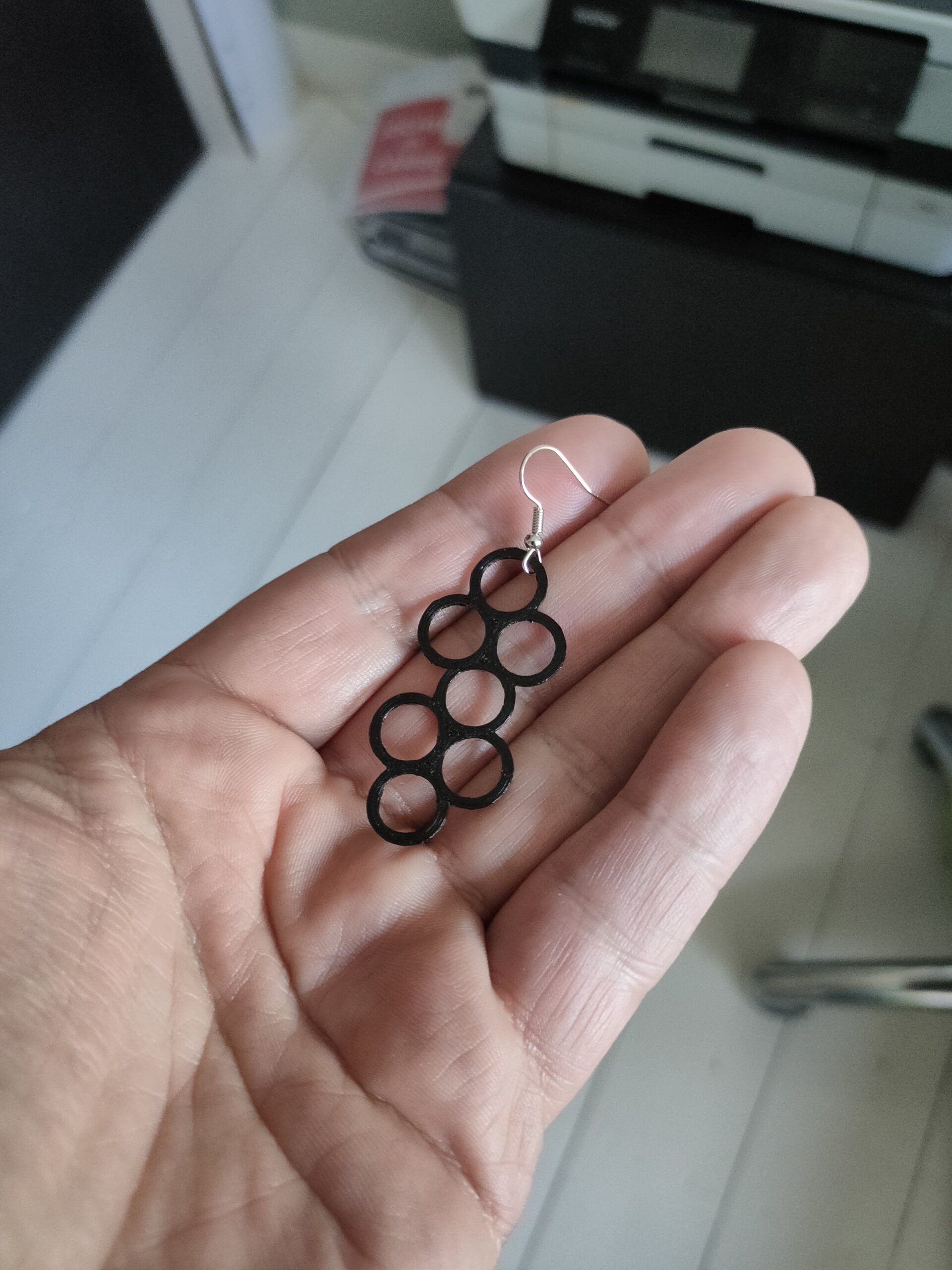
2 Years ago i designed some earrings for my girlfriend. This time i used Blender instead of inkscape.
Blender file
https://media.henriaanstoot.nl/datafiles/Oorbellen2022.blend
Made a blender animation with a chain which hangs on one loop. The pole is also a collision object.
For my post about creating 360 degrees sphere photo’s i made a little animation using blender.
Learned a lot again.
Final animation:
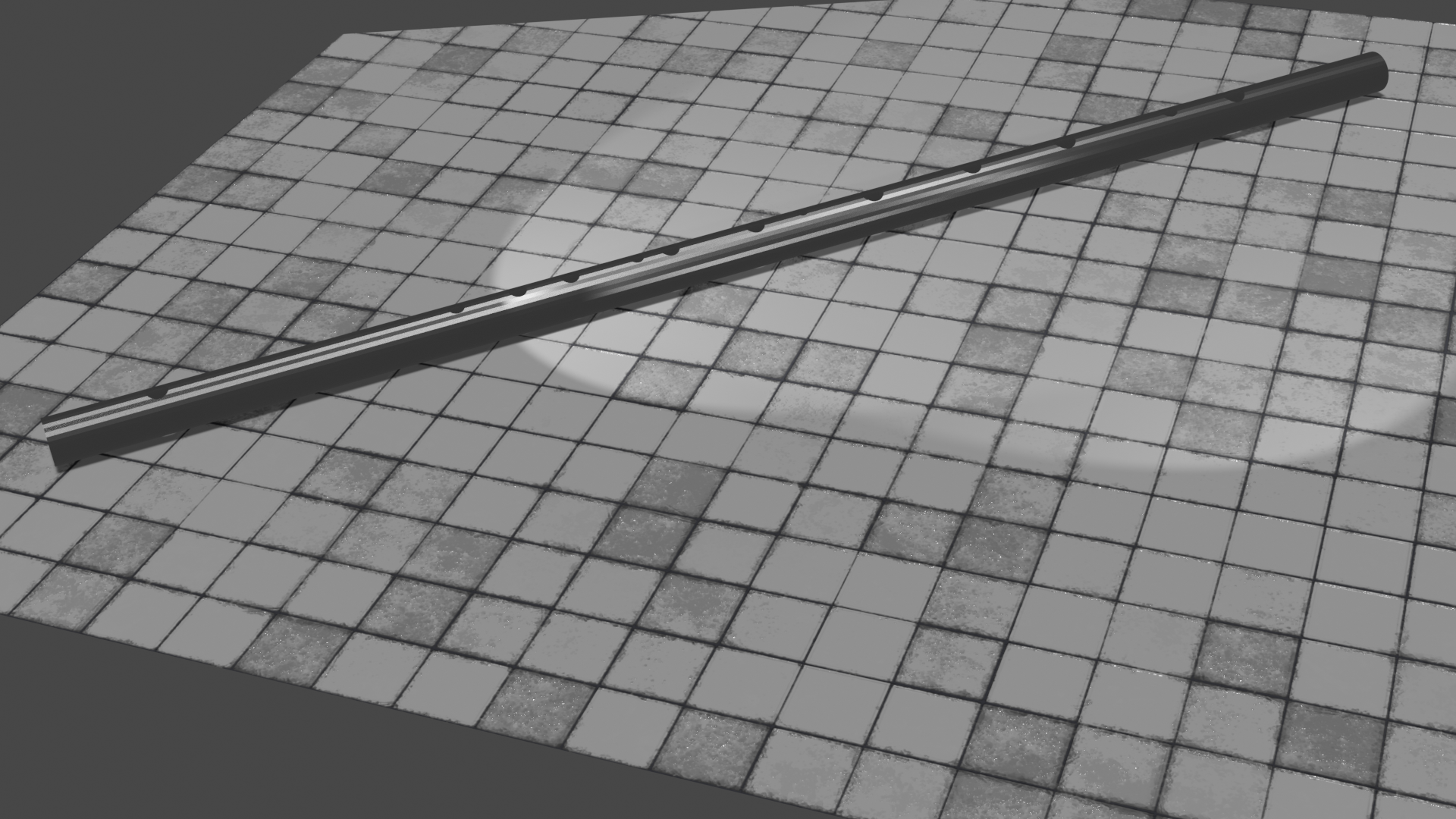
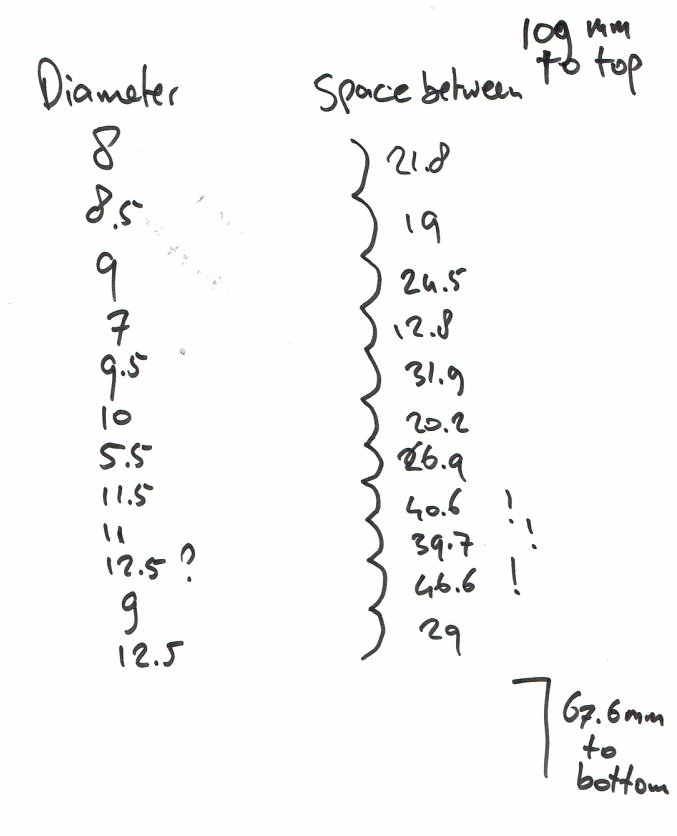
Design for a 2 persons flute. Still working on it.
Rendering in blender
Plan is to 3D print this first to test. Then make it in wood or metal.
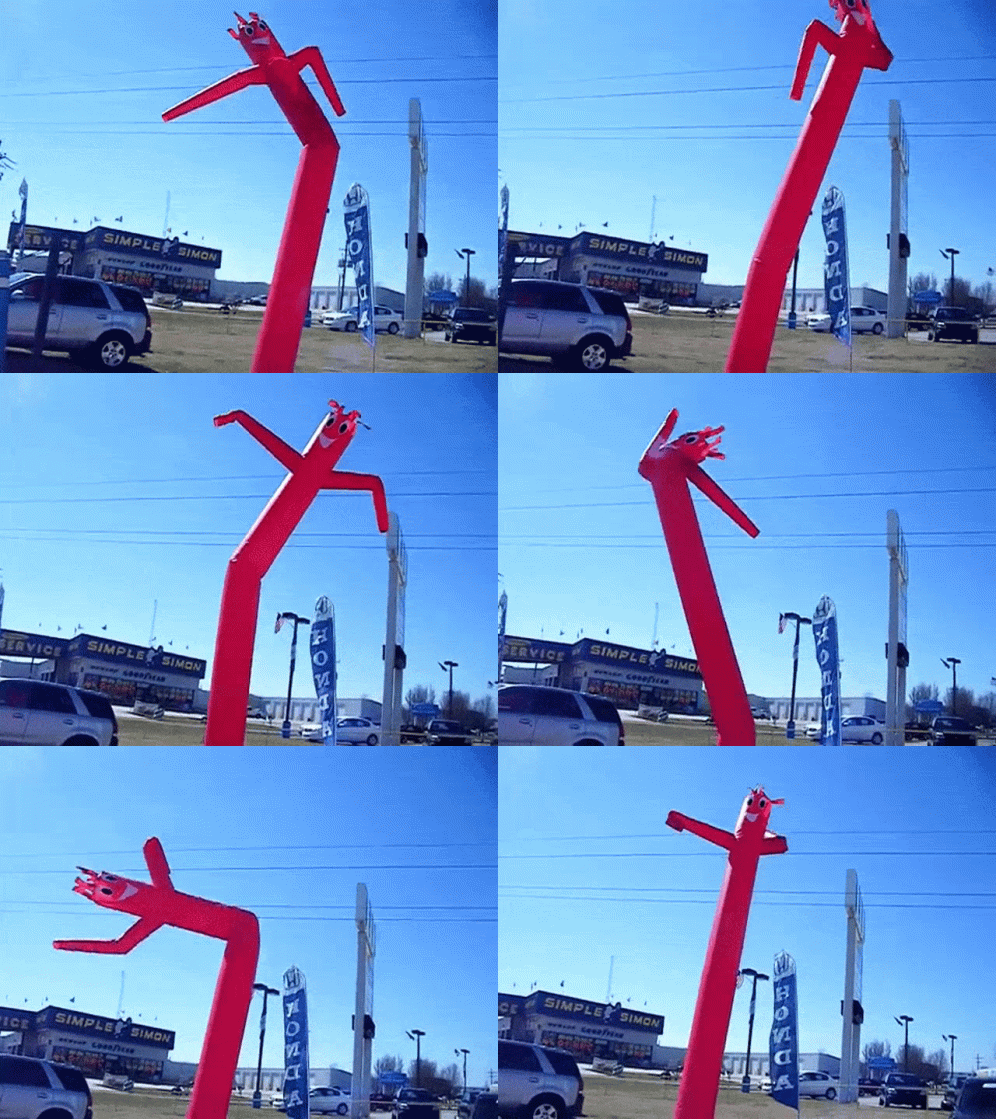
Welllll .. kinda .. blender using cloth simulation.
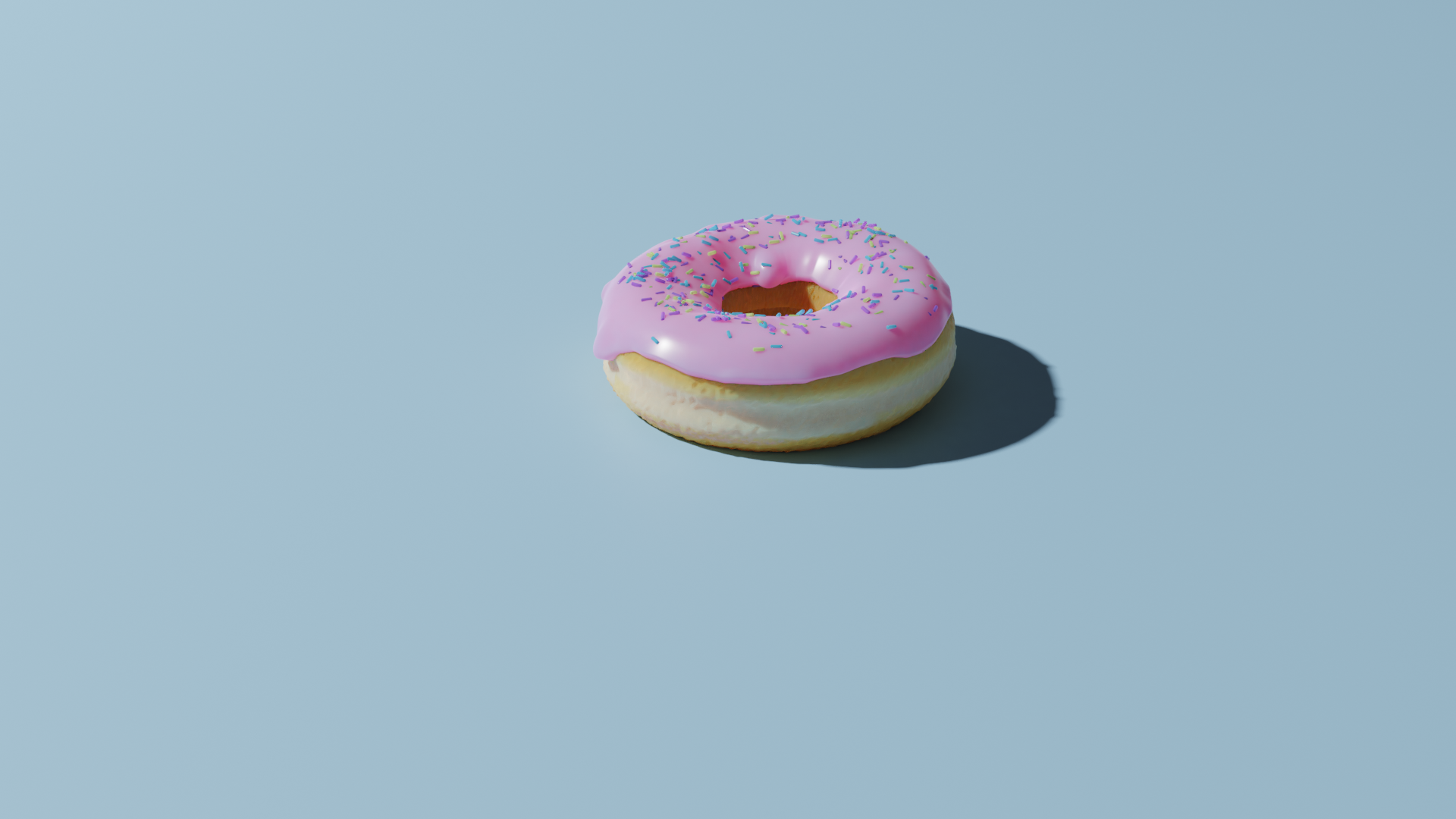
I did the donut in Blender!
A few days later i used blender tracking to move around a (incomplete render) of the donut.
I’ve learned a lot by following YT blender tutorials
Printable tracker marks ( https://www.herma.nl/kantoor-thuis/gratis-software/etiketten-assistent-online/etiketten-assistent-online/ )
Posts navigation
"If something is worth doing, it's worth overdoing."