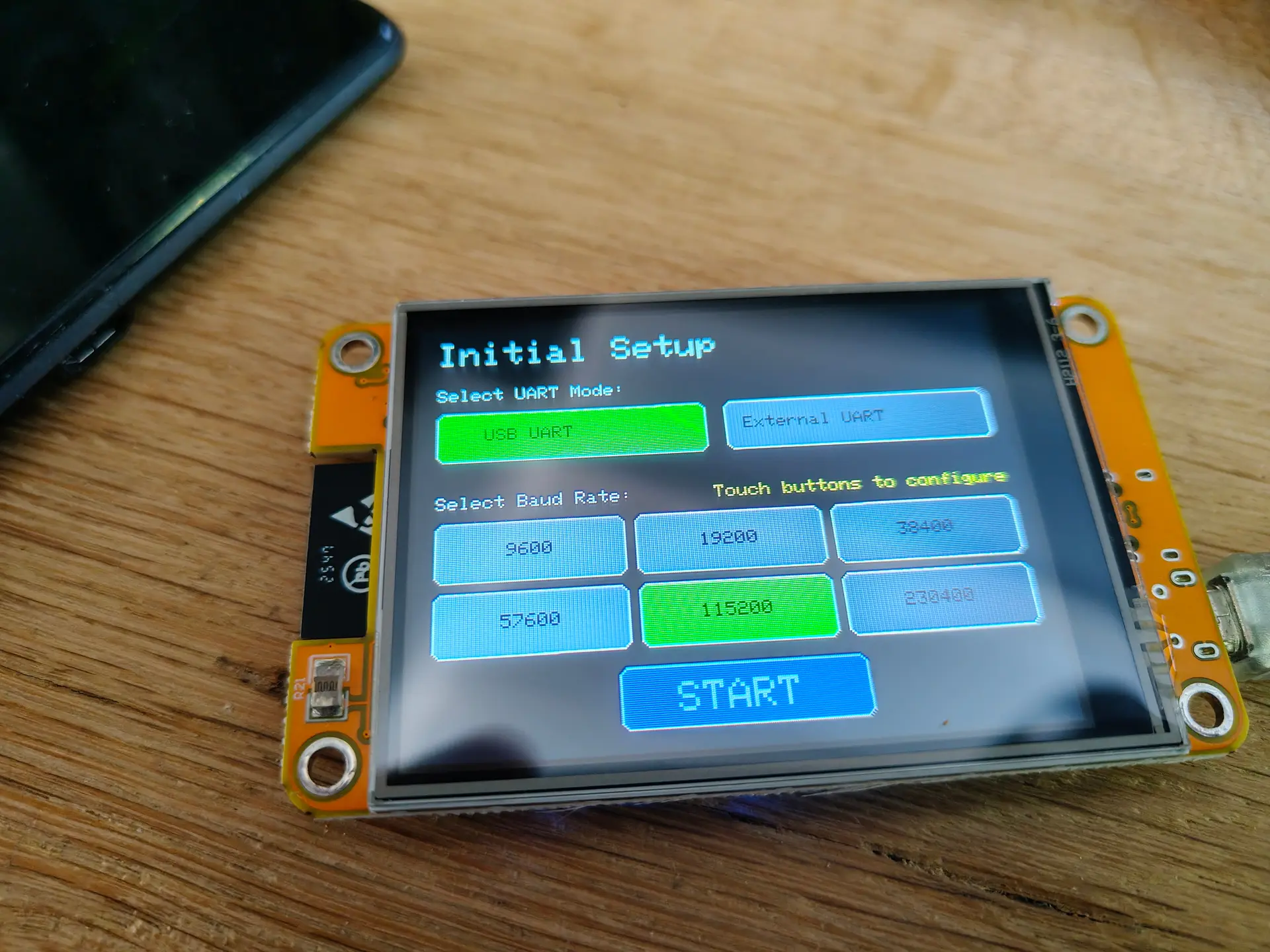
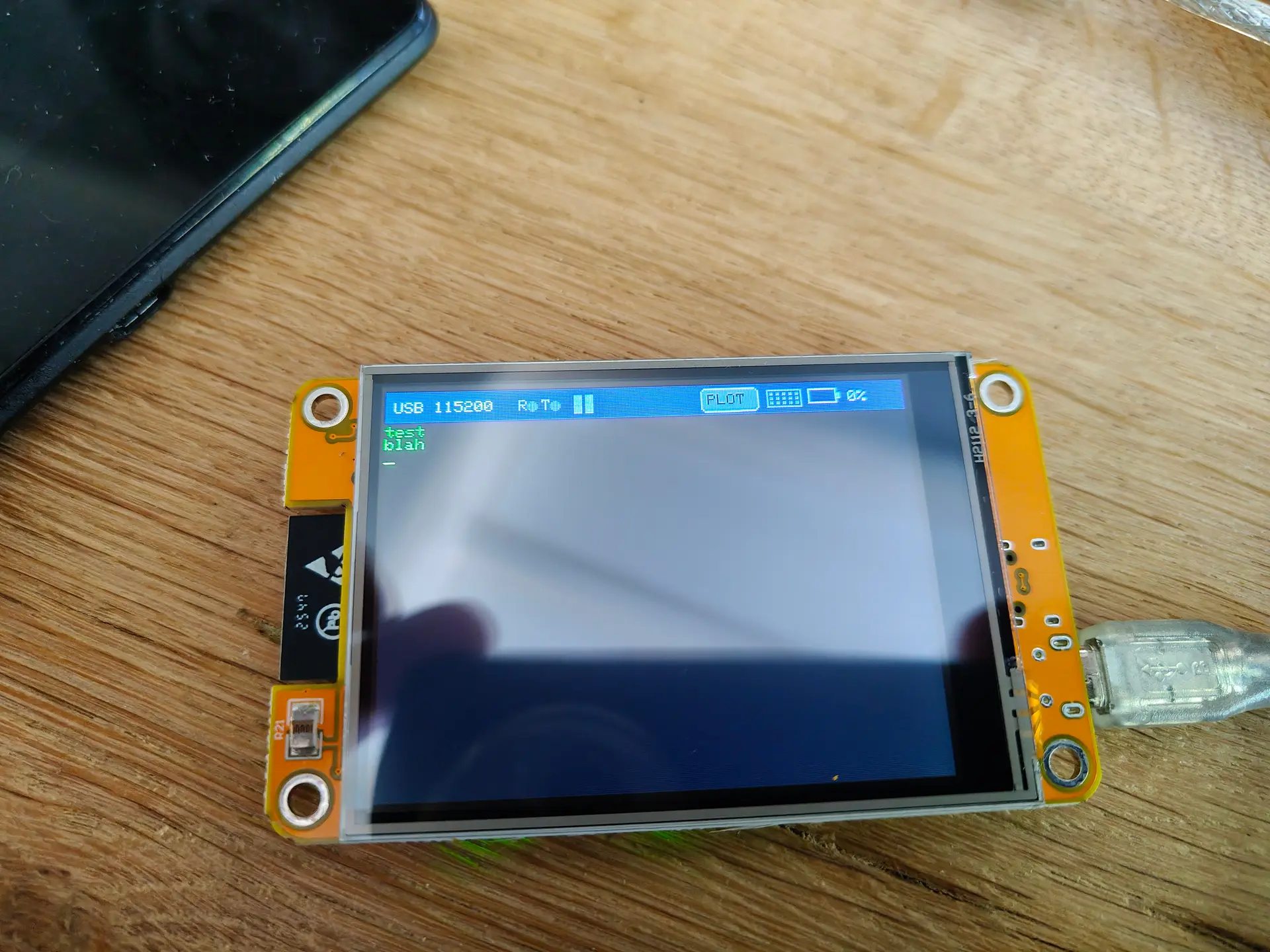
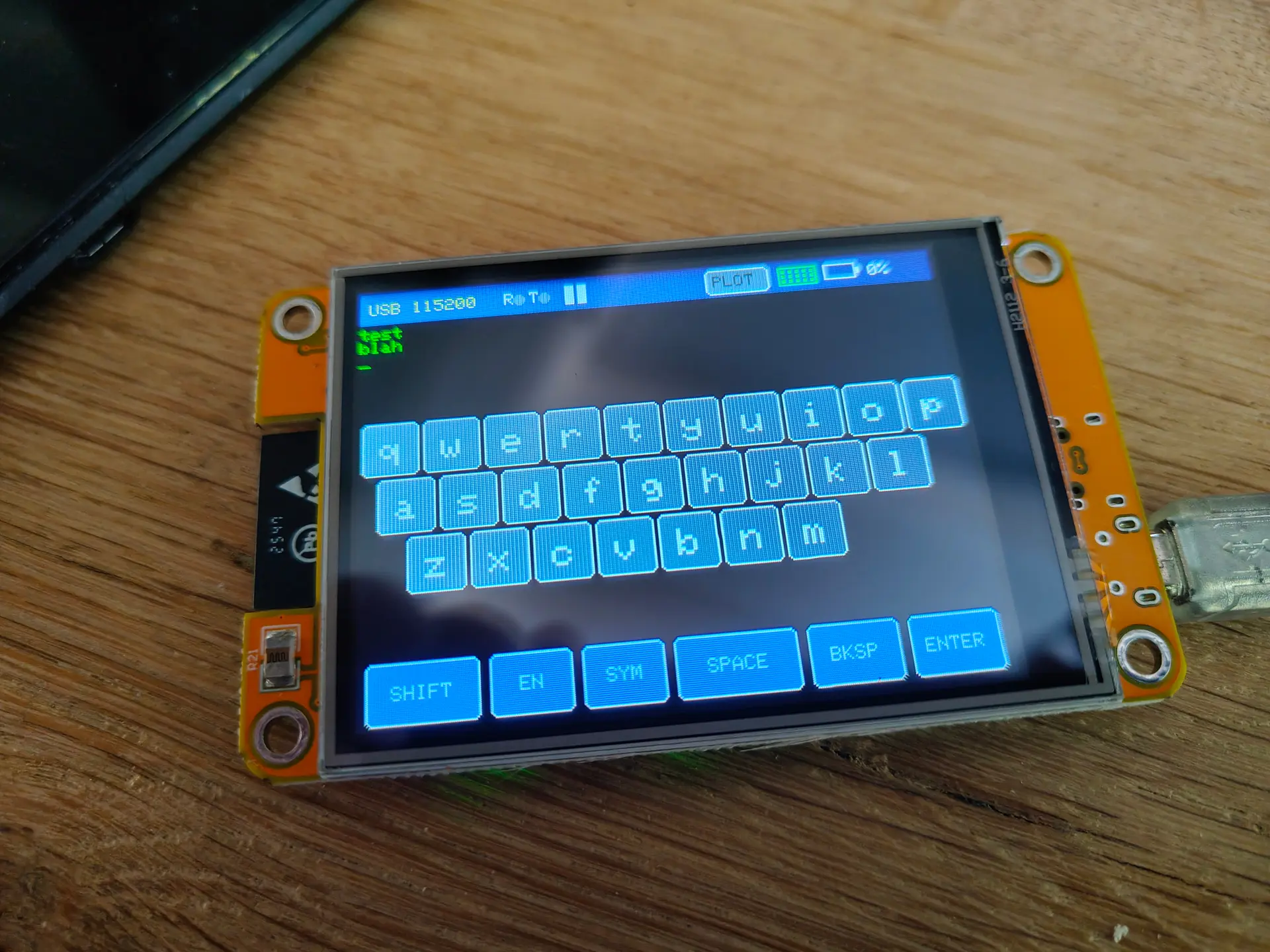
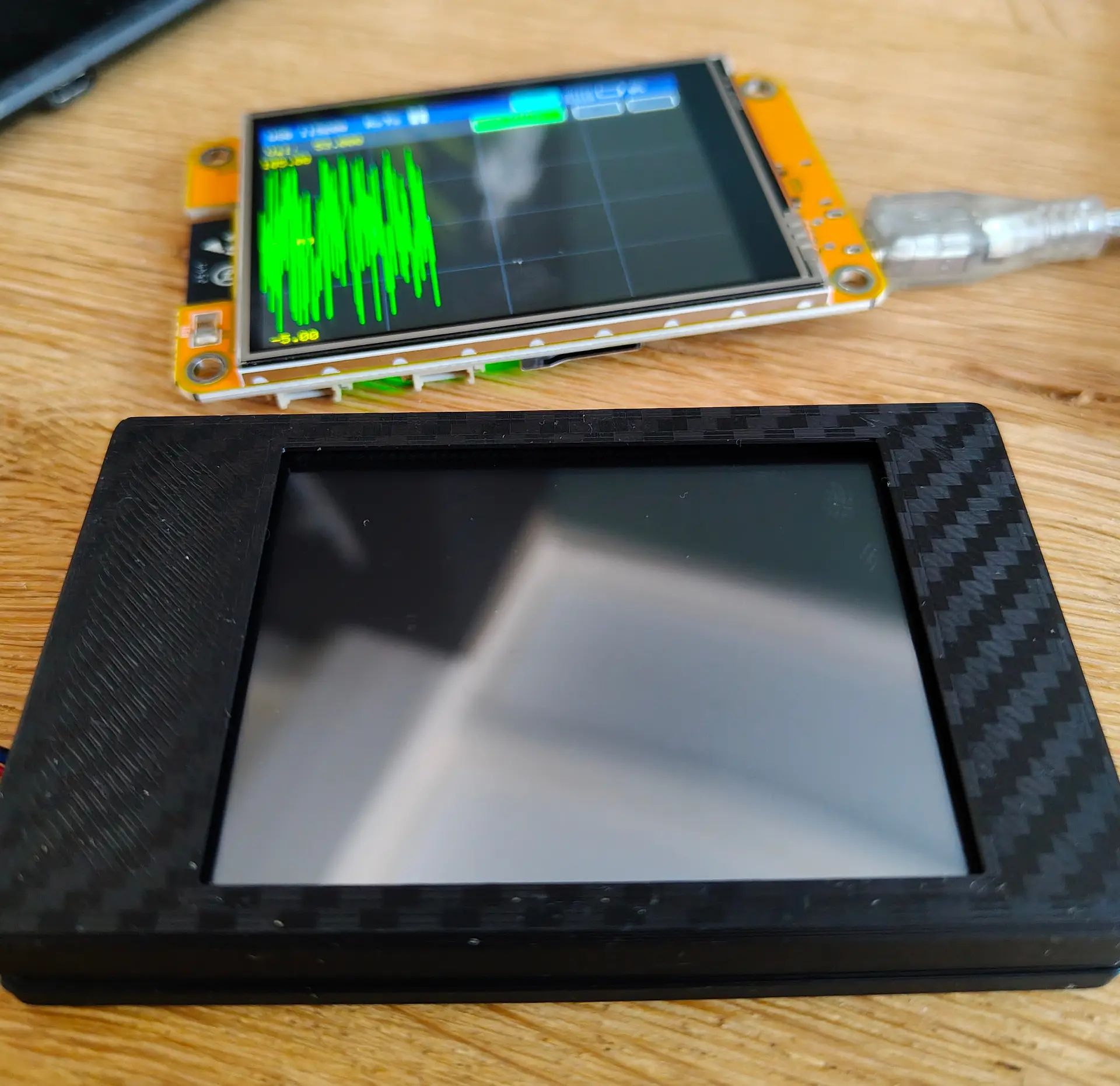
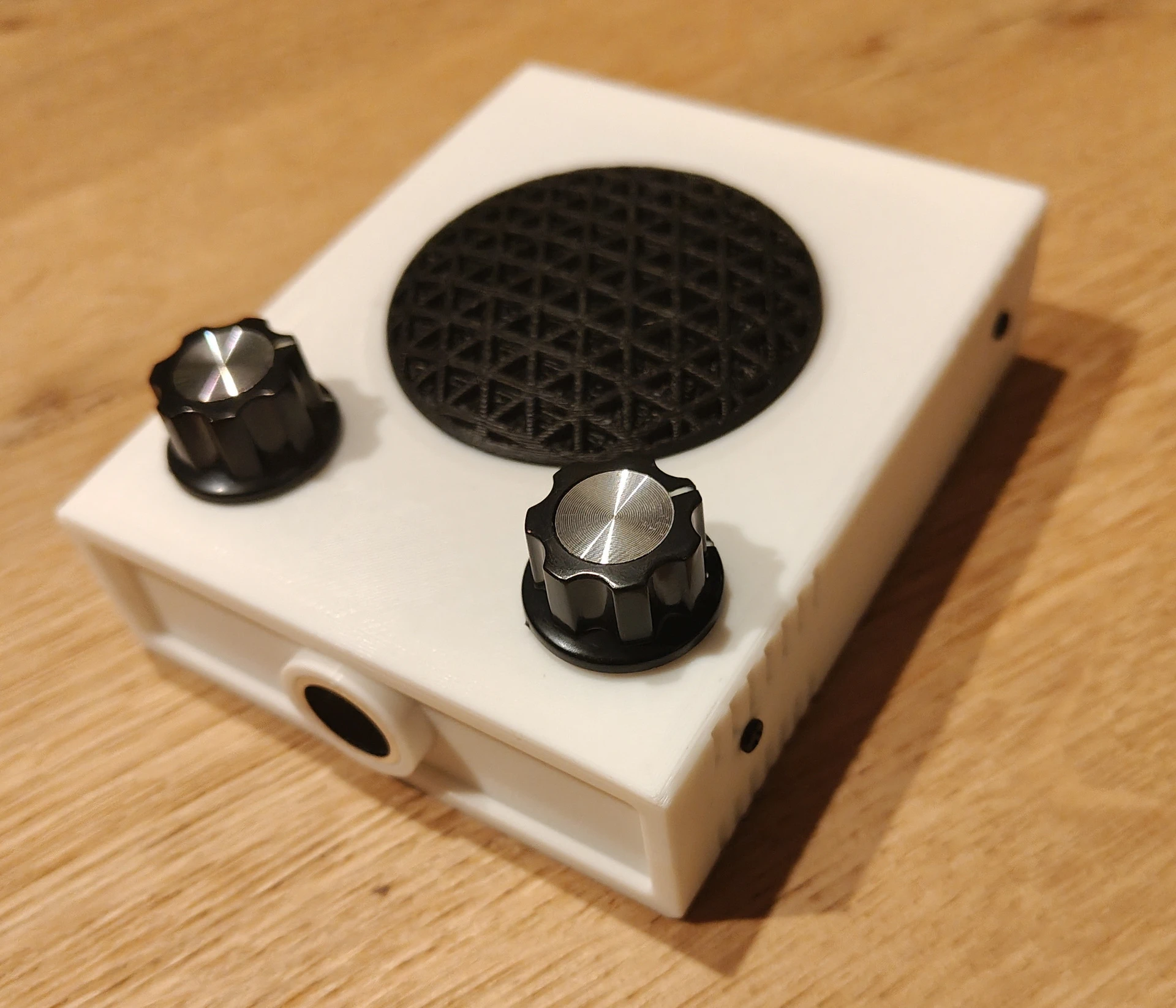
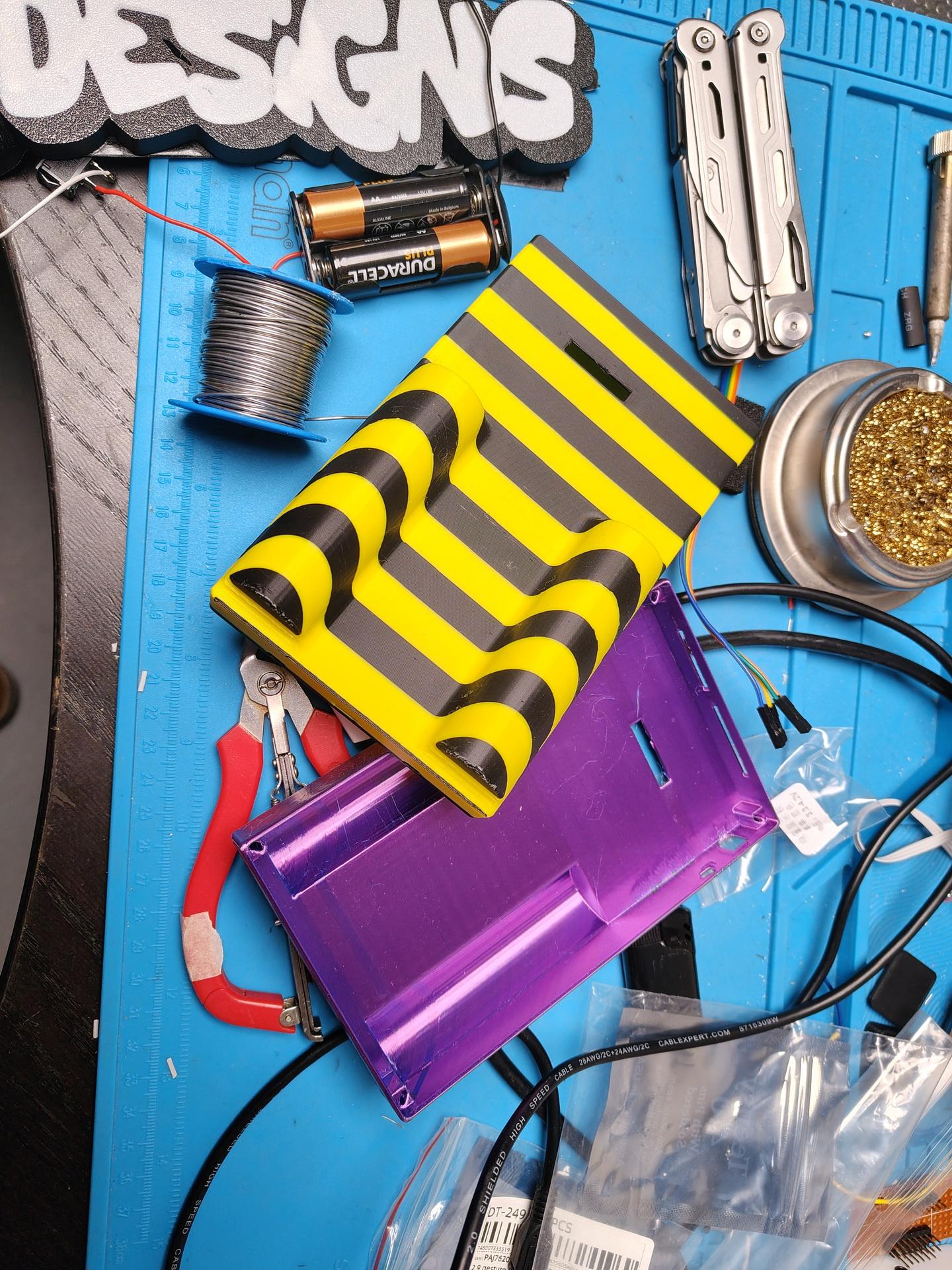
I’ve got a DIY Bat detector, today I designed and printed a Case for this PCB.
Below a link to the design files
https://media.henriaanstoot.nl/bat-case.zip
Next todo:
- Weatherproof case
- Alternative power
- Audio Jack
- Remote access with remote sound
These will be available in my shop.
Probably a webpage with measured examples are usefull.
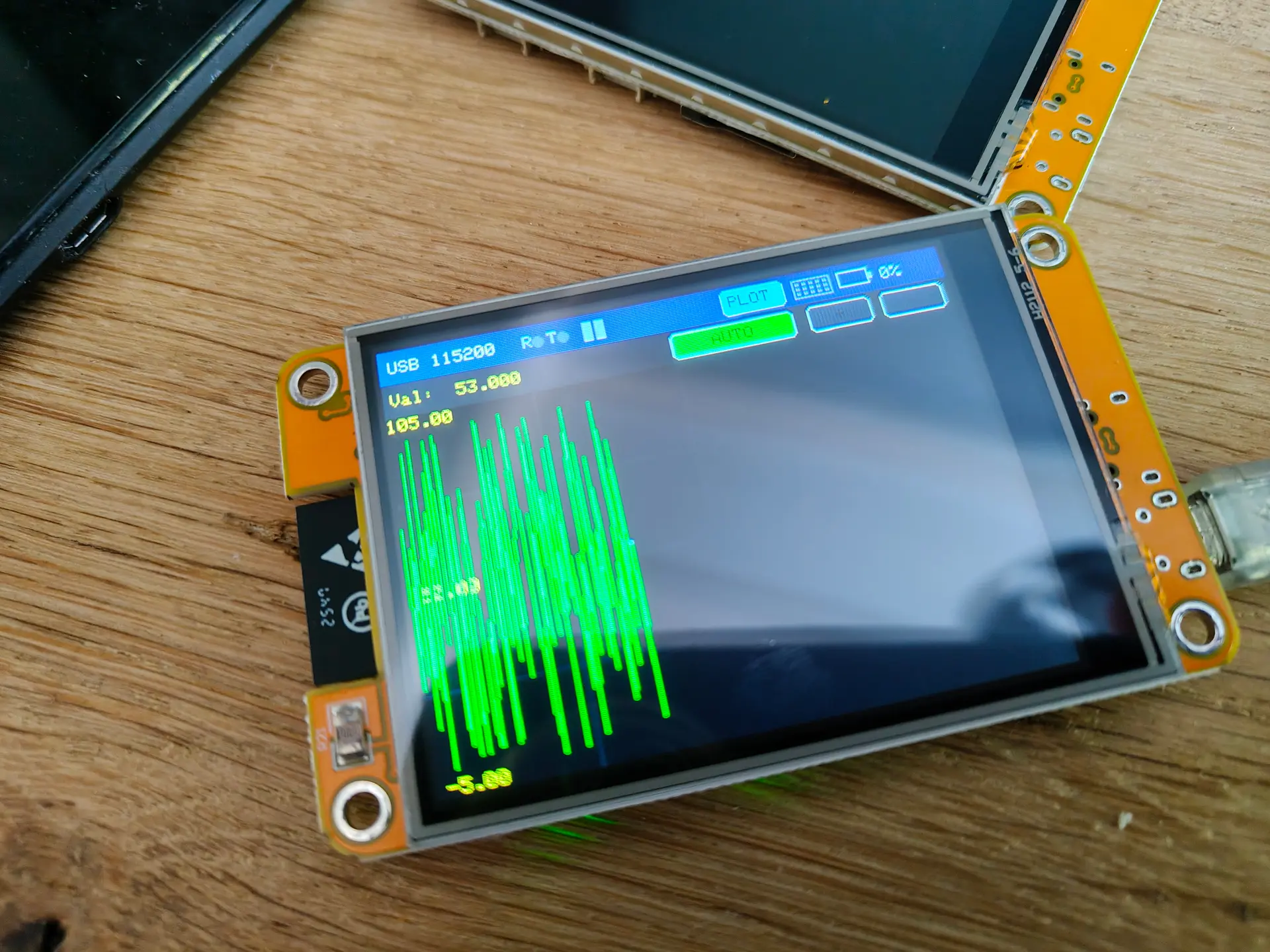
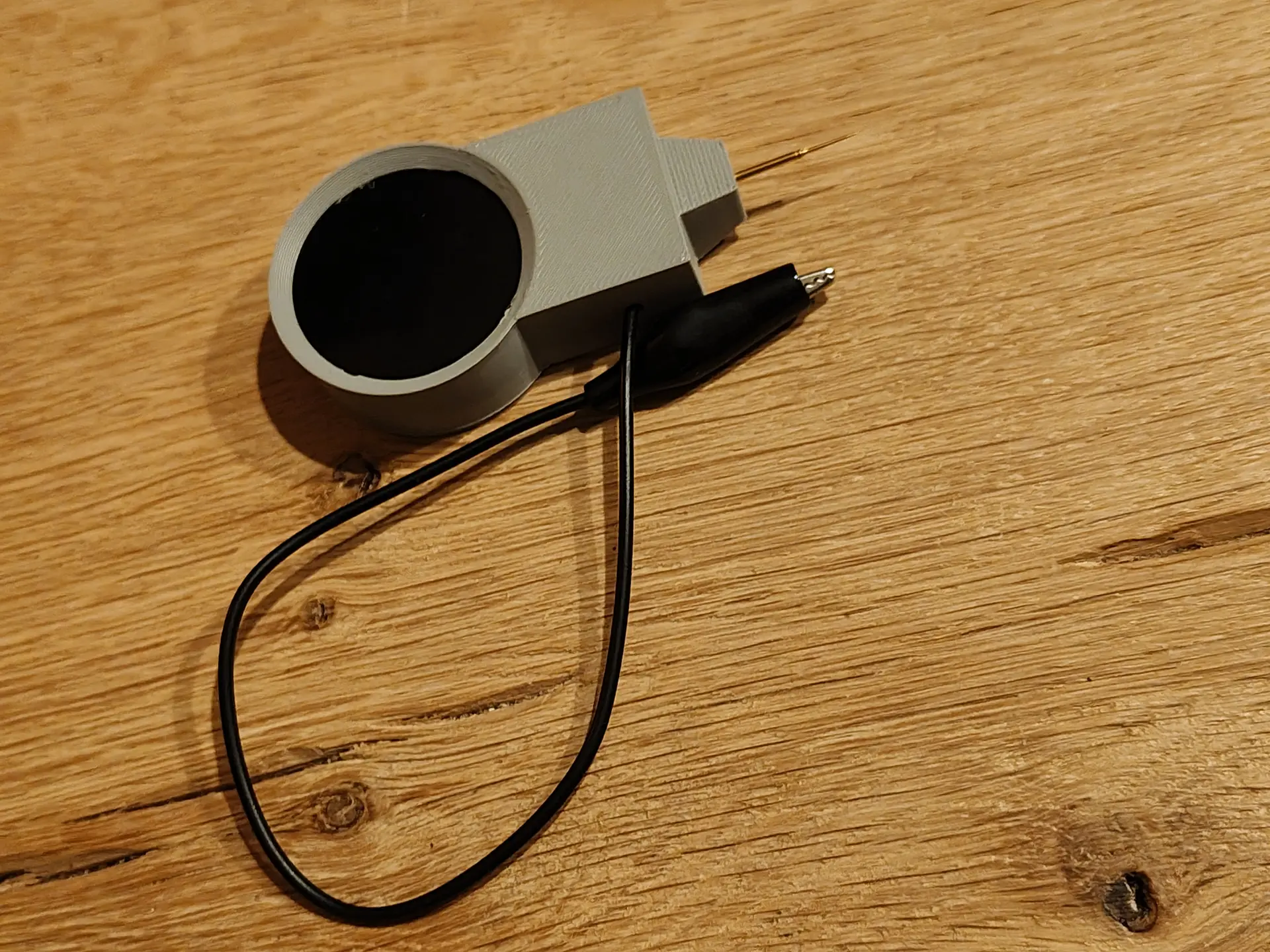
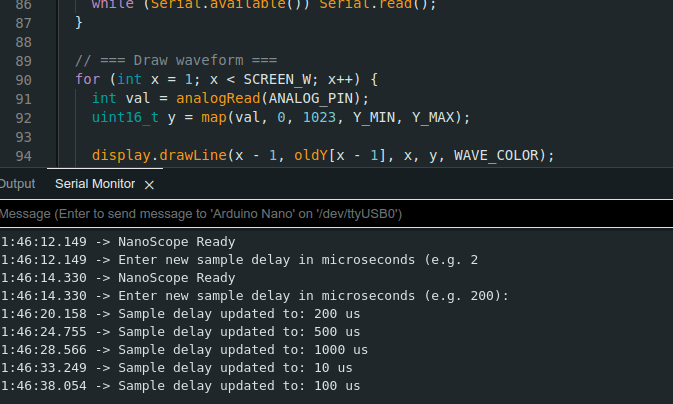
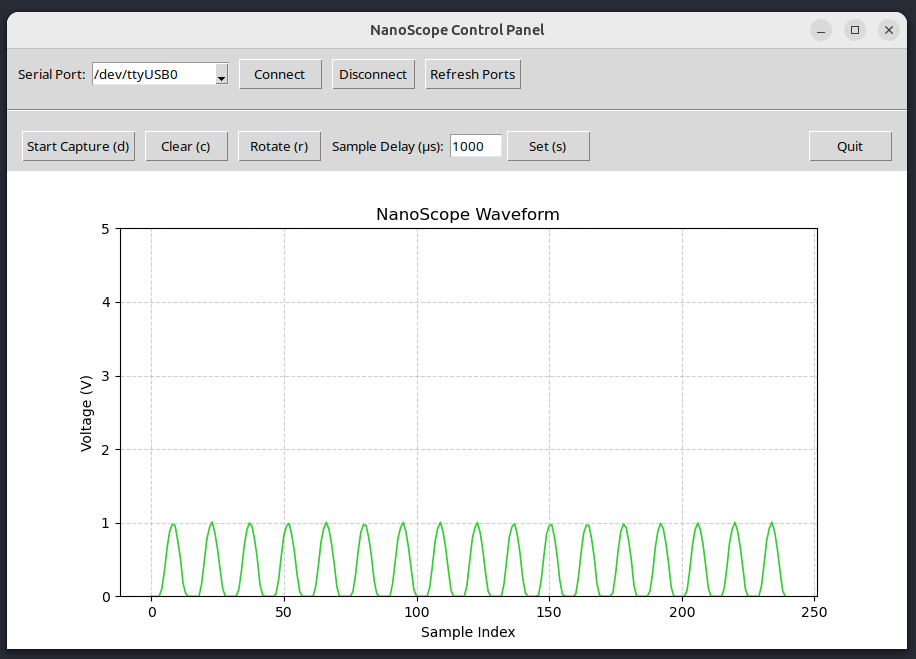
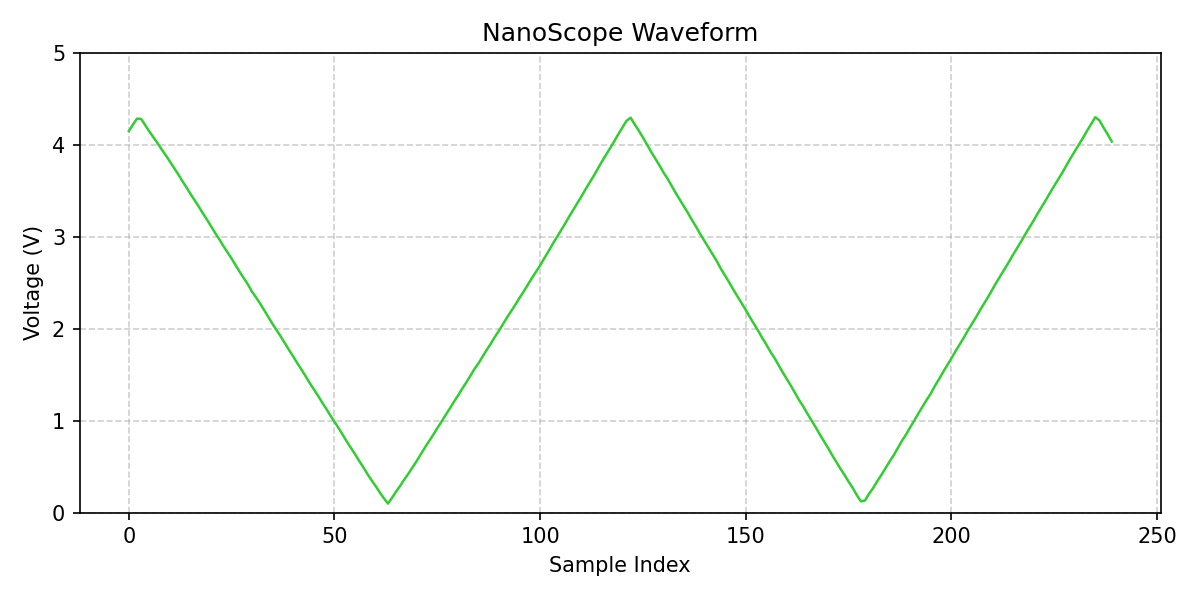
Handheld device to measure voltages and make screenshots using an application.
Control over serial
I’m currently working on streaming output.
Below, an example of screenshotting.
Below, measuring outputs from a NE555 (dutch comments)
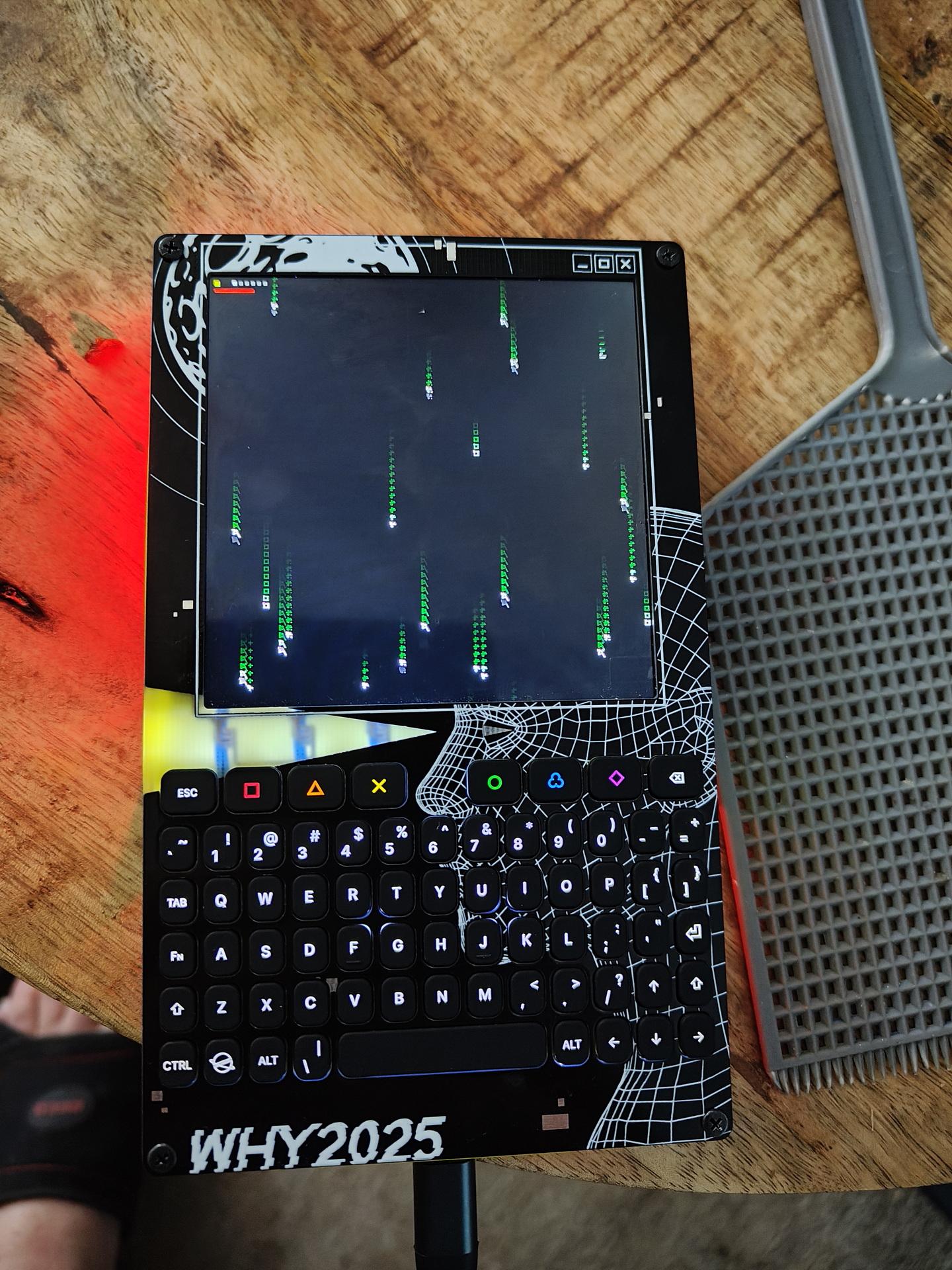
I saw a game like this on the WHY2025, I wanted my own version.
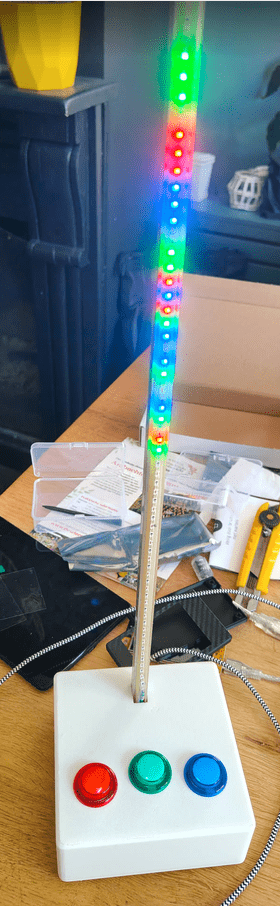
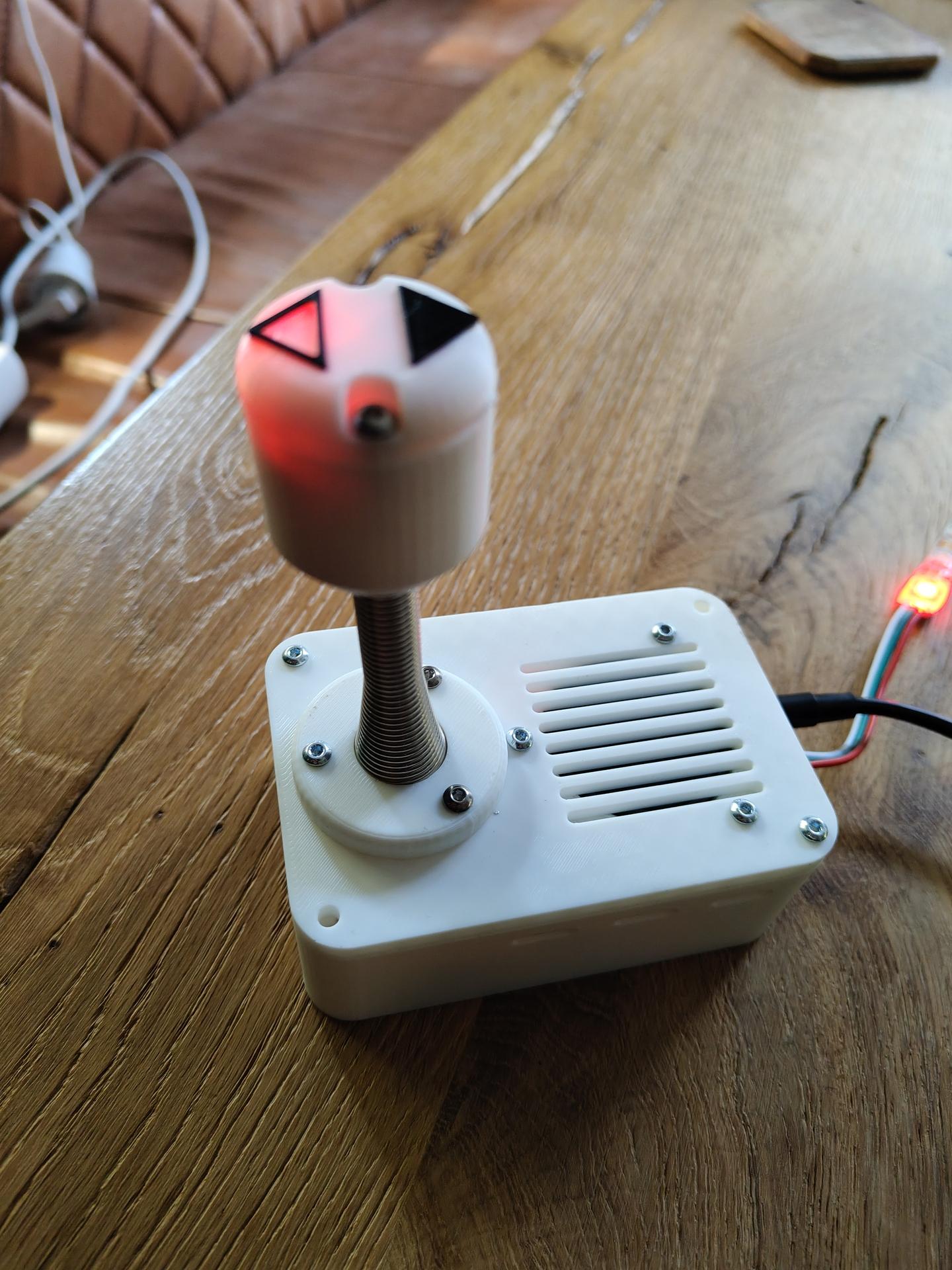
Using Twang32, some other hardware and a tweaked sketch, I got this.
Up = move up
Down = move down
whack the stick to kill red leds (Metal part is a door spring)
(Tilting joystick also works as up/down)
Things changed:
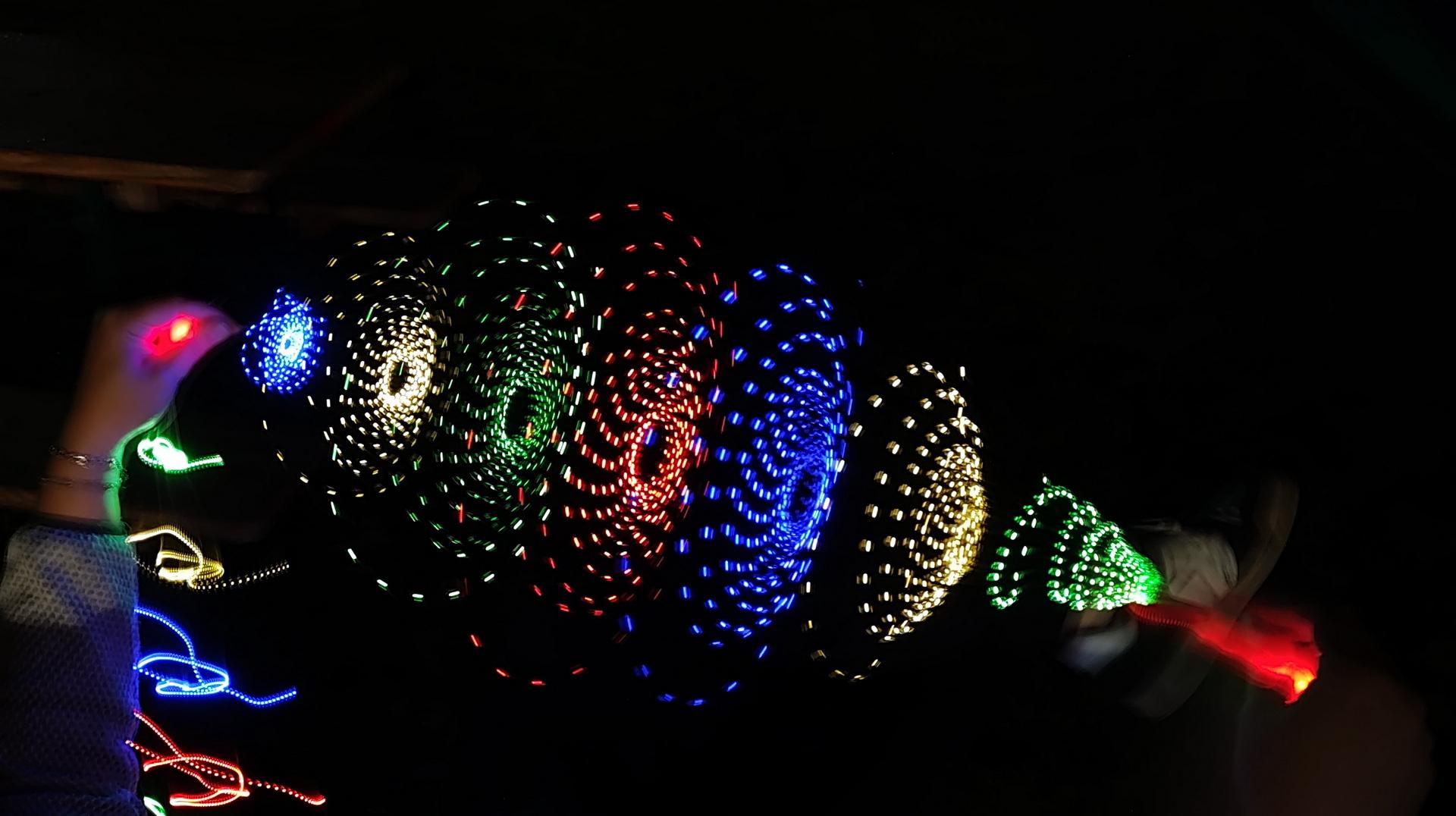
In case of doubt .. MORE LEDS!
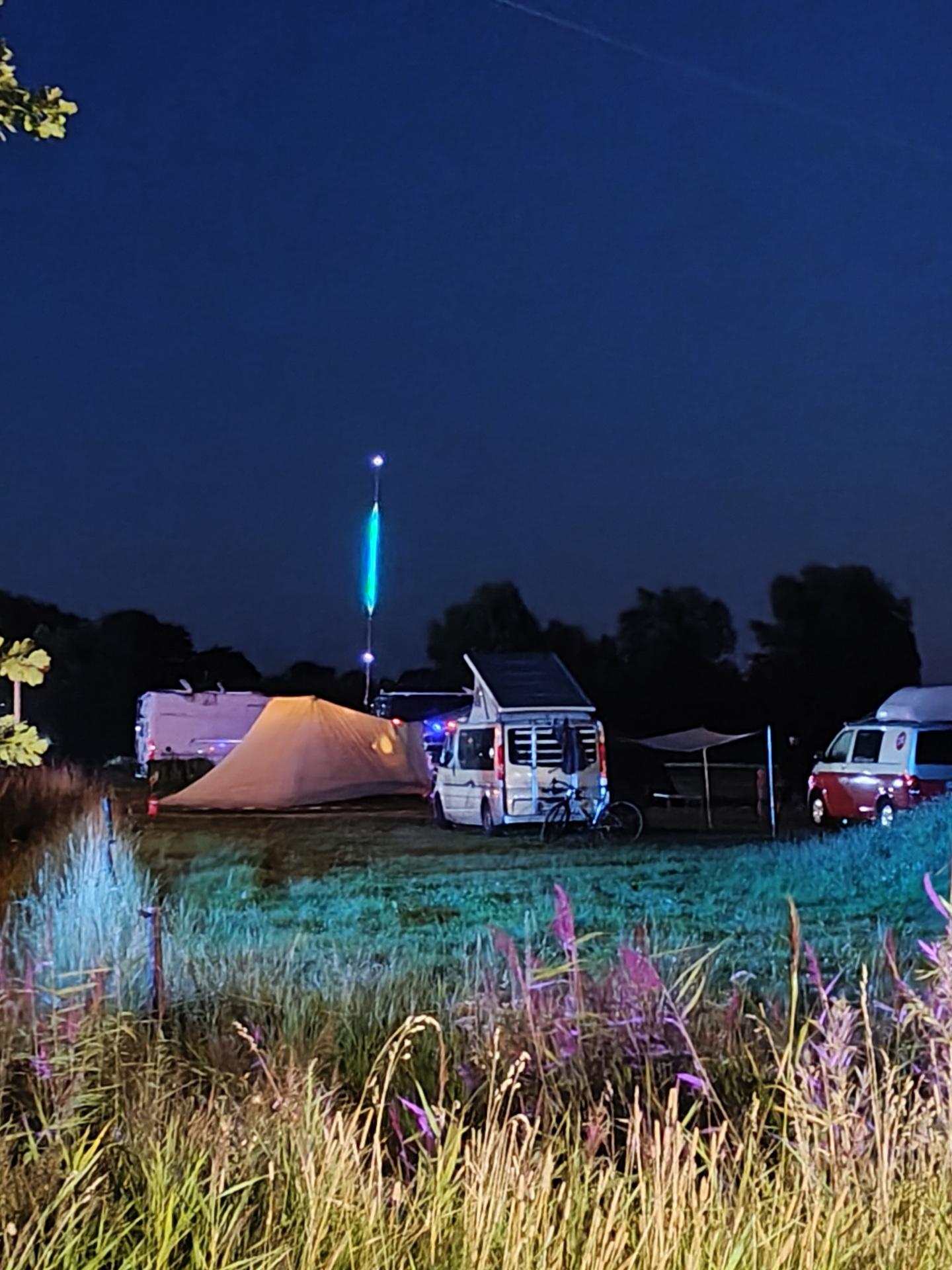
We went to WHY2025 a hackers camp in the Netherlands.
The first time I went was in 1997, with Bigred.
Many followed after that.
Tyrone, Bigred were also there from our old Crew.
Coline joined me several times since 2005.
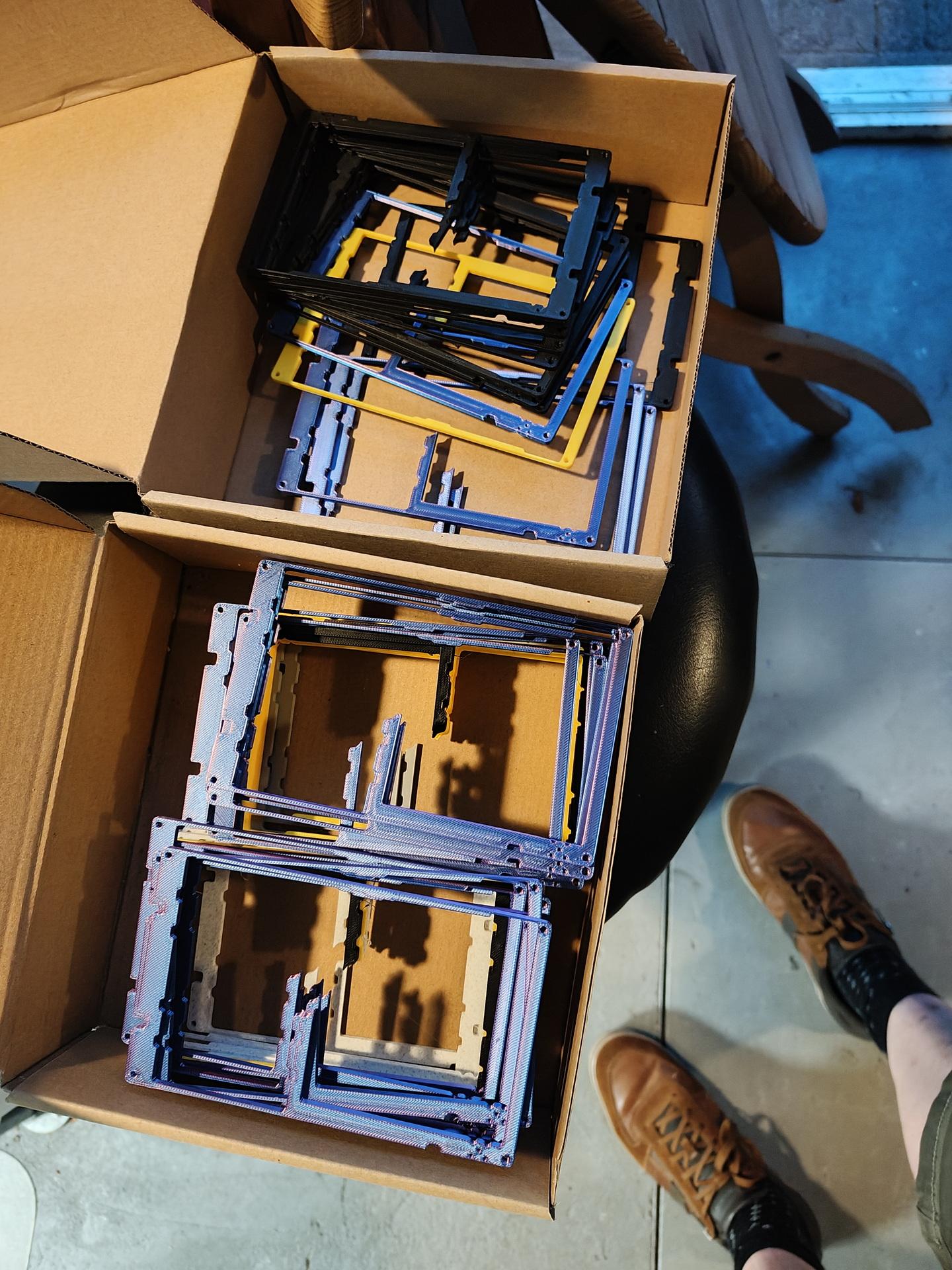
I joined the Badge team, and was making spacers for the Badges in bulk using my 3D printer.
Also made some fancy cases.


In case of doubt .. more leds!


Nice weather, good friends. New friends. Booze. Food and Hacking.
We visited a lot of talks and enjoyed the music. (And fire)
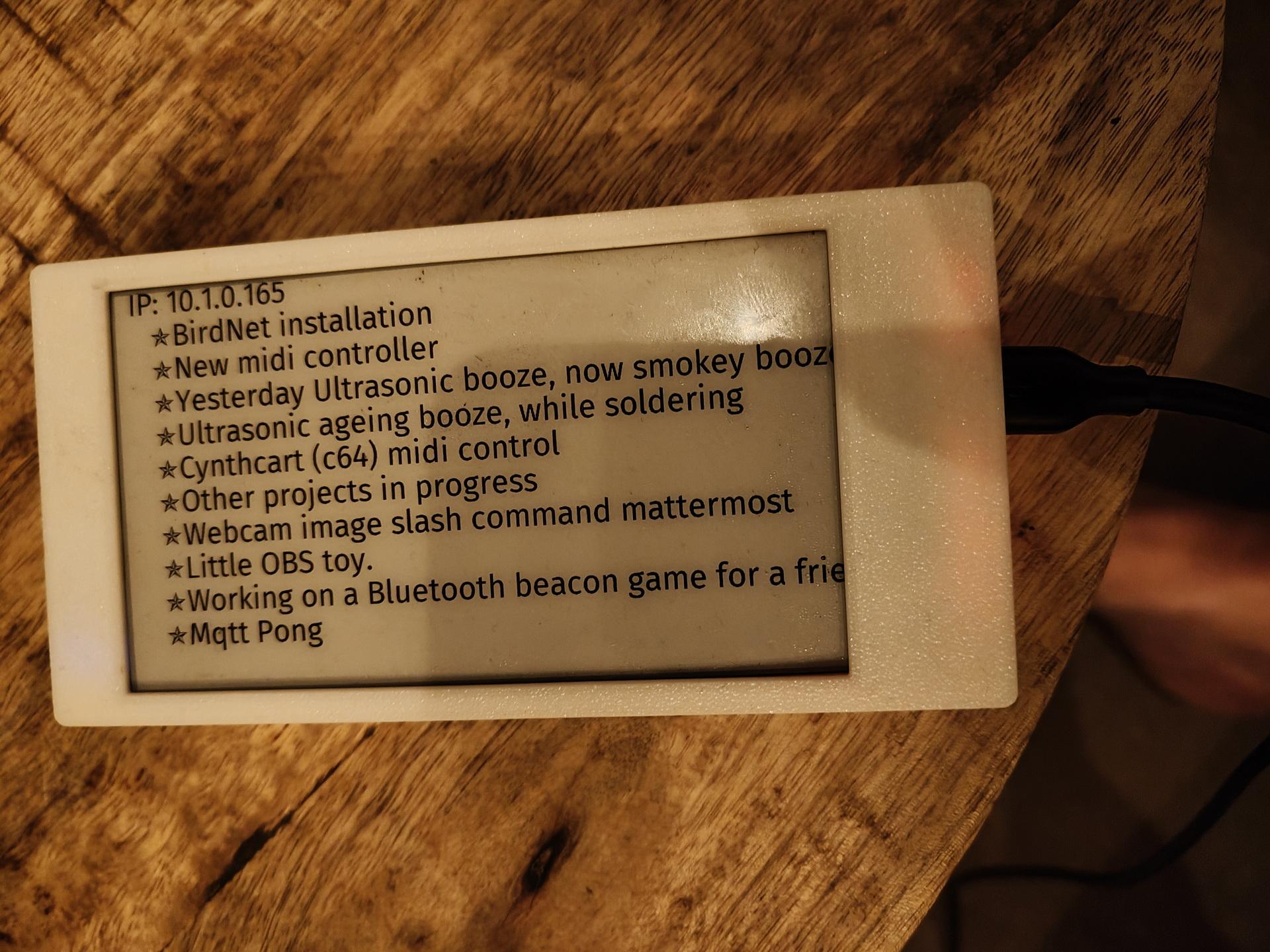
I worked on: RSS feed on a epaper display, Midi monitor and the MQTT Pong website.
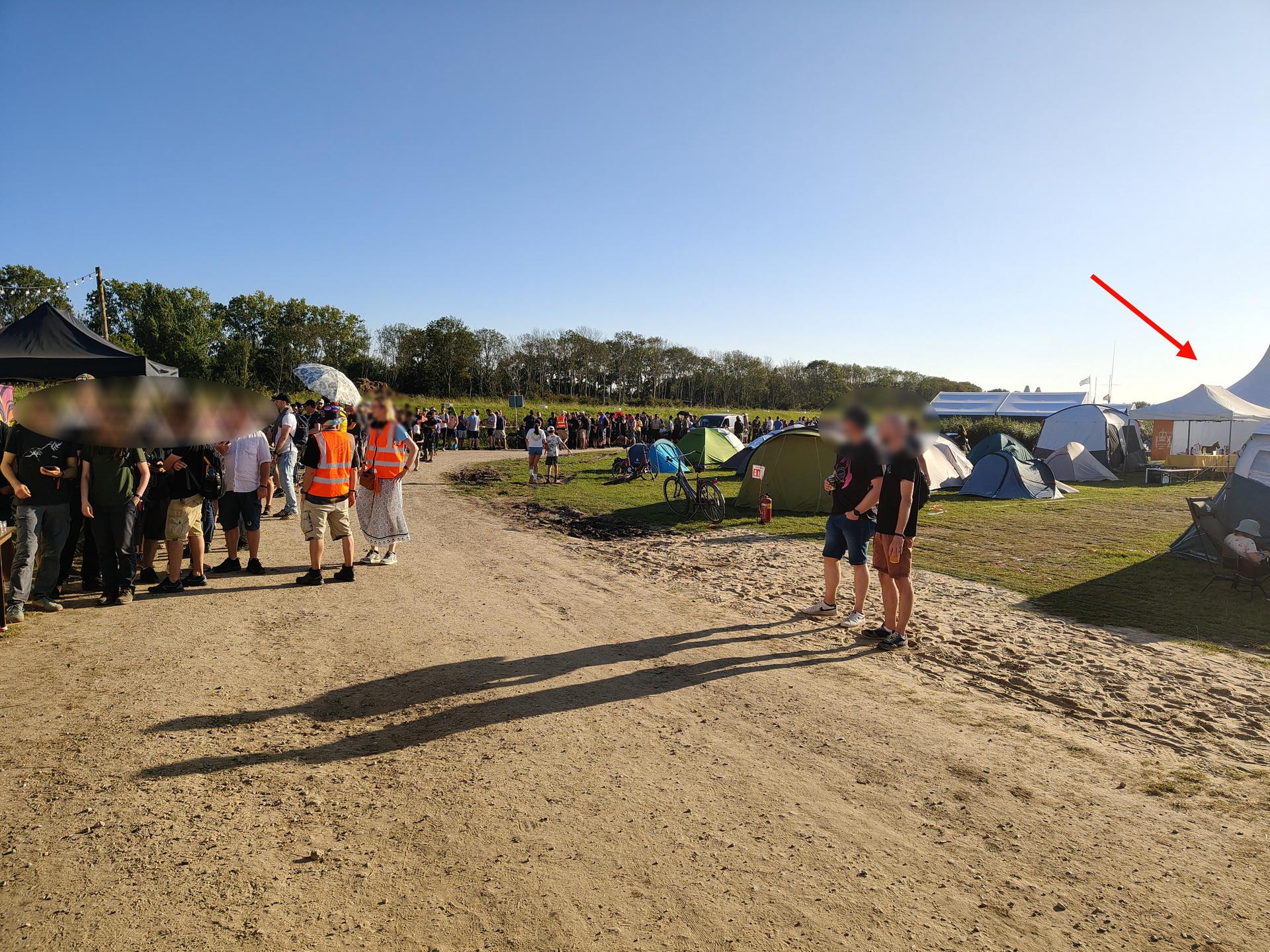
While waiting in line for the Badge:
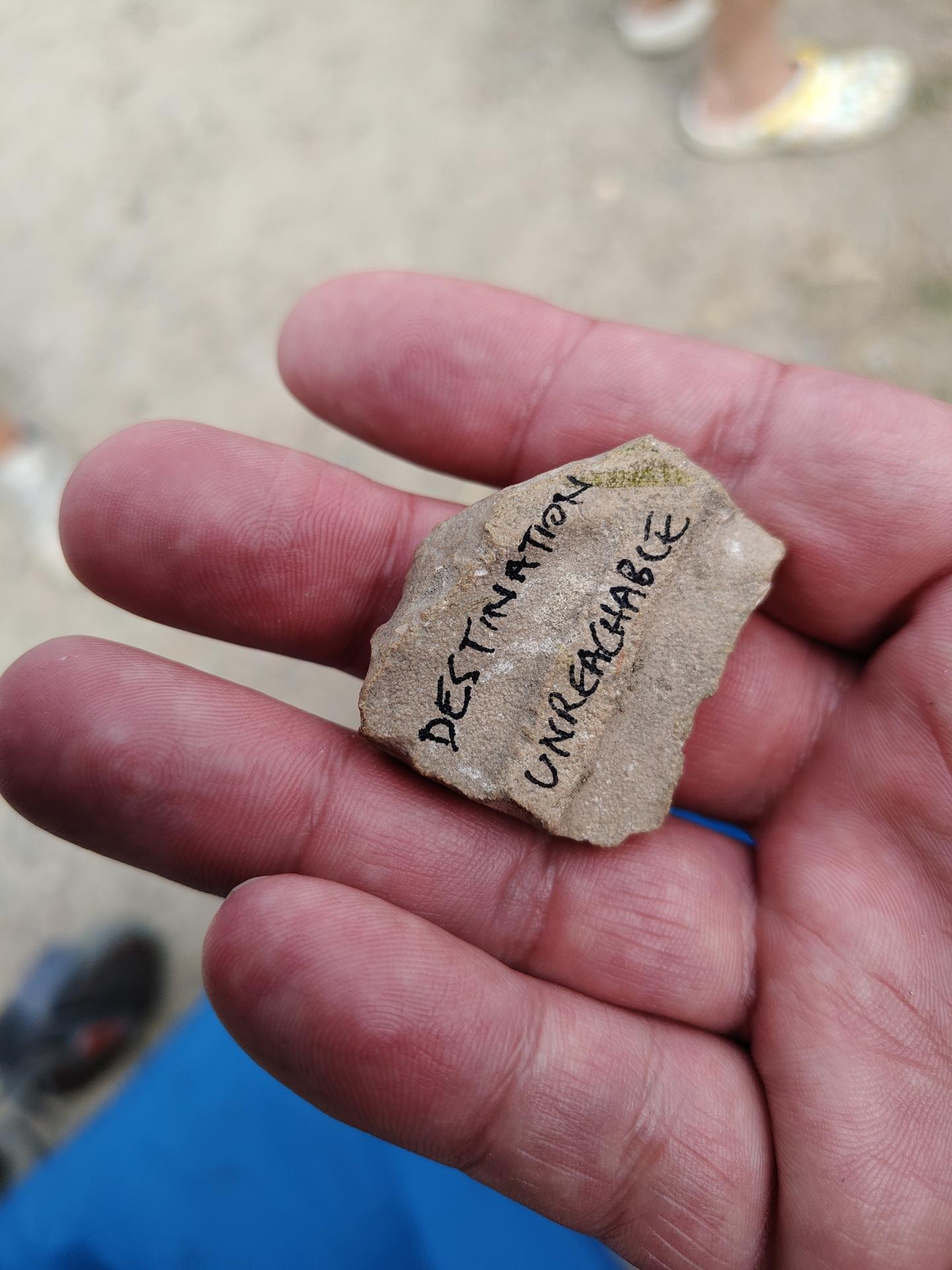
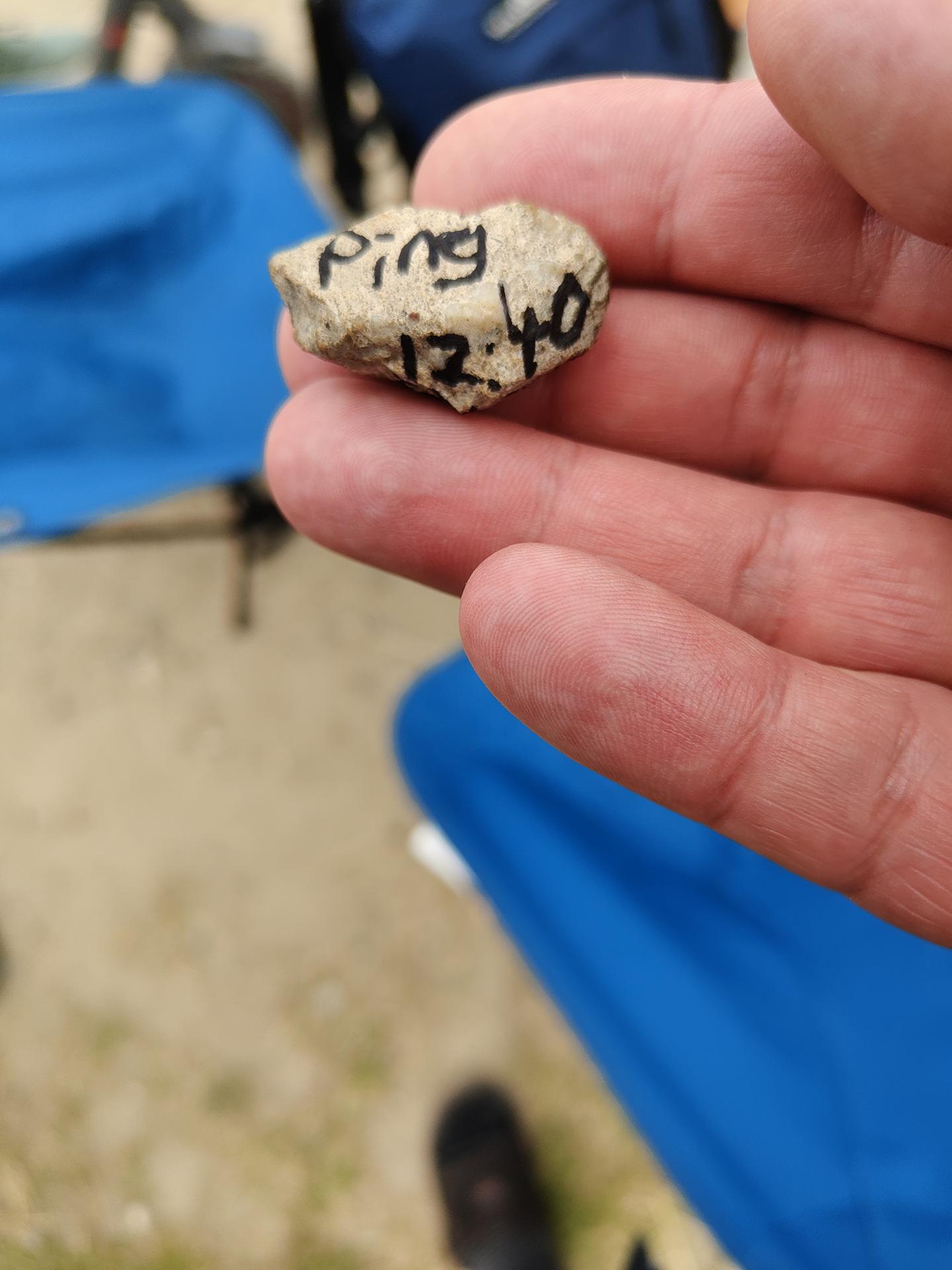
A stone was passed from behind!
It was a ping request. We passed it forward, and 15 minutes later a TTL time exceeded stone came from the front of the line.
You gotta love those nerds!


The Badge:
This should have got much potential ..
Many misses, much to learn.
Sadly broken:
Our 7M Led string attached to Bigred’s Antenna.
Got some bluetooth beacons in the mail.
The plan is to hide these in the woods, and children have to find them using a scanner device.
Using a ESP32 with bluetooth, using RSSI (strength of signal) I can limit the range of detection.
The order of finding the tags is important, so a hidden tag should not be found when another should be found first.
These tags, hidden in toys, should be placed in a treasure chest.
(In order)
Then lights and sounds should hint the kids that they have successfully completed the mission.
So same detecting but even shorter range ESP is hidden in the Chest.
Some leds or a single blinking one should give hints about the distance of the object.
=== Matching iTags ===
MAC: 5b:08:10:4d:2a:01 | RSSI: -47
MAC: 5b:45:aa:0d:f7:9c | RSSI: -31 #### NEAR
MAC: 5b:88:fc:fc:e8:a9 | RSSI: -94 #### FAR AWAY
MAC: 5b:8b:00:00:1d:40 | RSSI: -66
Some test code:
#include <BLEDevice.h>
#include <BLEUtils.h>
#include <BLEScan.h>
#include <BLEAdvertisedDevice.h>
int scanTime = 5; // seconds
BLEScan* pBLEScan;
void setup() {
Serial.begin(115200);
Serial.println("Starting BLE scan...");
BLEDevice::init("");
pBLEScan = BLEDevice::getScan();
pBLEScan->setActiveScan(true);
pBLEScan->setInterval(100);
pBLEScan->setWindow(99);
}
void loop() {
BLEScanResults results = *pBLEScan->start(scanTime, false);
Serial.println("=== Matching iTags ===");
for (int i = 0; i < results.getCount(); i++) {
BLEAdvertisedDevice device = results.getDevice(i);
String mac = device.getAddress().toString();
if (mac.startsWith("5b:")) {
Serial.print("MAC: ");
Serial.print(mac);
Serial.print(" | RSSI: ");
Serial.println(device.getRSSI());
}
}
Serial.println("======================");
pBLEScan->clearResults();
delay(2000);
}
I like animatronics.
In the past, I made animatronics using :
Windscreen wipers, Servo controllers and stepper motors.
I bought a new controller with an 8 channel receiver. Now I can manually control and test setups.
I altered and 3D printed this model from Will Cogley
Now I have to make this more programmable, python on a RPi should do it.
Planning to use a 360 degrees lidar, so the eyes can follow you around.
I got some other new stuff in also:
Some 360 degrees servo’s and a mini led strip which a connected to a WLED with digital I2S microphone.

While working on my clients projects, I’ve been busy with other Fun stuff.
All will be posted more about soon
Using 3x SG90s (metal gears).
These performed far better using my Servo tester than the cheap plastic ones.
First version using Openscad, with variables to control how it looks.
This is printed using TPU.
RepeatingBit = 4;
nr = 20;
difference(){
union(){
for (a =[0:nr]) {
translate([0,0,(a * (RepeatingBit))]) {
translate([0,0,a*a*1.3])
cylinder ( h=1+(a*1.1), r1=1,r2=7.5+(a*(a/10)), $fn=30 );
translate([0,0,a*a*1.3+1+(a*1.1)])
cylinder ( h=3+(a*1.5), r1=7.5+(a*(a/10)),r2=7.5+(a*(a/10)), $fn=30 );
}
}
translate([0,0,0])
cylinder( h=650, r1=2,r2=4 , $fn=30 );
}
translate([5,0,-10])
rotate([0,2.5,0])
cylinder( h=1000, r1=1,r2=1 , $fn=30 );
translate([-3,4,-10])
rotate([-4/2,-3/2,0])
cylinder( h=1000, r1=1,r2=1 , $fn=30 );
translate([-3,-4,-10])
rotate([4/2,-3/2,0])
cylinder( h=1000, r1=1,r2=1 , $fn=30 );
translate([2,3,-10])
rotate([-1.4,0.6,0])
cylinder( h=1000, r1=2,r2=nr*1.3 , $fn=30 );
translate([2,-3,-10])
rotate([1.6,0.7,0])
cylinder( h=1000, r1=2,r2=nr*1.3 , $fn=30 );
translate([-3.5,0,-10])
rotate([0,-1.8,0])
cylinder( h=1000, r1=2,r2=nr*1.3 , $fn=30 );
}
Video with some organic movement
Using a Raspberry Pi, Python3 and a Servo HAT.
Bottom part

New cartridges stuff.
I’ve bought some in the past, and was gifted some.
Made a case for an own made 8085 cartridge.
In this case, I used a gifted PCB from Bigred (thanks).
This was designed by Venneker.
With a gap for a 40 pins socket to piggyback signals.
https://media.henriaanstoot.nl/c64-cartridge-gap.tgz
Then a new Nordic Replay, this is a new version of the Retro Replay.
Today the TeensyRom, this came without case, so I printed one in fancy dual silk color.


Demos and hacks soon
Working for clients, so fragmented personal stuff.
New workplace setup so even more space!
My BBQ monitor V3
As posted before, but now an esphome version, with big-ass buzzer


Code available soon, when made generic.
4Button controller using ESPHOME
STL FILE https://media.henriaanstoot.nl/4buttons.stl
Flash trick for XYUSB

Flashing this to ESPHOME, use sowing pins!


CODE
substitutions:
name: usb-relay
friendly_name: "USB Relay"
default_state: "RESTORE_DEFAULT_OFF"
esphome:
name: xyusb1
friendly_name: xyusb1
esp8266:
board: esp01_1m
# Enable logging
logger:
# Enable Home Assistant API
api:
encryption:
key: "ndm8xxxxxxxxxxxxxxxxxjlvrggJv3a1BkY="
ota:
- platform: esphome
password: "12cc9xxxxxxxxxxxxxxxxfb6a01e672"
wifi:
ssid: !secret wifi_ssid
password: !secret wifi_password
# Enable fallback hotspot (captive portal) in case wifi connection fails
ap:
ssid: "Xyusb1 Fallback Hotspot"
password: "xxxxxxxxxxx"
captive_portal:
time:
- platform: homeassistant
# Blue LED
status_led:
pin:
number: GPIO16
# Relay
switch:
- platform: gpio
id: switch_relay
pin: GPIO5
# Green LED
- platform: gpio
pin: GPIO14
id: green_led
inverted: true # start on
# Switch template to link relay and green LED states
# LED is on when relay is off
- platform: template
id: relay
name: "${friendly_name}"
lambda: |-
if (id(switch_relay).state) {
return true;
} else {
return false;
}
turn_on_action:
- switch.turn_on:
id: green_led
- switch.turn_on:
id: switch_relay
turn_off_action:
- switch.turn_off:
id: green_led
- switch.turn_off:
id: switch_relay
# Button
binary_sensor:
- platform: gpio
id: hardware_button
pin:
number: GPIO04
mode: INPUT_PULLUP
inverted: True
on_press:
- switch.toggle: relay
# WiFi Signal Sensor
sensor:
- platform: wifi_signal
name: "WiFi Status"
update_interval: 60s
# Restart button
button:
- platform: restart
name: "Restart"
Reflashed my USB Volume button and added a LED-Ring.
Example is green and blue.
Funny text on box
Wireless Temperature/Humidity sensor for ESPHome.
Wemos D1 mini with deep sleep, voltage monitoring using A0 line.
BME280 Temperature/Humidity sensor.
And a 18650 battery with TP4065 battery manager.
Now 3D print a little case.


Made a PCB for a 24 Channel Logic analyzer
See post: