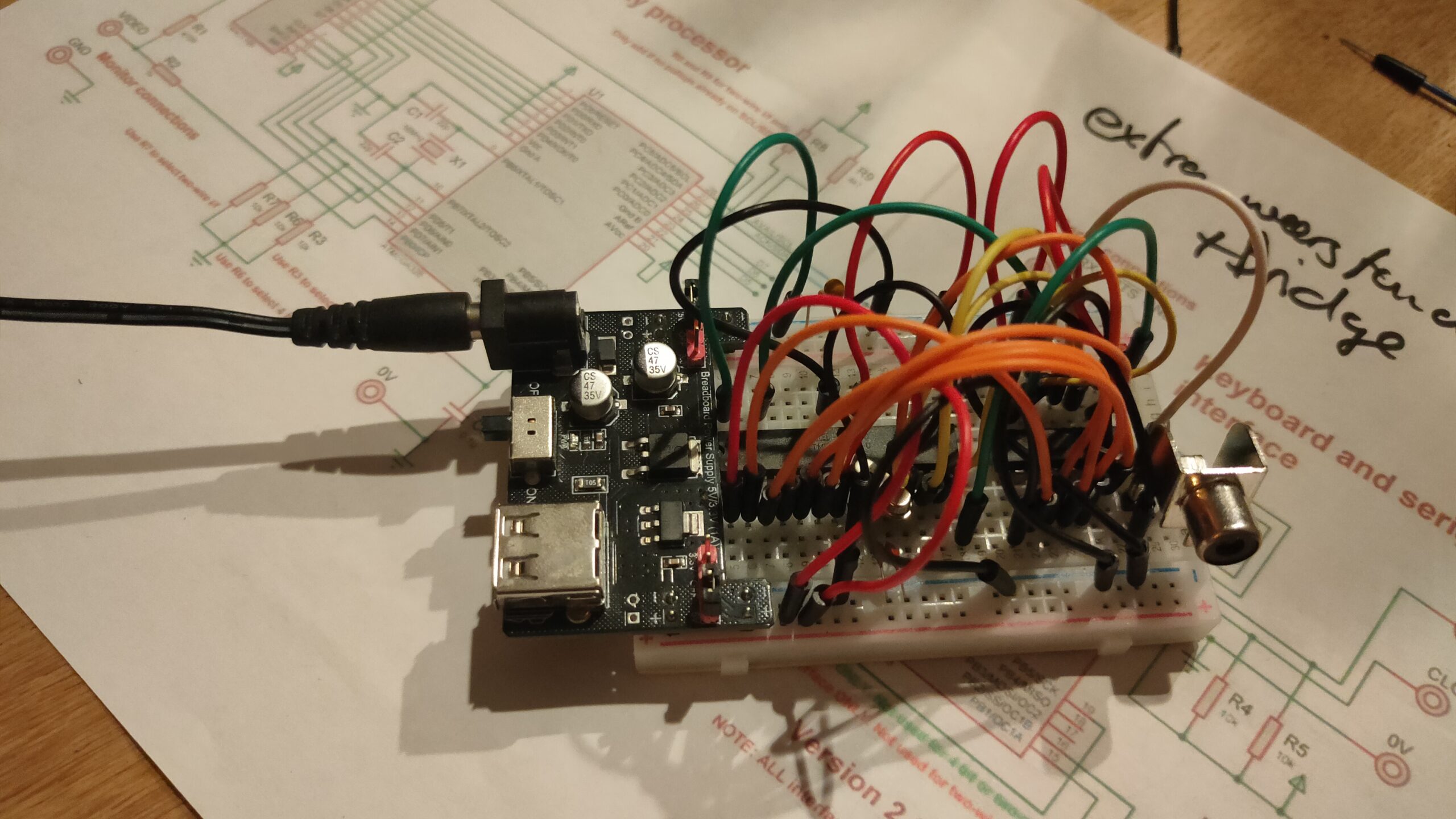
I’ve got a ROM in my 6502 which can load programs at $0200. When running own programs i want to use IRQ’s, but my rom is also using IRQ routines. So i was wondering if i could ‘hijack’ this IRQ for own program purposes.
So i’ve altered the rom to use a vector in userspace.
CPU starts, getting vector from FFFC
Goto $8000 main ROM program
Setting a jmp routine on zero page $F0
4C C9 FF
4C C9 FF ; second time, first one will redirect
Running my program on $0200
Change first jmp C9 FF to my own IRQ part
Changed jmp vectors
4C 6E 02 ; jmp $026E (myprg)
4C C9 FF ; jmp $FFC9 (rom)
Run rest of program
All seems fine and dandy … buzzer is sounding, but no blinky leds. When flashing the rom with only my program, everything works .. So whats going on? .. anyone?
MYIRQ = $F0 ; Own IRQ vector <=================== my additions/alterations
; Below definitions for VIA 1 my loadable program uses VIA 2
PORTB = $6000 ; VIA port B
PORTA = $6001 ; VIA port A
DDRB = $6002 ; Data Direction Register B
DDRA = $6003 ; Data Direction Register A
-------------8<------- snip
PROGRAM_LOCATION = $0200 ; memory location for user programs
.org $8000
main: ; boot routine, first thing loaded
ldx #$ff ; initialize the stackpointer with 0xff
txs
; ISR redirect code <=================== my additions/alterations
sei
lda #$4C
sta MYIRQ
sta MYIRQ + 3
lda #<ISR
sta MYIRQ + 1
sta MYIRQ + 4
lda #>ISR
sta MYIRQ + 2
sta MYIRQ + 5
cli
; End ISR redirect <=================== till here
; below this the standard rom routines
-------------8<------- snip
.org $FFC9 ; as close as possible to the ROM's end
ISR: <====================== Whole ISR not my code
CURRENT_RAM_ADDRESS = Z0 ; a RAM address handle for indirect writing
pha
tya
pha
lda ISR_FIRST_RUN ; check whether we are called for the first time
bne .write_data ; if not, just continue writing
lda #1 ; otherwise set the first time marker
sta ISR_FIRST_RUN ; and return from the interrupt
jmp .doneisr
.write_data:
lda #$01 ; progressing state of loading operation
sta LOADING_STATE ; so program_ram routine knows, data's still flowing
lda PORTB ; load serial data byte
ldy #0
sta (CURRENT_RAM_ADDRESS),Y ; store byte at current RAM location
; increase the 16bit RAM location
inc CURRENT_RAM_ADDRESS_L
bne .doneisr
inc CURRENT_RAM_ADDRESS_H
.doneisr
pla ; restore Y
tay
pla ; restore A
rti
.org $fffc
.word main ; Main ROM program
.word MYIRQ ; Redirect to OWN irq vector <=================== my additions/alterations
RAM Program
; Second VIA stuff
PORTB = $5000
PORTA = $5001
DDRB = $5002
DDRA = $5003
;------------------8<-------------
; Vector pointer on zero page
MYIRQ = $F0
ticks = $00 ; 4 Bytes
toggle_time = $04 ; 1 Byte
.org $0200
start:
; IRQ REDIRECT
sei ; irq masked
lda #<irq ; get low byte IRQ routine address
sta MYIRQ + 1 ; store at $F1
lda #>irq ; get high part of address
sta MYIRQ + 2 ; store at $F2
cli ; irq enabled
; IRQ END REDIRECT
; init of program part
lda #%11111111
sta DDRA
sta DDRB
lda #$00
sta PORTA
sta PORTB
sta toggle_time
jsr init_timer
lda #$77
sta T1CL
lda #$07
sta T1CH
loop: ; loop
jsr update_led ; update led routine
jmp loop
update_led:
sec
lda ticks
sbc toggle_time
cmp #25
bcc exit_update_led
; Toggle led
lda #%01000000
eor PORTB
sta PORTB
lda ticks
sta toggle_time
exit_update_led:
rts
;-----------------------------8<------------- snip
irq:
pha
lda #$0e
sta T2CL
lda #$27
sta T2CH
inc ticks
bne end_irq
inc ticks + 1
bne end_irq
inc ticks + 2
bne end_irq
inc ticks + 3
end_irq:
pla
jmp MYIRQ + 3 ; jmp to vector which points to ROM routine ; should be $FFC9
Buzzer and led on VIA 2, blinky and sound timed by the internal timers of the 6522
ACIA testing still going on, writing software
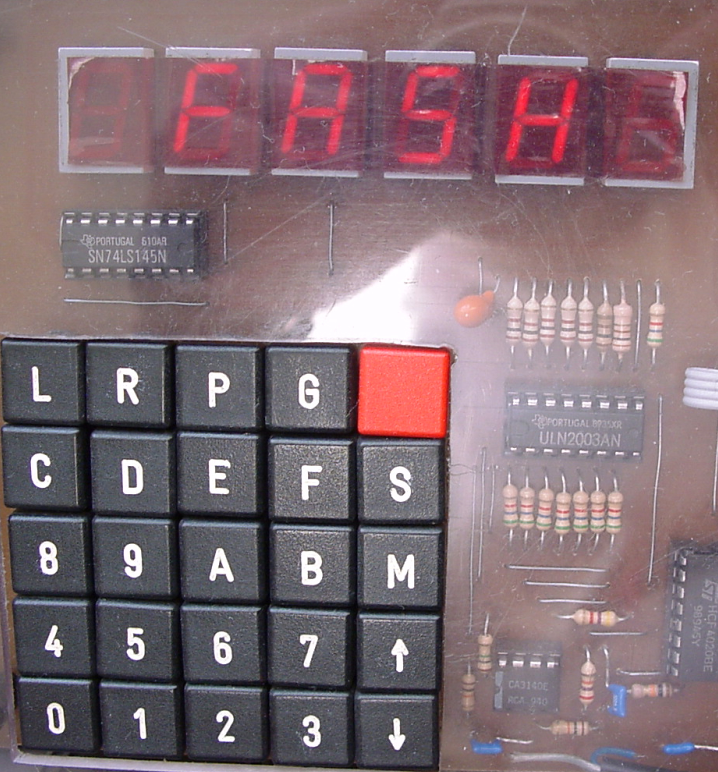
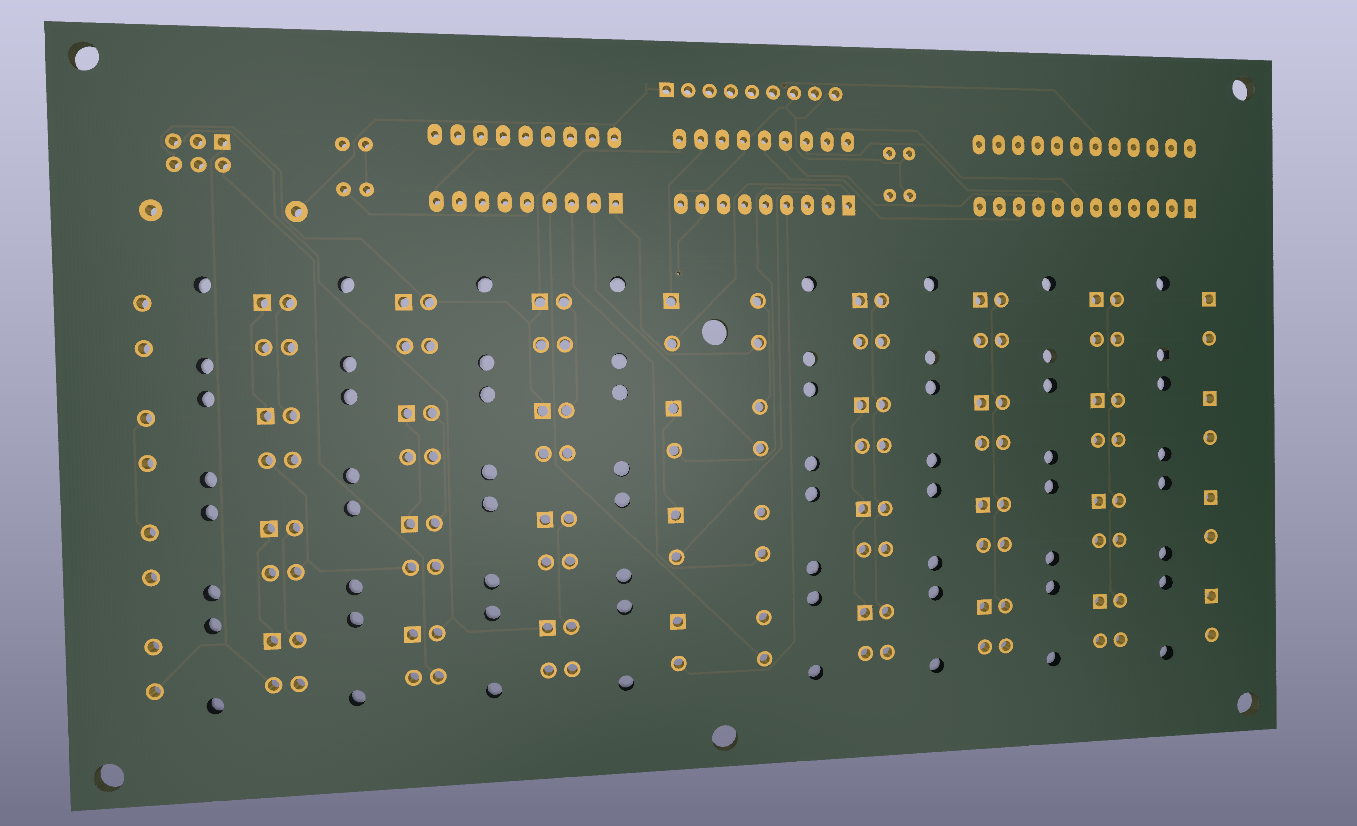
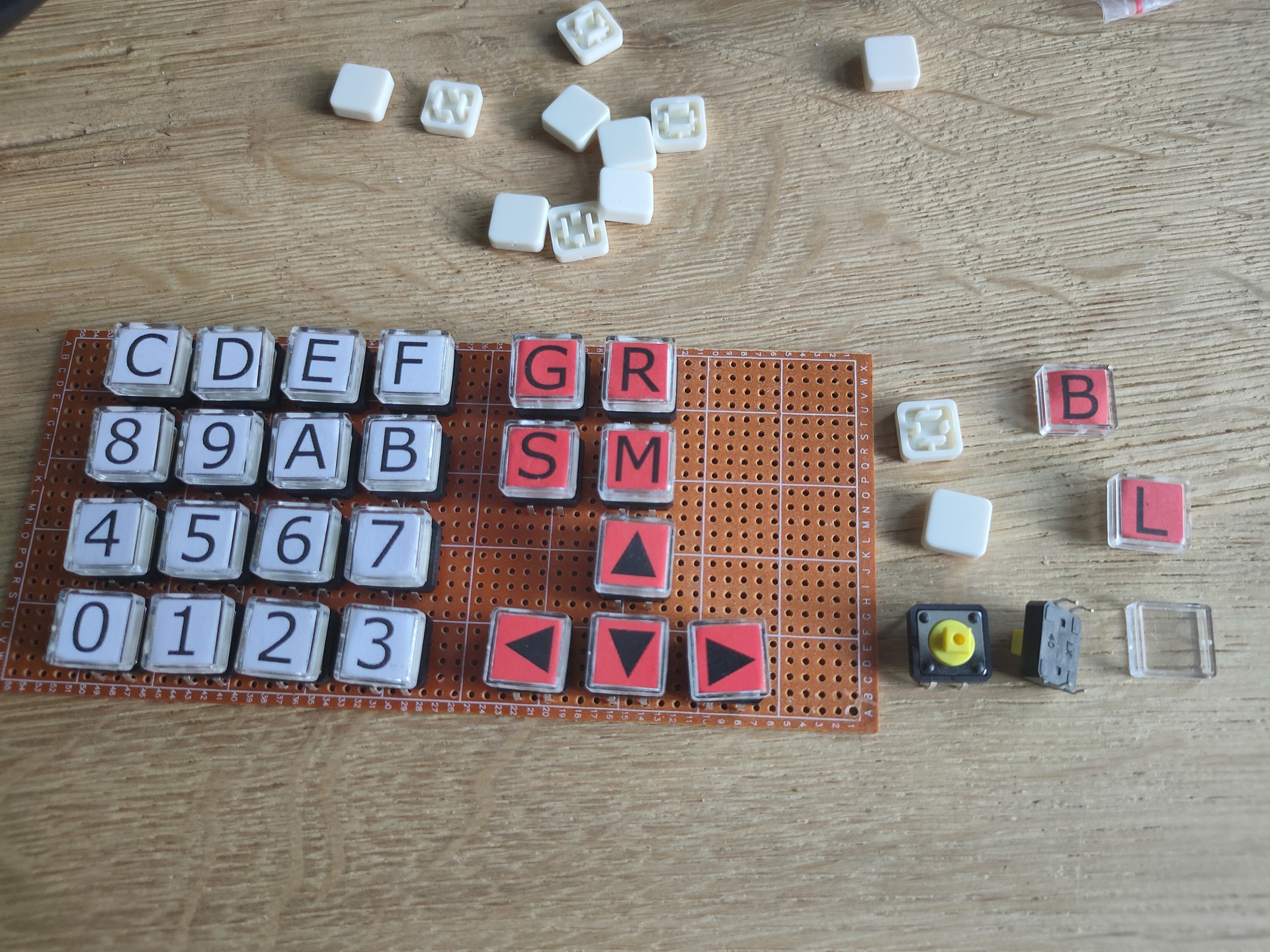
Mini matrix keyboard removed, and used the temporary cursor buttons for the test with a rom which allows for a 8bits upload method using a arduino and the 6522. (I’m working on the big keyboard)
Work in progress code
PORT2B = $5000 ; VIA PORTB
PORT2A = $5001 ; VIA PORTA
DDR2B = $5002 ; Data direction register
DDR2A = $5003 ; Data direction register
PORTB = $6000 ; display
PORTA = $6001 ; control display + matrix keyboard
DDRB = $6002 ; data direction register
DDRA = $6003 ; data direction register
SID = $7000 ; sid base address
E = %10000000 ; enable bit
RW = %01000000 ; RW bit
RS = %00100000 ; Register Select bit
HOME = %00000010 ; VIA PORTB HOME command
DADDR = %00010000 ; VIA DADDRESS
LINENO = $0200 ; temp address linenumber (move to other location)
NEXTLINE = 40 ; 2x16 Chars but internally 40
.org $8000
reset:
ldx #$ff
txs ; reset stack
; ###################################################
; # DISPLAY CONTROL #
; ###################################################
; VIA Setup
lda #%11111111 ; Set all pins on port B to output
sta DDRB
lda #%11100000 ; Set top 3 pins on port A to output
sta DDRA
; DISPLAY Setup
lda #%00111000 ; Set 8-bit mode; 2-line display; 5x8 font
jsr lcd_instruction
lda #%00001110 ; Display on; cursor on; blink off
jsr lcd_instruction
lda #%00000110 ; Increment and shift cursor; don't shift display
jsr lcd_instruction
lda #$00000001 ; Clear display
jsr lcd_instruction
; ###################################################
; # PRINT MESSAGE LINE NO 0 #
; ###################################################
lda #0 ; set line number
sta LINENO ; store for subroutine
jsr gotoline ; move cursor
ldx #0 ; message index pointer
print:
lda message0,x ; start of message
beq nextprint ; stop when null in message (asciiz <- Zero padded)
jsr print_char ; print char
inx ; incr index
jmp print ; resume print
; ###################################################
; # PRINT MESSAGE LINE NO 1 #
; ###################################################
nextprint:
lda #1 ; set line number
sta LINENO ; store
jsr gotoline
ldx #0 ; index pointer
print2:
lda message1,x ; absolute address message + x in A
beq sidsound ; if x is 0, end of message
jsr print_char ; jump subroutine
inx ; increment x
jmp print2 ; loop print2
; ###################################################
; # SID SOUND #
; ###################################################
sidsound:
lda #0
sta SID+$5 ; attack/decay duration
lda #250
sta SID+$6 ; sustain level/release duration
lda #$95 ; frequency voice 1 low byte
sta SID+$0
lda #$44 ; frequency voice 1 high byte
sta SID+$1
lda #%00100001 ; sawtooth + gate
sta SID+$4 ; control register voice 1
lda #$0f ; filter mode and volume (bits 3-0 main volume)
sta SID+$18 ; filter mode and volume
; ###################################################
; # 2ND VIA #
; ###################################################
lda #%11111111 ; set port A output
sta DDR2A
lda #%11111111 ; all ones!
sta PORT2A
; ###################################################
lda #%11111111 ; set port A output
sta DDR2A
lda #%11111111 ; all ones!
sta PORT2A
; ###################################################
; # MAIN PROGRAM LOOP #
; ###################################################
loop:
jmp loop
; 1234567812345678
message0: .asciiz "VIA 1,2 SID TEST"
message1: .asciiz " FASH 2022 "
; ###################################################
; # ONLY SUBROUTINES #
; ###################################################
; ###################################################
; # Subroutine gotoline #
; # Moves character placement position on display #
; # Needs : $LINENO ADDRESS #
; # Exit values : - #
; # Destroys registers: - #
; ###################################################
gotoline:
pha ; store a
txa
pha ; store x
ldx LINENO
lda #HOME ; cursor down
jsr lcd_instruction
lda #$80
nextline:
ldx LINENO
cpx #00
beq endnextlines
loopline:
adc #40
jsr lcd_instruction
dex
stx LINENO
jmp nextline
endnextlines:
pla ; pop a
tax ; a to x
pla ; pop a
rts
; ###################################################
; # LCD SUBROUTINES #
; ###################################################
lcd_wait:
pha
lda #%00000000 ; Port B is input
sta DDRB
lcdbusy:
lda #RW
sta PORTA
lda #(RW | E)
sta PORTA
lda PORTB
and #%10000000
bne lcdbusy
lda #RW
sta PORTA
lda #%11111111 ; Port B is output
sta DDRB
pla
rts
lcd_instruction:
jsr lcd_wait
sta PORTB
lda #0 ; Clear RS/RW/E bits
sta PORTA
lda #E ; Set E bit to send instruction
sta PORTA
lda #0 ; Clear RS/RW/E bits
sta PORTA
rts
print_char:
jsr lcd_wait
sta PORTB
lda #RS ; Set RS; Clear RW/E bits
sta PORTA
lda #(RS | E) ; Set E bit to send instruction
sta PORTA
lda #RS ; Clear E bits
sta PORTA
rts
nmi:
rti
irq:
rti
.org $fffa
.word nmi
.word reset
.word irq
; .word $0000
First test to make a personalised logo for myself to use embedded on movies or in OBS streams.
Created a simple animation in Blender.
We need to export in RGBA (A for aplha), One of the supported video codex you can use is : Quicktime – QT rle. Select this one, and make sure it’s RGBA and not RGB
Now i can use the exported video file in OBS for streaming. I made the animation i a way that it can be looped. (Don’t forget to set this option in OBS.)
When i play around with Arduino’s which i have flashed and start with their own access points. It’s sometimes not clear which remote IP is connected.
Applications like Tasmota,Wled and Easyesp startup with their own Access Point, which you can use to connect to and configure them to your real accesspoint. So you connect to this temporary AP, and want to remote access it with your phone’s browser. Not all apps (certainly not my apps) have a captive portal. Most won’t .. Which ip to use to connect?
Install JuiceSSH of you don’t have it .. it’s a must have really
Select quick connect – local device
Enter command “ip neigh”, It wil show devices connected to your android phone or which where broadcasting in your network-neighbourhood
Most of the times it also your default gw .. which can be found in settings. But above gives you more information.
I used to draw my network using inkscape, or graphviz. But the last years i’ve been using DrawIO. A friend is drawing his. So i posted some tips.
When using inkscape, i liked the way that i could view more or less details using layers. But editing was hard.
Getting DrawIO:
There is a online version: https://app.diagrams.net/ You can download a AppImage And .. install it in your nextcloud, which is the way i’m using it. (Login as admin, click Apps and search for draw.io)
Some tips on using images .. Below is a example of a Mikrotik switch with connector points.
Use a search engine to look for images, the ones with front facing connectors are easier to use. I always look for images which have a transparent background. Using google you can use below ‘trick’ google > images > tools > color > transparent Just copy-paste into your DrawIO document, it is better to have a large picture which you can resize as the other way around.
Adding connection points:
Left click the image in DrawIO, right mouse and Edit connection points
Now you can place/remove edit connection points.
Due to security reasons i won’t be posting my complete network image ..
Another tip:
Network sheet a friend is working on
Device is not straight, so its harder to get the connections right. Besides that, the lines are below the device. Click line and select bring to front.
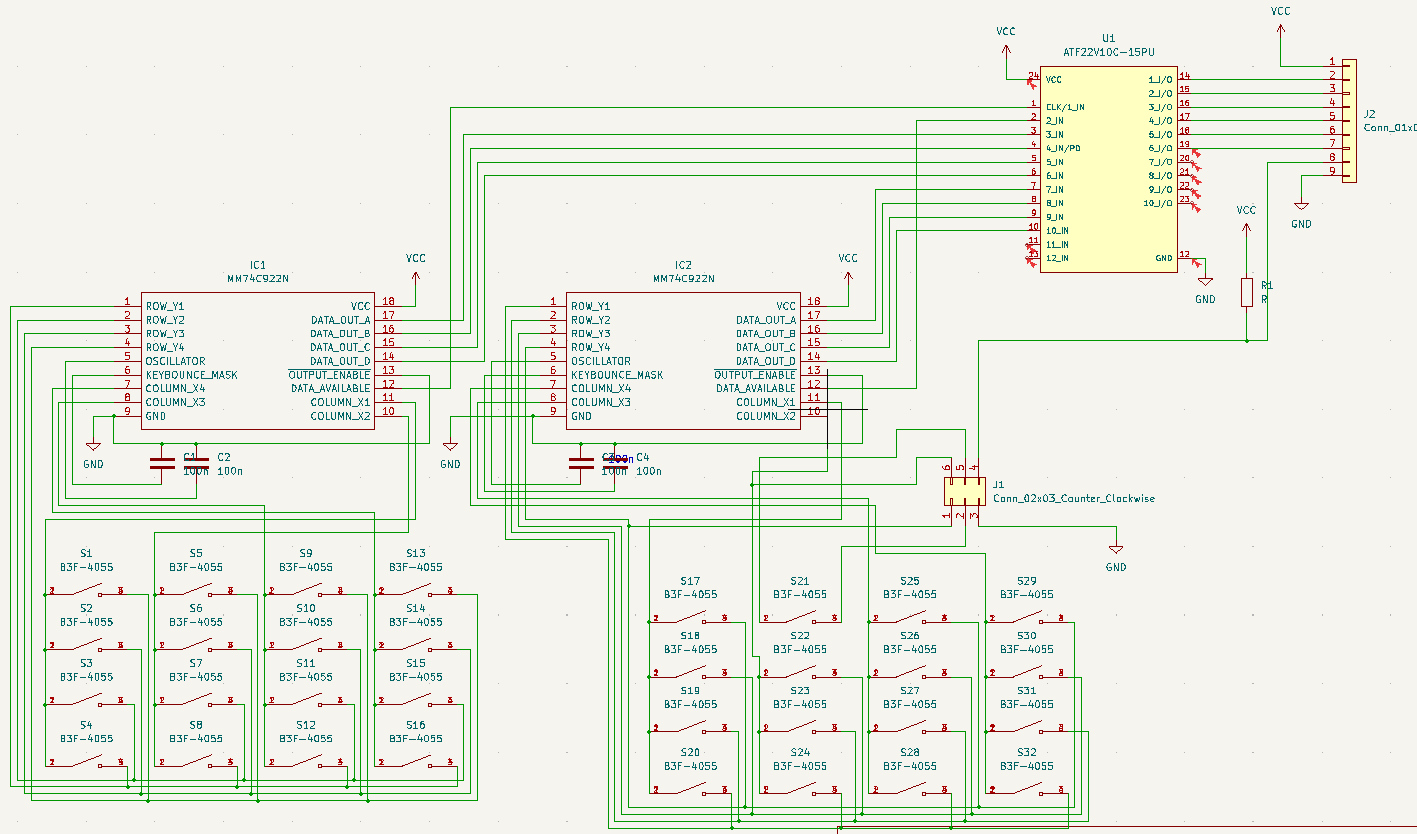
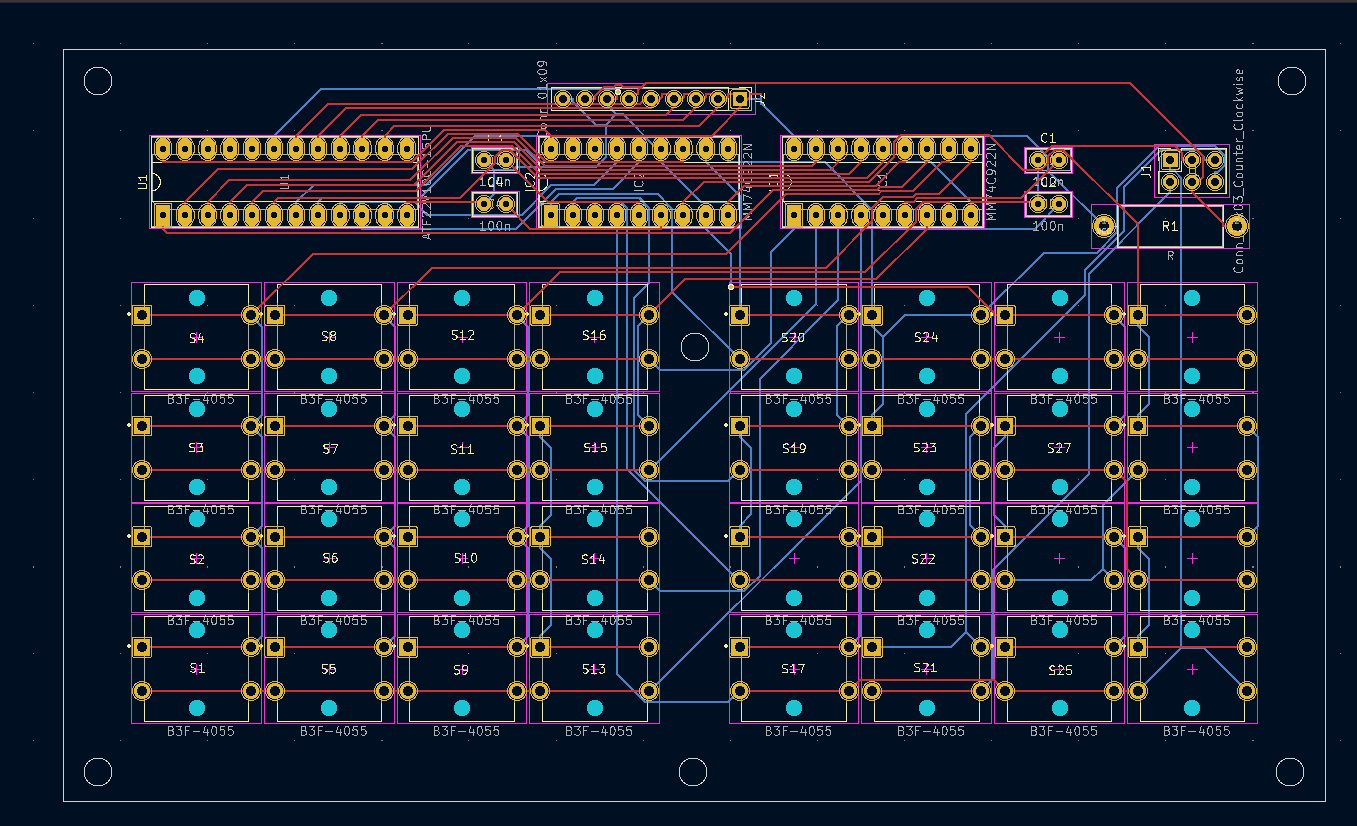
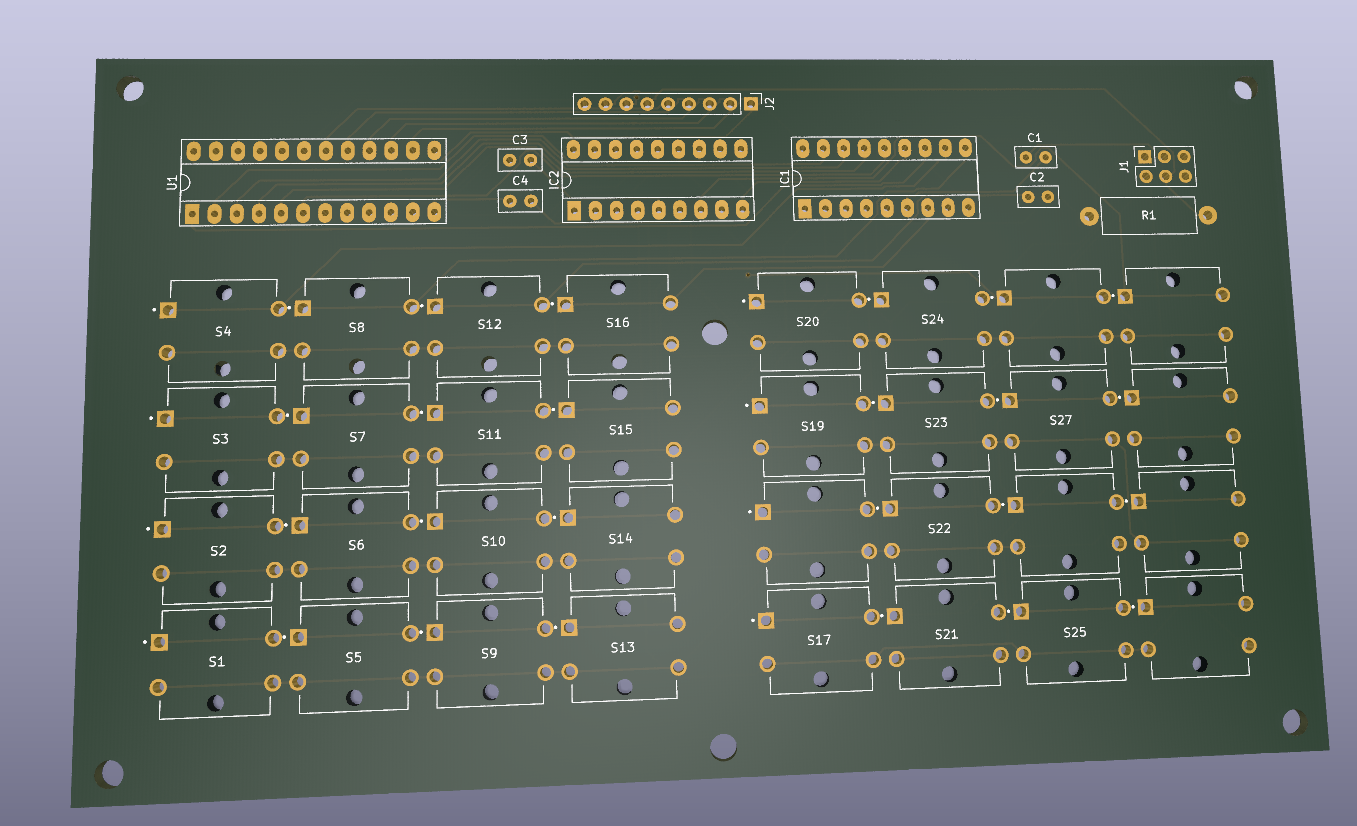
In this case designed for my 6502, but it is a generic setup.
I it just a dual 16key matrix decoder merged together. You can probably use this with raspberries, arduinos etc.
I wanted to use 74C923 but these are nowhere to be found. And even then, the number of keys wil be 20. So i am tying together two 74C922 using some logic in a PLD.
First draft
It wil be something like above. Using the data availabe signal i can combine both 16key matrixes. (In theory .. it is all untested)
Another blender project i’m planning to do this week is a movie displaying my logo to overlay on my videos. So i have to render a transparent movie for this.
Howto:
Open a scene, i took the liberty to get one from blenderkit.
Change output to cycles, eevee doesn’t work
Make x/y large enough in output tab. X = 2 * Y !
Next select your camera, and open camera tab
Change Type to panoramic and then you can change panorama type to Equirectangular
Position your camera and hit F12, it wil take a long time!
You get something like this
Use a proper plugin for your website, or view with your VR glasses!
"If something is worth doing, it's worth overdoing."