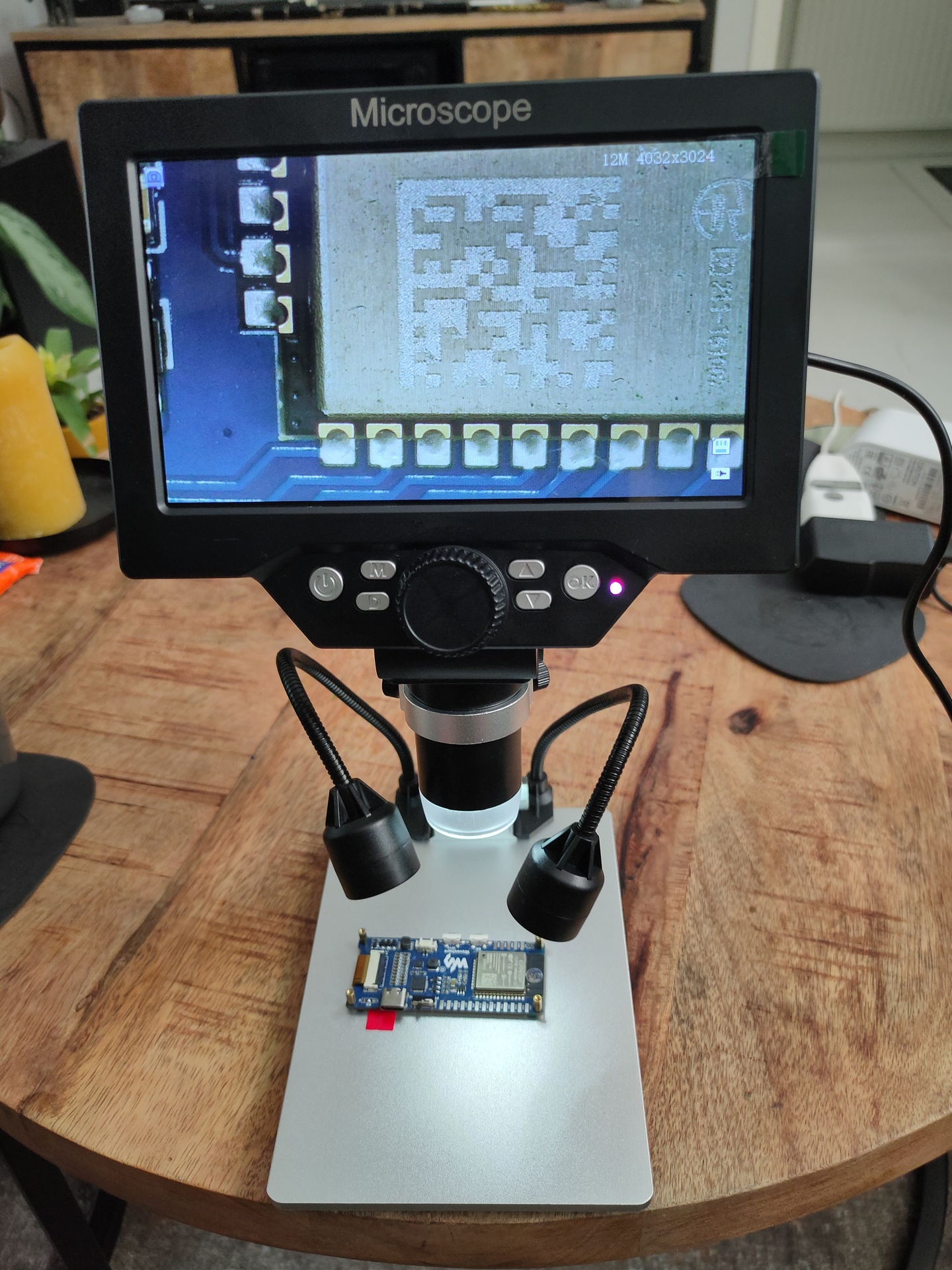
Update: 20220829 – Microscope G1200
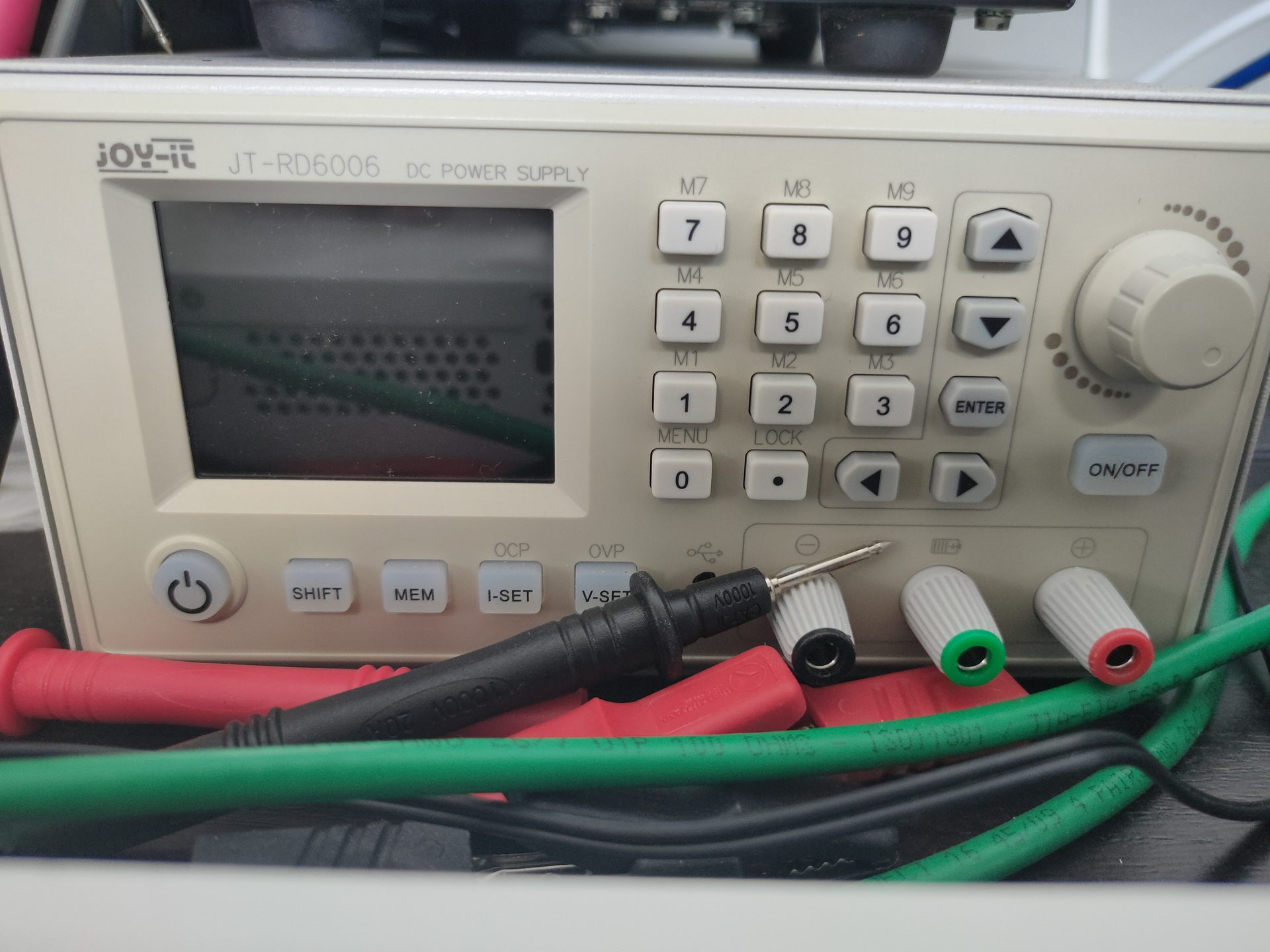
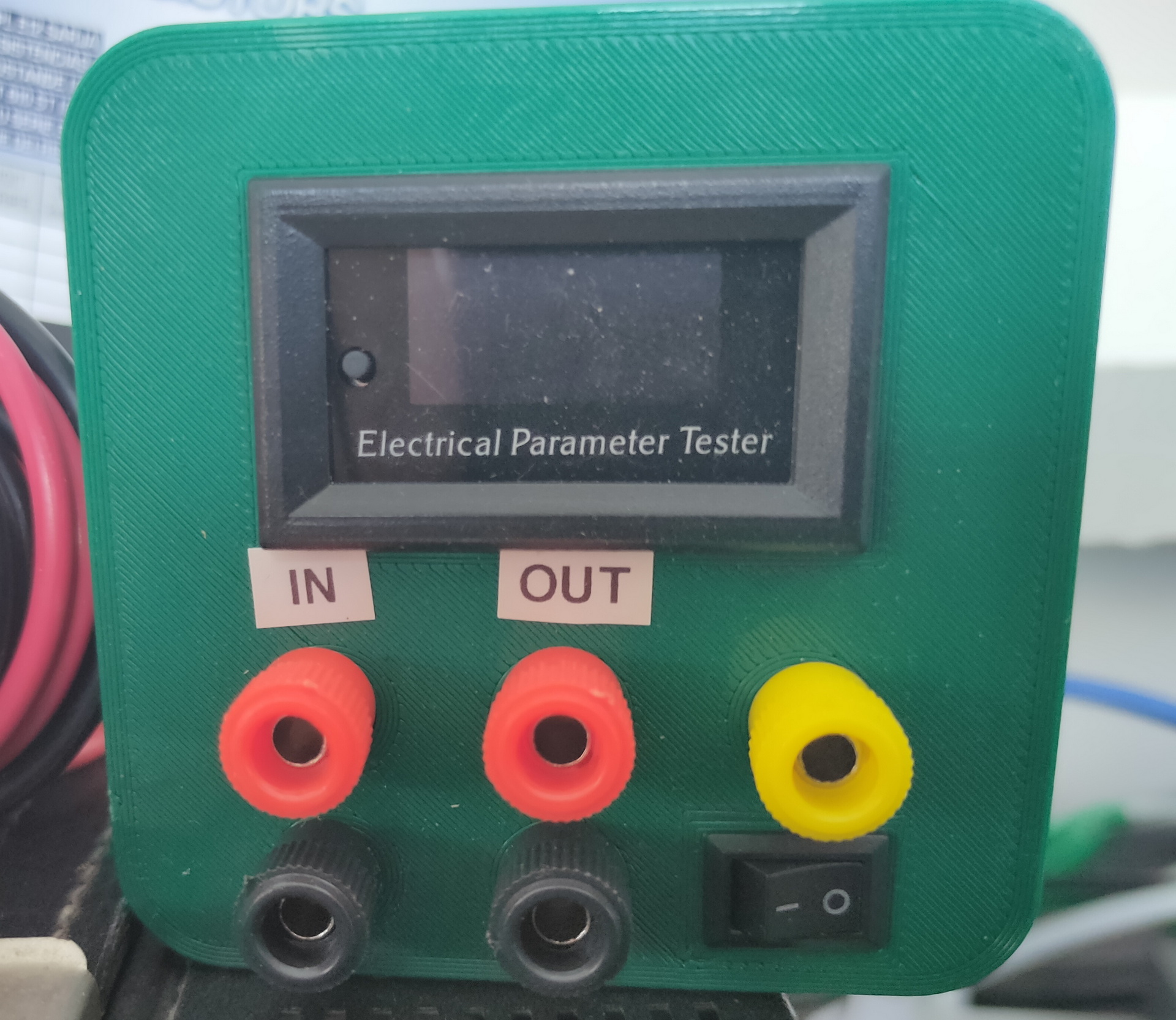
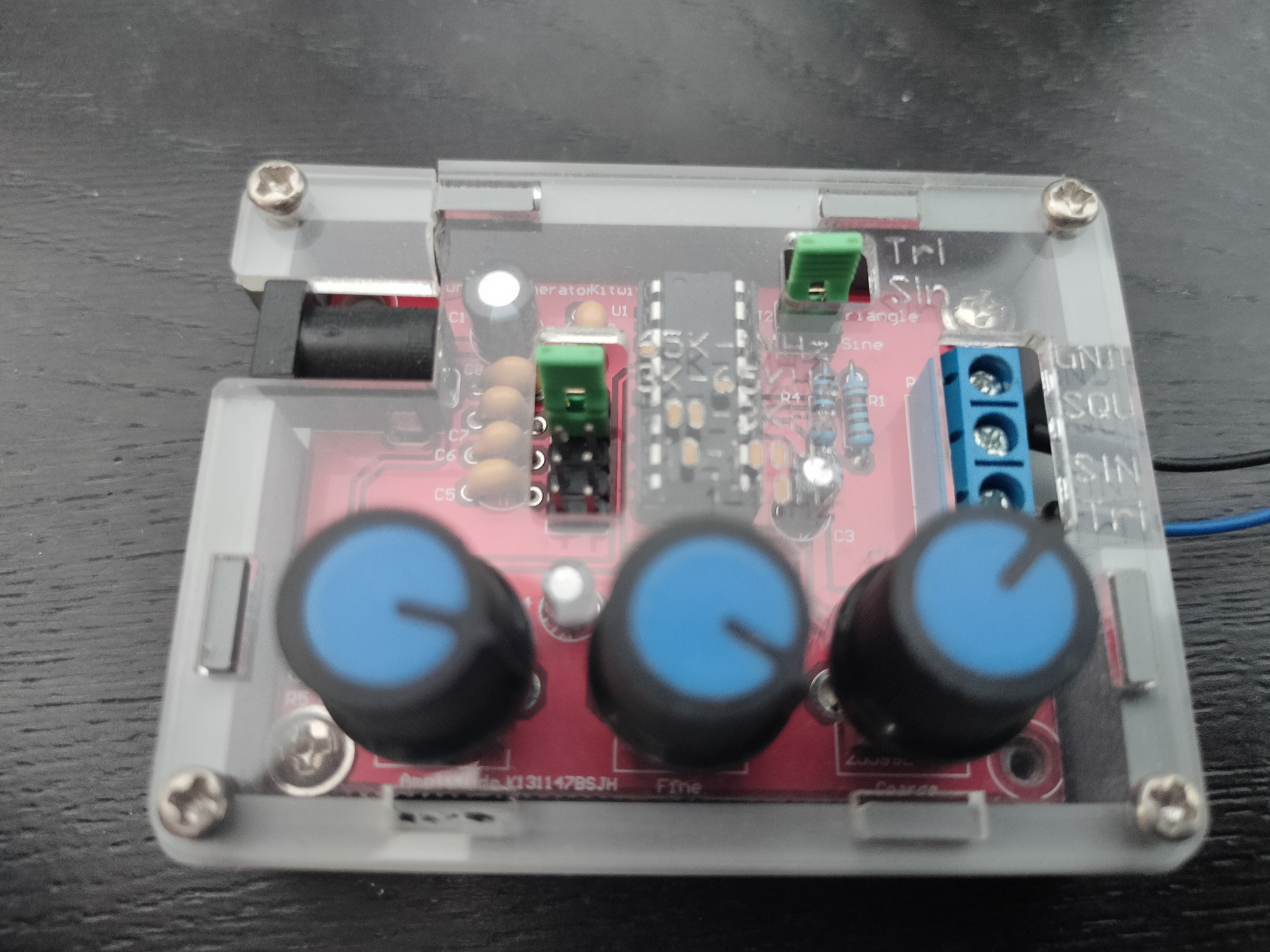
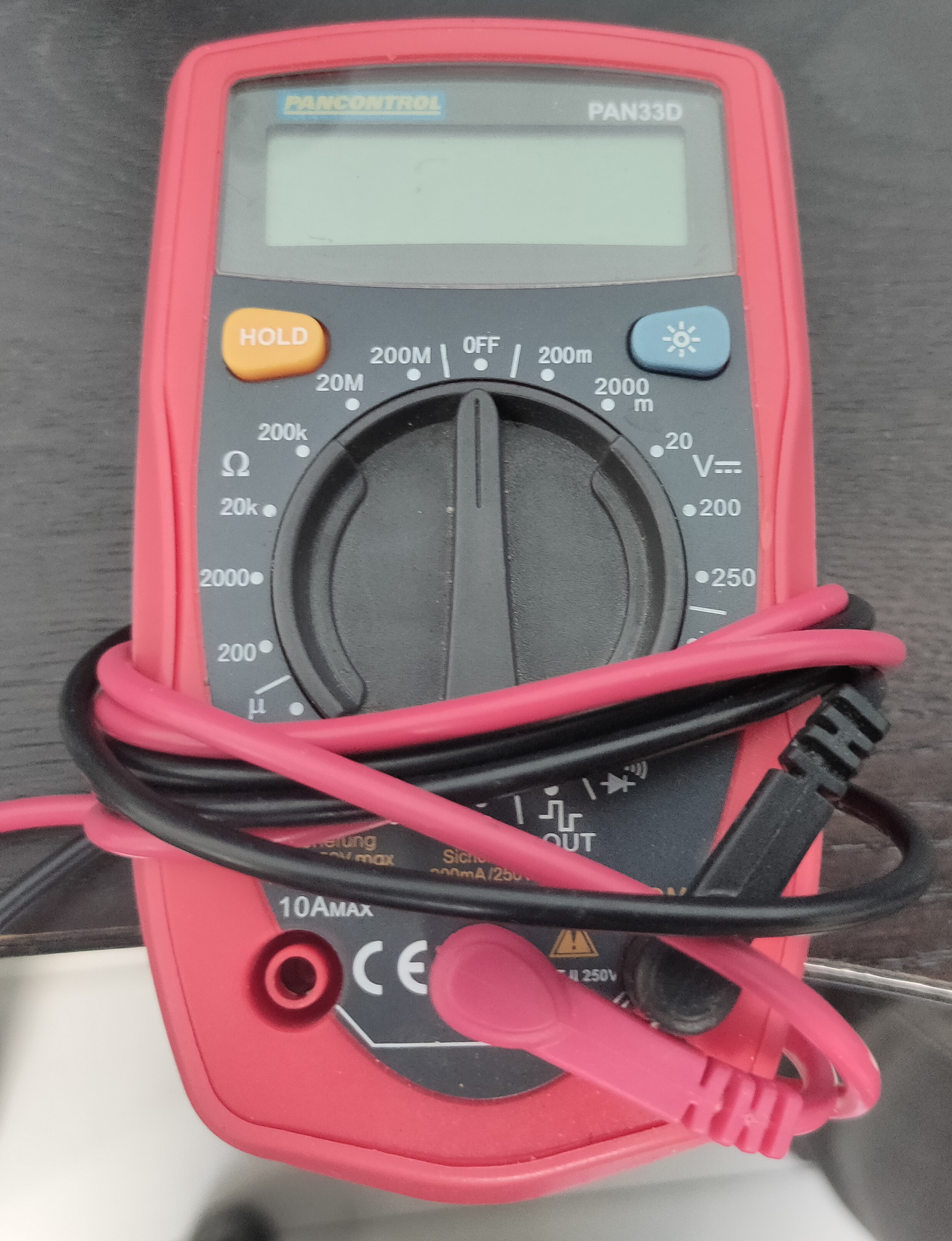
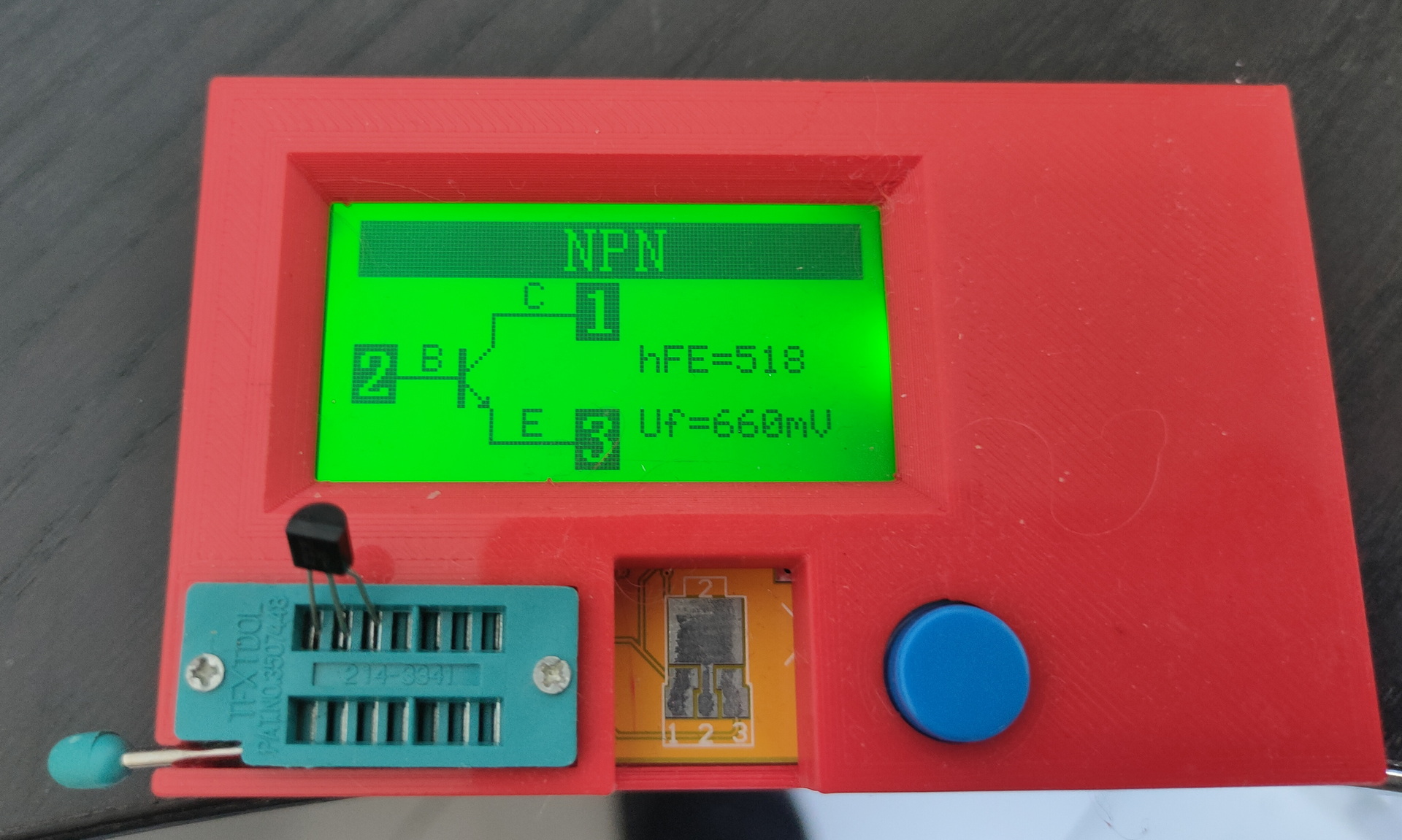
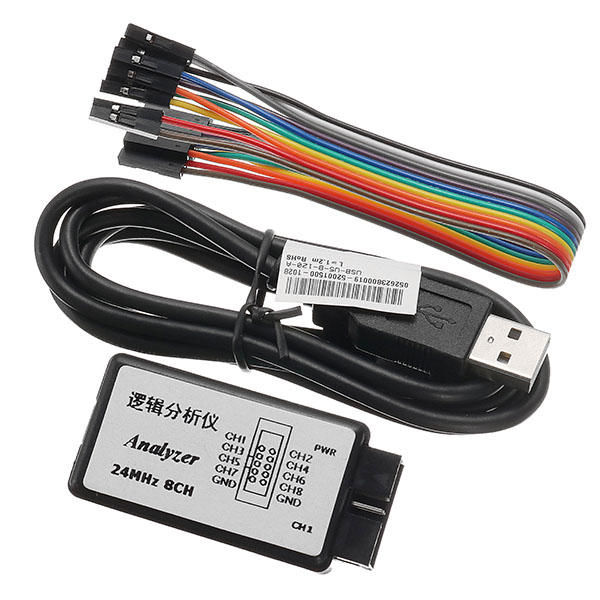
Tools:


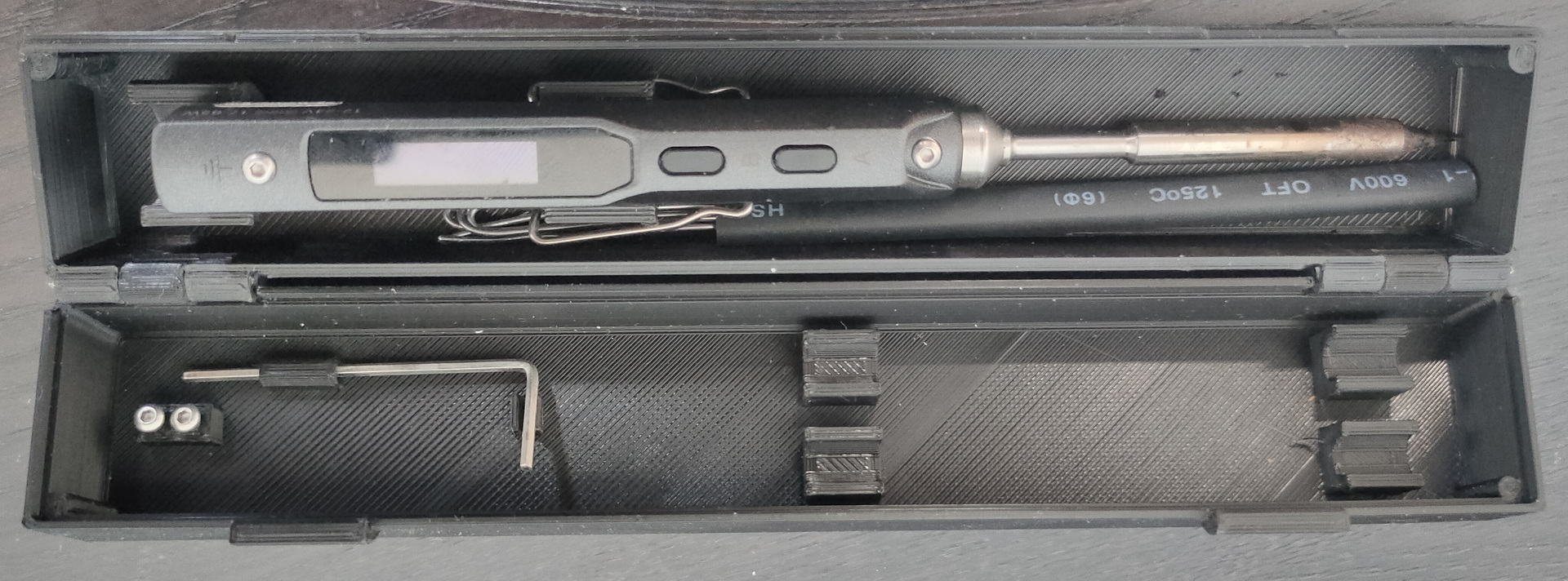
thingy i made last year


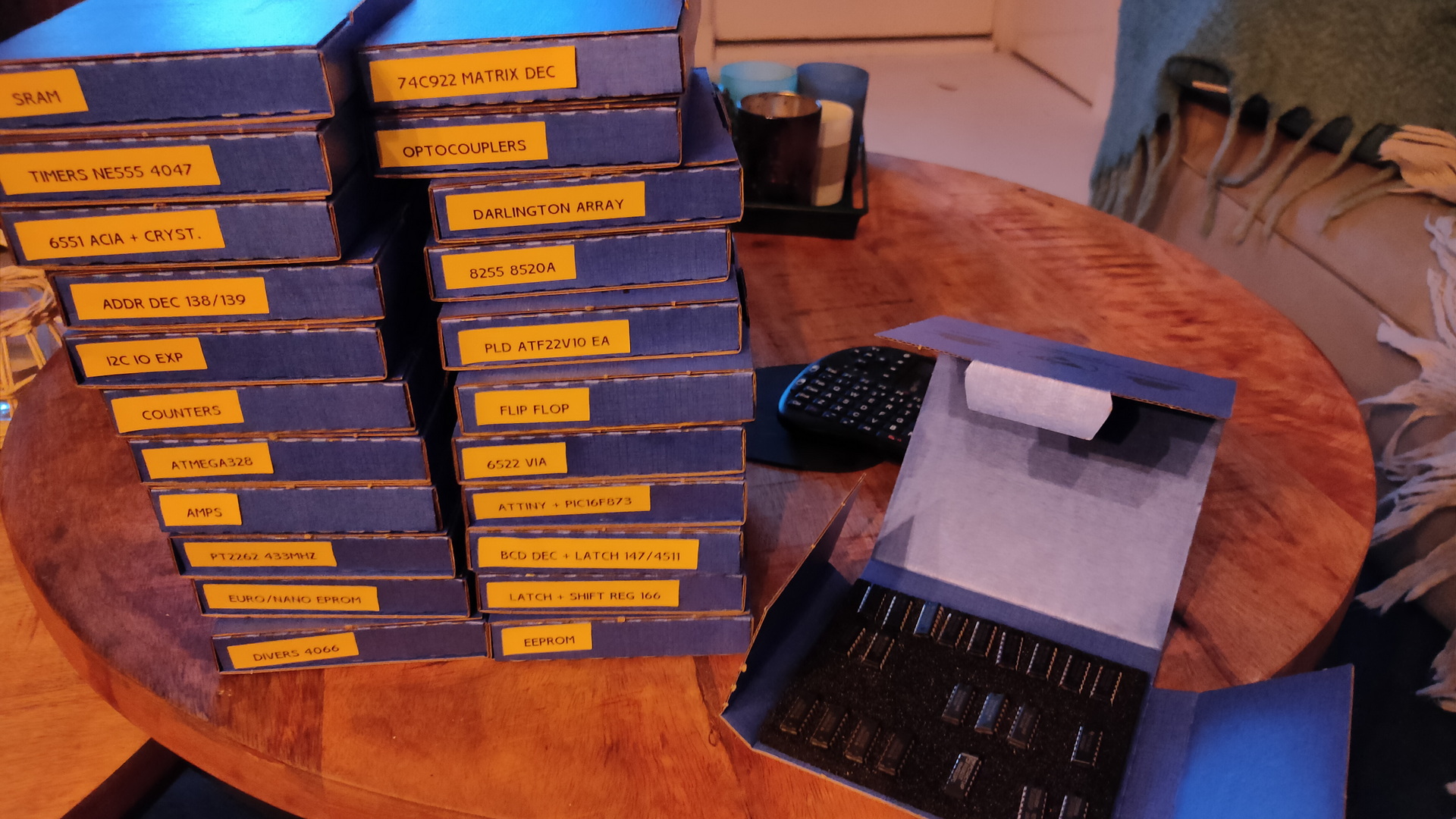
Bought some boxes for chips
Update: 20220829 – Microscope G1200
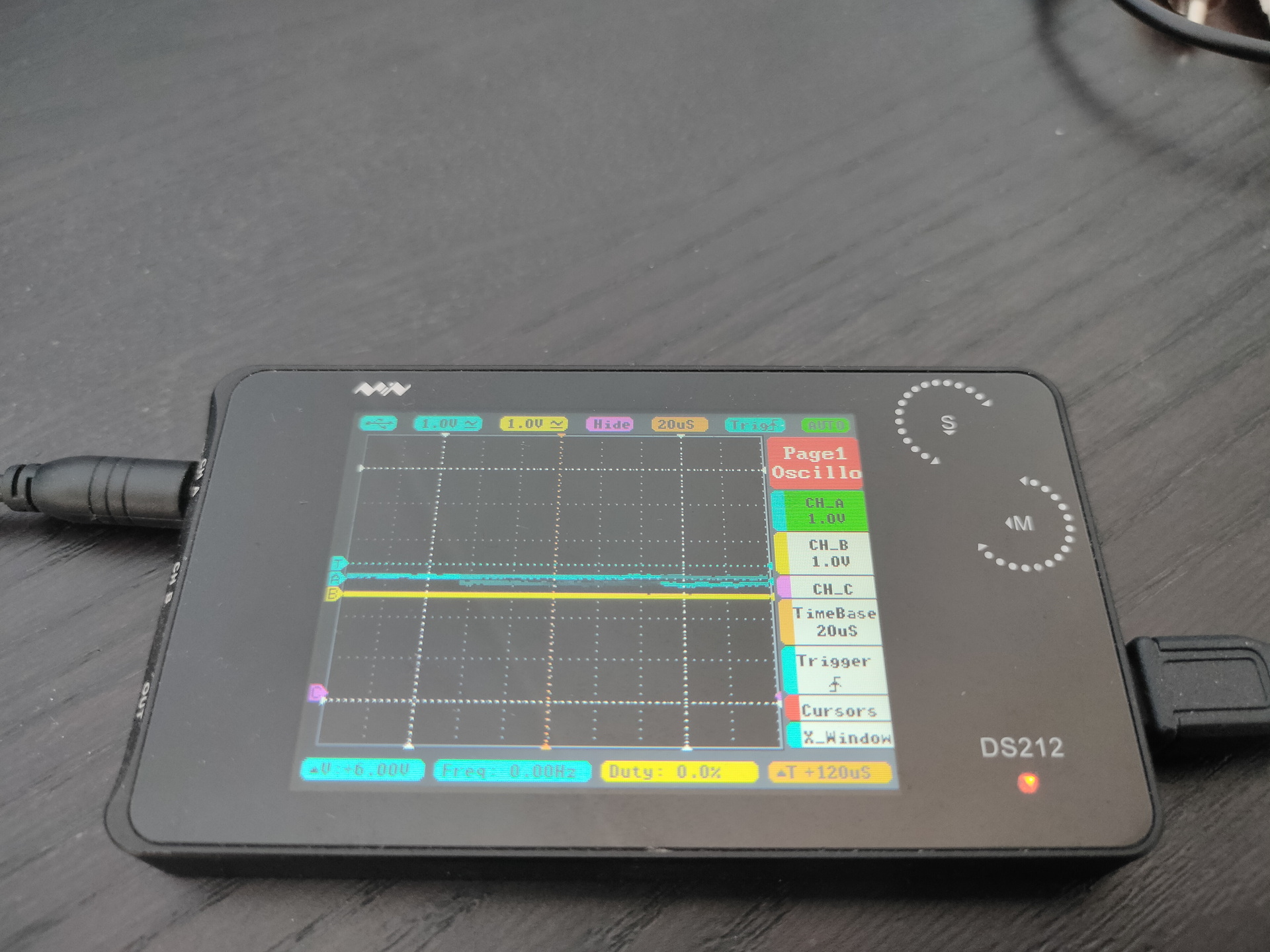
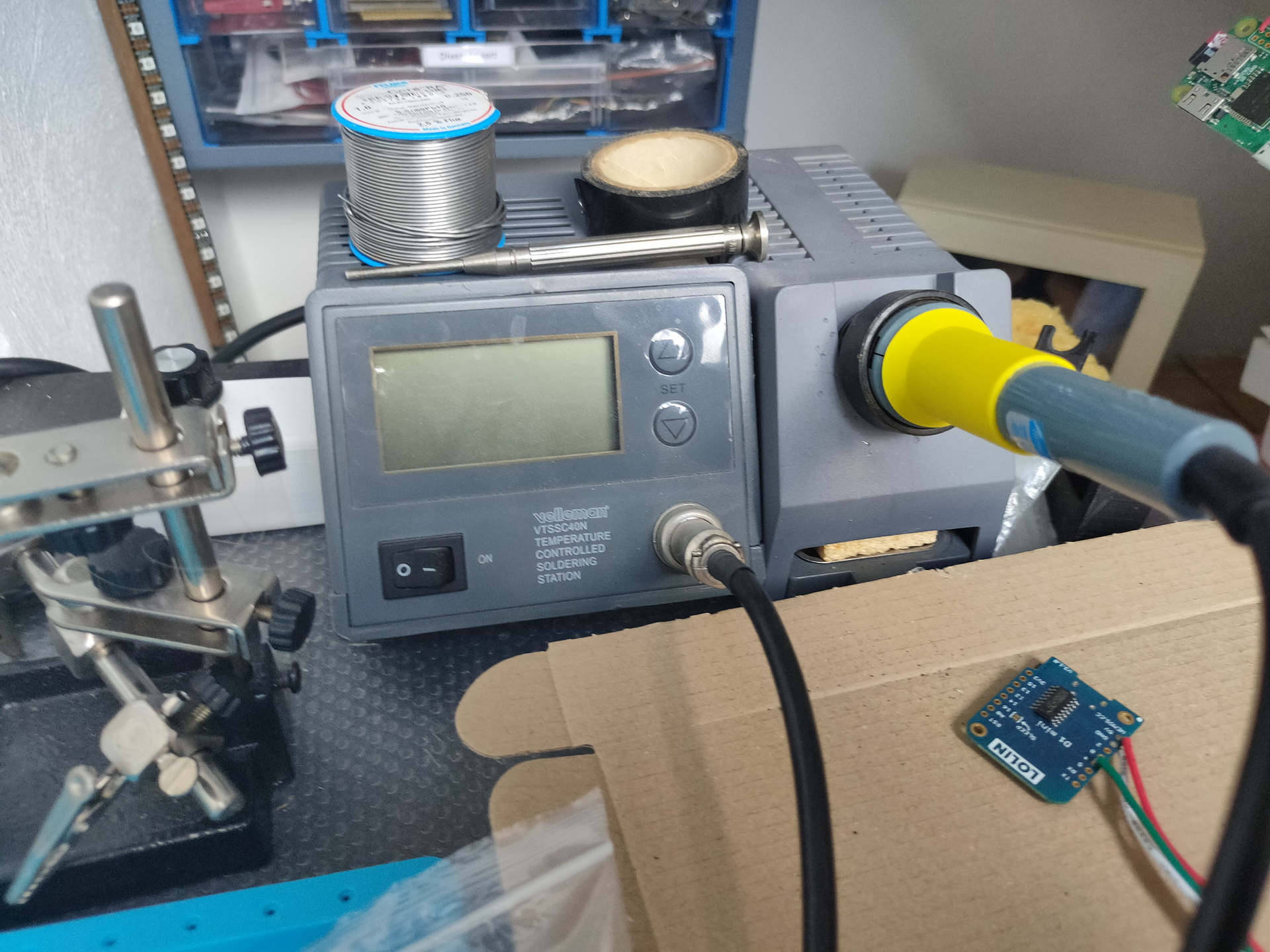
Tools:


Bought some boxes for chips
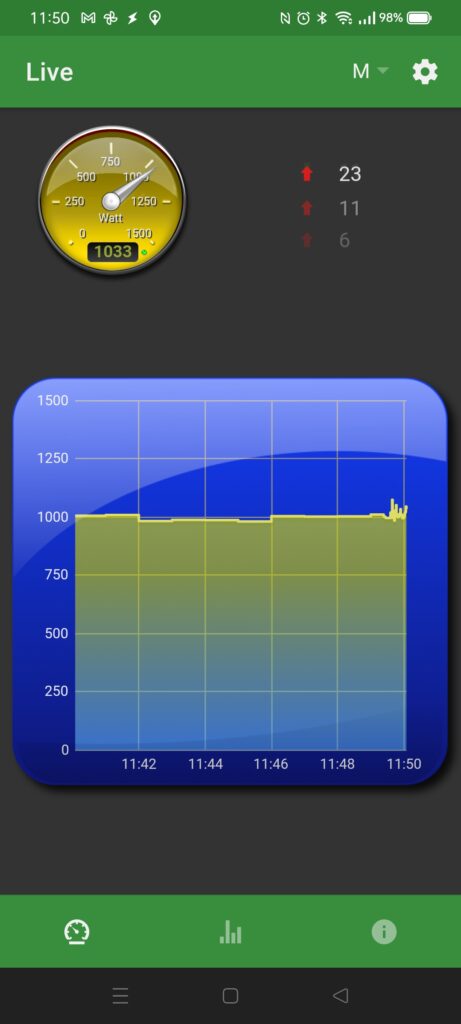
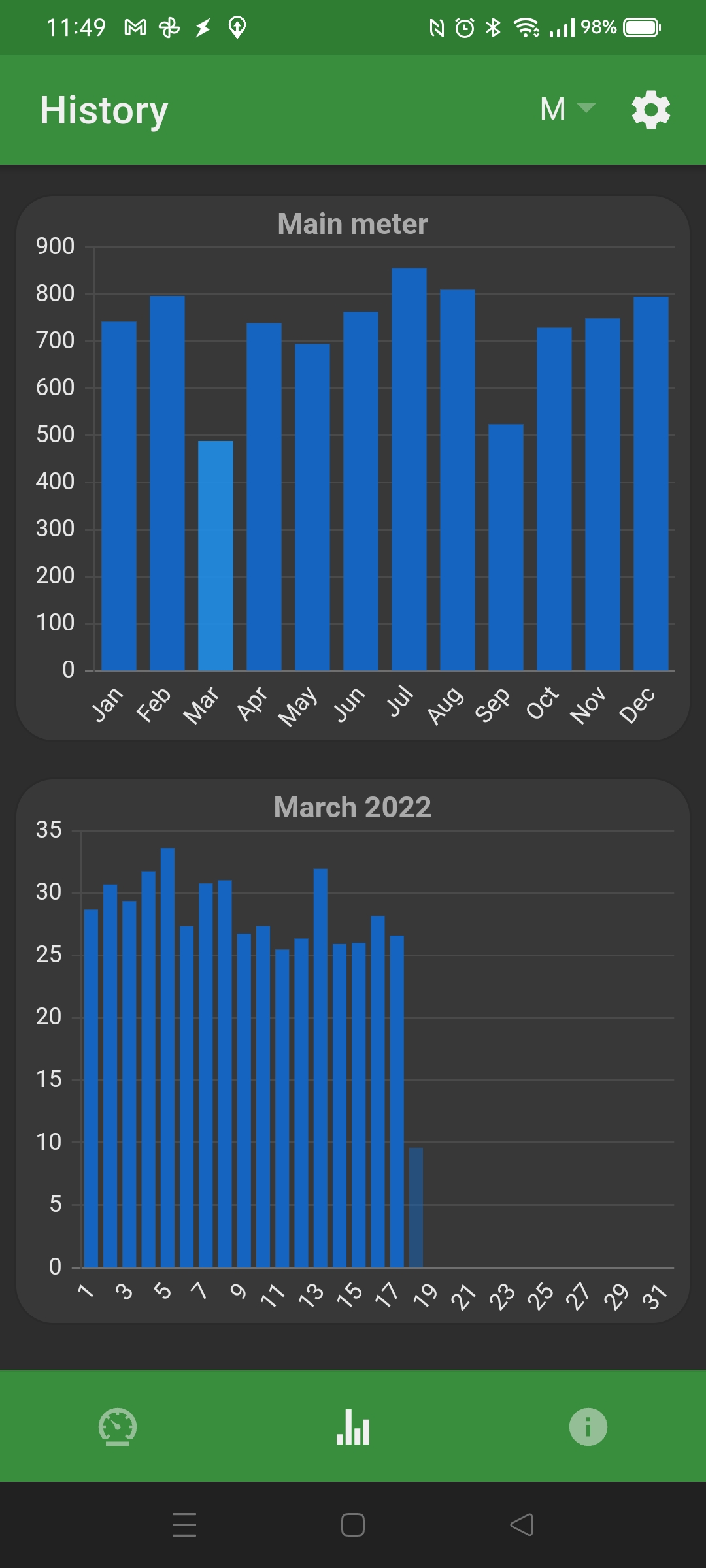
May 2020 i’ve bought a Youless LS120, to monitor my electricity and gas, today i found out there is a android app .. Duh 🙂


A while back i printed a PCB holder, perfect for accessing contacts on a print, without the need for soldering.
Flashed a doorsensor with Tasmota.
esptool.py --port /dev/ttyUSB0 write_flash -fs 1MB -fm dout 0x0 tasmota.bin
Keep GND and VCC connected, to keep device awake. Else it’s going into sleep mode.

Pull GPio0 to GND @ boottime, to get into flash mode.
3v3 + GND to keep device alive for configuring.


A little diagram explaining what i’m using to get a secure mqtt owntracks setup. (reinstall)
Mobile connects with certificates and password to my server in DMZ using port 8883 (no sockets activated at the moment)
Mqtt server in DMZ connects via a bridge to my internal mqtt server. (Both Mosquitto)
Node-red using a worldmap plugin displays the current position of my mobile. Coordinates are stored in a InfluxDB and geolocation is being used to activate/de-activate other node-red nodes.
Start with downloading :
https://github.com/owntracks/tools/blob/master/TLS/generate-CA.sh
Get some environment stuff into place
export IPLIST="83.161.x.x 192.168.1.1 10.12.1.1"
export HOSTLIST="internalhostname.my.lab henriaanstoot.nl mqtt.henriaanstoot.nl"
Generate Certificates and client certificates.
./generate-CA.sh # creates ca.crt and server.{key,crt}
./generate-CA.sh mqttserver # creates server certs
./generate-CA.sh client workstation # creates client certs
./generate-CA.sh client mobile # creates mobile cert
NOTE:
My workstation client is MQTT-explorer, no need to change anything
For owntracks on your mobile you need a P12 certicate, thats a combined cert+key certificate.
openssl pkcs12 -export -in mobile.crt -inkey mobile.key -out mobile.p12
Check certs with
openssl x509 -noout -text -in server.crt | grep DNS:
Download p12 and ca.crt to you mobile.
MQTT-explorer, add a new connection and select workstation.crt ca.crt and workstation.key
Create a mqtt password file
mosquitto_passwd -c /etc/mosquitto/passwordfile firstuser
mosquitto_passwd -b /etc/mosquitto/passwordfile nextuser
TLS mosquitto example, change where needed. (this is a multi setup, portforward ONLY 8883 to this instance)
1883 is only for internal bridge communication.
# Place your local configuration in /etc/mosquitto/conf.d/
#
# A full description of the configuration file is at
# /usr/share/doc/mosquitto/examples/mosquitto.conf.example
pid_file /var/run/mosquitto.pid
persistence true
persistence_location /var/lib/mosquitto/
# Plain MQTT protocol
listener 1883
# End of plain MQTT configuration
# MQTT over TLS/SSL
listener 8883
cafile /etc/mosquitto/certs/ca.crt
certfile /etc/mosquitto/certs/server.crt
keyfile /etc/mosquitto/certs/server.key
allow_anonymous false
password_file /etc/mosquitto/passwords
# End of MQTT over TLS/SLL configuration
listener 9001
protocol websockets
# End of plain Websockets configuration
# WebSockets over TLS/SSL
listener 9883
protocol websockets
cafile /etc/mosquitto/certs/ca.crt
certfile /etc/mosquitto/certs/server.crt
keyfile /etc/mosquitto/certs/server.key
log_dest file /var/log/mosquitto/mosquitto.log
#include_dir /etc/mosquitto/conf.d
connection bridge-01
address INTERNALIP:1883
topic owntracks/# both 0
Plain internal ‘open’ mosquitto setup only needs bridge config
connection bridge-01
address TLSMOSQUITTOINSTANCE-IP:1883
topic # in 2

Made a generic sms sender, for check_mk monitoring + sending password of accounts.
You can send sms by filling in a form, or using a url like:
http://smsgateway.local:8080/sms/0612341234/Message%20met%20spaties
It uses a Raspberry and a sim800L module.
Remove pin from simcard fix:
sudo minicom -b 115000 -o -D /dev/serial0
AT+CPIN?
+CPIN: SIM PIN
AT+CPIN=0000
OK
AT+CLCK=”SC”,0,”0000″
OK
AT+CPIN?
+CPIN: READY
Cron
@reboot sh /home/pi/launcher.sh
Launcher
cat /home/pi/launcher.sh
#!/bin/bash
cd /home/pi
while true; do
/usr/bin/python newapi.py
done
newapi.py (uses flask)
import serial
import RPi.GPIO as GPIO
import os, time
import sys
from flask import Flask, render_template, request
app = Flask(__name__)
from flask_wtf import FlaskForm
from wtforms import StringField, PasswordField, BooleanField, SubmitField, TextAreaField
from wtforms.validators import DataRequired
from flask import render_template
app.config['SECRET_KEY'] = 'you-will-never-guess'
class FormForm(FlaskForm):
telnumber = StringField('telnumber', validators=[DataRequired()])
messagepart = TextAreaField('Text', render_kw={"rows": 5, "cols": 20})
submit = SubmitField('Send Sms')
@app.route("/sms/<number>/<message>")
def action(number, message):
num = number.encode()
mes = message.encode()
GPIO.setmode(GPIO.BOARD)
# Enable Serial Communication
port = serial.Serial("/dev/serial0", baudrate=9600, timeout=1)
# Transmitting AT Commands to the Modem
# '\r\n' indicates the Enter key
port.write('AT'+'\r\n')
rcv = port.read(10)
print rcv
time.sleep(1)
#port.write('ATE0'+'\r\n') # Disable the Echo
#rcv = port.read(10)
#print rcv
#time.sleep(1)
port.write('AT+CMGF=1'+'\r\n') # Select Message format as Text mode
rcv = port.read(10)
print rcv
time.sleep(1)
port.write('AT+CNMI=2,1,0,0,0'+'\r\n') # New SMS Message Indications
rcv = port.read(10)
print rcv
time.sleep(1)
port.write('AT+CSCS="GSM"'+'\r\n')
rcv = port.read(10)
print rcv
time.sleep(1)
# Sending a message to a particular Number
port.write('AT+CMGS="'+num+'"\r\n')
rcv = port.read(10)
print rcv
time.sleep(1)
port.write(mes+'\r\n') # Message
rcv = port.read(10)
print rcv
port.write("\x1A") # Enable to send SMS
for i in range(10):
rcv = port.read(10)
print rcv
return 'OK'
@app.route("/form")
def form():
form = FormForm()
return render_template('web.html', title='Web Sms', form=form)
@app.route('/data', methods = ['POST', 'GET'])
def data():
if request.method == 'GET':
return "The URL /data is accessed directly. Try going to '/form' to submit form"
if request.method == 'POST':
telnumber = request.form['telnumber']
messagepart = request.form['messagepart']
num = telnumber.encode()
mes = messagepart.encode()
GPIO.setmode(GPIO.BOARD)
# Enable Serial Communication
port = serial.Serial("/dev/serial0", baudrate=9600, timeout=1)
# Transmitting AT Commands to the Modem
# '\r\n' indicates the Enter key
port.write('AT'+'\r\n')
rcv = port.read(10)
print rcv
time.sleep(1)
#port.write('ATE0'+'\r\n') # Disable the Echo
#rcv = port.read(10)
#print rcv
#time.sleep(1)
port.write('AT+CMGF=1'+'\r\n') # Select Message format as Text mode
rcv = port.read(10)
print rcv
time.sleep(1)
port.write('AT+CNMI=2,1,0,0,0'+'\r\n') # New SMS Message Indications
rcv = port.read(10)
print rcv
time.sleep(1)
port.write('AT+CSCS="GSM"'+'\r\n')
rcv = port.read(10)
print rcv
time.sleep(1)
# Sending a message to a particular Number
port.write('AT+CMGS="'+num+'"\r\n')
rcv = port.read(10)
print rcv
time.sleep(1)
port.write(mes+'\r\n') # Message
rcv = port.read(10)
print rcv
port.write("\x1A") # Enable to send SMS
for i in range(10):
rcv = port.read(10)
print rcv
return '<a href="/form">Nog een SMS sturen</a>'
@app.route("/checkmk")
def checkmk():
# Enable Serial Communication
port = serial.Serial("/dev/serial0", baudrate=9600, timeout=1)
port.write('AT'+'\r\n')
rcv1 = port.read(30)
time.sleep(1)
port.write('AT+CPAS'+'\r\n')
rcv2 = port.read(30)
time.sleep(1)
port.write('AT+CGREG?'+'\r\n')
rcv3 = port.read(30)
time.sleep(1)
port.write('AT+CGATT?'+'\r\n')
rcv4 = port.read(30)
time.sleep(1)
port.write('AT+CSQ'+'\r\n')
rcv5 = port.read(30)
time.sleep(1)
return 'OK of niet' + rcv1 + rcv2 + rcv3 + rcv4 + rcv5
if __name__ == "__main__":
app.run(host='0.0.0.0', port=8080, debug=True)
I’ve used a esp32 with 18650 battery holder.
I still have to 3d print a case 🙂
Code:
#include <BleConnectionStatus.h>
#include <BleKeyboard.h>
#include <KeyboardOutputCallbacks.h>
#define DEBUG 0micro joystick
#define STAR 16
#define FLAG 17
#define COL1 18
#define COL2 19
#define COL3 21
#define COL4 22
#define COL5 23
#define COL6 25
#define ROW1 26
#define ROW2 27
#define ROW3 32
#define ROW4 33
int flagstate = 0;
int starstate = 0;
int row1state = 0;
int row2state = 0;
int row3state = 0;
int row4state = 0;
int col1state = 0;
int col2state = 0;
int col3state = 0;
int col4state = 0;
int col5state = 0;
int col6state = 0;
int colstate = 1;
BleKeyboard bleKeyboard;
void setup() {
#ifdef DEBUG
Serial.begin(9600);
#endif
bleKeyboard.begin();
pinMode(STAR, INPUT_PULLUP);
pinMode(FLAG, INPUT_PULLUP);
pinMode(ROW1, INPUT_PULLUP);
pinMode(ROW2, INPUT_PULLUP);
pinMode(ROW3, INPUT_PULLUP);
pinMode(ROW4, INPUT_PULLUP);
pinMode(COL1, OUTPUT);
pinMode(COL2, OUTPUT);
pinMode(COL3, OUTPUT);
pinMode(COL4, OUTPUT);
pinMode(COL5, OUTPUT);
pinMode(COL6, OUTPUT);
}
void loop() {
#ifdef DEBUG
Serial.print("Colstate : ");
Serial.print(colstate);
Serial.print('\n');
#endif
if (colstate == 1) {
digitalWrite(COL1, LOW);
digitalWrite(COL2, HIGH);
digitalWrite(COL3, HIGH);
digitalWrite(COL4, HIGH);
digitalWrite(COL5, HIGH);
digitalWrite(COL6, HIGH);
}
if (colstate == 2) {
digitalWrite(COL1, HIGH);
digitalWrite(COL2, LOW);
digitalWrite(COL3, HIGH);
digitalWrite(COL4, HIGH);
digitalWrite(COL5, HIGH);
digitalWrite(COL6, HIGH);
}
if (colstate == 3) {
digitalWrite(COL1, HIGH);
digitalWrite(COL2, HIGH);
digitalWrite(COL3, LOW);
digitalWrite(COL4, HIGH);
digitalWrite(COL5, HIGH);
digitalWrite(COL6, HIGH);
}
if (colstate == 4) {
digitalWrite(COL1, HIGH);
digitalWrite(COL2, HIGH);
digitalWrite(COL3, HIGH);
digitalWrite(COL4, LOW);
digitalWrite(COL5, HIGH);
digitalWrite(COL6, HIGH);
}
if (colstate == 5) {
digitalWrite(COL1, HIGH);
digitalWrite(COL2, HIGH);
digitalWrite(COL3, HIGH);
digitalWrite(COL4, HIGH);
digitalWrite(COL5, LOW);
digitalWrite(COL6, HIGH);
}
if (colstate == 6) {
digitalWrite(COL1, HIGH);
digitalWrite(COL2, HIGH);
digitalWrite(COL3, HIGH);
digitalWrite(COL4, HIGH);
digitalWrite(COL5, HIGH);
digitalWrite(COL6, LOW);
}
delay (100);
flagstate = digitalRead(FLAG);
starstate = digitalRead(STAR);
row1state = digitalRead(ROW1);
row2state = digitalRead(ROW2);
row3state = digitalRead(ROW3);
row4state = digitalRead(ROW4);
#ifdef DEBUG
Serial.print("Rowstates : ");
Serial.print(row1state);
Serial.print(row2state);
Serial.print(row3state);
Serial.print(row4state);
Serial.print('\n');
#endif
// ROW1 = UP,DOWN,LEFT,RIGHT
if (bleKeyboard.isConnected() && colstate == 1) {
// UP
#ifdef DEBUG
Serial.print("Up Pressed ");
Serial.print('\n');
#endif
if (row1state == 0) {
bleKeyboard.press(KEY_UP_ARROW);
delay (100);
bleKeyboard.releaseAll();
}
// DOWN
if (row2state == 0) {
bleKeyboard.press(KEY_DOWN_ARROW);
delay (100);
bleKeyboard.releaseAll();
}
// LEFT
if (row3state == 0) {
bleKeyboard.press(KEY_LEFT_ARROW);
delay (100);
bleKeyboard.releaseAll();
}
// RIGHT
if (row4state == 0) {
bleKeyboard.press(KEY_RIGHT_ARROW);
delay (100);
bleKeyboard.releaseAll();
}
}
// ROW2 = (1),(star),ZOOMIN,PREVIOUS
if (bleKeyboard.isConnected() && colstate == 2) {
// 1 - star
if (row1state == 0 && starstate == 0) {
bleKeyboard.press(KEY_LEFT_CTRL);
bleKeyboard.press('1');
delay (100);
bleKeyboard.releaseAll();
}
// 1 - flag
if (row1state == 0 && flagstate == 0) {
bleKeyboard.press(KEY_LEFT_ALT);
bleKeyboard.press('1');
delay (100);
bleKeyboard.releaseAll();
}
// NO ROWSTATE2
// zoom in
if (row3state == 0) {
bleKeyboard.press('+');
delay (100);
bleKeyboard.releaseAll();
}
// PREVIOUS
if (row4state == 0) {
bleKeyboard.press(KEY_LEFT_CTRL);
bleKeyboard.press(KEY_LEFT_ARROW);
delay (100);
bleKeyboard.releaseAll();
}
}
// ROW3 = (2),unstar,CCWrotate,open
if (bleKeyboard.isConnected() && colstate == 3) {
// 2 - star
if (row1state == 0 && starstate == 0) {
bleKeyboard.press(KEY_LEFT_CTRL);
bleKeyboard.press('2');
delay (100);
bleKeyboard.releaseAll();
}
// 2 - flag
if (row1state == 0 && flagstate == 0) {
bleKeyboard.press(KEY_LEFT_ALT);
bleKeyboard.press('2');
delay (100);
bleKeyboard.releaseAll();
}
// unstar
if (row2state == 0) {
bleKeyboard.press(KEY_LEFT_CTRL);
bleKeyboard.press('0');
delay (100);
bleKeyboard.releaseAll();
}
// CCW rotate
if (row3state == 0) {
bleKeyboard.press(KEY_LEFT_CTRL);
bleKeyboard.press(KEY_LEFT_ALT);
bleKeyboard.press(KEY_LEFT_ARROW);
delay (100);
bleKeyboard.releaseAll();
}
// open
if (row4state == 0) {
bleKeyboard.press(KEY_RETURN);
delay (100);
bleKeyboard.releaseAll();
}
}
// ROW4 = (3),(flag),zoom,fullscreen
if (bleKeyboard.isConnected() && colstate == 4) {
// 3 - star
if (row1state == 0 && starstate == 0) {
bleKeyboard.press(KEY_LEFT_CTRL);
bleKeyboard.press('3');
delay (100);
bleKeyboard.releaseAll();
}
// 3 - flag
if (row1state == 0 && flagstate == 0) {
bleKeyboard.press(KEY_LEFT_ALT);
bleKeyboard.press('3');
delay (100);
bleKeyboard.releaseAll();
}
// NO ROWSTATE2
// zoom reset
if (row3state == 0) {
bleKeyboard.press('*');
delay (100);
bleKeyboard.releaseAll();
}
// fullscreen
if (row4state == 0) {
bleKeyboard.press('f');
delay (100);
bleKeyboard.releaseAll();
}
}
// ROW5 = (4),unflag,CWrotate,exit
if (bleKeyboard.isConnected() && colstate == 5) {
// 4 - star
if (row1state == 0 && starstate == 0) {
bleKeyboard.press(KEY_LEFT_CTRL);
bleKeyboard.press('4');
delay (100);
bleKeyboard.releaseAll();
}
// 4 - flag
if (row1state == 0 && flagstate == 0) {
bleKeyboard.press(KEY_LEFT_ALT);
bleKeyboard.press('4');
delay (100);
bleKeyboard.releaseAll();
}
// unflag
if (row2state == 0) {
bleKeyboard.press(KEY_LEFT_ALT);
bleKeyboard.press('0');
delay (100);
bleKeyboard.releaseAll();
}
// CW rotate
if (row3state == 0) {
bleKeyboard.press(KEY_LEFT_CTRL);
bleKeyboard.press(KEY_LEFT_ALT);
bleKeyboard.press(KEY_RIGHT_ARROW);
delay (100);
bleKeyboard.releaseAll();
}
// exit
if (row4state == 0) {
bleKeyboard.press(KEY_ESC);
delay (100);
bleKeyboard.releaseAll();
}
}
// ROW6 = (5),slideshow,zoomout,next
if (bleKeyboard.isConnected() && colstate == 6) {
// 5 - star
if (row1state == 0 && starstate == 0) {
bleKeyboard.press(KEY_LEFT_CTRL);
bleKeyboard.press('5');
delay (100);
bleKeyboard.releaseAll();
}
// 5 - flag
if (row1state == 0 && flagstate == 0) {
bleKeyboard.press(KEY_LEFT_ALT);
bleKeyboard.press('5');
delay (100);
bleKeyboard.releaseAll();
}
// slideshow
if (row2state == 0) {
bleKeyboard.press(KEY_ESC);
bleKeyboard.press(KEY_LEFT_CTRL);
bleKeyboard.press('s');
delay (100);
bleKeyboard.releaseAll();
}
// zoom out
if (row3state == 0) {
bleKeyboard.press('-');
delay (100);
bleKeyboard.releaseAll();
}
// next
if (row4state == 0) {
bleKeyboard.press(KEY_LEFT_CTRL);
bleKeyboard.press(KEY_RIGHT_ARROW);
delay (100);
bleKeyboard.releaseAll();
}
}
colstate++;
if (colstate == 7) {
colstate = 1;
}
}
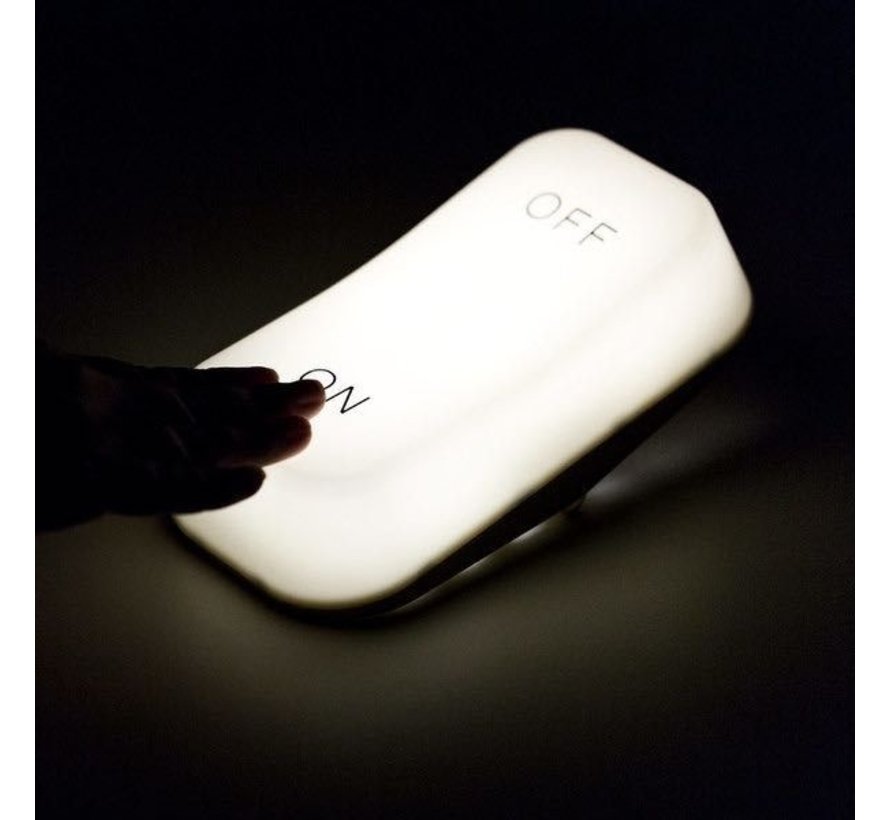
Control a dimmer using a hex wireless box.
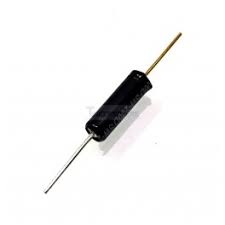
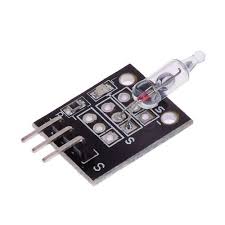
Parts
Put the box flat on the table to switch off.
When you put it on one side, it will controll your lights brightness.
20,40,60,80 and 100%, just by rotating and putting it down on its sides.
Schematics (without the wireless charging part)
Node-Red Controll part (source below)
Nice to have’s :
Arduino-sleep mode, wakeup with a movement sensor.
Arduino Code
#include <Wire.h>
//#include <SPI.h>
#include <PubSubClient.h>
//#include <string.h>
//#include <stdio.h>
#include <ESP8266WiFi.h>
// Wifi settings
const char* ssid = "xxxxxx";
const char* password = "xxxxxxxxxx";
const char* mqtt_server = "10.1.0.17";
// I2C address of the MPU-6050 - 0x68 or 0x69 if AD0 is pulled HIGH
const int MPU = 0x68;
int16_t AcX, AcY, AcZ, GyX, GyY, GyZ;
float gForceX, gForceY, gForceZ, rotX, rotY, rotZ;
// Wifi MAC address
byte mac[]= { 0xDE, 0xED, 0xBA, 0xFE, 0xFE, 0xED };
WiFiClient espClient;
IPAddress ip;
PubSubClient mqttClient(espClient);
// IP address of your MQTT server
const char* server = "10.1.0.17";
//const char* outTopic = "test/";
//const char* server = "iot.eclipse.org";
void dataReceiver(){
Wire.beginTransmission(MPU);
Wire.write(0x3B); // starting with register 0x3B (ACCEL_XOUT_H)
Wire.endTransmission(false);
Wire.requestFrom(MPU,14,true); // request a total of 14 registers
AcX = Wire.read()<<8|Wire.read(); // 0x3B (ACCEL_XOUT_H) & 0x3C (ACCEL_XOUT_L)
AcY = Wire.read()<<8|Wire.read(); // 0x3D (ACCEL_YOUT_H) & 0x3E (ACCEL_YOUT_L)
AcZ = Wire.read()<<8|Wire.read(); // 0x3F (ACCEL_ZOUT_H) & 0x40 (ACCEL_ZOUT_L)
GyX = Wire.read()<<8|Wire.read(); // 0x43 (GYRO_XOUT_H) & 0x44 (GYRO_XOUT_L)
GyY = Wire.read()<<8|Wire.read(); // 0x45 (GYRO_YOUT_H) & 0x46 (GYRO_YOUT_L)
GyZ = Wire.read()<<8|Wire.read(); // 0x47 (GYRO_ZOUT_H) & 0x48 (GYRO_ZOUT_L)
processData();
}
void processData(){
gForceX = AcX / 16384.0;
gForceY = AcY / 16384.0;
gForceZ = AcZ / 16384.0;
rotX = GyX / 131.0;
rotY = GyY / 131.0;
rotZ = GyZ / 131.0;
}
void debugFunction(int16_t AcX, int16_t AcY, int16_t AcZ, int16_t GyX, int16_t GyY, int16_t GyZ){
// Print the MPU values to the serial monitor
Serial.print("Accelerometer: ");
Serial.print("X="); Serial.print(gForceX);
Serial.print("|Y="); Serial.print(gForceY);
Serial.print("|Z="); Serial.println(gForceZ);
Serial.print("Gyroscope:");
Serial.print("X="); Serial.print(rotX);
Serial.print("|Y="); Serial.print(rotY);
Serial.print("|Z="); Serial.println(rotZ);
}
void reconnect() {
// Loop until we're reconnected
while (!mqttClient.connected()) {
Serial.print("Attempting MQTT connection...");
// Attempt to connect
if (mqttClient.connect("arduinoClient")){
Serial.println("connected");
}
else {
Serial.print("failed, rc=");
Serial.print(mqttClient.state());
Serial.println(" try again in 5 seconds");
// Wait 5 seconds before retrying
delay(1000);
}
}
}
void setup(){
Serial.begin(9600);
setup_wifi();
Wire.begin(0,2);
Wire.beginTransmission(MPU);
Wire.write(0x6B); // PWR_MGMT_1 register
Wire.write(0); // set to zero (wakes up the MPU-6050)
Wire.endTransmission(true);
mqttClient.setServer(server, 1883);
// Ethernet.begin(mac);
// ip = Ethernet.localIP();
Serial.println(ip);
Serial.println(server);
//delay(1500);
}
char* init(float val){
char buff[100];
for (int i = 0; i < 100; i++) {
dtostrf(val, 4, 2, buff); //4 is mininum width, 6 is precision
}
return buff;
}
void setup_wifi() {
delay(10);
// We start by connecting to a WiFi network
Serial.println();
Serial.print("Connecting to ");
Serial.println(ssid);
WiFi.begin(ssid, password);
while (WiFi.status() != WL_CONNECTED) {
delay(500);
Serial.print(".");
}
Serial.println("");
Serial.println("WiFi connected");
Serial.println("IP address: ");
Serial.println(WiFi.localIP());
}
void dataAcc(){
char mpu6050X[100]= "";
strcat(mpu6050X,init(gForceX));
char mpu6050Y[100]= "";
strcat(mpu6050Y,init(gForceY));
char mpu6050Z[100]= "";
strcat(mpu6050Z,init(gForceZ));
// accelerometer - "topic, mpu6050"
mqttClient.publish("AcX/", mpu6050X);
mqttClient.publish("AcY/", mpu6050Y);
mqttClient.publish("AcZ/", mpu6050Z);
// mqttClient.publish(outTopic, "text to send via mqtt");
}
void dataGy(){
char mpu6050X[100]= "";
strcat(mpu6050X,init(rotX));
char mpu6050Y[100]= "";
strcat(mpu6050Y,init(rotY));
char mpu6050Z[100]= "";
strcat(mpu6050Z,init(rotZ));
// gyroscope - "topic, mpu6050"
mqttClient.publish("GyX/", mpu6050X);
mqttClient.publish("GyY/", mpu6050Y);
mqttClient.publish("GyZ/", mpu6050Z);
// mqttClient.publish(outTopic, "text to send via mqtt");
}
void loop(){
dataReceiver();
debugFunction(AcX,AcY,AcZ,GyX,GyY,GyZ);
if (!mqttClient.connected()) {
reconnect();
}
mqttClient.loop();
dataAcc();
dataGy();
delay(2000);
}
Nodered Flow
[
{
"id": "7550958a.b29dec",
"type": "mqtt in",
"z": "a0126a6a.9c70b8",
"name": "",
"topic": "hex/x",
"qos": "2",
"broker": "8c74c5f6.9a7a48",
"x": 270,
"y": 100,
"wires": [
[
"d251dd79.5700d"
]
]
},
{
"id": "e84b0a1.18096f8",
"type": "mqtt in",
"z": "a0126a6a.9c70b8",
"name": "",
"topic": "hex/y",
"qos": "2",
"broker": "8c74c5f6.9a7a48",
"x": 270,
"y": 180,
"wires": [
[
"9c27bc8f.b62dd"
]
]
},
{
"id": "6a1a0d8d.b3e754",
"type": "mqtt in",
"z": "a0126a6a.9c70b8",
"name": "",
"topic": "hex/z",
"qos": "2",
"broker": "8c74c5f6.9a7a48",
"x": 270,
"y": 260,
"wires": [
[]
]
},
{
"id": "2d2a911a.6af3fe",
"type": "ui_gauge",
"z": "a0126a6a.9c70b8",
"name": "",
"group": "d43a9f25.6c874",
"order": 23,
"width": 0,
"height": 0,
"gtype": "gage",
"title": "gauge",
"label": "units",
"format": "{{value}}",
"min": "0",
"max": "100",
"colors": [
"#00b500",
"#e6e600",
"#ca3838"
],
"seg1": "",
"seg2": "",
"x": 1010,
"y": 120,
"wires": []
},
{
"id": "d251dd79.5700d",
"type": "function",
"z": "a0126a6a.9c70b8",
"name": "Get level from box",
"func": "var my=msg.payload;\nmsg.payload = {};\nif (my == 0.85){\n msg.payload=20;\n return msg;\n}\nelse if (my == 0.86){\n msg.payload=20;\n return msg;\n}\nelse if (my == 0.87){\n msg.payload=20;\n return msg;\n}\n\nelse if (my == 0.03){\n msg.payload=40;\n return msg;\n}\nelse if (my == 0.02){\n msg.payload=40;\n return msg;\n}\n\nelse if (my == 3.17){\n msg.payload=60;\n return msg;\n}\nelse if (my == 3.18){\n msg.payload=60;\n return msg;\n}\n\nelse if (my == 0.04){\n msg.payload=80;\n return msg;\n}\nelse if (my == 0.05){\n msg.payload=80;\n return msg;\n}\n\nelse if (my == 3.95){\n msg.payload=100;\n return msg;\n}\nelse if (my == 3.96){\n msg.payload=100;\n return msg;\n}\nelse {\n return msg;\n \n}\n",
"outputs": 1,
"noerr": 0,
"x": 510,
"y": 120,
"wires": [
[
"ecd746cc.fce348",
"8721e902.45d8b8",
"39c8f1ac.86affe"
]
]
},
{
"id": "39c8f1ac.86affe",
"type": "function",
"z": "a0126a6a.9c70b8",
"name": "Set Living spots level (idx 5)",
"func": "var level = Number(msg.payload);\nmsg.payload = {};\nmsg.payload.idx = 5;\nmsg.payload.switchcmd = (\"Set Level\");\nmsg.payload.command = \"switchlight\";\nmsg.payload.level = level;\nreturn msg; ",
"outputs": 1,
"noerr": 0,
"x": 820,
"y": 260,
"wires": [
[
"bc0d6507.1d7748"
]
]
},
{
"id": "bc0d6507.1d7748",
"type": "mqtt out",
"z": "a0126a6a.9c70b8",
"name": "",
"topic": "domoticz/in",
"qos": "",
"retain": "",
"broker": "8c74c5f6.9a7a48",
"x": 1080,
"y": 260,
"wires": []
},
{
"id": "9c27bc8f.b62dd",
"type": "function",
"z": "a0126a6a.9c70b8",
"name": "Flat or standing up",
"func": "var mya=msg.payload;\nmsg.payload = {};\nif (mya < -3.80){\n flow.set(\"levely\",1);\n msg.payload = \"plat\";\n }\nelse {\n flow.set(\"levely\",2);\n msg.payload = \"rechtop\";\n}\nreturn msg;",
"outputs": 1,
"noerr": 0,
"x": 450,
"y": 200,
"wires": [
[
"ecd746cc.fce348"
]
]
},
{
"id": "ecd746cc.fce348",
"type": "debug",
"z": "a0126a6a.9c70b8",
"name": "",
"active": true,
"tosidebar": true,
"console": false,
"tostatus": false,
"complete": "false",
"x": 640,
"y": 340,
"wires": []
},
{
"id": "8721e902.45d8b8",
"type": "function",
"z": "a0126a6a.9c70b8",
"name": "Gate for level ",
"func": "\nvar x = msg.payload;\ny = flow.get(msg.payload);\nvar y = flow.get('levely') || 0;\n\nif (y == 1){\n msg.payload = {};\n msg.payload = 0;\n} else {\n msg.payload = x;\n}\n\nreturn msg;",
"outputs": 1,
"noerr": 0,
"x": 810,
"y": 120,
"wires": [
[
"2d2a911a.6af3fe",
"da72437e.88376"
]
]
},
{
"id": "da72437e.88376",
"type": "debug",
"z": "a0126a6a.9c70b8",
"name": "",
"active": true,
"tosidebar": true,
"console": false,
"tostatus": false,
"complete": "false",
"x": 890,
"y": 200,
"wires": []
},
{
"id": "8c74c5f6.9a7a48",
"type": "mqtt-broker",
"z": "",
"name": "10.1.0.17",
"broker": "10.1.0.17",
"port": "1883",
"clientid": "",
"usetls": false,
"compatmode": true,
"keepalive": "15",
"cleansession": true,
"birthTopic": "",
"birthQos": "0",
"birthPayload": "",
"closeTopic": "",
"closePayload": "",
"willTopic": "",
"willQos": "0",
"willPayload": ""
},
{
"id": "d43a9f25.6c874",
"type": "ui_group",
"z": "",
"name": "Control",
"tab": "739541e2.18396",
"order": 1,
"disp": true,
"width": "6",
"collapse": false
},
{
"id": "739541e2.18396",
"type": "ui_tab",
"z": "",
"name": "7inch",
"icon": "dashboard",
"order": 1,
"disabled": false,
"hidden": false
}
]
UPDATE 20231020 – Via USB Serial (also schematic for below integration)
https://www.henriaanstoot.nl/2023/10/20/thunderbird-mail-notification-flag-via-usb/
Using a servo which is MQTT controlled, and a slash command in Mattermost, i can be notified by friends and colleages.
Flag, and monitor-stand are 3D printed.
ESP is a simple wemos mini.
I don’t like cloud enabled devices, except if it is my own cloud!
I bought a Hikvision doorcam, when i researched the diverse doorcams where was a hikvision which could use a existing doorchime.
When i got mine in, it did not have this feature.
Damn what to do!
Where where several solutions i could think off:
I looked at the electronics and tried to find out how things where connected and where things where you could make use of.
I soldered some wires to a little print where the pushbutton was located.
Now i could read the button press, video was easily captured by using a RTSP port.
Does it work? … yes, but i’m not happy about it
Video playback in Zoneminder or VLC
rtsp://admin:secretpassword@hikvisionip:554/Streaming/Channels/101
A solution i used before for a generic doorbell
Just read the gpio pin with Arduino or raspberry.
A generic optocoupler will work, just check your resistor.
For my home automation i’m using Home Assistant and Domoticz.
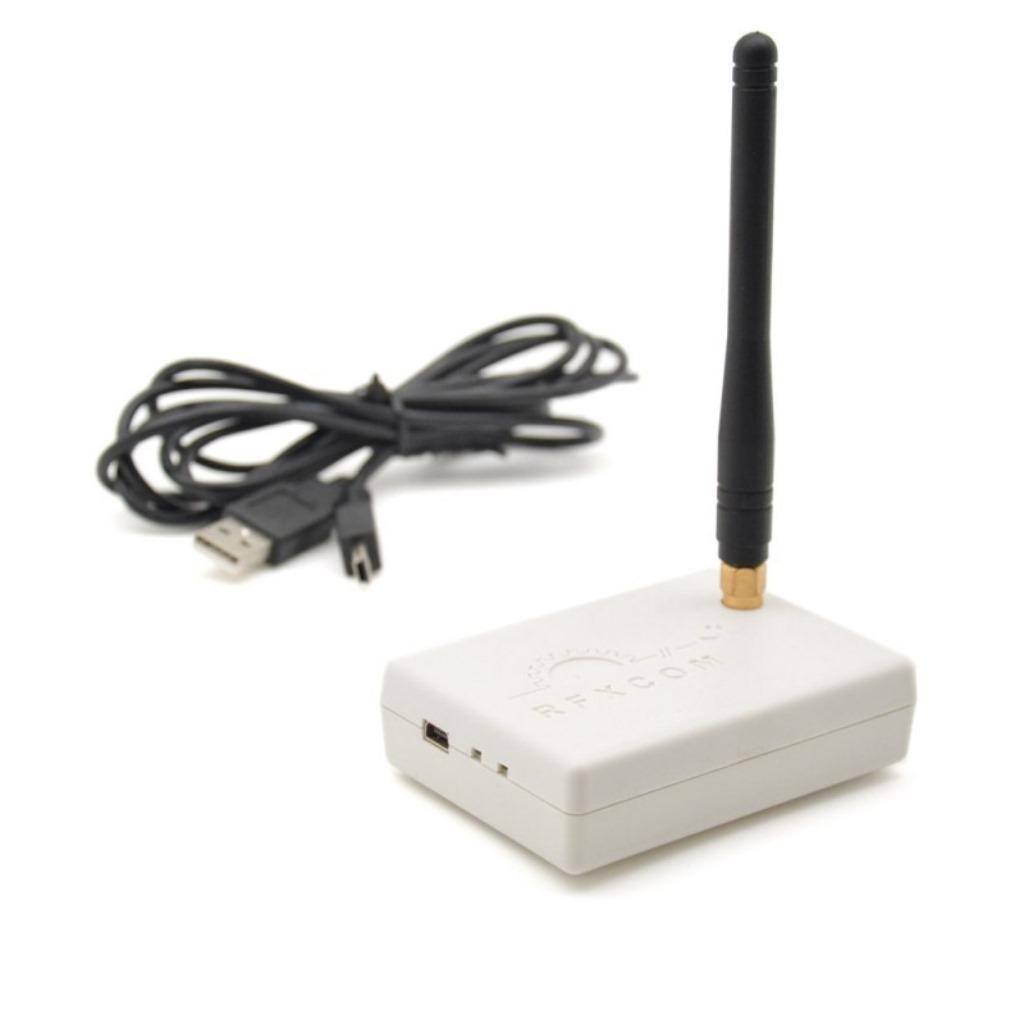
All 433Mhz Temperature/Humidity are connected to a RFXcom device on two domoticx instances. (Master slave construction)
I’ve made a php script and a bash script to draw all sensors on a floorplan in realtime.
There is also a cron running which takes a snapshot of the generated image every 5 minutes.
These images are being converted to MP4 and animated GIF to have a timelapse with all temperatures displayed on a floorplan.
The circles are where sensors are placed.
Colors are from blue till red, representing the heat.
In the center is the measured temperature value.
The (shortened) PHP script: (index.php)
<?php
header('Content-type: image/png');
// This is the floorplan empty ..
$png_image = imagecreatefrompng('plattegrondenmerge.png');
$white = ImageColorAllocate($png_image, 0, 0, 0);
$max = 40;
$min = -10;
// living
// getstate is a bash script (see below which gets the values from domoticz using curl)
// 840 is the domoticz idx
$temp840 = shell_exec('./getstate 840');
// A gray circle will be drawn if the temperature age is > 500 seconds
$age = shell_exec('./new.sh 18 840 500 >/dev/null || echo gray');
// location of circle
$start_x = 950;
$start_y = 760;
$line = $temp840 + 10;
// get x-th line from colors
$colorfromlist = shell_exec("tail --lines=$line ./colors2 | head -1");
if(strpos($age, "gray") !== false){
$colorfromlist = "128,128,128";
};
$colors = explode(",", $colorfromlist);
$color = imagecolorallocatealpha($png_image, $colors[0], $colors[1], $colors[2], 50);
// draw circle
imagefilledellipse ($png_image, $start_x, $start_y, 175, 175, $color);
$start_x = $start_x - 70;
$start_y = $start_y + 15;
// add text
imagettftext($png_image, 24, 0, $start_x, $start_y, $white, './verdana.ttf', $temp840);
// winecellar
$temp840 = shell_exec('./getstate 839');
$age = shell_exec('./new.sh 18 839 700 >/dev/null || echo gray');
$start_x = 560;
$start_y = 840;
$line = $temp840 + 10;
$colorfromlist = shell_exec("tail --lines=$line ./colors2 | head -1");
if(strpos($age, "gray") !== false){
$colorfromlist = "128,128,128";
};
$colors = explode(",", $colorfromlist);
$color = imagecolorallocatealpha($png_image, $colors[0], $colors[1], $colors[2], 50);
imagefilledellipse ($png_image, $start_x, $start_y, 175, 175, $color);
$start_x = $start_x - 70;
$start_y = $start_y + 15;
imagettftext($png_image, 24, 0, $start_x, $start_y, $white, './verdana.ttf', $temp840);
// ETC ETC
imagesavealpha($png_image, TRUE);
imagepng($png_image);
imagedestroy($png_image);
?>
getstate bash script
(gets the temperature from domoticz instance1 given an idx)
#!/bin/bash
curl -s --connect-timeout 2 --max-time 5 "http://ip-domoticz1:8080/json.htm?type=devices&rid=$1" | egrep "Temp|Humid" | awk '{print $3 }' | cut -f1 -d\. | grep -v \" | tr -d "\n\r" | sed s/,/%\ /g | awk '{ print $2"° "$1 }'
new.sh script gets the age of the reading from
domoticz1 or domoticz1
Usage: ./new.sh <domoticz-last-numer-ip> <idx> <maxageinseconds>
#!/bin/bash ## server idx time now=$(date +%s) lastupdate=$(curl -s -i -H "Accept: application/json" "http://192.168.1.$1:8080/json.htm?type=devices&rid=$2" | grep LastUpdate | cut -f4 -d\" ) #echo $lastupdate seen=$(date -d "$lastupdate" +%s) #echo $seen #echo "$(( $now - $seen))" difftime="$(( $now - $seen))" if [ $difftime -gt $3 ] ; then echo "WARN : too old - $difftime seconds" exit 1 else echo "OK : $difftime seconds" exit 0 fi
colors2 – a list of colors representing the temperature
red -> green -> blue
255,0,0 255,10,0 255,20,0 255,30,0 255,40,0 255,60,0 255,70,0 255,80,0 255,90,0 255,100,0 255,120,0 255,130,0 255,140,0 255,150,0 255,160,0 255,180,0 255,190,0 255,200,0 255,210,0 255,220,0 255,240,0 255,250,0 253,255,0 215,255,0 176,255,0 101,255,0 62,255,0 23,255,0 0,255,16 0,255,54 0,255,131 0,255,168 0,255,208 0,255,244 0,228,255 0,196,255 0,180,255 0,164,255 0,148,255 0,132,255 0,100,255 0,84,255 0,68,255 0,50,255 0,34,255 0,2,255 0,0,255 1,0,255 2,0,255 3,0,255 5,0,255
Crontab and gif/mp4 generators
# crontab 5 * * * * root /scripts/domotemp/crontemp.sh # crontemp.sh # stores an image with a date. cd /www/webdir/domotemp wget https://mydomoticzweb/domotemp/ -O $(date +%Y%m%d%H).png >/dev/null 2>/dev/null 1>/dev/null # rest scripts mkdir -p embed # below adds the time to the image ls 2020*png | sort -n -k1 | while read ; do hour=$(echo $REPLY | cut -c9,10) ; convert -pointsize 80 -fill black -draw 'text 1650 100 '\"$hour:00\"'' -resize 960x540 $REPLY embed/$REPLY ;done # convert to gif convert $(ls embed/2020*png | sort -n -k1) animation.gif # convert to mp4 ffmpeg -f image2 -r 24 -pattern_type glob -i '*.png' -vcodec libx264 -profile:v high444 -refs 16 -crf 0 -preset ultrafast -vf scale=1920:1080 domotemp.mp4