An idea I had to detect and count pages

One of my old ideas, never made or tested.
I saw a post on Reddit with this question, I decided to post a little drawing using my idea.

Center of below picture shows pages (the lines), with coppertape going front to back and connect to following page

Inductive copper tape

Taking resistors of the same value, you’ll get a logarithmic voltage divider.
If you want the values evenly spaced, to make sure you are not misreading the value you have to make the resistors more like:
10k,6k,3k3,2k5,2k,1k68,1k5

Strudel and Hydra

(Live real time using text (code) to make music and visuals)

Last week, I discovered Strudel.
I was playing around with it and thought: “This would be perfect for Tyrone”.
He is/was the main musical artist in our Group.

Strudel REPL is a web-based, live coding environment for creating music, based on the Tidal Cycles pattern language. It allows users to write and edit code in a browser to instantly hear the music it produces, with features like visual feedback and an interactive tutorial to help beginners and experts. The “REPL” stands for Read-Eval-Print Loop, a common term for interactive programming environments where you can type code, and the system immediately evaluates it and prints the result. 

Check it out on : https://strudel.cc/

Below a strudel example

I can make some simple patterns, but I discovered that it can be used multiuser with realtime synthesizer named Hydra.
I’m better doing visuals, than creating realtime digital music.
Check out https://www.henriaanstoot.nl/?s=shaders – for my previous shader programming posts.
(I love playing real instruments, let’s keep it that way.)

Hydra video synth is a free, open-source, live-coding environment for creating real-time visuals that runs in a web browser. It uses JavaScript and WebGL to allow users to “patch” together different visual sources and transformations, similar to an analog modular synthesizer, to generate effects like video feedback, generative patterns, and audio-reactive visuals. 

It is JavaScript being compiled to WebGL

So using https://flok.cc we can start a multiuser session with realtime live coding.

So the first test session, learning to use Hydra and Strudel together over the internet. Plan is to do a live session for others using a screen projector.

Left Tyrone (Strudel) right me with Hydra.

In the last few days, I made some examples using hydra.

These examples use Microphone for sound reactive, and Webcam for embedded effects.
NOTE: These are only in your browser session, nothing is being recorded/stored.

You can check some examples here :

https://media.henriaanstoot.nl/hydra/

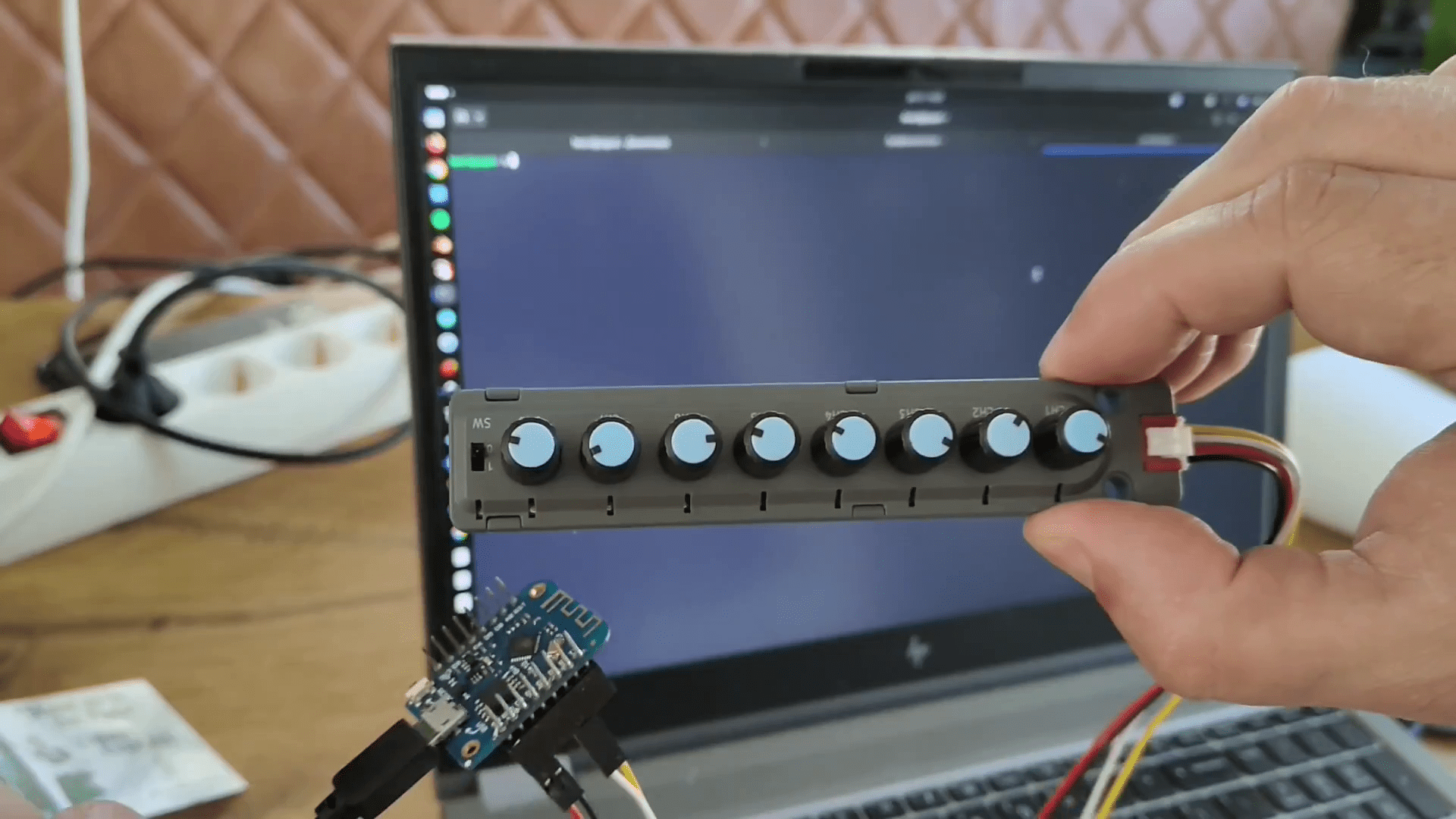
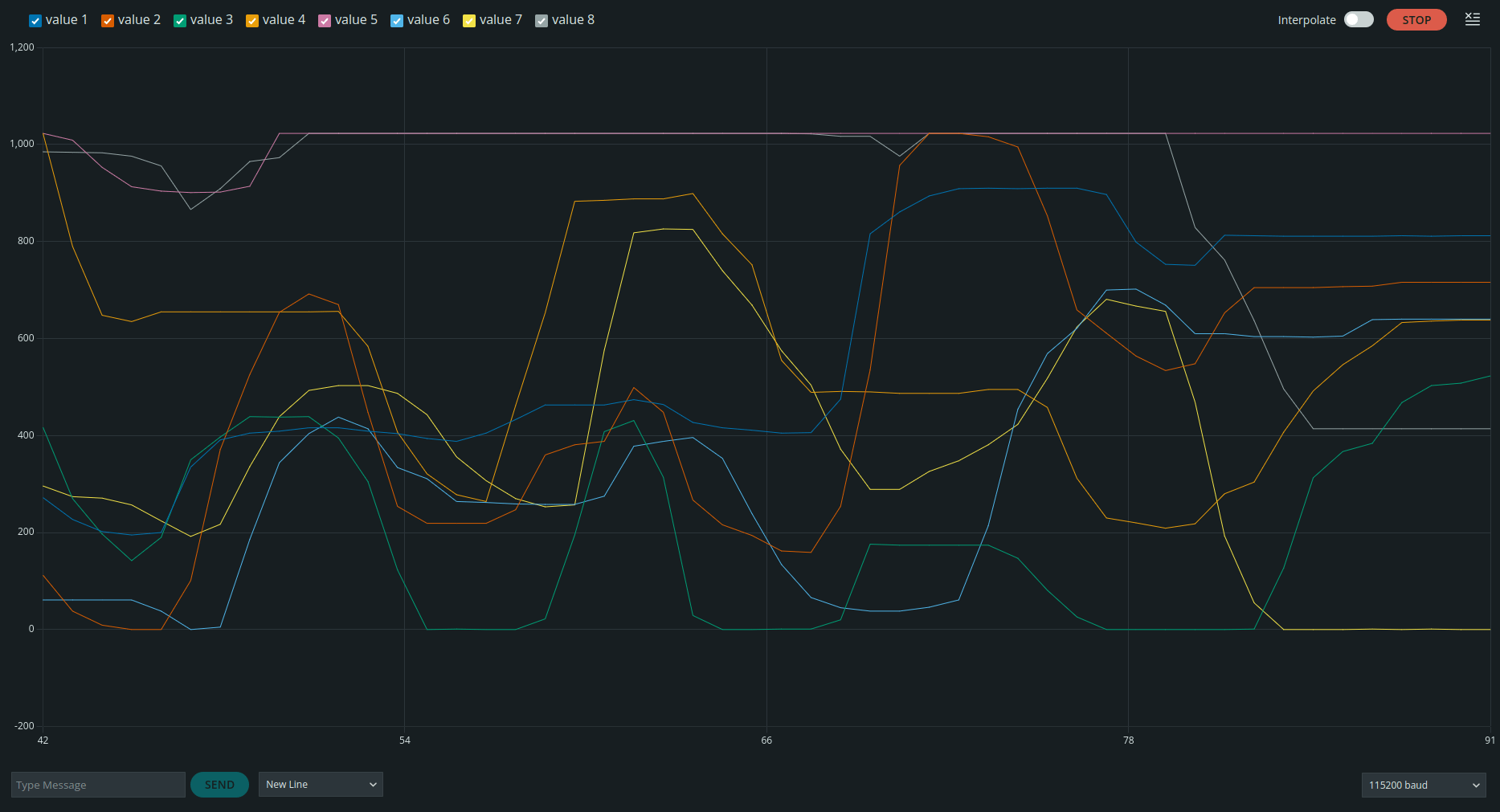
UPDATE : Controlling Hydra input using my DIY Midi Controller (see other post) (Music is NOT related, no microphone input)

Strudel midi input with lpf volume and room controls.

let cc = await midin(1)
note("c a f e").lpf(cc(7).range(0, 1000)).room(cc(3).range(0, 10)).sound("sawtooth")

Avond van de Filmmuziek

4th time we’ve been

  • Also sprach Zarathustra, op. 30,(Richard Strauss cover)
  • Back to the Avond van de Filmmuziek,(intro film)
  • Back to the Future,(Alan Silvestri cover)
  • The Strength of the Righteous (main title),(Ennio Morricone cover) (from ‘The Untouchables’)
  • Downton Abbey: The Suite,(John Lunn cover)
  • Succession (Main Title Theme),(Nicholas Britell cover)
  • Renaissance (Main Title Theme),(Cristobal Tapia de Veer cover) (from ‘The White Lotus’)
  • This Is Berk,(John Powell cover) (with Anna Lapwood) (from ‘How to Train Your Dragon’)
  • Hymn to the Fallen,(John Williams cover) (from ‘Saving Private Ryan’)
  • La vita è bella,(Nicola Piovani cover)
  • I Could Use a Boost,(Kris Bowers cover) (from ‘The Wild Robot’)
  • Suite from ‘De Wilde Noordzee’,(Sven Figee cover) (with Sven Figee)
  • Mission: Impossible,(Lalo Schifrin cover)
  • Superdaan,(intro film)
  • Superman March,(John Williams cover)
  • Out of Africa,(John Barry cover)
  • 20th Century Fox Fanfare,(Alfred Newman cover)
  • American Beauty,(Thomas Newman cover) (with Sven Figee)
  • Mad World,(Tears for Fears cover) (with Gary Jules)
  • Of Separation,(Elliot Goldenthal cover) (from ‘Heat’)
  • Solomon,(Hans Zimmer cover) (from ’12 Years a Slave’)
  • Mommy’s Dollhouse,(Cristobal Tapia de Veer cover)
  • Chevaliers de Sangreal,(Hans Zimmer cover) (from ‘The Da Vinci Code’)
  • Suite from Interstellar,(Hans Zimmer cover) (with Anna Lapwood)
  • The Raiders March,(John Williams cover)
  • No One Mourns the Wicked,(Stephen Schwartz cover) (with Vajèn van den Bosch)
  • Defying Gravity,(Stephen Schwartz cover) (with Vajèn van den Bosch)

Other concerts we’ve been to, movie music related.

  • Hans Zimmer in Concert
  • Star Wars Suite
  • War of the worlds (Jeff Wayne)
  • ?? Forgot what it was called.

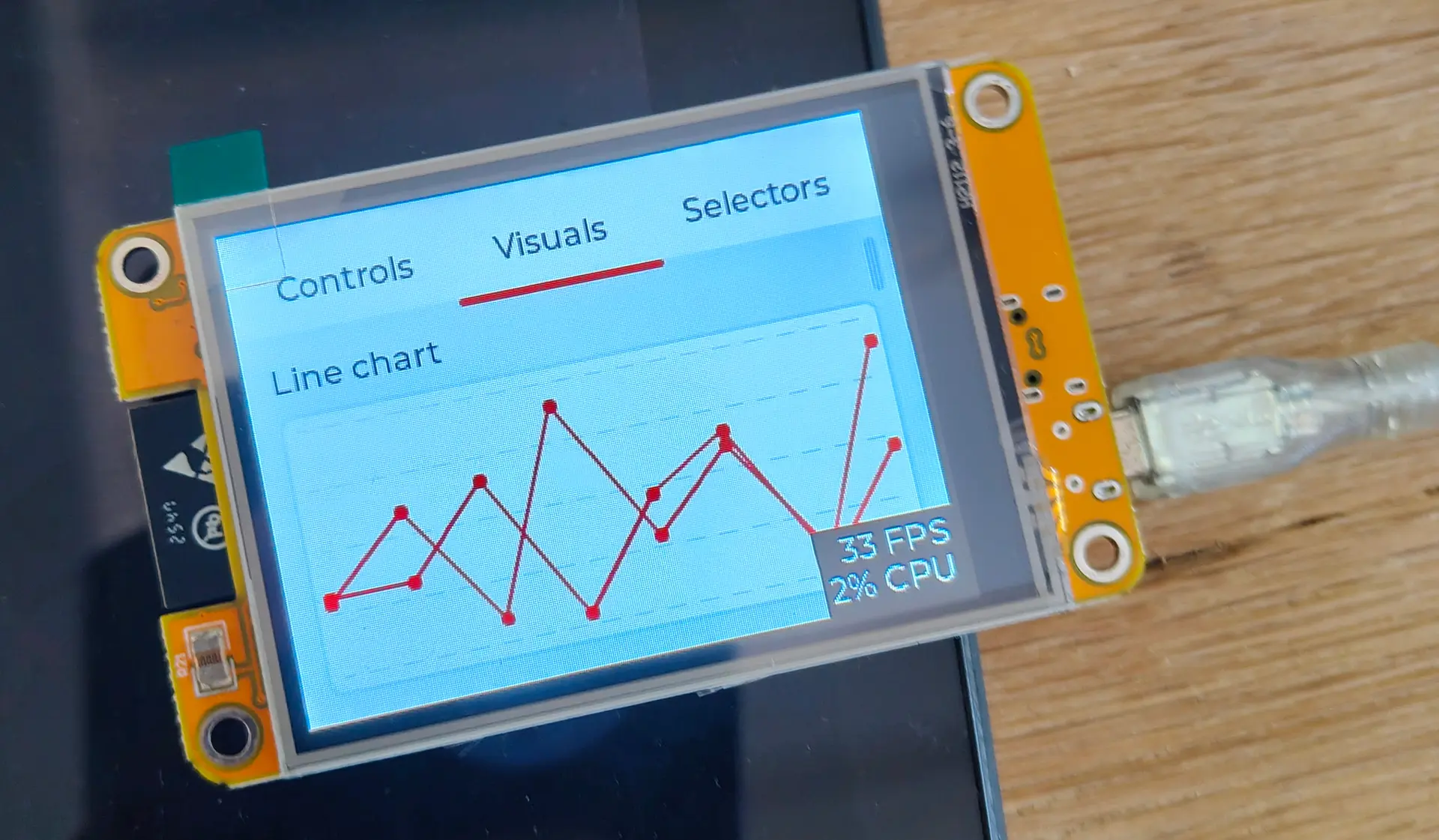
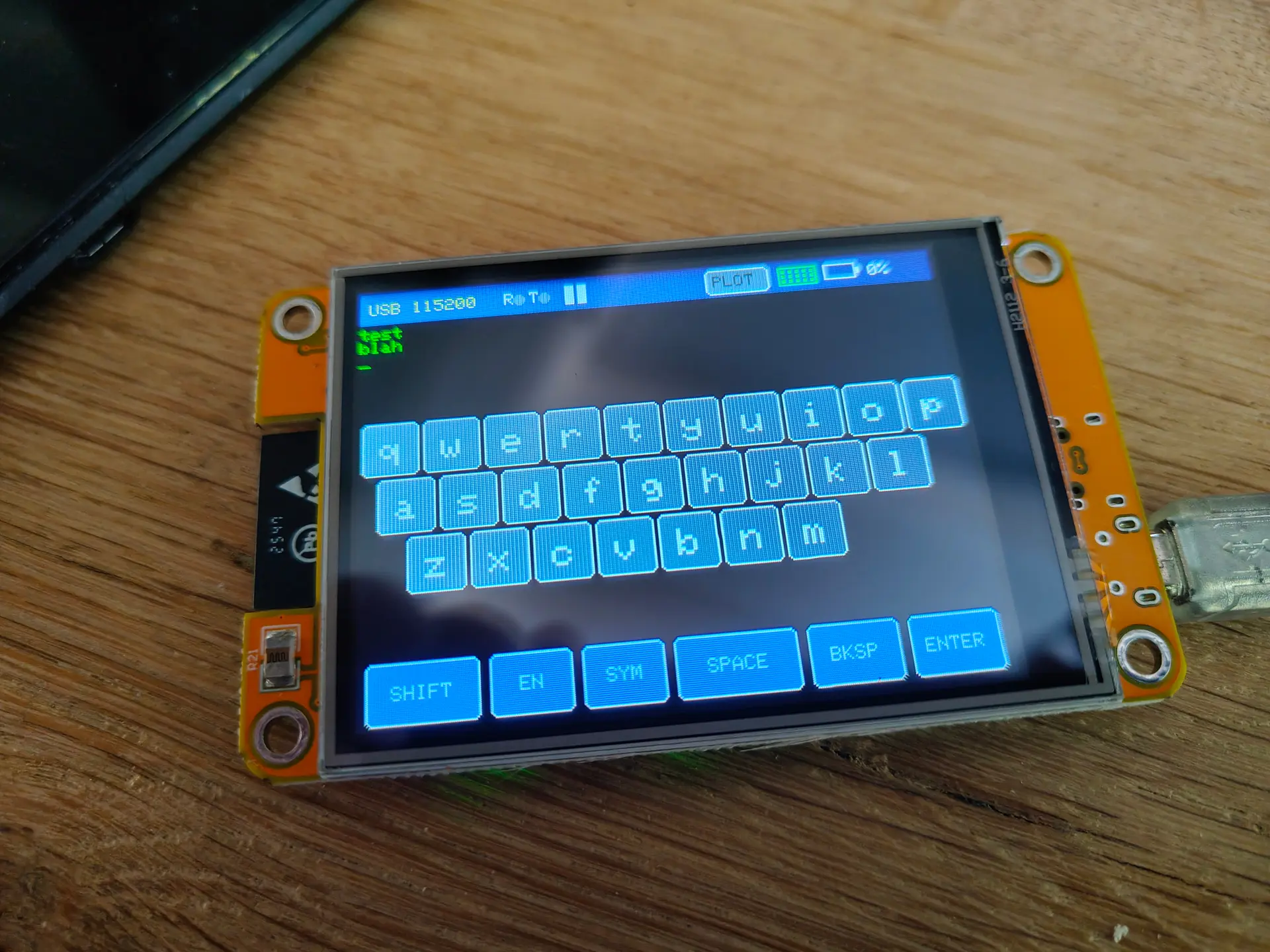
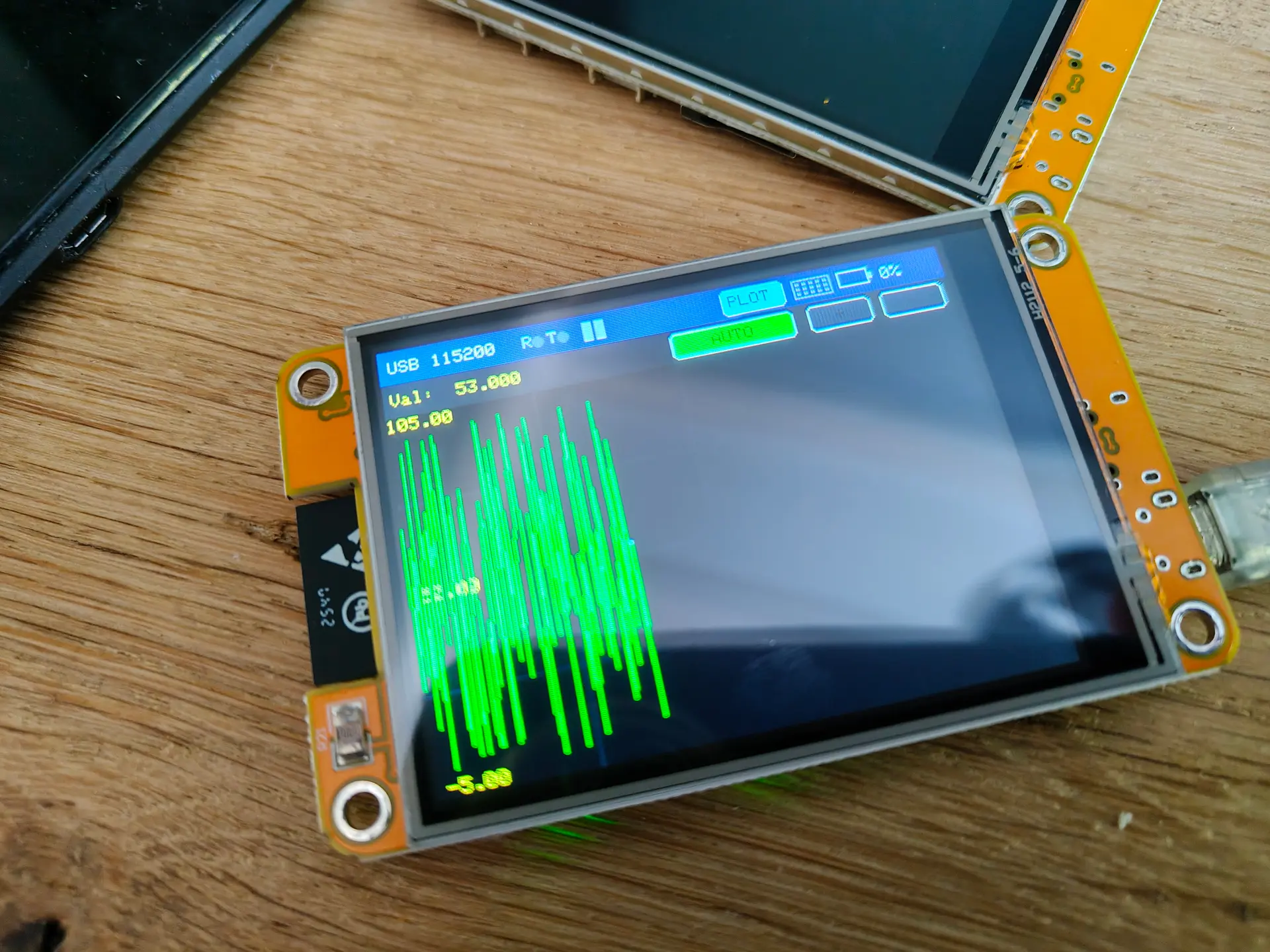
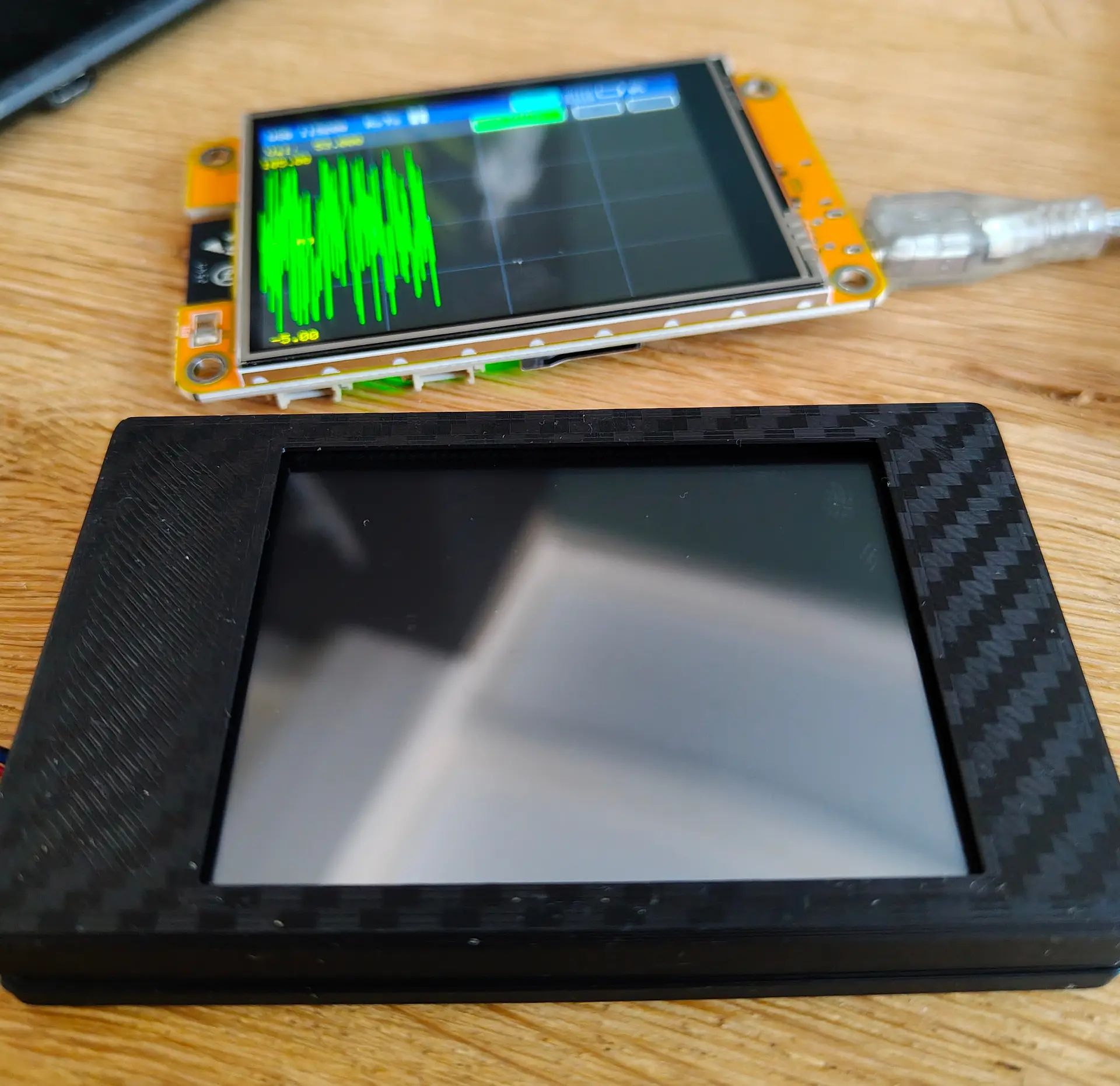
Working on a (C64) handheld probe oscilloscope

These will be available in my shop.

Probably a webpage with measured examples are usefull.

There is a cover for the pogo pin which holds the ground clamp

Handheld device to measure voltages and make screenshots using an application.

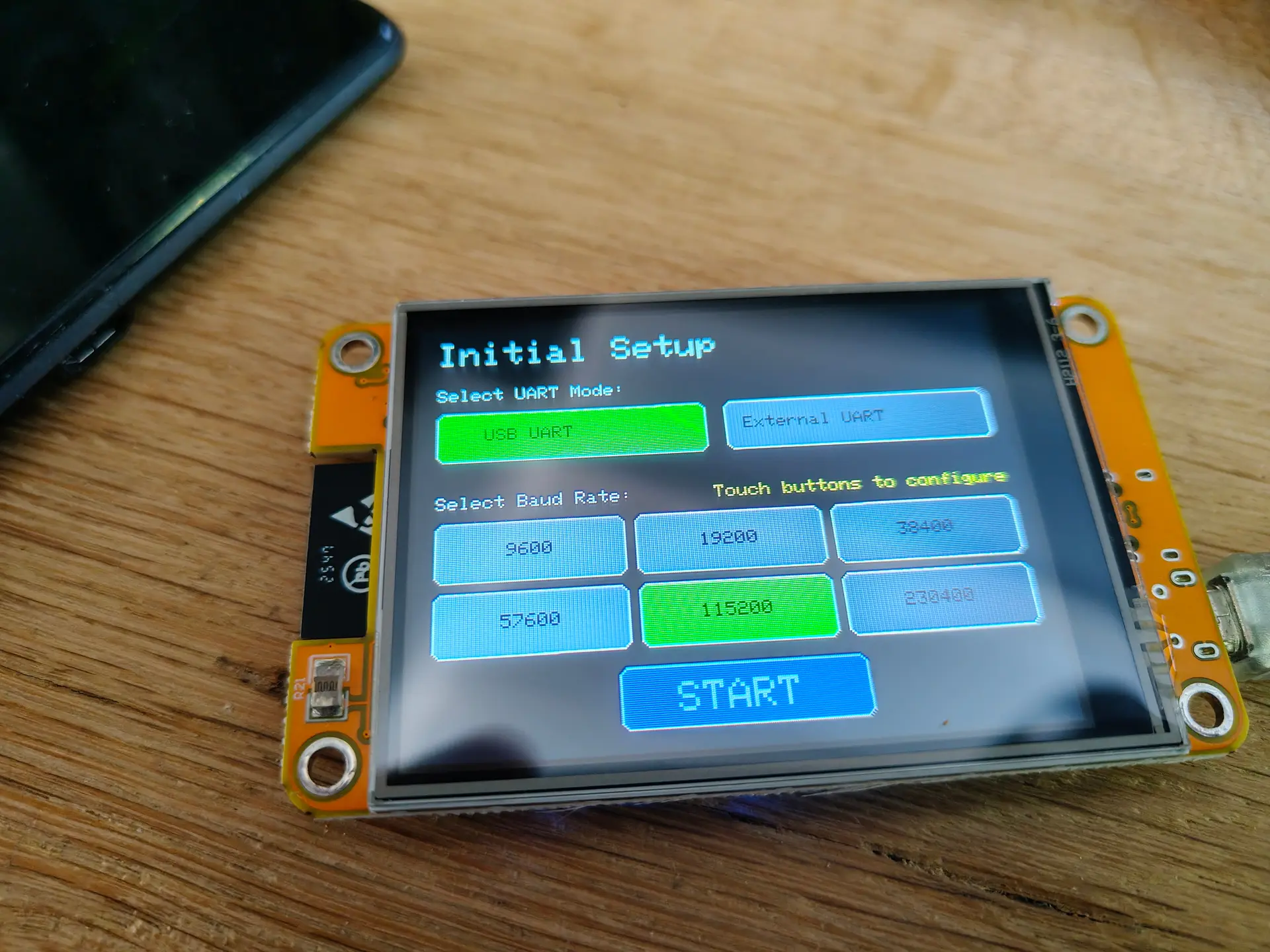
Control over serial

  • Select USB device to connect
  • Start a capture to screen
  • Clear (redraw probe screen)
  • Rotate screen for left/right-handed people and easy reading
  • Sample time speed in microseconds
  • 5V reading but 15 volt tolerant, due to the SID pins
  • ??? love to hear ideas

I’m currently working on streaming output.

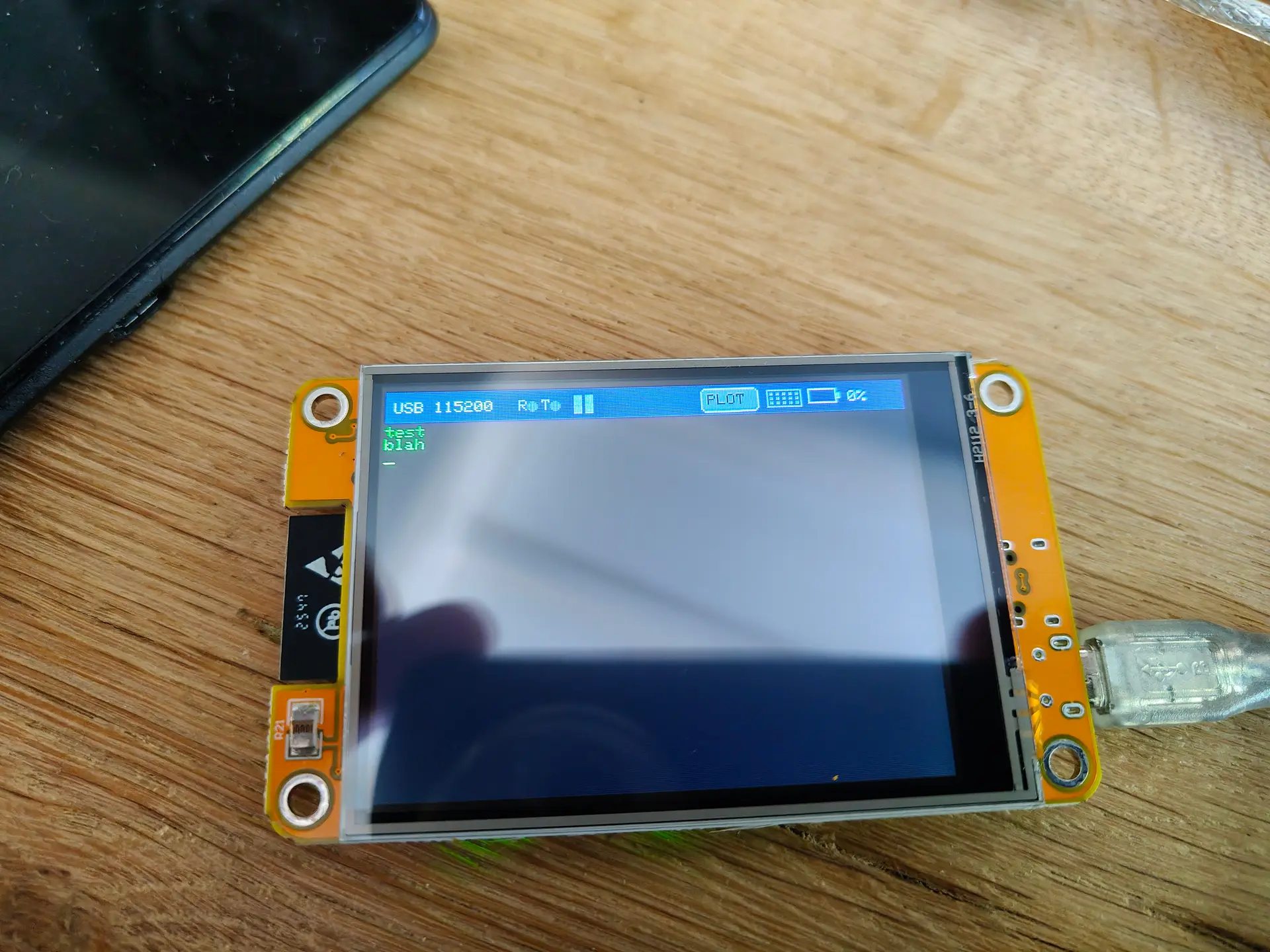
Below, an example of screenshotting.

Below, measuring outputs from a NE555 (dutch comments)

Working on the garden lights POC

Working on my garden lights

Working 12V relay bottom left, and upper right the Raspberry $ compute module board with NodeRed.

I made a little board to program the ATTiny85.

The RS485 chip I wanted to use (SN65HVD3082) came as SMD, luckily I have some SMD to THT/DIL boards. (breakoff)

Above on the breadboard : The SN65HVD3082EP on a little pcb, the ATTiny85 .
4×4 WS2812 led matrix will be my dimmable RGB garden light.

New MMWave boards.

Several years ago, I used some radar boards to detect movement.

After that I used a MMWave board

These are amazing, I’m using this in my Lab to switch on my big LED panel. You don’t need to move, it will detect human presence.
Another one I’m using in my living room.
It can power off all media at night (like TV, amplifier and lights)
It’s part of my home alarm system when we are away.

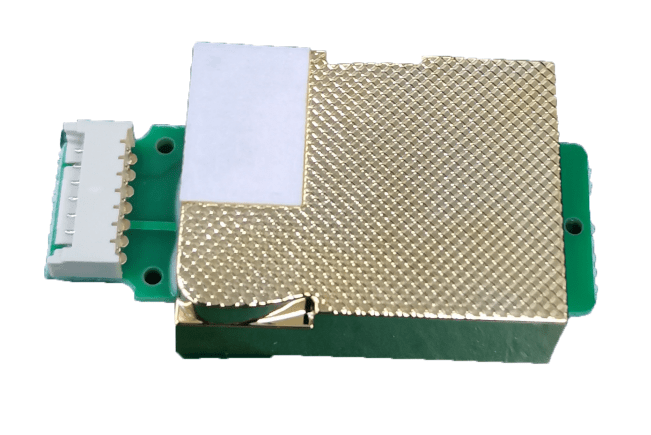
Now I got a new MMWave sensor (hlk-ld2450) , it can detect up to 3 persons and their location.


Screenshot from a Bluetooth phone app reading the sensor.

New afvalwijzer using Home Assistant

New version of :

New schematic using ESPHOME and has reset button (pressing the lid).
(Resets the LED when you’ve put the trash at the street curb.)

Above, a simplified version. I’m using 4 ws2812 leds now.

ESPHOME code:

esphome:
  name: afvalwemos
  friendly_name: AfvalWemos
  on_boot:
    priority: 800
    then:
    - delay: 1s
    - light.turn_off: main_leds

esp8266:
  board: d1_mini

# Enable logging
logger:

# Enable Home Assistant API
api:
  encryption:
    key: "bT76oR8vOxxxxxxxxxxxxxxxxxxxxxxxxQbyjY6M="

ota:
  - platform: esphome
    password: "c1dbxxxxxxxxxxxxxxxxxxxxxxxxxx36e75"

wifi:
  ssid: !secret wifi_ssid
  password: !secret wifi_password

  # Enable fallback hotspot (captive portal) in case wifi connection fails
  ap:
    ssid: "Afvalwemos Fallback Hotspot"
    password: "vVxxxxxxxxxxxxxxaw"

captive_portal:

# LED strip definition
light:
  - platform: neopixelbus
    type: RGB
    variant: WS2812
    pin: D5
    num_leds: 4
    name: "All LEDs"
    id: main_leds
    restore_mode: ALWAYS_OFF   # ensures all LEDs start off


  # Individual LED partitions
  - platform: partition
    name: "LED 1"
    segments:
      - id: main_leds
        from: 0
        to: 0

  - platform: partition
    name: "LED 2"
    segments:
      - id: main_leds
        from: 1
        to: 1

  - platform: partition
    name: "LED 3"
    segments:
      - id: main_leds
        from: 2
        to: 2

  - platform: partition
    name: "LED 4"
    segments:
      - id: main_leds
        from: 3
        to: 3


# Physical button on D6 to turn off all LEDs
binary_sensor:
  - platform: gpio
    pin:
      number: D6
      mode: INPUT_PULLUP
      inverted: True
    name: "All Off Button"
    on_press:
      - logger.log: "Button pressed — turning all LEDs OFF"
      - light.turn_off: main_leds

Home Assistant automation:

alias: Afvalwijzer Plastic
description: Afvalwijzer leds
triggers:
  - at: "18:00:00"
    trigger: time
conditions:
  - condition: template
    value_template: >
      {% set raw = states('sensor.gad_pmd') %} {% if raw not in ['unknown',
      'unavailable', 'none', ''] %}
        {% set clean = raw.replace('Tomorrow, ', '').replace('Today, ', '').strip() %}
        {% set parts = clean.split(', ') %}
        {% set date_part = parts[-1] if parts|length > 1 else clean %}
        {% set pmd_date = strptime(date_part, '%d-%m-%Y').date() %}
        {% set tomorrow = (now().date() + timedelta(days=1)) %}
        {{ pmd_date == tomorrow }}
      {% else %}
        false
      {% endif %}
actions:
  - action: light.turn_on
    target:
      entity_id: light.afvalwemos_led_3
    data:
      rgb_color:
        - 236
        - 199
        - 14
mode: single

Easy cheap touch light

Remember those expensive touch lights you can buy?

This is a less than 5 euro version.

Warning : Some tricks I used

  • Using D5 as GND (I didn’t want to splice GND Wire.)
  • Using PWM for dimming
  • Using 5V led, use resistor if using a generic LED (220ohm)

TTP223 sensors are only a few cents!
And react even without touching (< 5mm)
So, you can build this in a case or behind fabric!

NOTE: If you are using an ESP32 you can configure a pin as touch!!!
So no TTP223 needed.
But ESP32 are more expensive as Wemos mini.

Code:

#define TOUCH_PIN D2 // My video has D7
#define LED_PIN   D6
#define FAKE_GND D5

// Brightness steps (0 = off, 255 = full bright)
int brightnessLevels[] = {0, 25, 125, 255};
int currentLevel = 0;
bool lastTouchState = LOW;

void setup() {
  
  pinMode(TOUCH_PIN, INPUT);
  pinMode(LED_PIN, OUTPUT);
  pinMode(FAKE_GND, OUTPUT);

  digitalWrite(FAKE_GND, LOW);  
  analogWrite(LED_PIN, brightnessLevels[currentLevel]);  // start OFF
}

void loop() {
  bool touchState = digitalRead(TOUCH_PIN);

    if (touchState == HIGH && lastTouchState == LOW) {
      // Advance brightness step
      currentLevel = (currentLevel + 1) % 4;  // 0-3 steps
      int pwmValue = brightnessLevels[currentLevel];
      analogWrite(LED_PIN, pwmValue);
    }

  lastTouchState = touchState;
}

Dim levels less obvious on recording, but you can change the levels in the code!

DIY Garden Lights.

We are planning to redo our garden. And I am making a water and light plan for it.

I thought I could do it myself using 12V and RS485/Modbus.

So these are my plans. (NOTE, this is a work in progress)

I’m going to put 4-wire ground cable in our garden, and a RS485/Modbus master controller in my shed.
4 Wires will have 12V low voltage, ground and RS485 A/B wires.
This way I can control till 64 devices on a single cable.

Below, a USB stick to connect the RS485 cables to a Raspberry Pi?
Software is probably going to be a NodeRed instance connected to Home Assistant.

On/Off lights using a RS485 board and relay. These can be bought on a single PCB and can control 220V. I am probably going to use generic outside lamps and refit them for 12V led or 220v, with those RS485 controllers.

The above left part will be encased in resin or alike.
Right PCB is for testing only.

For dimming RGB lights, I made the below design.

NOTE: This needs 120ohm end resistor and capacitors over the 7805.

12V to 5V using a 7805, RS485 8pin DIL/DIP and a ATTiny85 8pin DIL/DIP. Plus a 4×4 RGB Matrix.
These also encased in resin.

More information on the ATTiny85 and programmer can be found here:

Modbus using NodeRed (I’ve used this to control my RD6006 Lab Power Supply)

Bare minimal to control the relay.

HA control via MQTT

5 sensor Flame detector

December is coming, time for candles.

The plan is to make a flame sensor, with in combination with my presence sensor will alert me when we leave the room and candles are on, give us a notification.

Above is the schematic. A Wemos mini (left over from another project), an analog multiplexer and a cheap 5 times flame detector.
There is a potentiometer on this board to change the sensitivity.

Search “Infrared Ir Flame Sensor Detector Fire Detection Module 5 Channel” on Aliexpress. These are 1 euro.

Presence sensor:

Here is some Arduino code.

#define MUX_A D5
#define MUX_B D6
#define MUX_C D7
#define ENABLE D1

#define ANALOG_INPUT A0


void setup() {
    Serial.begin(9600);

  //Define output pins for Mux
  pinMode(MUX_A, OUTPUT);
  pinMode(MUX_B, OUTPUT);     
  pinMode(MUX_C, OUTPUT);     
  pinMode(ENABLE, OUTPUT);     
  digitalWrite(ENABLE, LOW); // No need to switch, can be permanenty low
  
}

void changeMux(int c, int b, int a) {
  digitalWrite(MUX_A, a);
  digitalWrite(MUX_B, b);
  digitalWrite(MUX_C, c);
}

void loop() {
  float value;
  
  
  changeMux(LOW, LOW, HIGH);
  value = analogRead(ANALOG_INPUT); //Value of the sensor connected Option 1 pin of Mux
  Serial.print("Variable_1:");
  Serial.print(value);
  Serial.print(",");

  changeMux(LOW, HIGH, LOW);
  value = analogRead(ANALOG_INPUT); //Value of the sensor connected Option 2 pin of Mux
  Serial.print("Variable_2:");
  Serial.print(value);
  Serial.print(",");

  changeMux(LOW, HIGH, HIGH);
  value = analogRead(ANALOG_INPUT); //Value of the sensor connected Option 3 pin of Mux
  Serial.print("Variable_3:");
  Serial.print(value);
  Serial.print(",");

  changeMux(HIGH, LOW, LOW);
  value = analogRead(ANALOG_INPUT); //Value of the sensor connected Option 4 pin of Mux
  Serial.print("Variable_4:");
  Serial.print(value);
  Serial.print(",");

  changeMux(HIGH, LOW, HIGH);
  value = analogRead(ANALOG_INPUT); //Value of the sensor connected Option 5 pin of Mux
  Serial.print("Variable_5:");
  Serial.println(value);
}

ESPHOME Code

esphome:
  name: flamedetector
  friendly_name: FlameDetector
  on_boot:
    priority: 600
    then:
      - switch.turn_off: enable 

esp8266:
  board: d1_mini

# Enable logging
logger:

# Enable Home Assistant API
api:
  encryption:
    key: "BMHbLdN6Rxxxxxxxxxxxxxxxxxxxxv0LE="

ota:
  - platform: esphome
    password: "780fe0xxxxxxxxxxxxxxxxxxxxx7859"

wifi:
  ssid: !secret wifi_ssid
  password: !secret wifi_password

  # Enable fallback hotspot (captive portal) in case wifi connection fails
  ap:
    ssid: "Flamedetector Fallback Hotspot"
    password: "cm1xxxxxxxxxxxxNX"

captive_portal:

switch:
  - platform: gpio
    id: enable
    pin:
      number: D1

cd74hc4067:
  - id: cd74hc4067_1
    pin_s0: D5
    pin_s1: D6
    pin_s2: D7
    pin_s3: D2

globals:
  - id: last_flame_state
    type: bool
    restore_value: no
    initial_value: 'false'
  - id: trigger_on
    type: bool
    restore_value: no
    initial_value: 'false'

sensor:
  - platform: adc
    id: adc_sensor
    pin: A0
    name: flameanalog
    update_interval: 10s
  - platform: cd74hc4067
    id: flame_1_1
    name: flame_1_1
    number: 1
    sensor: adc_sensor
    update_interval: 10s
  - platform: cd74hc4067
    id: flame_1_2
    name: flame_1_2
    number: 2
    sensor: adc_sensor
    update_interval: 10s
  - platform: cd74hc4067
    id: flame_1_3
    name: flame_1_3
    number: 3
    sensor: adc_sensor
    update_interval: 10s
  - platform: cd74hc4067
    id: flame_1_4
    name: flame_1_4
    number: 4
    sensor: adc_sensor
    update_interval: 10s
  - platform: cd74hc4067
    id: flame_1_5
    name: flame_1_5
    number: 5
    sensor: adc_sensor
    update_interval: 10s


interval:
  - interval: 10s
    then:
      - lambda: |-
          const float threshold = 0.01;
          bool any_above =
            id(flame_1_1).state > threshold ||
            id(flame_1_2).state > threshold ||
            id(flame_1_3).state > threshold ||
            id(flame_1_4).state > threshold ||
            id(flame_1_5).state > threshold;

          // Store the result
          if (any_above != id(last_flame_state)) {
            id(last_flame_state) = any_above;
            if (any_above) {
              ESP_LOGI("flame_check", "Flame detected (turning ON)");
              id(trigger_on) = true;
            } else {
              ESP_LOGI("flame_check", "No flame detected (turning OFF)");
              id(trigger_on) = false;
            }
          }

  - interval: 1s
    then:
      - if:
          condition:
            lambda: 'return id(trigger_on);'
          then:
            - homeassistant.service:
                service: homeassistant.turn_on
                data:
                  entity_id: input_boolean.testtoggle
          else:
            - homeassistant.service:
                service: homeassistant.turn_off
                data:
                  entity_id: input_boolean.testtoggle