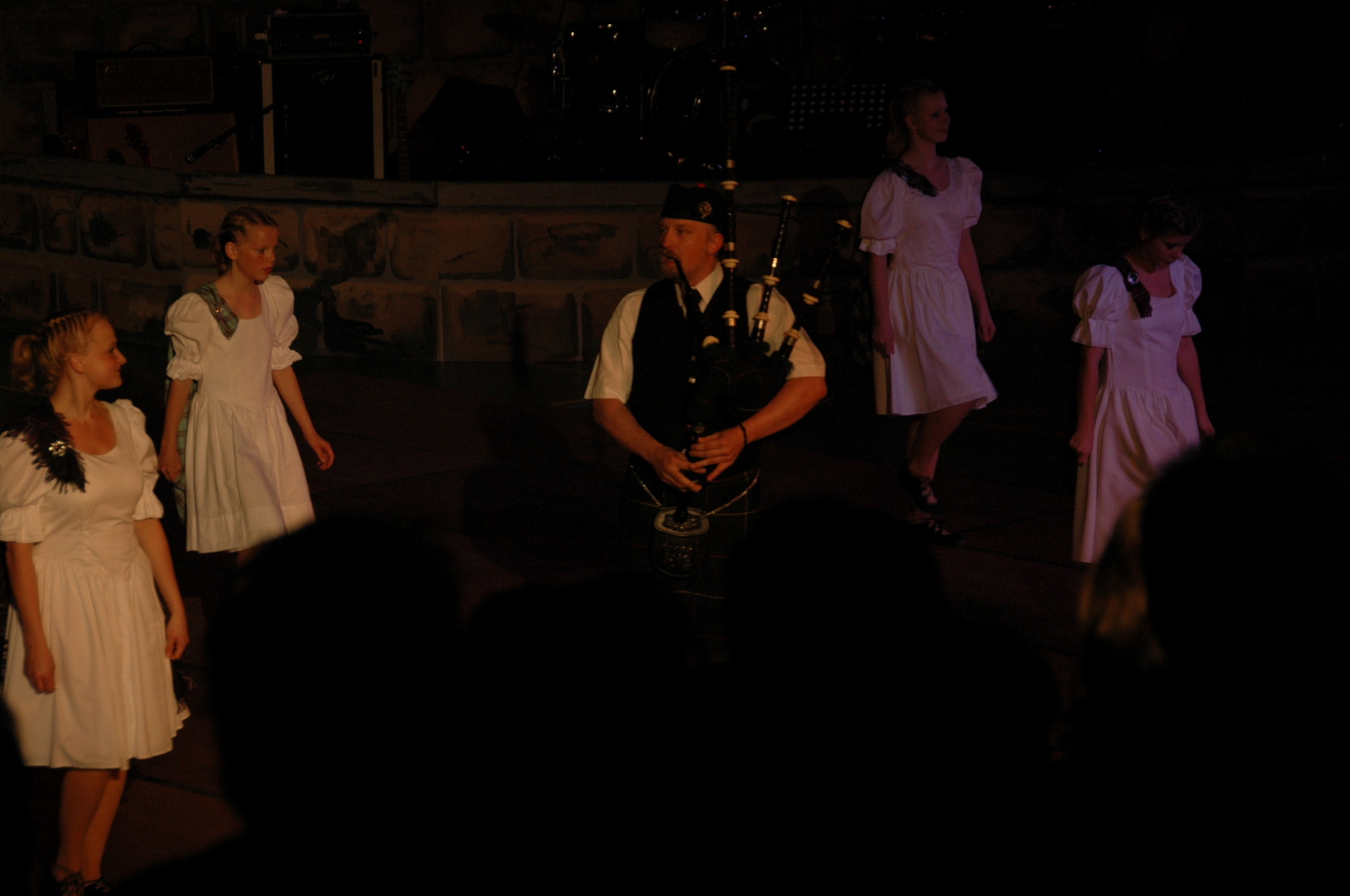
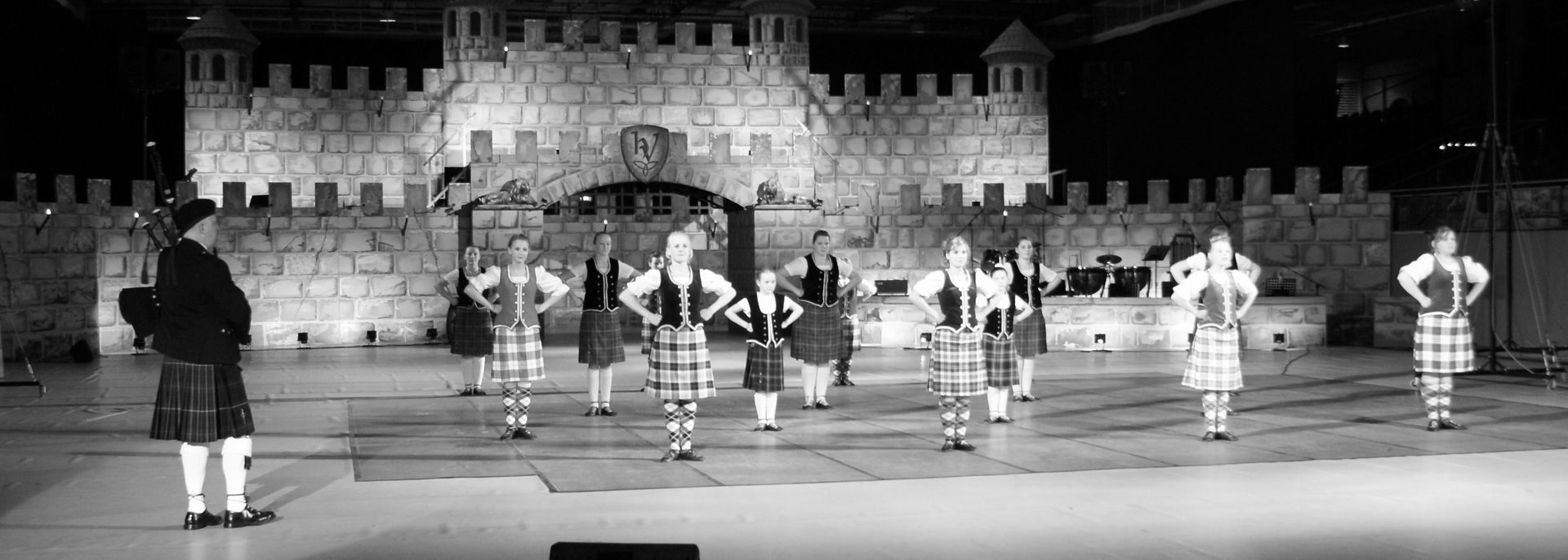
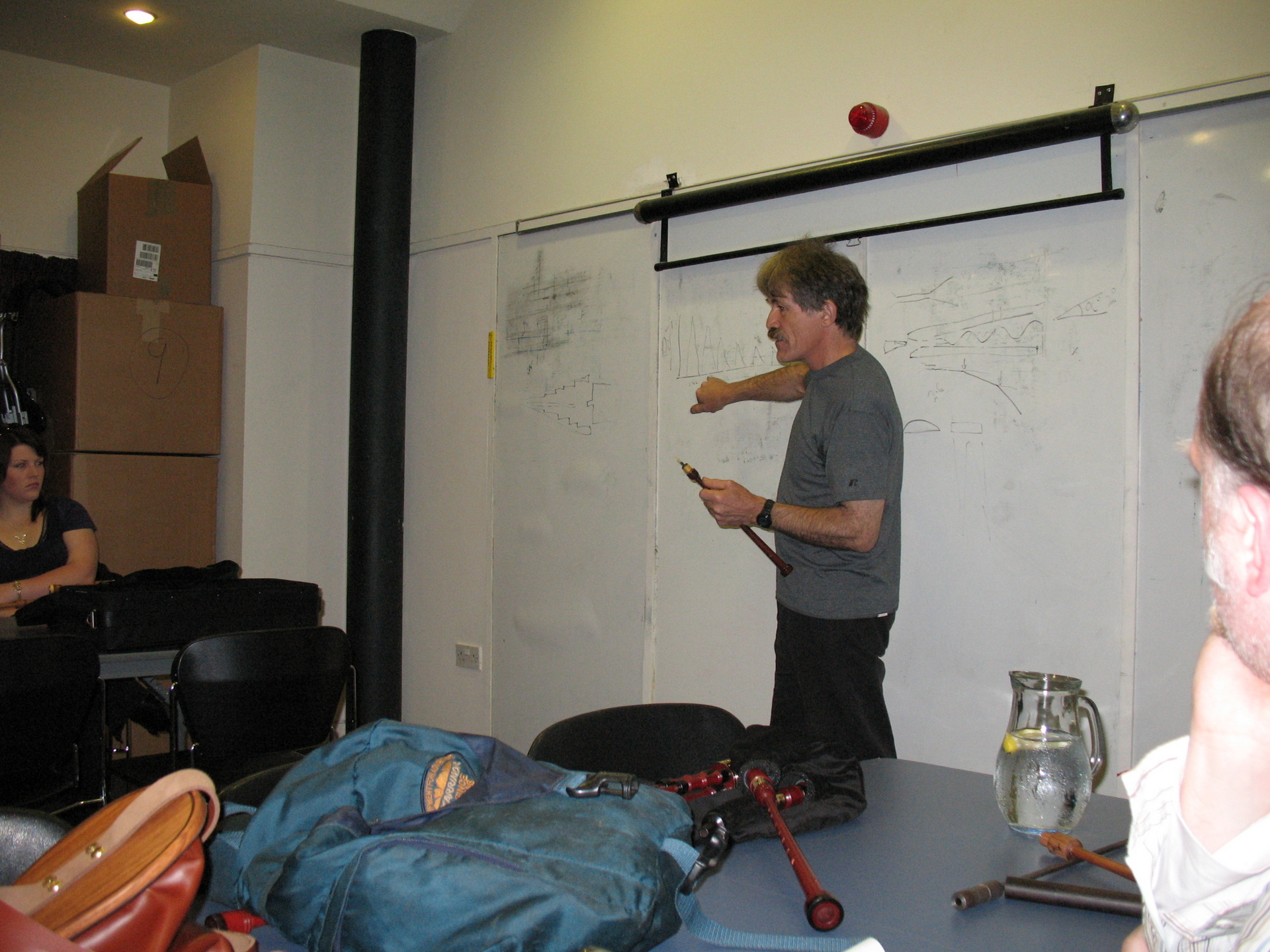
I started playing the pipes for the Highland Dancers a long time ago.
I wanted to know at least the Highland Fling, so i could understand what it is for the dancers. I learned the Fling from Monique and Yvonne. Yvonne tried to learn me to walz. But that was it for a loong time.
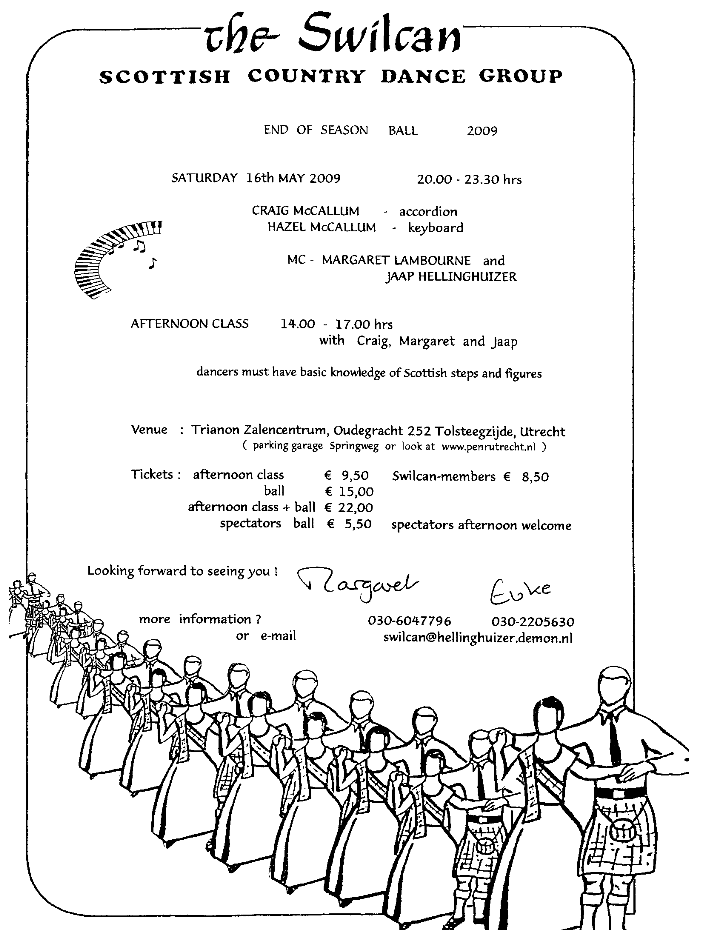
Then in 2008, 2009 we joined a Country Dance group. (Monique, Coline and I)
So I bought some size 45 (11.5) dance shoes.
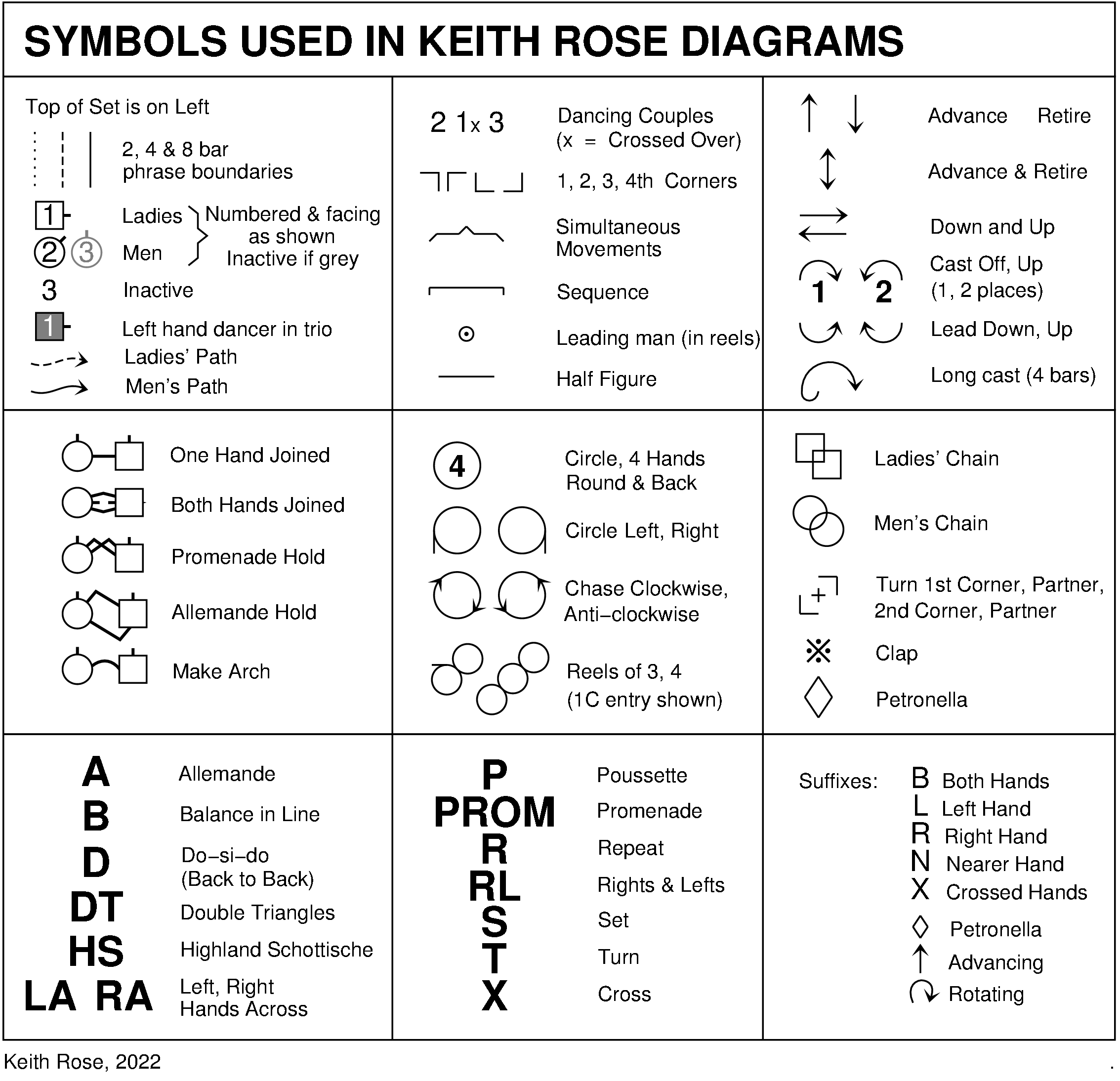
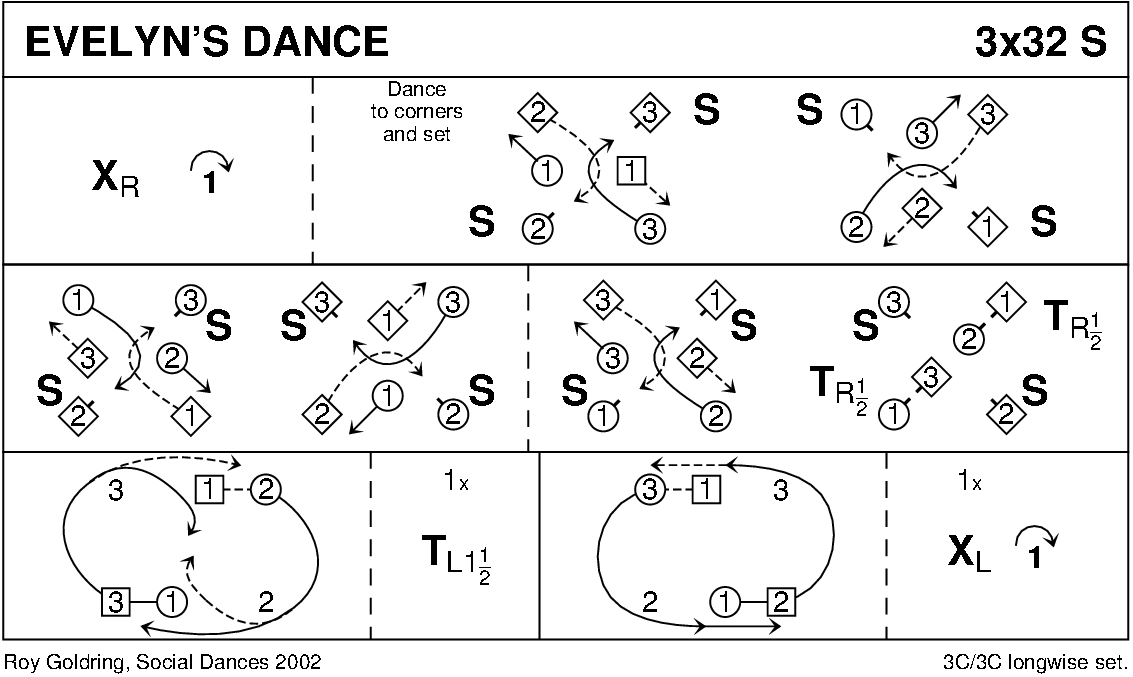
At least the “little green book” with dance diagrams looks cool.
I’ve been playing a long time for Highland Dancers. And here are my tips for you. If you have additions or corrections let me know.
Practice
Practice, with and without the dancers.
Get to know the tempo the dancers would like. (Have them practice the tempo mentioned in the piping books)
Start in time with practicing (see below)
I wanted to know what it takes to be a highland dancer, to understand what they are doing, so I learned to dance the Highland Fling myself.
Before starting
Alway sing/hum a few bars. So your on the same line with the dancers, and setting the tempo. (If they can’t hear you, use your hand for the tempo) Some dancers are prepared for the dance they have to perform in advance, a change in order can make them nervous. (Check lead dancer for a okay sign, with Anke I had a almost invisible nod, and I could see when she was not sure about the Tempo)
Are the Dancers distracted? Then I would hit the bag of my pipes to get attention.
Face your Dancers if possible. Playing with multiple pipers? Let them face you, ideal would be if they see the dancers also.
Are they doing the sworddance? Hit your bag to make a little drone sound to time their movements to place the sword on the ground. (I’ll post a movie about this when i find it again)
While playing
Watch the group, and look for signs when they are stuggling. When you play too slow, you see them wanting to have more time in the air. (Hangtime) When playing too fast, you will see them making little hops, instead of the higher jumps. (You get angry eyes from the lead dancer 🙂 ) Adjust your speed (but slowly)
Always keep you eye on the lead dancer.
Stopping
Always step forward when planning to stop playing. Sometimes we have to stop when a sign has been given, because of something happening or planned events. Then you will have to end at the end of a part or when playing a set, at the end of the tune. (Practice this!)
Sometimes you or the dancers can be mistaken with the number of repeats. When you or the dancers are messing up. Get a clean ending. When the crowd is unaware, keep it that way. Keep a straight face! When they notice, tell or make I sign that you are sorry. on some occasions you can start again. (Take away any blame from the dancers, they are also nervous, it helps them for the next dance)
Nervous?
Focus on the dancers, not the public. Don’t play tunes you haven´t practiced enough. (This is a common mistake, because the dancers want to perform them before you are ready. When they start practicing a new dance, let them have you informed if possible, so you can practice at the same time)
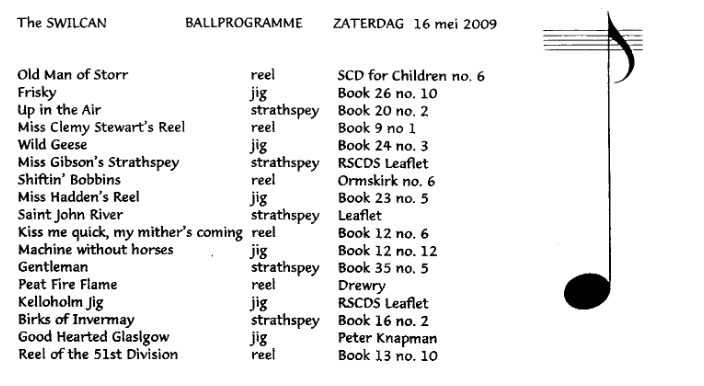
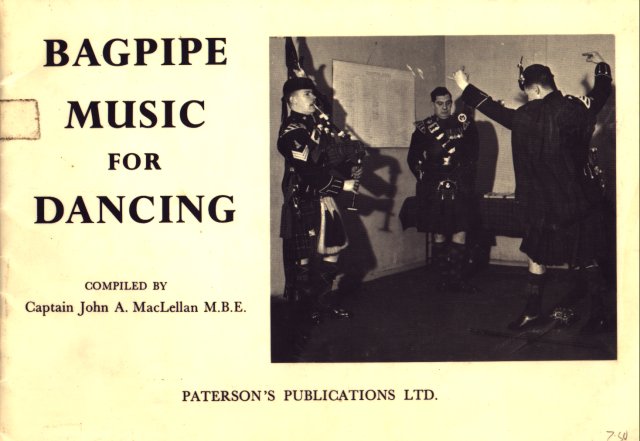
Tunes I play are in: (links to pipetunesearch, my search engine for tunebooks)
We went to the Old Fruitmarket in Glasgow on 15 August 2008. The Red hot chilli pipers gave a concert here. Wooo!
It was a superb show, great memories. There where camera’s placed all over the place. Apparently they where filming for a DVD.
When we bought the DVD several months later, we where pleasantly surprised! .. When looking at the end credits .. There we where, totally oblivious of the fact that we where filmed.
Maybe you also have a white area to fill, here is a suggestion.
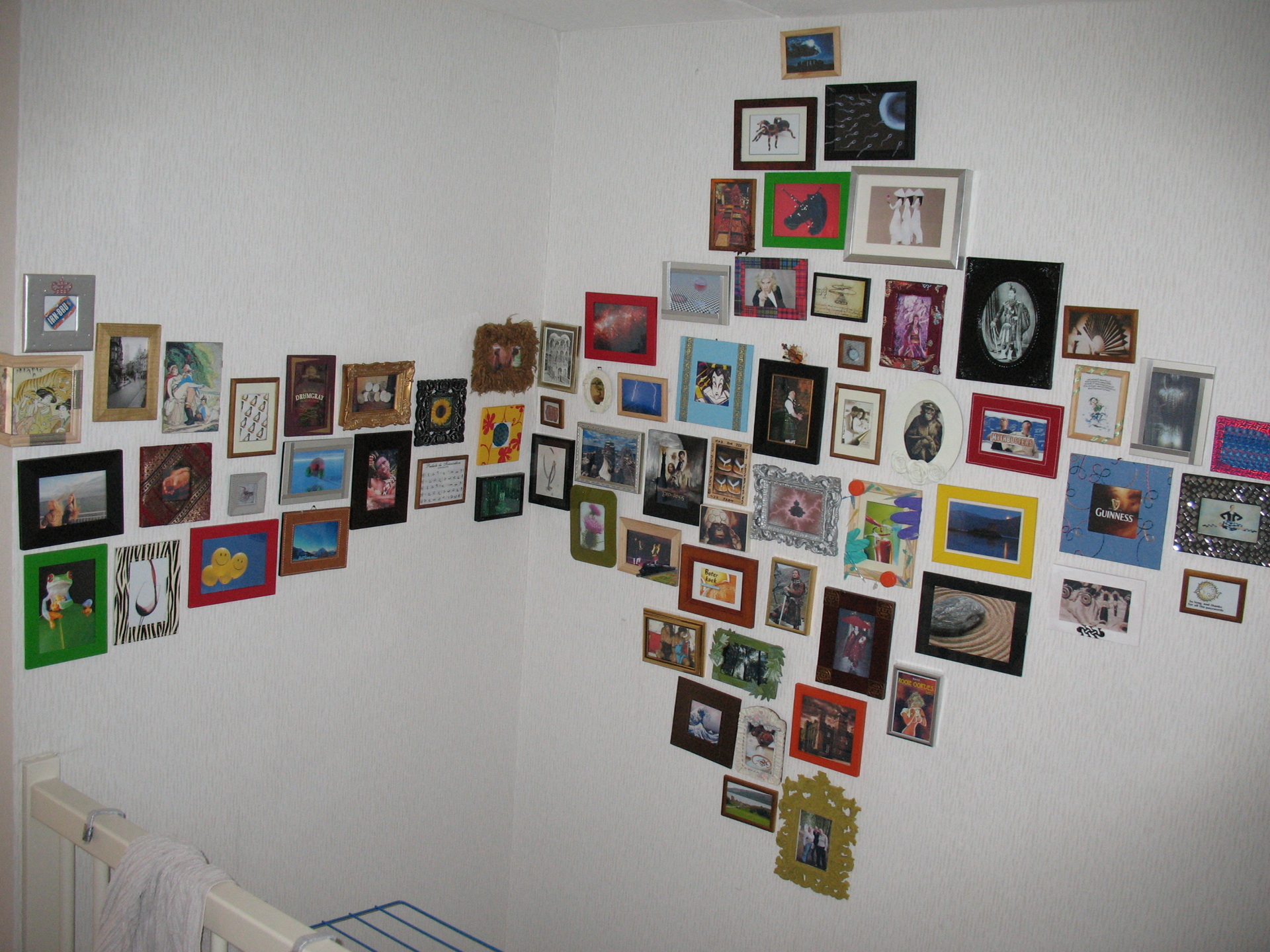
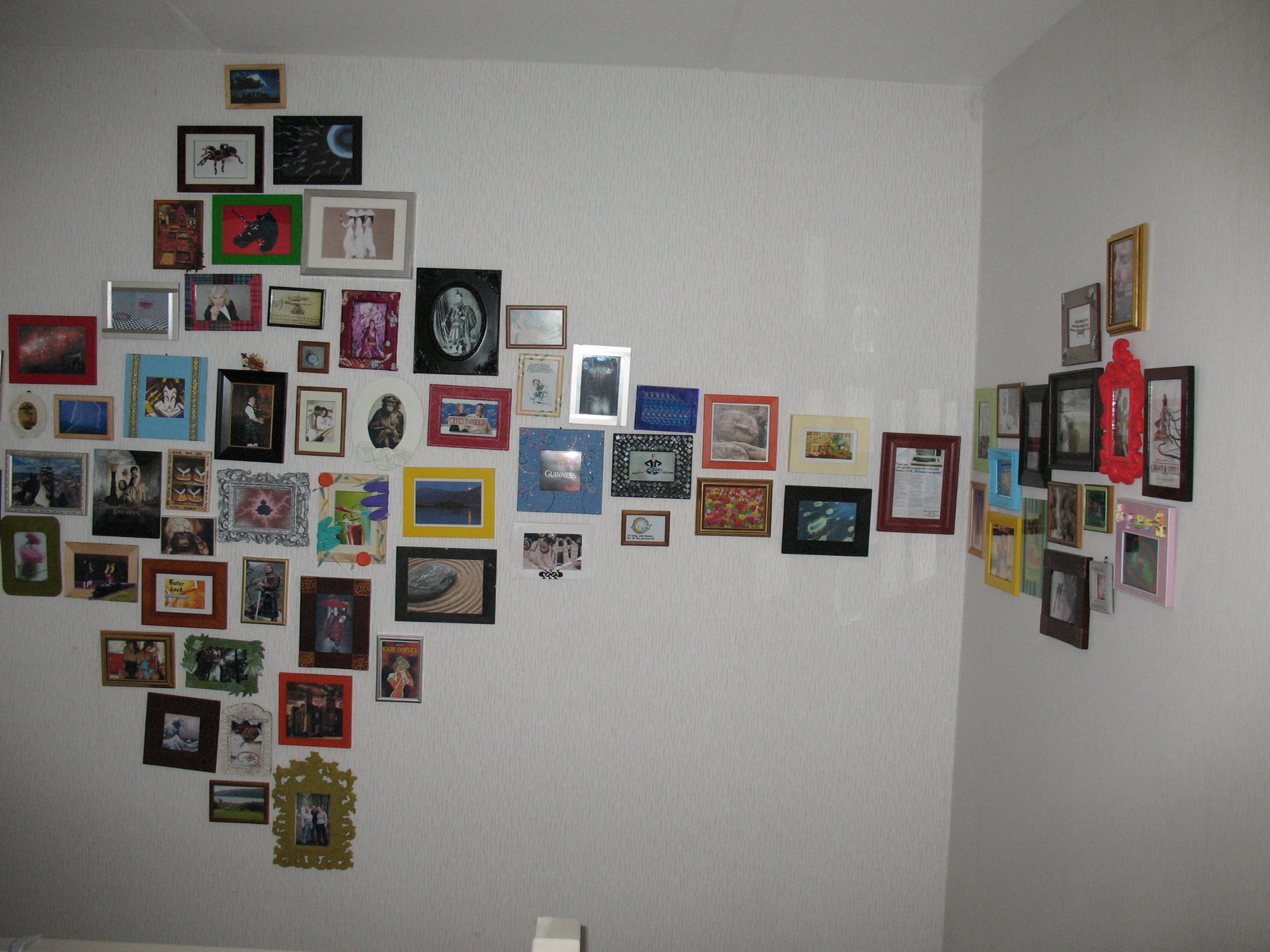
For years we collected picture frames, weird and ugly. We wanted to have a collection of images in our staircase, to fill the white area. The images are all something we like, have interest in or are personal.
It needed to be on 3 walls, so here was my first design.
Most left .. picture around the cornerIn the end a total of 110
I worked for a highly secure position in a financial place.
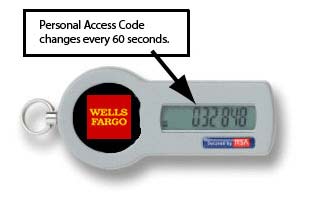
We had to use so-called RSA keys.
These keys we needed to get access to the servers.
That morning i came in office and had the following conversation with the manager:
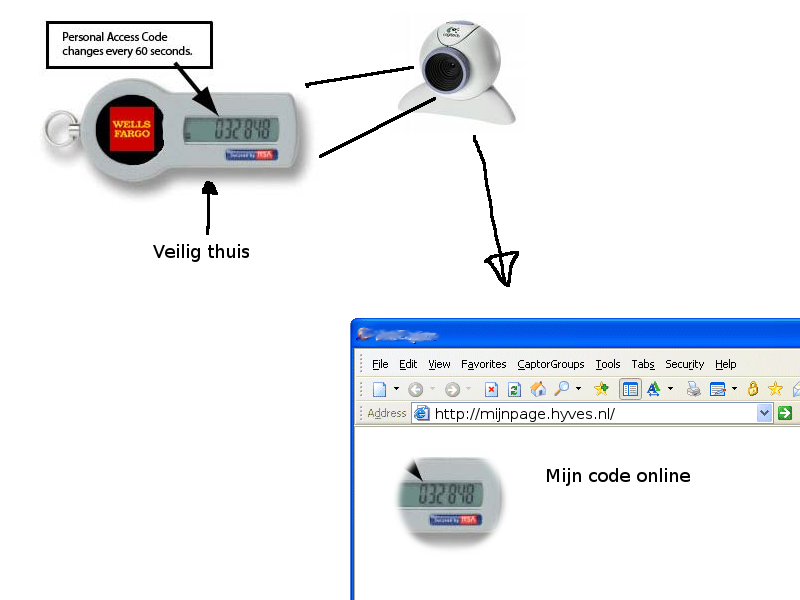
ME: It’s far too easy to lose my RSA key, so I left it at home. Manager: So how are you getting any work done? ME: Well … i can get the login codes from here, while opening a browser to a popular social site. Here is my webcam, pointing to my RSA key. (For everyone to see) Manager: …. blank stare ME: Now i can access it from anywhere! Manager: … buttt
I recorded the key, so it displayed only a few old codes. (It was a looping animated GIF, which looked like a webcam picture)
When explaining he laughed. A two minute joke, two hours making it ..
o = out
port 0x0070-0x0071	The CMOS and RTC registers (more info below)
# Does not seem related but it works!


-o 70 2E
-o 71 FF
-q

OR

-o 70 17
-o 71 17
-q
Other fixes i’ve used:
Remove cmos battery .. and short the connections with wire. This CAN completely reset your Bios settings!
0070-007F ----	CMOS RAM/RTC (Real Time Clock  MC146818)

0070	w	CMOS RAM index register port (ISA, EISA)
		 bit 7	 = 1  NMI disabled
			 = 0  NMI enabled
		 bit 6-0      CMOS RAM index (64 bytes, sometimes 128 bytes)

		any write to 0070 should be followed by an action to 0071
		or the RTC wil be left in an unknown state.

0071	r/w	CMOS RAM data port (ISA, EISA)
		RTC registers:
		00    current second in BCD
		01    alarm second   in BCD
		02    current minute in BCD
		03    alarm minute   in BCD
		04    current hour in BCD
		05    alarm hour   in BCD
		06    day of week  in BCD
		07    day of month in BCD
		08    month in BCD
		09    year  in BCD (00-99)
		0A    status register A
		       bit 7 = 1  update in progress
		       bit 6-4 divider that identifies the time-based
				frequency
		       bit 3-0 rate selection output  frequency and int. rate
		0B    status register B
		       bit 7 = 0  run
			     = 1  halt
		       bit 6 = 1  enable periodic interrupt
		       bit 5 = 1  enable alarm interrupt
		       bit 4 = 1  enable update-ended interrupt
		       bit 3 = 1  enable square wave interrupt
		       bit 2 = 1  calendar is in binary format
			     = 0  calendar is in BCD format
		       bit 1 = 1  24-hour mode
			     = 0  12-hour mode
		       bit 0 = 1  enable daylight savings time. only in USA.
				  useless in Europe. Some DOS versions clear
				  this bit when you use the DAT/TIME command.
		0C    status register C
		       bit 7 =	  interrupt request flag
		       bit 6 =	  peridoc interrupt flag
		       bit 5 =	  alarm interrupt flag
		       bit 4 =	  update interrupt flag
		       bit 3-0	  reserved
		0D    status register D
		       bit 7 = 1  Real-Time Clock has power
		       bit 6-0	  reserved
		0E    diagnostics status byte
		       bit 7 = 0  RTC lost power
		       bit 6 = 1  CMOS RAM checksum bad
		       bit 5 = 1  invalid configuration information at POST
		       bit 4 = 1  memory size error at POST
		       bit 3 = 1  fixed disk/adapter failed initialization
		       bit 2 = 1  CMOS RAM time found invalid
		       bit 1 = 1  adapters do not match configuration (EISA)
		       bit 0 = 1  time out reading an adapter ID (EISA)
		0F    shutdown status byte
		       00 = normal execution of POST
		       01 = chip set initialization for real mode reentry
		       04 = jump to bootstrap code
		       05 = issue an EOI an JMP to Dword ptr at 40:67
		       06 = JMP to Dword ptrv at 40:67 without EOI
		       07 = return to INT15/87 (block move)
		       08 = return to POST memory test
		       09 = return to INT15/87 (block move)
		       0A = JMP to Dword ptr at 40:67 without EOI
		       0B = return IRETS through 40:67
		10    diskette drive type for A: and B:
		       bit 7-4	drive type of drive 0
		       bit 3-0	drive type of drive 1
			       = 0000	   no drive
			       = 0001	   360K
			       = 0010	   1M2
			       = 0011	   720K
			       = 0100	   1M44
			       = 0101-1111 reserved
		11    reserved / AMI Extended CMOS setup (AMI Hi-Flex BIOS)
		       bit 7   = 1     Typematic Rate Programming
		       bit 6-5 = 00    Typematic Rate Delay 250 mSec
		       bit 4-0 = 00011 Typematic Rate 21.8 Chars/Sec
		12    fixed disk drive type for drive 0 and drive 1
		       bit 7-4	drive type of drive 0
		       bit 3-0	drive type of drive 1
				if either of the nibbles equals 0F, then bytes
				19 an 1A are valid
		13    reserved / AMI Extended CMOS setup (AMI Hi-Flex BIOS)
		       bit 7 = 1  Mouse Support Option
		       bit 6 = 1  Above 1 MB Memory Test disable
		       bit 5 = 1  Memory Test Tick Sound disable
		       bit 4 = 1  Memory Parity Error Check enable
		       bit 3 = 1  Hit <ESC> Message Display disabled
		       bit 2 = 1  Hard Disk Type 47 Data Area at address 0:300
		       bit 1 = 1  Wait For <F1> If Any Error enabled
		       bit 0 = 1  System Boot Up Num Lock is On
		14    equipment byte
		       bit 7-6	 diskette drives installed
			       = 00  1 drive installed
			       = 01  2 drives installed
			       = 10  reserved
			       = 11  reserved
		       bit 5-4	 primary display
			       = 00  adapter card with option ROM
			       = 01  40*25 color
			       = 10  80*25 color
			       = 11  monochrome
		       bit 3-2	 reserved
		       bit 1   = 1  coprocessor installed (non-Weitek)
		       bit 0	    diskette drive avaliable for boot
		15    LSB of systemn base memory in Kb
		16    MSB of systemn base memory in Kb
		17    LSB of total extended memory in Kb
		18    MSB of total extended memory in Kb
		19    drive C extension byte
		1A    drive D extension byte
		1B-27 reserved
		1B/1C word to 82335 RC1 roll compare register at [24]
			(Phoenix)
		1D/1E word to 82335 RC2 roll compare register at [26]
			(Phoenix)
		28    HP-Vectra checksum over 29-2D
		29-2D reserved
		29/2A word to Intel 82335 CC0 compare register at
			[28](Phoenix)
		2B/2C word send to 82335 CC1 compare register at [2A]
			(Phoenix)
		2D    AMI Extended CMOS setup (AMI Hi-Flex BIOS)
		      (Phoenix BIOS checks for the values AA or CC)
		       bit 7 = 1  Weitek Processor Absent
		       bit 6 = 1  Floppy Drive Seek At Boot disabled
		       bit 5 = 1  System Boot Up Sequence  C:, A:
		       bit 4 = 1  System Boot Up Speed is high
		       bit 3 = 1  Cache Memory enabled
		       bit 2 = 1  Internal Cache Memory	 <1>
		       bit 1-0	  reserved
		2E    CMOS MSB checksum over 10-2D
		2F    CMOS LSB checksum over 10-2D
		30    LSB of extended memory found above 1Mb at POST
		31    MSB of extended memory found above 1Mb at POST
		32    date century in BCD
		33    information flags
		       bit4 = bit4 from CPU register CR0   (Phoenix)
			      this bit is only known as INTEL RESERVED
		34-3F reserved
		34     bit4 bit5 (Phoenix BIOS)
		3D/3E word to 82335 MCR memory config register at
			[22](Phoenix)
		3D     bit3	 base memsize 512/640  (Phoenix)
		3E     bit7 = 1	 relocate enable       (Phoenix)
		       bit1 = 1	 shadow video enable   (Phoenix)
		       bit0 = 1	 shadow BIOS enable    (Phoenix)


		User Definable Drive Parameters are also stored in CMOS RAM:

		AMI (386sx BIOS 1989) first user definable drive (type 47)
		 1B  L cylinders
		 1C  H cylinders
		 1D  heads
		 1E  L Write Precompensation Cylinder
		 1F  H Write Precompensation Cylinder
		 20  ??
		 21  L cylinders parking zone
		 22  H cylinders parking zone
		 23  sectors

		AMI (386sx BIOS 1989) second user definable drive (type 48)
		 24  L cylinders
		 25  H cylinders
		 26  heads
		 27  L Write Precompensation Cylinder
		 28  H Write Precompensation Cylinder
		 29  ??
		 2A  L cylinders parking zone
		 2B  H cylinders parking zone
		 2C  sectors

		Phoenix (386BIOS v1.10.03 1988) 1st user definable drv (type48)
		 20  L cylinders
		 21  H cylinders
		 22  heads
		 23  L Write Precompensation Cylinder
		 24  H Write Precompensation Cylinder
		 25  L cylinders parking zone
		 26  H cylinders parking zone
		 27  sectors

		Phoenix (386BIOS v1.10.03 1988) 2nd user definable drv (type49)
		(when PS/2-style password option is not used)
		 35  L cylinders
		 36  H cylinders
		 37  heads
		 38  L Write Precompensation Cylinder
		 39  H Write Precompensation Cylinder
		 3A  L cylinders parking zone
		 3B  H cylinders parking zone
		 3C  sectors
"If something is worth doing, it's worth overdoing."