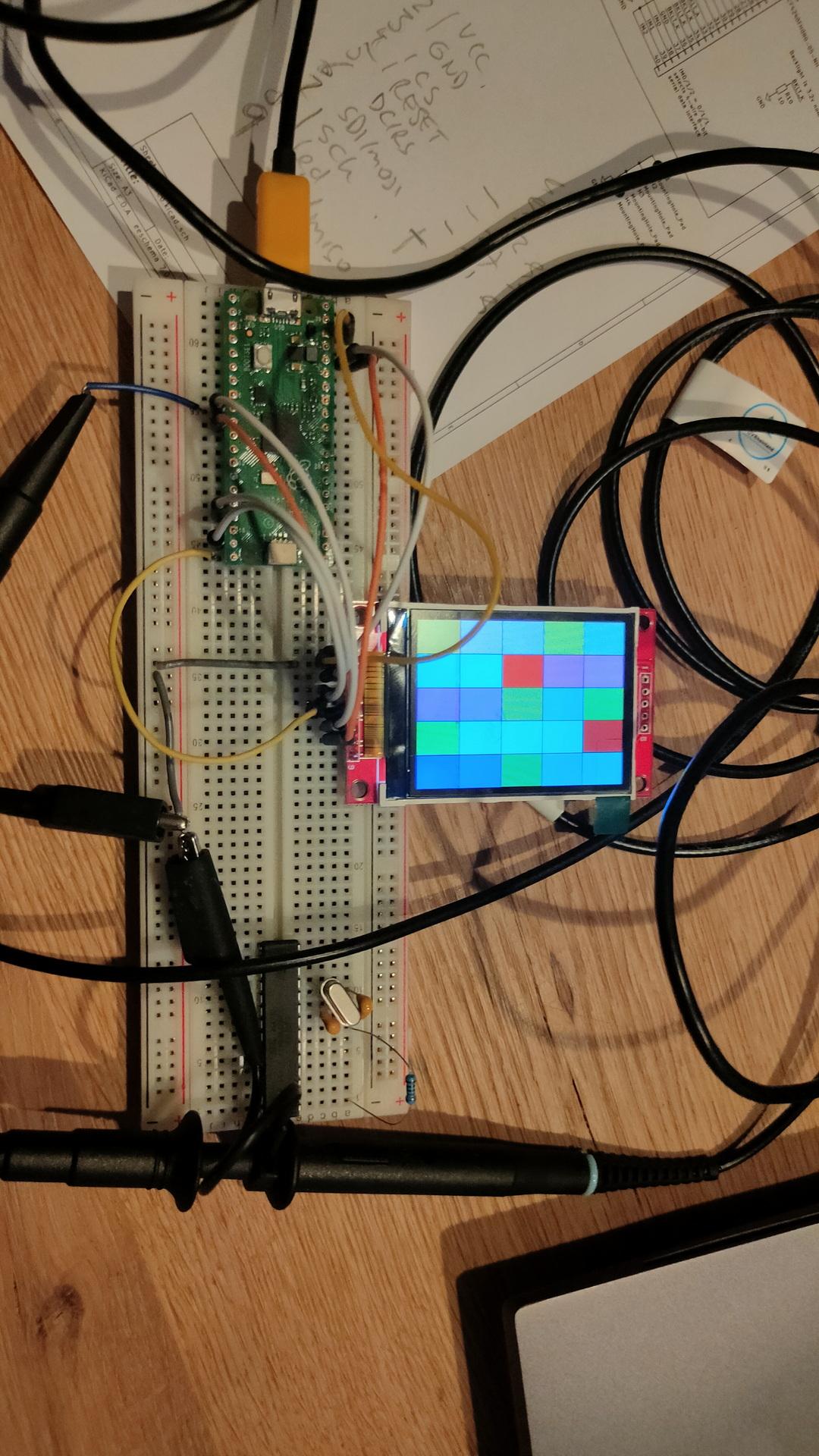
I was working on a MCUME proof of concept, with my own compiled version. But my combination of a Pico and an ILI9341 display didn’t work.
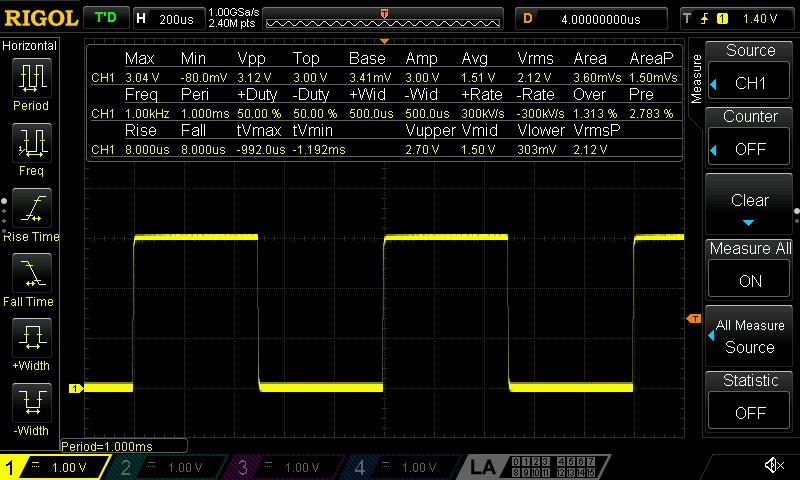
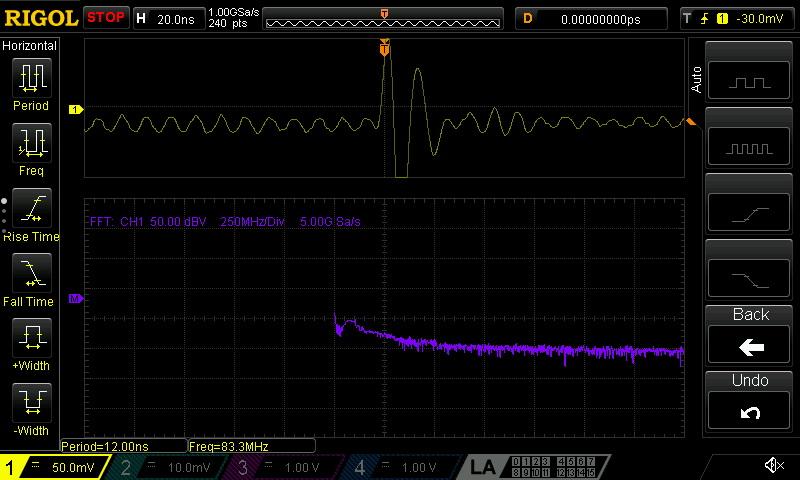
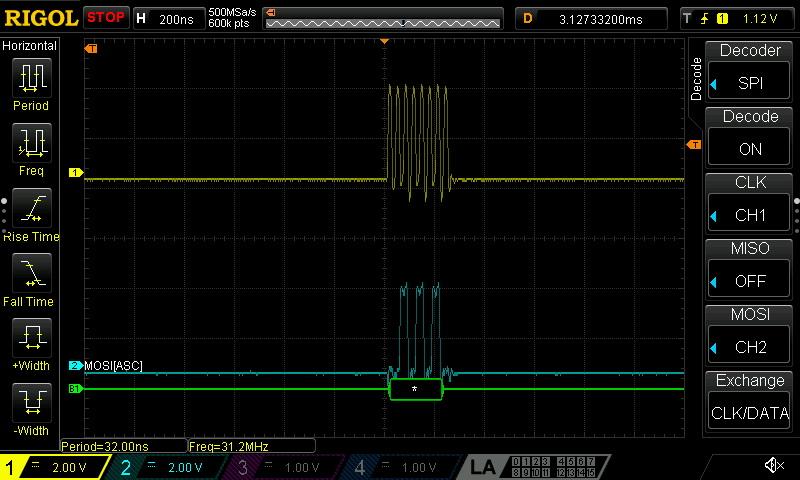
Luckily, a package arrived. My new scope!
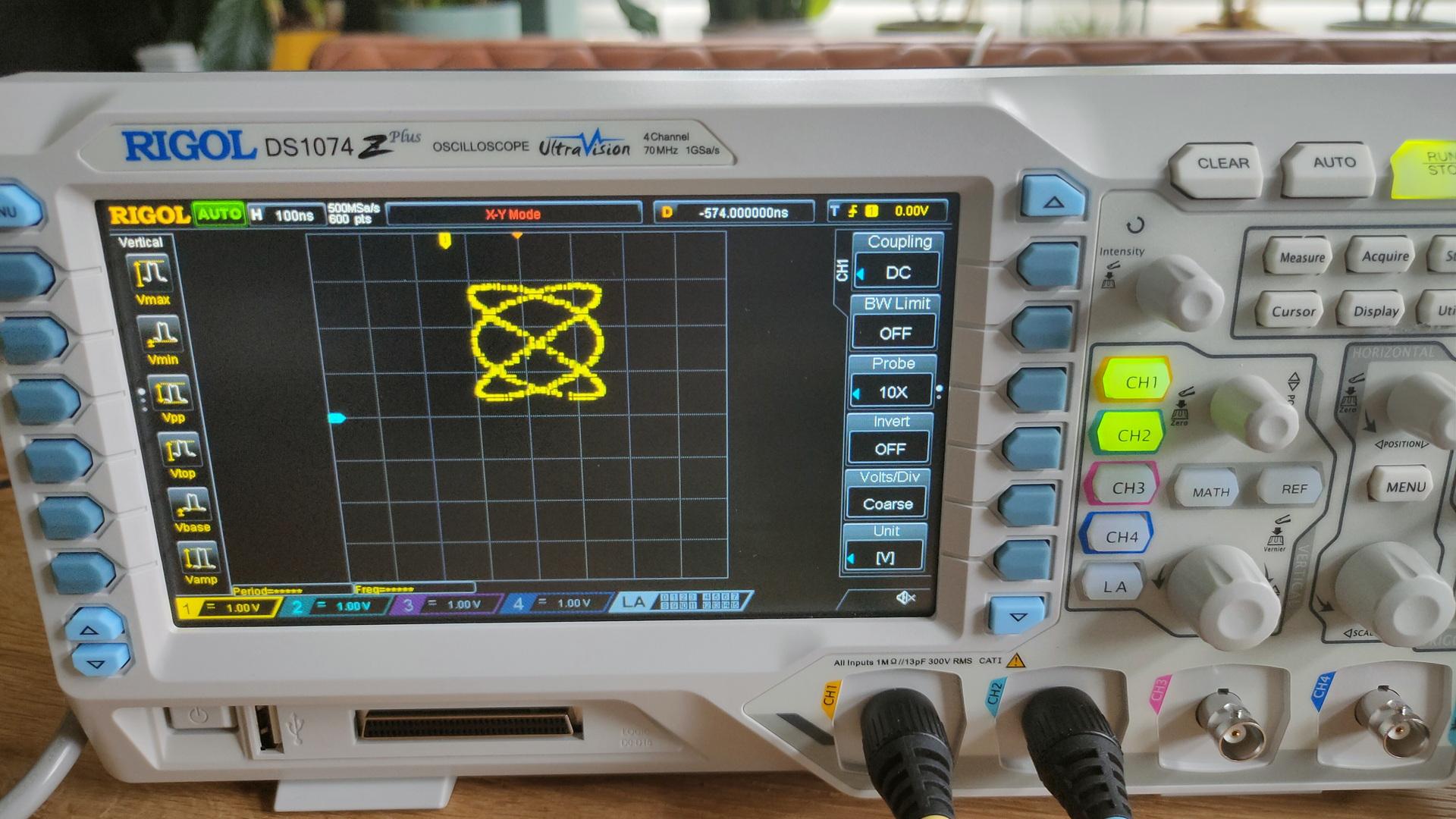
A Rigol DS1074Z+ oscilloscope! The replacement of my CRT version.
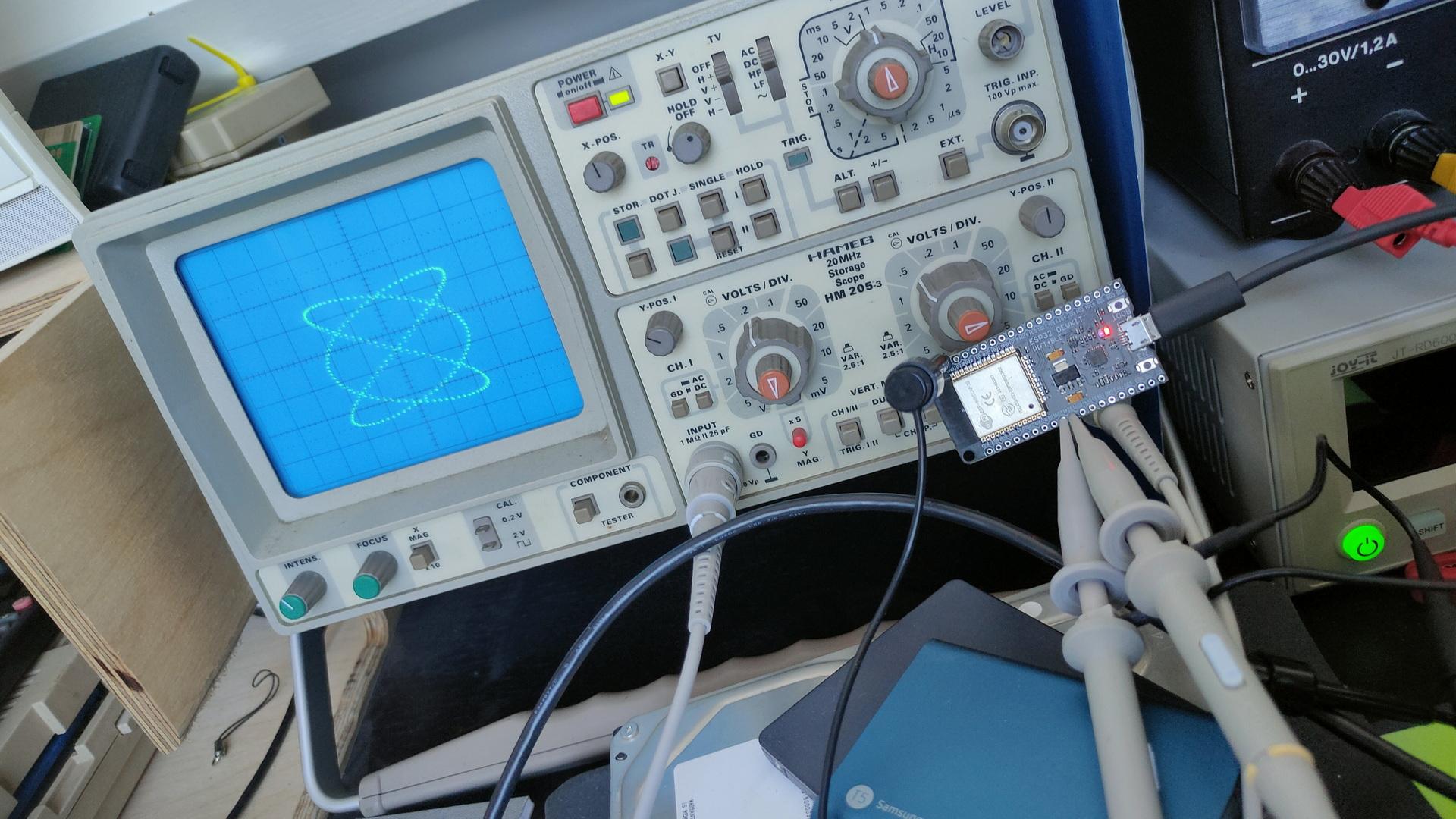
My new RigolThe old Crt versionNew and old, both with the ESP dual sine demo i’ve posted about.
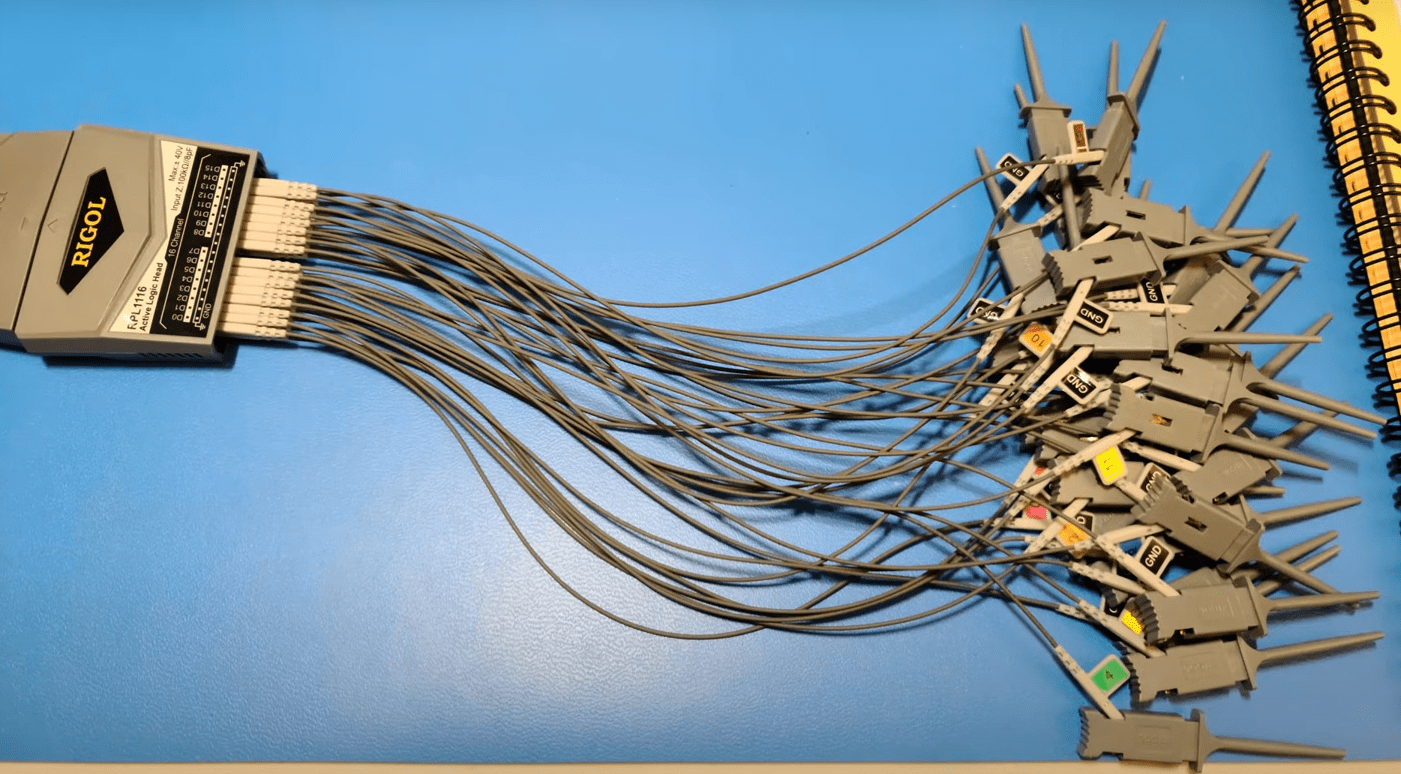
This new oscilloscope has 4 channels AND there is a add-on for a 16channel logic analyser.
For my next birthday?!? 🙂
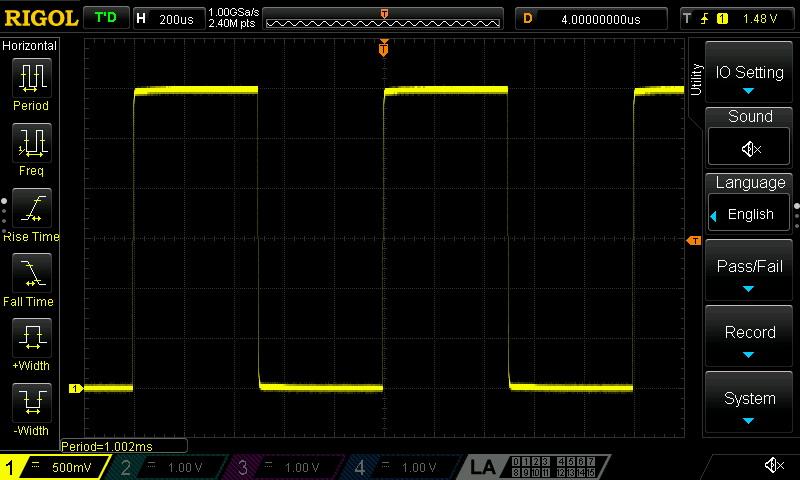
The Rigol can be connected to a wired network. So that’s one of the first things I did. (It came with all software options enabled, so no need to ‘fix’ those)
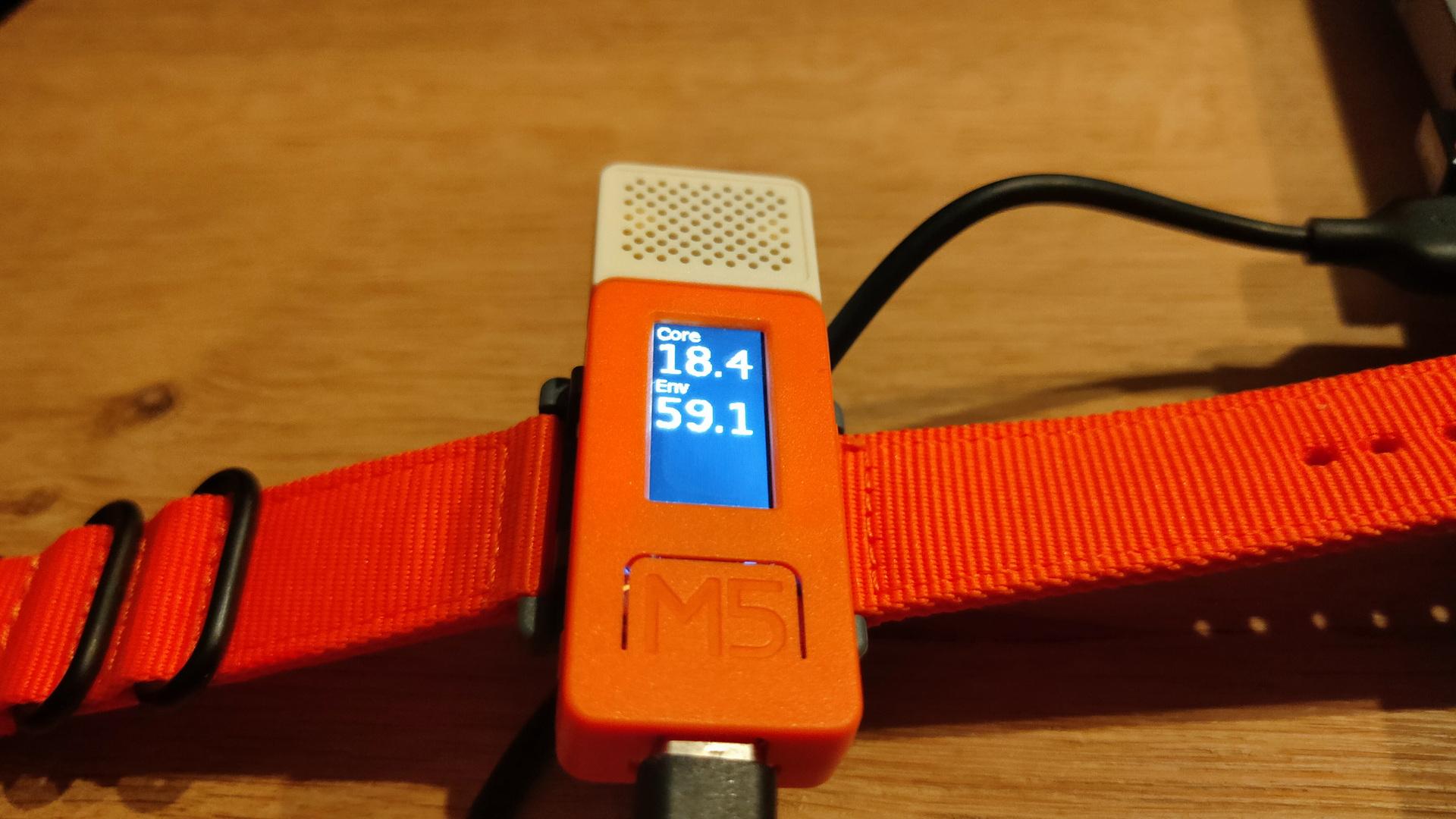
Not posted in the past, new version using ESPHOME and a m5stickc
Previous version using a ESP12
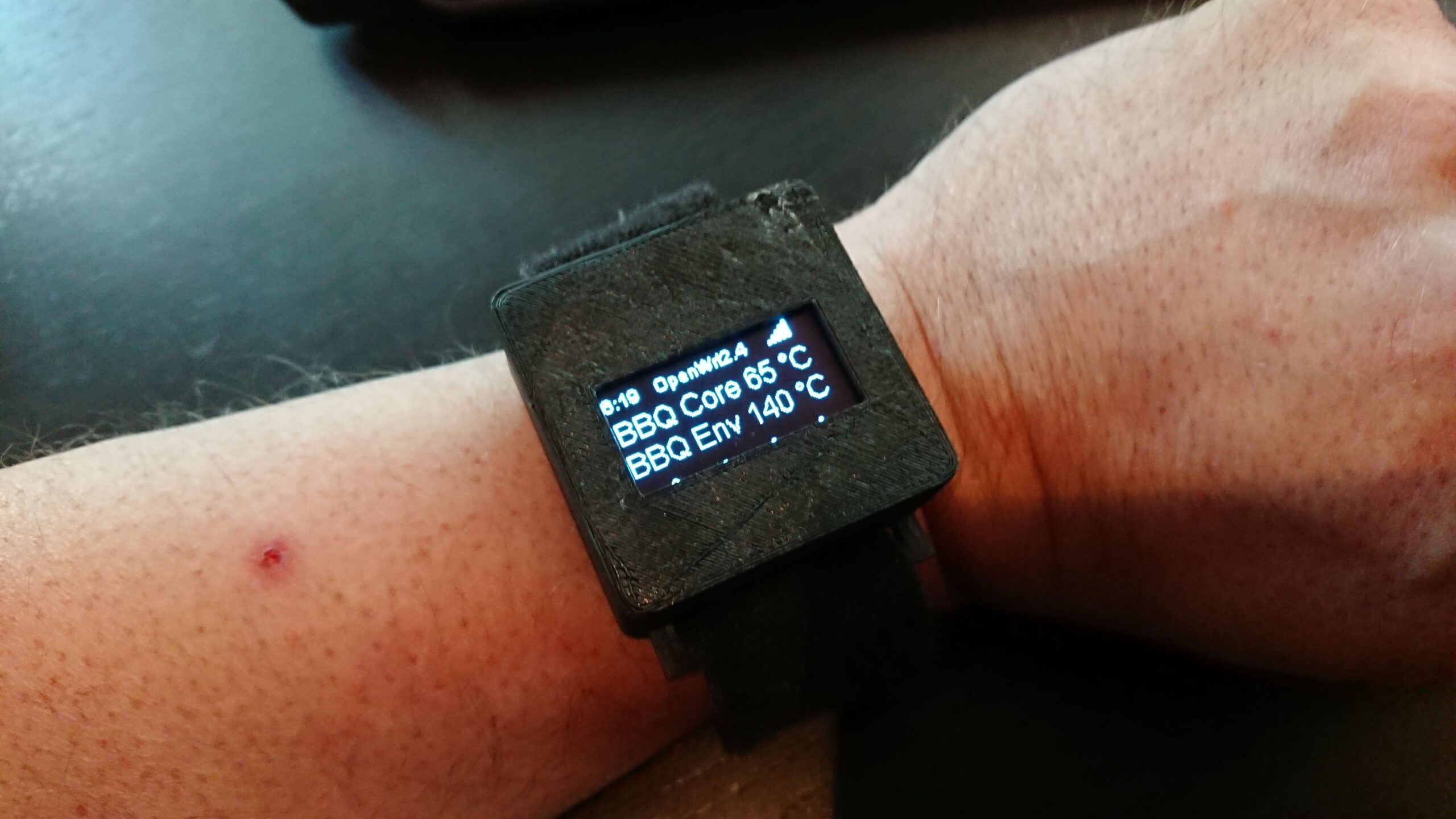
A “watch” with core and environment temperature of my smoker with a alarm, and button for timers.
ESP32 dac’s drawing on oscilloscope ( no additional components)
ESP32 in front of scope, two clips for x and y
For above i used sin/cos functions 2:3, which creates Lissajous figures. See: https://www.henriaanstoot.nl/1992/01/01/oscilloscope-graphics-using-a-amiga-bonus-vectrex/
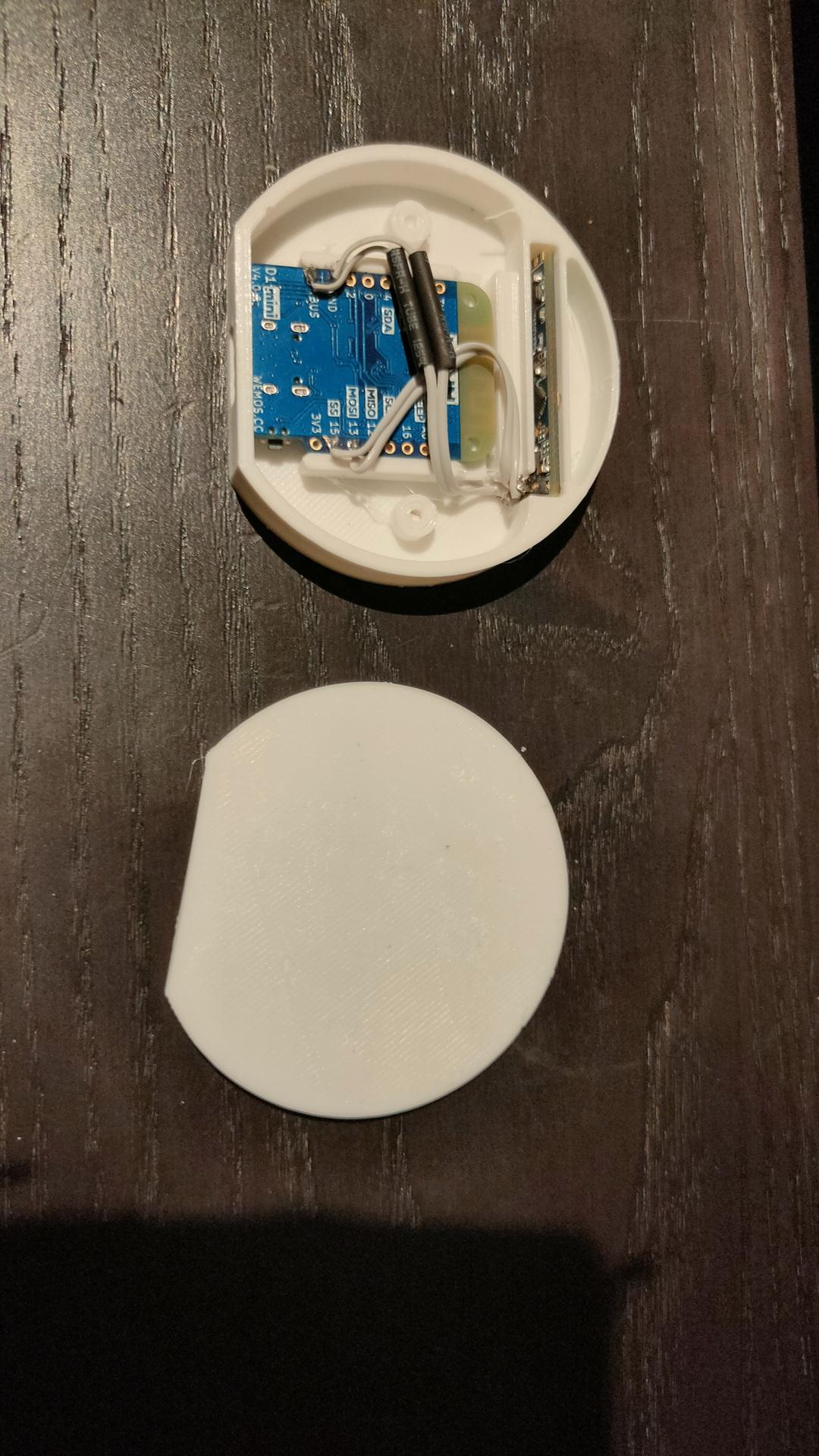
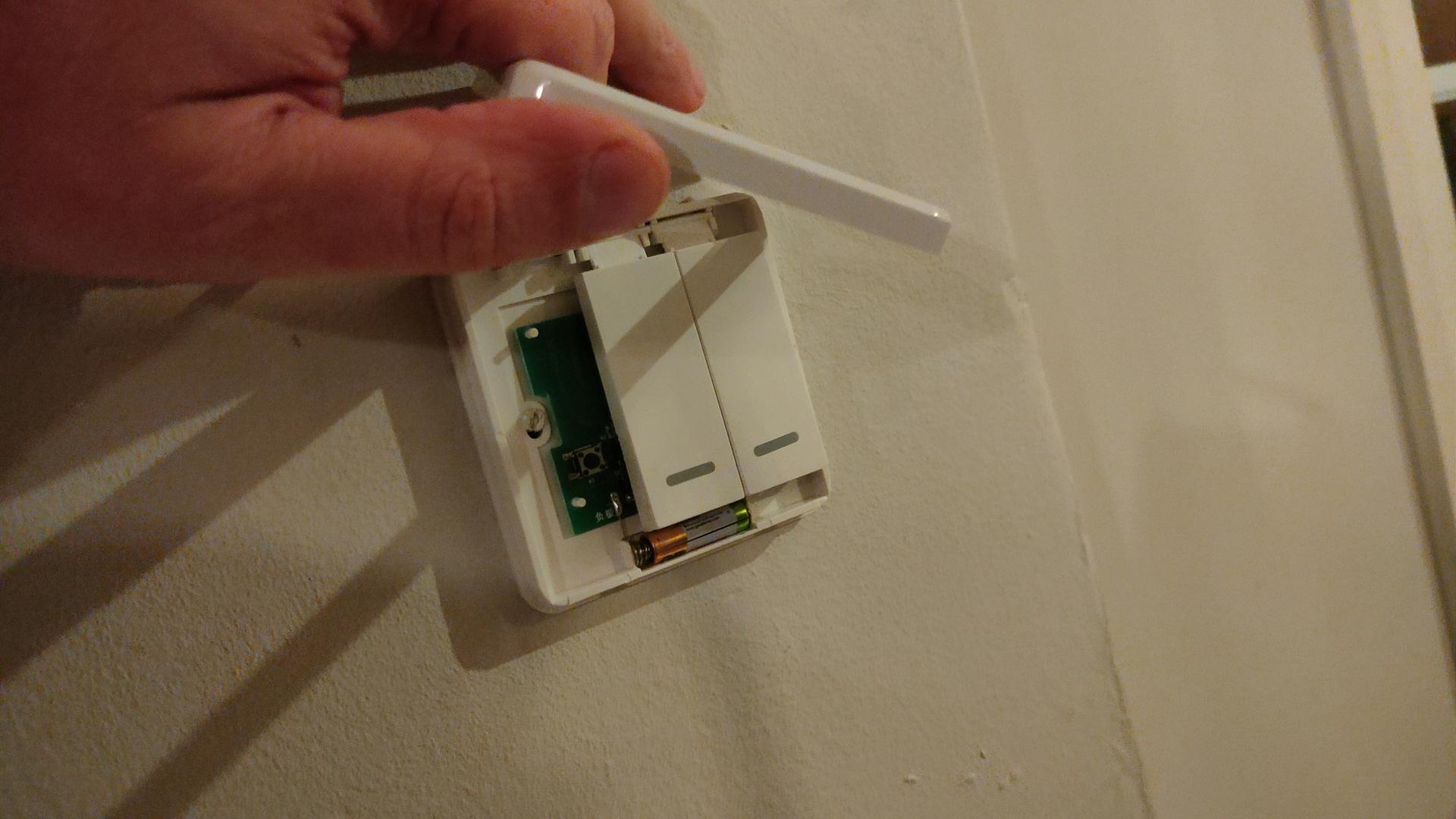
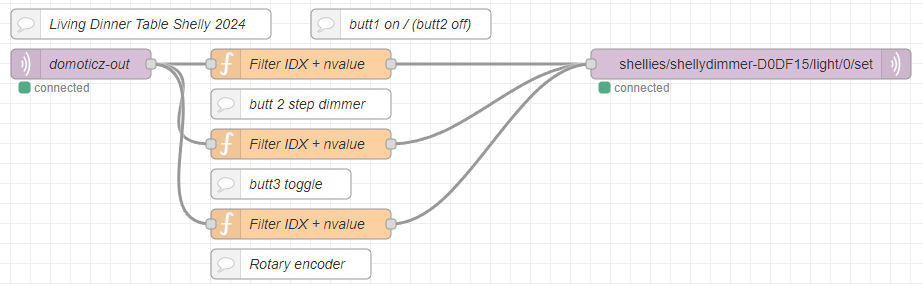
3 battery operated buttons (no wires needed) to control my shelly dimmer at the dinner table.
left button on, middle steps per 20% and 3rd button off. (This cheapass button only sends ON commands)
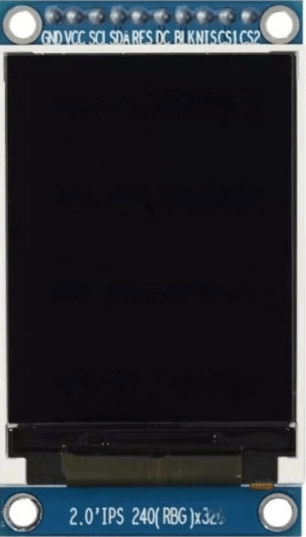
While ordering components for a mini C64 project I’m doing with my friend Bigred, I ordered a cheap ST7789-v2 display.
I want to make a generic pico gadget with a display, buttons and sound. This to make a mini device for writing micropython demos.
The 3 tactical buttons are controlling the X,Y and Z axis of the rotating Cube.
Pinout:
PICO
DISPLAY
GP2
Tactical switch (other side to 3v3)
GP3
Tactical switch (other side to 3v3)
GP4
Tactical switch (other side to 3v3)
GP9
CS1
GND
GND
3v3
VCC
GP18
SCL (SPI clock)
GP19
SDA (MOSI / SPI Data)
GP20
RES (reset)
GP17
DC (data command)
GP16
BLK (backlight)
I know it says SCL/SDA (i2c) but it’s SPI controlled.
Used library : https://github.com/russhughes/st7789_mpy/tree/master
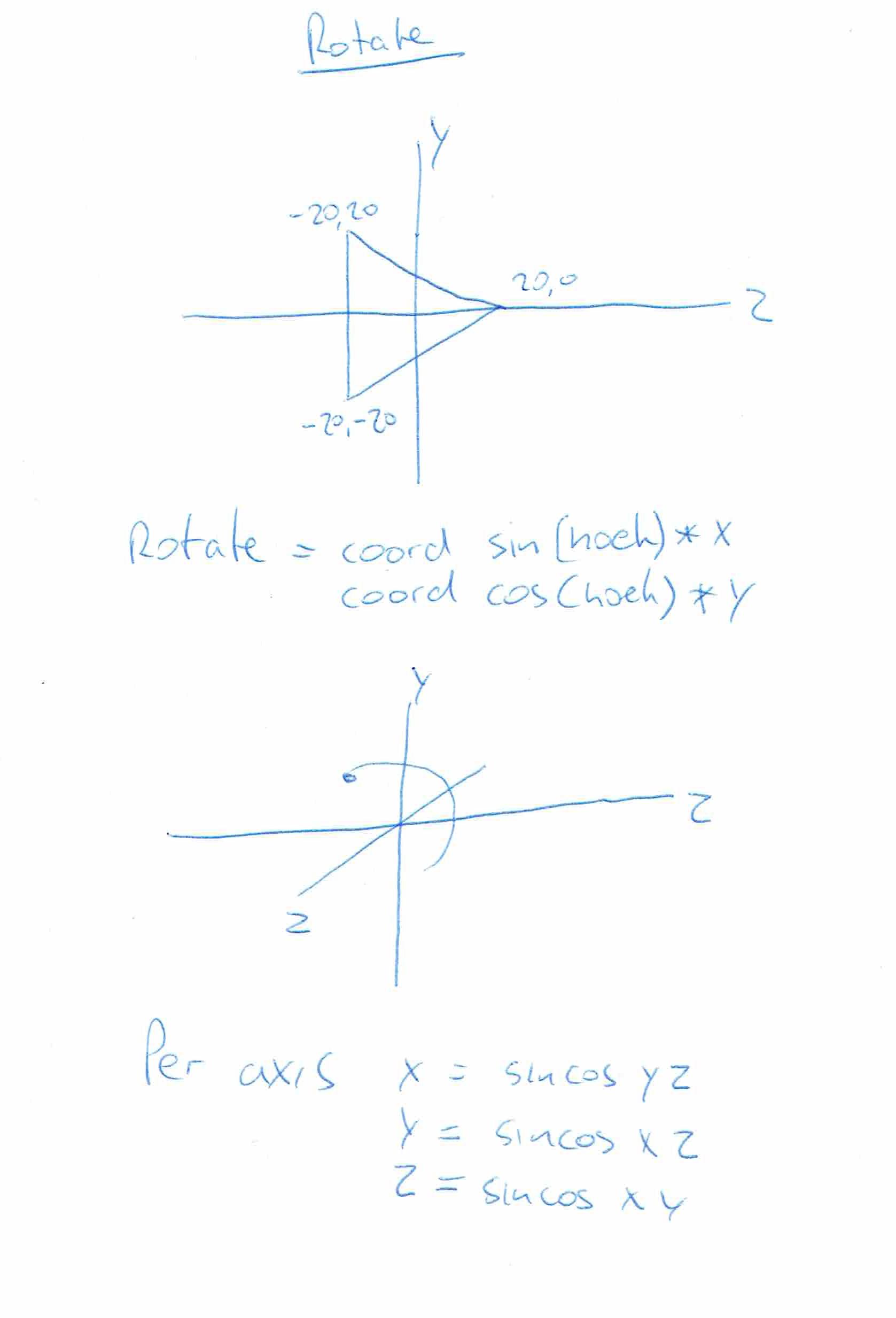
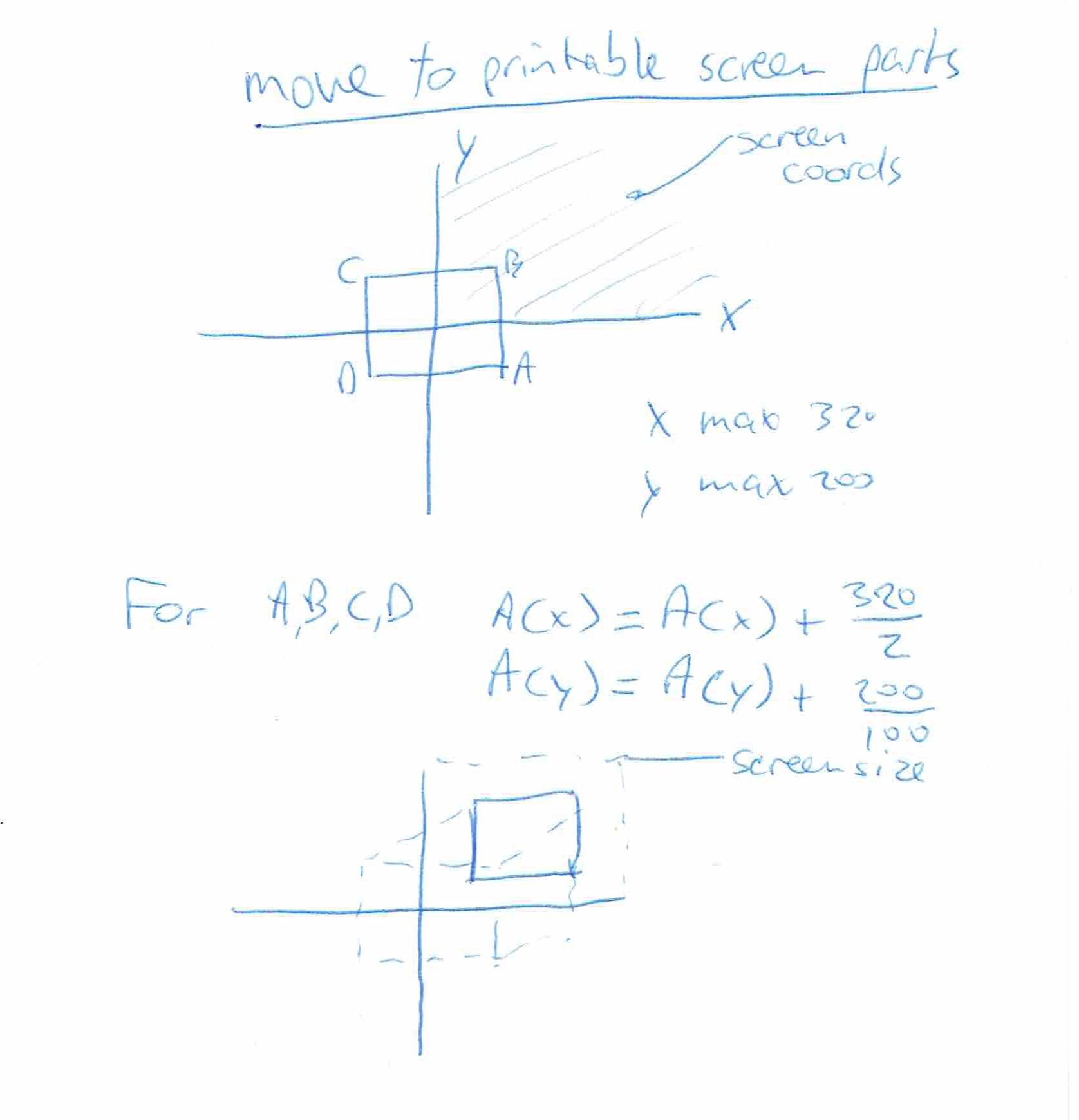
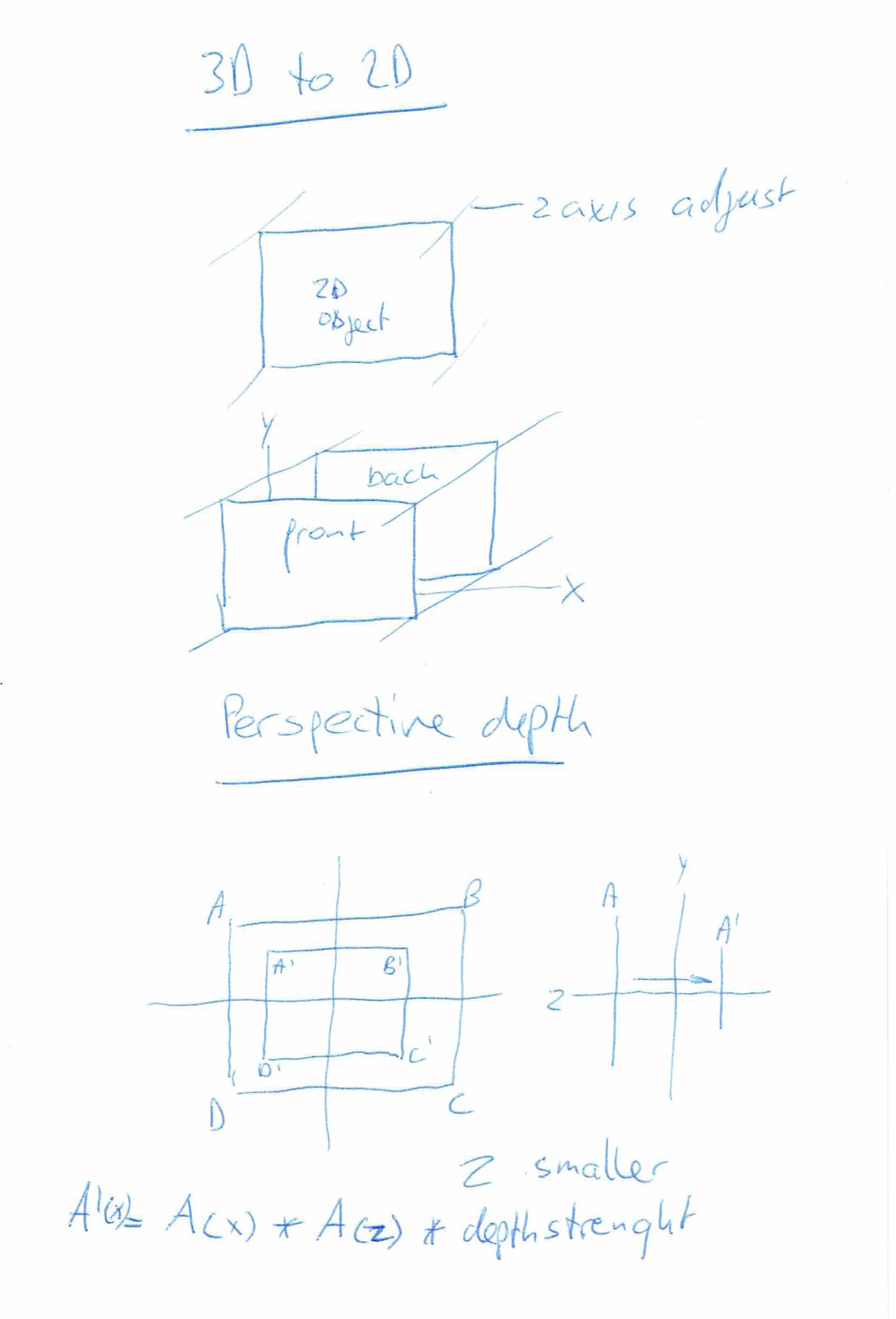
Some 3D explanation I drew a long time ago.
Using python you can use the Math funtions. (sin/cos) Note: these are in radians! print(math.sin(math.radians(30))) # 30 degrees
When using MachineCode you can use lookup tables. These are generated tables which hold precalculated sin data for every degree. You don’t have to use both cos and sin! (these are just 90 degrees shifted!)
Erik and I used a little basic program to generate an ASM include file like this
Costab LABEL BYTE
DB 0B4h,0B4h,0B4h,0B4h,0B4h,0B3h,0B3h,0B3h,0B2h,0B2h,0B1h,0B1h,0B0h,0AFh,0AFh
DB 0AEh
DB 0ADh,0ACh,0ABh,0AAh,0A9h,0A8h,0A7h,0A6h,0A5h,0A4h,0A2h,0A1h,0A0h,9Eh,9Dh,9Bh
DB 9Ah,98h,96h,95h,93h,91h,90h,8Eh,8Ch,8Ah,88h,86h,84h,82h,80h,7Eh
DB 7Ch,7Ah,78h,76h,74h,72h,70h,6Eh,6Ch,69h,67h,65h,63h,61h,5Eh,5Ch
DB 5Ah,58h,56h,53h,51h,4Fh,4Dh,4Bh,48h,46h,44h,42h,40h,3Eh,3Ch,3Ah
DB 38h,36h,34h,32h,30h,2Eh,2Ch,2Ah,28h,26h,24h,23h,21h,1Fh,1Eh,1Ch
DB 1Ah,19h,17h,16h,14h,13h,12h,10h,0Fh,0Eh,0Dh,0Ch,0Bh,0Ah,09h,08h
DB 07h,06h,05h,05h,04h,03h,03h,02h,02h,01h,01h,01h,00h,00h,00h,00h
DB 00h,00h,00h,00h,00h,01h,01h,01h,02h,02h,03h,03h,04h,05h,05h,06h
DB 07h,08h,09h,0Ah,0Bh,0Ch,0Dh,0Eh,0Fh,10h,12h,13h,14h,16h,17h,19h
DB 1Ah,1Ch,1Eh,1Fh,21h,23h,24h,26h,28h,2Ah,2Ch,2Eh,30h,32h,34h,36h
DB 38h,3Ah,3Ch,3Eh,40h,42h,44h,46h,48h,4Bh,4Dh,4Fh,51h,53h,56h,58h
DB 5Ah,5Ch,5Eh,61h,63h,65h,67h,69h,6Ch,6Eh,70h,72h,74h,76h,78h,7Ah
DB 7Ch,7Eh,80h,82h,84h,86h,88h,8Ah,8Ch,8Eh,90h,91h,93h,95h,96h,98h
DB 9Ah,9Bh,9Dh,9Eh,0A0h,0A1h,0A2h,0A4h,0A5h,0A6h,0A7h,0A8h,0A9h,0AAh,0ABh,0ACh
DB 0ADh,0AEh,0AFh,0AFh,0B0h,0B1h,0B1h,0B2h,0B2h,0B3h,0B3h,0B3h,0B4h,0B4h,0B4h
CosTabE LABEL BYTE


Basic:
0 DEF SEG = &H7000: c = 0
1 pi = 3.14159265#
2 FOR x = 0 TO 2 * pi STEP 2 * pi / 256
3 d = COS(x) * 127 + 127
4 POKE c, d: c = c + 1: NEXT
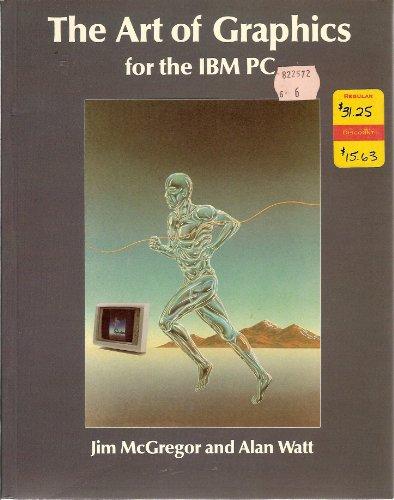
Most i learned from a book called “Art of Graphics” (This is image of the book from the internet, i don’t think I still got my copy somewhere.
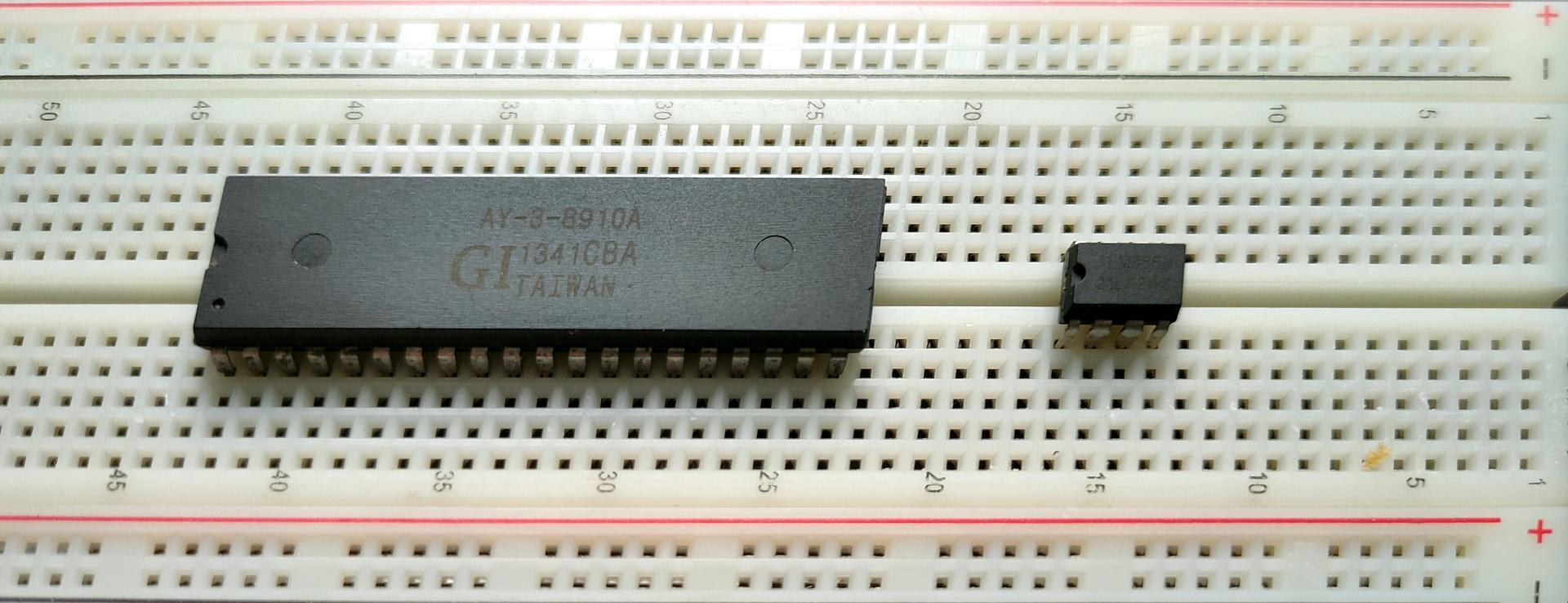
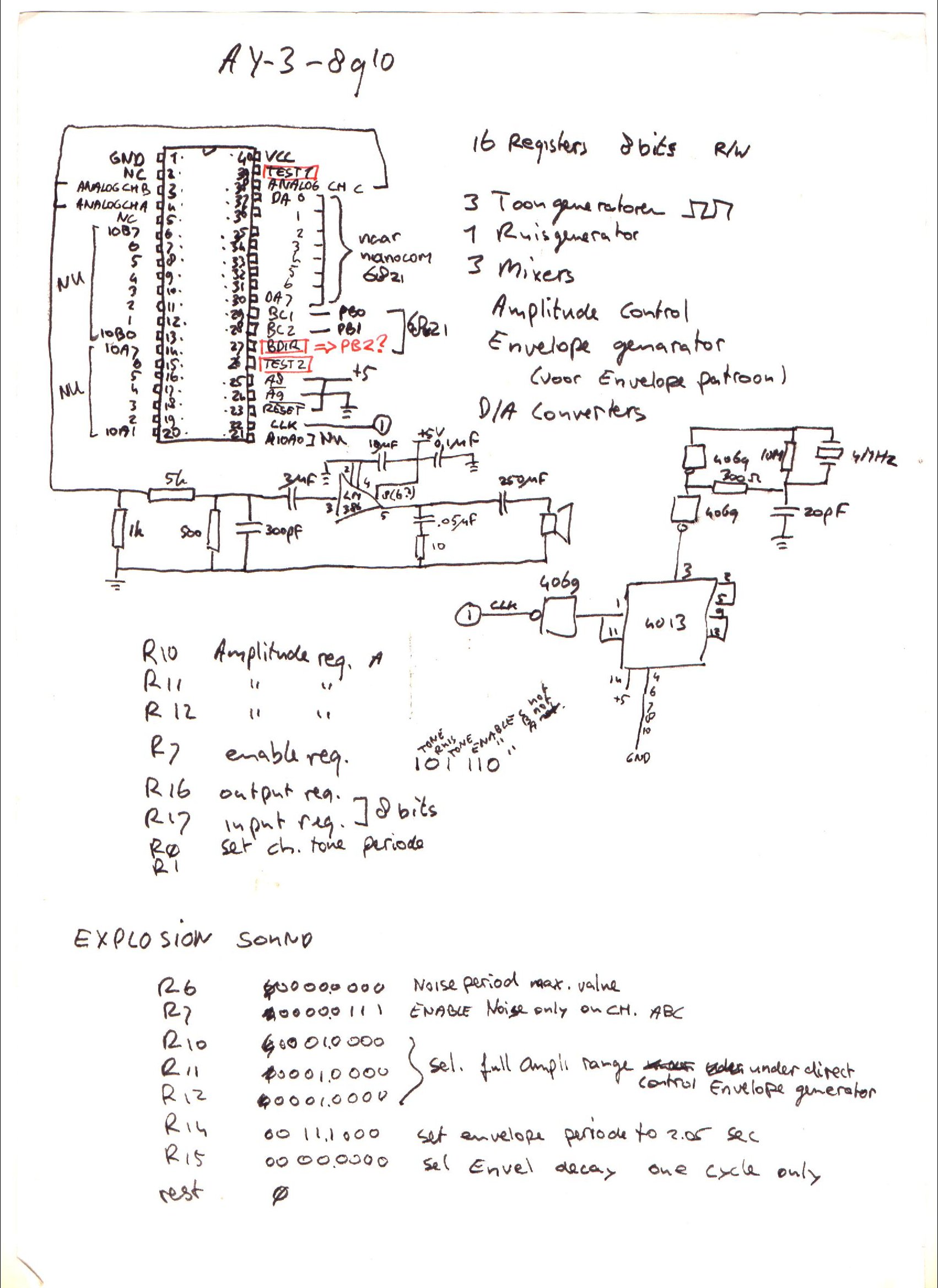
I’ve written about General Instrument AY-3-8910 before, here is some work I did today.
This sound chip i wanted to implement in my amiga, and now it’s a alternative for my 6502 computer. ( As an alternative setup for the SID chip. ) Btw this is the same kind of chip used in the Atari ST.
Above a Kicad drawing I made today, a little different from my design from the 90’s.
Below a movie clip I recorded today. Running a test setup using an Arduino nano and a sdcard reader. The sound is bad, this is due to clipping and the absence of multiple resistors and capacitors. Music is a register dump from a YM music file. Amplifier is a bare LM386.
UPDATE: 20240225
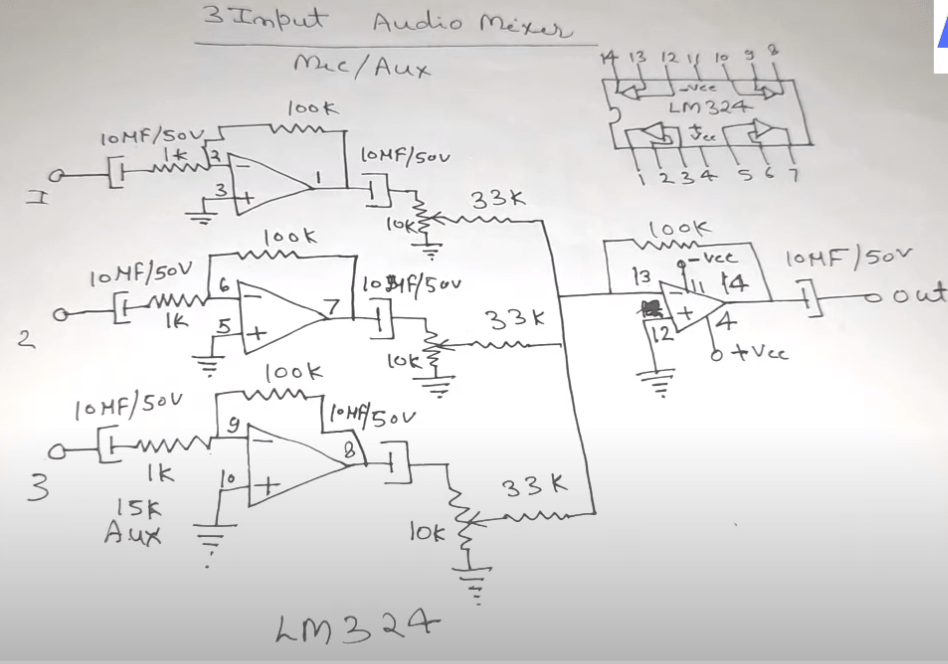
I don’t like tying those three outputs together, and amplifying those.
So I’m going to use a LM324 i’ve got left from my 8085 interface, and make a 3-channel amplifier.
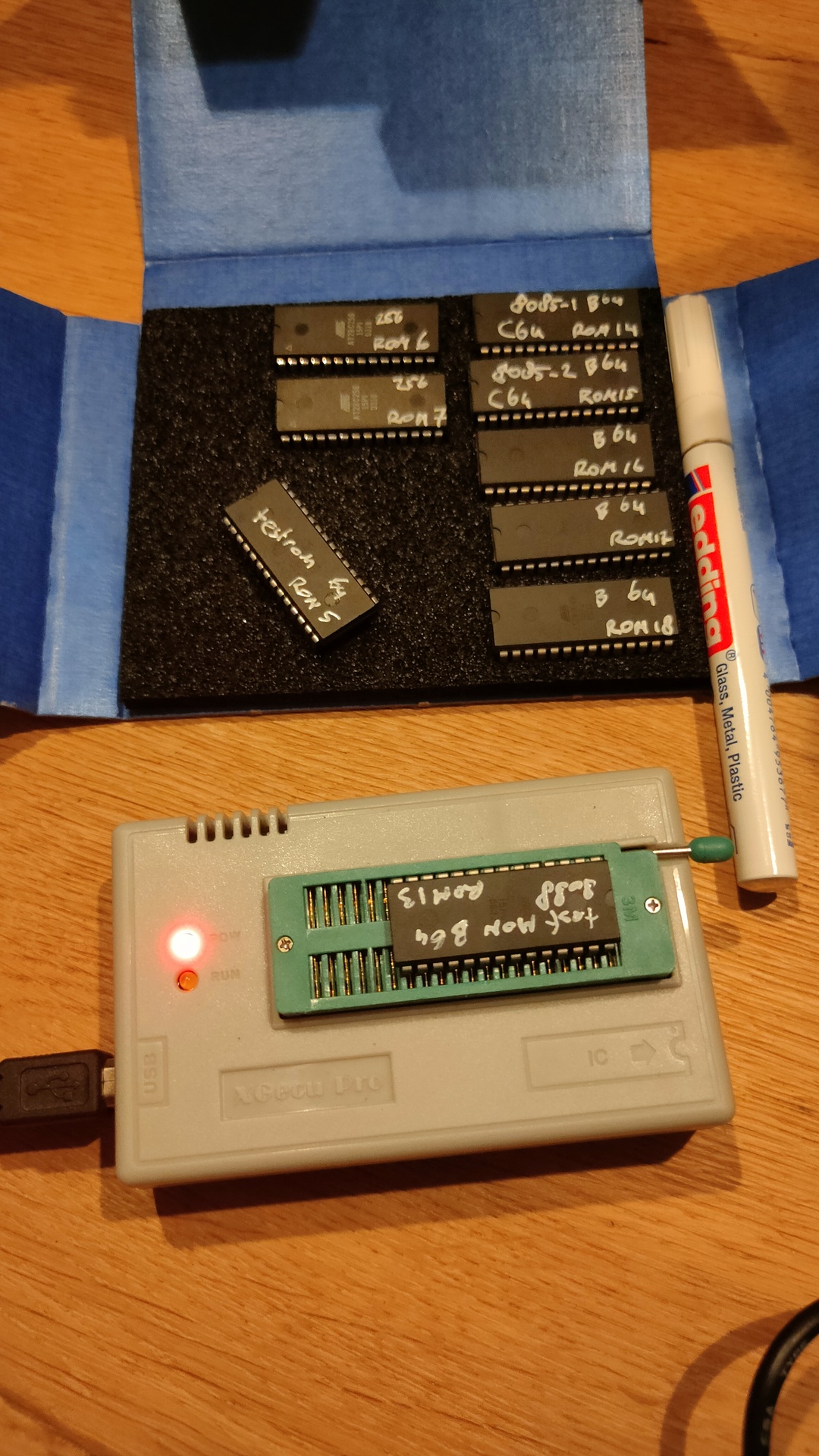
Got some new roms in. These are for my 8088/8086 the 6502 computer and C64 cartridges.
While I seldom had any problem writing to these, now I could not write one! Erasing didn´t give me an error?!?
henri@zspot:~/projects/wozmon8088/mon8086$ minipro -w mon8086.rom -p AT28C64
Found TL866II+ 04.2.129 (0x281)
Warning: Firmware is newer than expected.
  Expected  04.2.128 (0x280)
  Found     04.2.129 (0x281)
Erasing... 0.02Sec OK
Writing Code...  9.57Sec  OK
Reading Code...  0.12Sec  OK
Verification failed at address 0x0001: File=0xAA, Device=0xFF
Whenever you get this, check the markings of the chip!
Mine are AT28C64b !!!!!!!!!!!
Change your command accordingly. Another thing to watchout for is write protect, look at the commands
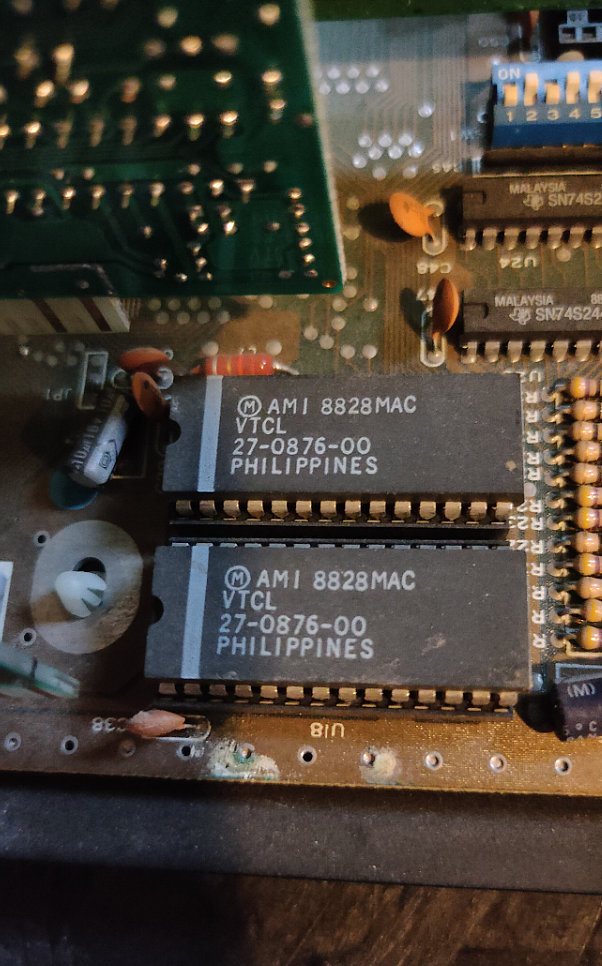
I really like GlaBios for my 8088, so today I got my Laser XT/3 8086 machine from the attic.
Mmm TWO ROM’s thats interesting
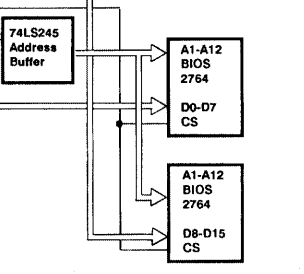
Looking futher in the schematics I found this. Apparantly there is a 8K ROM configured in a D0-D7 + D8-D15 setup. (16 bits)
Found a technical manual, this is a excerpt.
In Turbo XT, there are two 28-pin sockets for ROM, one of them is occupied by a 2764 which stored the BIOS (Basic Input Output System). The other empty socket is used to house a 32K ROM, such as the BASIC ROM
And about the XT/3 version which I have.
In Turbo XT /2 and Turbo XT /3, there are two 28-pin sockets for ROM, both of them are occupied by 2764 which stored the BIOS. The contents of the two 2764 are identical. One of them contribute the ODD Byte to the system and the other EVEN Byte. Together they support 16 Bit BIOS access.
This could be an interesting chat with Greg ..
Meanwhile i’m going to look how to split a rom into odd/even. Maybe i have to write a little python program for this.
Well, thats enough for today.
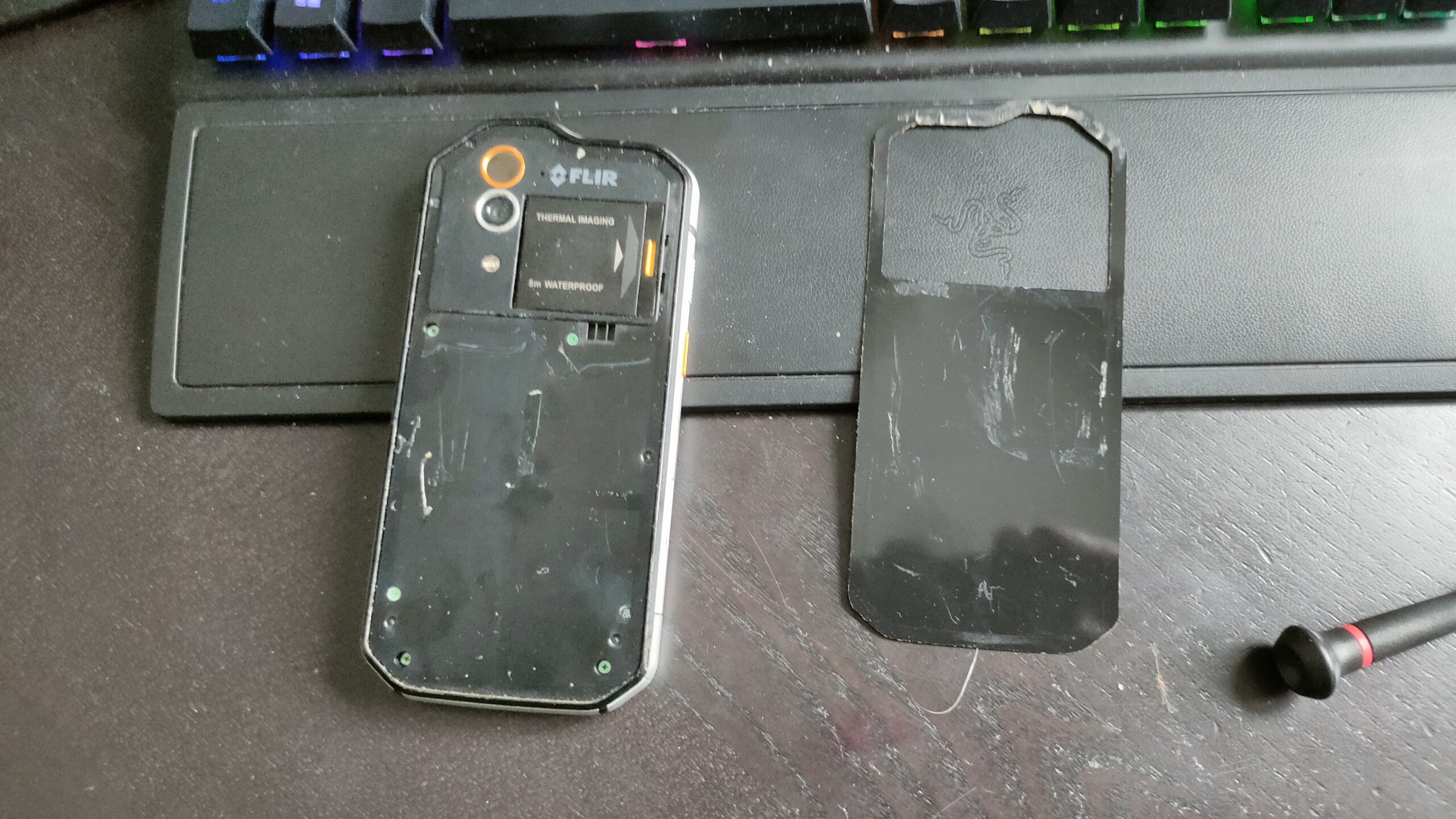
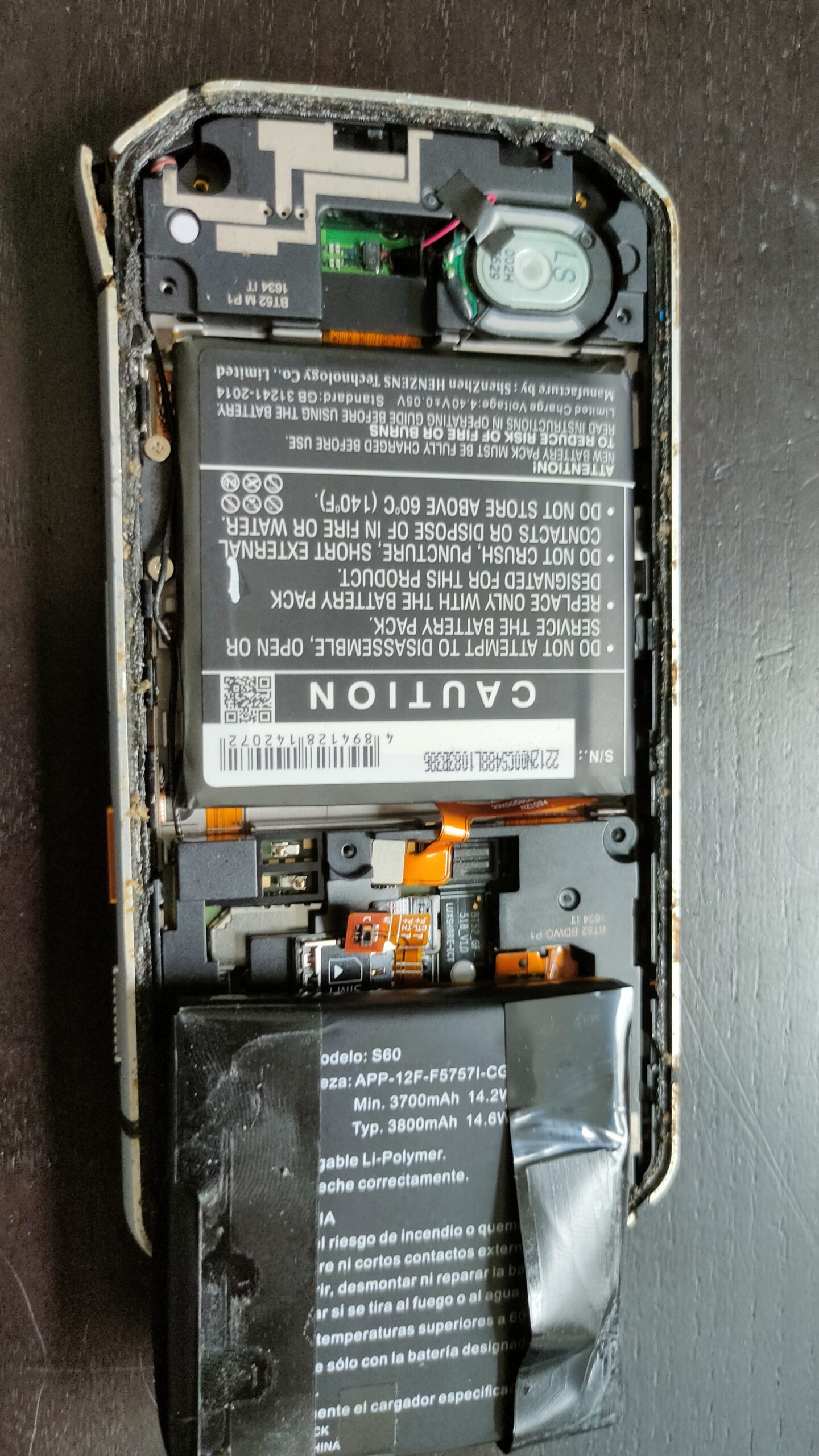
Lets fix my Cat S60 Flir phone, so i can track the hedgehog in our garden. (Battery replacement and powerbutton fix)
Hard to remove backcover and a sh*tload of screwsAt least the battery replacement was a breeze
I fixed several phones before, (broken screen. touch not working). But I hate how some manufacturers build them.
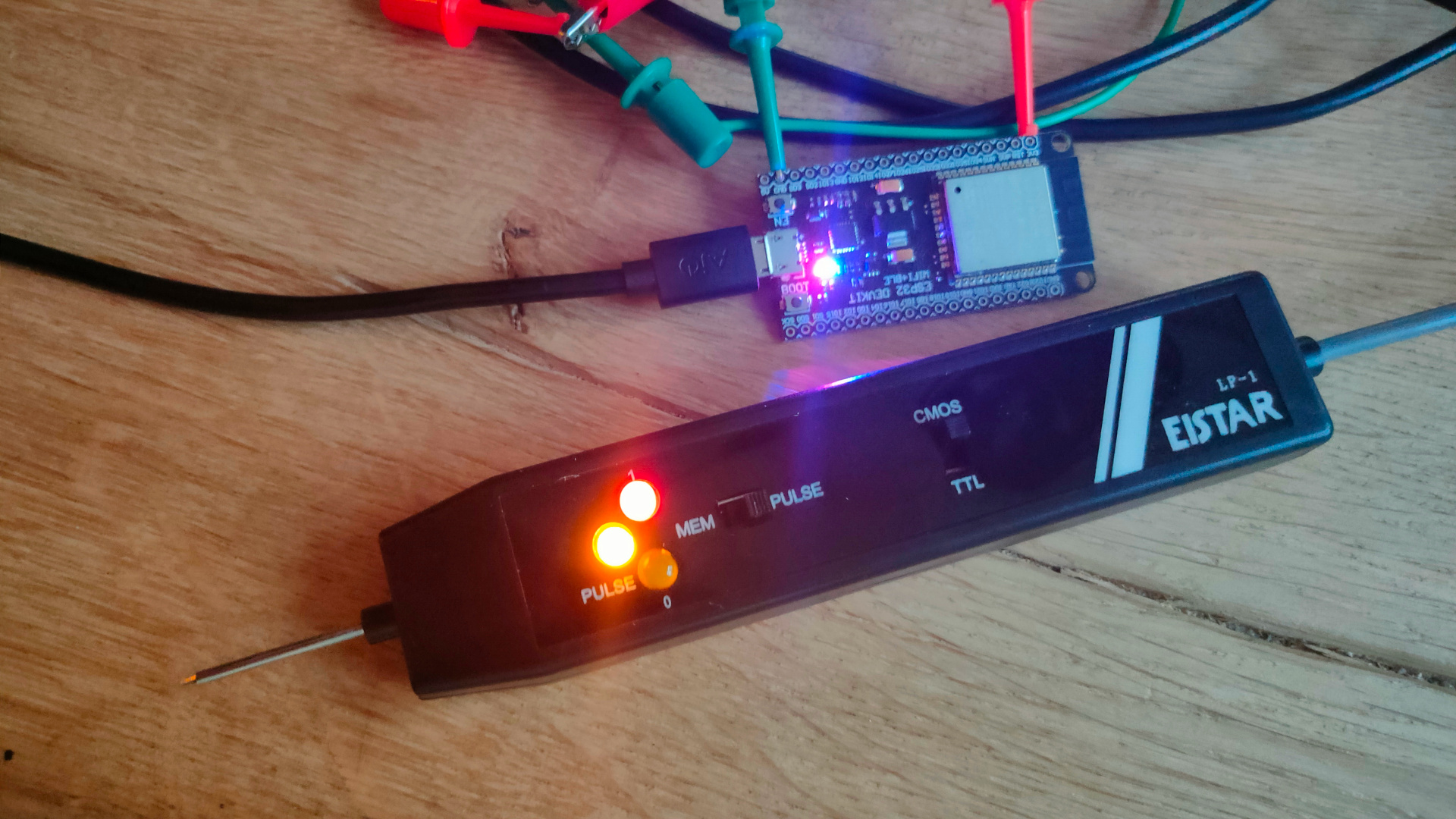
Today I got the EIStar LP-1. Its just a cheap easy probe, but does the job. My version is only TTL and this one is TTL/CMOS (cmos is better when measuring arduino’s outputs) TTL – Logic 1 = 4.75 -> 5V CMOS – Logic 1 = more around the 3.3/3.7V
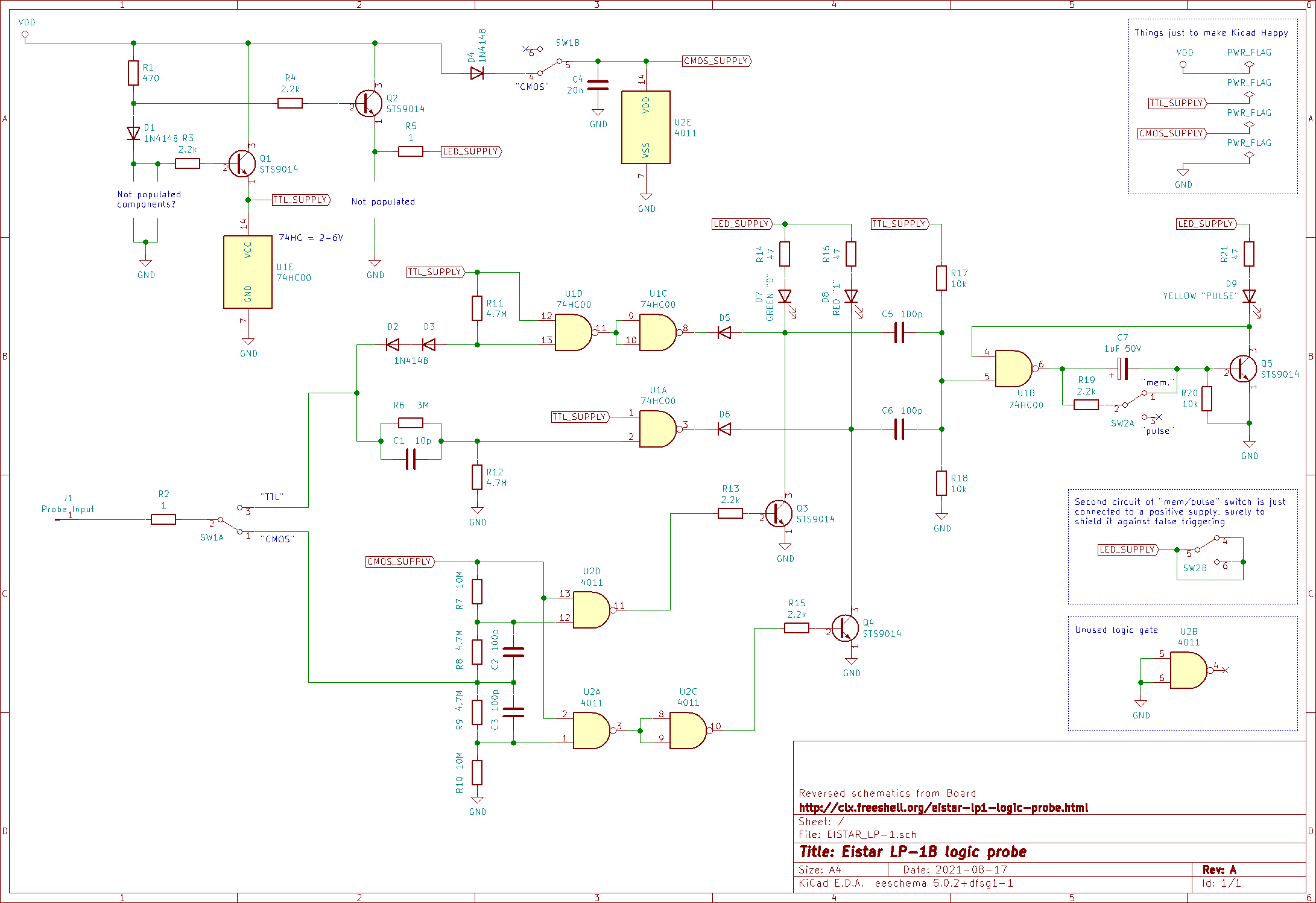
Only thing my version has which i’m missing is a pulse detector. One millisecond puls gets clocked into a latch and keeps a led on.
Schematic I found (some similarities can be seen with my version)
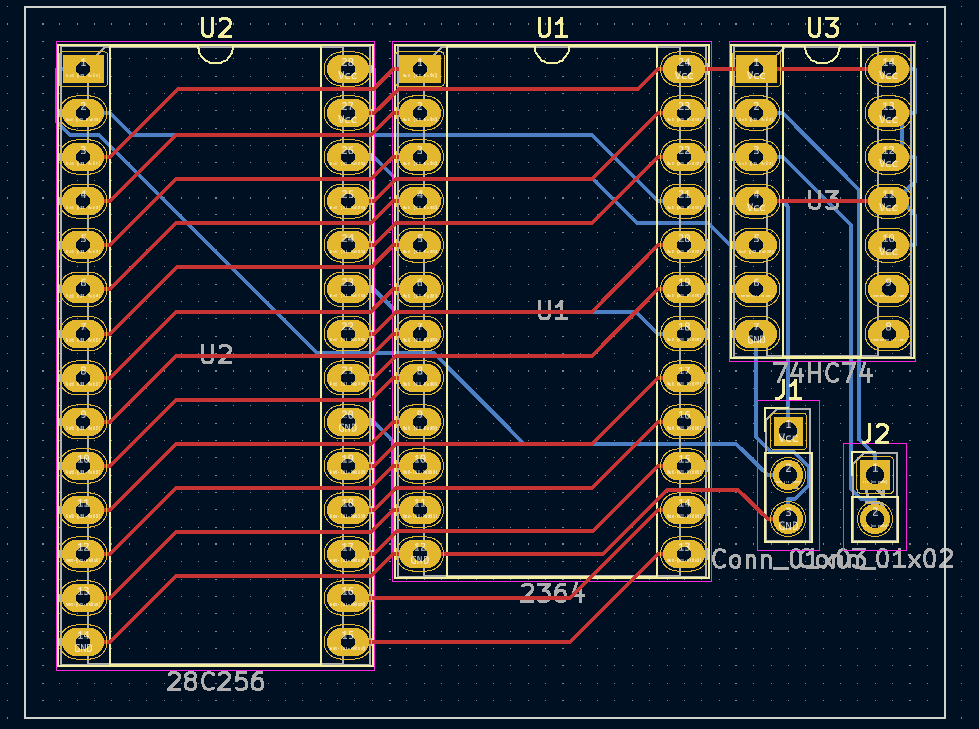
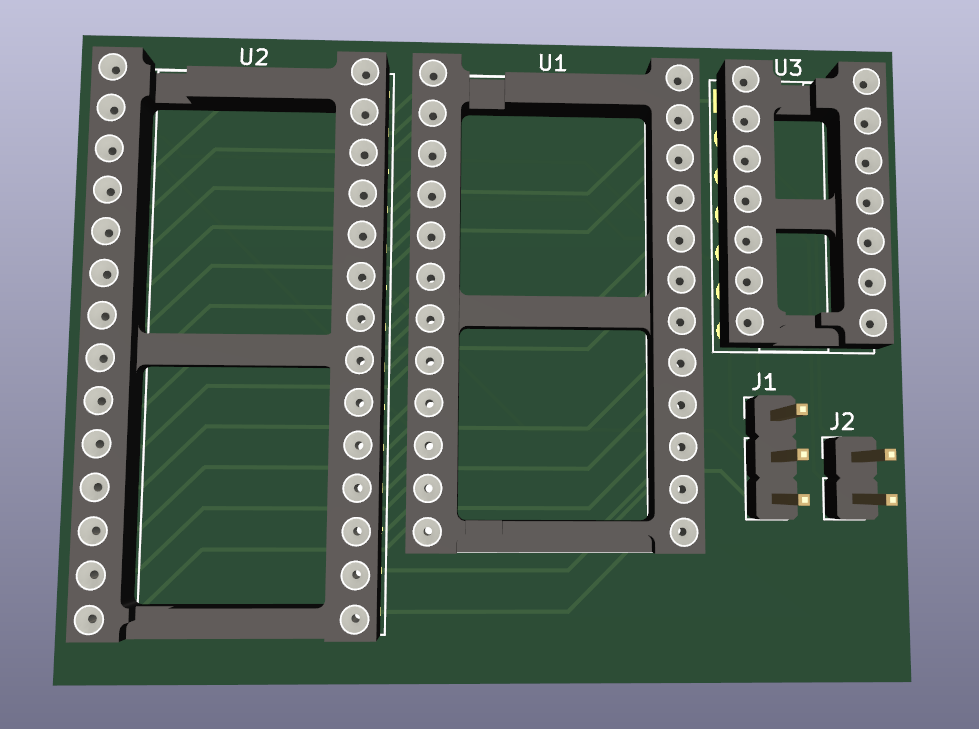
Below board replaces 2364 (8k) with a 28c256 (32k 4 roms) socket. My design in Kicad
The rom can be selected using the pressing restore while starting the C64. ( This button press to select is not my idea but I liked it, when I find the original idea I’ll post it.
After ordering and testing, I’ll attach the Gerber files.
"If something is worth doing, it's worth overdoing."