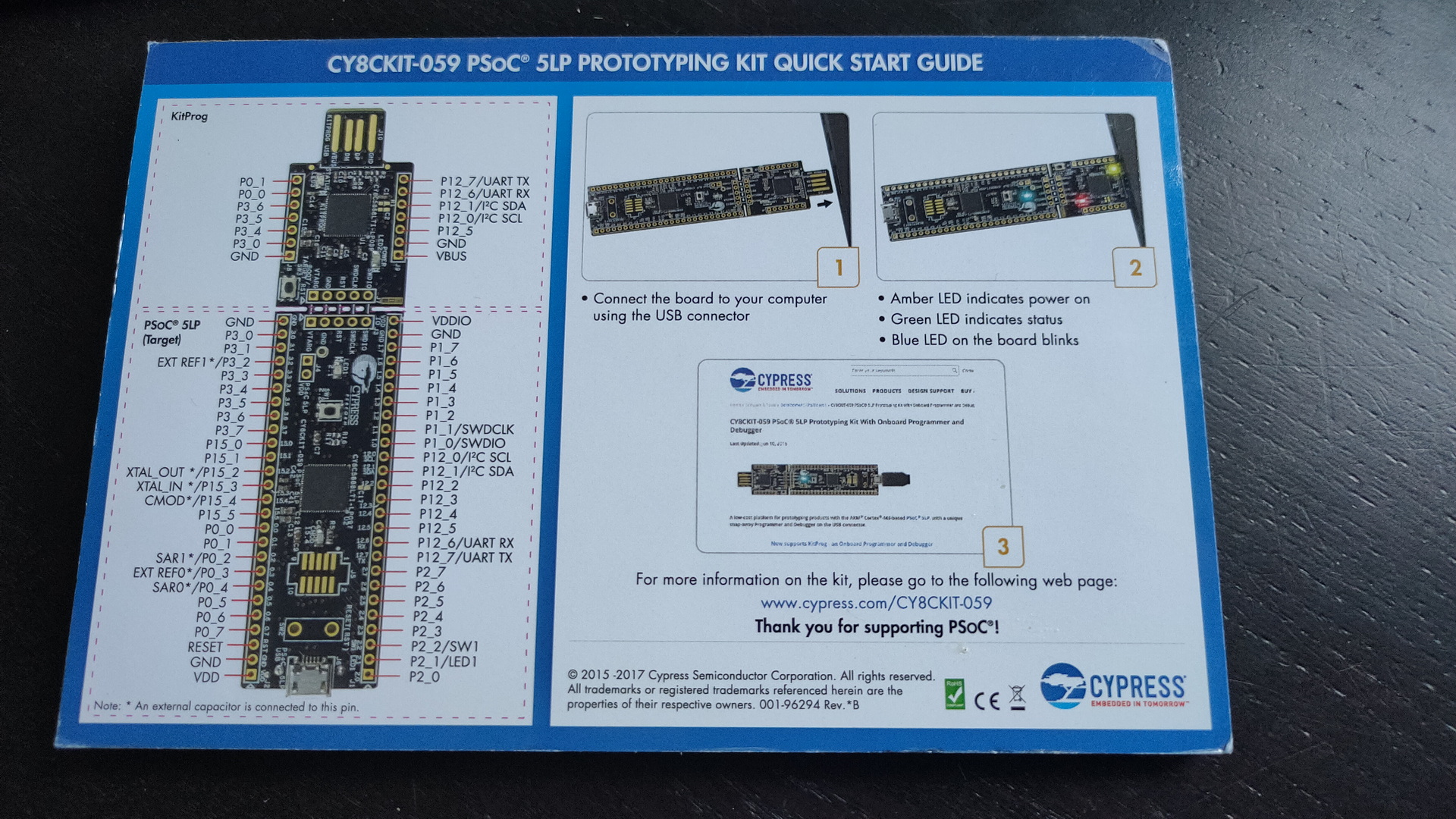
And found this! The fluxengine https://github.com/davidgiven/fluxengine
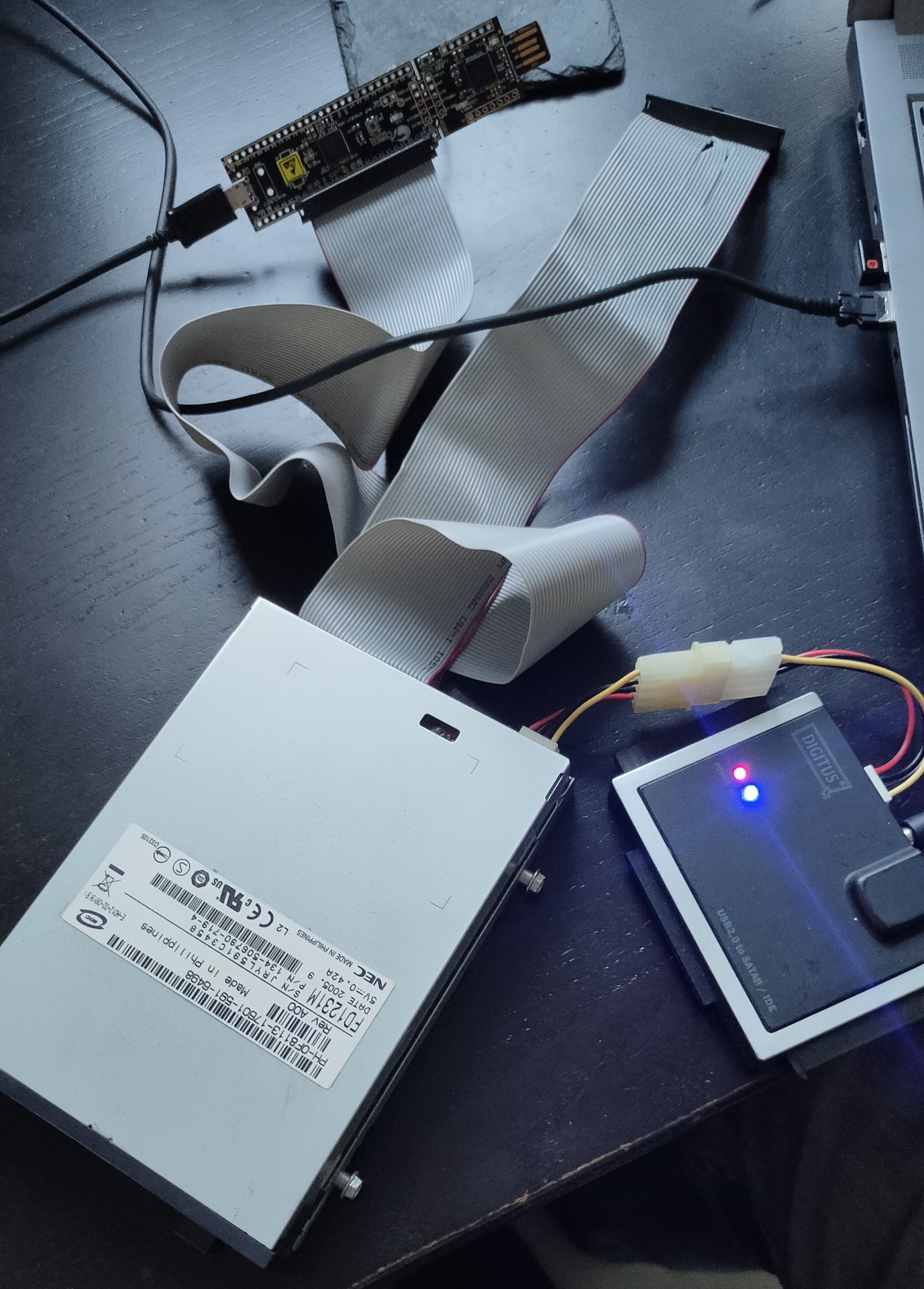
An open source project using a small controller board. “Flashing” some software on the board and soldering a pinheader was easy. When connecting a flat cable and a floppy drive, you end up with a device which can read many formats. Including dos 1.44/720 and amiga.
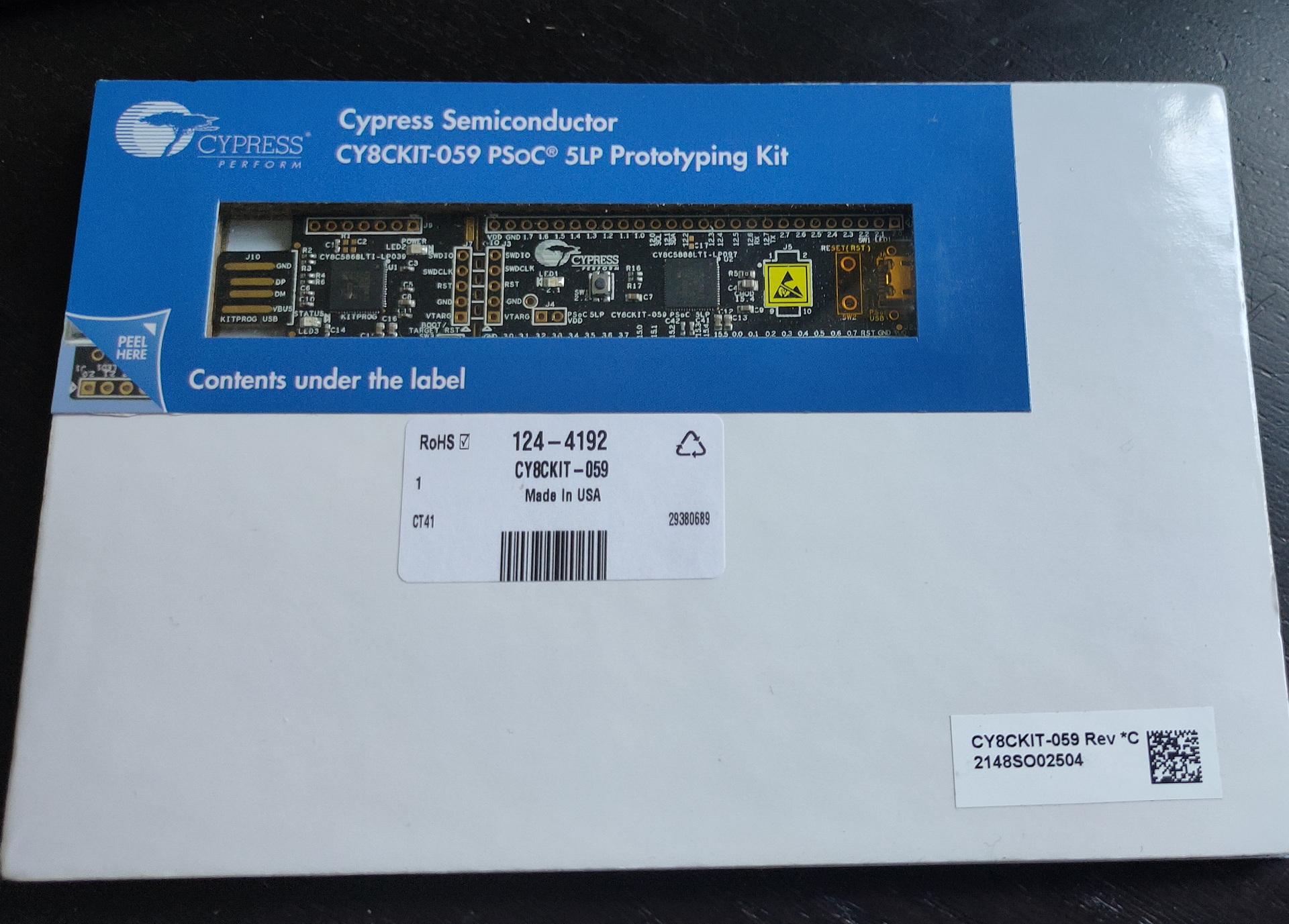
Nice package it came in
Using the power from a sata/ide harddisk adaptor
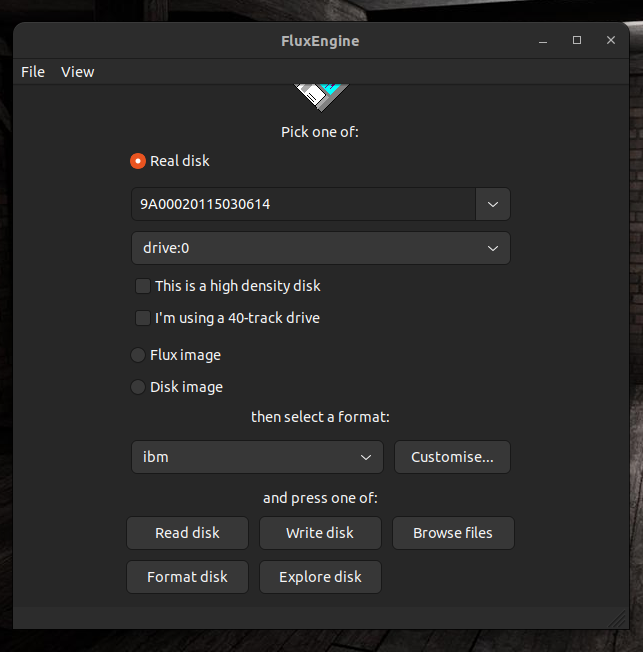
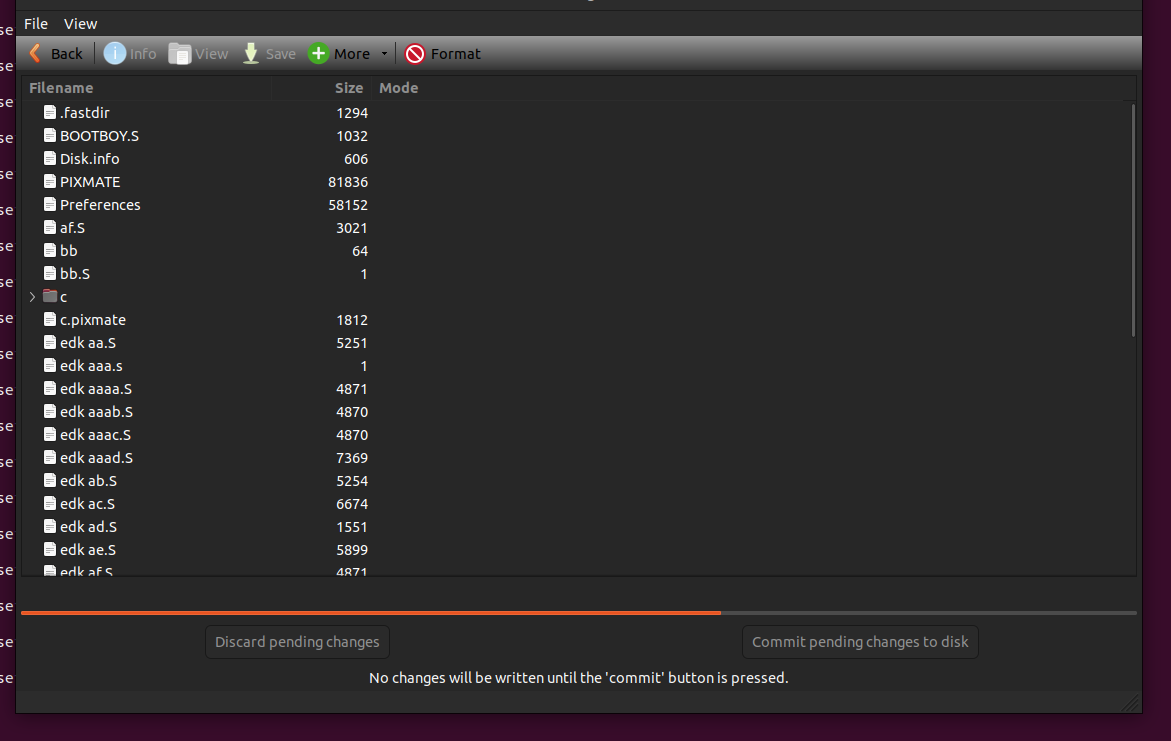
Reading and writing a MSDOS disk, no problem. Imaging an amiga disk .. easy!
You need to compile some software, but it was well documented
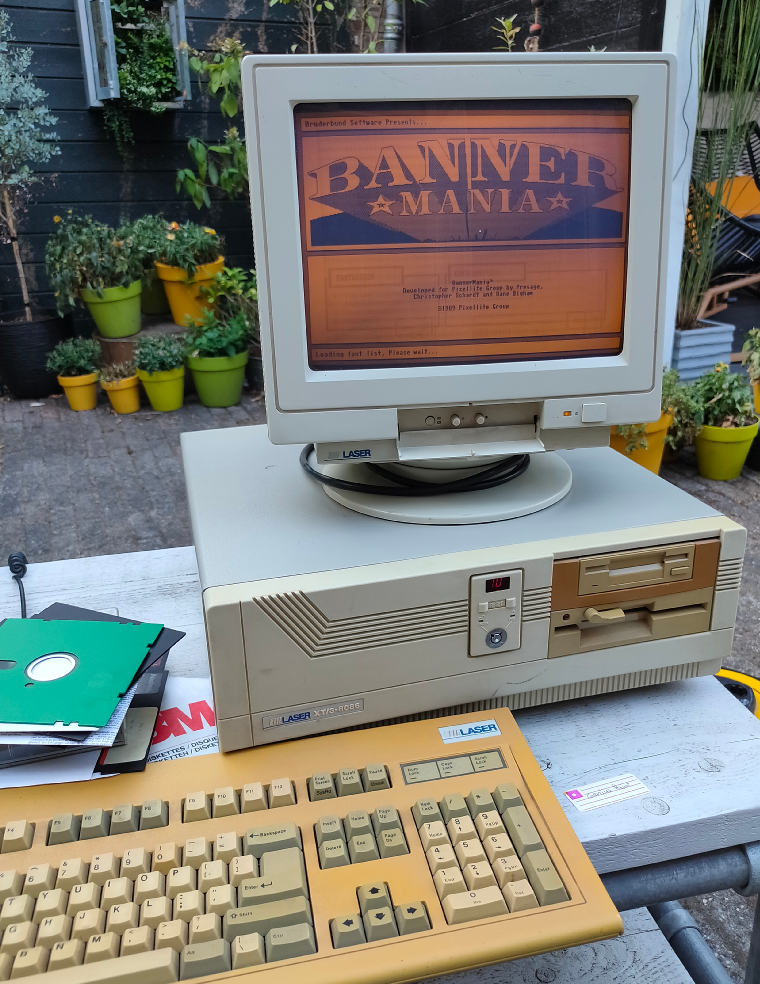
I bought a XT Laser/3 a while ago. And i wanted to get my old programs running on it again.
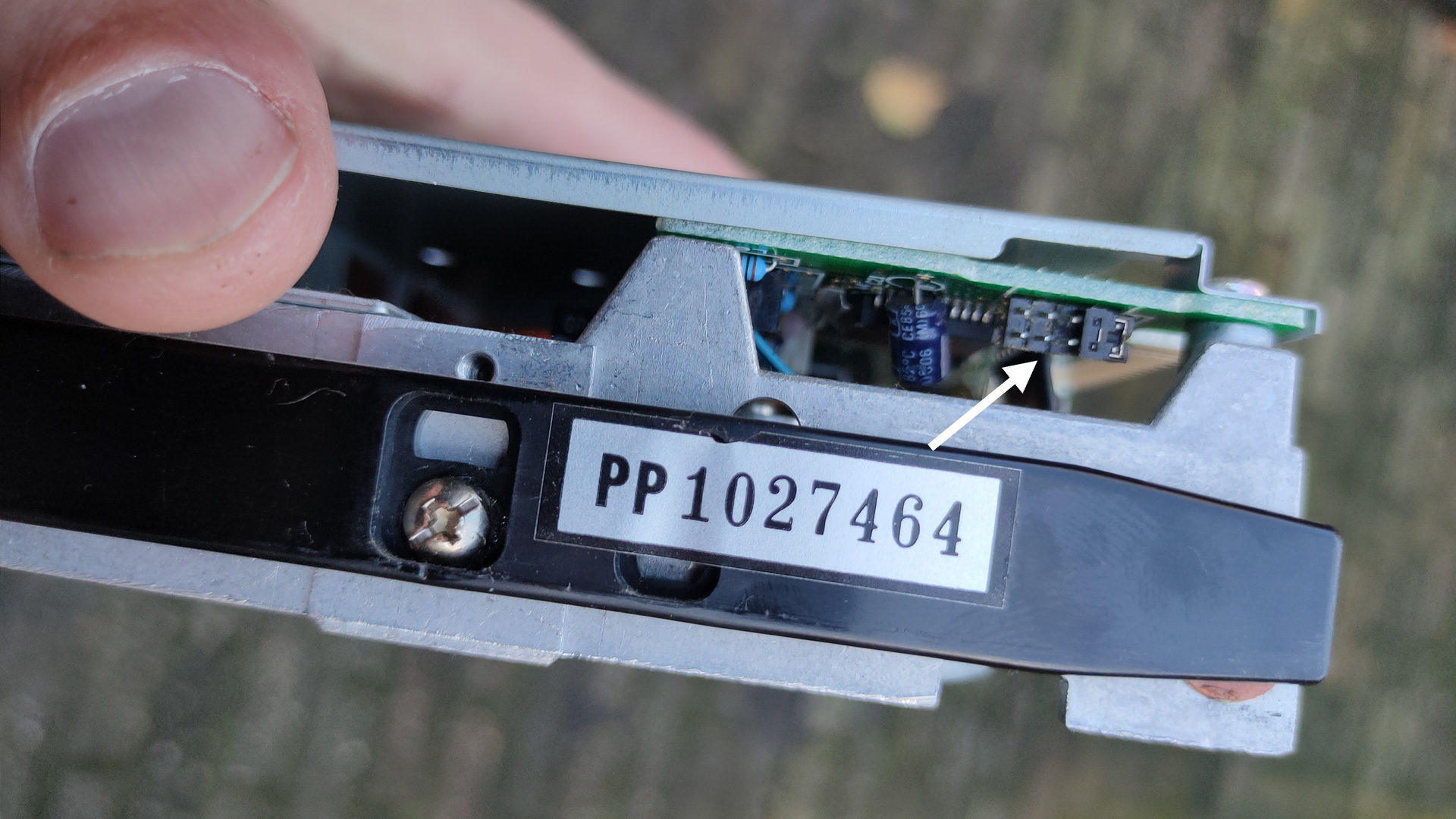
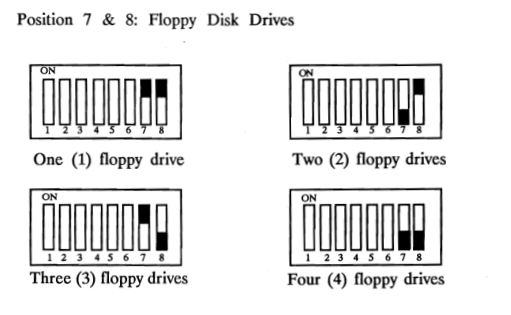
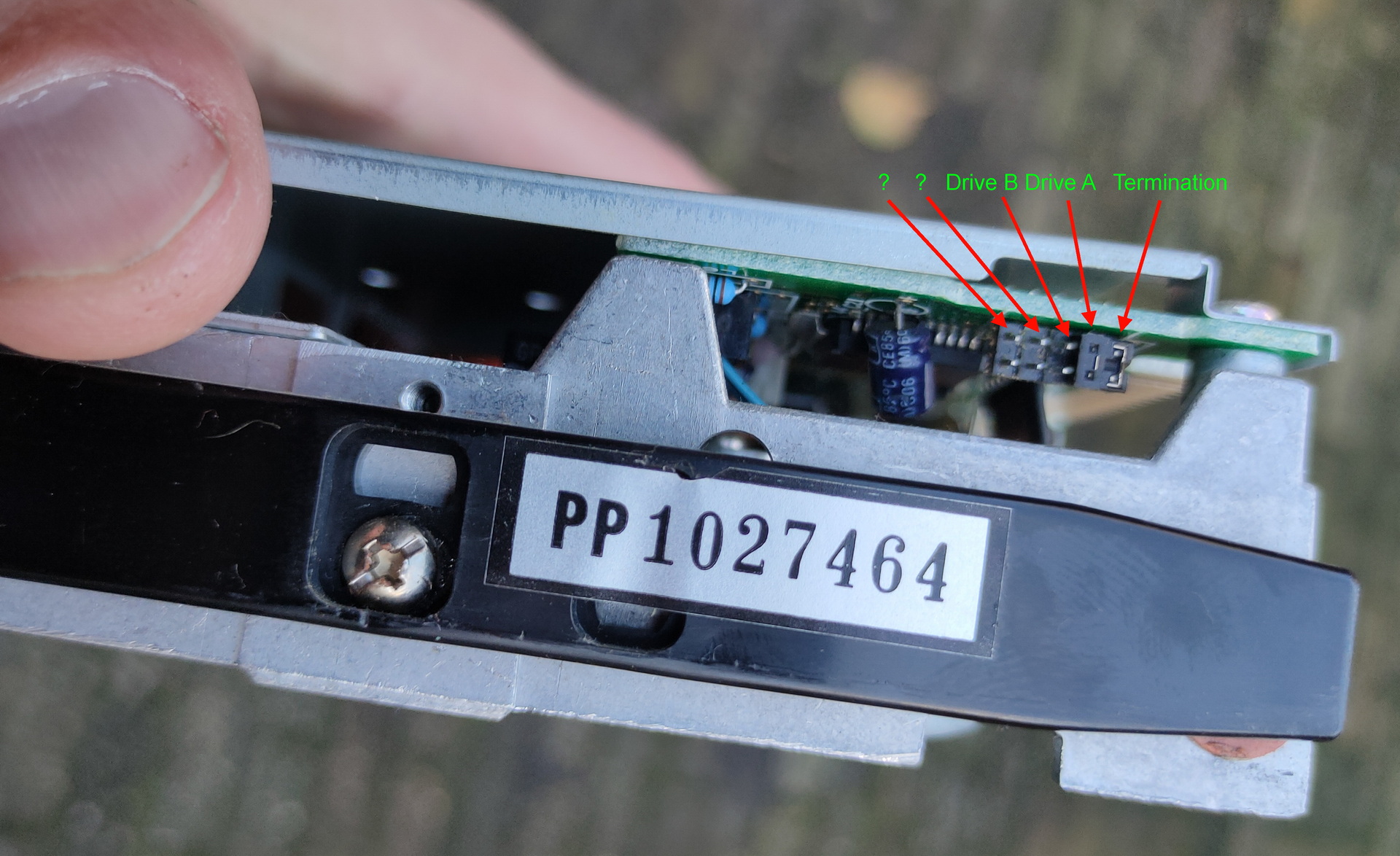
One of the disk i found was a 5.25 inch boot disk which should contain a boot demo i’ve made in the past with Edk. But it is the secondary drive in this system. Those old machines lack a bios you can change. And change A: for B: for example. Some machines had a program which could alter boot settings. (not this one) So i was playing with jumpers and dipswitches on the motherboard. ( Drive select / Termination / drive before or after the twist in the flatcable. )
Dipswitches on the motherboard
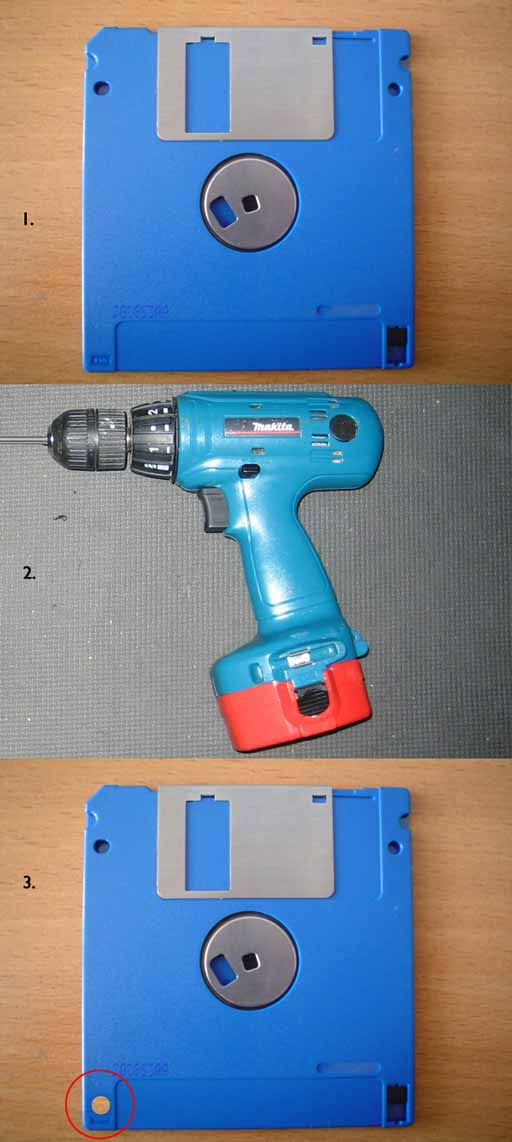
Wellll leave the boot order for now, i needed to get software on the machine using floppy’s. I could not find empty HD disks (1.44MB which i wanted to use) So i took a DD disk and a drill ..
(Image from the internet)
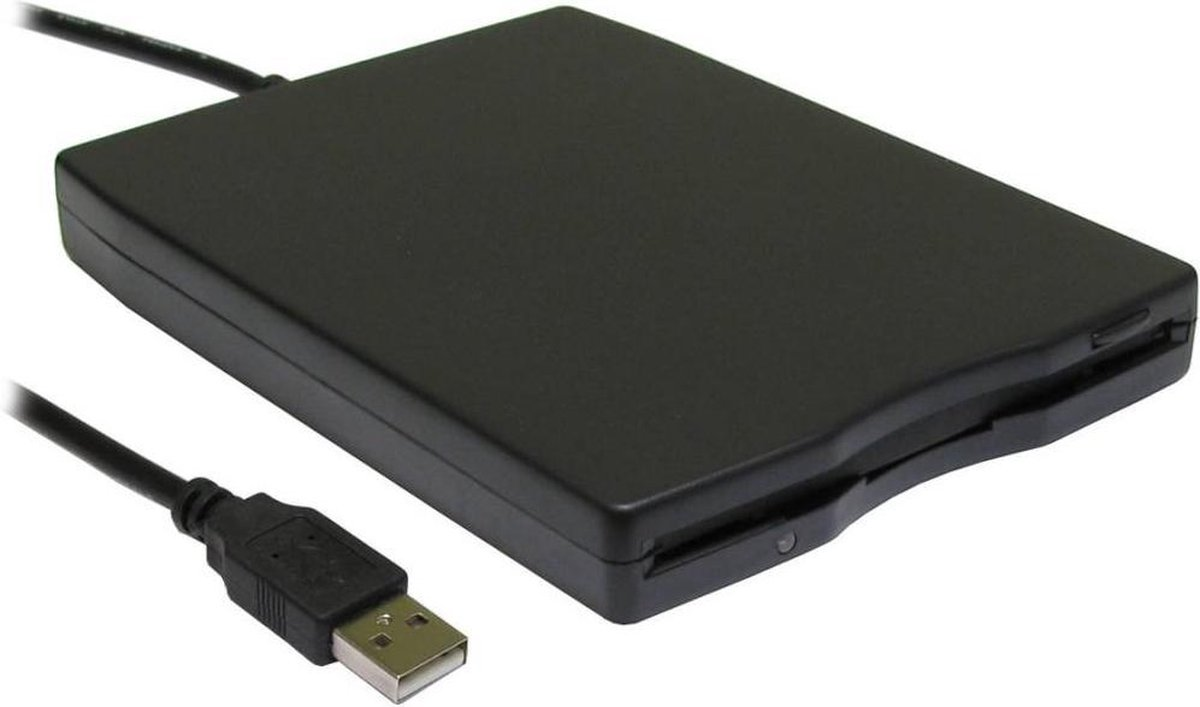
I bought an external usb floppy drive.
Now i have everything to get my programs on the msdos machine.
EXCEPT ….
Diskette didn’t work in the drives. So i bought new old stock diskettes online.
Now i have everything
WRONG again
Formatted 1.44 disk in USBfloppy drive .. OK Read in 3.5 drive on the MSDOS machine .. NOT OK Check drive in MSDOS machine .. is 1.44MB .. OK … check floppy controller in MSDOS machine .. NOT OKAY (720kb is 300kbits per second and 1.44 HD 500kbits per second) So i’m limited to 720kb due to the controller ..
Can the USB Floppy drive read/write 720kb disks .. NO! ( A cheap series made with drives only supporting HD disks )
Alternatives? .. Serial maybe, there is Norton Commander on the MSDOS machine so i could use “link”
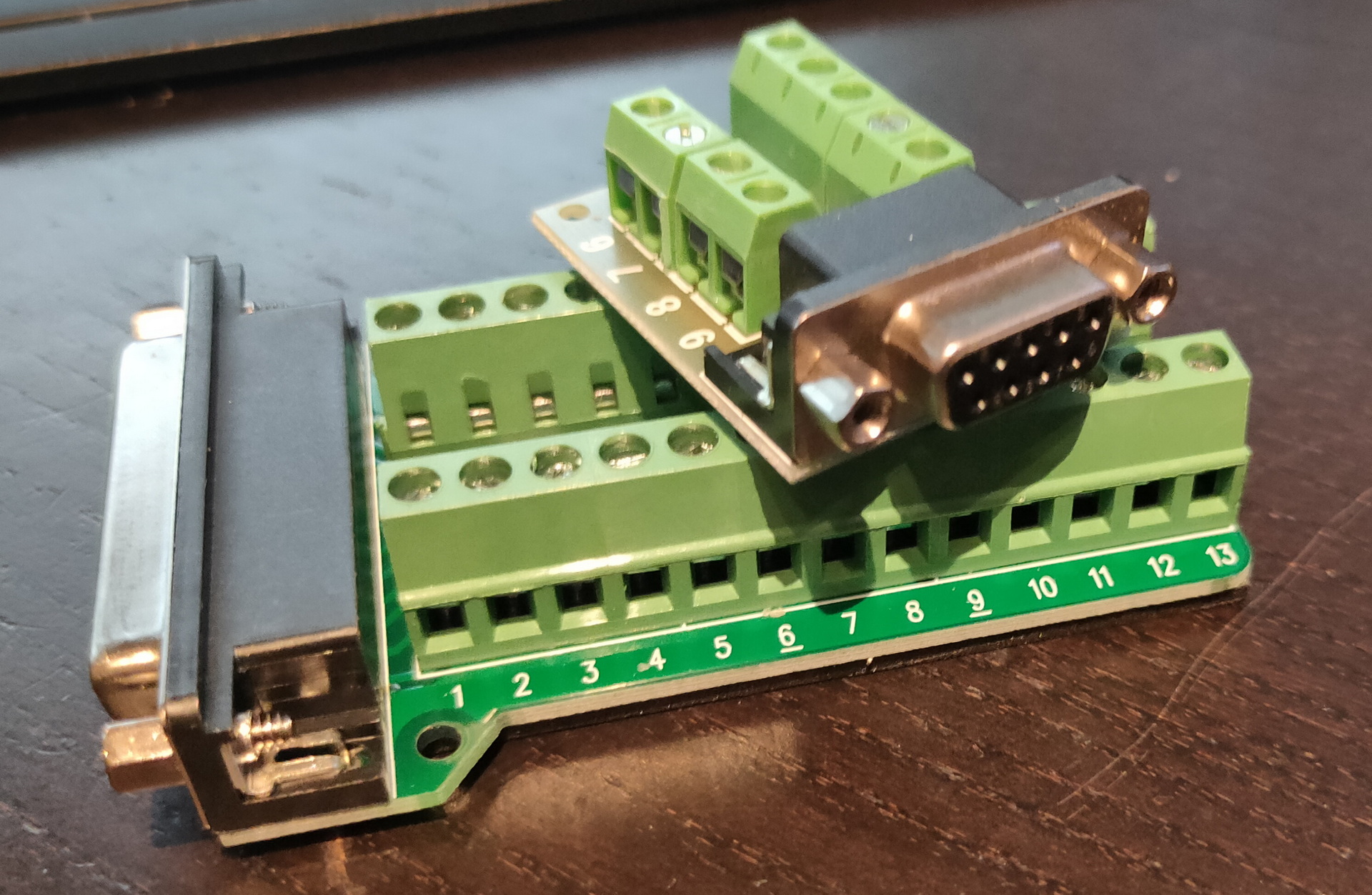
Do i still have a USB-RS232 sub-d cable ? YES! Nullmodem cable? NO Make a null modem cable .. i’ve made those before .. BUT no sub-d connectors.
I’ve been throwing away too much in the past.
Now i have to buy those things again:
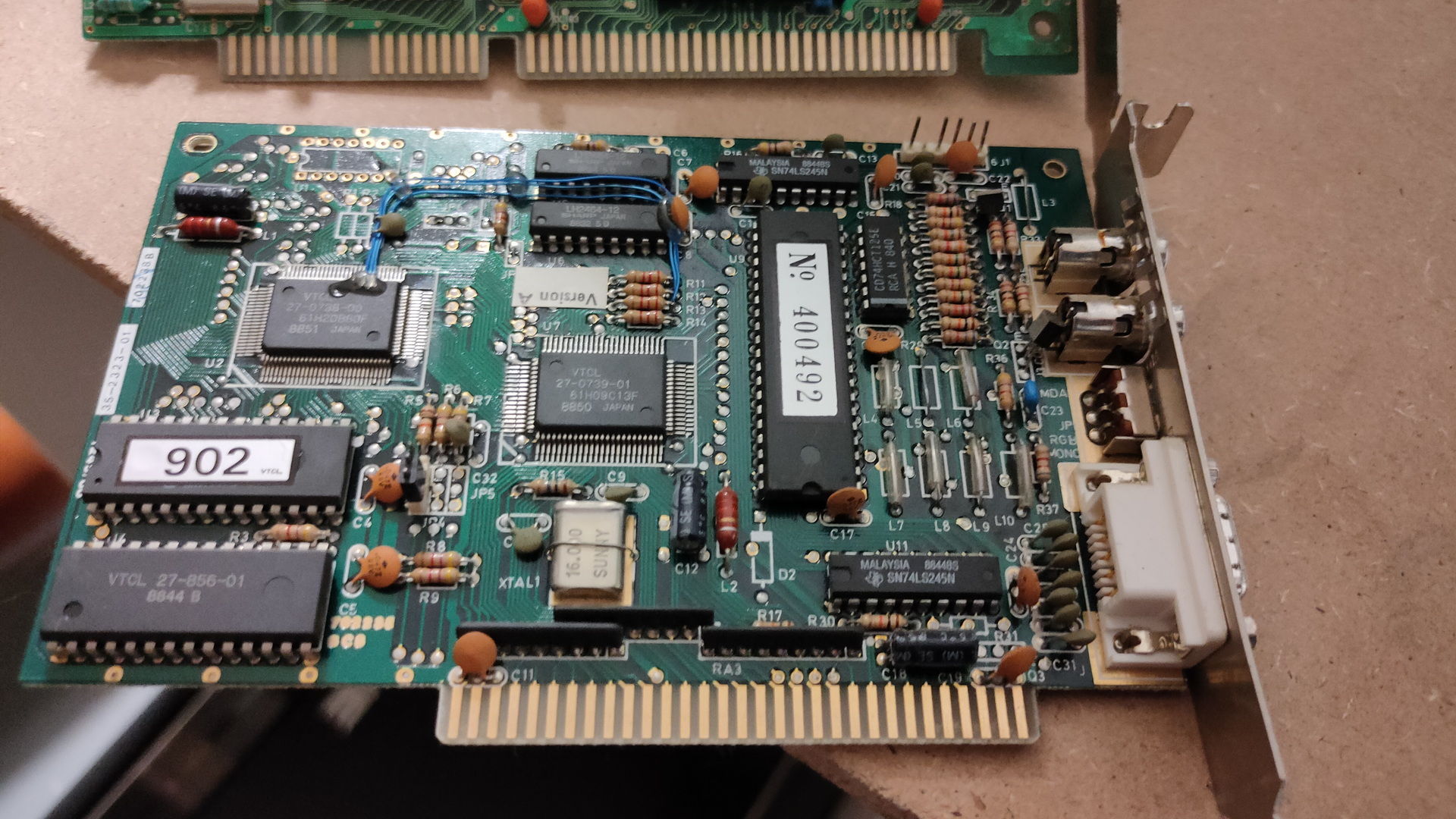
VGA – 8bit ISA – have 2 now Floppy drive – have one for 1.44 8bit soundblaster compatible – TODO Nullmodem – well i’ve bought connectors for those
While playing with MuseScore…. (Typesetting some scores for Pipes and Flute)
This came in: WOOOT
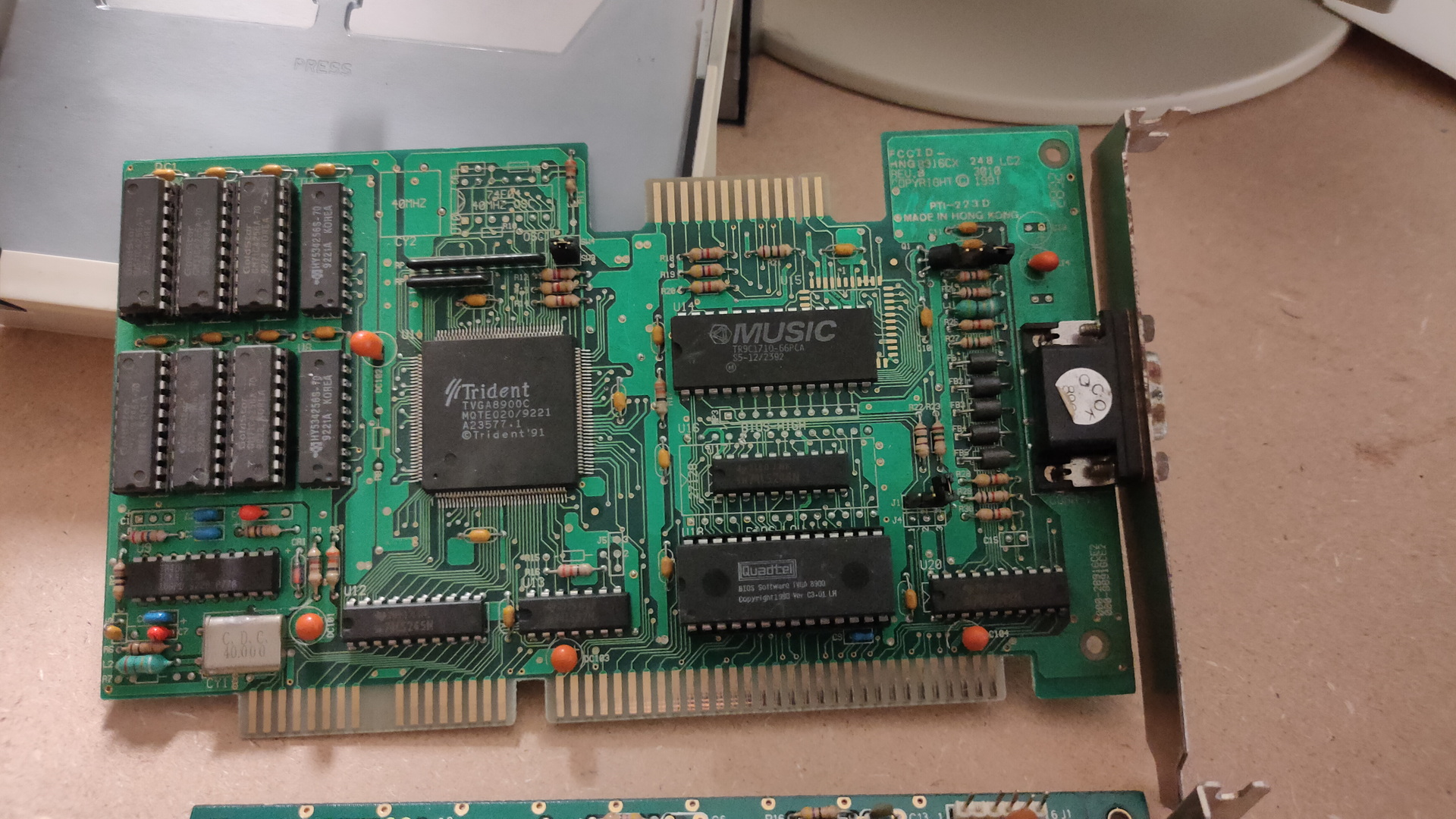
Trident 8900C (1024 x768 max 512Kb)
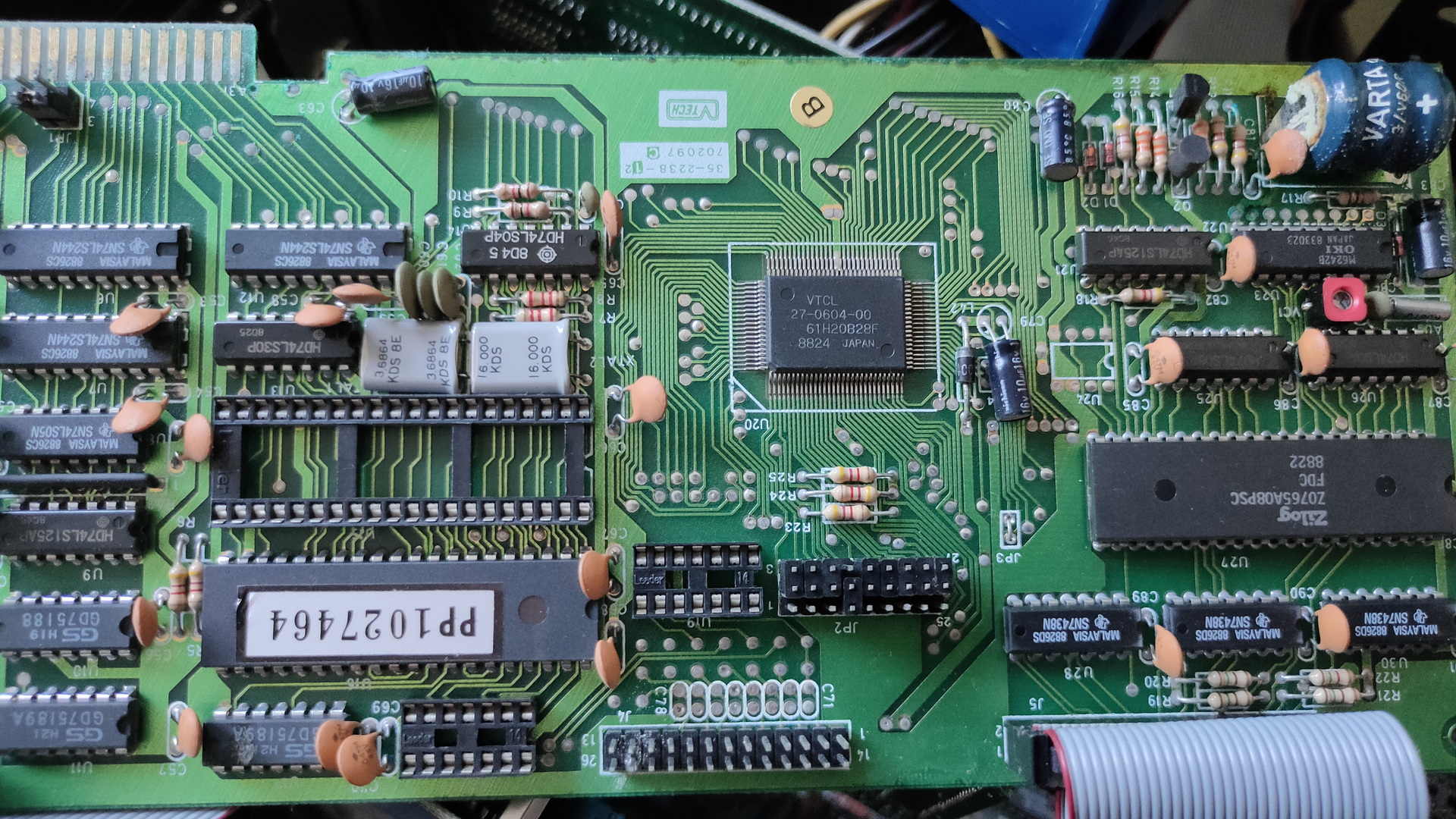
This is a Trident VGA card. While having a 16bit ISA connector, it can work in a 8bits ISA slot.
A while ago i bought a Laser XT/3, that’s the one my parents had. This is where i did a lot of assembly programming on. It’s a 8086 cpu, 640K and has a Hercules/CGA graphics card.
I found loads of assembly files and i want to see if i can get it running again. While some code was written for hercules, ( That’s the monochrome image you see in the example above ) and a few for EGA (4 colors).
Most of it was written for VGA. Probably on a later machine like a 80386?
But i know there are vga cards for 8 bit msdos computers, and i found one. ( This one is even autodetect, so no jumpers to figure out)
So i’ve put this card in the machine, turned it on, and it works! I’ve got only 2 examples living on the harddisk of the machine, both black and white … 🙂 I have to search for interesting code in hundreds of files.
Some friends of mine, picture was taken from an amiga genlock digitizerThe intro pages of a “amiga emulator” WHERE is the rest??? (end is a cga starfield demo)
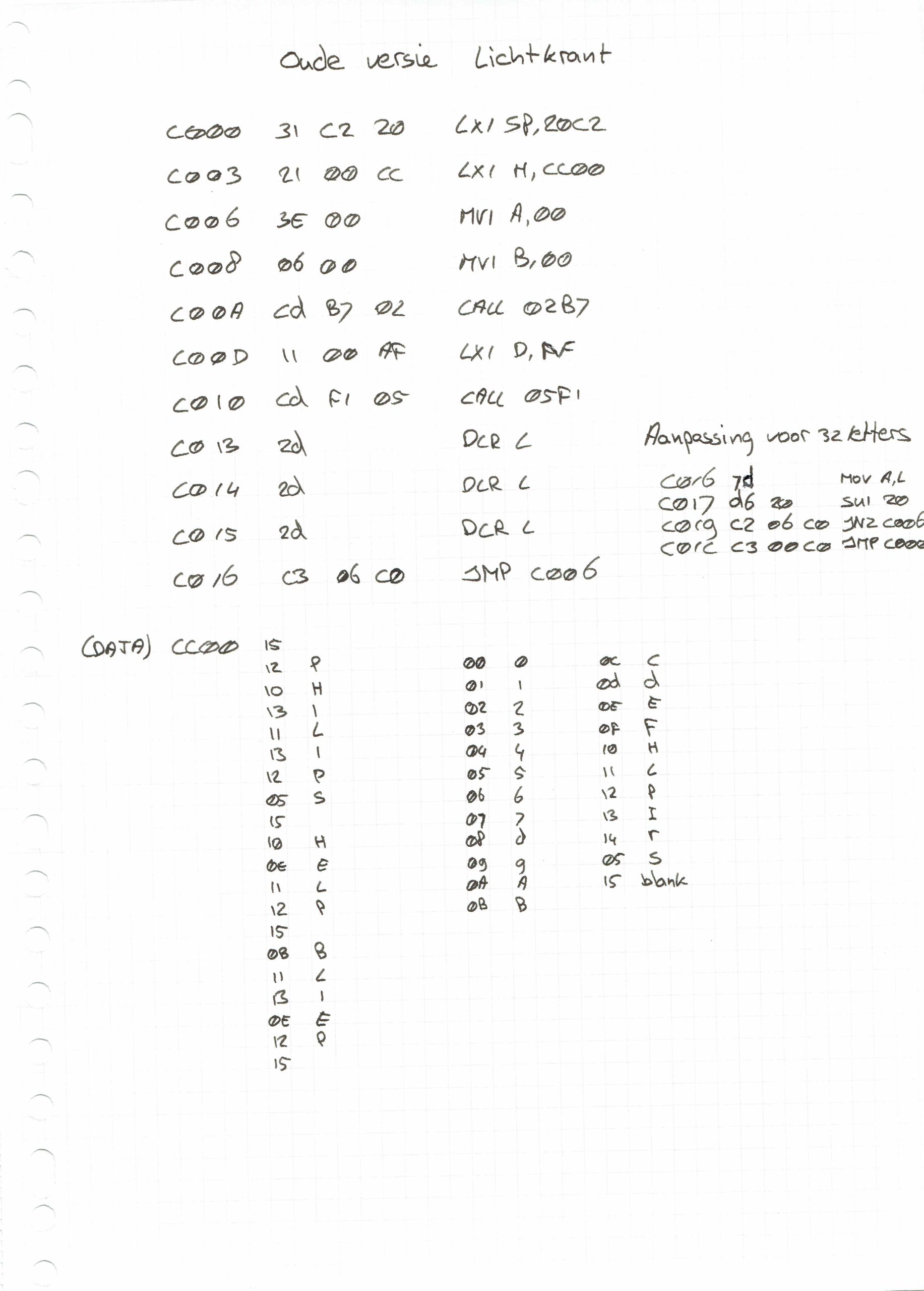
And a boot demo, which was able to start from a bootsector, went into a graphic mode and ran a demo with sound. Edk wrote a sector loader for this. I have some 5.25 inch floppy disks, labelled boot demo. So i wanted to try this today … I needed to change the boot order, so i went online to search for jumper settings.
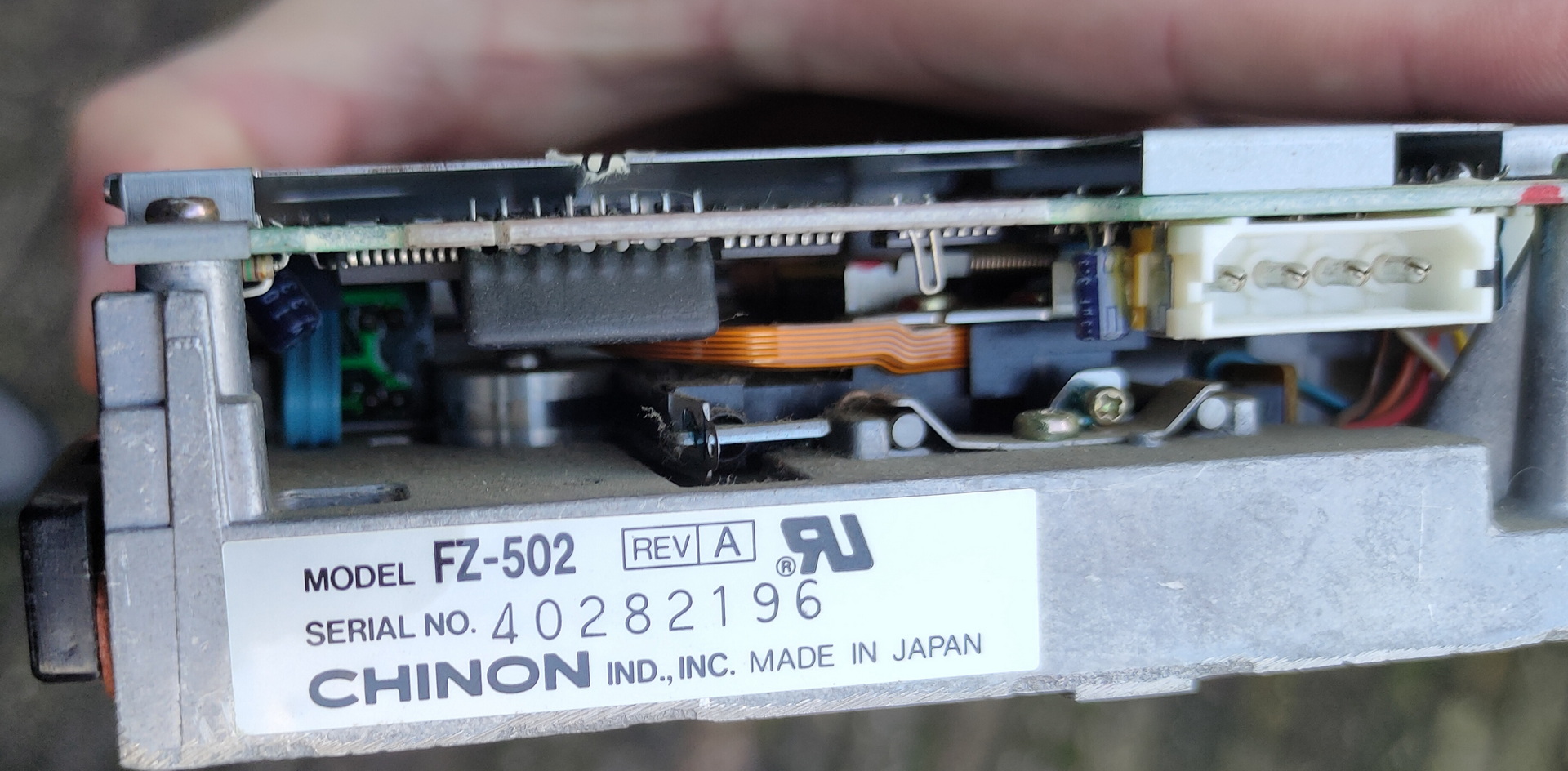
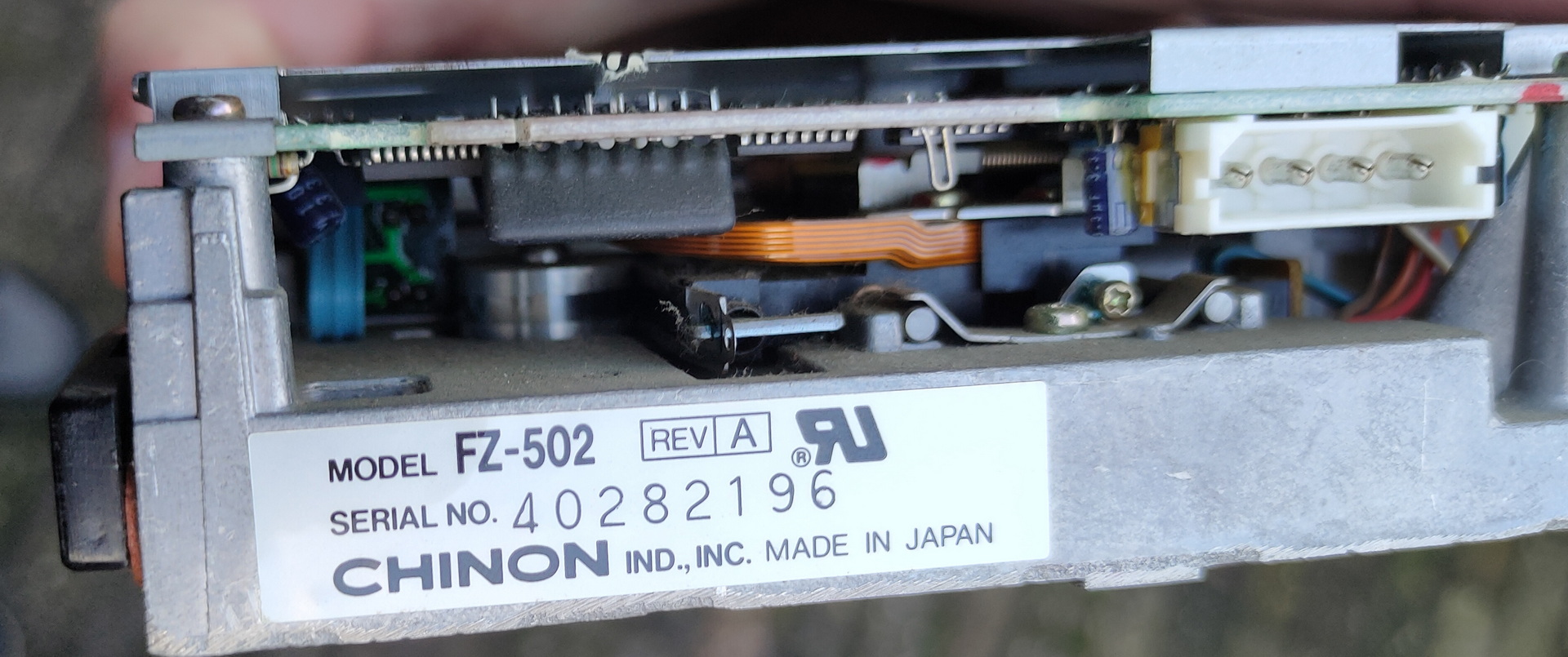
I see a led when it tries to boot, but my disks are probably formatted 720Kb instead of 360Kb, which this drive is.
So …. TODO!
Find a 720Kb floppy drive (5.25 inch), and sort through my code! There is a 8bit soundblaster compatible soundcard that i bidding on online, hopefully i’ll get it
Assembly and modes
I wasn’t sure how to sort the assembly code into Hercules and VGA compatible, but i used this table (There are also extended modes for higher resolutions)
mode 0x00
text 40×25 gray
mode 0x01
text 40×25 16 colors
mode 0x02
text 80×25
mode 0x03
text 80×25 16 color
mode 0x04
graphics mode (CGA) 320×200
mode 0x05
graphics mode (CGA) 320×200
mode 0x06
graphics mode (CGA) 640×200 (B/W)
mode 0x07
text 80×25 Hercules
mode 0x0F
graphics mode 640×350? gray
mode 0x10
graphics mode 640×350?
mode 0x11
graphics vga 2 colors
mode 0x12
graphics vga 16 colors
mode 0x13
graphics 320×200 256 colors
# Set VGA mode
    mov ax,13h
    int 10h         ;screen 320x200 256 colours

# Exit VGA mode
    mov ax,3
    int 10h         ;screen  80x25 text
    mov ax,4c00h
    int 21h         ;back to DOS
There are a lot of old develop boards for all kinds for cpu’s.
These where build to learn machine code programming. Mostly made in the 80’s, and based on populair cpu’s at that time.
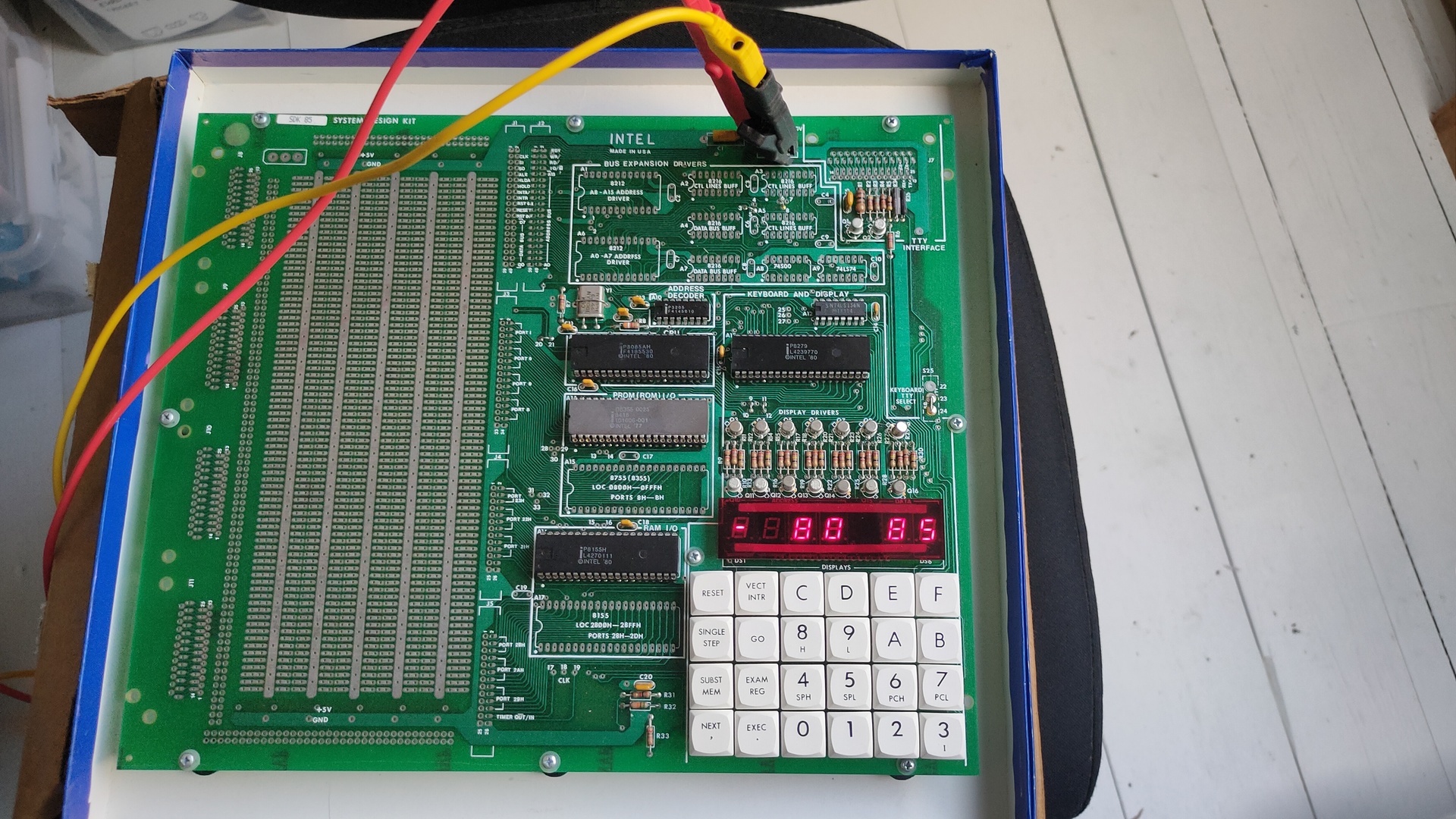
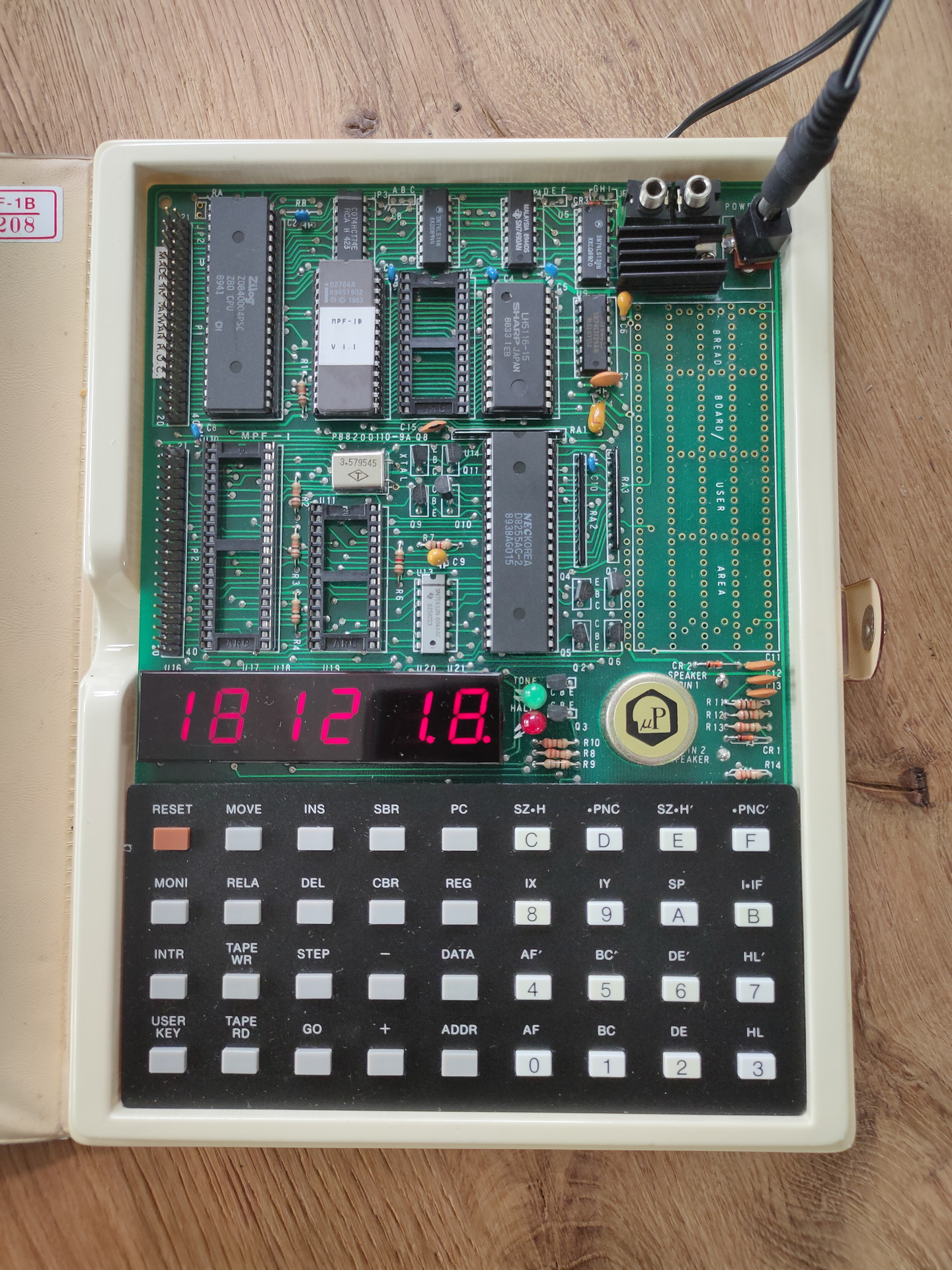
I own a some of these SDK’s (System Design Kits)
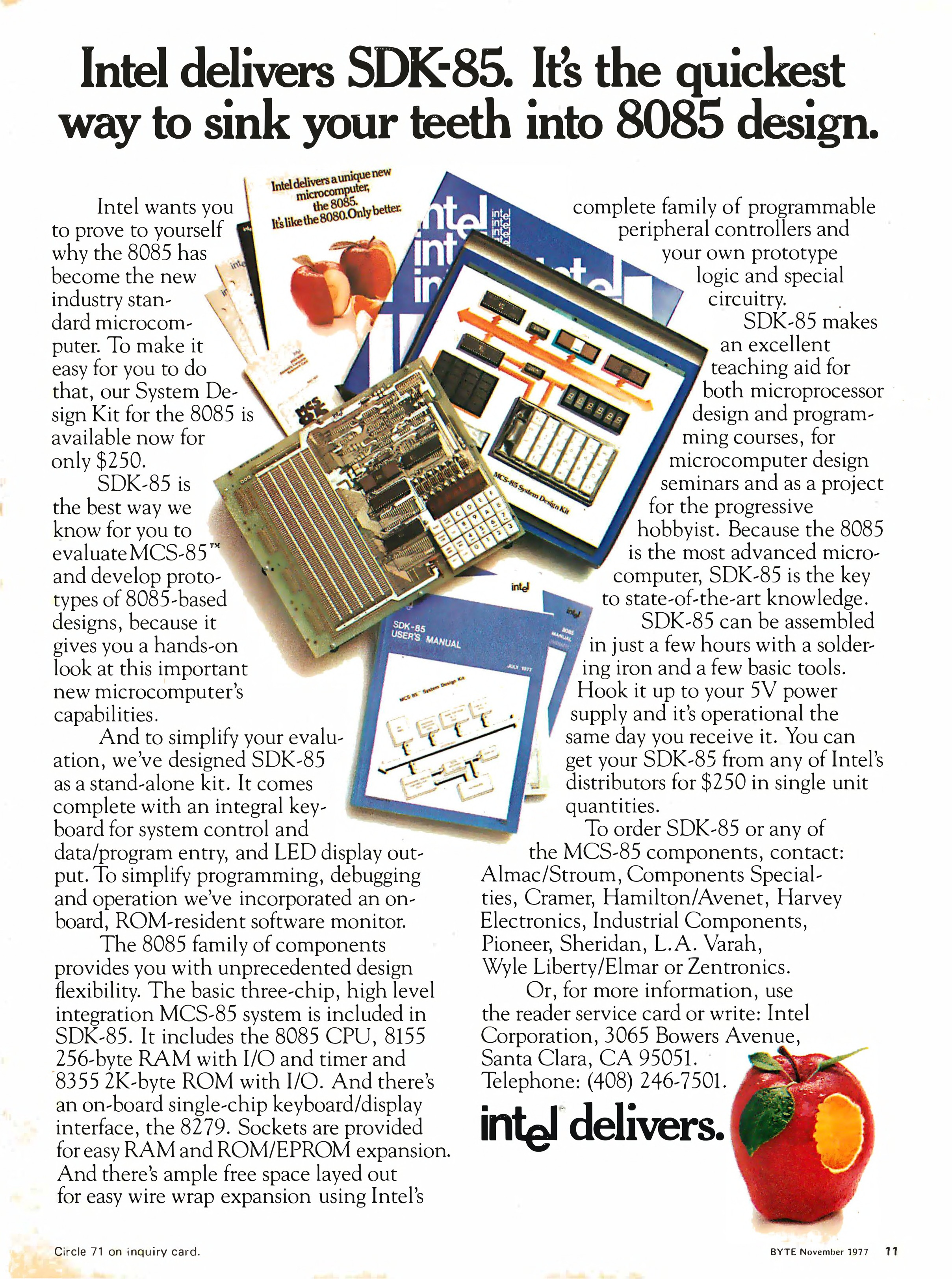
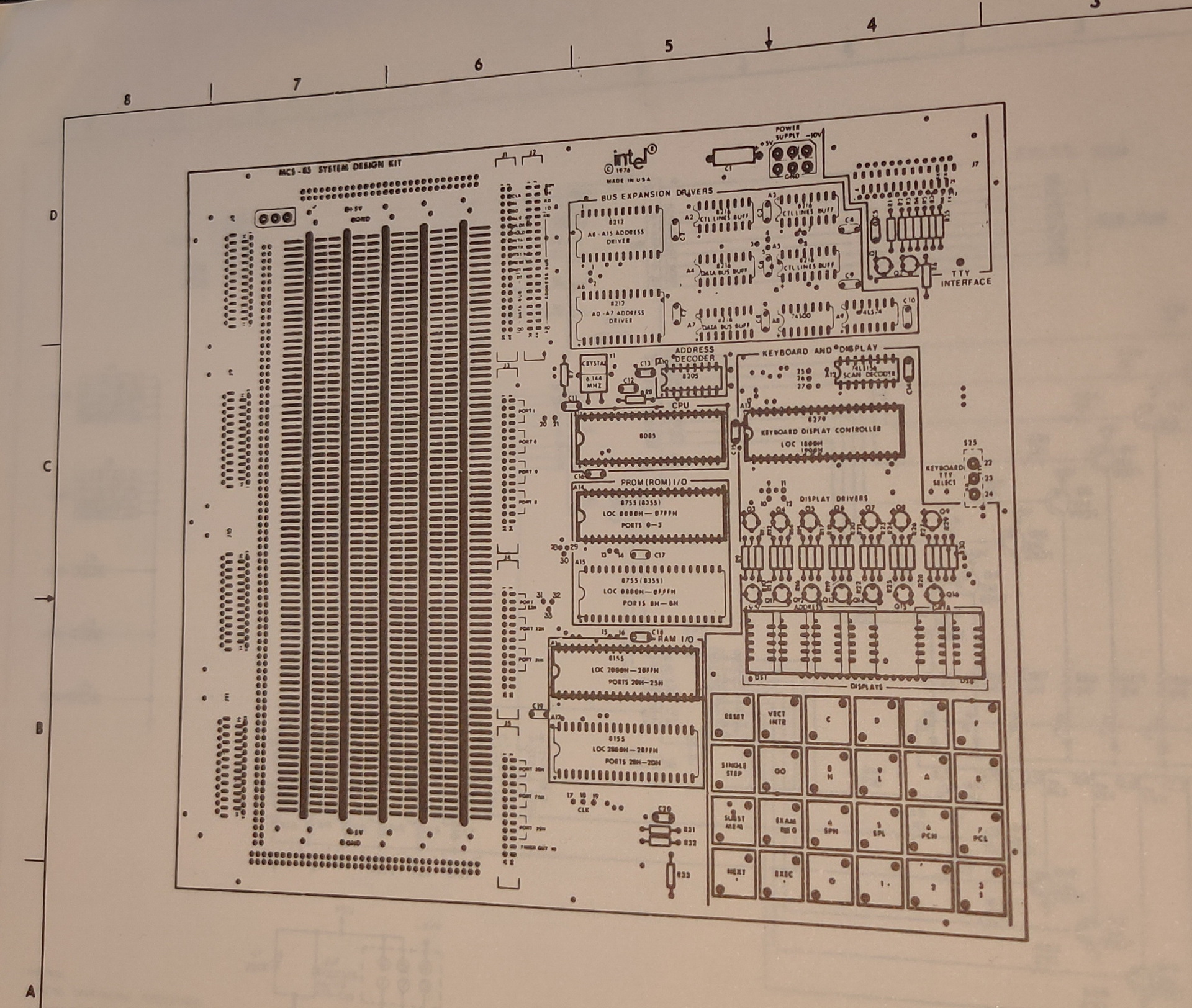
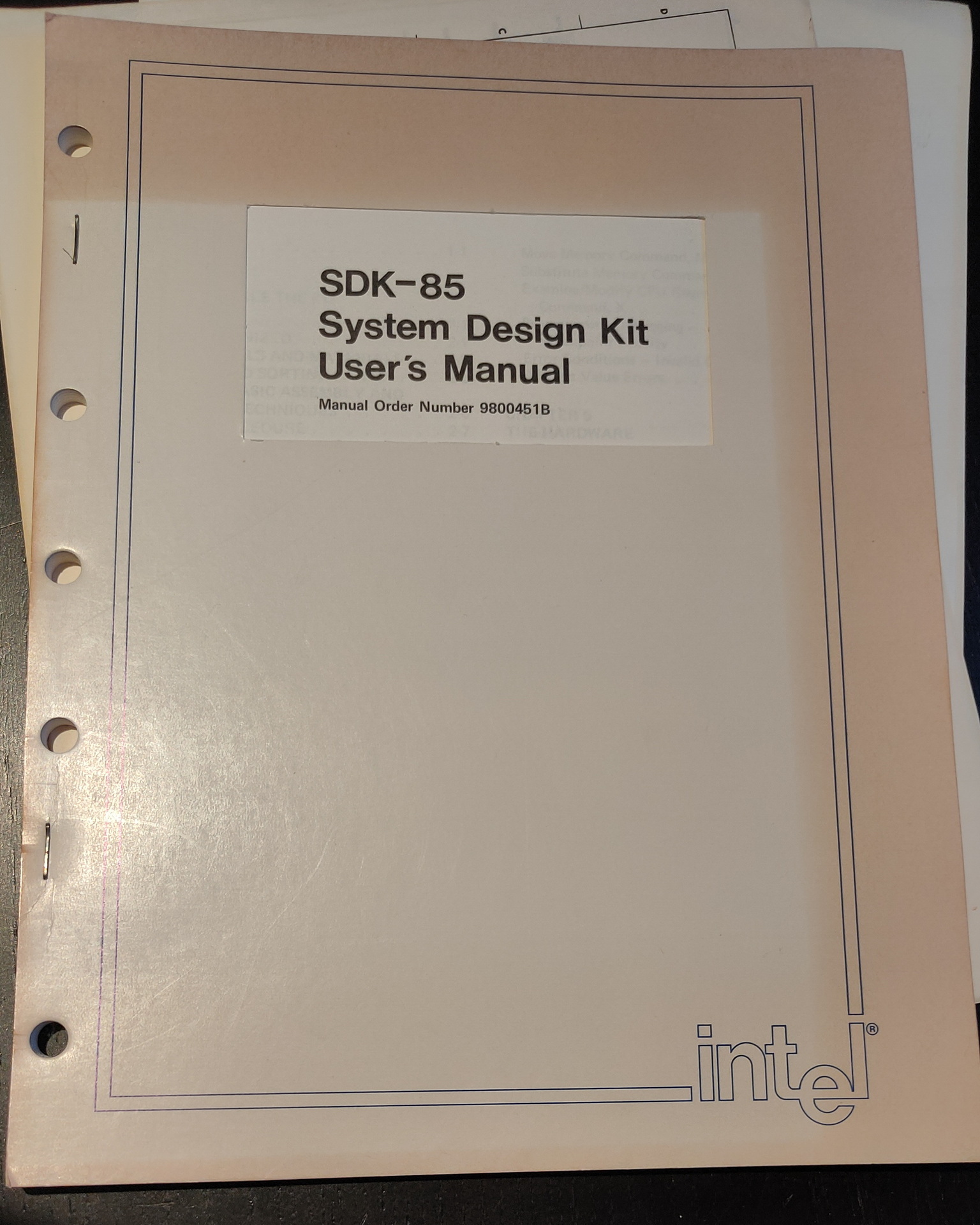
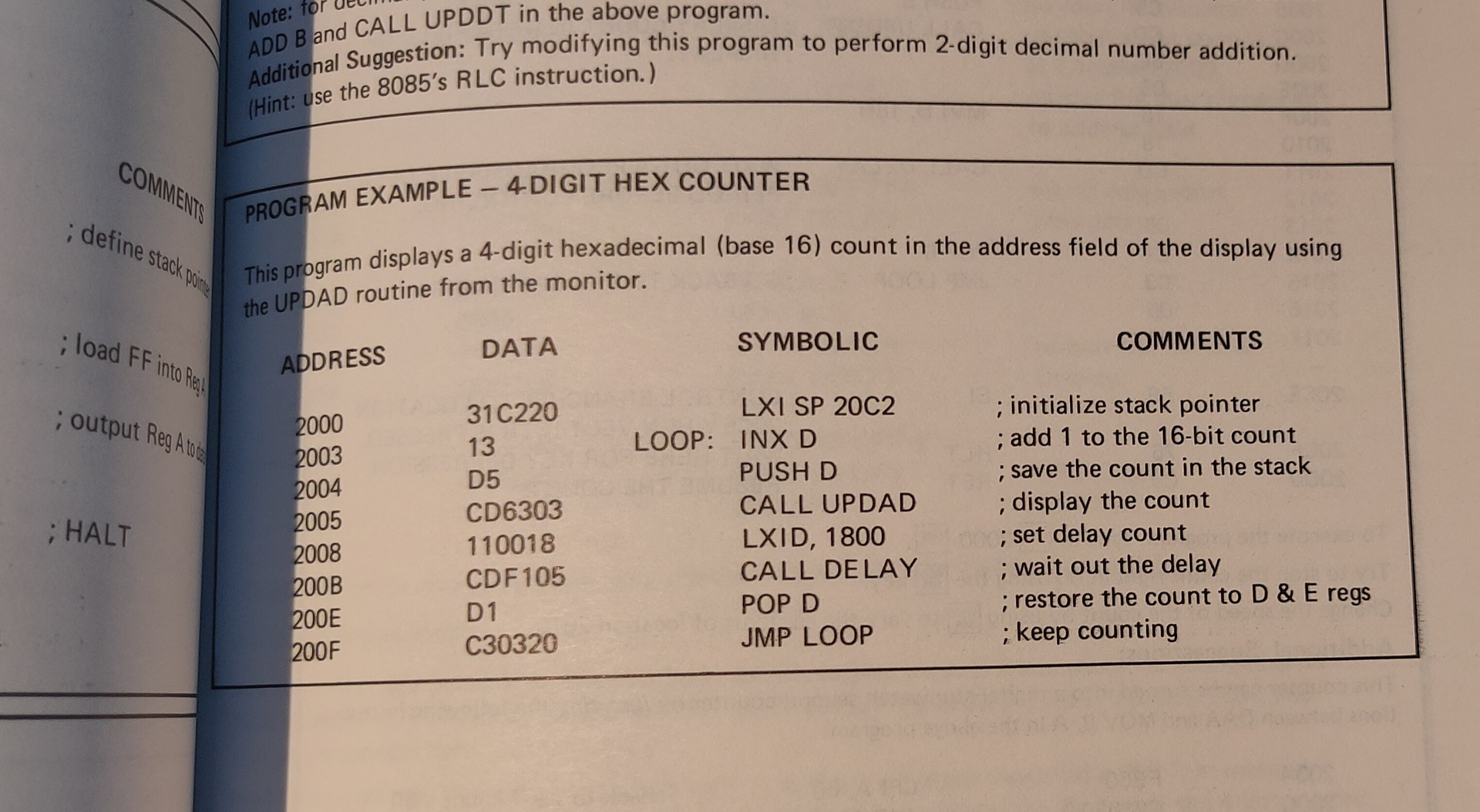
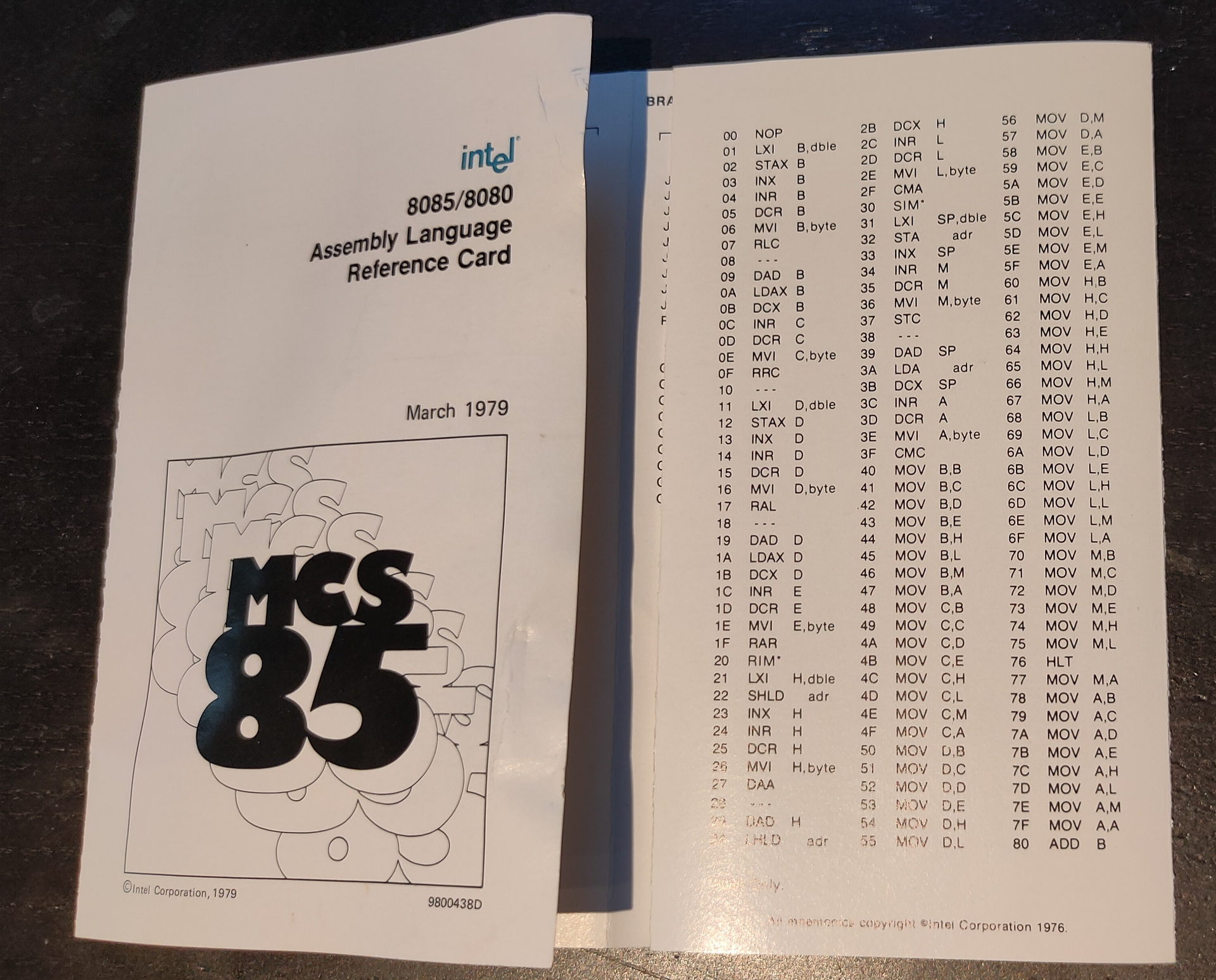
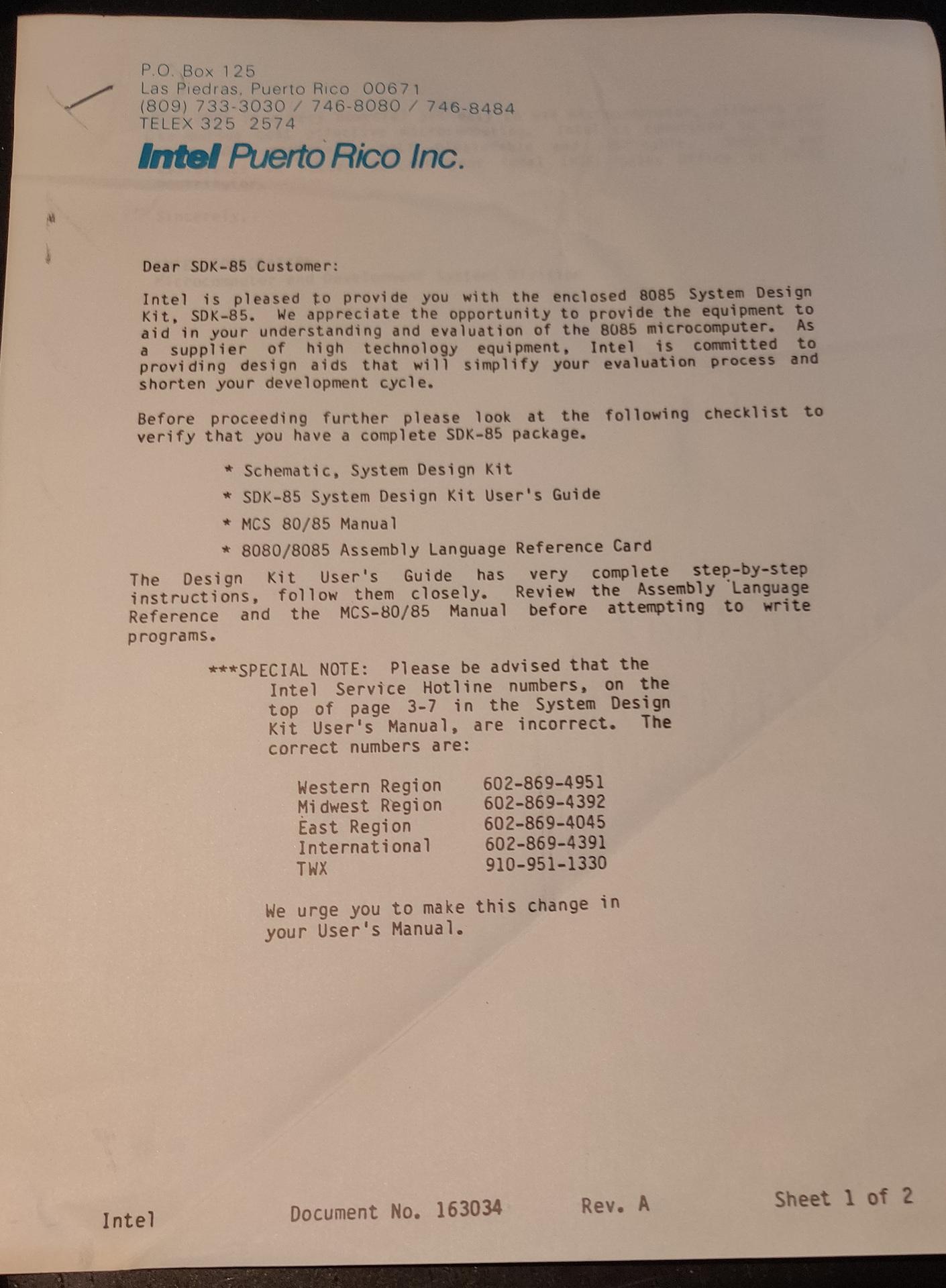
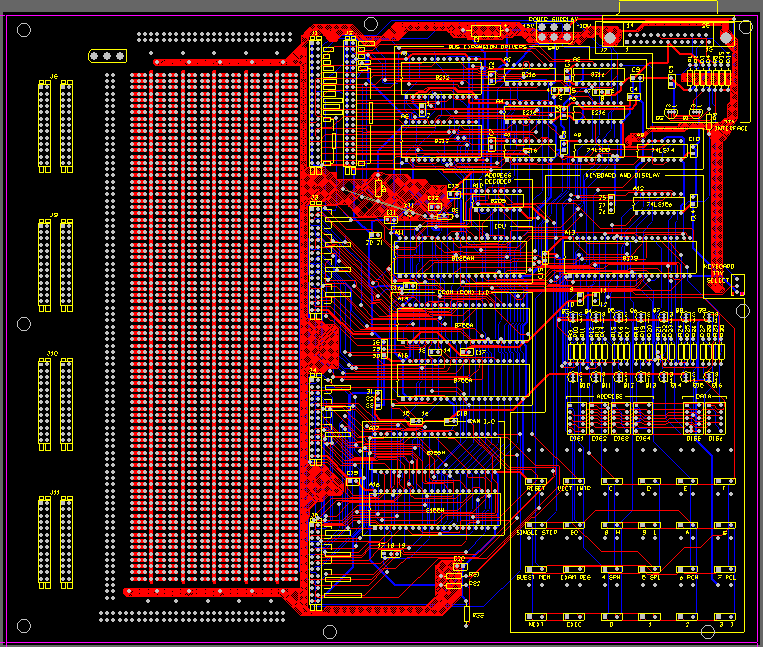
8085 – SDK85 i bought recently 8085 CPU
Microprofessor-1 (MPF-1) Z80 CPU
And my own 680x based computer
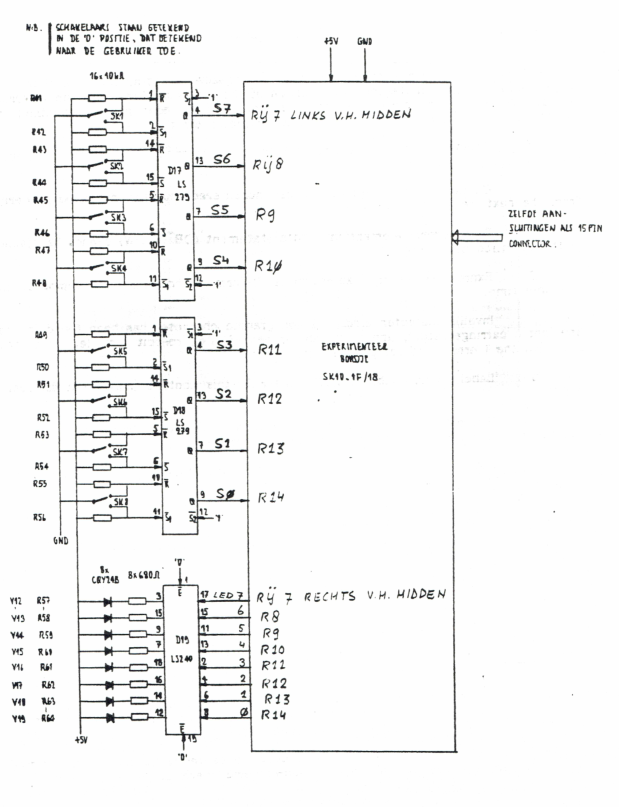
Most of these use a keyboard scanner which is also connected to 7 segment displays.
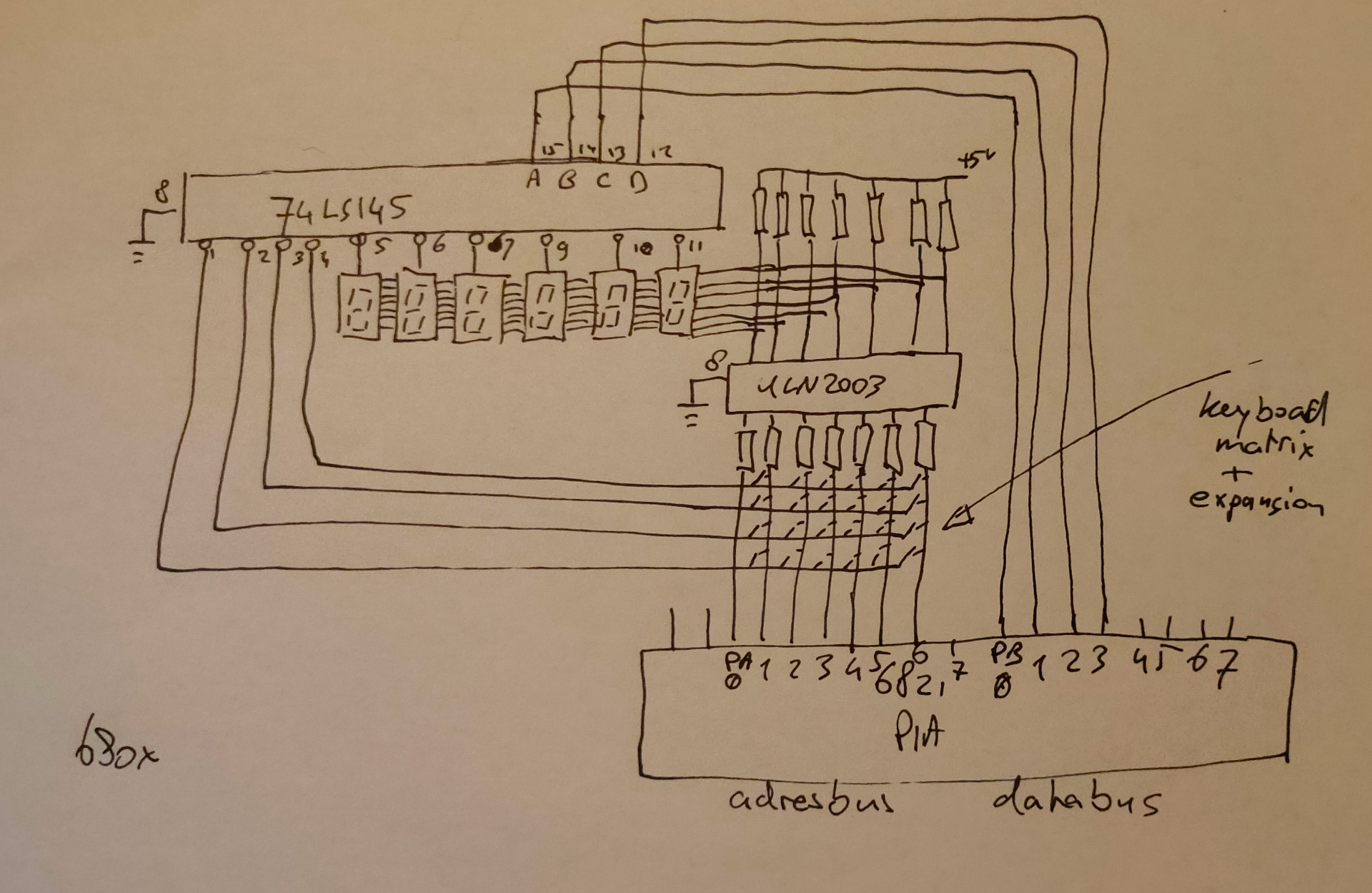
The way they work is practically the same. There is a VIA or PIA. Versitile interface adaptor, or Peripheral interface adaptor. These have two times 8 bits to control devices. When using 4 bits and convert these to 16 lines by using a 75ls145 for example. If you put a counter on those 4 bits, you sequently activate 1 of 16 lines. These lines you can use to scan a keyboard matrix OR display a character on a 7 segment display. These display’s won’t hold the data (and show the character) when not activated. The trick is to update de display fast enough so you don’t see the flickering on/off.
Activate a line and read a byte with the VIA = Reading keyboard row Activate a line and write a byte with the VIA = Display on a segment
These VIA/PIA’s where made with specific timings to match the CPU. 6522/6820/8255
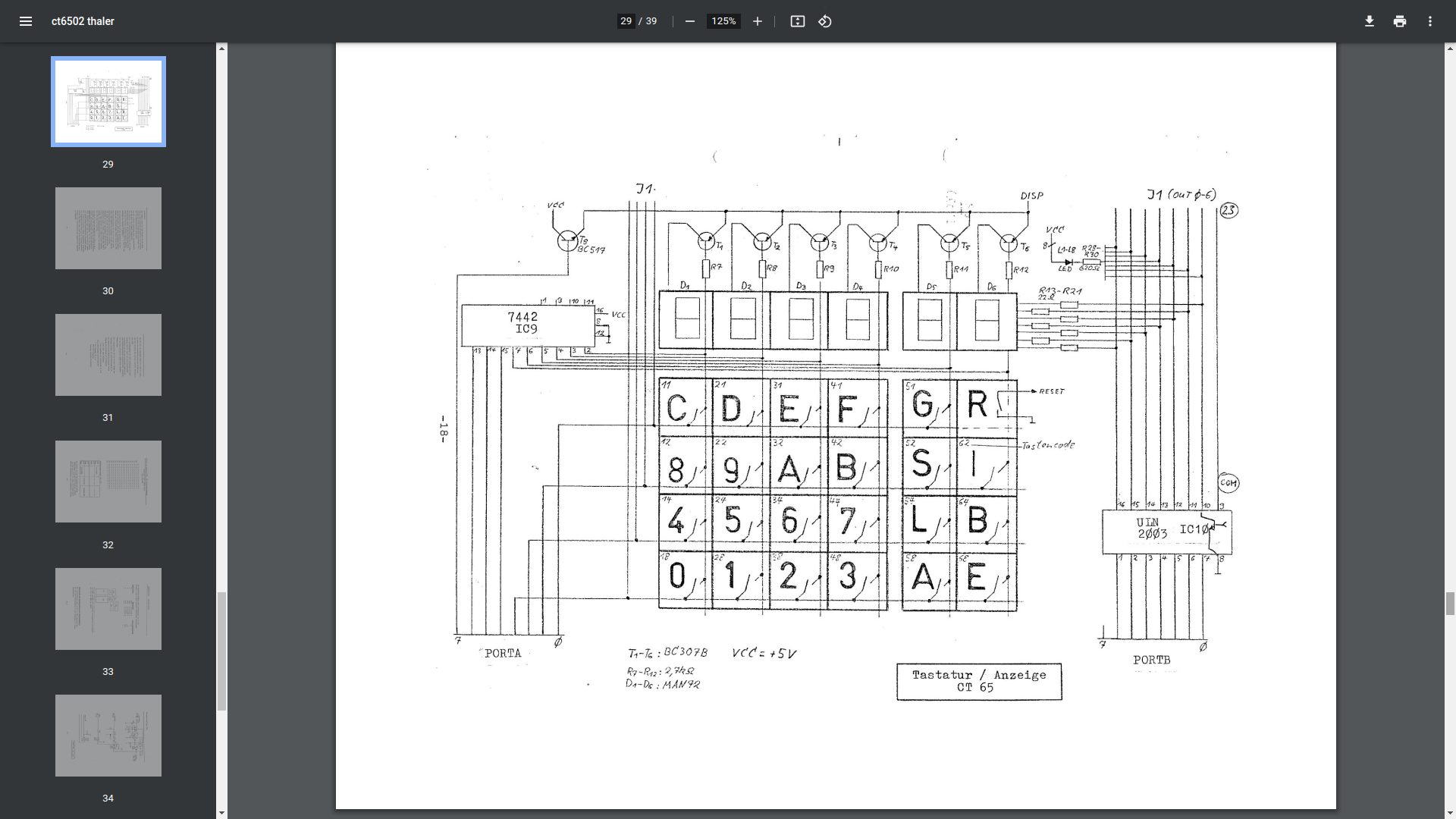
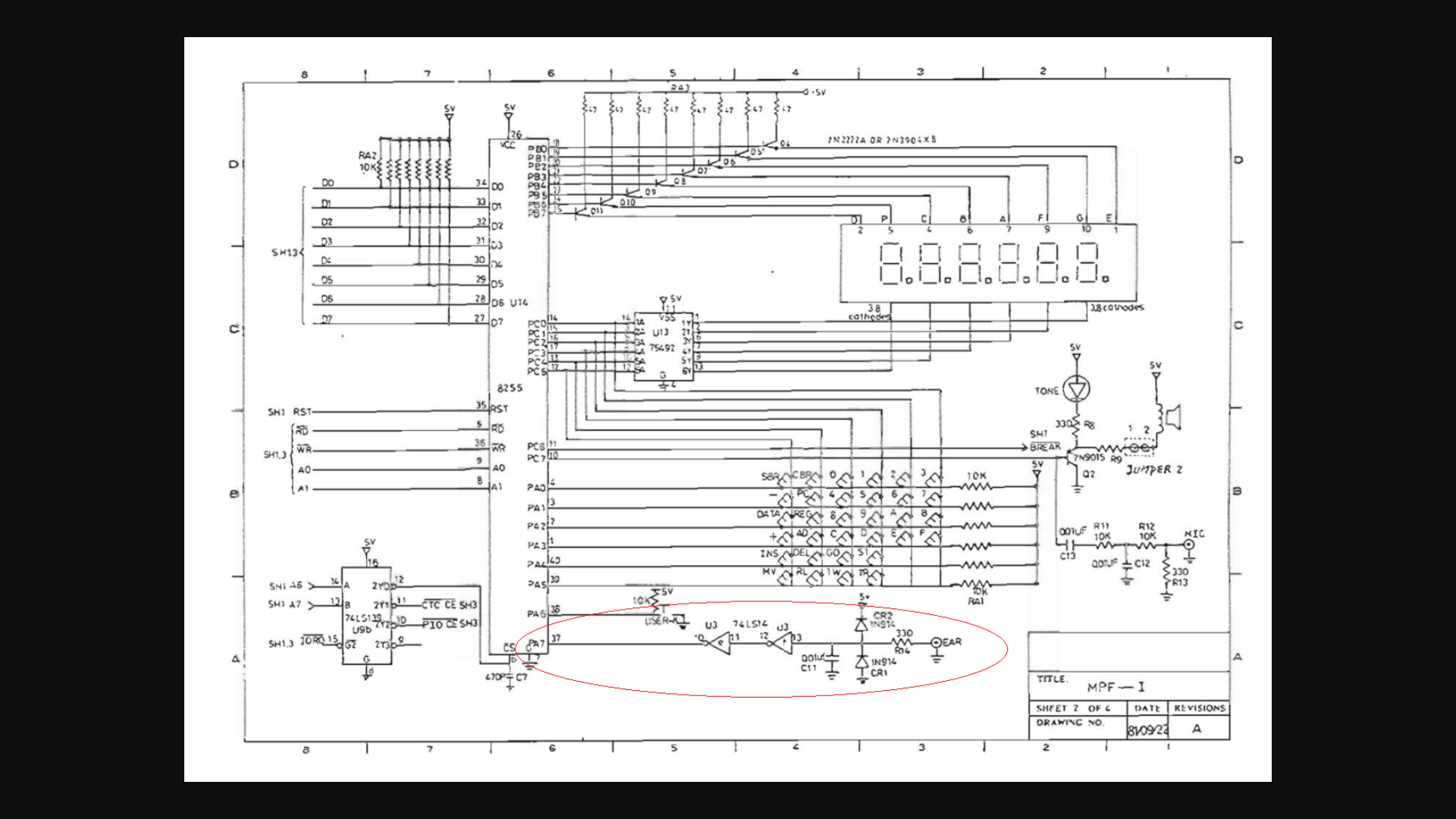
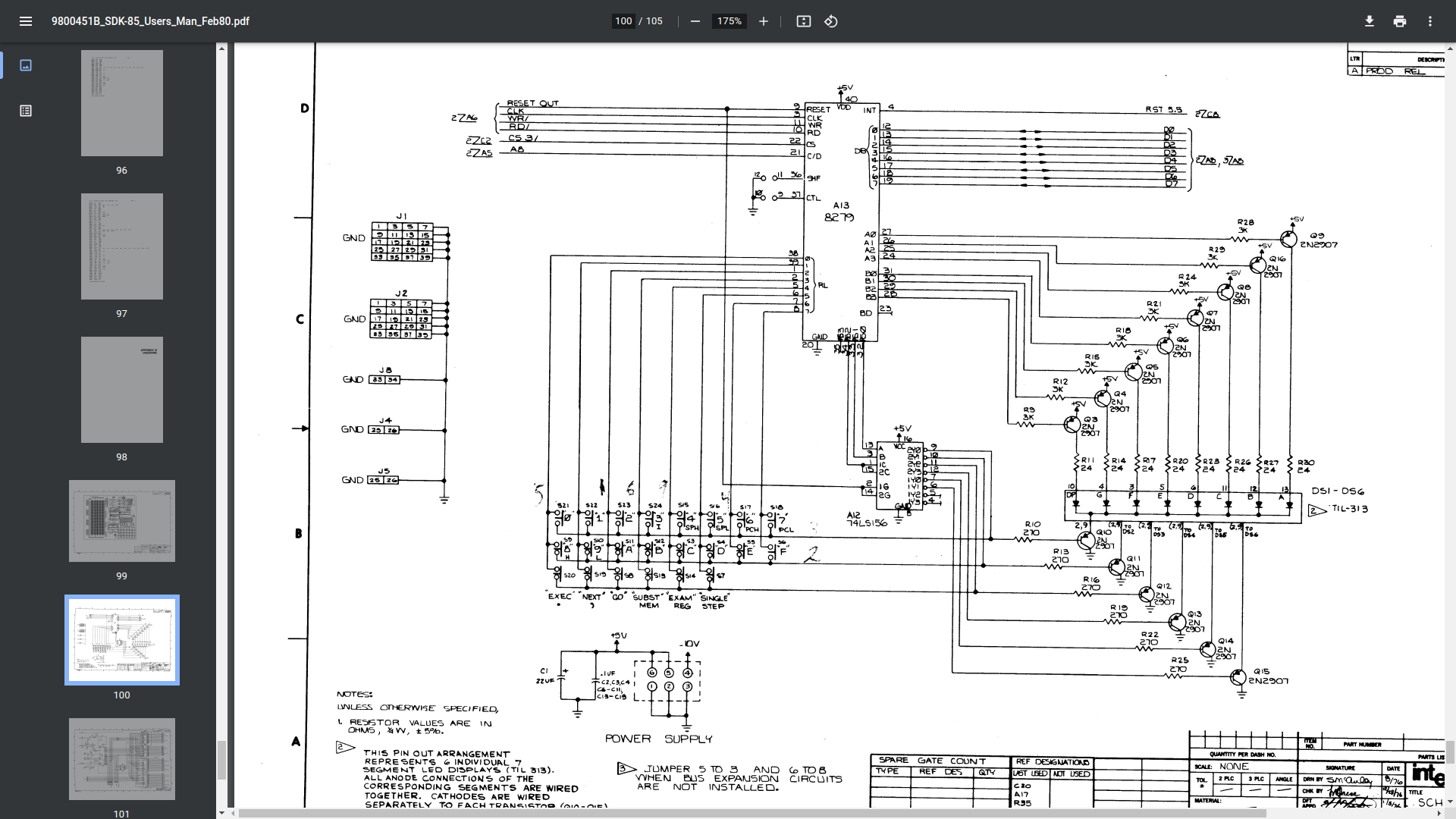
Below you see some different implementations of these keyboard/display combo’s
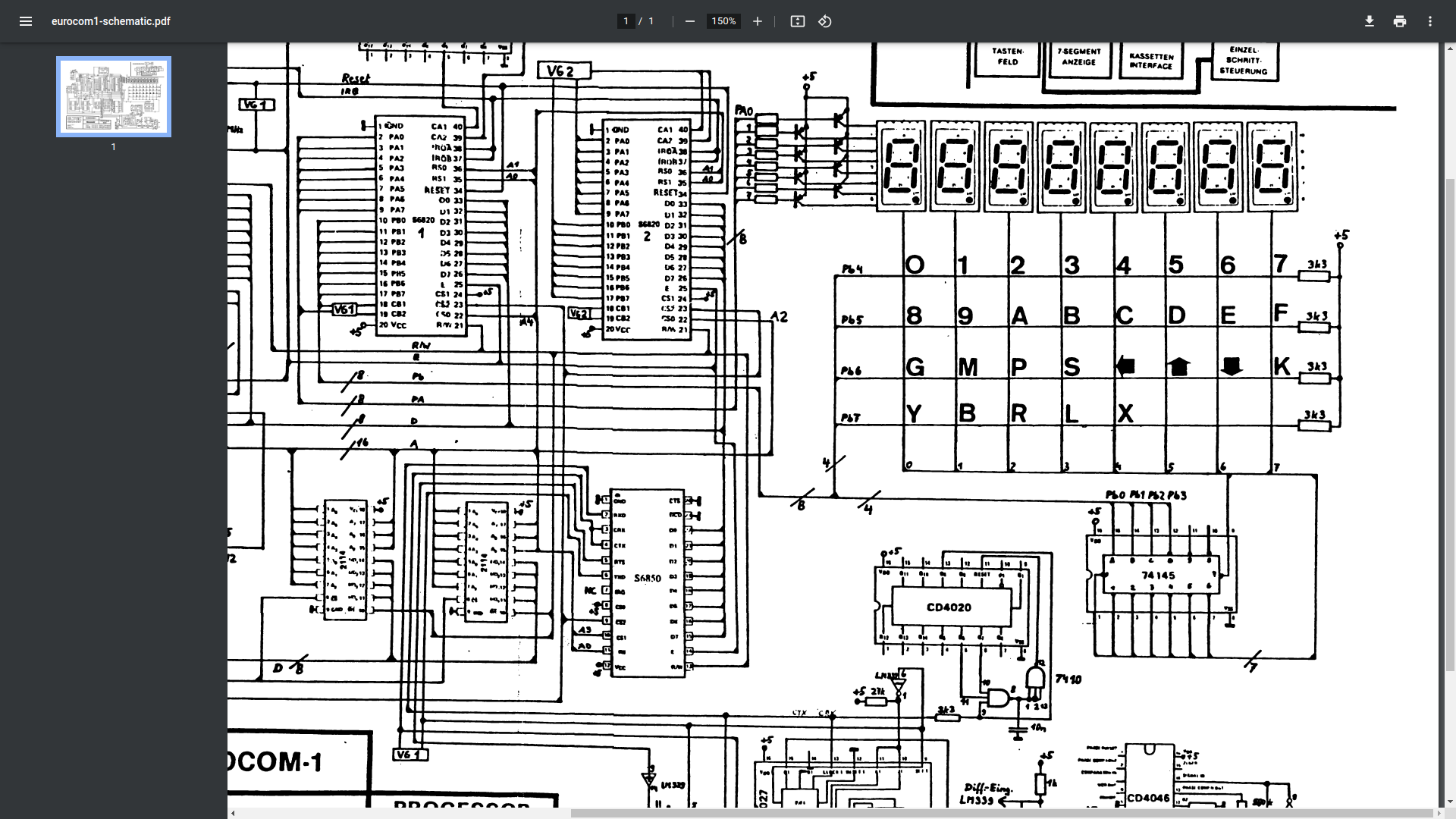
Thaler 6502 kit
Microprofessor MPF-1 kit (ignore red circle)
SDK85 kit
Eltec 6800
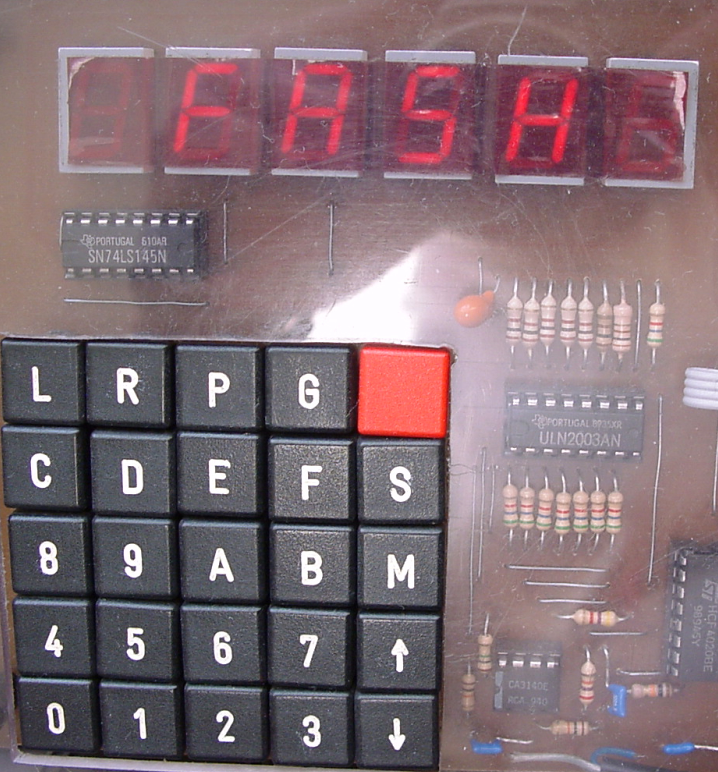
My version using darlington arrays (ULN2003)
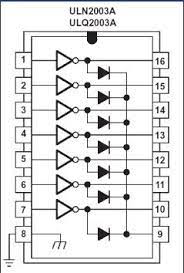
When looking at the 8085 version you see transistors being a ULN2003 is a chip with those transistors/amplification enclosed. It doesn´t draw much current from the bus, and diodes protect the way the current flows.
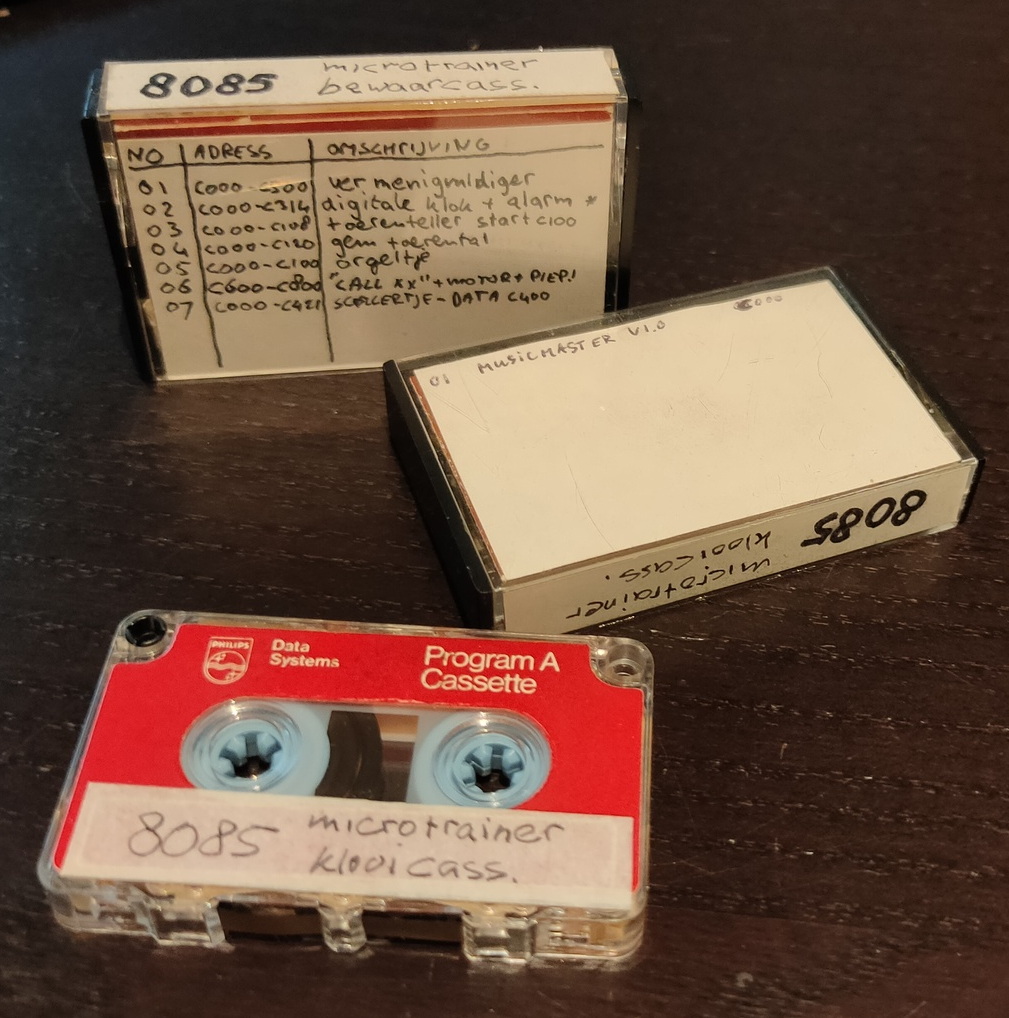
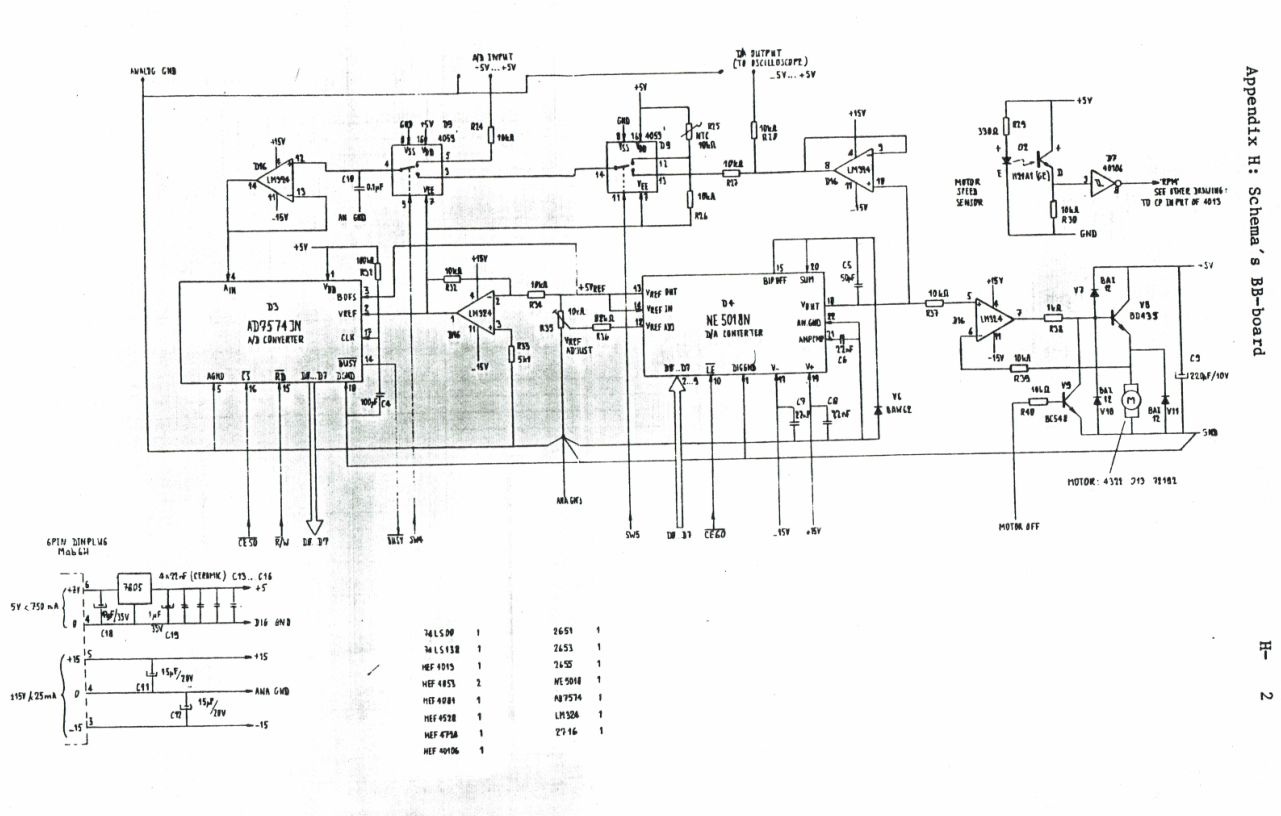
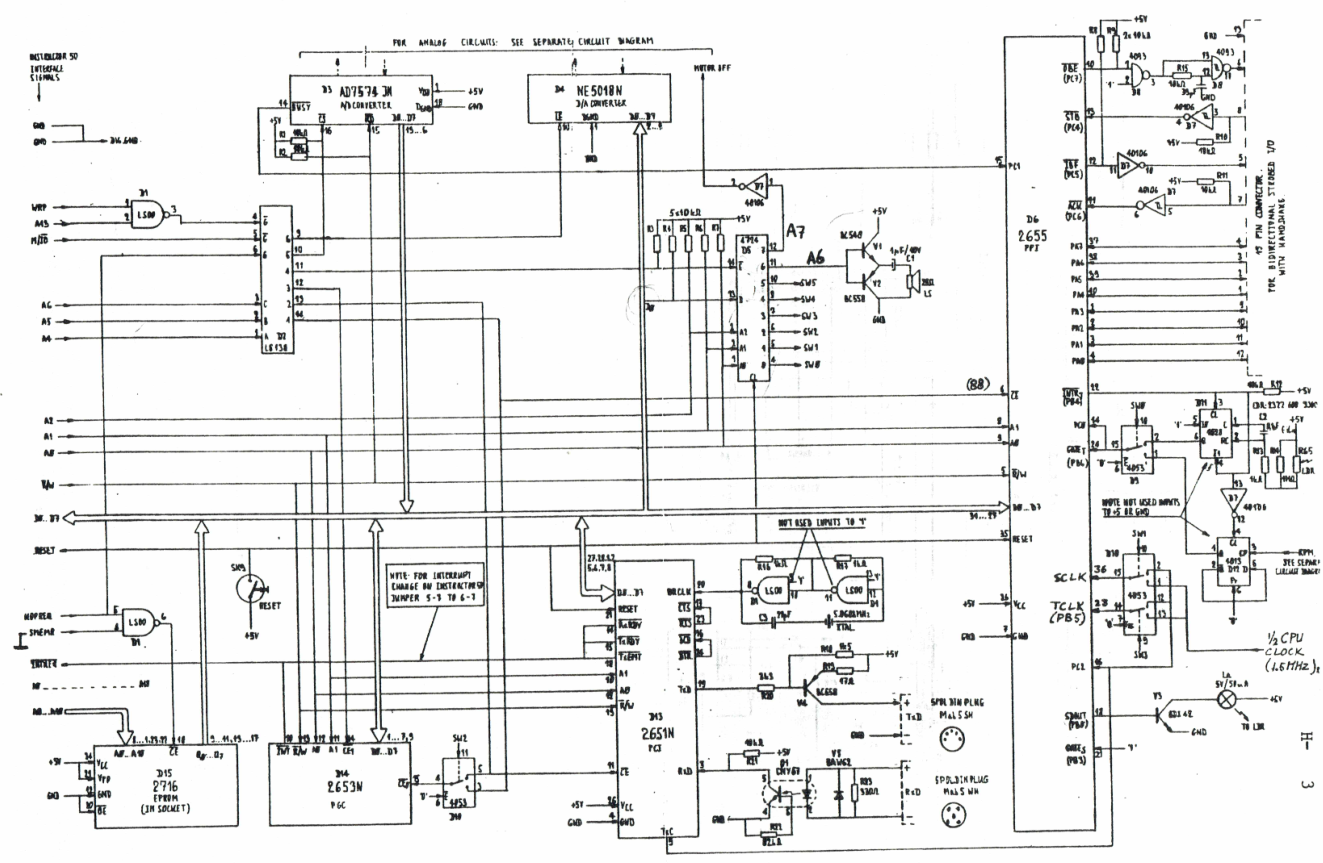
Found these old .. old mini-cassettes .. wish i could read these now. The sdk units we had, had tapedrives and few other hardware devices you could play with. Like a motor you could control, which had a disc with slots in it on top. These slots could be read and counted with a sensor to determine the speed.
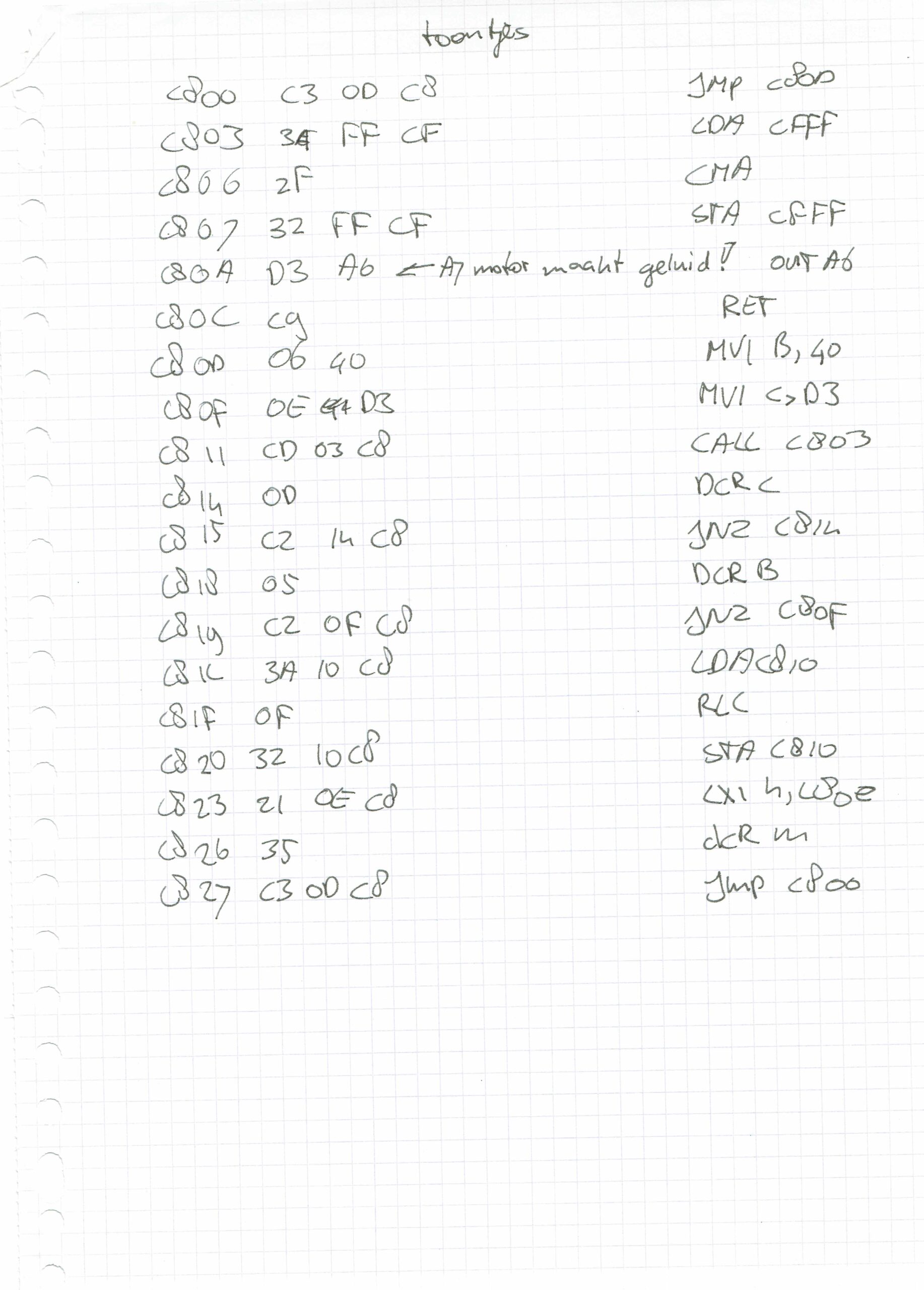
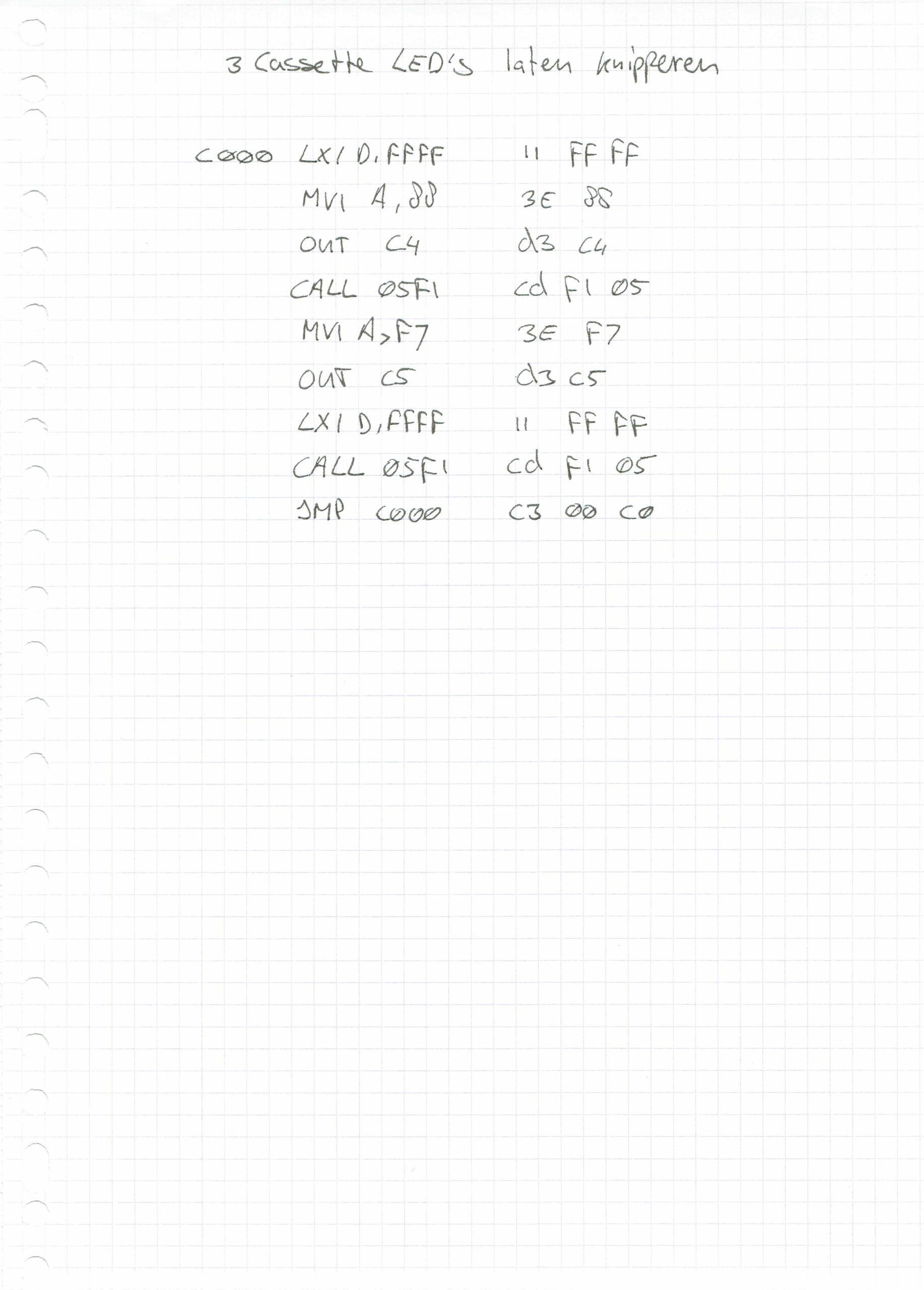
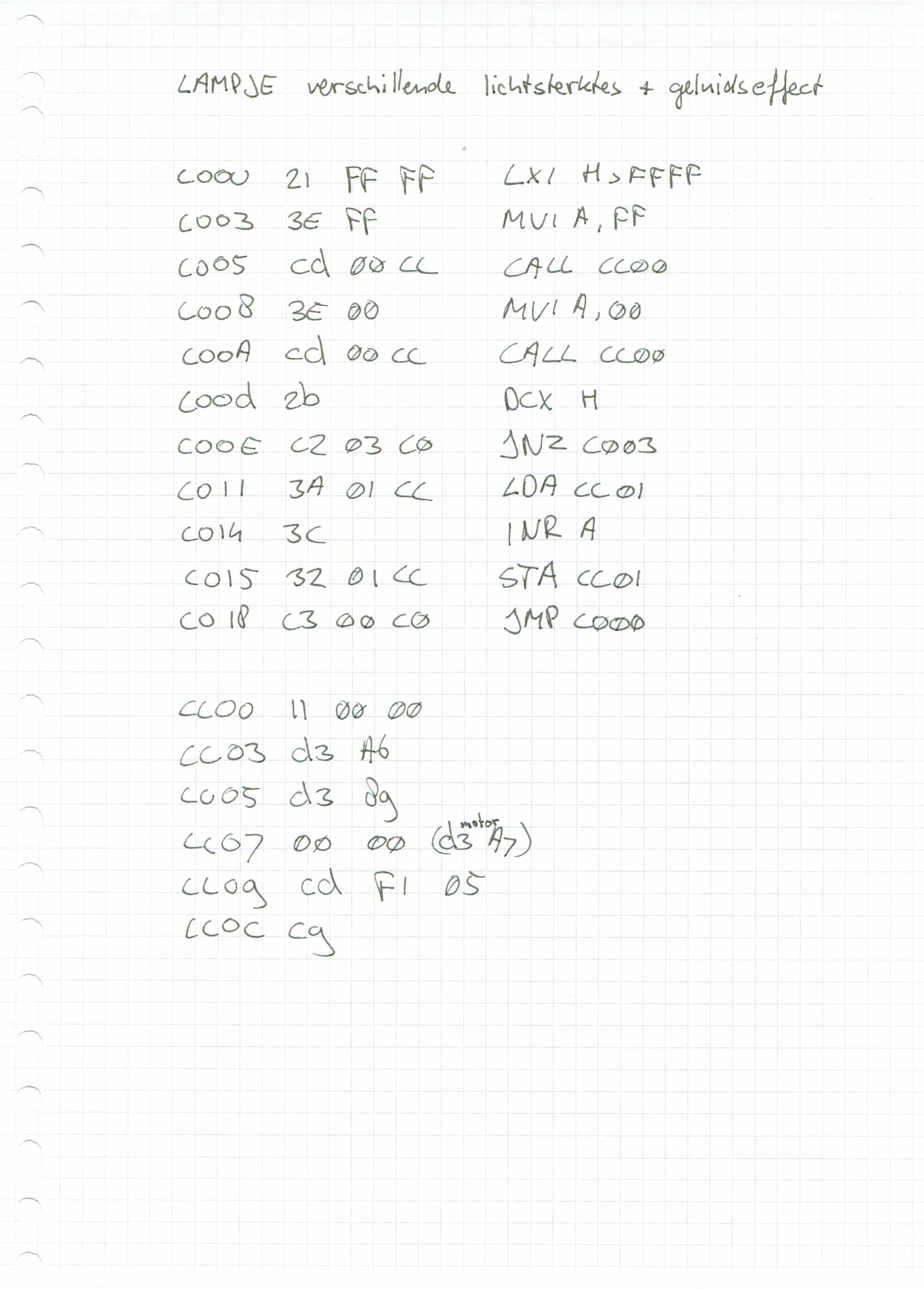
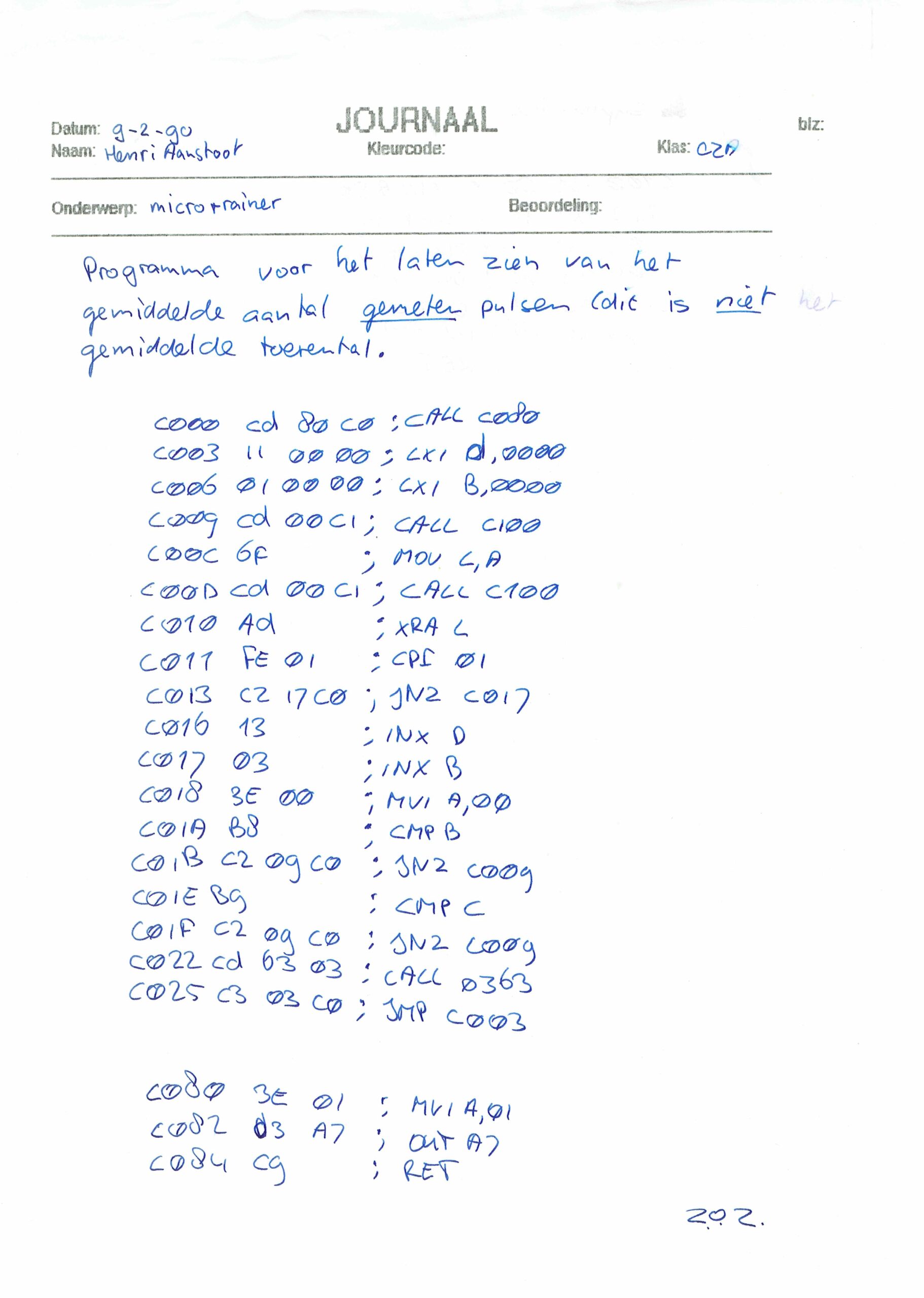
Also this scanned pages, from school i found. There should also be a little notbook with programs and notes ..
New address decoder in place! Connected RAM/ROM/SID/VIA1/VIA2 and ACIA
ROM
8000-FFFF
SID
7000-700F (sound)
VIA1
6000-60xx (Hex key matrix)
ACIA
6800-68xx (serial)
VIA2
5000-50xx (led test at the moment)
RAM
0000-3FFF
To plan: Bigger maxtrix keyboard and other displays
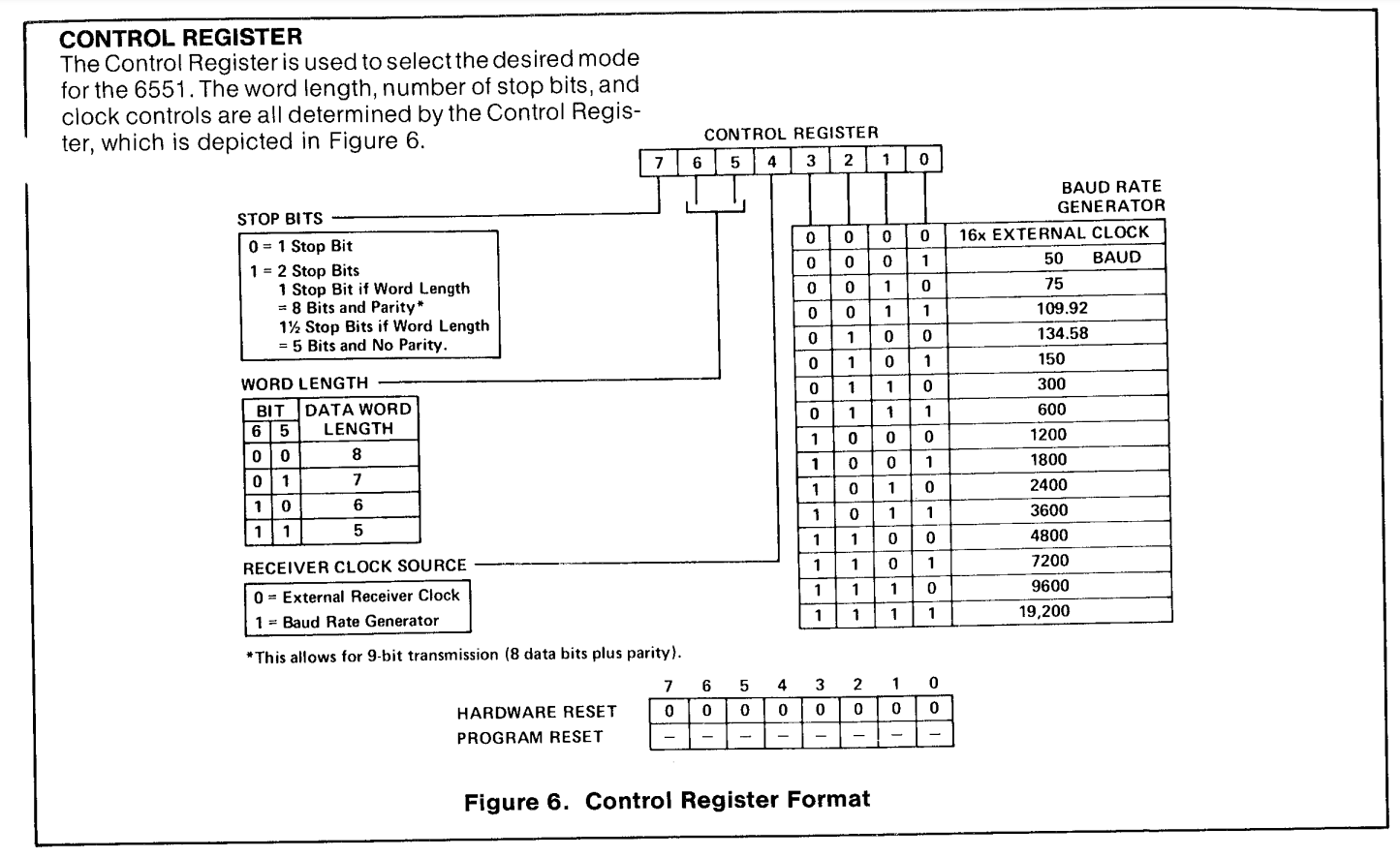
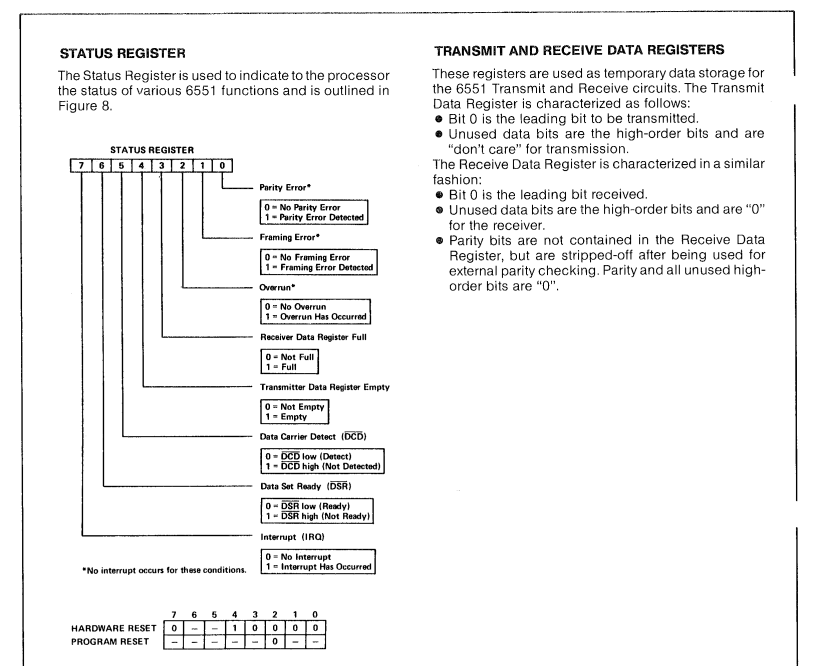
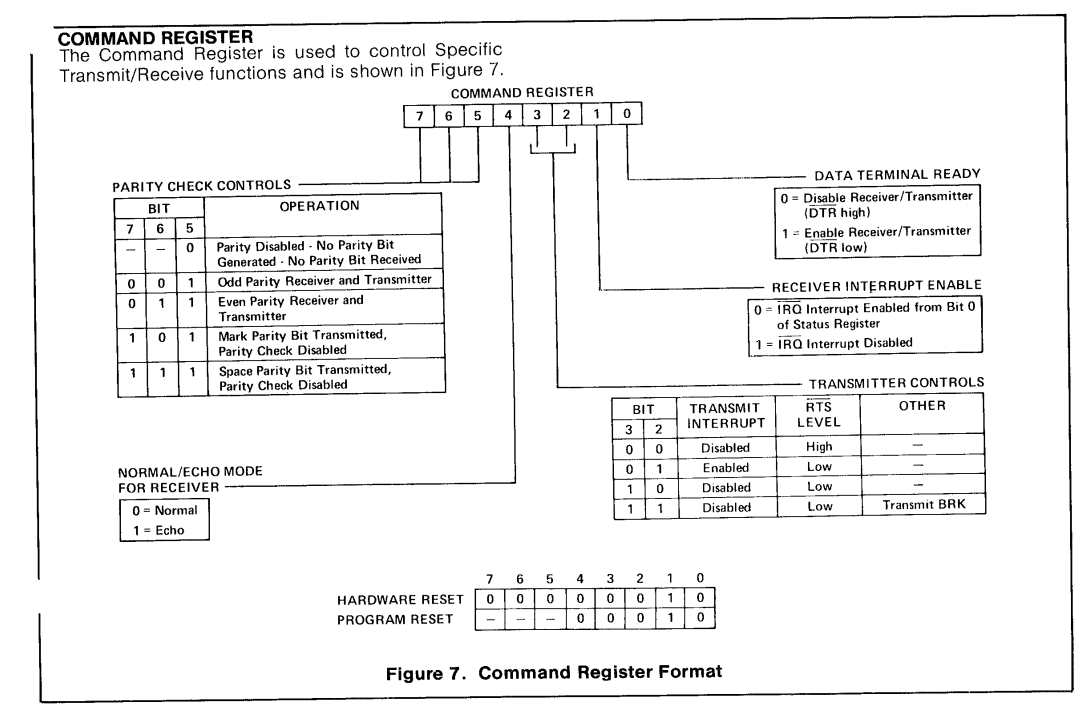
ACIA 6551
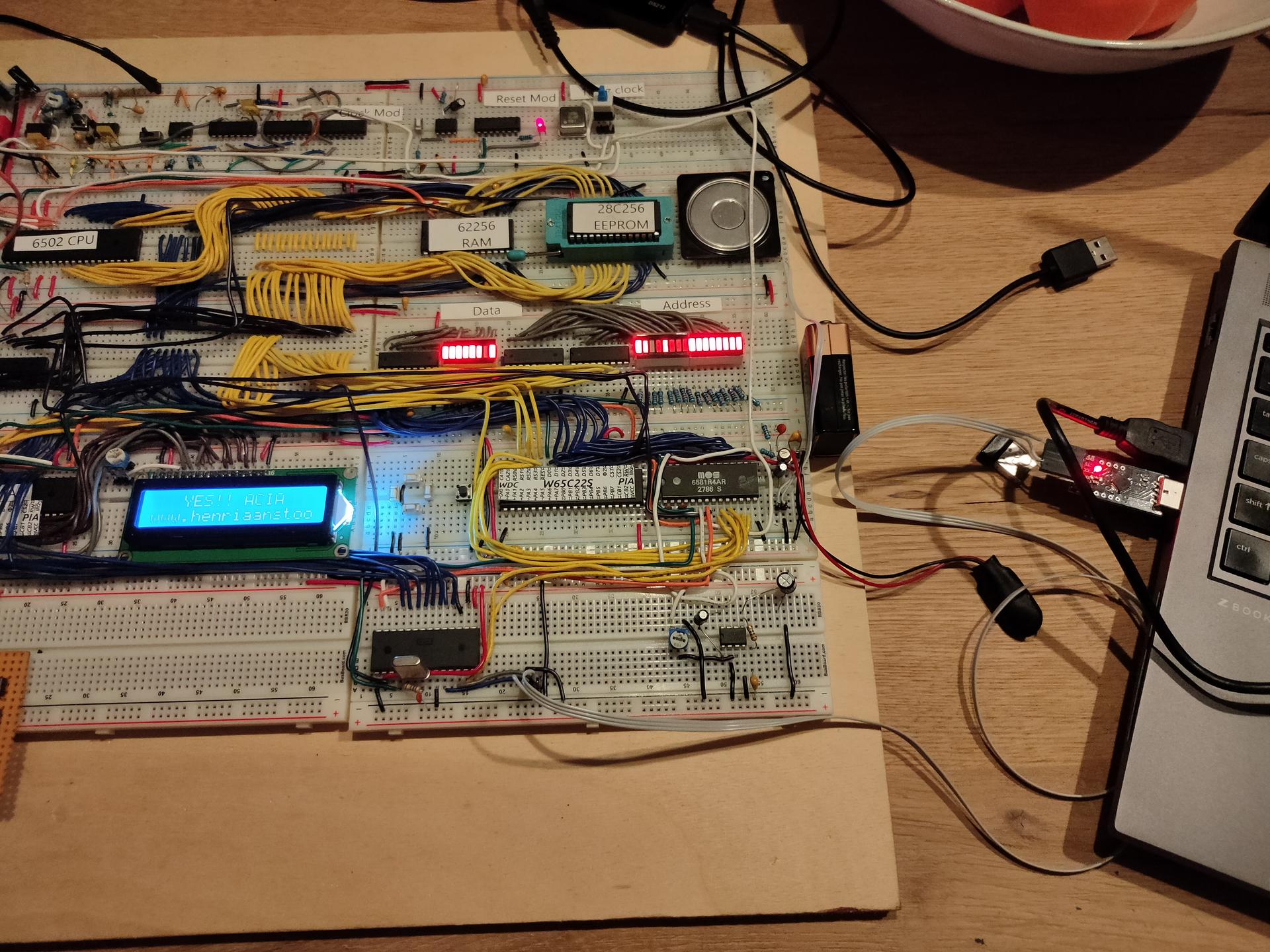
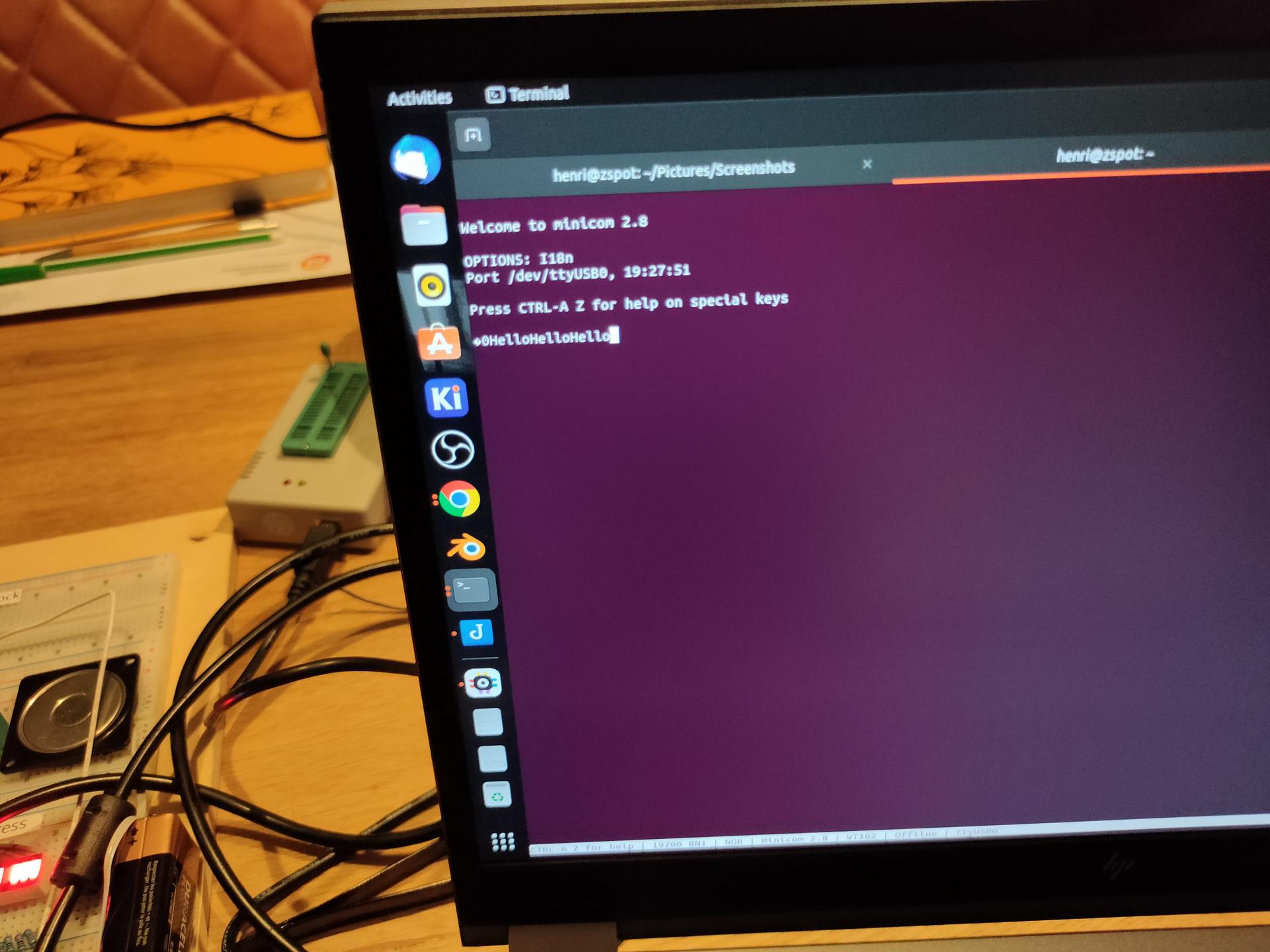
Got a serial connection working between the 6502 and my linux machine!
3 line serial – no hardware handshake
At the moment when a reset occurs , hello is being printed. Text typed in the minicom terminal, is echo-ed back and displayed on the LCD display.
Things learned: Do not trust internet schematics blindly!
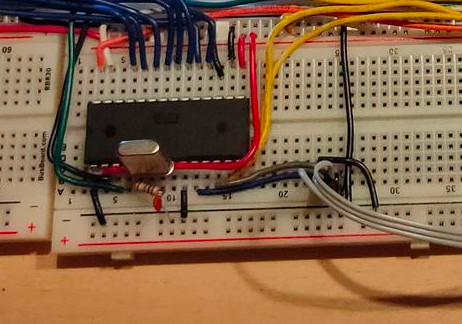
The crystal used for the ACIA (pin 6/7 1.8432Mhz needs a 1M ohm resistor parallel over the crystal, and a 30nF capacitor from pin 7 to GND
When using a terminal emulator, and using 3 wires. Disable hardware handshake.
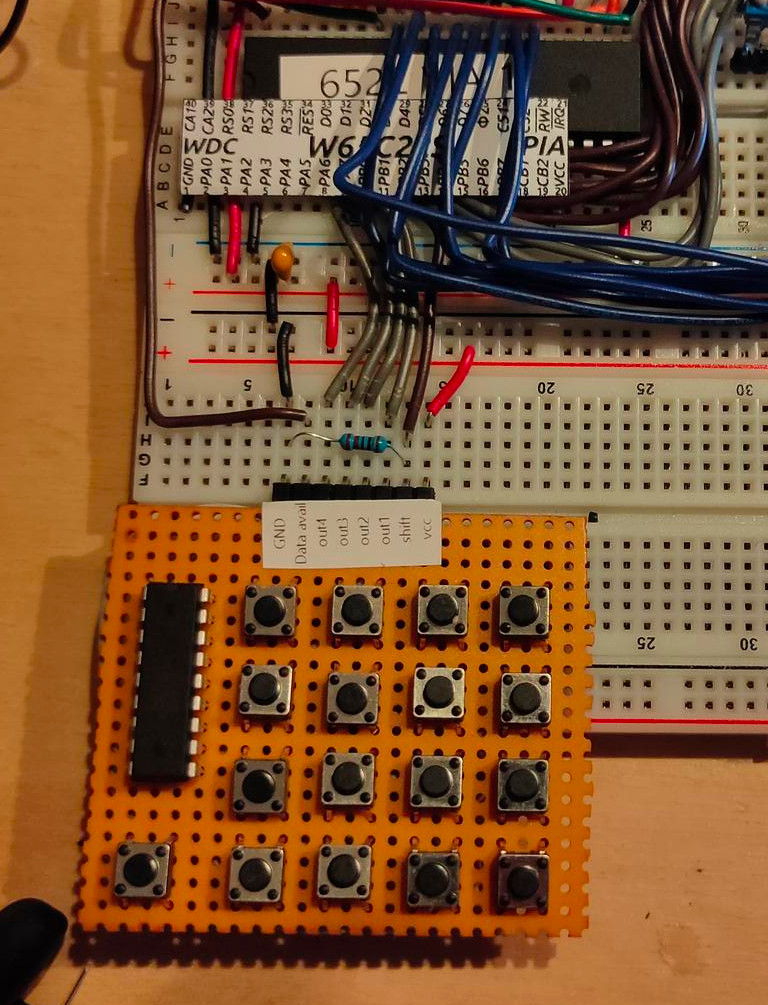
Keyboard rewired.
What didn´t work as planned:
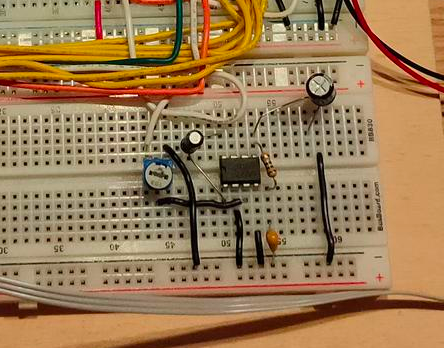
New amplifier schematic for the SID. There is too much noise.
Amplifier with a LM628
Bought a dual power supply (5V and 12V). But this one has a lot of signal noise on the SID part and even my battlestation speakers!
LED test 2nd via
PORTB = $5000 ; VIA PORTB
PORTA = $5001 ; VIA PORTA
DDRB = $5002  ; Data direction register
DDRA = $5003  ; Data direction register

LED  = %10000000

	.org $8000

reset:

	lda #%11100000 ; Set top 3 pins on port A to output
	sta DDRA

	lda LED
	sta PORTA

loop:		; done loop until doomsday
	jmp loop

irq:
nmi:
	.org $fffa
	.word nmi
	.word reset
	.word irq
ACIA part
ACIA_RX = $6800
ACIA_TX = $6800
ACIA_STATUS = $6801
ACIA_COMMAND = $6802
ACIA_CONTROL = $6803

    lda #$00
    sta ACIA_STATUS
    lda #$0b
    sta ACIA_COMMAND
    lda #$1f
    sta ACIA_CONTROL
I was using zevv’s bucklespring way back since he was beta testing. https://github.com/zevv/bucklespring
Also cool-retro-term, i used whenever i felt nostalgic.
But both at the same time, how much fun is that!
(Both newly installed on my laptop, which i had to reinstall, because i f*cked it up beyond repair. installing openxr stuff. OpenXR is an open, royalty-free standard for access to virtual reality and augmented reality platforms and devices. )
I found some stuff while sorting out some old computer stuff. Way back, when my Amiga was my main computer, i wanted to make my own version. A modular one.
So i started to segmentize the amiga, to put it on several exchangeable cards.
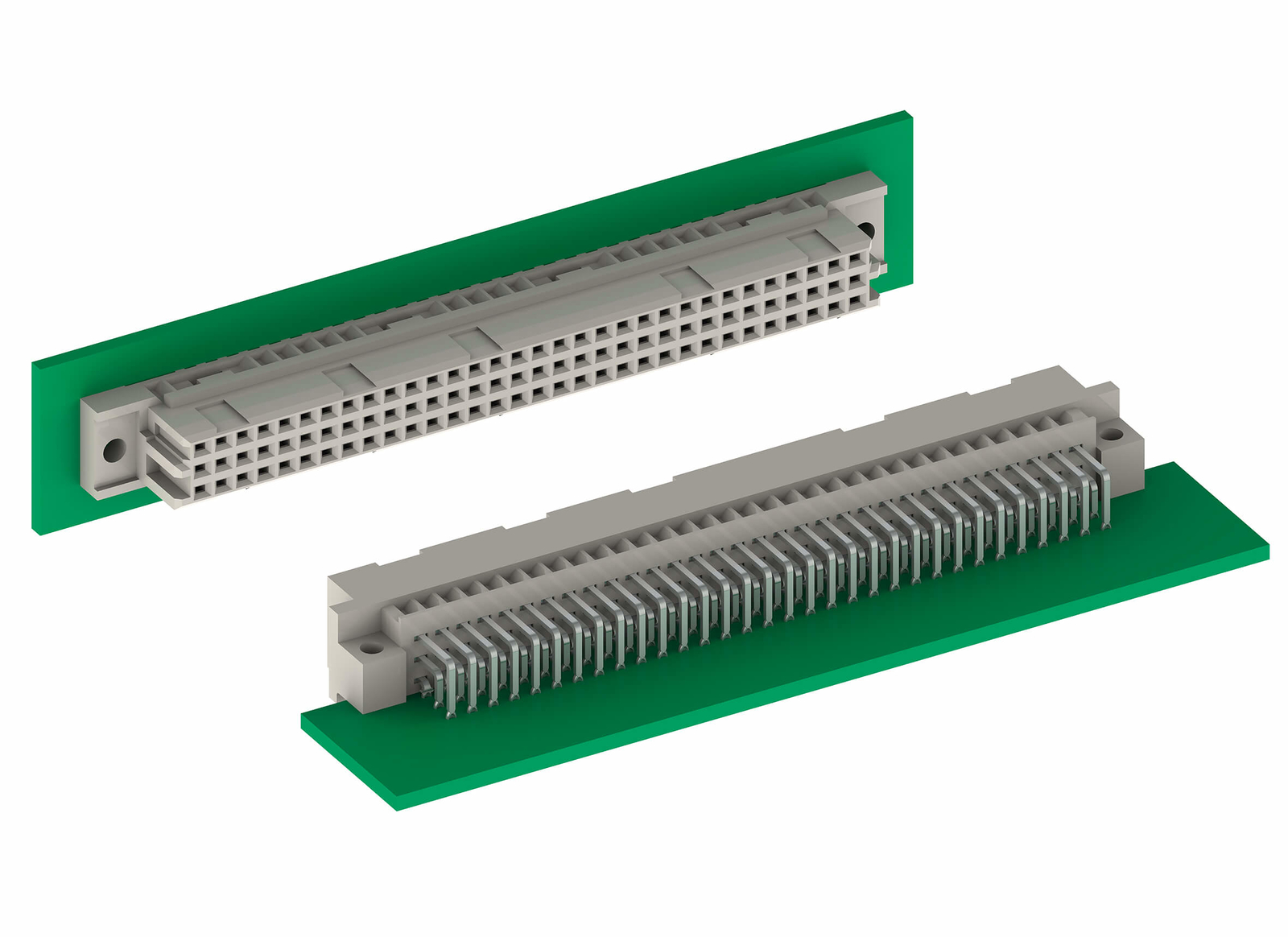
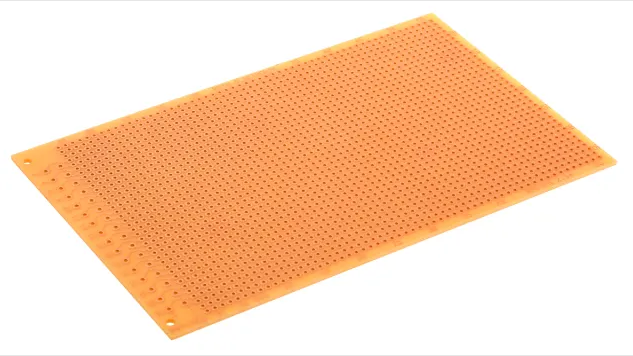
Eurocards are standardized prints 150mm x 100mm, mostly with a DIN41612 connector.
DIN41612
Eurocard example
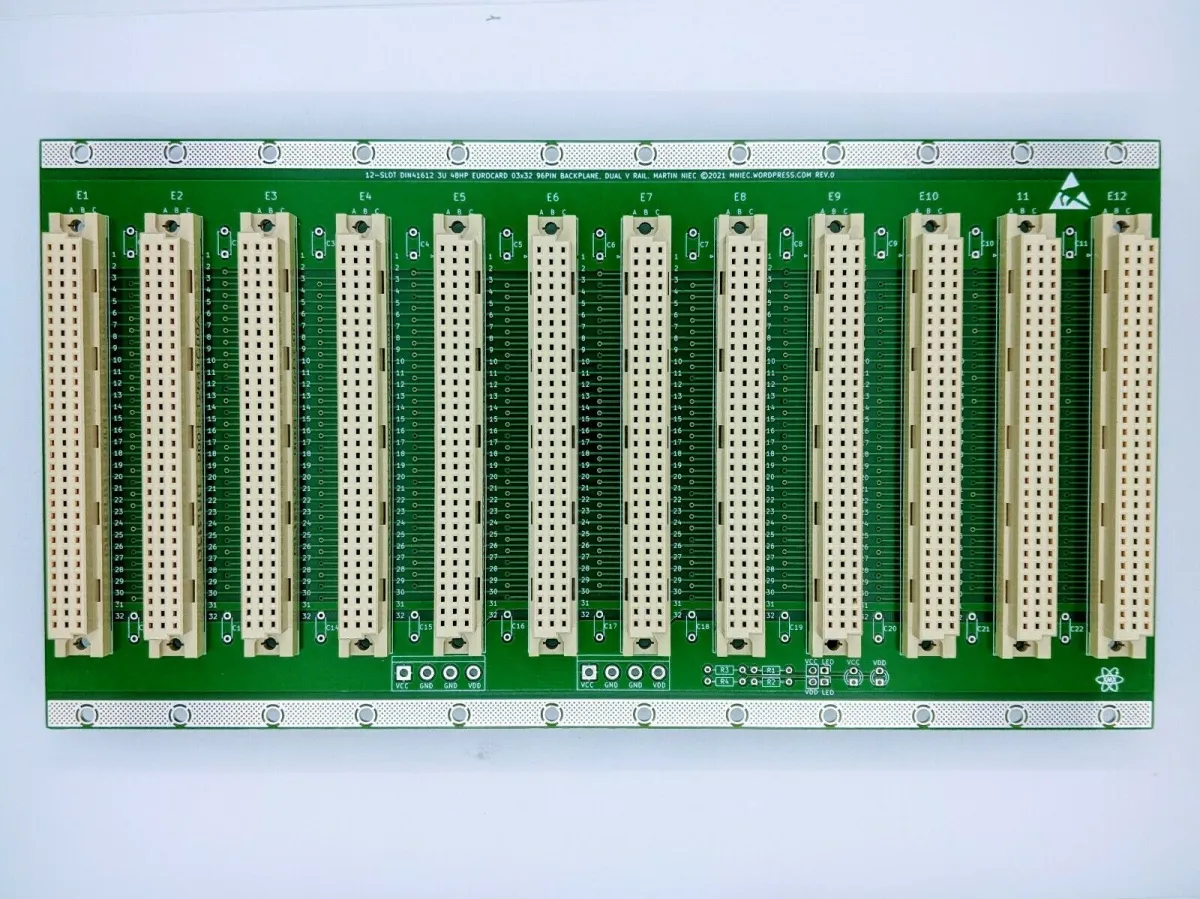
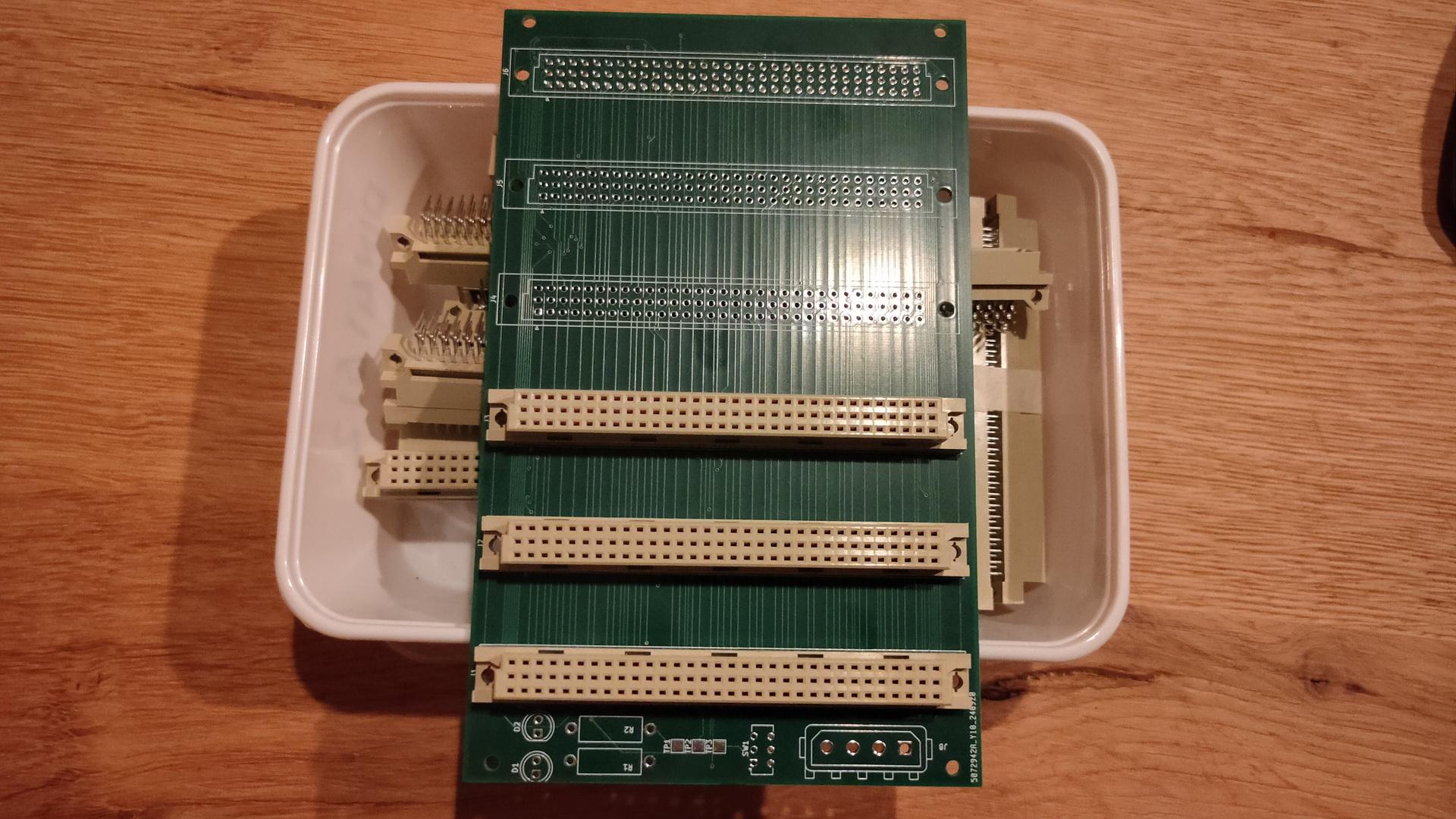
When you make modules you can change/upgrade/test, you can have a very easy interchangeable system using a backplane like this
So i started planning those modules:
CPU – 68000 but upgradeable to 68030 or alike
Memory – With expansion
Sound
Video
More IO possibilities
Keyboard (see more at the bottom of this page)
I had a nice case which could hold a big backplane, custom powersupply. And a front panel containing drives, leds and knobs. (I know i have more info on this somewhere on my fileserver)
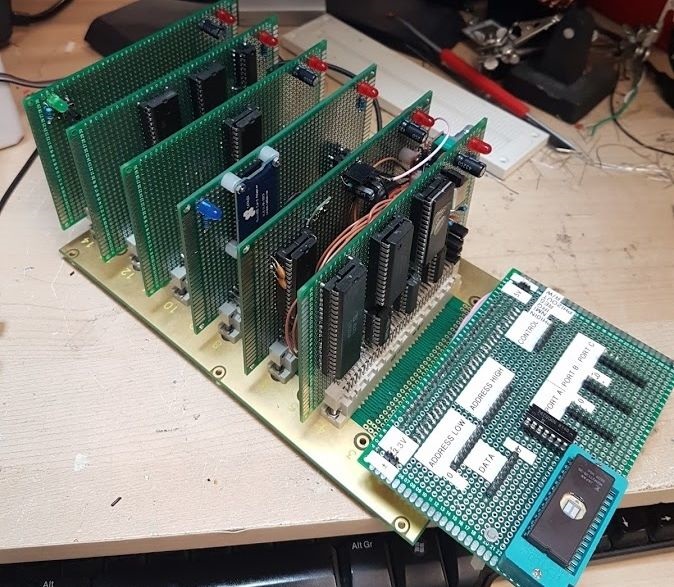
A nice example picture i found on danceswithferrets website
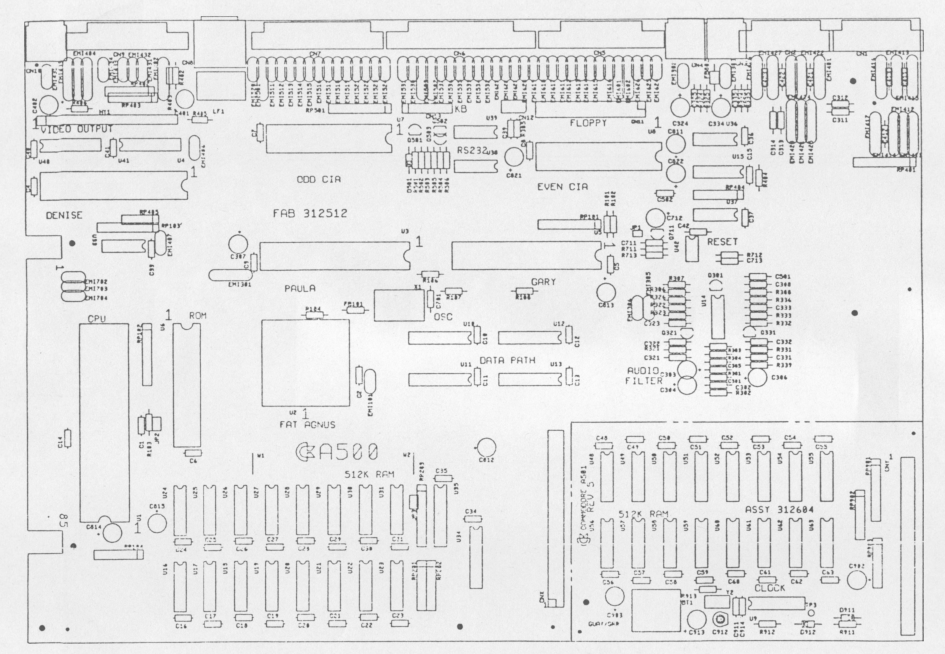
I never finished this project. I used Tech Manuals and print layouts to understand how things where done.
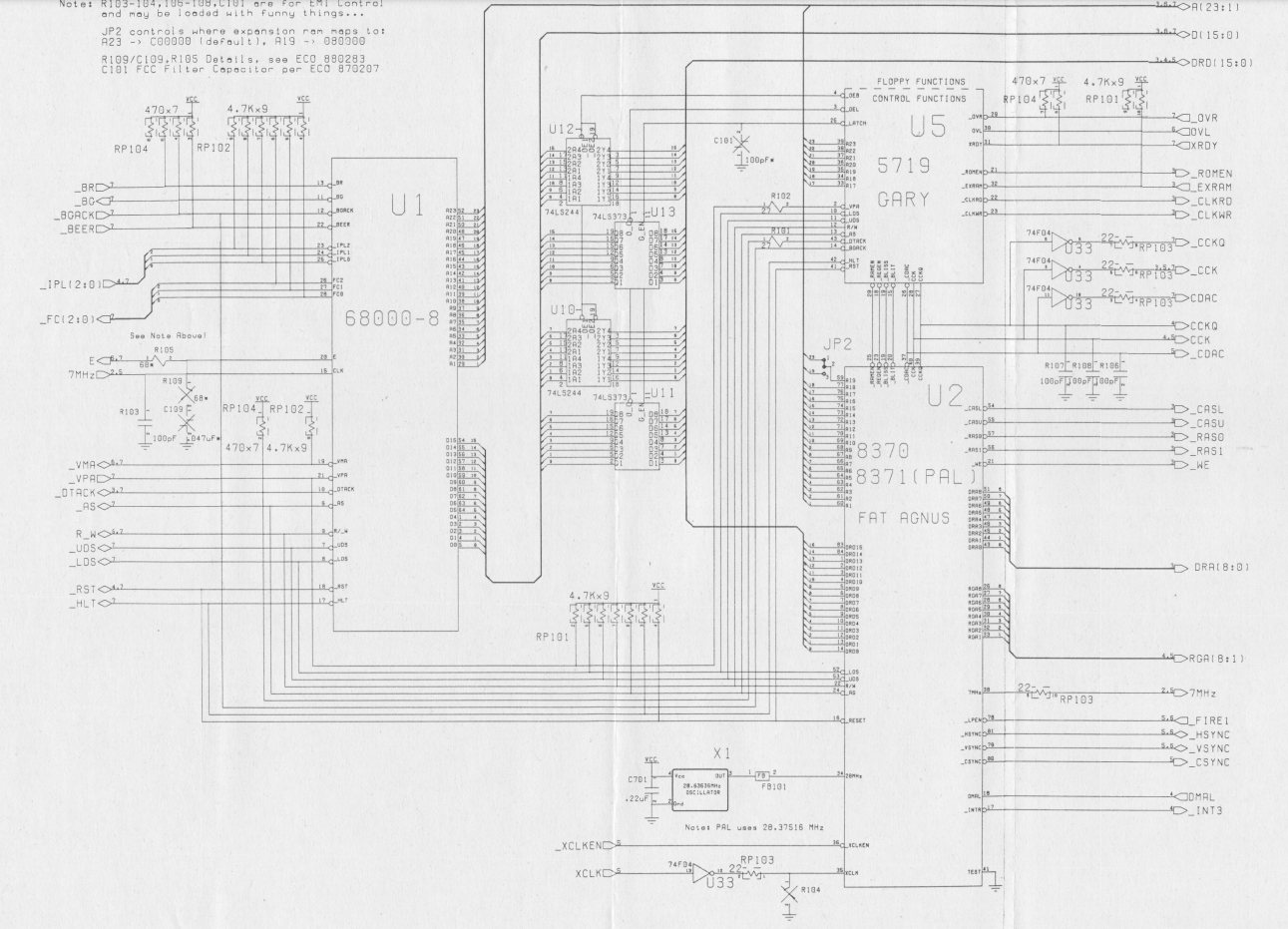
Part of schematic
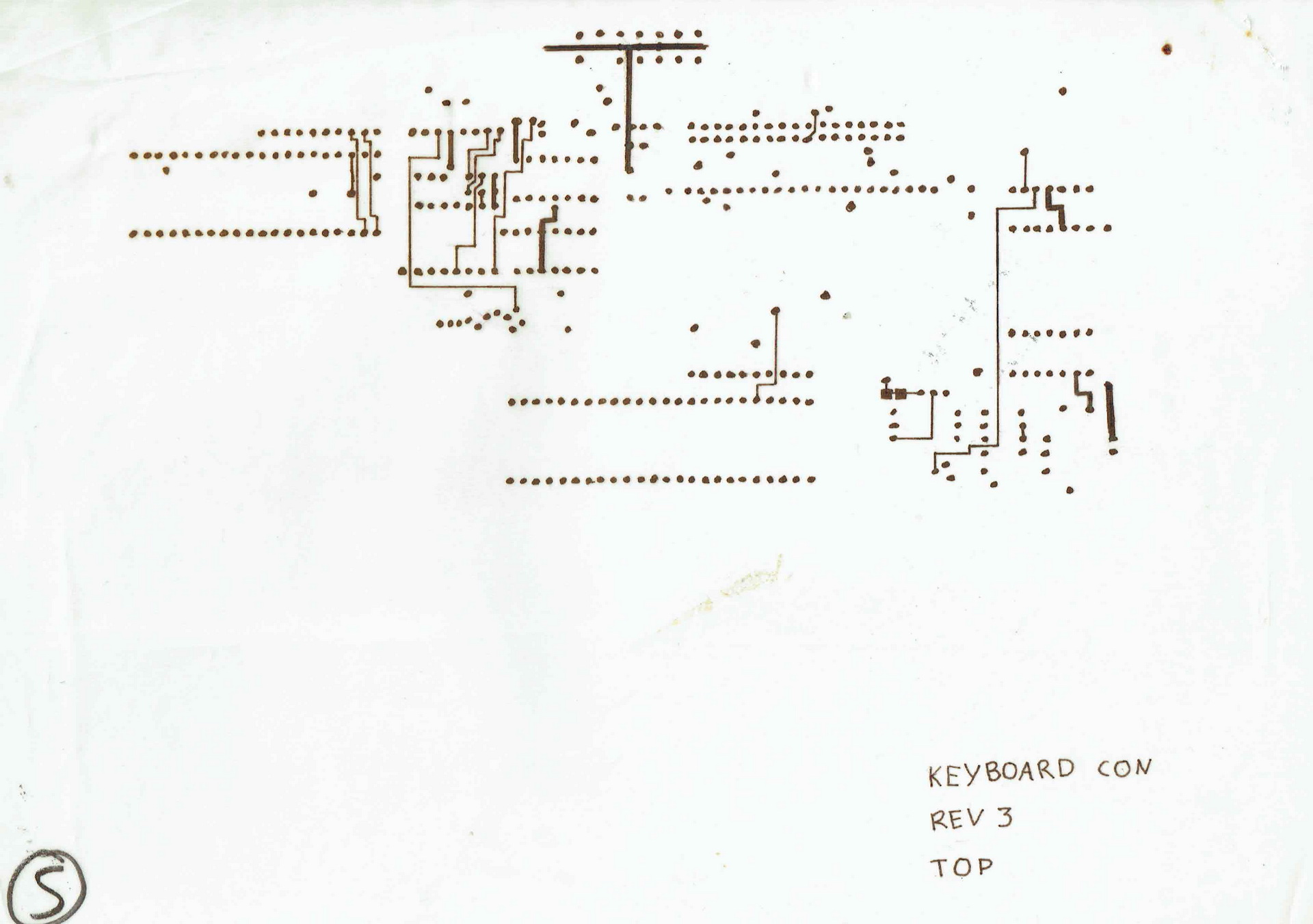
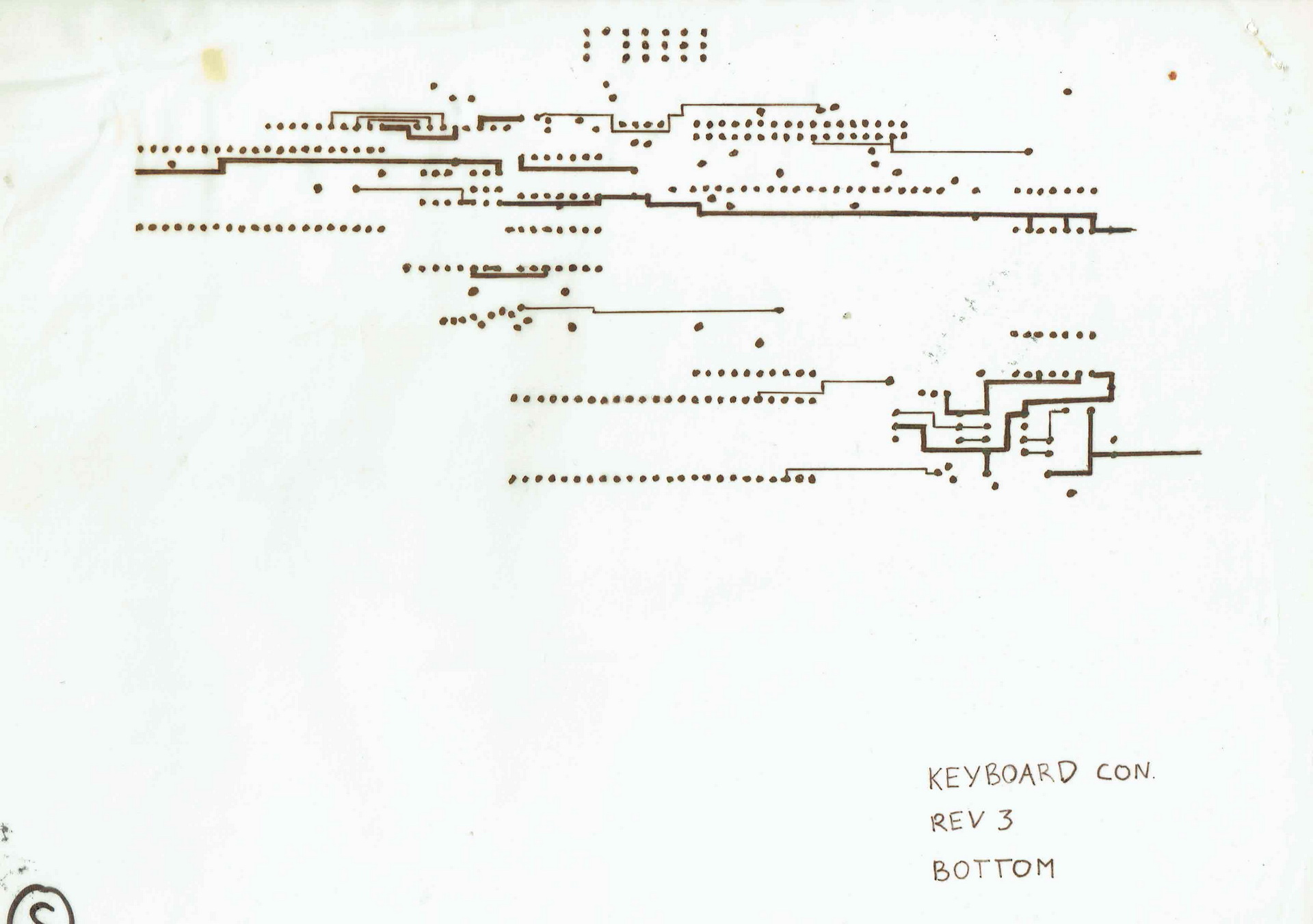
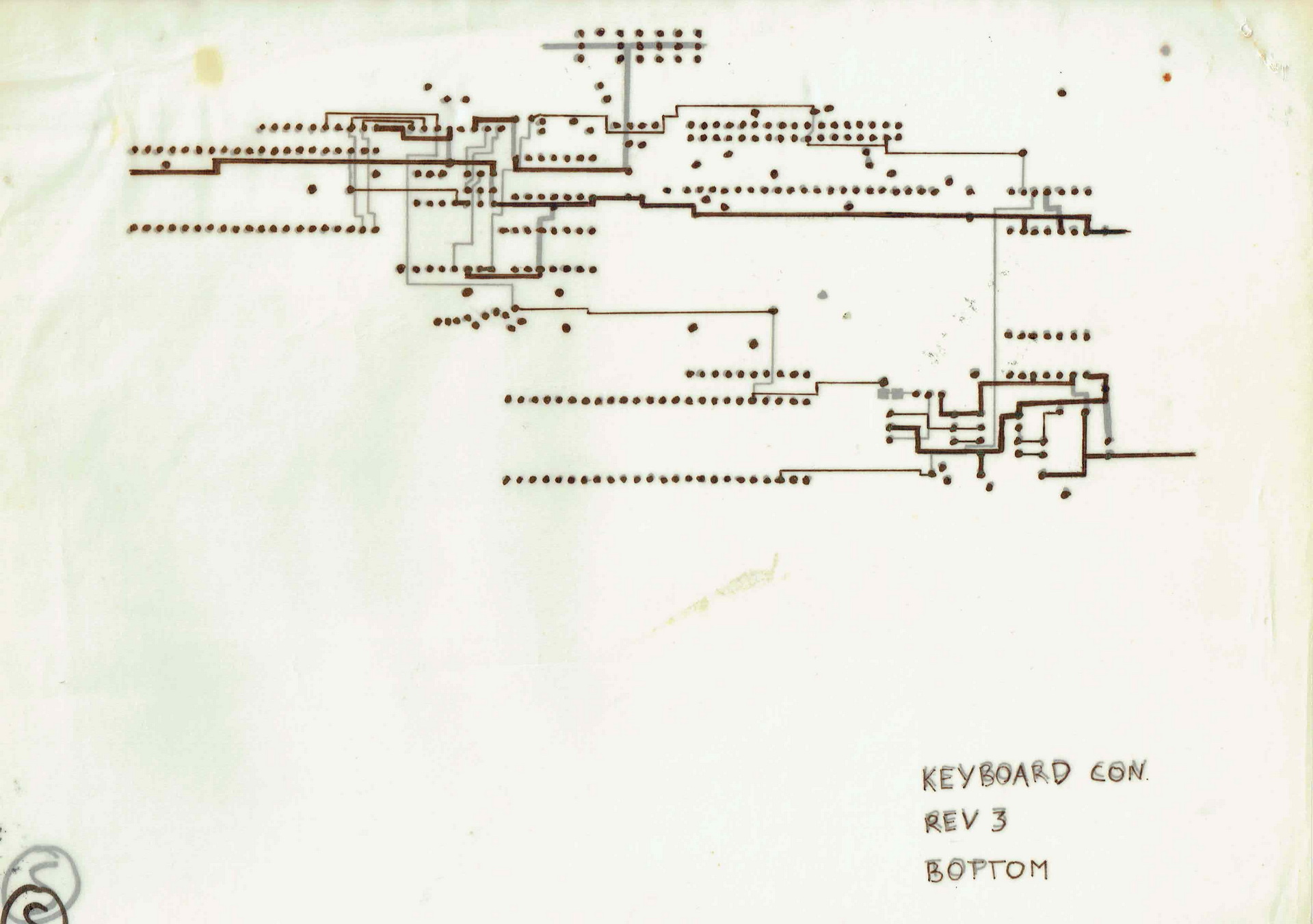
I started to draw the modules like they where placed on the print on semi transparent (chalk)paper, the kind of paper that was used for electronic and mechanic diagrams.
TOP Part of printBottom part of printBoth on top of eachother
The last days i’ve been selling a lot of my old computers. They have been in my collection for many years, but now its time to part. Time for others to enjoy them.
(Instead of posting which ones are being sold and which i’ve still got on this page i’ll make another post)
I started collecting when i studied computer sciences. It’s a wonder my parents attic wasn’t collapsing. (They let me store many computers on their attic, let me run a mainframe in the house (previous post) and let me have computer-parties (pre-lan) in their home. (They even left, and gave me the space) .. 15+ teens with computers … there was a pingpong table in the livingroom (besides the other tables in the house ) For all computers.
Then i’ve got even more, when living on my own. (At some point about 140. )
A few years later i got rid of uninteresting computers (to my taste at that time) and incomplete ones. Then i filtered-out the non working.
Still leaving with a lot of computers, i kept these for many years.
Now i only want the ones i’ve worked with, or are special to me.
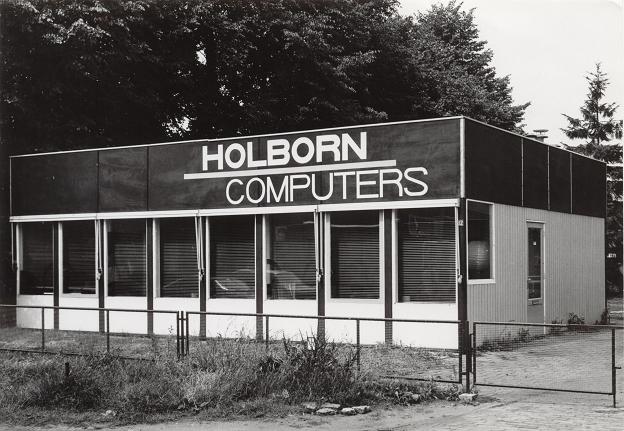
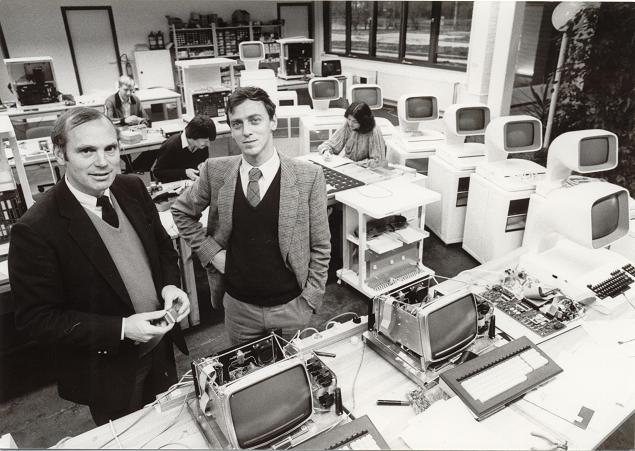
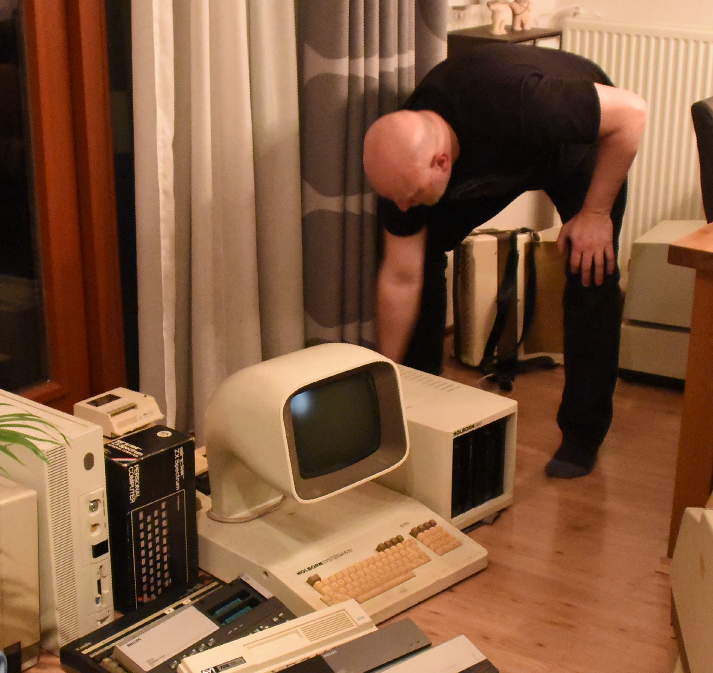
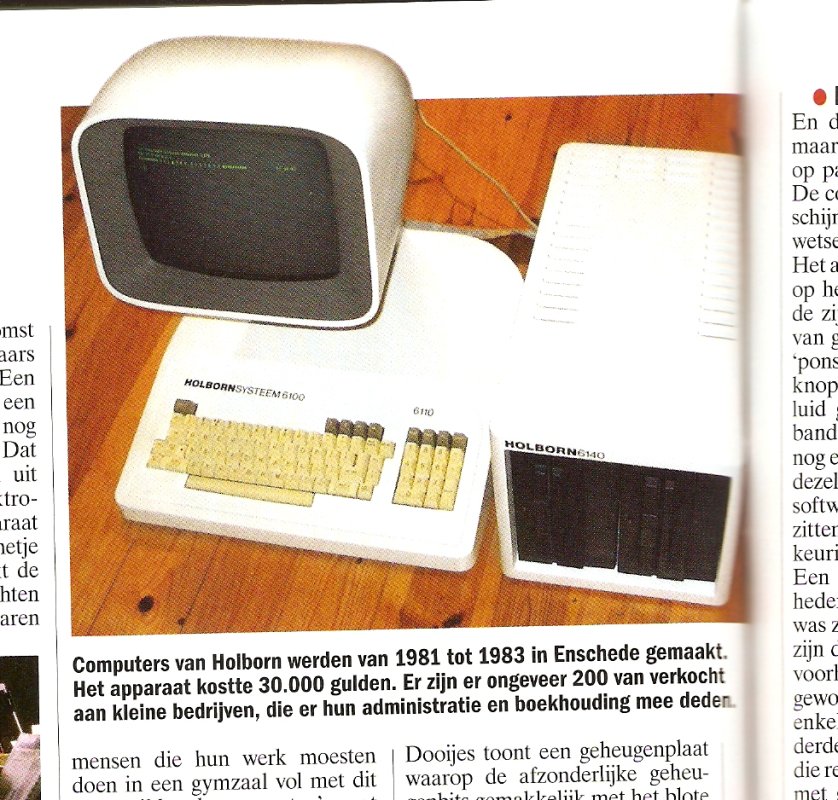
My first computer was a Commodore Vic-20. Friends had the popular C64. So i kept 2 of both. In Junior Technical School i’ve used the BBC Acorn a lot (Funny story below) My then friend Richard had a Atari ST, loads of fun we had with that machine, so i’m keeping a Atari 1040STf. Another friend used a Apple SE, so that one i also keep for now. I’ve been programming a lot on 80×86, the first dos PC’s, i’m still looking for a old machine (Laser XT) which i used way back then. But for now i’ve got a Sinclair PC200. I’ll keep a old Commodore PET 2001, because its cute. Besides having a cute PET, i’ve got a Holborn System. Made in Holland (Enschede), there are only a few left according to some sites: only 200 made! (Holborn means Holland Born) One of the inventors was from Holten, my birthplace. (Polak)
Putting the system together in 2018
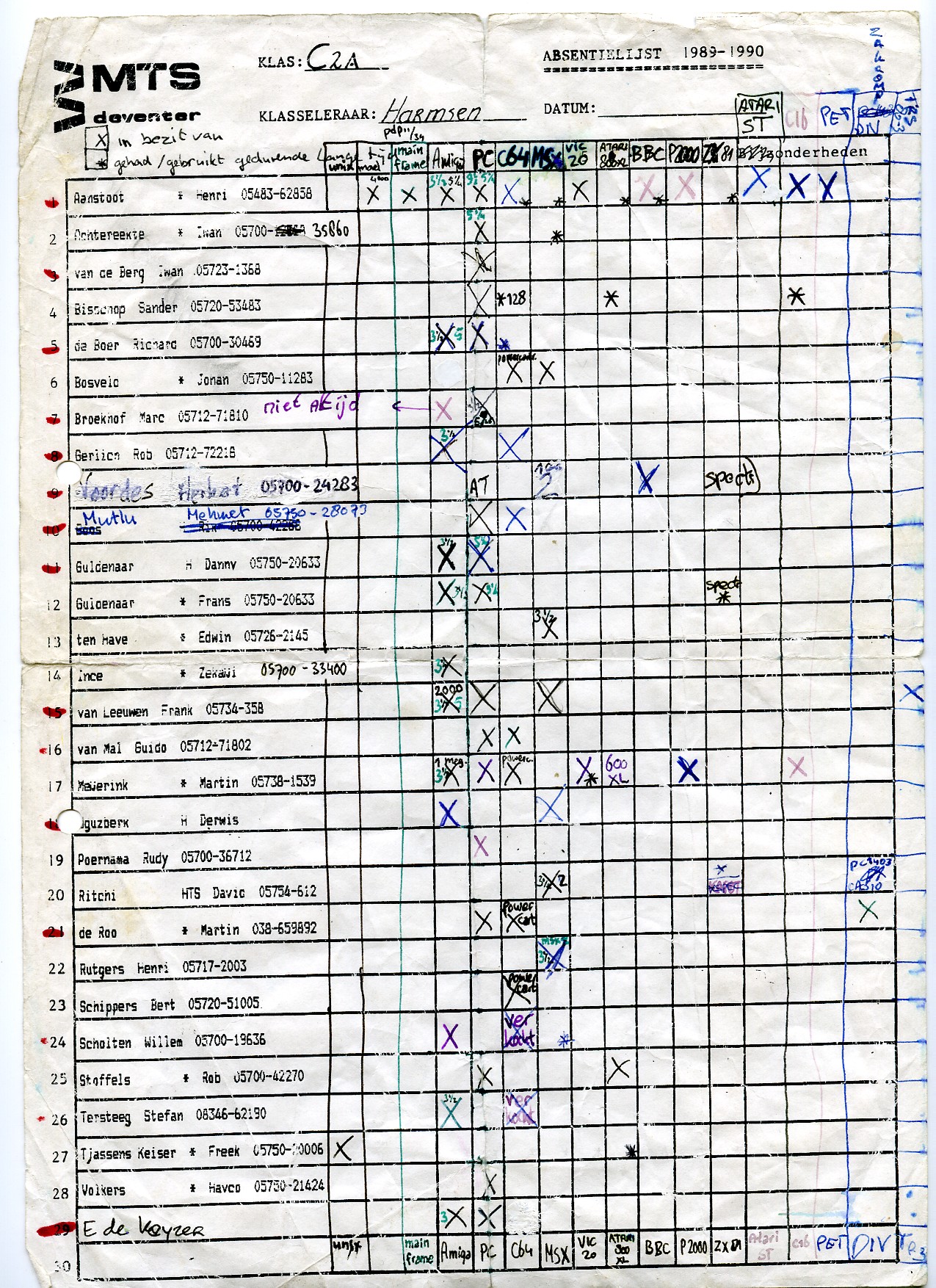
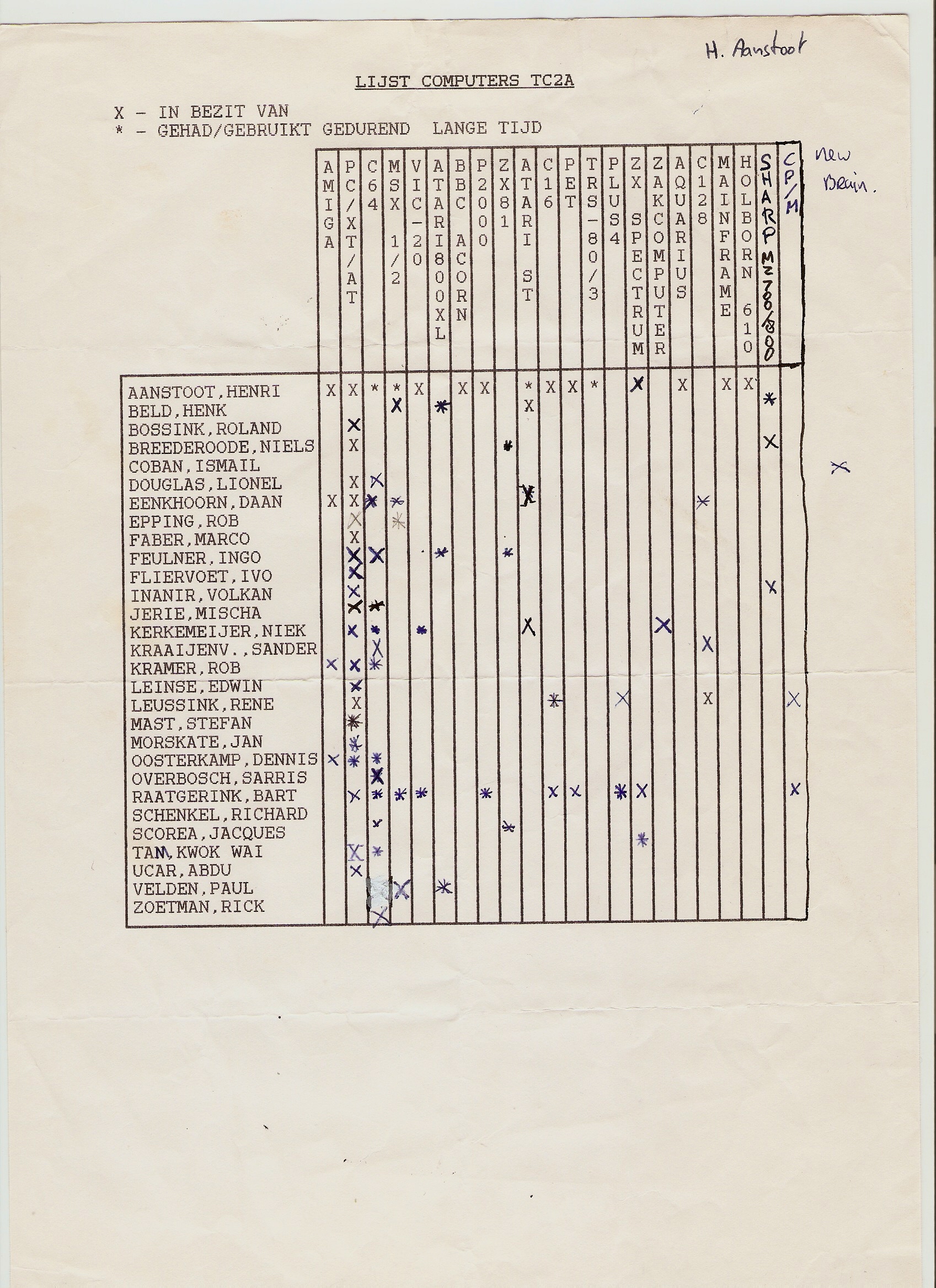
At school we kept a list of everyone’s collection.
Soo .. the story about the BBC Acorn.
When i was at school outside study hours, i went to the computer lab. This was one classroom with about 16 BBC Acorns and a master (teacher station). When they saw how enthusiastic i was, i got the key to the classroom. I even got access to the master system. And after a little hacking i’ve gained access to the teachers files. There was a simple network system, i think it was called Econet. The teachers system was the only one with a disk station.
I liked the ‘highres’ line graphics you could make on the machines. (640×256) So i’ve wrote a lot of programs using this mode. I even wrote a program which drew a 3D robotarm on screen using wireframe graphics. At that time my mathematics scores where .. bad. Wasn’t interested i think. But drawing 3D robotic arms are not possible using mathematics, like using sinus, triangulary etcetera. So when my mathematics teacher saw my program, he didn’t believe me. So .. fooling around in the computer lab, i missed start of classes. And later on .. worse .. i almost was not allowed to do my final exams. I was late several times (and one of the first to leave, …. straight from and to the computer lab. )
I’ve got some programs printed on paper, i will use my leftover BBC Acorn (or a emulator) to capture some screen examples.
Sold stuff
UPDATE : Selling a lot, but i’ve bought some others between 2020-2023
SDK-85
Laser Xt/3
80386 DX
Also a “new” 1084 monitor (CRT for a Commodore 64) Now i have to look for a VGA Crt to get old vga-register manipulation programs working.
"If something is worth doing, it's worth overdoing."