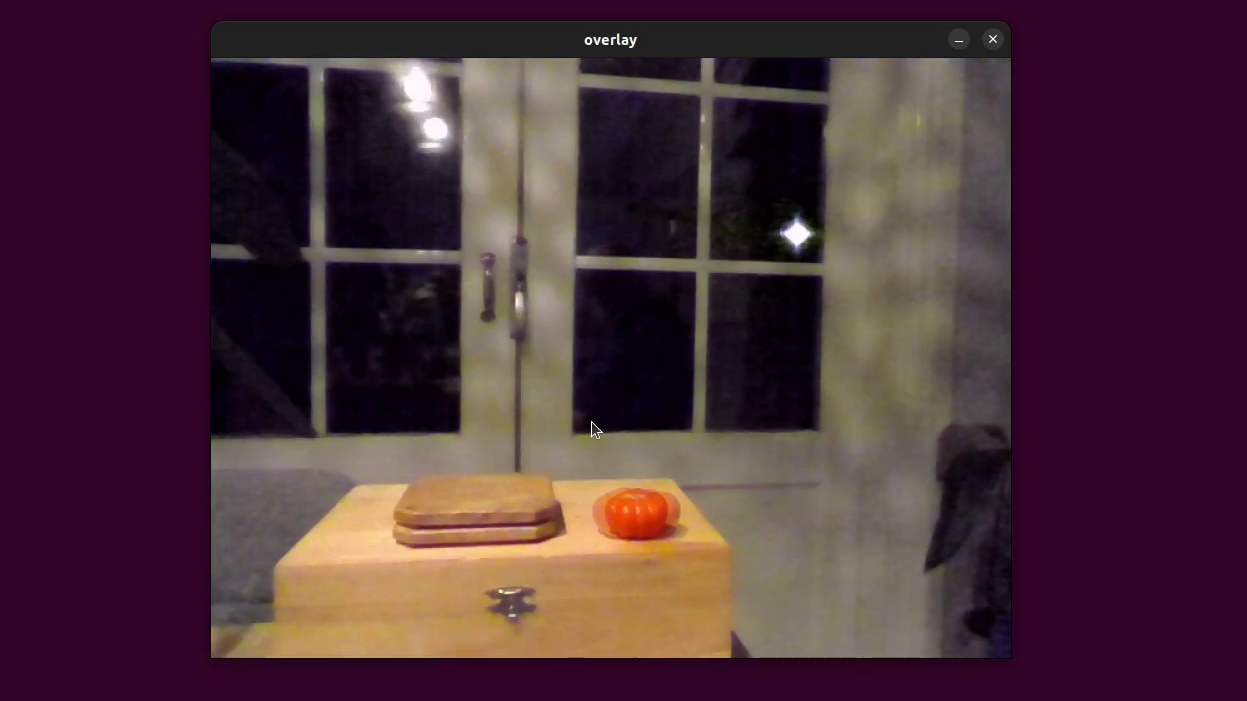
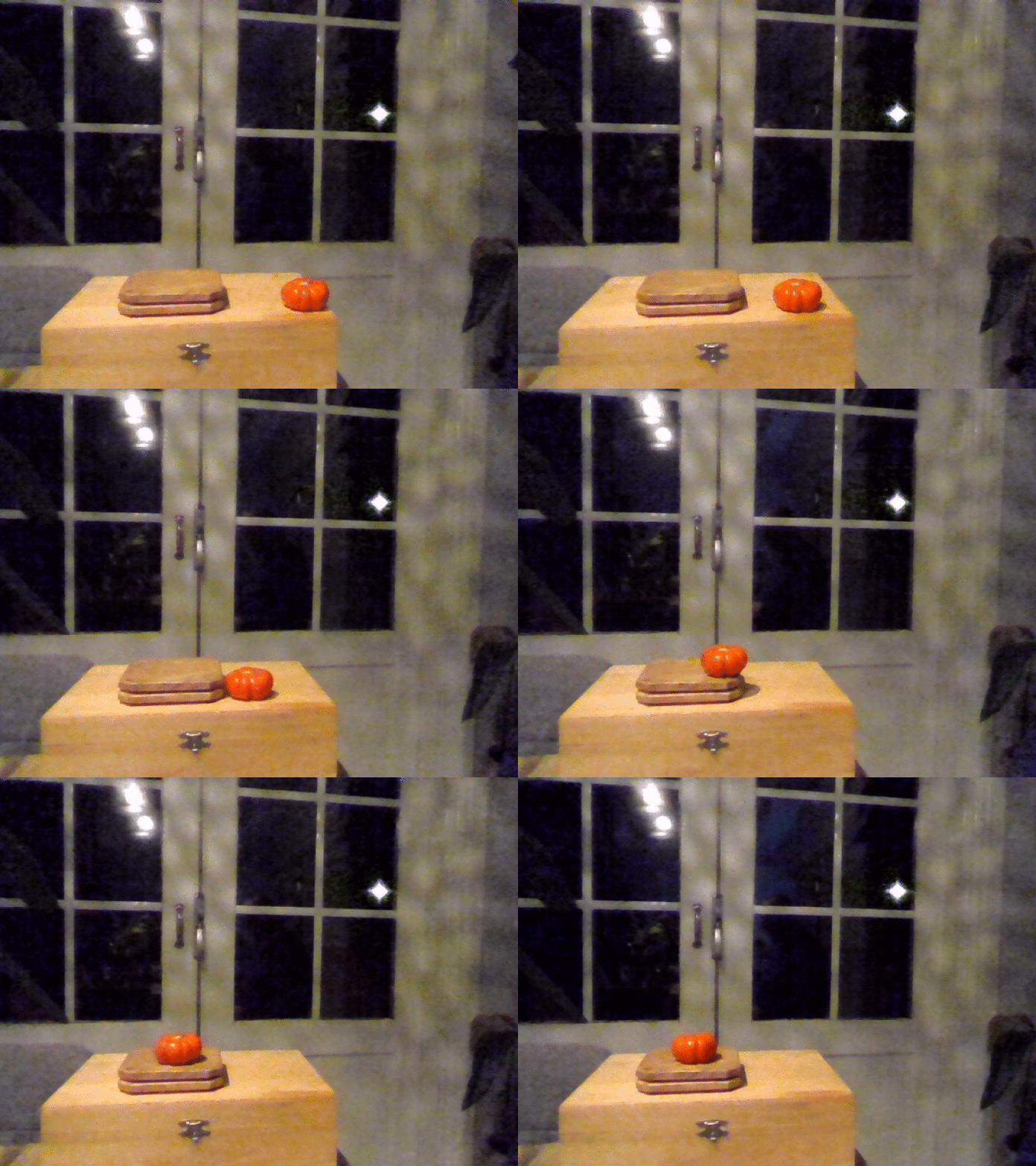
FIX rotation of movie
usage rotatefix movie001.mpg 90 (or -90)
If your data is in a external library, you can do this on the file in the library. After that you have to select it and do the following:
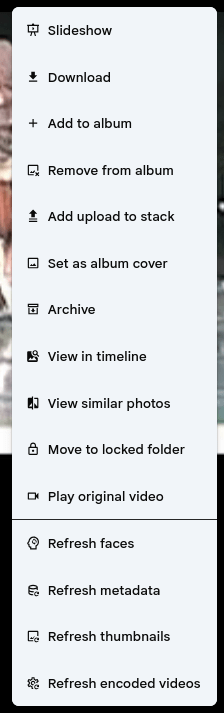
- Refresh encoded videos
- Refresh metadata
- Refresh thumbnails
#!/bin/bash
#set -x
if [ "$#" -lt 2 ]; then
  echo >&2 'fix filename 90||-90||0'
  exit 1
fi

fix=0
exiftool $1  | grep "^Create Date" | grep 0000 && fix=1

dater=$(realpath $1| grep -oE '[0-9]{8}' | head -1 )
if [ $2 == "90" ] ; then
	ffmpeg -i $1  -vf 'transpose=1' -c:a copy  tmp_${1}
mv tmp_${1} $1
fi
if [ $2 == "-90" ] ; then
	ffmpeg -i $1  -vf 'transpose=2' -c:a copy  tmp_${1}
mv tmp_${1} $1
fi
if [ $fix == "1" ] ; then
	echo "Fixing date"
	touch -t ${dater}1200.00 $1
fi
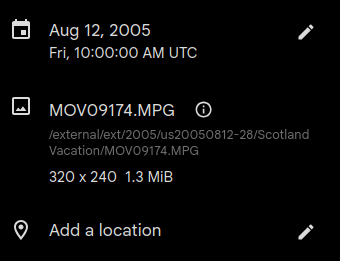
Get location of file by pressing the (i)
Deinterlace video and touch date, when no exif date is embedded
#!/bin/bash

mkdir -p deinterlace

for video in DV*; do
    [ -f "$video" ] || continue

    : >2.log
    echo "testing $video"

    ffmpeg -i "$video" -filter:v idet -frames:v 500 -an -f rawvideo -y /dev/null 2>2.log

    inter=$(
        grep Parsed 2.log |
        tail -2 |
        cut -d: -f2- |
        awk '
        {
            inter += $2 + $4
            prog += $6
        }
        END {
            print (inter > prog ? 1 : 0)
        }'
    )

    if [ "$inter" -eq 1 ]; then
        echo "convert $video"
         ffmpeg -i "$video" -vf bwdif -c:v libx264 -crf 18 -preset medium \
             -c:a aac -b:a 192k "deinterlace/${video%.*}-deinterlaced.mp4"
    fi

    dt=$(echo "$video" | grep -oE '[0-9]{2}-[0-9]{2}-[0-9]{2}_[0-9]{2}-[0-9]{2}' | tr '_' ' ' | tr '-' ' ')

if [ -n "$dt" ]; then
    # convert DD-MM-YY HH-MM to YYYY-MM-DD HH:MM
    read year month day hour minute <<< "$dt"

    # assume 20xx for year
    year=$((2000 + year))

    touch -d "$year-$month-$day $hour:$minute:00" "deinterlace/${video%.*}-deinterlaced.mp4"
    touch -d "$year-$month-$day $hour:$minute:00" "$video"
fi
done
FIX DATES FILES in /2006/20060701/ structure
This touches files which have no exif info, to the date of the directory to that date with time 12:00
find . -type f -iname "*.mpg" | while read -r file; do ymd=$(echo "$file" | grep -oE '[0-9]{8}' | head -1); touch -t "${ymd}1200.00" "$file"; done
Touch date of current directory to date in path
for f in *; do
    [[ $f =~ ([0-9]{8}) ]] || continue
    touch -t "${BASH_REMATCH[1]}1200.00" "$f"
done
Broken thumb nail fix
# goto movie file in your library
# Add flags using below command
ffmpeg -i 73a1a221be4c.mp4 -c copy -video_track_timescale 90000 -movflags +faststart output.mp4
# replace movie file
cat output.mp4 > 73a1a221be4c.mp4
rm output.mp4
# then fresh encoded videos in immich, then refresh metadata and thumbnails.
FIX Date unknown or incorrect dates
#!/bin/bash
if [ "$#" -ne 2 ]; then
    echo "Usage: $0 <movie-file> <YYYYMMDD>"
    exit 1
fi

FILE="$1"
DATE="$2"

# Validate date format
if [[ ! "$DATE" =~ ^[0-9]{8}$ ]]; then
    echo "Error: date must be YYYYMMDD"
    exit 1
fi

# Convert YYYYMMDD -> YYYY:MM:DD 12:00:00 for EXIF metadata
YEAR="${DATE:0:4}"
MONTH="${DATE:4:2}"
DAY="${DATE:6:2}"
EXIFDATE="${YEAR}:${MONTH}:${DAY} 12:00:00"

# touch format: YYYYMMDD1200.00
TOUCHDATE="${DATE}1200.00"

echo "File:       $FILE"
echo "Date:       $DATE"
echo "Metadata:   $EXIFDATE"
echo "Filesystem: $TOUCHDATE"

# Change movie metadata dates
exiftool -overwrite_original \
    "-CreateDate=$EXIFDATE" \
    "-ModifyDate=$EXIFDATE" \
    "-TrackCreateDate=$EXIFDATE" \
    "-TrackModifyDate=$EXIFDATE" \
    "-MediaCreateDate=$EXIFDATE" \
    "-MediaModifyDate=$EXIFDATE" \
    "$FILE"

if [ $? -ne 0 ]; then
    echo "Error: exiftool failed"
    exit 1
fi

# Change filesystem timestamps
touch -t "$TOUCHDATE" "$FILE"

if [ $? -ne 0 ]; then
    echo "Error: touch failed"
    exit 1
fi