We take a lot of pictures, with our Nikon camera and our mobile phones.
(Apparently in 2019 5544 pictures)
Some stats

757 20190803 - on a single day (Holiday)

Average pictures per month
locate "/2019/" | egrep -i "photoalbum|gsm" | egrep -i "mp4$|jpg$" | grep -Eo '2[[:digit:]]{3}[[:digit:]]{2}[[:digit:]]{2}' | cut -c-6 |sort | uniq -c | sort -n | awk '{ sum += $1; n++ } END { if (n > 0) print sum / n; }'
461
Besides android pictures being automatically uploaded to our nextcloud, I’m using some apps and scripts to get pictures and movies stored on my fileserver. (bash scripts/andftp)
For sorting those media files, i made a sorting script. (Today I added a location sorting addition using GPS information stored in the exif information.
jpg and jpeg (add your own extentions)
mp4 and mov (for mobile and nikon)
Sorts by camera model/year/date/location
tries to extract date from filename when not found in exifinfo
Sorts whatsapp media
Sorts Raw
INSTALLING
pip3 install reverse_geocoder You need python3, exiftool, exiftime and mediainfo
copy below python script in ~/bin/reverse2.py
( need more info? change last print entry admin1/admin2) [{‘lat’: ‘-39.45556’, ‘lon’: ‘173.85833’, ‘name’: ‘Opunake’, ‘admin1’: ‘Taranaki’, ‘admin2’: ‘South Taranaki District’, ‘cc’: ‘NZ’}]
#!/bin/bash
#set -x

reversepath=/home/henri/projects/reversegeo/reverse2.py

#RAW
rawcnt=`ls | grep -i  nef$ | wc -l`
if [ "$rawcnt" = "0" ] ; then
echo "no raw"
else
mkdir raw 2>/dev/null
ls | grep -i nef$ | while read ; do mv $REPLY raw ; done
fi


ls | egrep -i "jpg$|jpeg" | while read ; do
 	location=""
	getmodel=$(exiftool "$REPLY" |grep "Make " | awk '{ print $3 }')
	if [ "$getmodel" != "" ] ; then
		getmodel=$getmodel/
	fi
	echo "$REPLY" | grep WA0 >/dev/null && getmodel=whatsapp/

	gpsinfo=$(exiftool -c "%+.6f" "$REPLY" |grep "GPS Position" | cut -d":" -f2 | tr -d ' ' | sed s/,/\ /g)
	if [ "$gpsinfo" != "" ] ; then
		location=$(python3 $reversepath $gpsinfo | grep -vi load | sed s/\(NL\)//g)
	fi
	dater=$(exiftime "$REPLY" 2>/dev/null | egrep "Created|Digitized" | sed s/Digitized/Created/g | tail -1  | cut -c 16-19,21,22,24,25)
	if [ "$dater" = "" ] ; then
#		echo "Trying from filename"
		dater=$(echo $REPLY | grep -Eo '2[[:digit:]]{3}-[[:digit:]]{2}-[[:digit:]]{2}')

		if [ "$dater" = "" ] ; then
#			echo "Trying from filename - maybe without dashes"
			dater=$(echo $REPLY | grep -Eo '2[[:digit:]]{3}[[:digit:]]{2}[[:digit:]]{2}')

		fi
	fi
	if [ "$dater" != "" ] ; then
		year=$(echo $dater | cut -c-4)
		mkdir -p "${getmodel}$year/${dater}/$location"
		mv "$REPLY" "${getmodel}${year}/${dater}/$location"
	else
		mkdir -p "${getmodel}unknowndate/$location"
		mv "$REPLY" "${getmodel}unknowndate/$location"
      	fi
done

ls | egrep -i "mov$|mp4$" | while read ; do

 	location=""
	getmodel=$(exiftool "$REPLY" |grep "Make " | awk '{ print $3 }')
	if [ "$getmodel" != "" ] ; then
		getmodel=$getmodel/
	fi

	echo "$REPLY" | grep WA0 >/dev/null && getmodel=whatsapp/
	gpsinfo=$(exiftool -c "%+.6f" "$REPLY" |grep "GPS Position" | cut -d":" -f2 | tr -d ' ' | sed s/,/\ /g)
	if [ "$gpsinfo" != "" ] ; then
		location=$(python3 $reversepath $gpsinfo | grep -vi load | sed s/\(NL\)//g)
	fi
	dater=$(mediainfo "$REPLY" | grep Encode | tail -1 | cut -f2- -d:  | cut -f3 -d" " | sed s/-//g)
	if [ "$dater" = "" ] ; then
#		echo "Trying from filename"
		dater=$(echo $REPLY | grep -Eo '2[[:digit:]]{3}-[[:digit:]]{2}-[[:digit:]]{2}')

		if [ "$dater" = "" ] ; then
#			echo "Trying from filename - maybe without dashes"
			dater=$(echo $REPLY | grep -Eo '2[[:digit:]]{3}[[:digit:]]{2}[[:digit:]]{2}')

		fi
	fi
	if [ "$dater" != "" ] ; then
		year=$(echo $dater | cut -c-4)
		mkdir -p "${getmodel}$year/${dater}/$location"
		mv "$REPLY" "${getmodel}${year}/${dater}/$location"
	else
		mkdir -p "${getmodel}unknowndate/$location"
		mv "$REPLY" "${getmodel}unknowndate/$location"
      	fi
done
Example running in a directory with mixed media
# Raw images get moved into a RAW directory
no raw

# Samsung phone detected with date and GPS location
mkdir -p samsung/20220717/Hilversum
mv 20220717_133453.jpg samsung/20220717/Hilversum

# OnePlus phone
mkdir -p OnePlus/20021208/Voorburg
mv IMG_20190109_091825.jpg OnePlus/20021208/Voorburg

# Realme (Added country when not NL)
mkdir -p realme/20220607/Isle of Islay(GB)
mv IMG20220607213630.jpg realme/20220607/Isle of Islay(GB)

# Whatsapp has no date embedded so it gets it from filename
Trying from filename
Trying from filename - maybe without dashes
mkdir -p whatsapp/20221021/
mv IMG-20221021-WA0000.jpg whatsapp/20221021/

# Nikon without GPS
mkdir -p NIKON/20220613/
mv DSC_1423.MOV NIKON/20220613/

# Whatsapp video without exif
mkdir -p whatsapp/20170528/
mv VID-20170528-WA0006.mp4 whatsapp/20170528/

# No camera name detected in exif from mobile movie
mkdir -p 20190114/Maarssen
mv VID_20190114_142455.mp4 20190114/Maarssen

# Location in mp4
mkdir -p 20220607/Lamlash(GB)
mv VID20220607155044.mp4 20220607/Lamlash(GB)
Another JuiceSSH tip .. connection type mosh, will open a ssh session using udp to your server. ( If you got mosh installed on your server ) A disconnect or bad connections will not break your ssh session, it just resumes. Even when you are changing from network, and have a different IP.
Your android as Webcam (in OBS)
Install scrcpy on your linux machine, and opencamera on your android. If you got adb installed plug in your android and start scrcpy. You should be seening your android screen on your linux workstation. When you openup the stock version of your camera you get a overlay of the gui, which you probably can’t disable/remove. There where’s opencamera comes in. https://play.google.com/store/apps/details?id=net.sourceforge.opencamera
Settings > On screen GUI > Immersive Mode and select Hide everything You probably want to set the aspect ratio to 19.5:9 so the whole screen will be used.
When i play around with Arduino’s which i have flashed and start with their own access points. It’s sometimes not clear which remote IP is connected.
Applications like Tasmota,Wled and Easyesp startup with their own Access Point, which you can use to connect to and configure them to your real accesspoint. So you connect to this temporary AP, and want to remote access it with your phone’s browser. Not all apps (certainly not my apps) have a captive portal. Most won’t .. Which ip to use to connect?
Install JuiceSSH of you don’t have it .. it’s a must have really
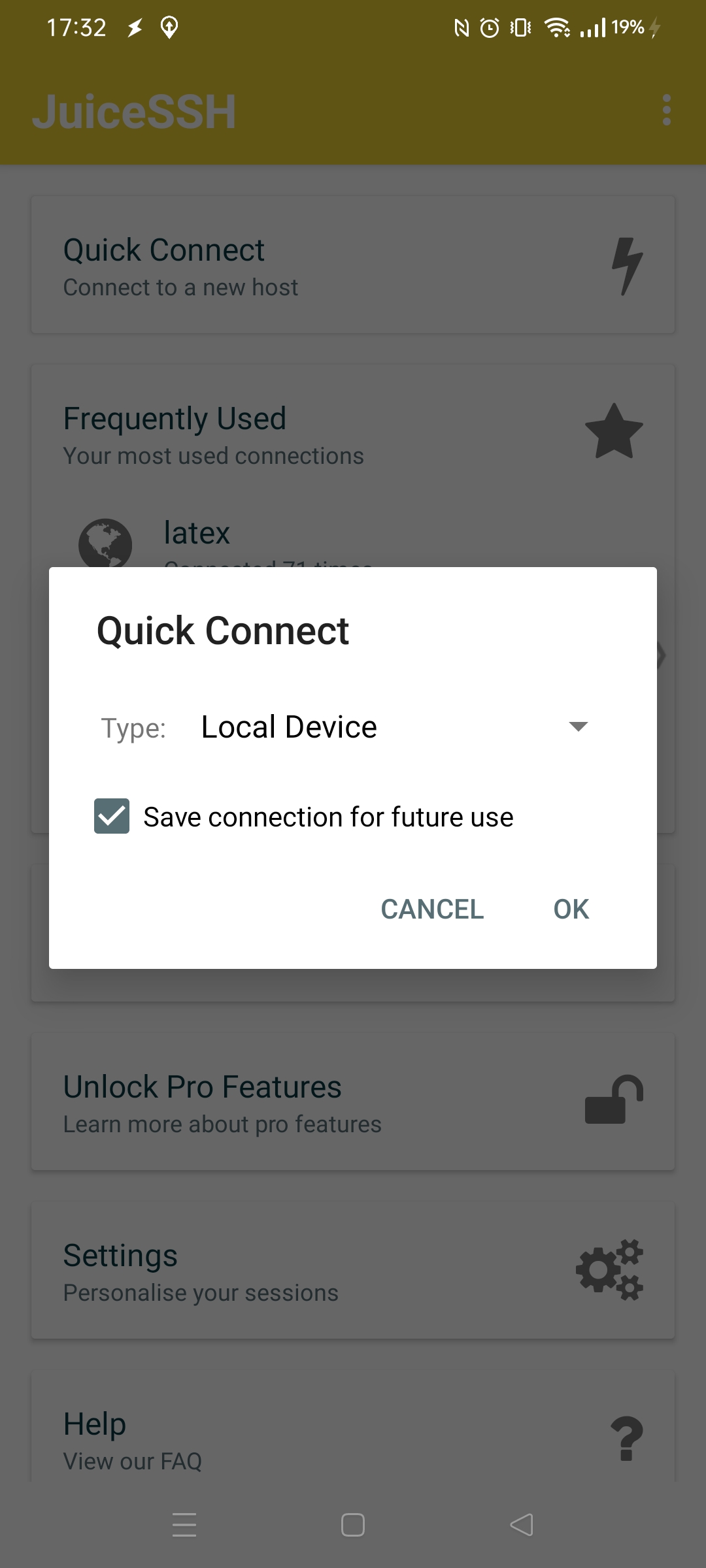
Select quick connect – local device
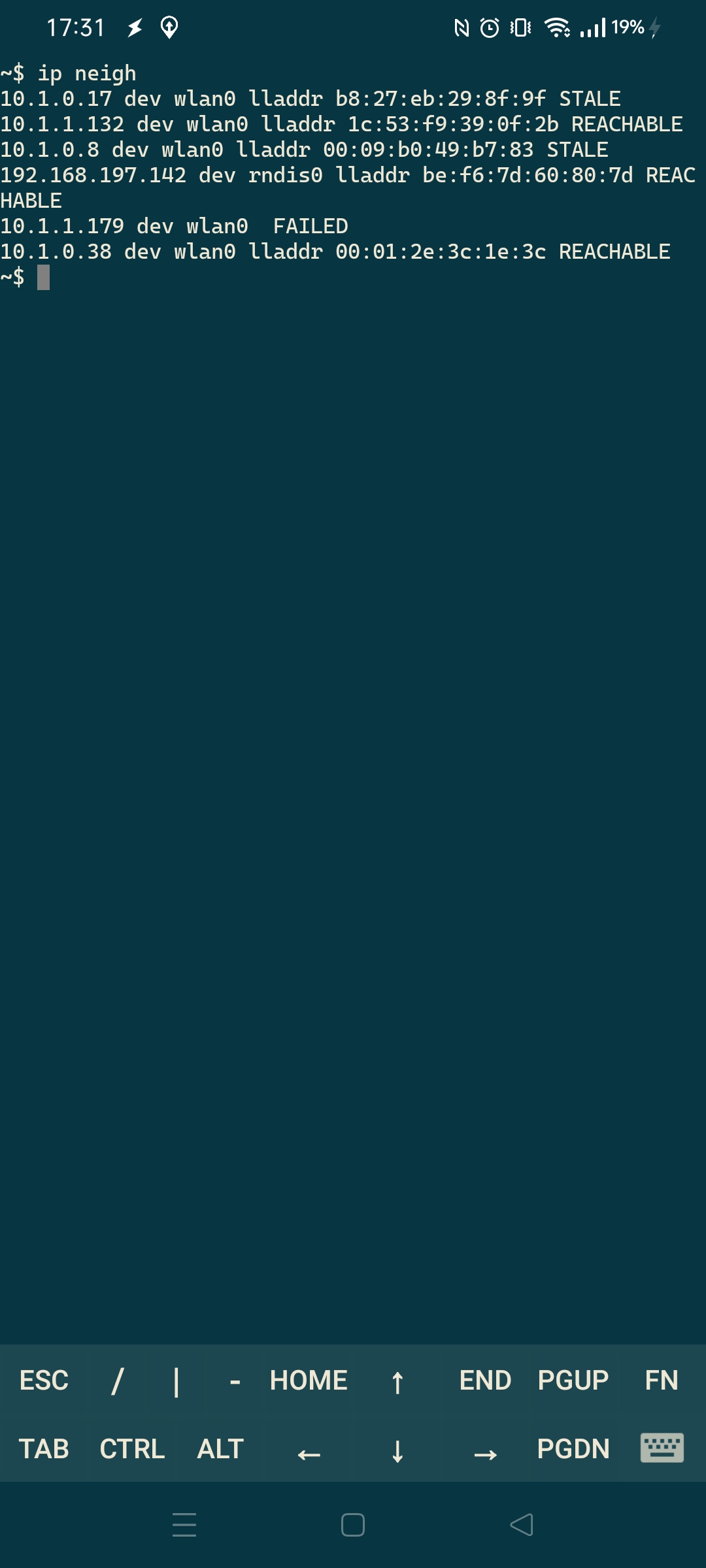
Enter command “ip neigh”, It wil show devices connected to your android phone or which where broadcasting in your network-neighbourhood
Most of the times it also your default gw .. which can be found in settings. But above gives you more information.
Today i talked about creating apps for mobiles with a colleague.
I made me wonder what programming IDE i’ve used in the past.
Things i’ve made:
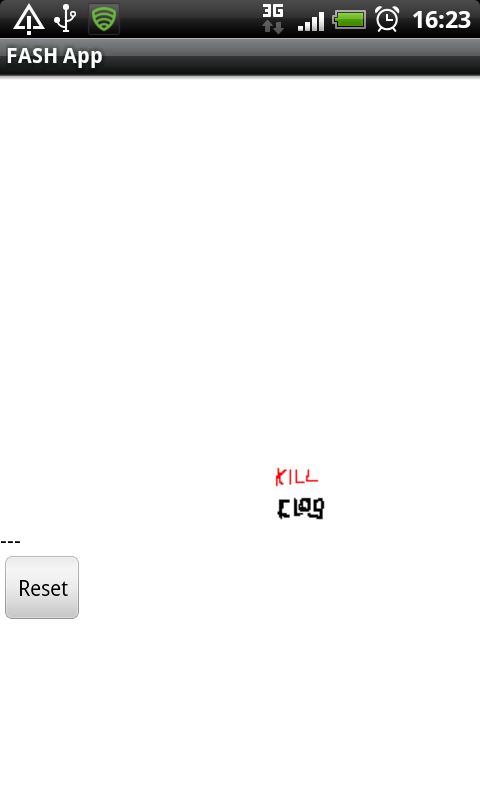
clog killer – a game application i made while working at a job. It was the name of a process on our servers we all hated. It was slow and messed up your terminal.
Webled – have to install this one again, to see what its purpose was 🙂
Whistle hole calculator – When making your own tinwhistle/lowwhistle you had to calculate diameters and positions. I will make another post about this.
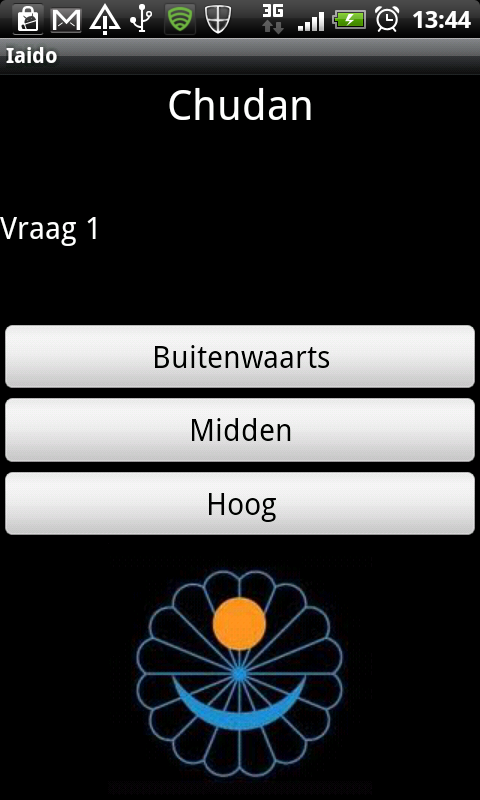
Made a Multiple-Choice Quiz tool, for learning Iai-do positions/terminology. (Japanese Martial Arts – See other posts)
A iscp Onkyo controller (see post about my web controller)
Tools used:
Android IDE
App inventor
??
And mobile applications using html5, php, css3 and jquery mobile
App ideas, not started or not completed:
Game for blind people (Or people who are bored out of their skull going to meetings) It involves a evolving maze game on a black screen, you have to remember the way. Hitting a wall, buzzz .. dead, start all over again. So you can hold your phone under the table or behind your back. (Black screen and no sound, just the little vibrating thinghy.)
New way to select app’s using a widget.
Pull down search game. (Have to look at the source again, i forgot what i did)
Downloads and screenshots:
Version 0.1 of gameTakeda quizzer
I’ll post more/better examples
Other:
Reversed engineered a tool found on a ‘hackers’ phone. Apparently it was a security test setup nobody was aware of. I was able to find urls and domains where some call-home functionality was involved.
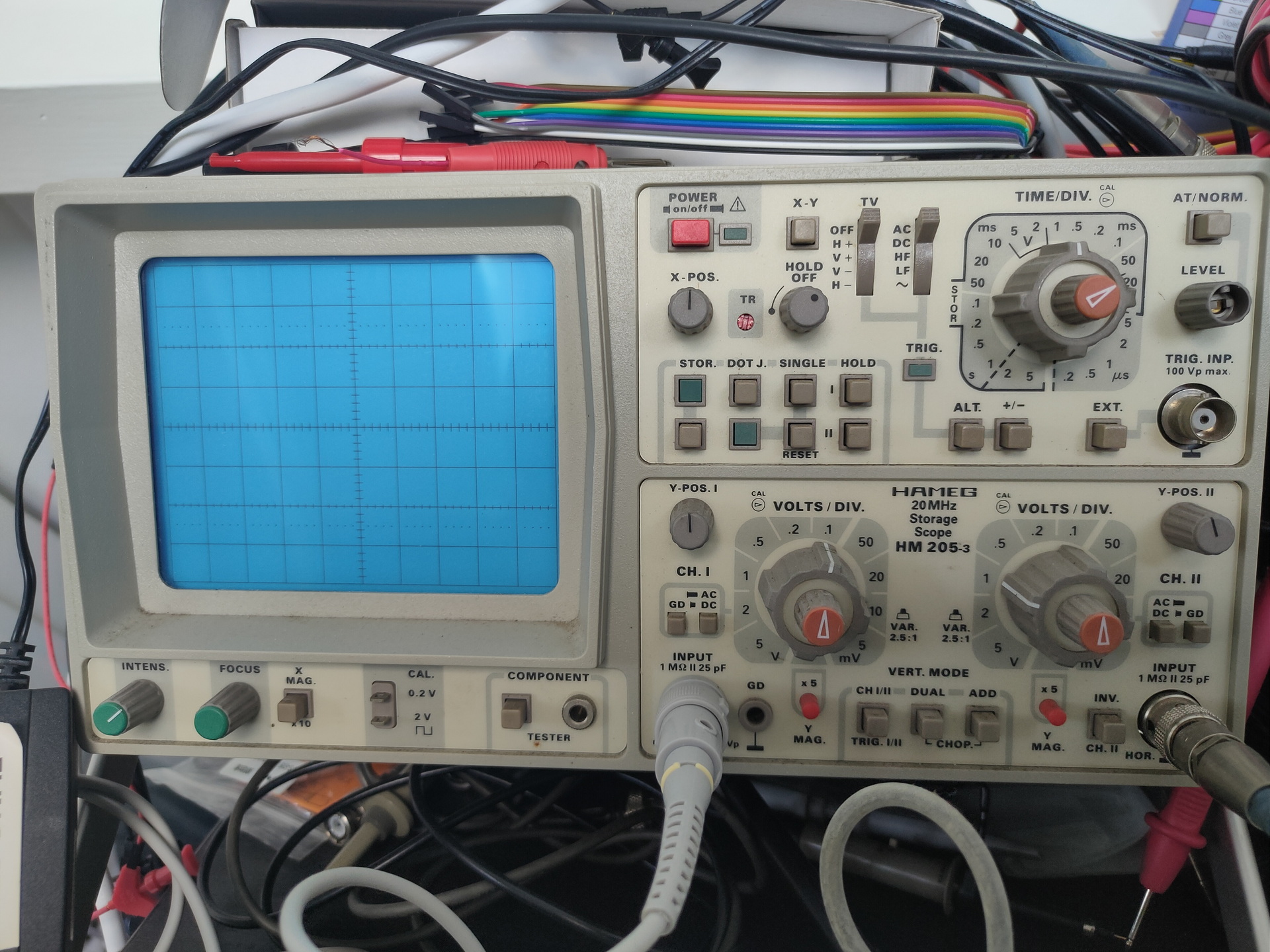
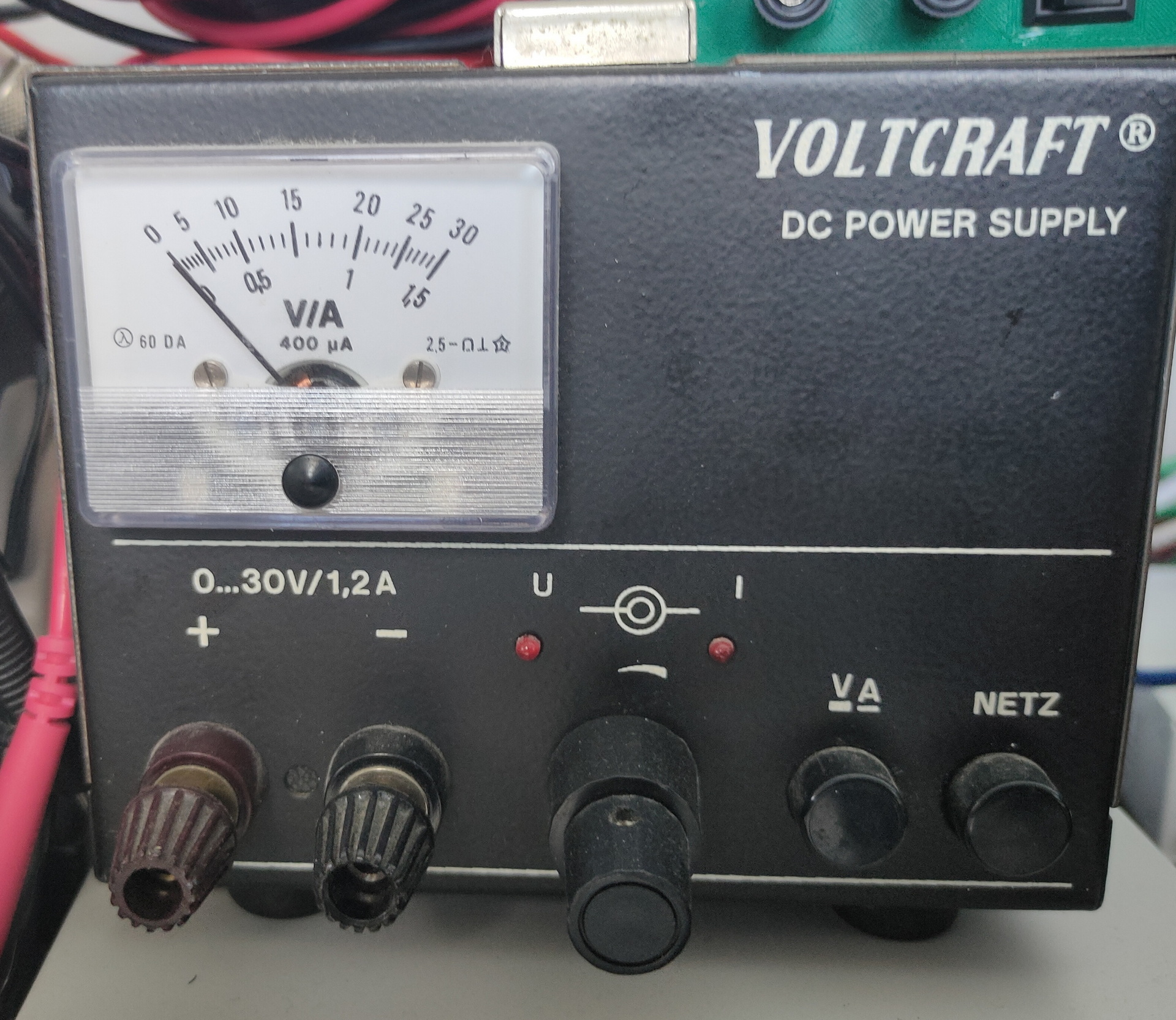
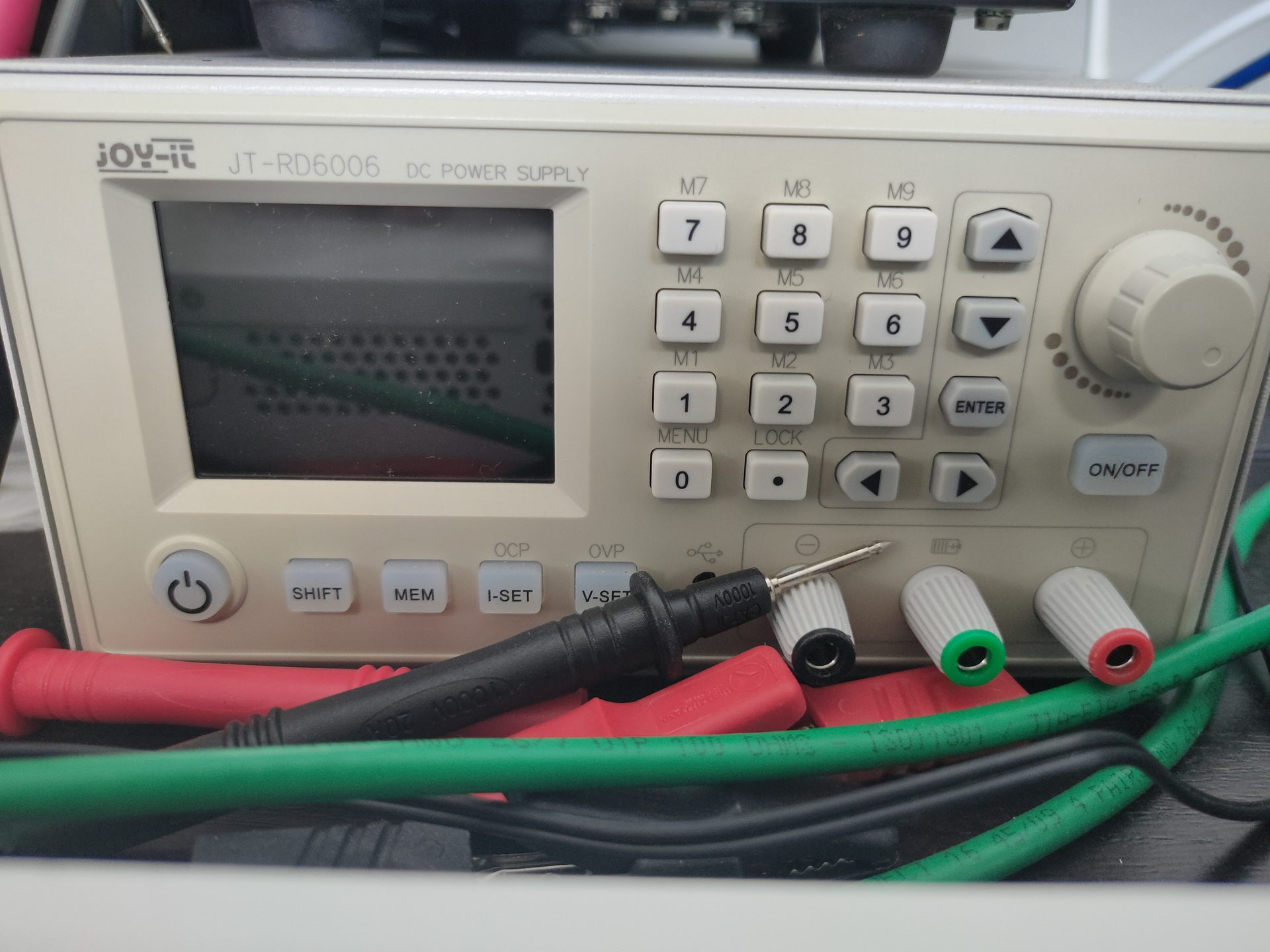
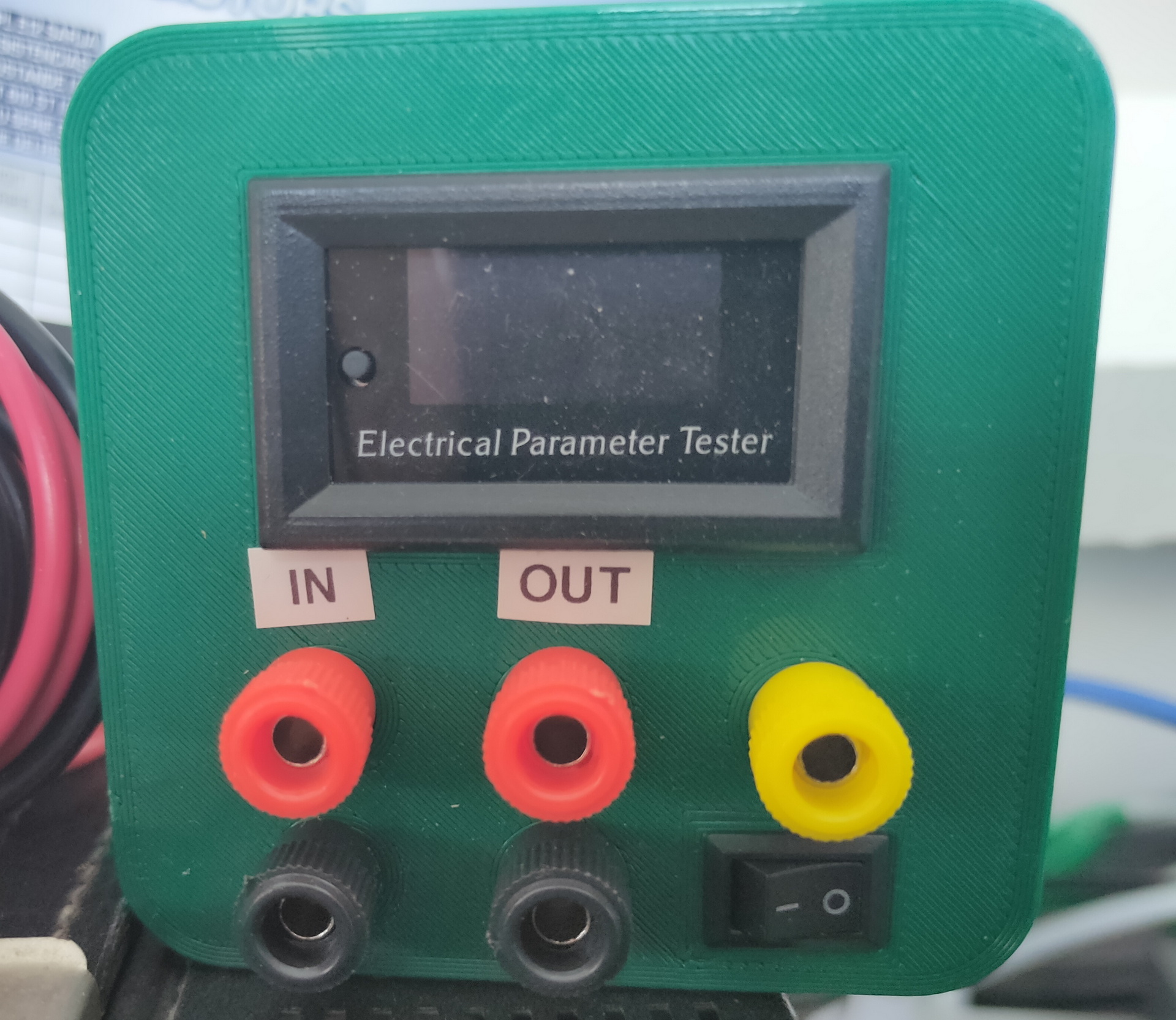
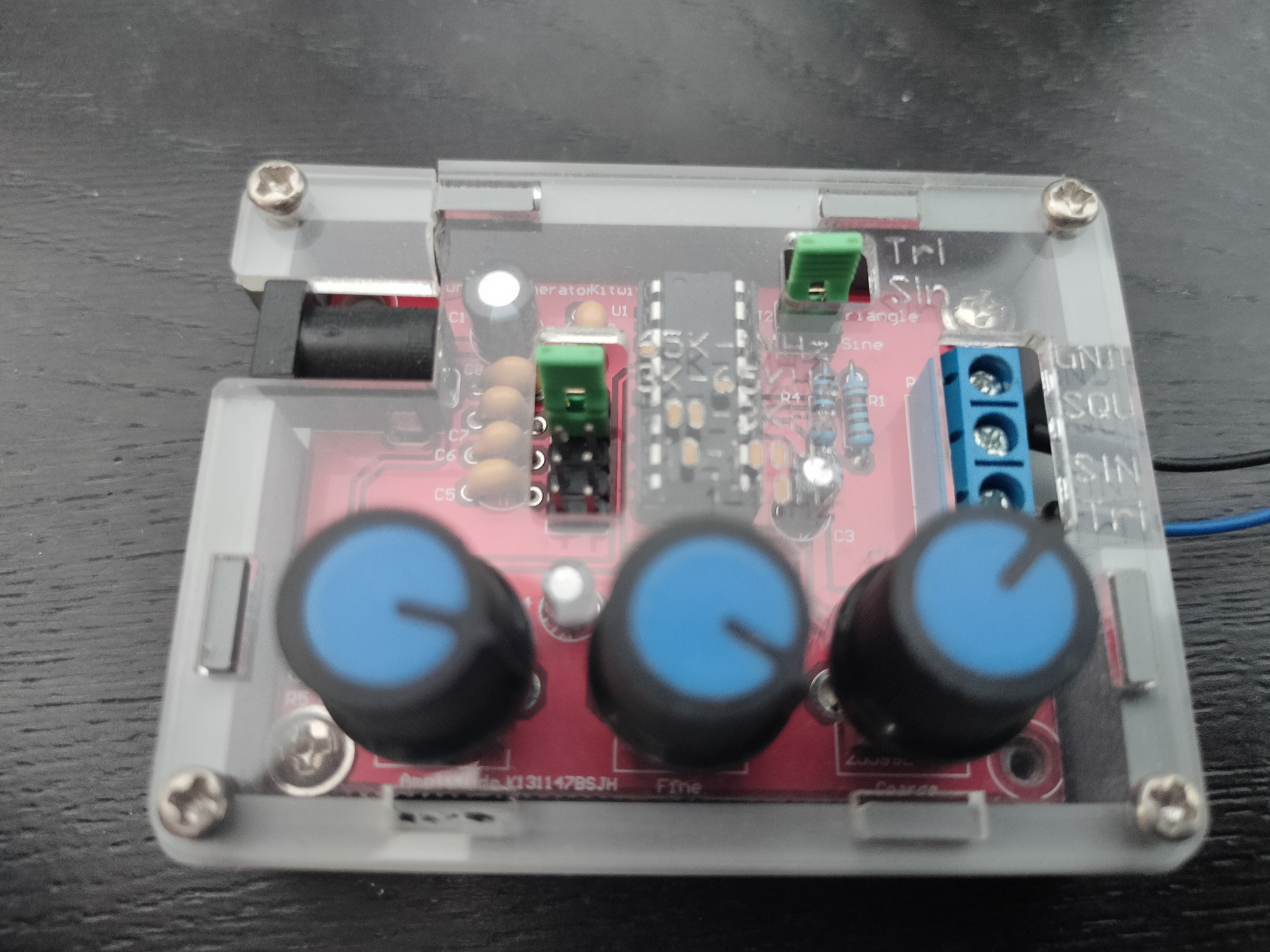
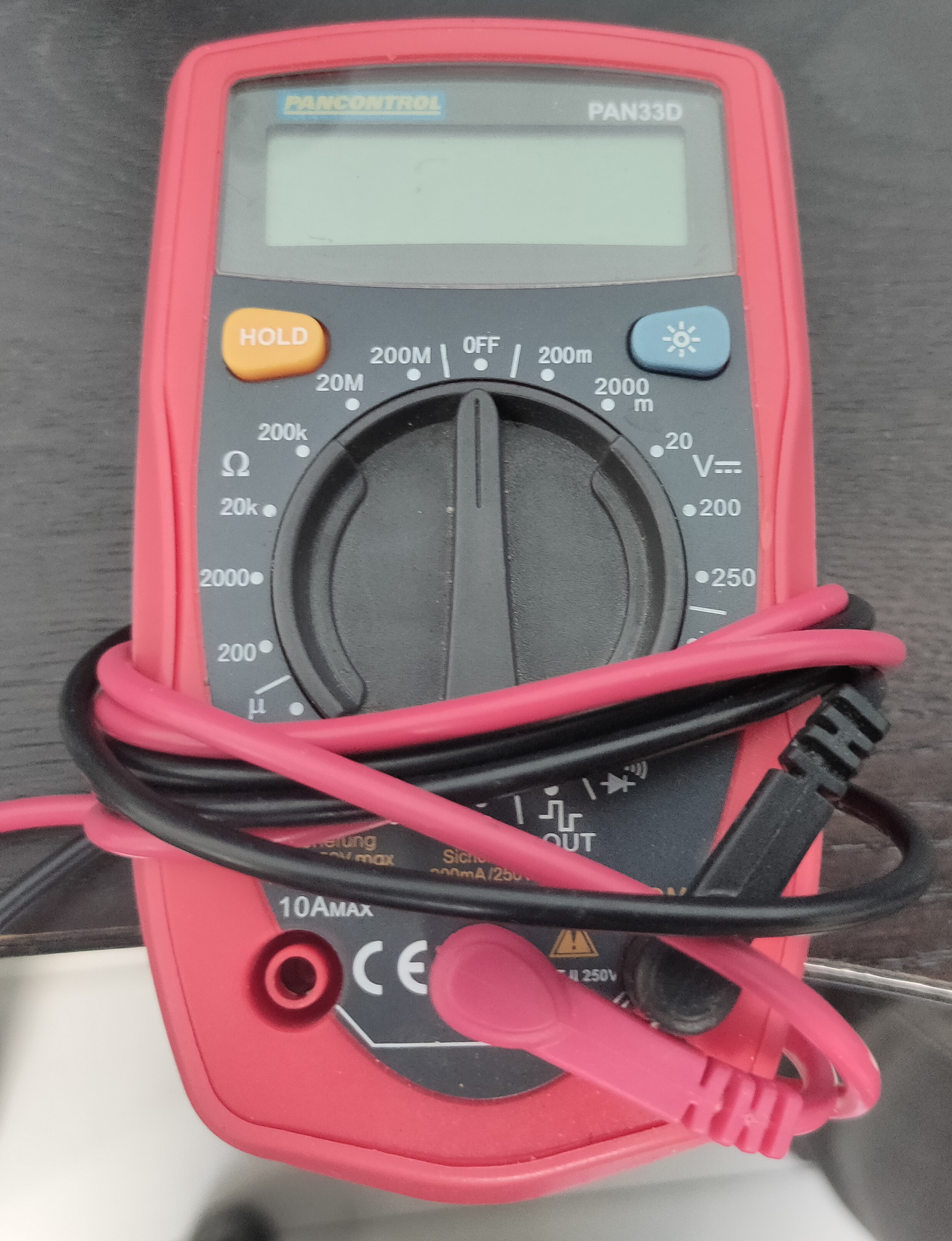
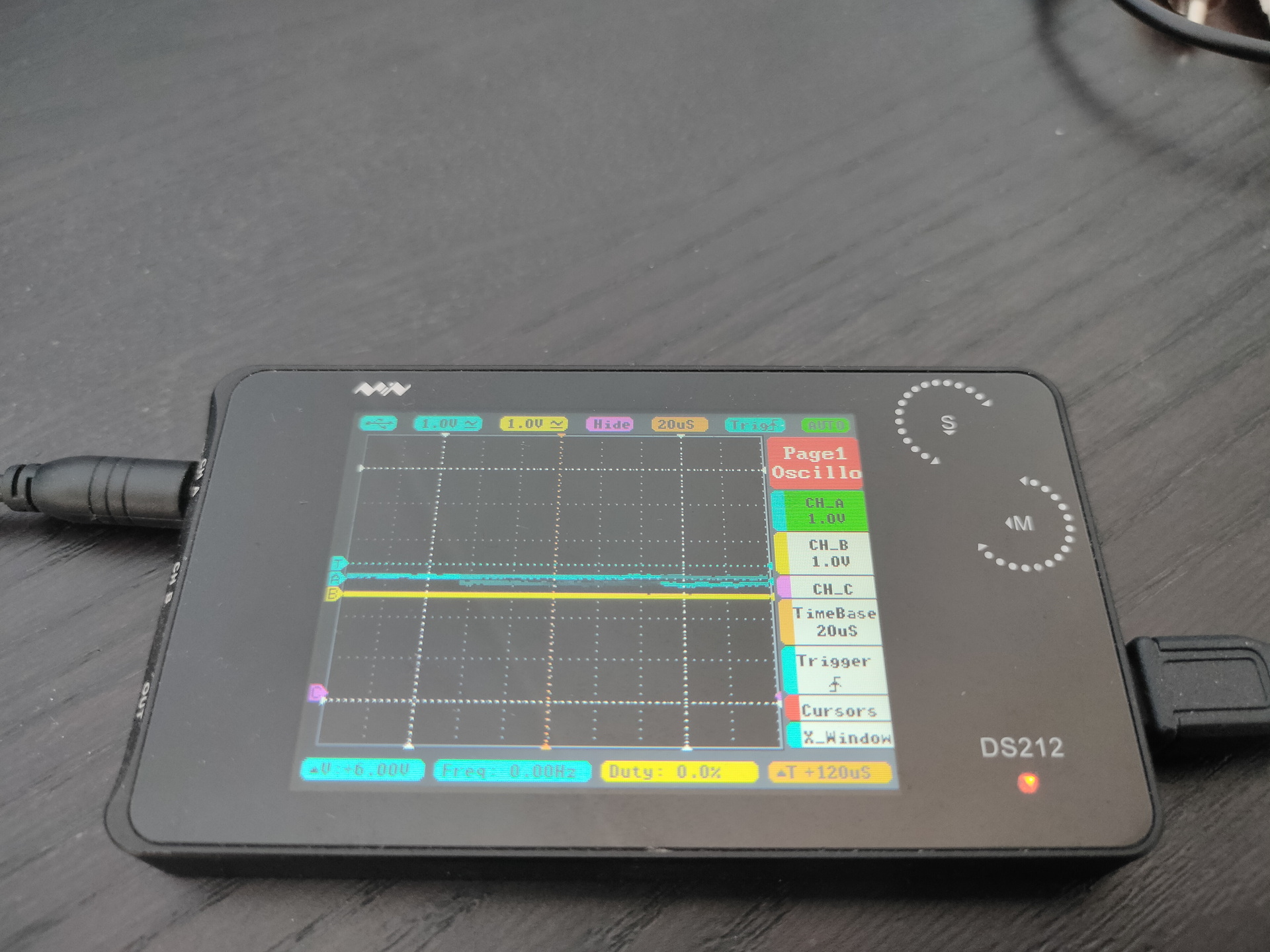
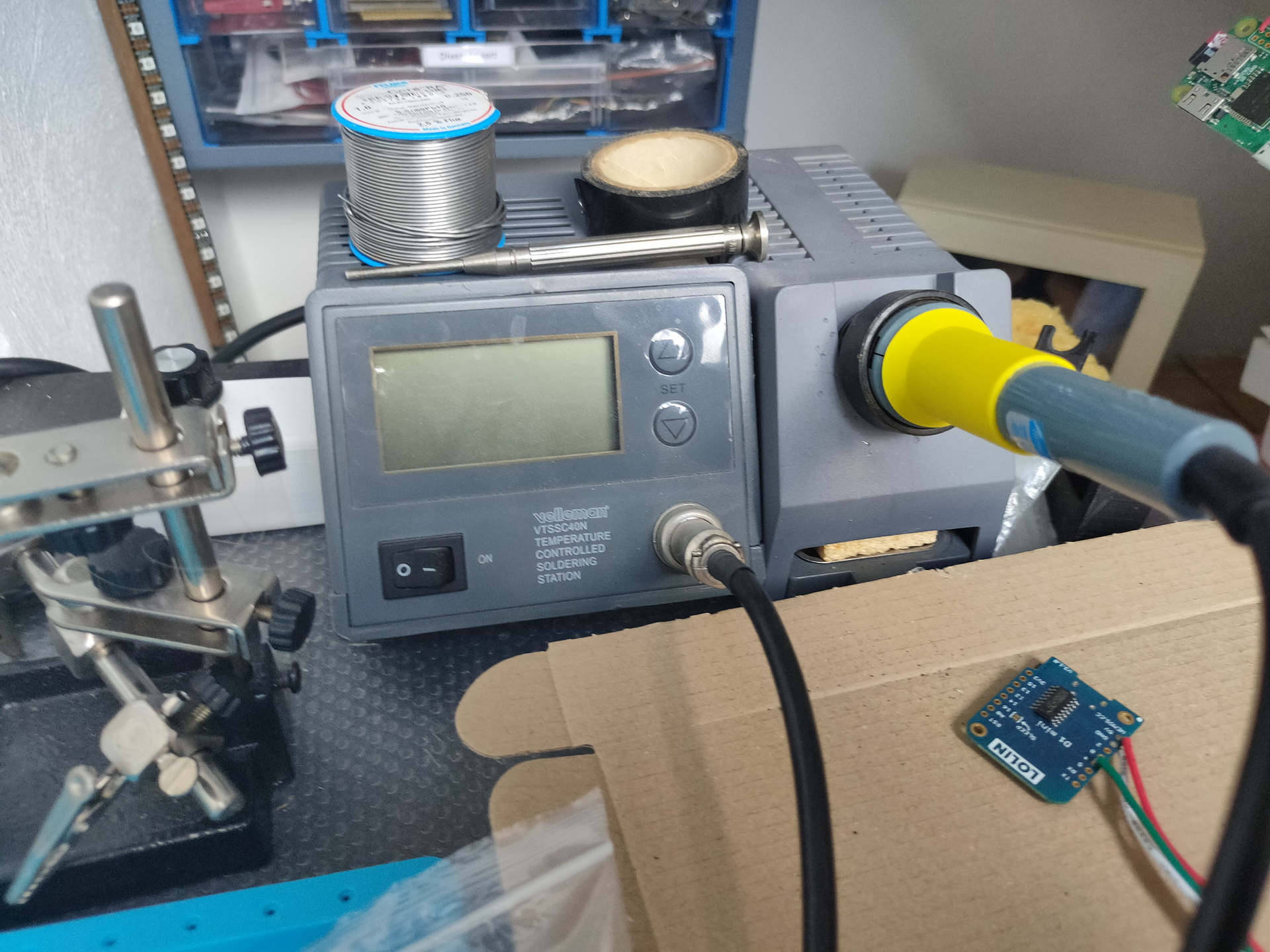
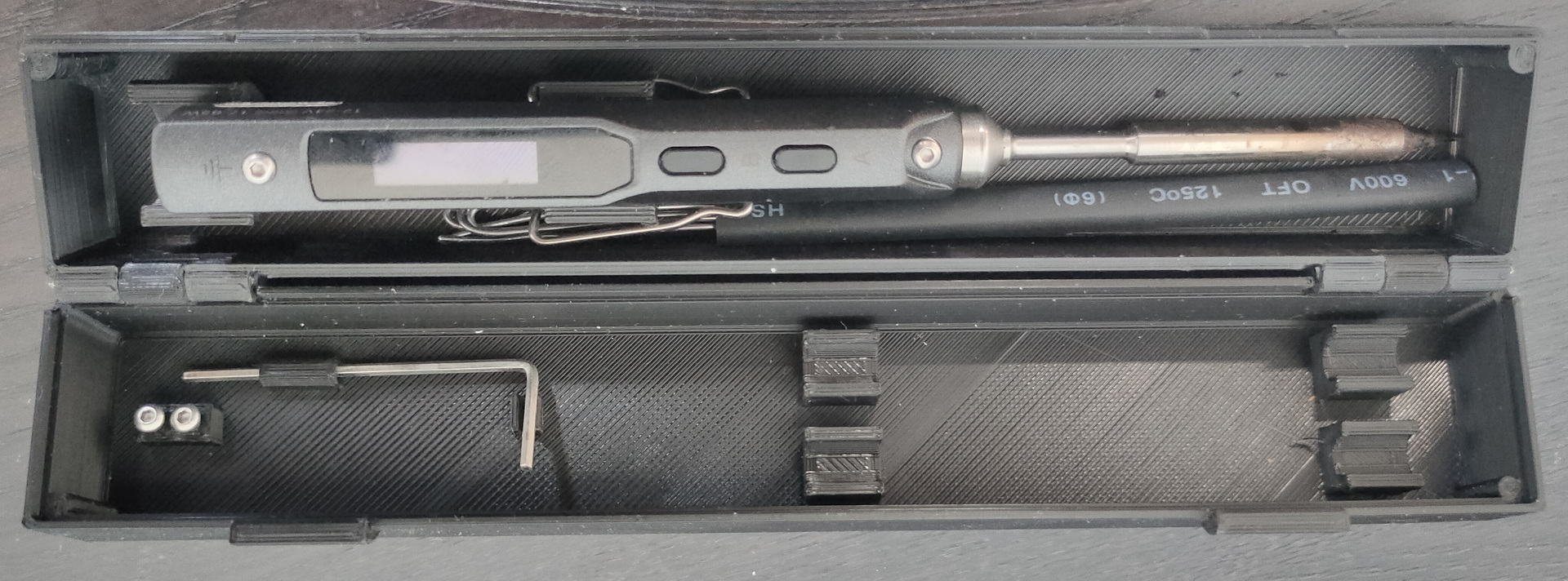
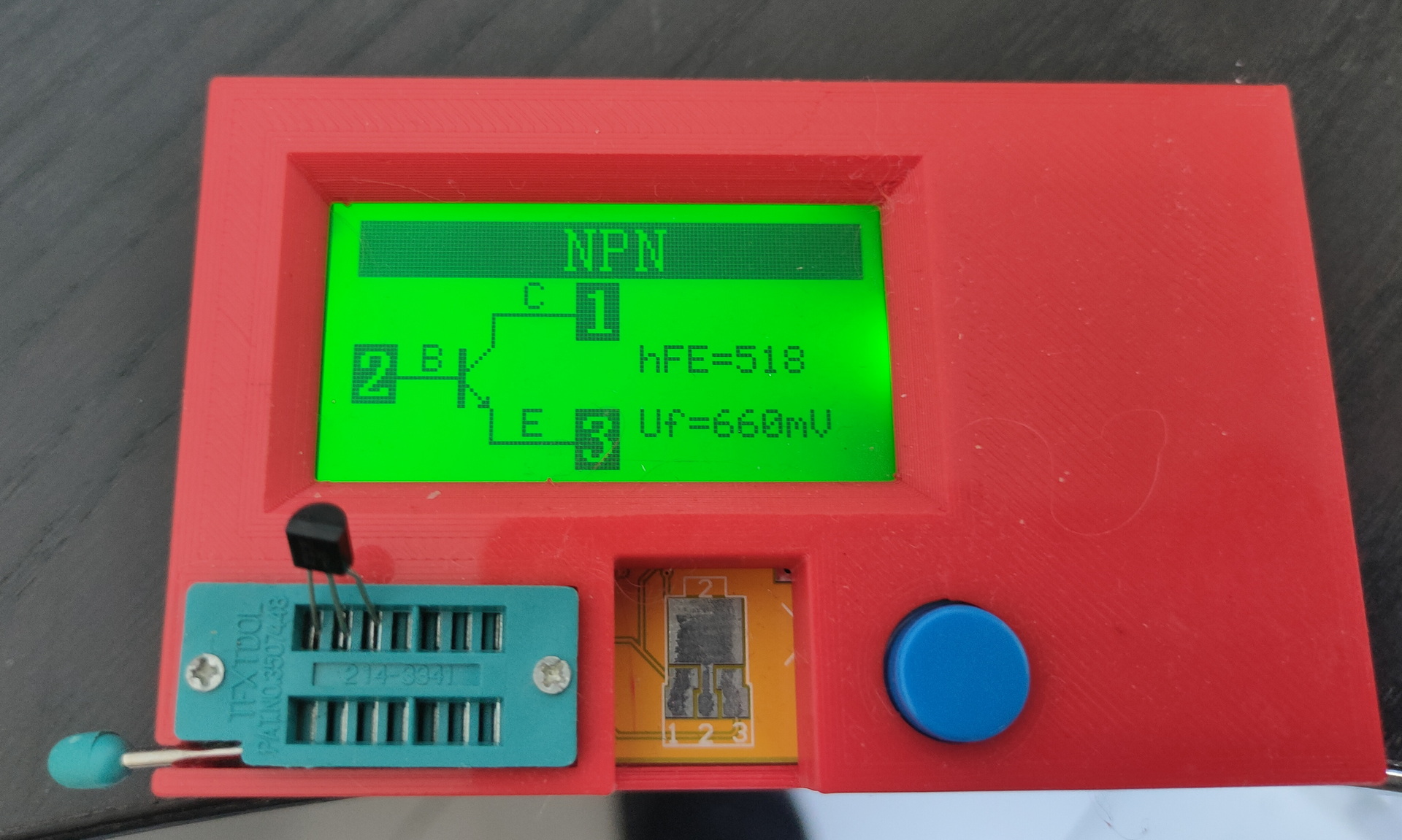
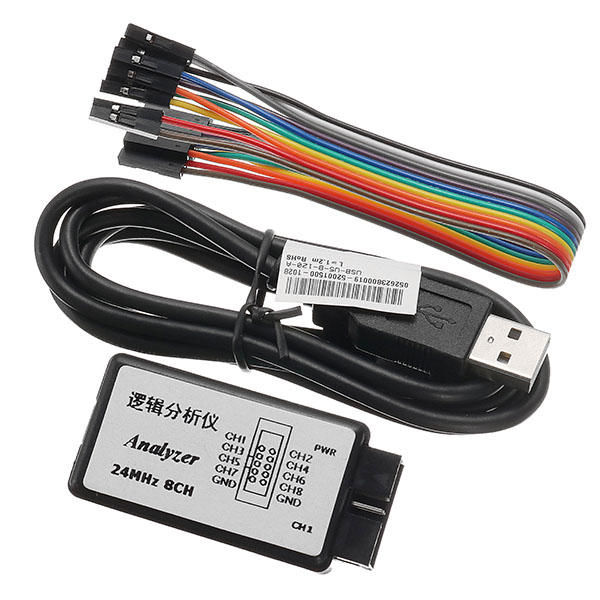
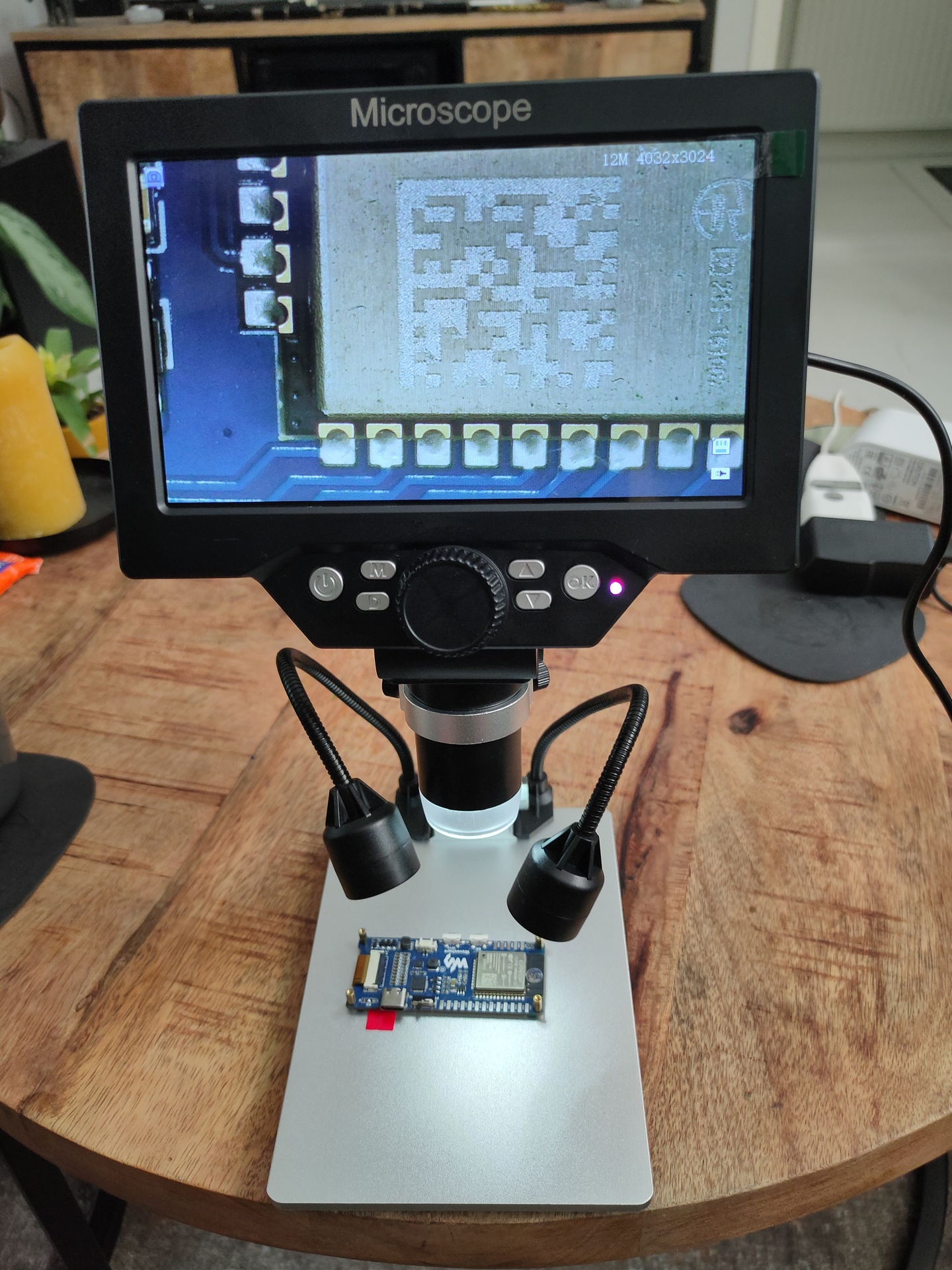
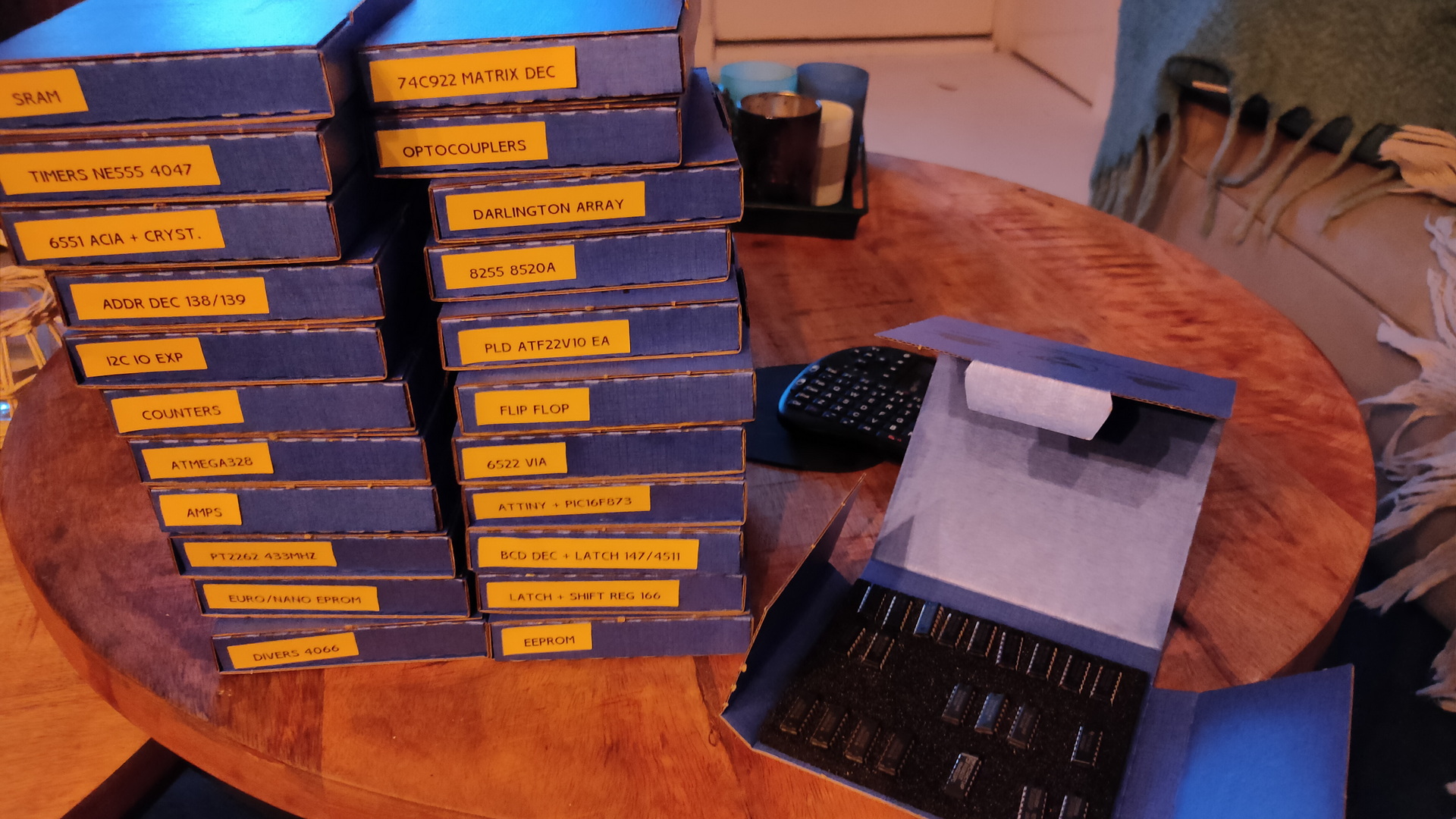
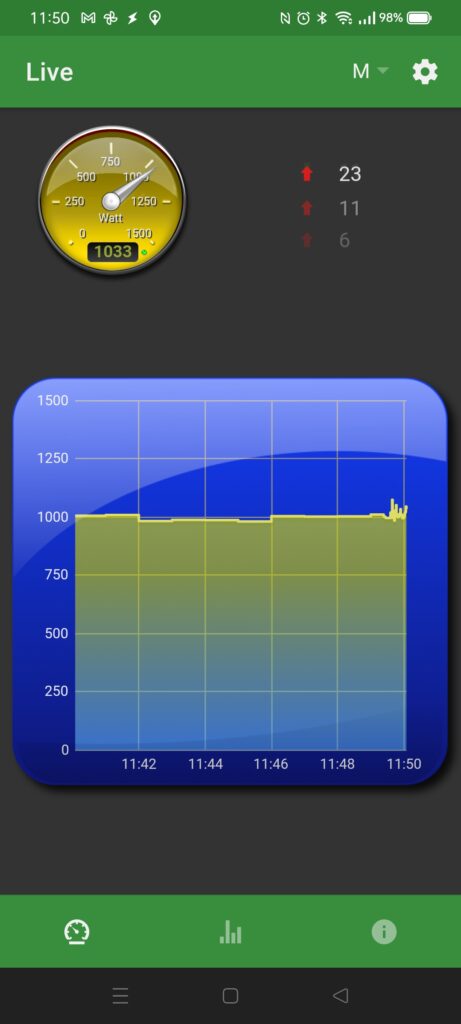
oscilloscopepower supply (oldie)Rd6006 power supplyvoltage/amp/power thingy i made last yearFunction generatorMy old and trusty multimeterds212 mini scopeOld but thrustful vellemanMini TS100 soldering ironMonitor with all kinds of inputs, for example RF (tv) useful for old 8bit computersComponent testerSomewhere there has to be my 8bit Saleae Logic Analyzer