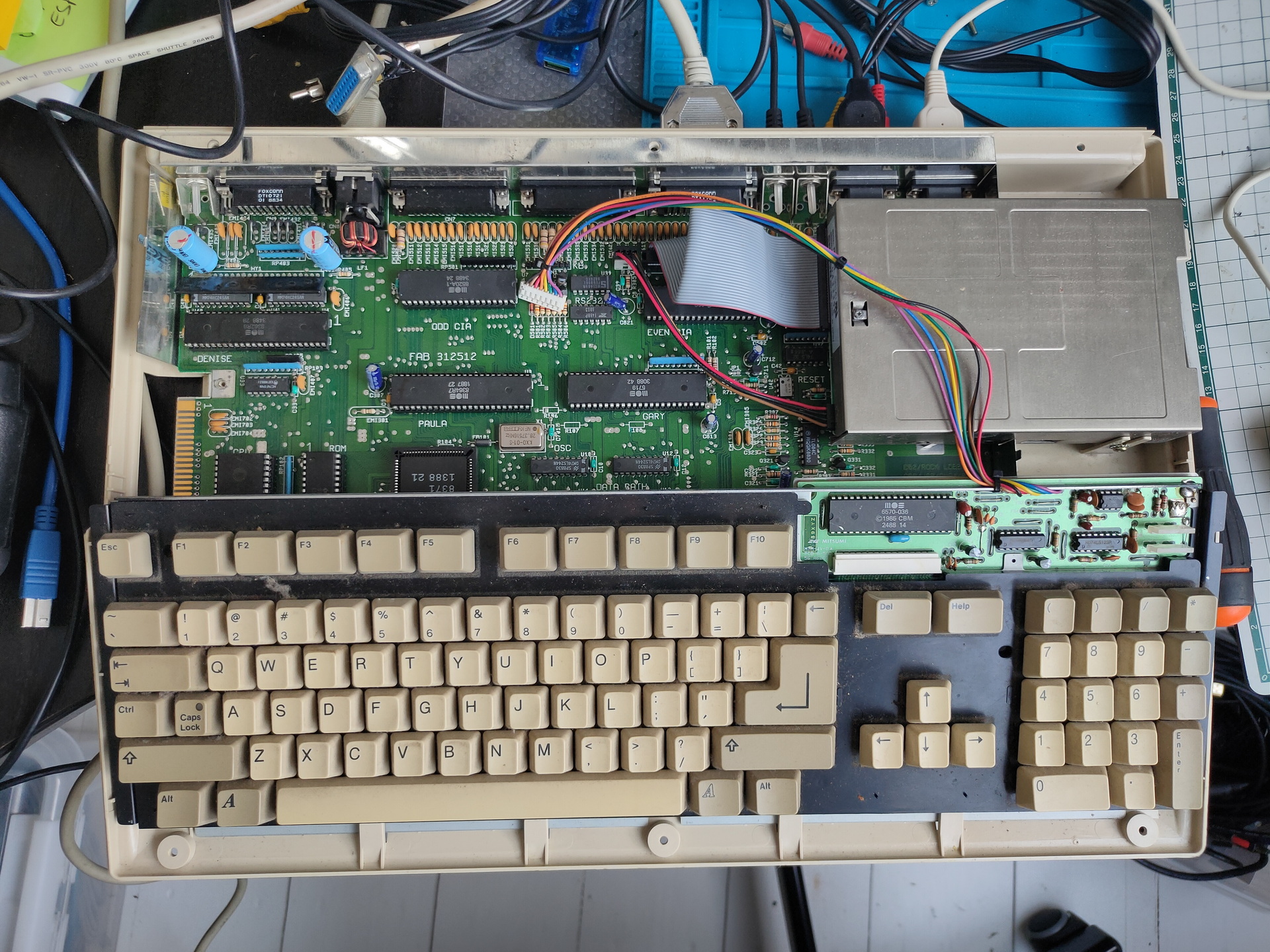
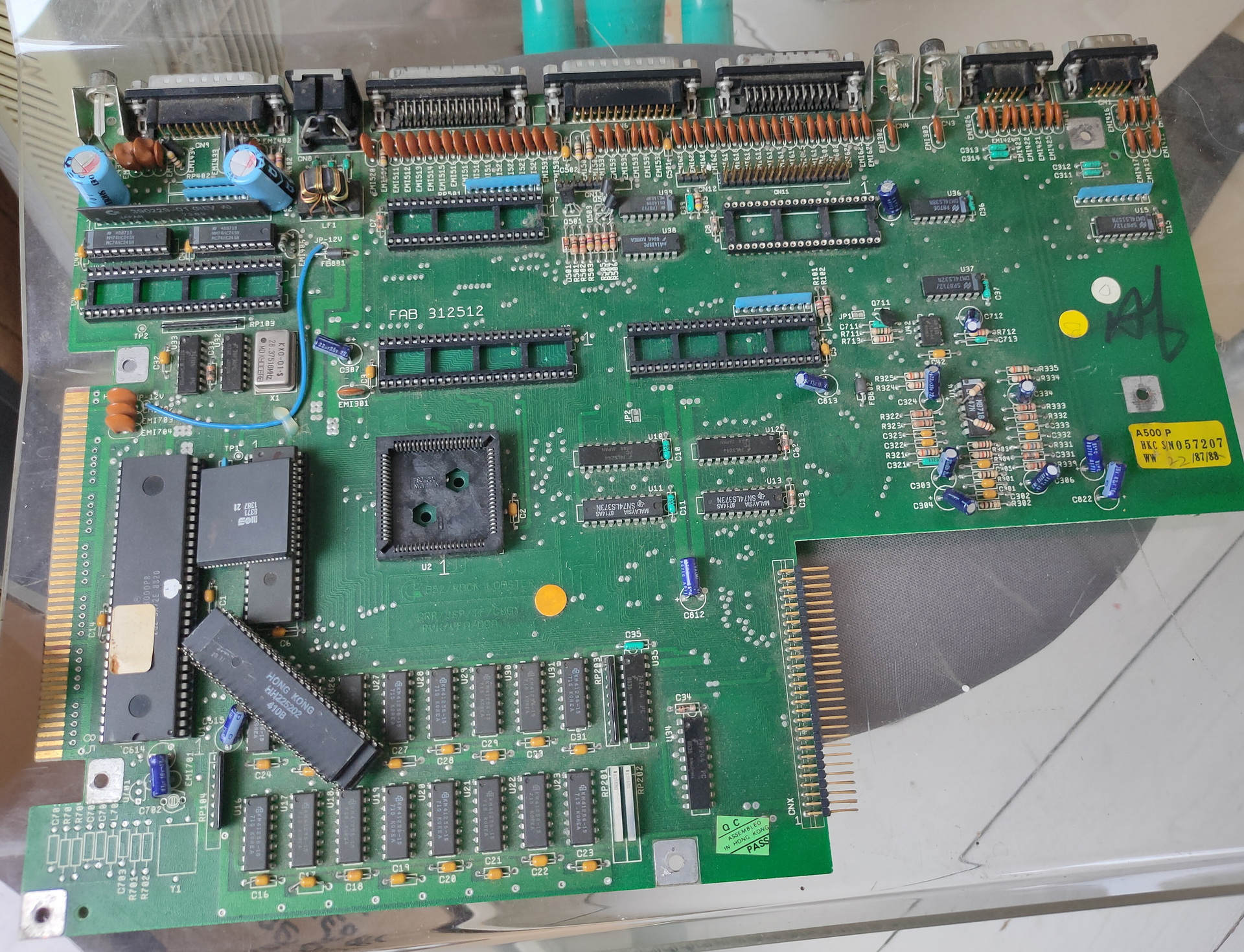
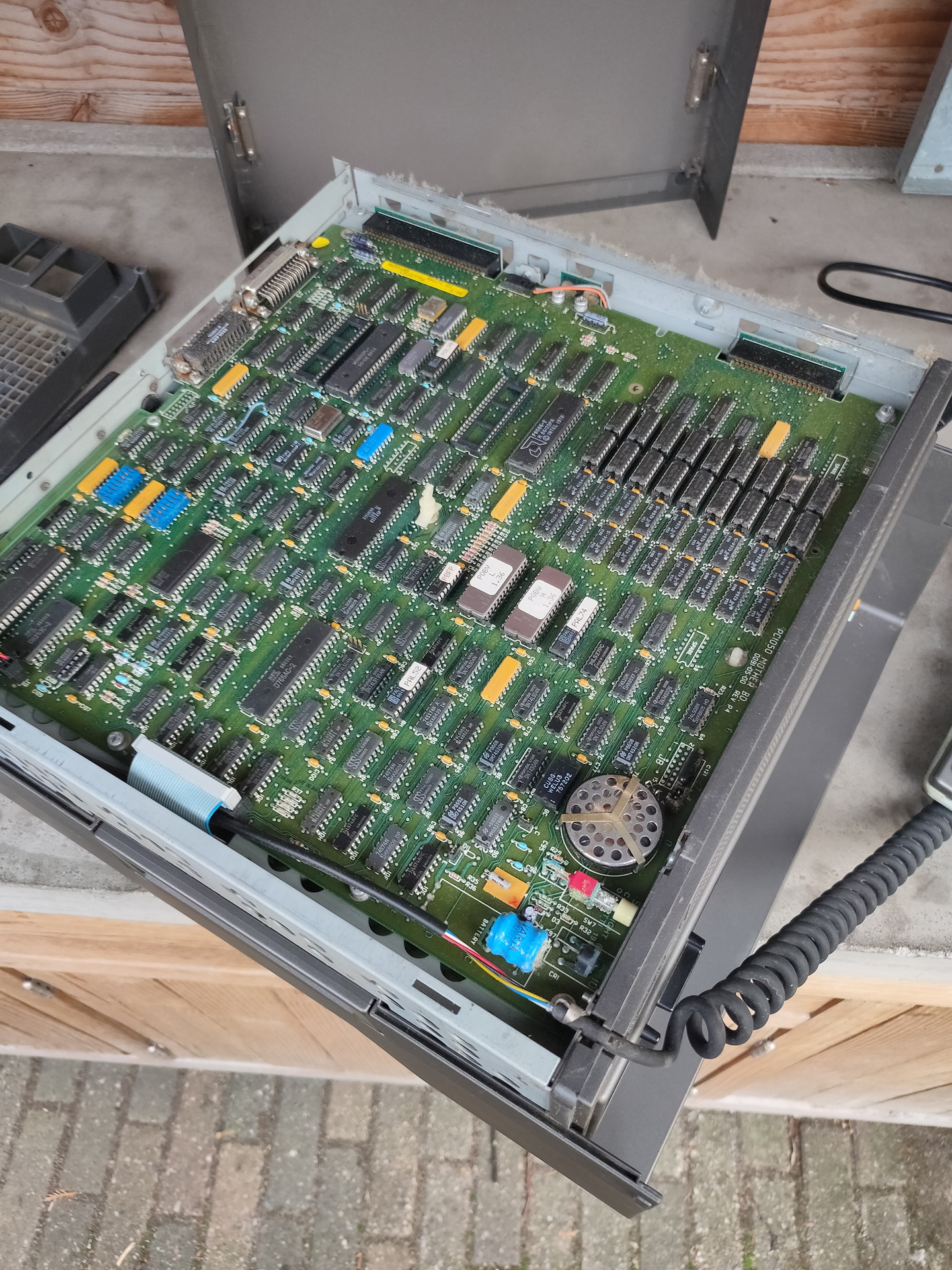
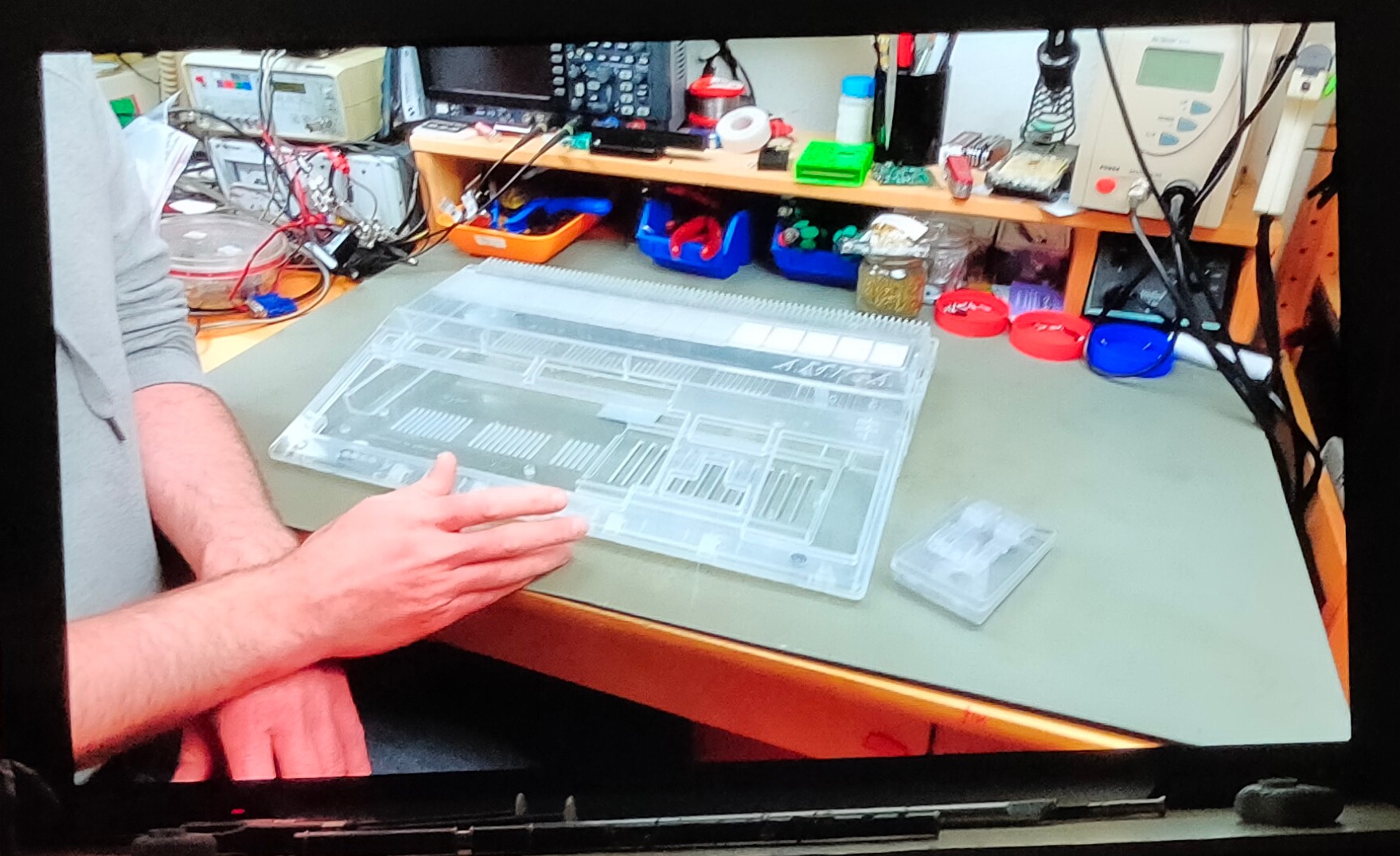
Got a working amiga again. \o/ woot Needed to replace Paula chip, cleaning and some TLC.
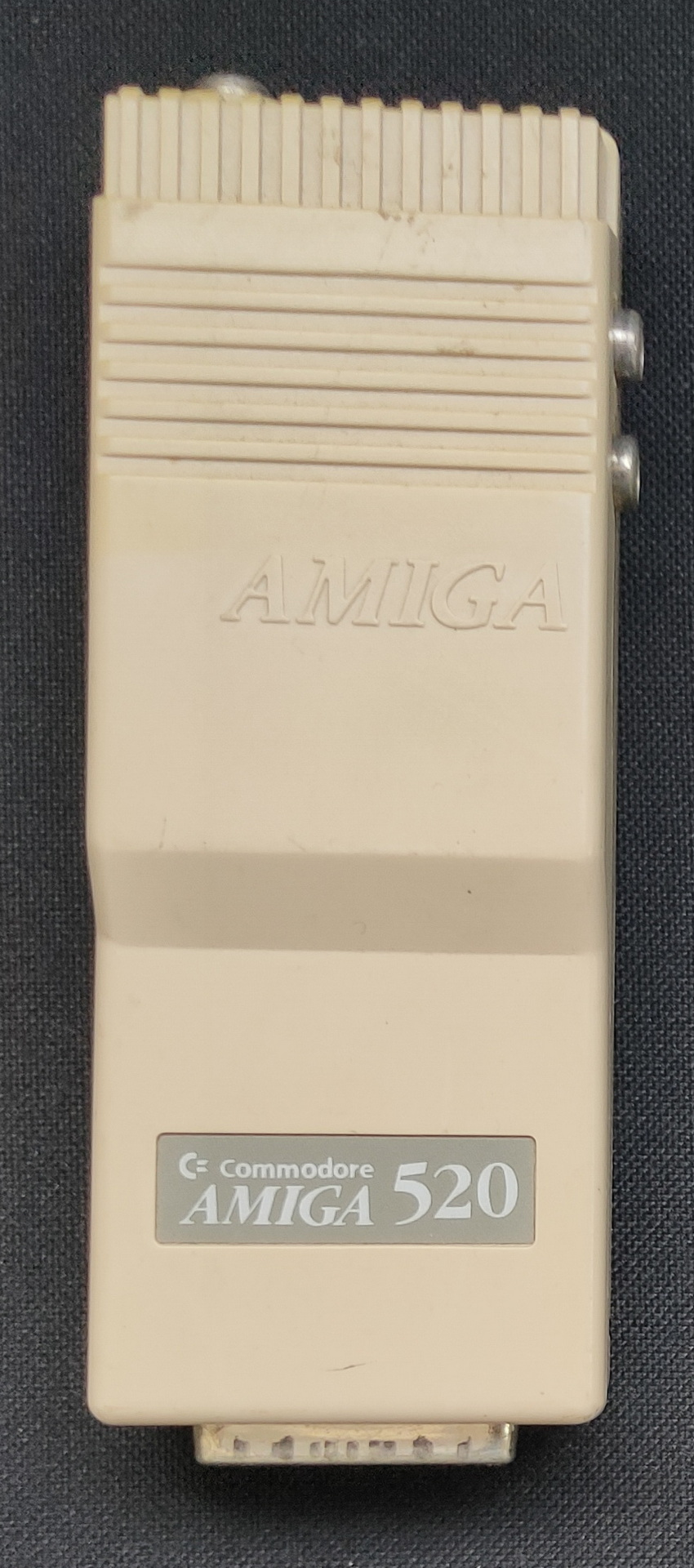
Modulator
Chip donor
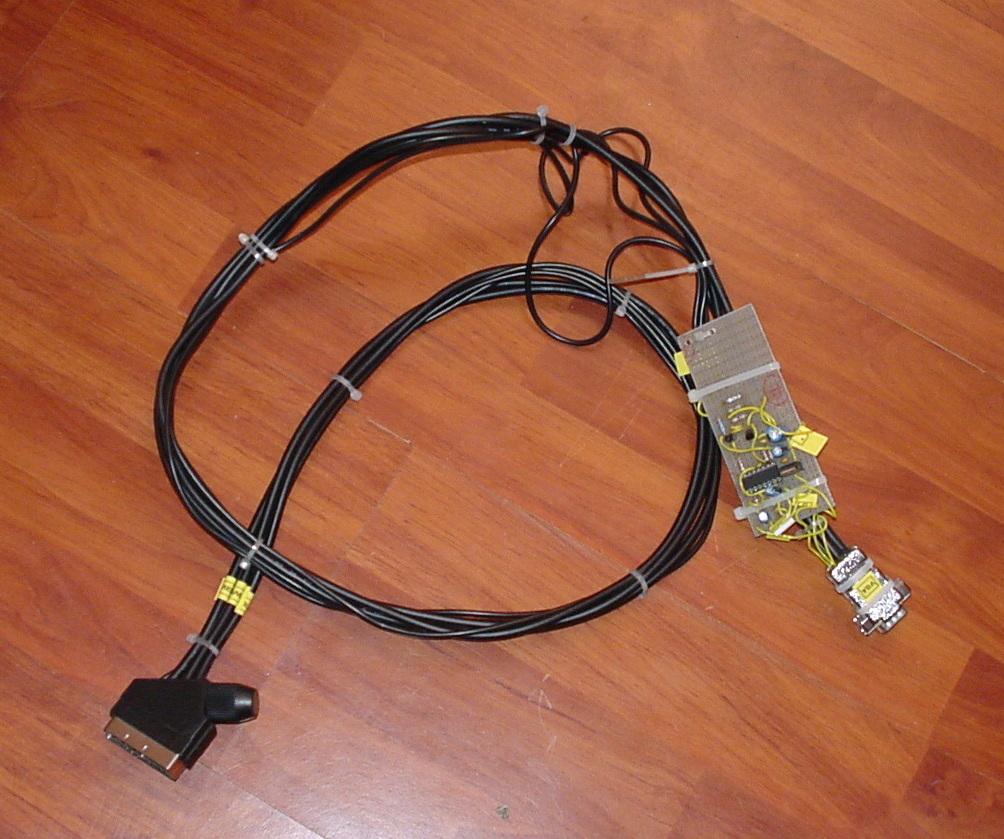
Scart cable i’ve got is one without the resistors, so my monitor isn’t detecting the signal. Using a A520 modulator works. At least RF, don’t know why RCA/composite video isn’t working.
Even a memory expansion and second drive (5.24 inch) are working.
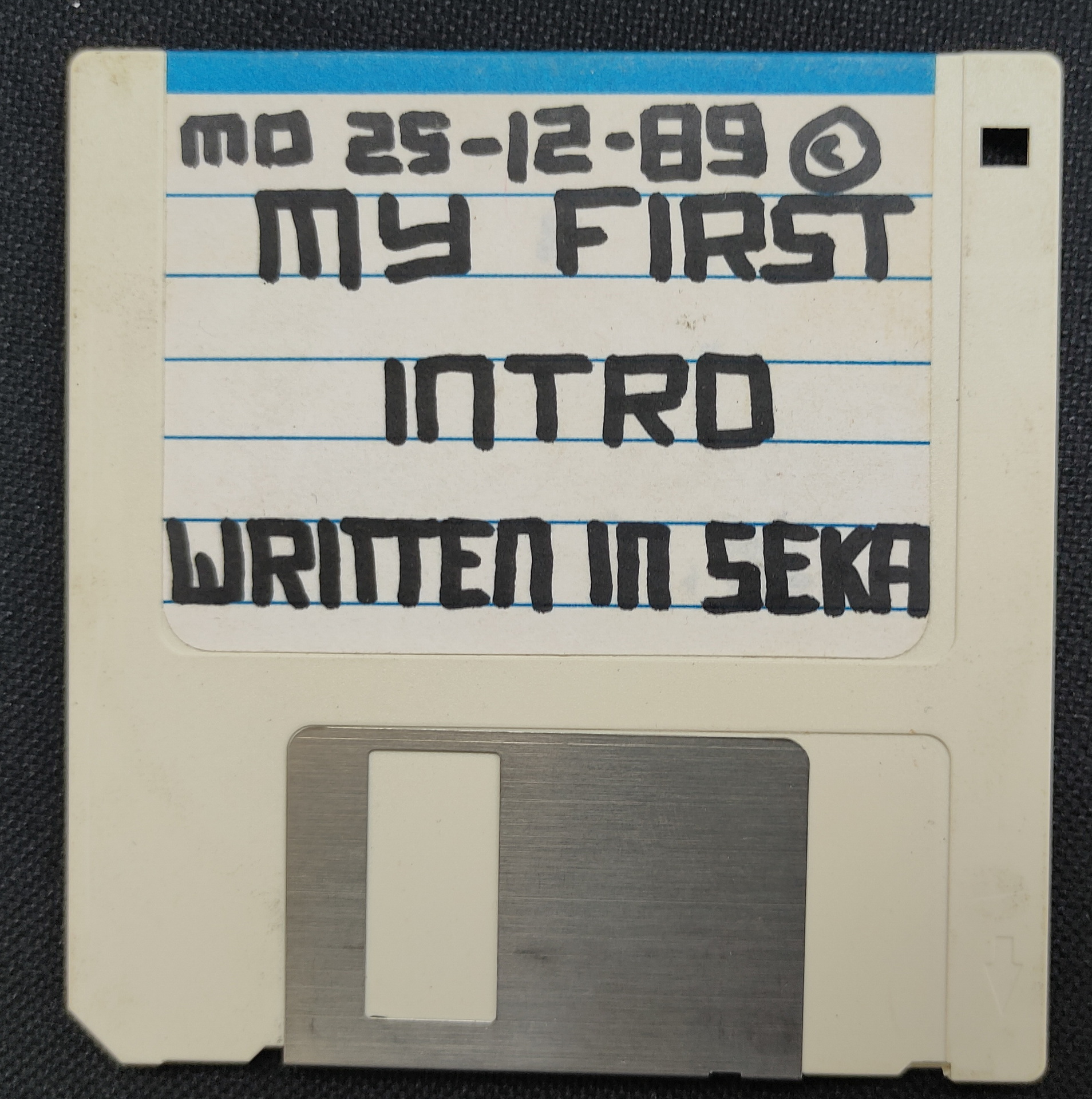
One of the first disks i tested
To do:
Fix something to get disk images from and to my pc.
(My old catweasel card only fits in a ISA slot which i don’t have any more)
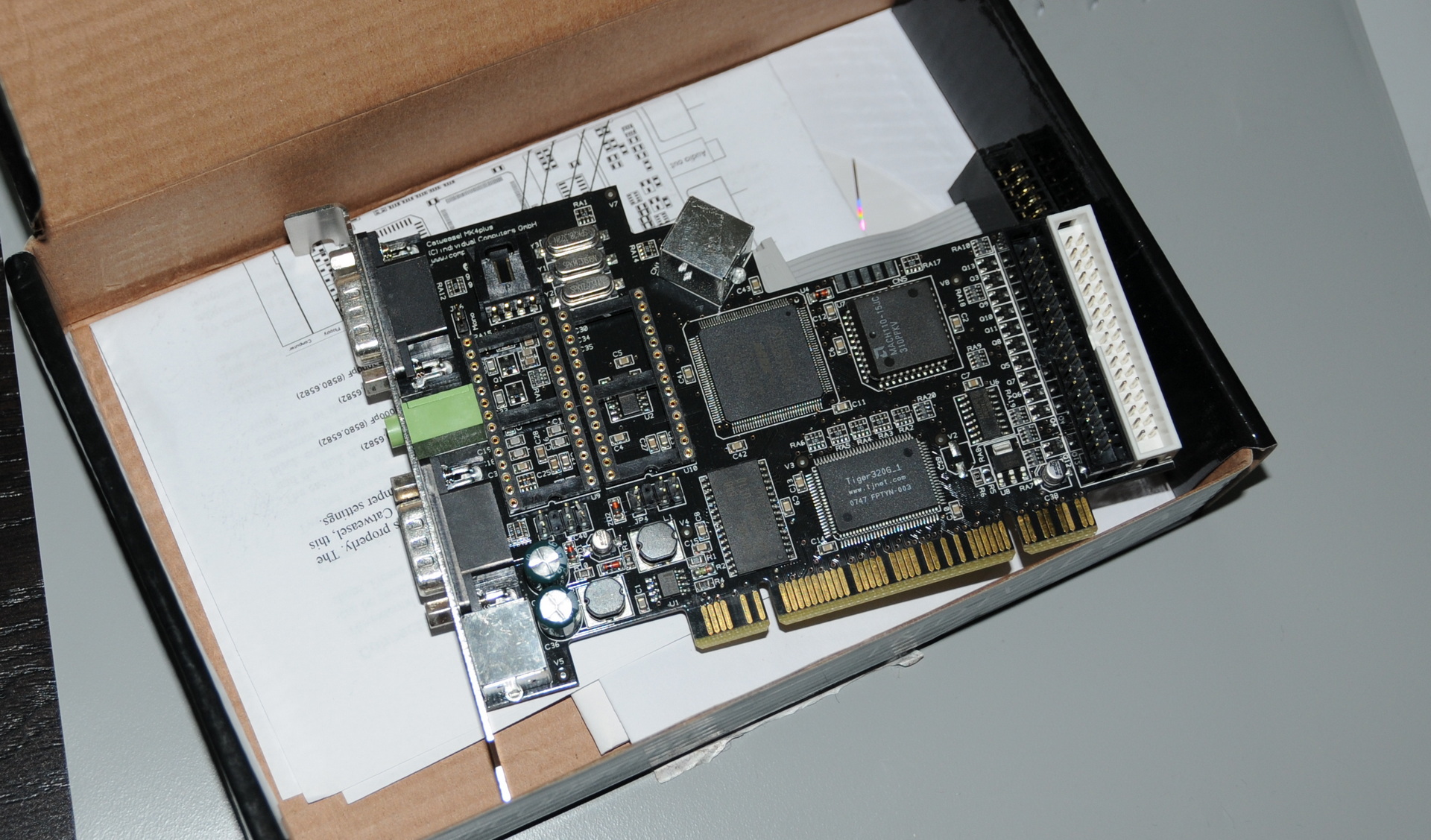
I was wrong .. i’ve got a IV Catweasel .. PCI it is
Fix scart
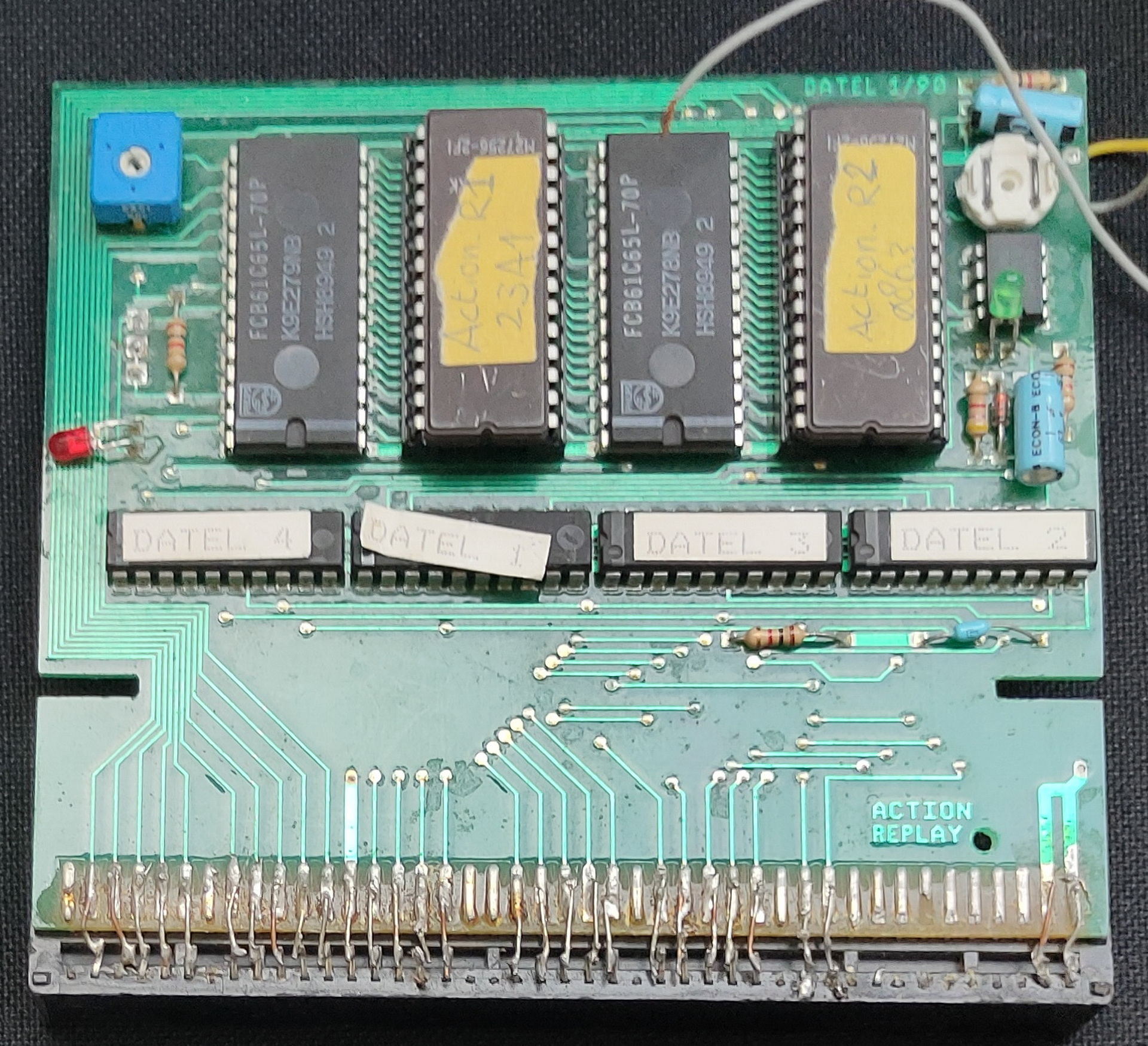
Fix my Action Replay, which i soldered into a non working state apparently .. 🙂
Get a better mouse!
Catweasel IV
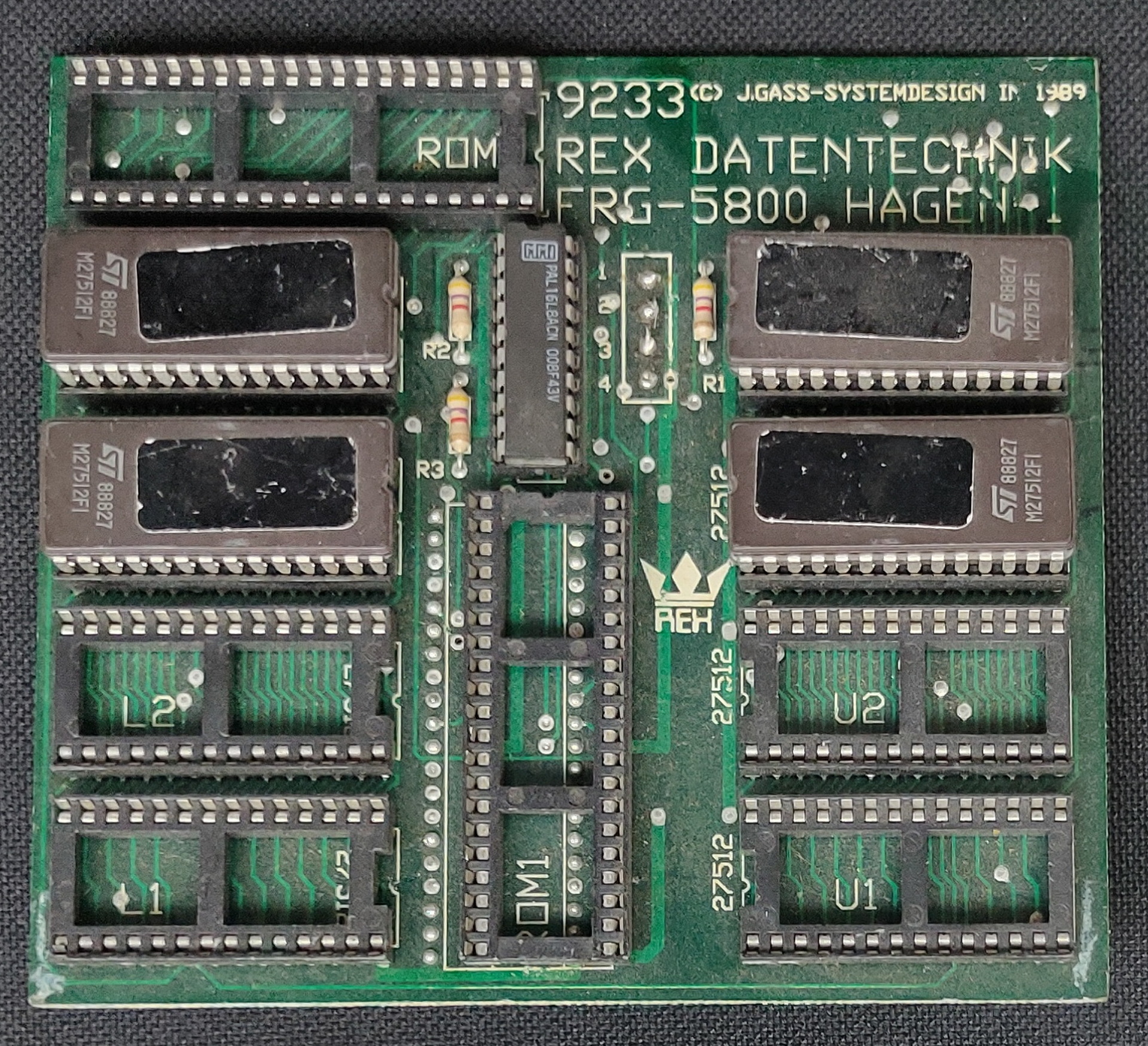
Kickstart selectorAction Replay
Disks to convert:
Personal text files from ages ago
My first seka demo
My oscillator drawing program
Other assembly source files
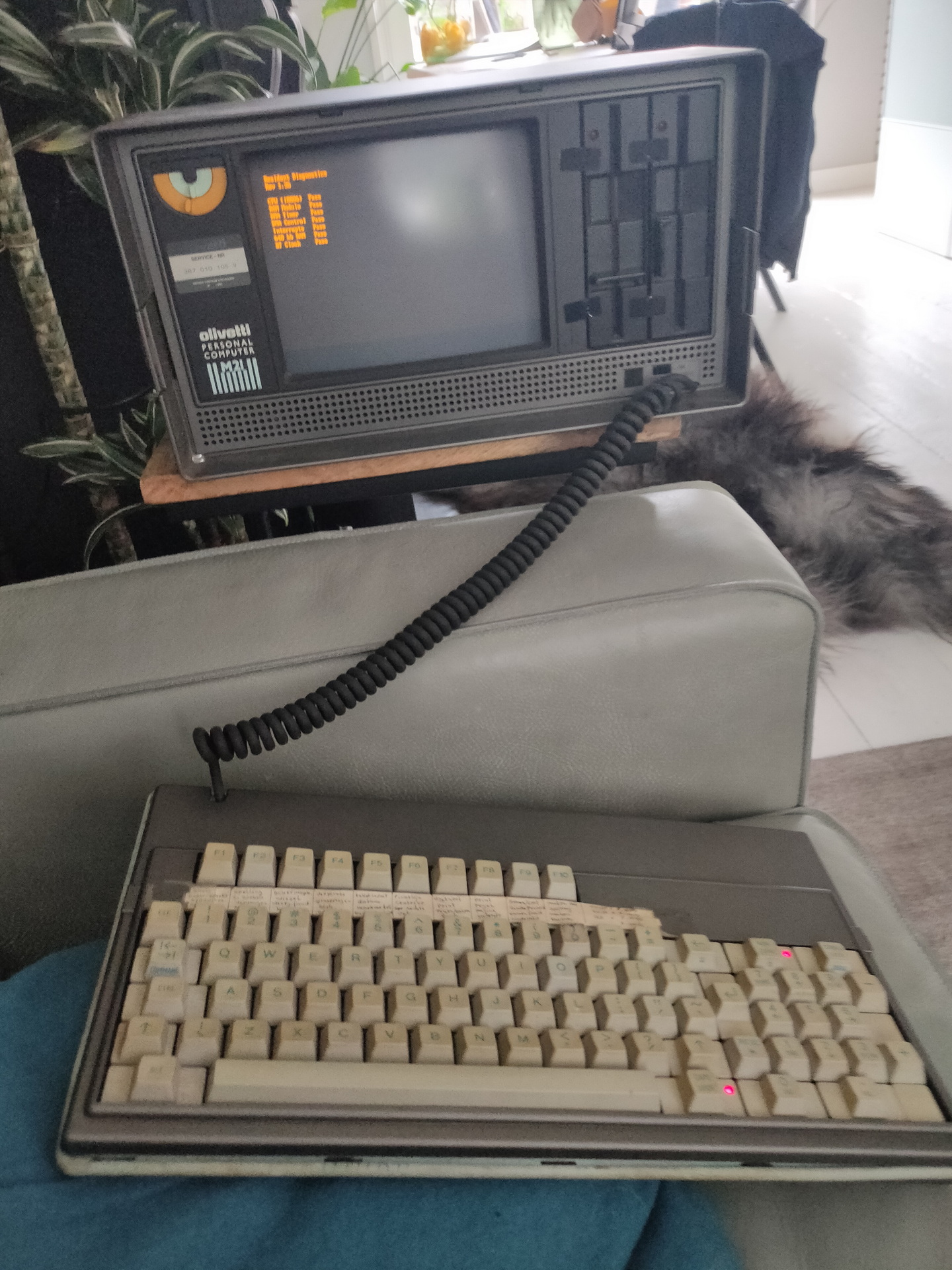
Got another one running today also:
Olivetti M21 machine you could carry with you. 9″ screen, 640K memory, 8086 Cpu
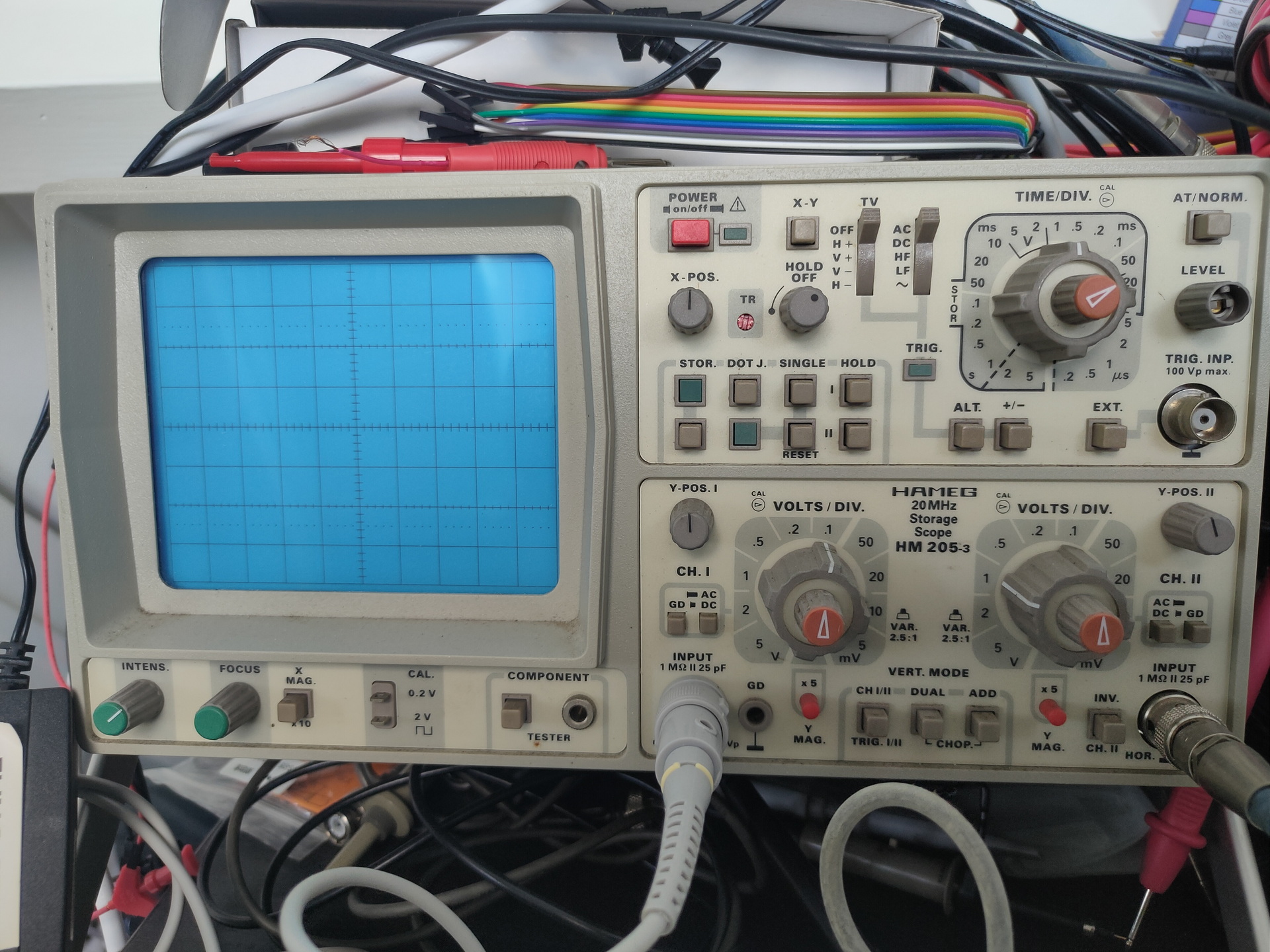
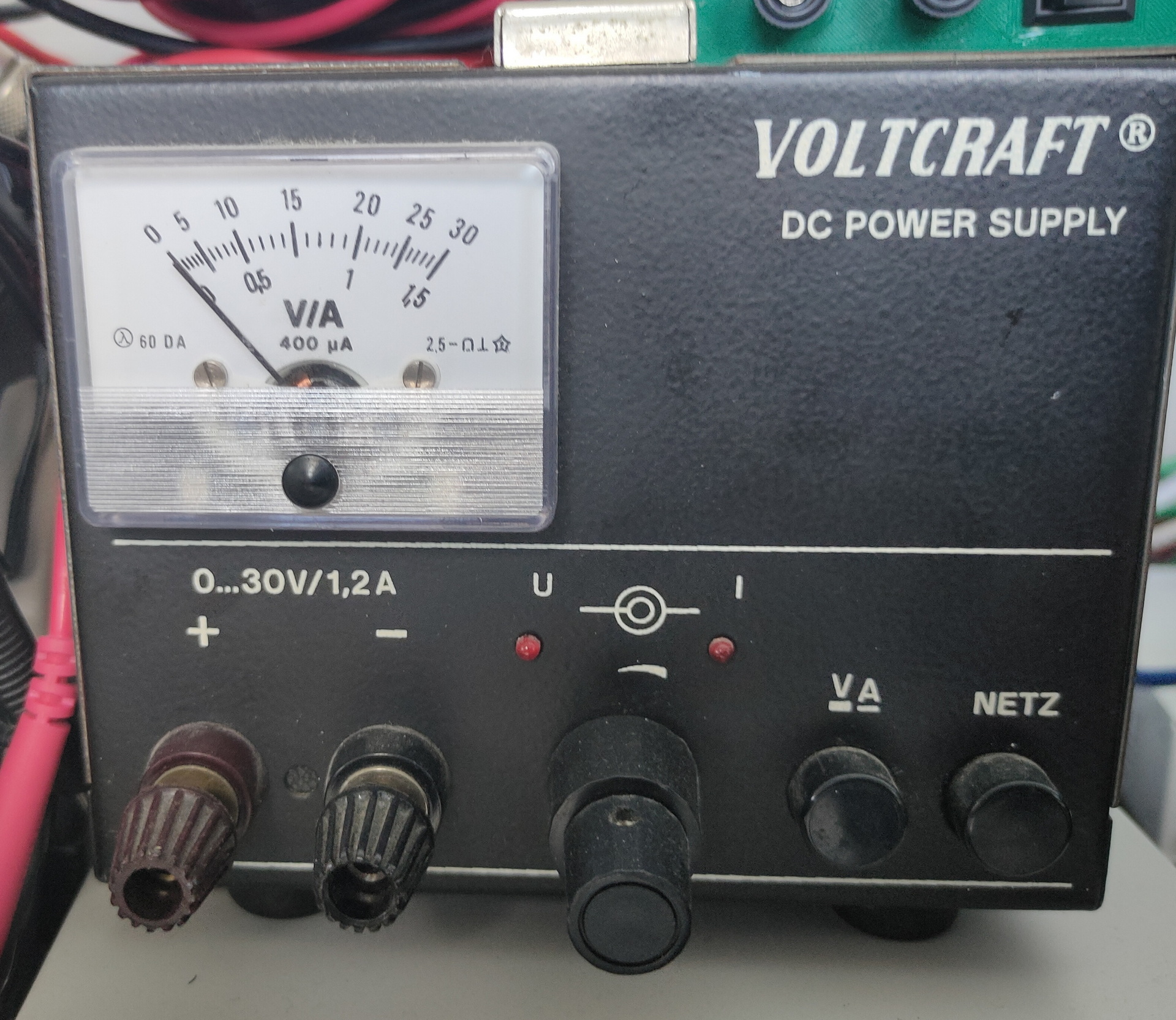
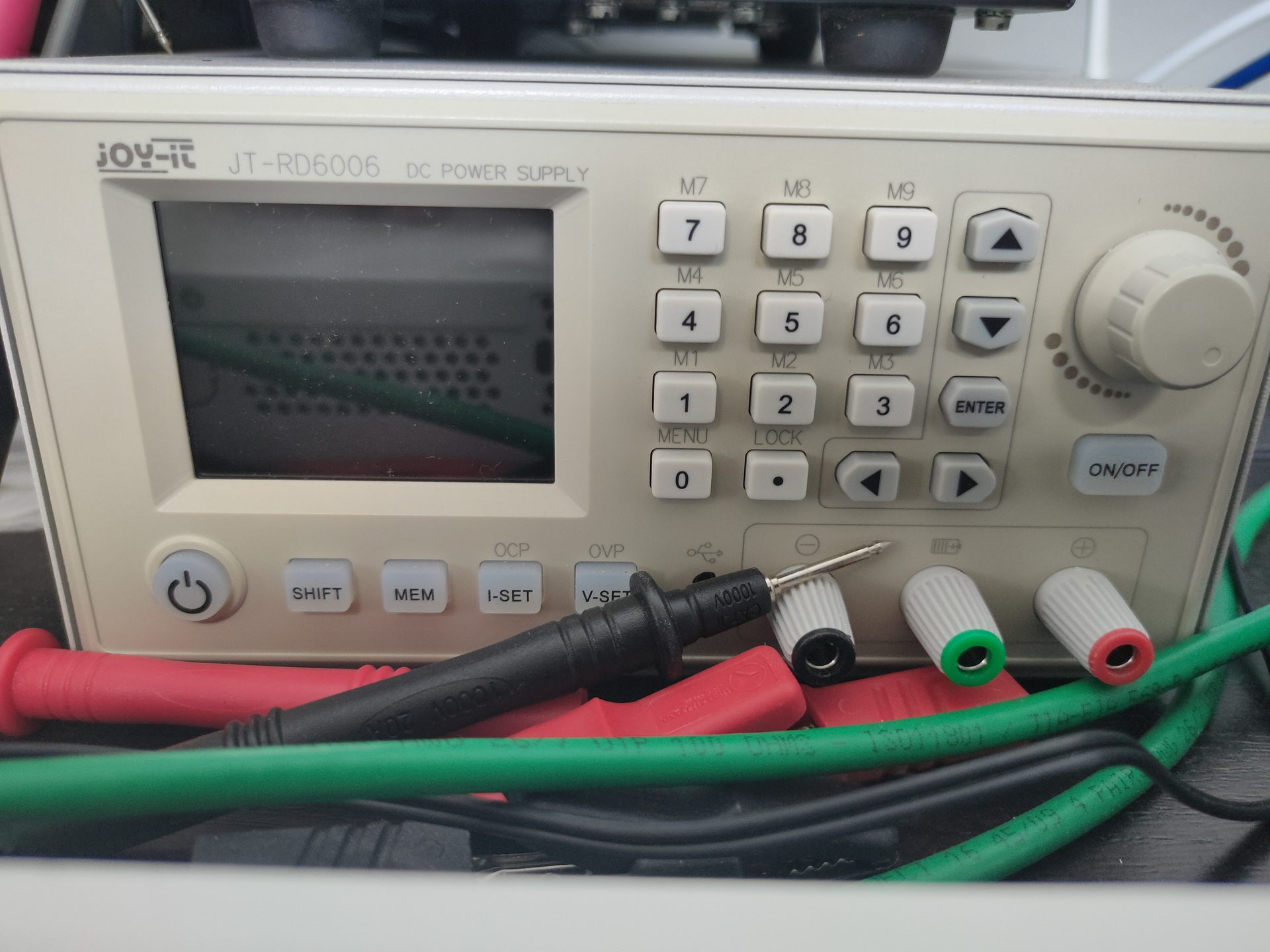
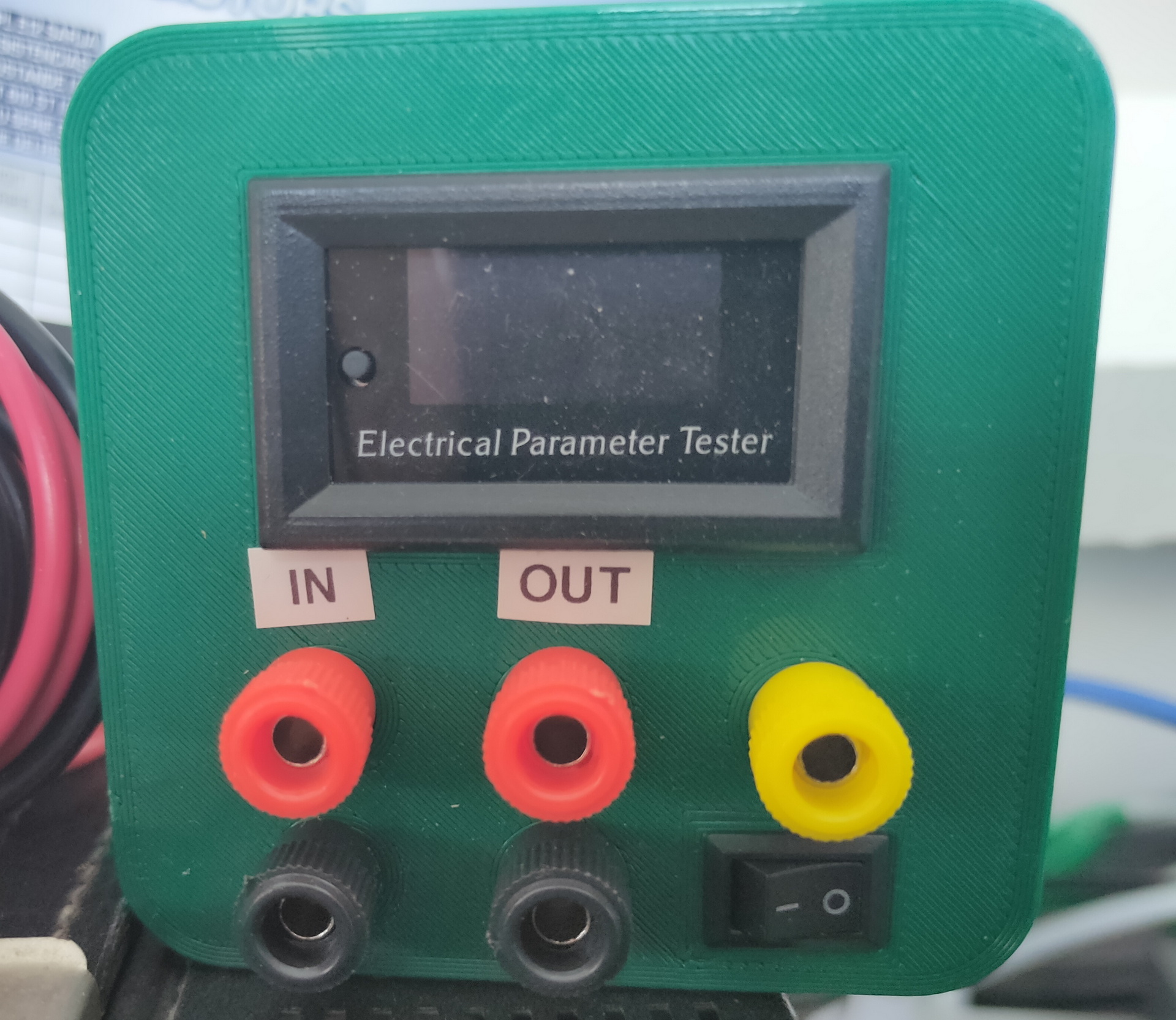
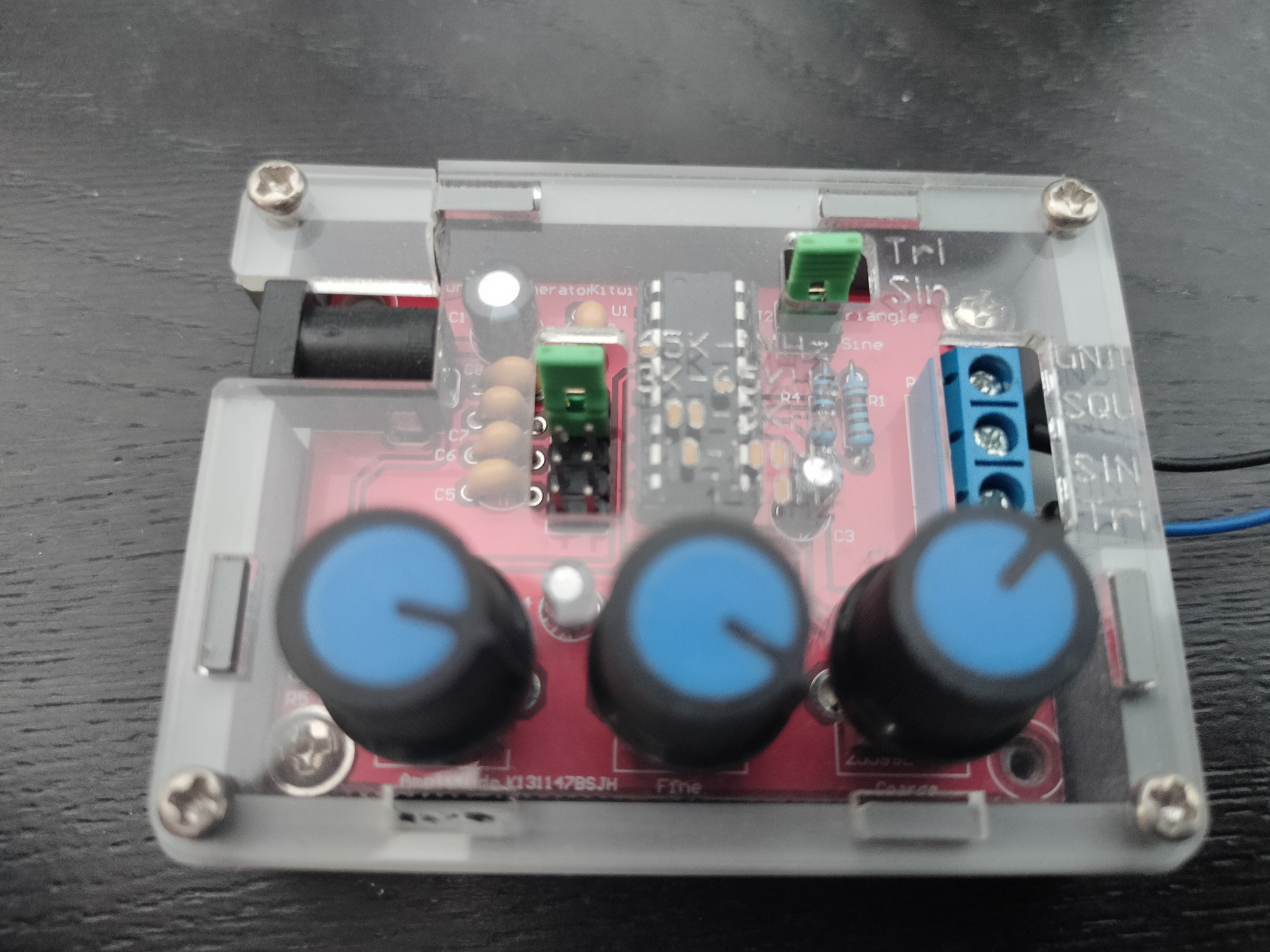
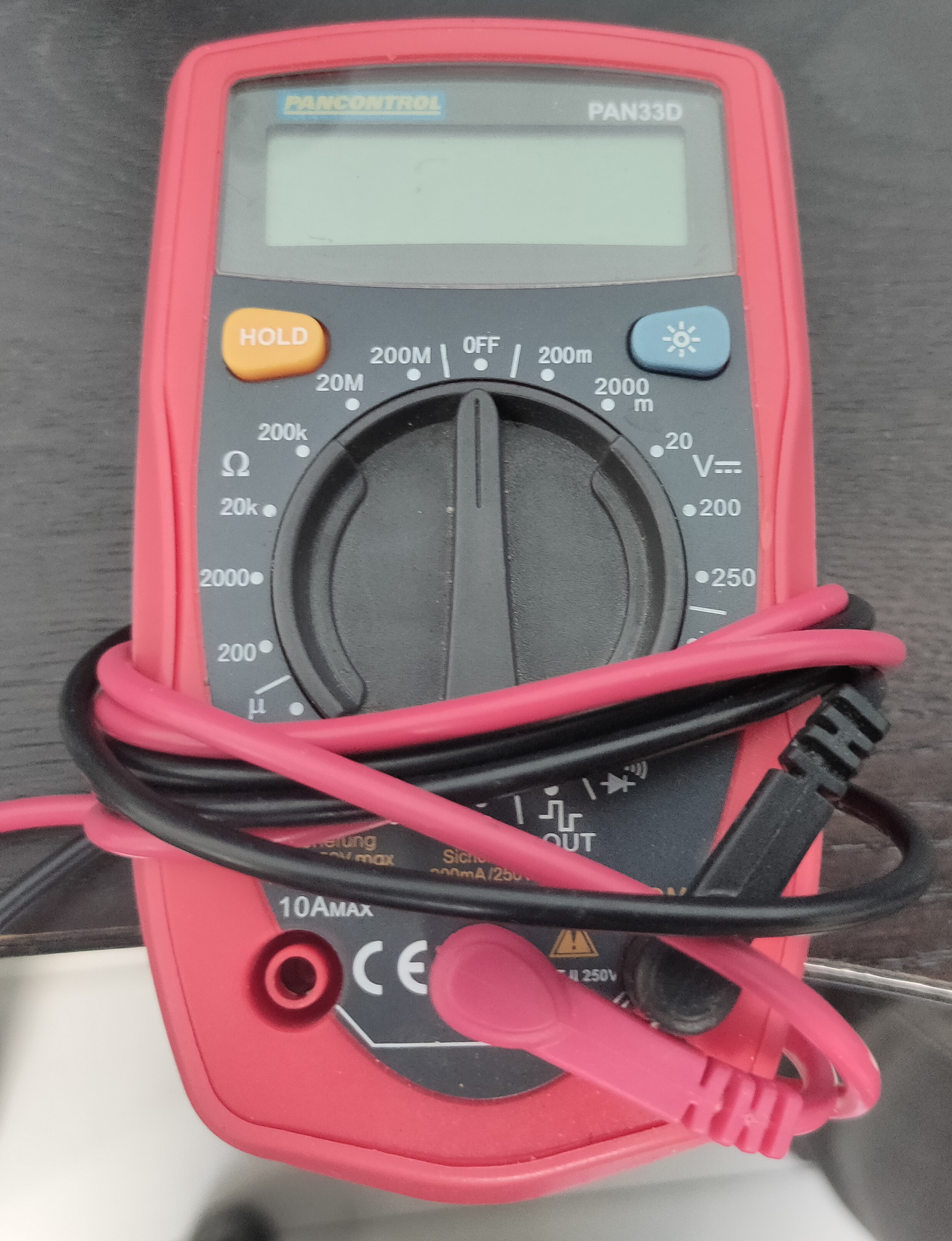
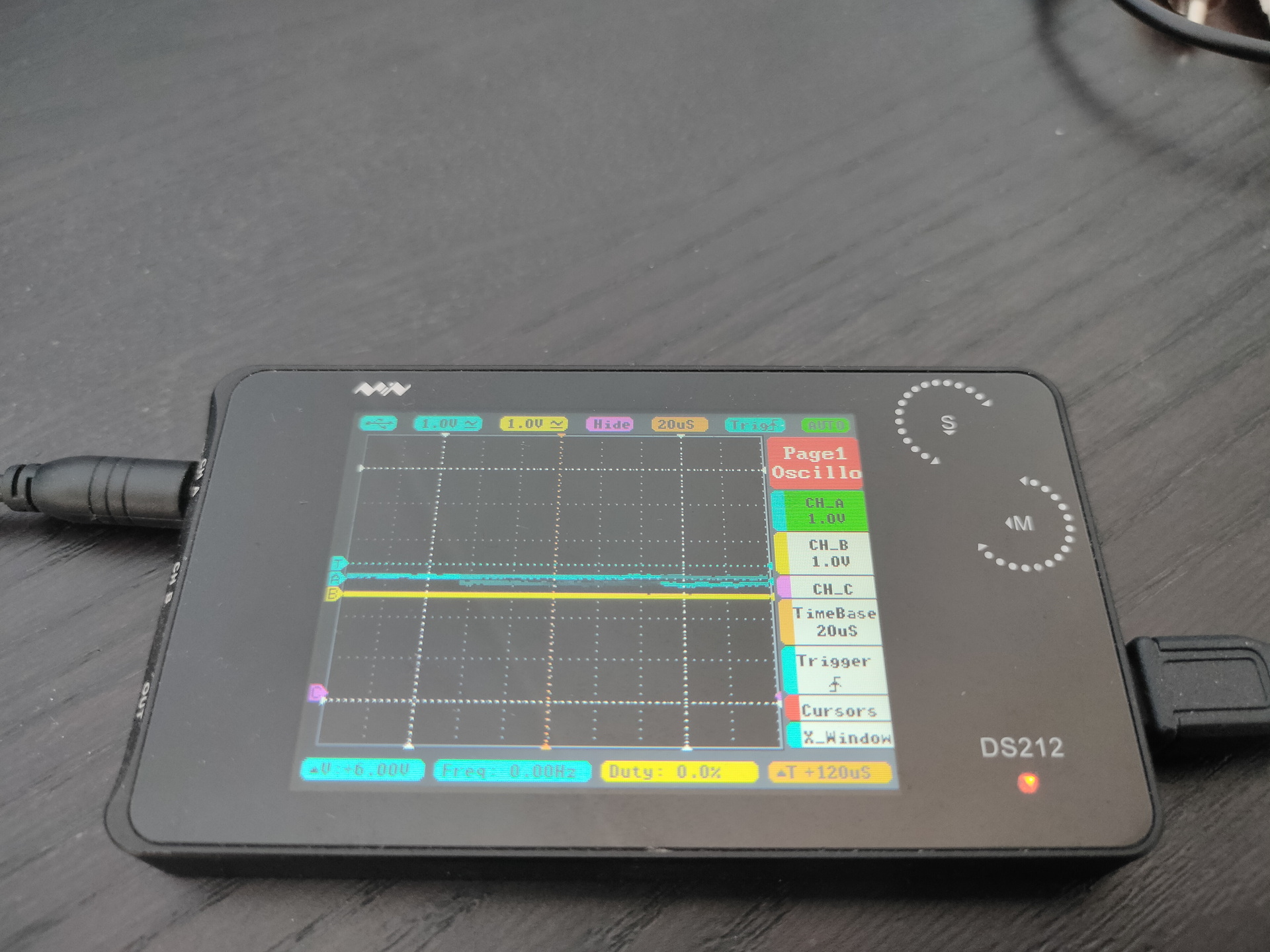
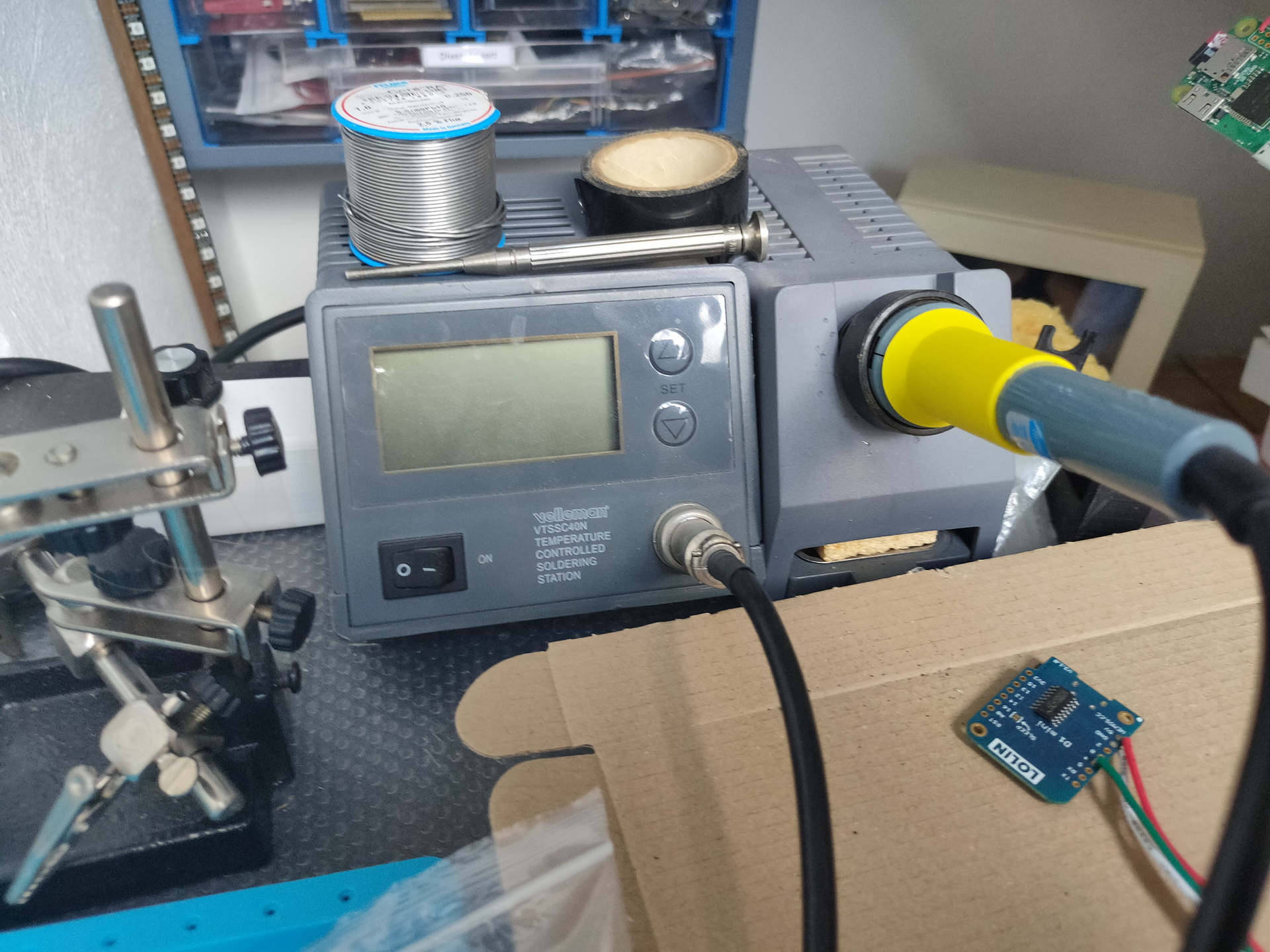
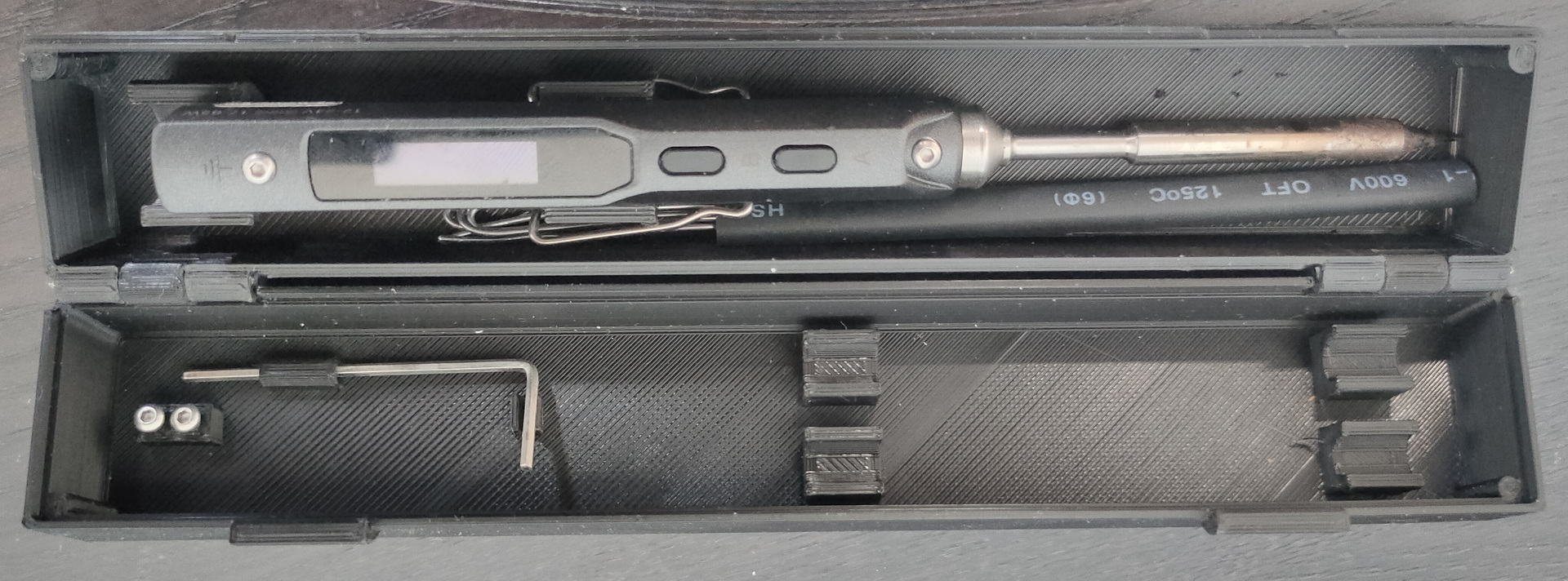
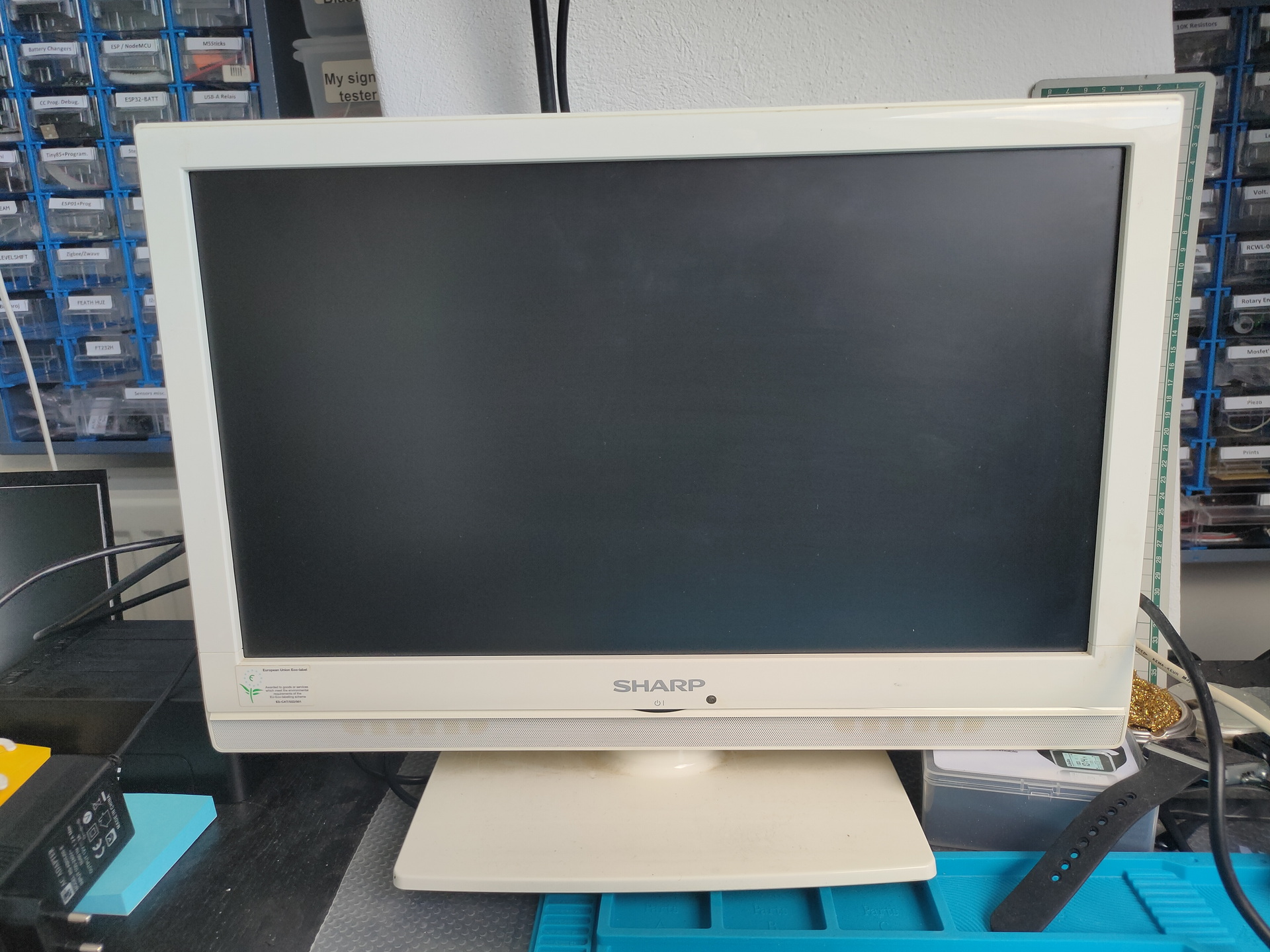
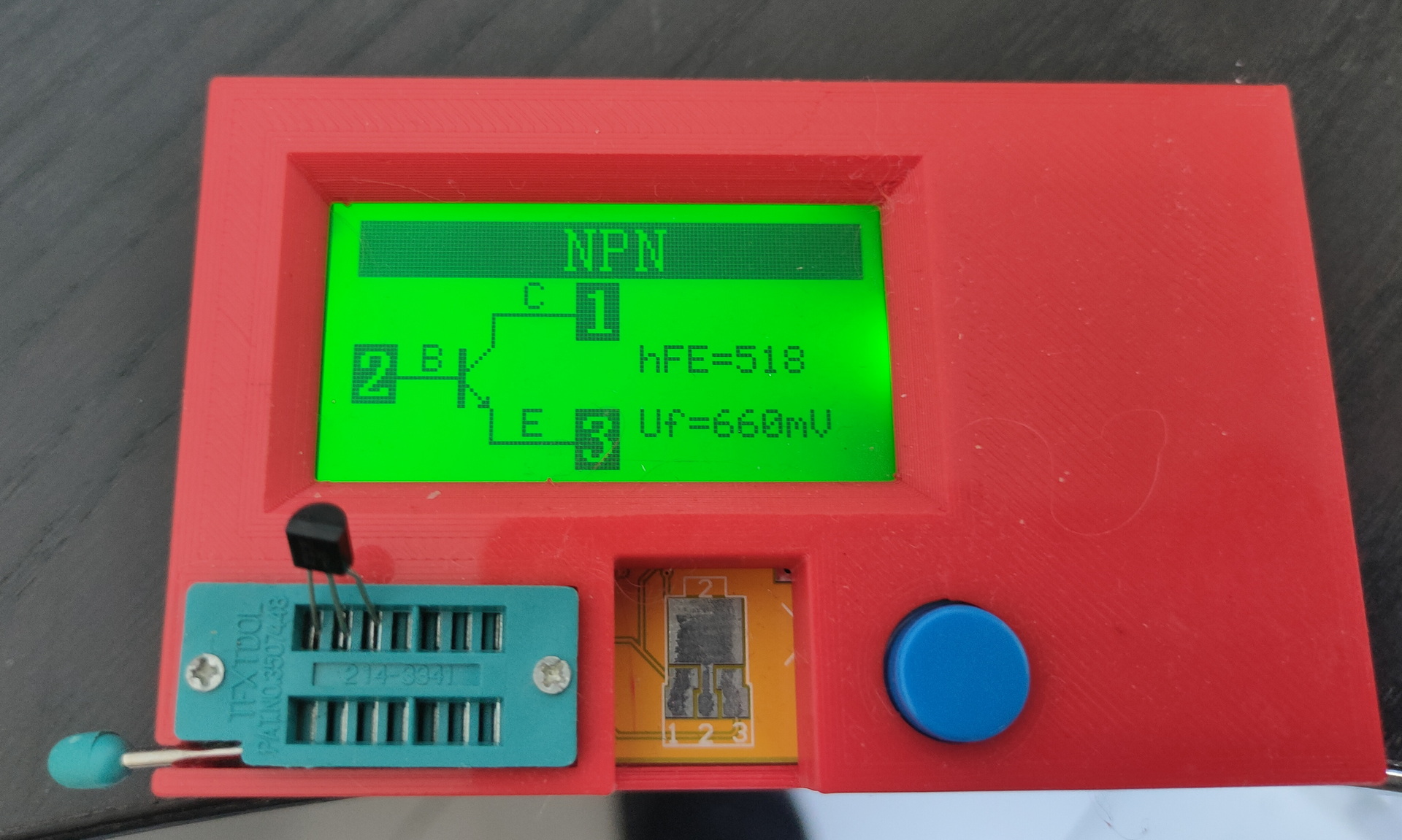
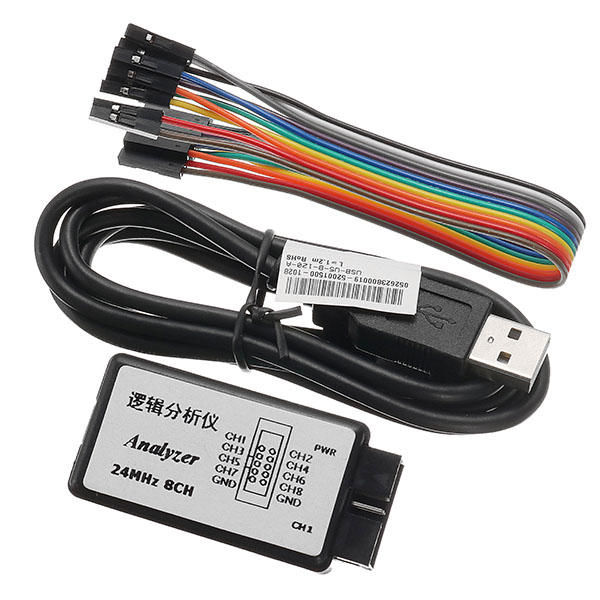
oscilloscopepower supply (oldie)Rd6006 power supplyvoltage/amp/power thingy i made last yearFunction generatorMy old and trusty multimeterds212 mini scopeOld but thrustful vellemanMini TS100 soldering ironMonitor with all kinds of inputs, for example RF (tv) useful for old 8bit computersComponent testerSomewhere there has to be my 8bit Saleae Logic Analyzer
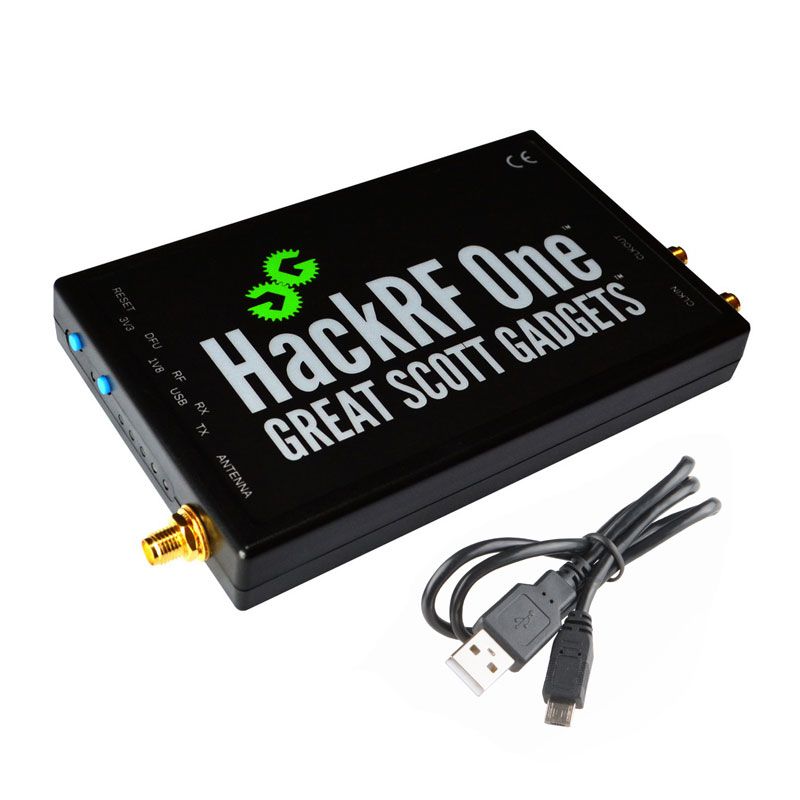
HackRF One from Great Scott Gadgets is a Software Defined Radio peripheral capable of transmission or reception of radio signals from 1 MHz to 6 GHz. Designed to enable test and development of modern and next generation radio technologies, HackRF One is an open source hardware platform that can be used as a USB peripheral or programmed for stand-alone operation.
1 MHz to 6 GHz operating frequency
half-duplex transceiver
up to 20 million samples per second
8-bit quadrature samples (8-bit I and 8-bit Q)
compatible with GNU Radio, SDR#, and more
software-configurable RX and TX gain and baseband filter
software-controlled antenna port power (50 mA at 3.3 V)
SMA female antenna connector
SMA female clock input and output for synchronization
convenient buttons for programming
internal pin headers for expansion
Hi-Speed USB 2.0
USB-powered
open source hardware
I’ve got dvb alternative below now. Hackrf cannot be bought anymore
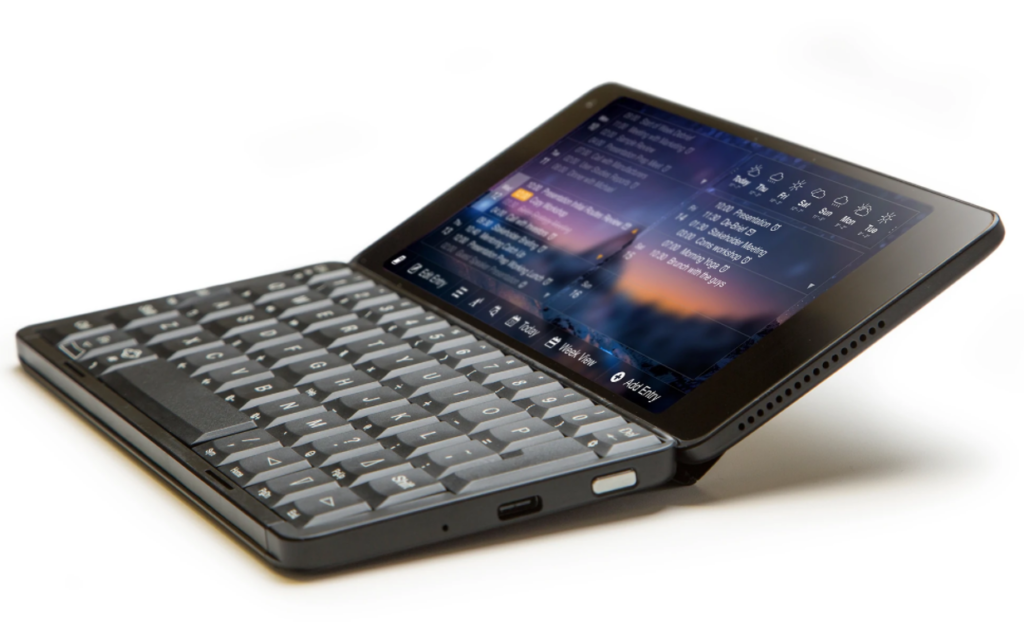
Gemini PDA
Android / Linux PDA
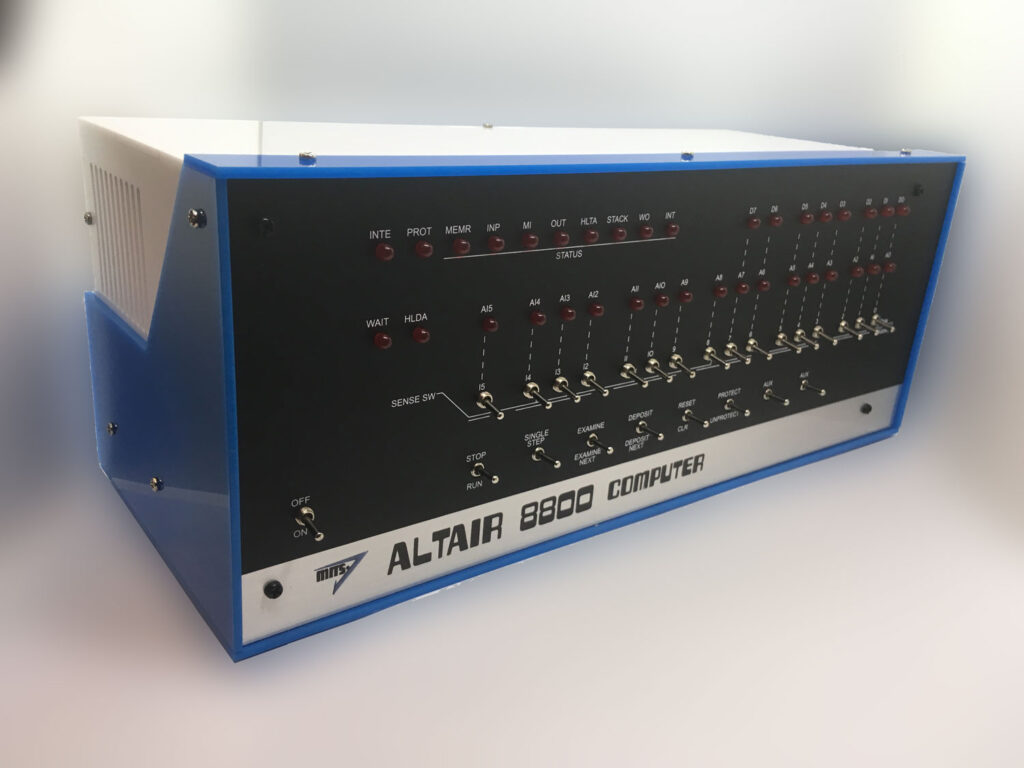
ALTAIR 8800 EMULATOR KIT
The Altair 8800 is a microcomputer designed in 1974 and based on the intel 8080 CPU. Using only switches to program and leds for output. Even my DIY build computer has a hex keyboard input and 7segments display.
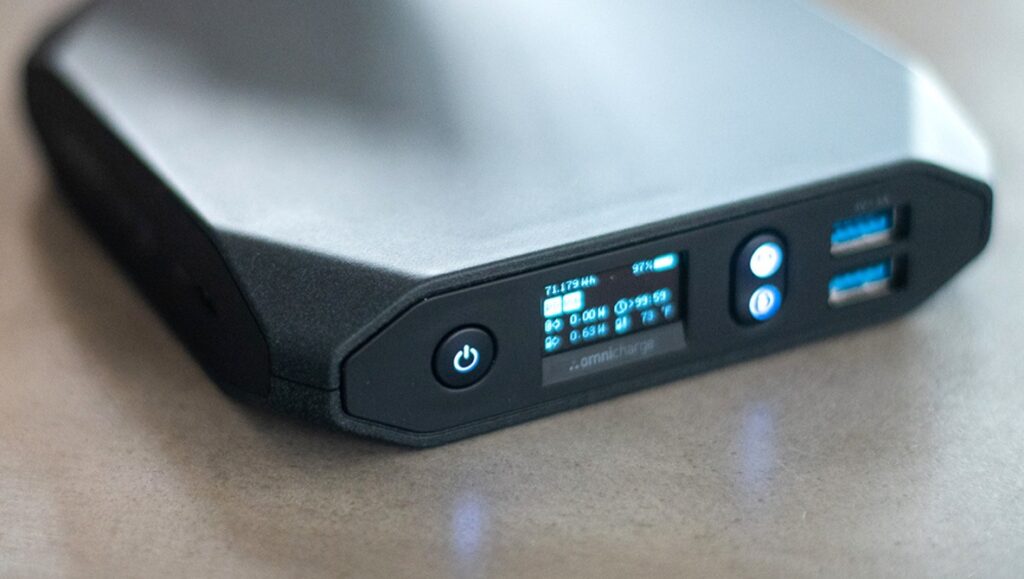
Omnicharge 20+ Usb C Wireless Power Bank 20,000mAh Power Delivery 3.0 + Quick Charge 3.0
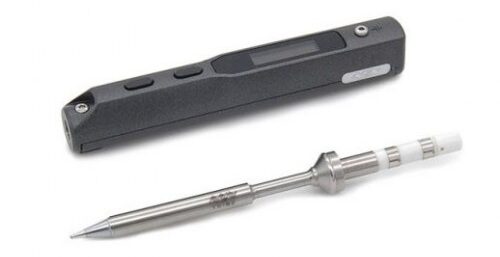
You can use this as a mobile soldering station using a TS100 soldering iron.
HAVE IT
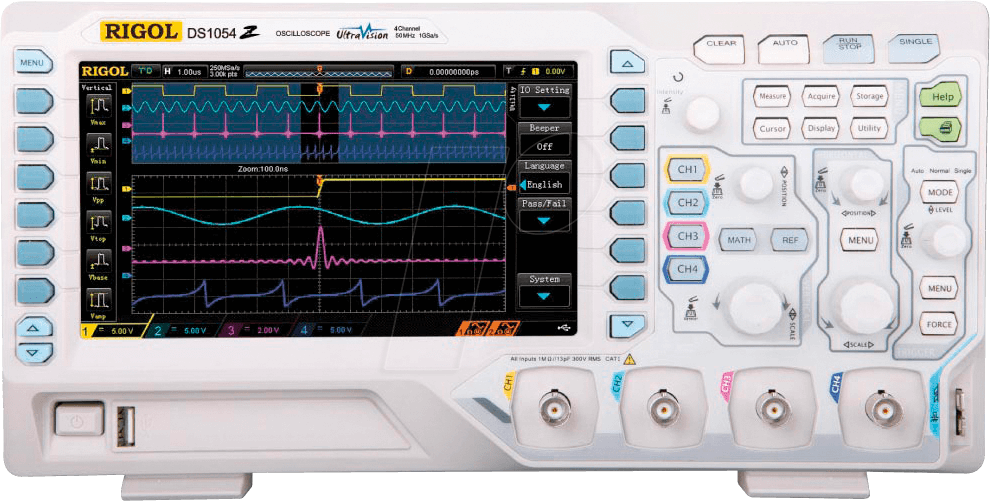
Rigol Oscilloscope DS1054
HAVE Z VERSION (LOGIC ANALIZER)
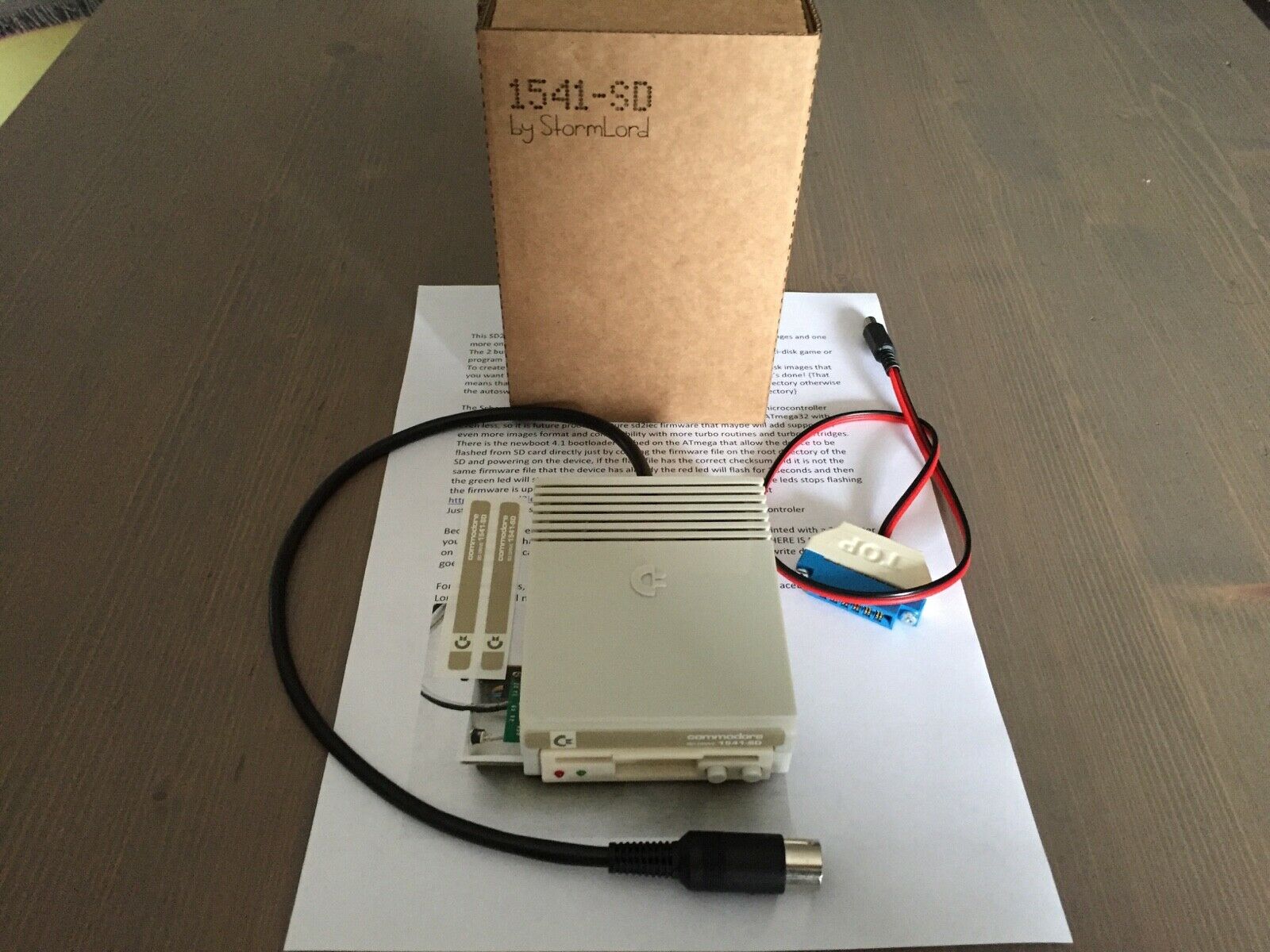
SDCard reader for C64 and other commodore machines
Got this one now, superb. And a Meatloaf DIY
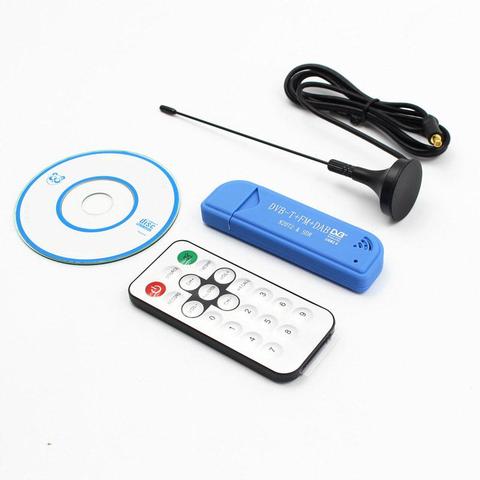
Tv Stick Dab Fm Dvb-t RTL2832 R820T Sdr RTL-SDR Dongle Stick Digitale Tv Tuner Ontvanger TVSDVBS816
Modded this one, as part of my modular amiga system where i wanted to remake every part onto 10×15 euro prints. So i could swap things out for other boards.
Memory expansion
512k .. missing in action Go a new one in … ?
Boot selector
Swaps df0 and df1 DIY version was a wirewrap ic socket with a cross switch, now i have a Gotek buffered switching module with can be actvated with a keystroke. (Gotek post)
Keyboard mod
Hidden key (in the space of the stands, which triggered a extra key stroke)
Kickstart selector
A print you can insert in the ROM socket of your amiga. Had only 1.2 and 1.3. Now there are many .. like diagnostic roms. I made a altered 1.2 version .. which was unusable .. i f*cked it up
SID mod
Added a sid parallel on the 8020 CIA chip
Gotek driver emulator
I made a arduino version to read disks. (Other post) But this is a disk image drive emulator. See Gotek post
Boot sector warn
Piezo beeper which warned me when a boot sector was being written (virus alert)
Sound filter fix
Amiga audio filter enhancer, using capacitors and resistors
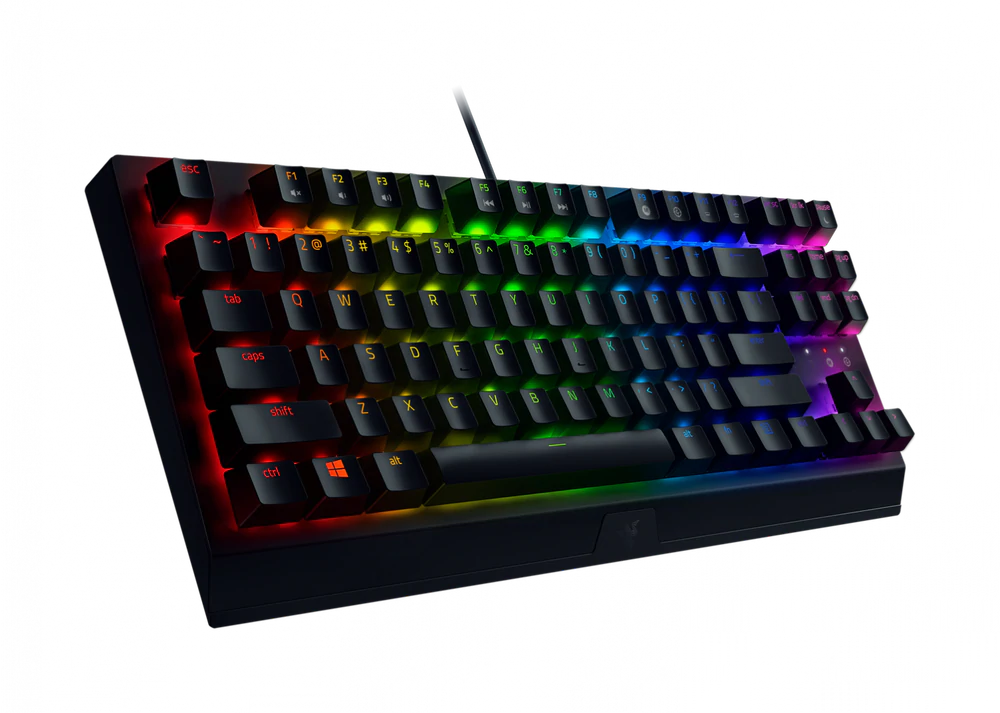
A fancy keyboard….. At last a clickety keyboard. A Razer Blackwidow V3 mechanical keyboard. I’m not a gamer, but i like the clickety sounds. RGB leds are always nice to play with.
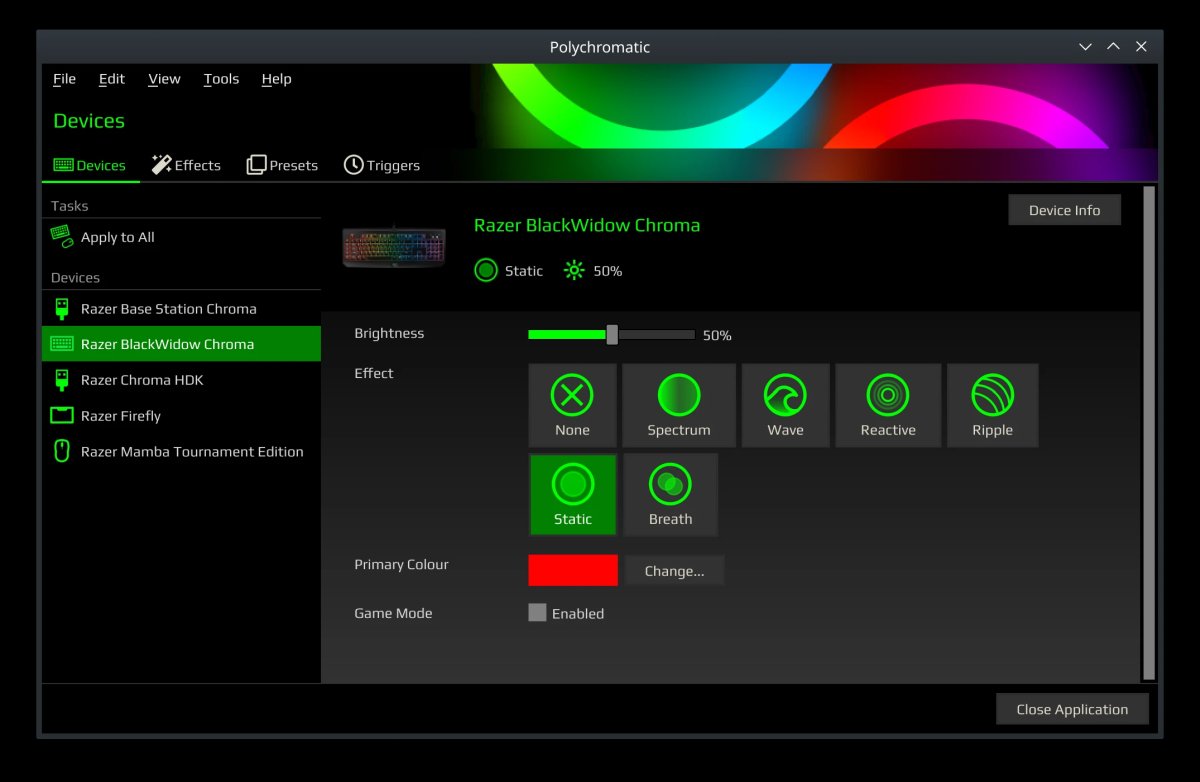
One of the nice things about razer is the Linux support!
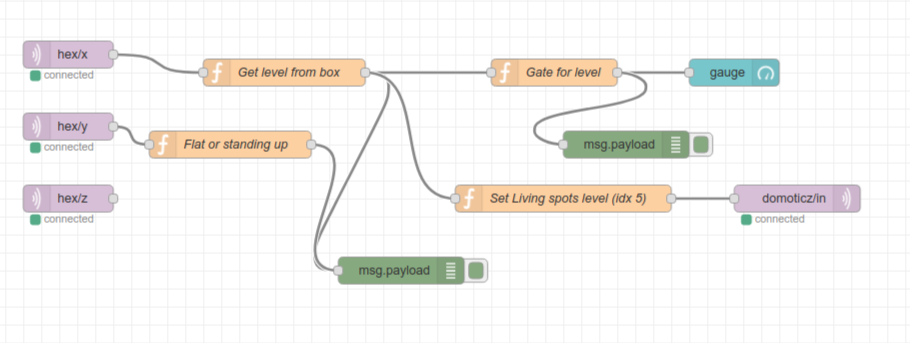
Put the box flat on the table to switch off. When you put it on one side, it will controll your lights brightness. 20,40,60,80 and 100%, just by rotating and putting it down on its sides.
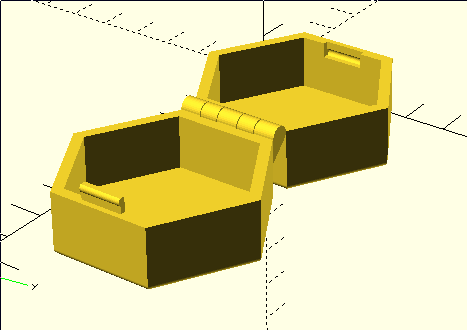
3D printed case
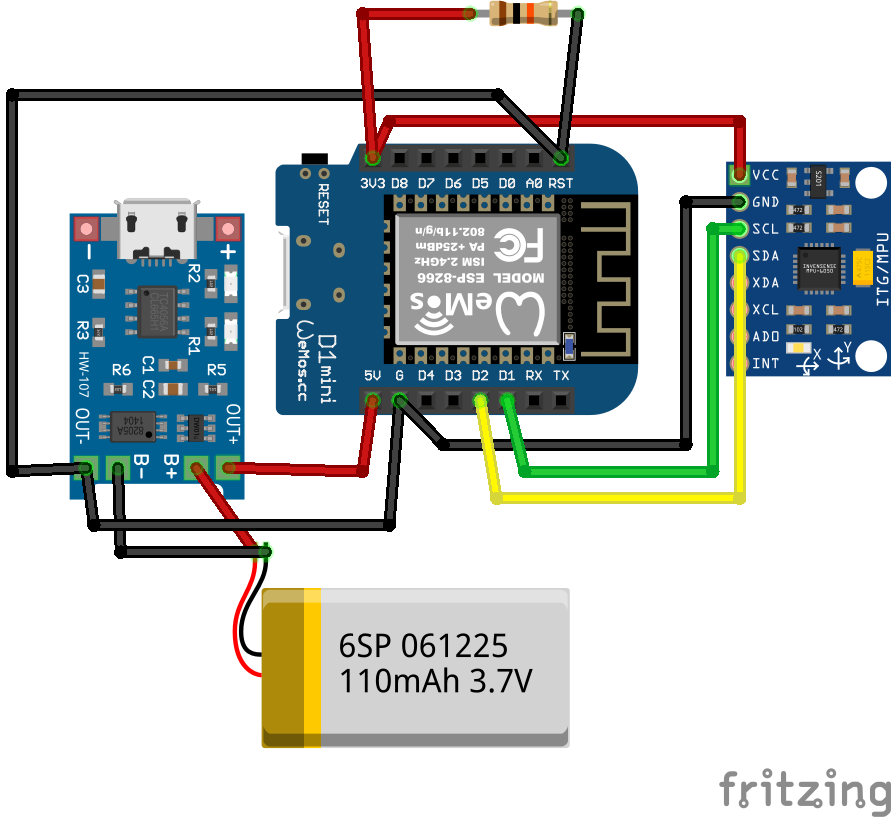
Schematics (without the wireless charging part)
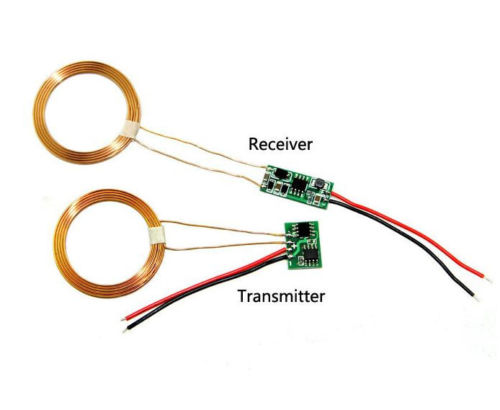
Wireless part
Node-Red Controll part (source below)
Nice to have’s : Arduino-sleep mode, wakeup with a movement sensor.
Arduino Code
#include <Wire.h>
//#include <SPI.h>
#include <PubSubClient.h>
//#include <string.h>
//#include <stdio.h>
#include <ESP8266WiFi.h>

// Wifi settings
const char* ssid = "xxxxxx";
const char* password = "xxxxxxxxxx";
const char* mqtt_server = "10.1.0.17";

// I2C address of the MPU-6050 - 0x68 or 0x69 if AD0 is pulled HIGH
const int MPU = 0x68;
int16_t AcX, AcY, AcZ, GyX, GyY, GyZ;
float gForceX, gForceY, gForceZ, rotX, rotY, rotZ;

// Wifi MAC address
byte mac[]= {  0xDE, 0xED, 0xBA, 0xFE, 0xFE, 0xED };

WiFiClient espClient;
IPAddress ip;
PubSubClient mqttClient(espClient);

// IP address of your MQTT server
const char* server = "10.1.0.17";
//const char* outTopic = "test/";
//const char* server = "iot.eclipse.org";

void dataReceiver(){
  Wire.beginTransmission(MPU);
  Wire.write(0x3B);  // starting with register 0x3B (ACCEL_XOUT_H)
  Wire.endTransmission(false);
  Wire.requestFrom(MPU,14,true);  // request a total of 14 registers
  AcX = Wire.read()<<8|Wire.read();  // 0x3B (ACCEL_XOUT_H) & 0x3C (ACCEL_XOUT_L)
  AcY = Wire.read()<<8|Wire.read();  // 0x3D (ACCEL_YOUT_H) & 0x3E (ACCEL_YOUT_L)
  AcZ = Wire.read()<<8|Wire.read();  // 0x3F (ACCEL_ZOUT_H) & 0x40 (ACCEL_ZOUT_L)
  GyX = Wire.read()<<8|Wire.read();  // 0x43 (GYRO_XOUT_H) & 0x44 (GYRO_XOUT_L)
  GyY = Wire.read()<<8|Wire.read();  // 0x45 (GYRO_YOUT_H) & 0x46 (GYRO_YOUT_L)
  GyZ = Wire.read()<<8|Wire.read();  // 0x47 (GYRO_ZOUT_H) & 0x48 (GYRO_ZOUT_L)
  processData();
}

void processData(){
  gForceX = AcX / 16384.0;
  gForceY = AcY / 16384.0;
  gForceZ = AcZ / 16384.0;

  rotX = GyX / 131.0;
  rotY = GyY / 131.0;
  rotZ = GyZ / 131.0;
}

void debugFunction(int16_t AcX, int16_t AcY, int16_t AcZ, int16_t GyX, int16_t GyY, int16_t GyZ){
  // Print the MPU values to the serial monitor
  Serial.print("Accelerometer: ");
  Serial.print("X="); Serial.print(gForceX);
  Serial.print("|Y="); Serial.print(gForceY);
  Serial.print("|Z="); Serial.println(gForceZ);
  Serial.print("Gyroscope:");
  Serial.print("X="); Serial.print(rotX);
  Serial.print("|Y="); Serial.print(rotY);
  Serial.print("|Z="); Serial.println(rotZ);
}

void reconnect() {
  // Loop until we're reconnected
  while (!mqttClient.connected()) {
    Serial.print("Attempting MQTT connection...");
    // Attempt to connect
    if (mqttClient.connect("arduinoClient")){
      Serial.println("connected");
    }
    else {
      Serial.print("failed, rc=");
      Serial.print(mqttClient.state());
      Serial.println(" try again in 5 seconds");
//      Wait 5 seconds before retrying
      delay(1000);
    }
  }
}

void setup(){
  Serial.begin(9600);

    setup_wifi();

  Wire.begin(0,2);
  Wire.beginTransmission(MPU);
  Wire.write(0x6B);  // PWR_MGMT_1 register
  Wire.write(0);     // set to zero (wakes up the MPU-6050)
  Wire.endTransmission(true);

  mqttClient.setServer(server, 1883);

//  Ethernet.begin(mac);
//  ip = Ethernet.localIP();

  Serial.println(ip);
  Serial.println(server);
  //delay(1500);
}

char* init(float val){

  char buff[100];

  for (int i = 0; i < 100; i++) {
      dtostrf(val, 4, 2, buff);  //4 is mininum width, 6 is precision
  }
   return buff;

}

void setup_wifi() {

  delay(10);
  // We start by connecting to a WiFi network
  Serial.println();
  Serial.print("Connecting to ");
  Serial.println(ssid);

  WiFi.begin(ssid, password);

  while (WiFi.status() != WL_CONNECTED) {
    delay(500);
    Serial.print(".");
  }

  Serial.println("");
  Serial.println("WiFi connected");
  Serial.println("IP address: ");
  Serial.println(WiFi.localIP());
}

void dataAcc(){

  char mpu6050X[100]= "";
  strcat(mpu6050X,init(gForceX));

  char mpu6050Y[100]= "";
  strcat(mpu6050Y,init(gForceY));

  char mpu6050Z[100]= "";
  strcat(mpu6050Z,init(gForceZ));

  // accelerometer - "topic, mpu6050"
  mqttClient.publish("AcX/", mpu6050X);
  mqttClient.publish("AcY/", mpu6050Y);
  mqttClient.publish("AcZ/", mpu6050Z);
//  mqttClient.publish(outTopic, "text to send via mqtt");
}


void dataGy(){

  char mpu6050X[100]= "";
  strcat(mpu6050X,init(rotX));

  char mpu6050Y[100]= "";
  strcat(mpu6050Y,init(rotY));

  char mpu6050Z[100]= "";
  strcat(mpu6050Z,init(rotZ));

  // gyroscope - "topic, mpu6050"
  mqttClient.publish("GyX/", mpu6050X);
  mqttClient.publish("GyY/", mpu6050Y);
  mqttClient.publish("GyZ/", mpu6050Z);
//  mqttClient.publish(outTopic, "text to send via mqtt");
}

void loop(){
  dataReceiver();
  debugFunction(AcX,AcY,AcZ,GyX,GyY,GyZ);

  if (!mqttClient.connected()) {
    reconnect();
  }

  mqttClient.loop();

  dataAcc();
  dataGy();

  delay(2000);
}