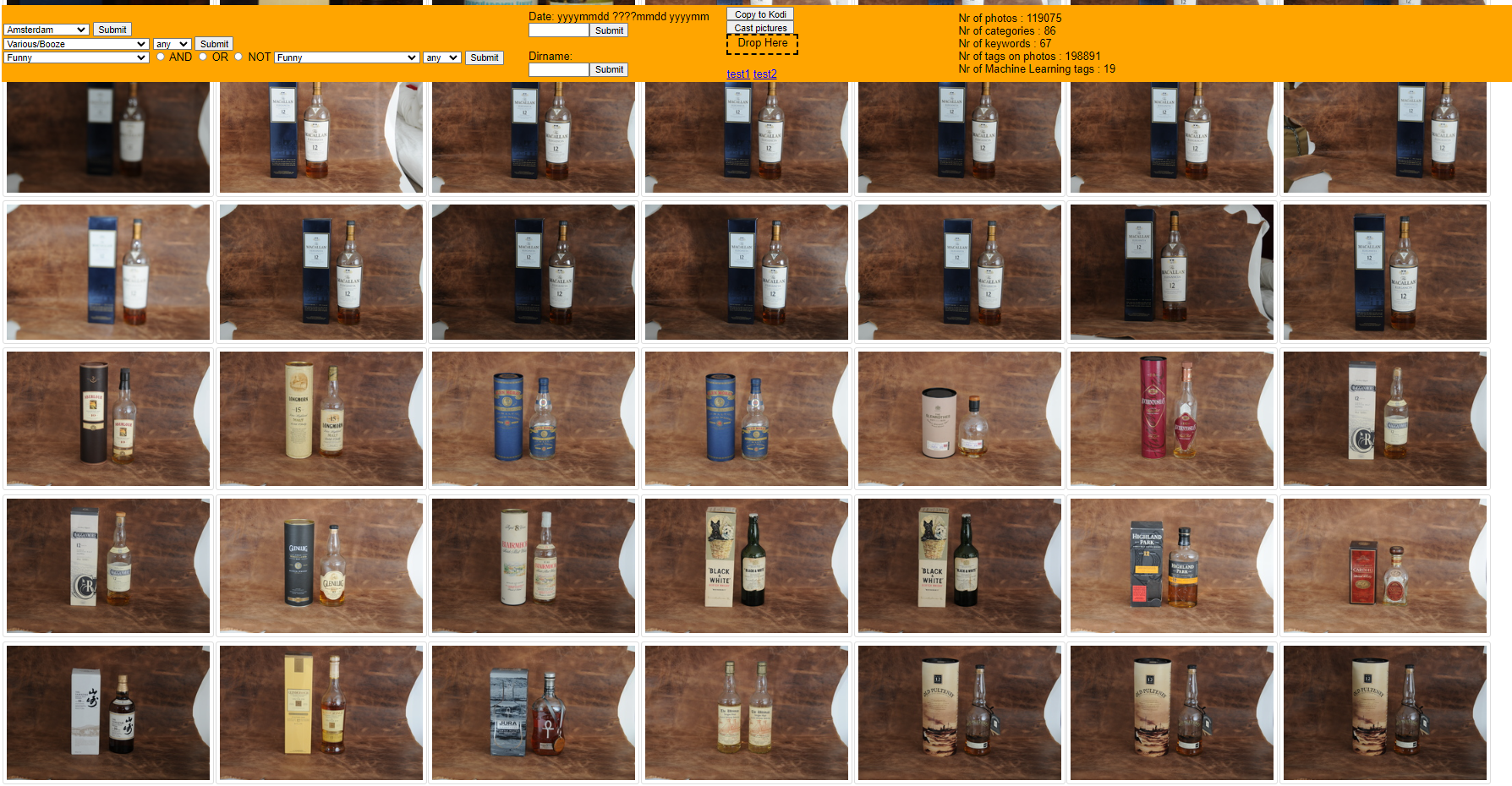
A few years ago i wrote a photo manager .. again .. ( see post about my first previous photo manager ) It is a web gui to find photos in my huge photo archive. I manually added 190k tags to 120k photos in 20+ years.
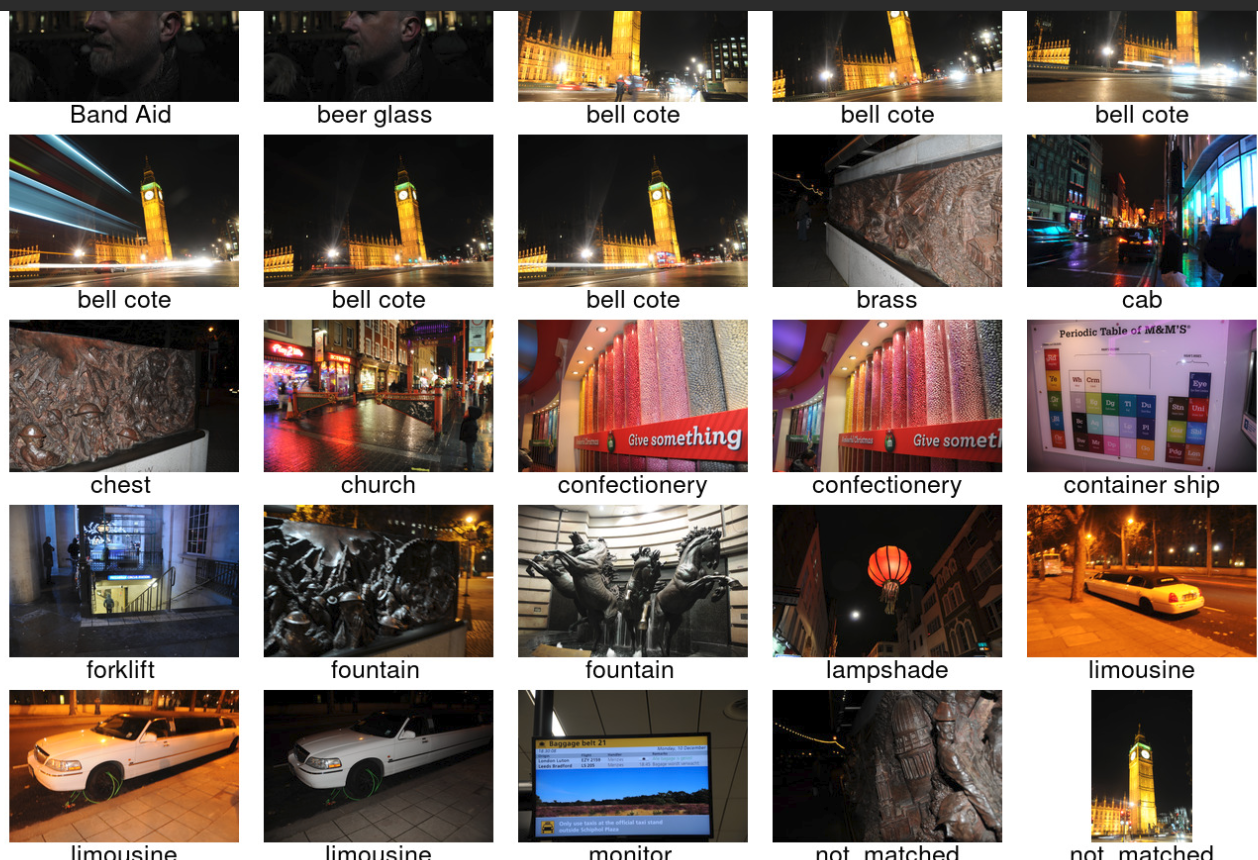
I thought wouldn’t it be nice if i can generate additional metadata using Machine Learning. A few years ago i did some testing and followed a podcast and free course about machine learning.
So today i started to implement a addition to my gui. Machine recognition tags!
It already kinda works.
Things to do :
Make it a background job, my fileserver doesn’t run Tensorflow on a GPU, so it is slooow
Embed in existing GUI and stats
Design a editor to remove wrong tags
Below a part of ML images
Command to get a thumbnail sheet with only directory names:
var system = require('system');
var page   = require('webpage').create();
var url    = system.args[1];
page.open(url, function () {
  console.log(page.content);
  phantom.exit();
});
Run phantomjs
phantomjs-2.1.1-linux-x86_64/bin/phantomjs printsource.js https://xxxxxxxx/show/xxxx > out
So now i got the rendered page, get mp3’s and titles, for this example
cat out | sed 'N;s/\n/,/' | cut -f2,7 -d\" | while read line ; do
mp3=$( echo $line | cut -f1 -d\")
title=$( echo $line | cut -f3 -d\> | tr -d '/<>[]]\!,;' | tr -d "'" | sed s/CDATA//g | sed s#title##g | sed s/:/-/g )
echo "$mp3 $title"
wget $mp3 -O "$title.mp3"
done
When running scripts which take a long time, i don’t want to wait for things to finish before i can start the next one.
For example, using my dedup script or compiling stuff. I wanna know when it is finished.
So i made some scripts
Maybe you can hear the spoken text in the background playing downstairs
I’ve put a function in .bashrc, so i can use a command like notify “Compiling is ready” A command like this i can put at the end of a command or in a script file at the end. make && make install && notify “compile ready”
What does it do when executed?
Send a mqtt message to the broker
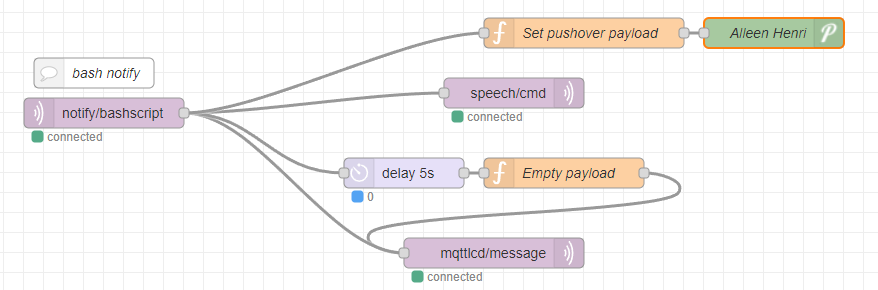
Node-red will read this message and:
Send a message to my display on my desk – Sound and message notification. (See another post how i made this )
Send a message to a script on my Domoticz instance downstairs.
This will use a script to get a speech file from google, and play this on some small speakers in my livingroom
Send a pushover message to my phone
Display a message on my TV ( not in code below )
How?
At the end of your .bashrc
function notify() {
    if [ -z "$1" ]; then
        echo "Usage: $0 \"message\"";
        exit 1;
    fi
    mosquitto_pub -h 10.1.0.17 -t notify/bashscript -m "$1"
}
This script will look for a cached audiofile with requested text, and uses that. Else it wil request a audio file from google, caches it and plays it though the speakers.
#!/bin/bash
INPUT=$*
input2=$(echo $INPUT | base64)
echo "$input2 = $INPUT" >> /home/pi/cache/files-text-relation
if [ -f /home/pi/cache/$input2.mp3 ] ; then
mpg123 -q /home/pi/cache/$input2.mp3 1>/dev/null 2>/dev/null
else
echo not cached
STRINGNUM=0

ary=($INPUT)
for key in "${!ary[@]}"
  do
    SHORTTMP[$STRINGNUM]="${SHORTTMP[$STRINGNUM]} ${ary[$key]}"
    LENGTH=$(echo ${#SHORTTMP[$STRINGNUM]})
    #echo "word:$key, ${ary[$key]}"
    #echo "adding to: $STRINGNUM"
    if [[ "$LENGTH" -lt "100" ]]; then
      #echo starting new line
      SHORT[$STRINGNUM]=${SHORTTMP[$STRINGNUM]}
    else
      STRINGNUM=$(($STRINGNUM+1))
      SHORTTMP[$STRINGNUM]="${ary[$key]}"
      SHORT[$STRINGNUM]="${ary[$key]}"
    fi
done

for key in "${!SHORT[@]}"
  do
    echo "Playing line: $(($key+1)) of $(($STRINGNUM+1))"
    NEXTURL=$(echo ${SHORT[$key]} | xxd -plain | tr -d '\n' | sed 's/\(..\)/%\1/g')
echo $NEXTURL
    mpg123 -w $input2 -q "http://translate.google.com/translate_tts?ie=UTF-8&client=tw-ob&q=$NEXTURL&tl=En-us"
    ffmpeg -i $input2 -codec:a libmp3lame -qscale:a 2 /home/pi/cache/$input2.mp3
mpg123 /home/pi/cache/$input2.mp3
done
fi
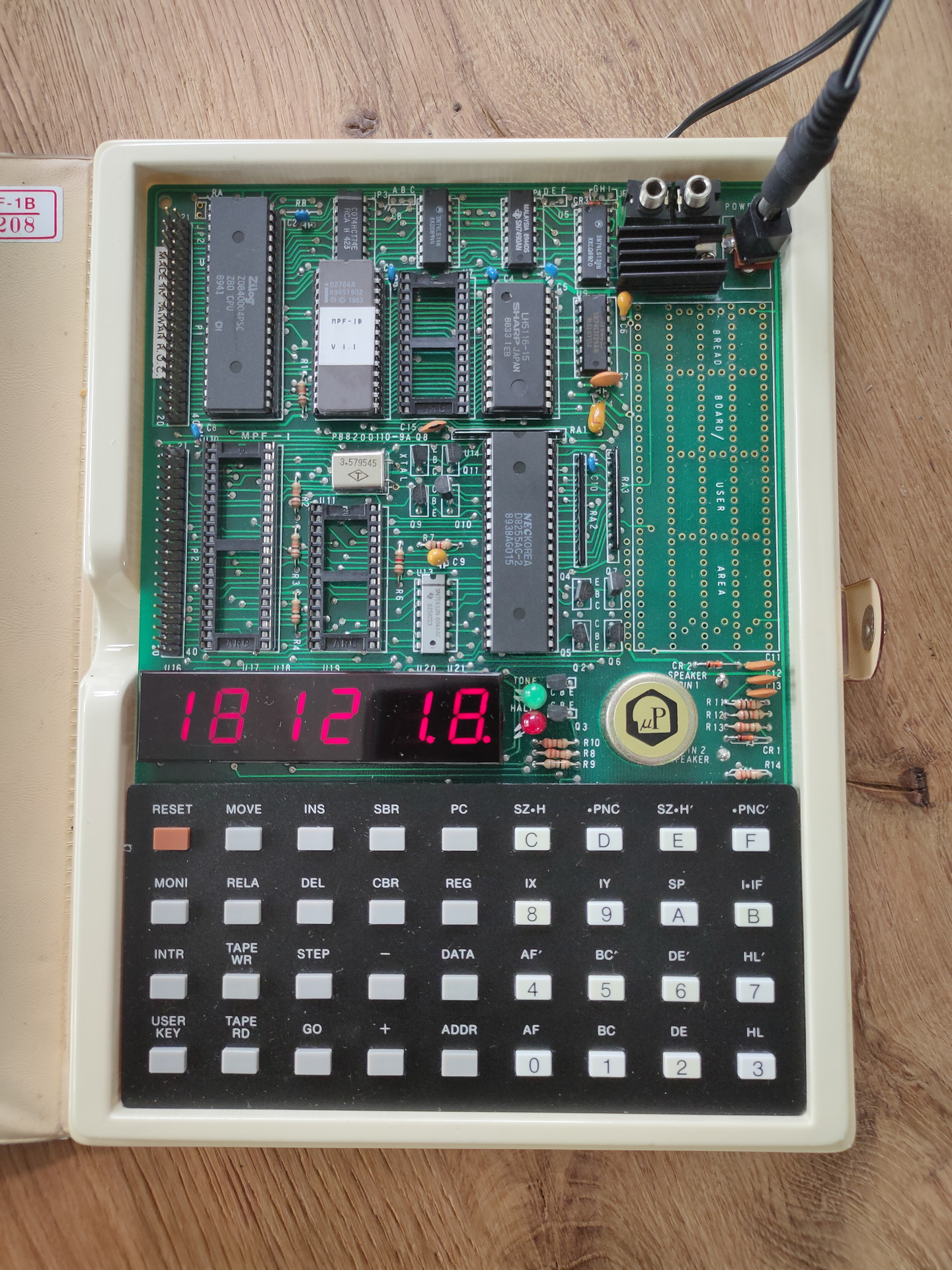
Running a little program to read dipswitches and displaying them using leds.
0000 CE 8020 ; LDX #$8020
0003 6A 01   ; DEC 1,X
0005 86 04   ; LDA A A
0007 A7 02   ; STA A 2,X
0009 A7 03   ; STA A 3,X
000B A6 00   ; LDA A 0,X
000D A7 01   ; STA A 1,X
000F 20 FA   ; BRA
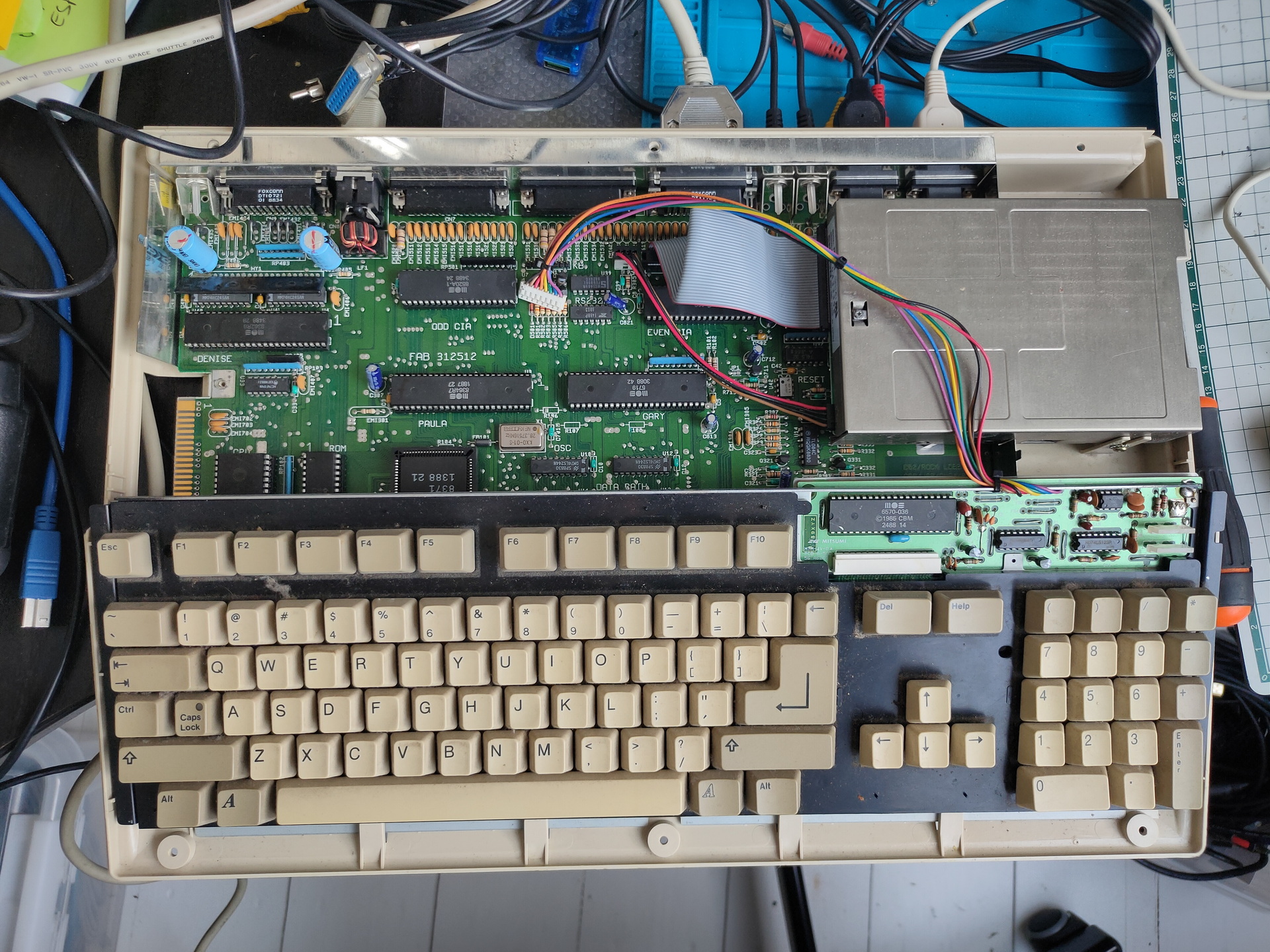
Got a working amiga again. \o/ woot Needed to replace Paula chip, cleaning and some TLC.
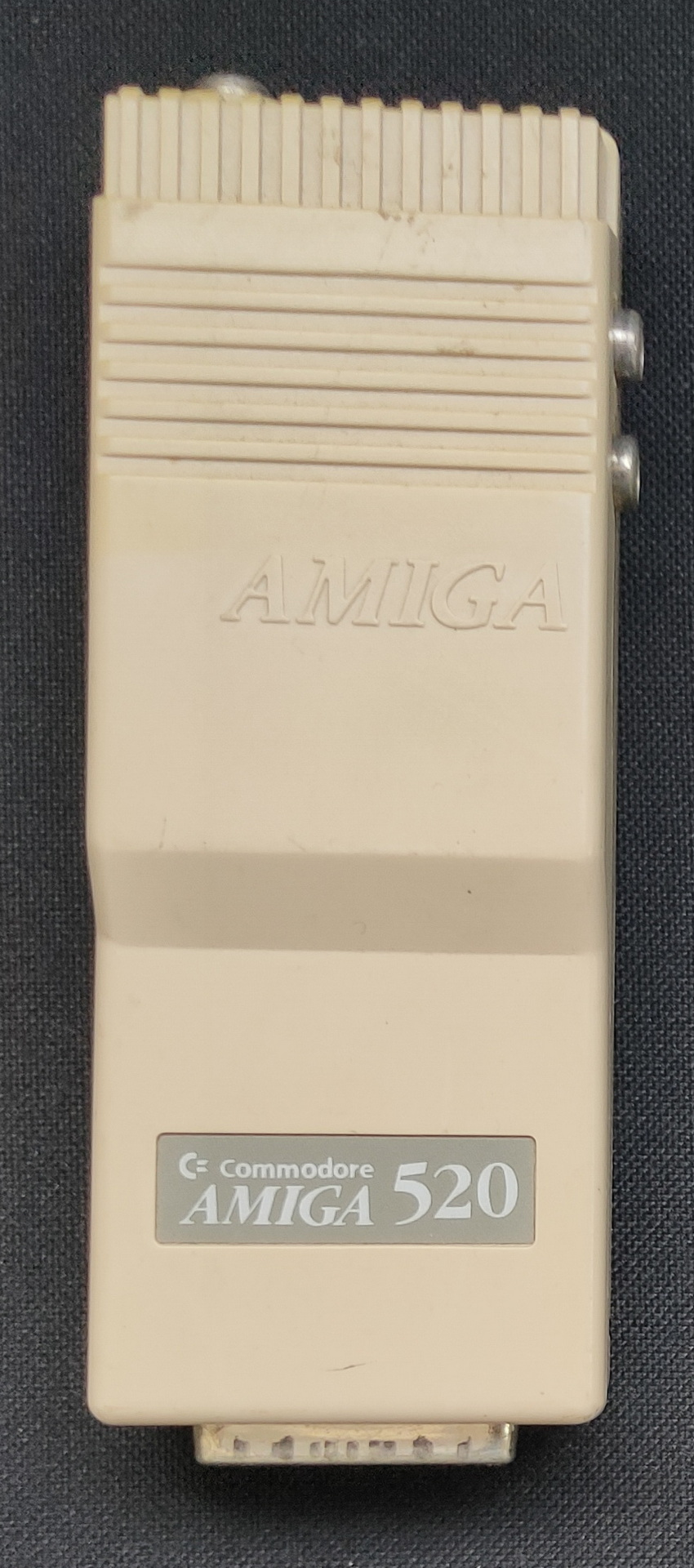
Modulator
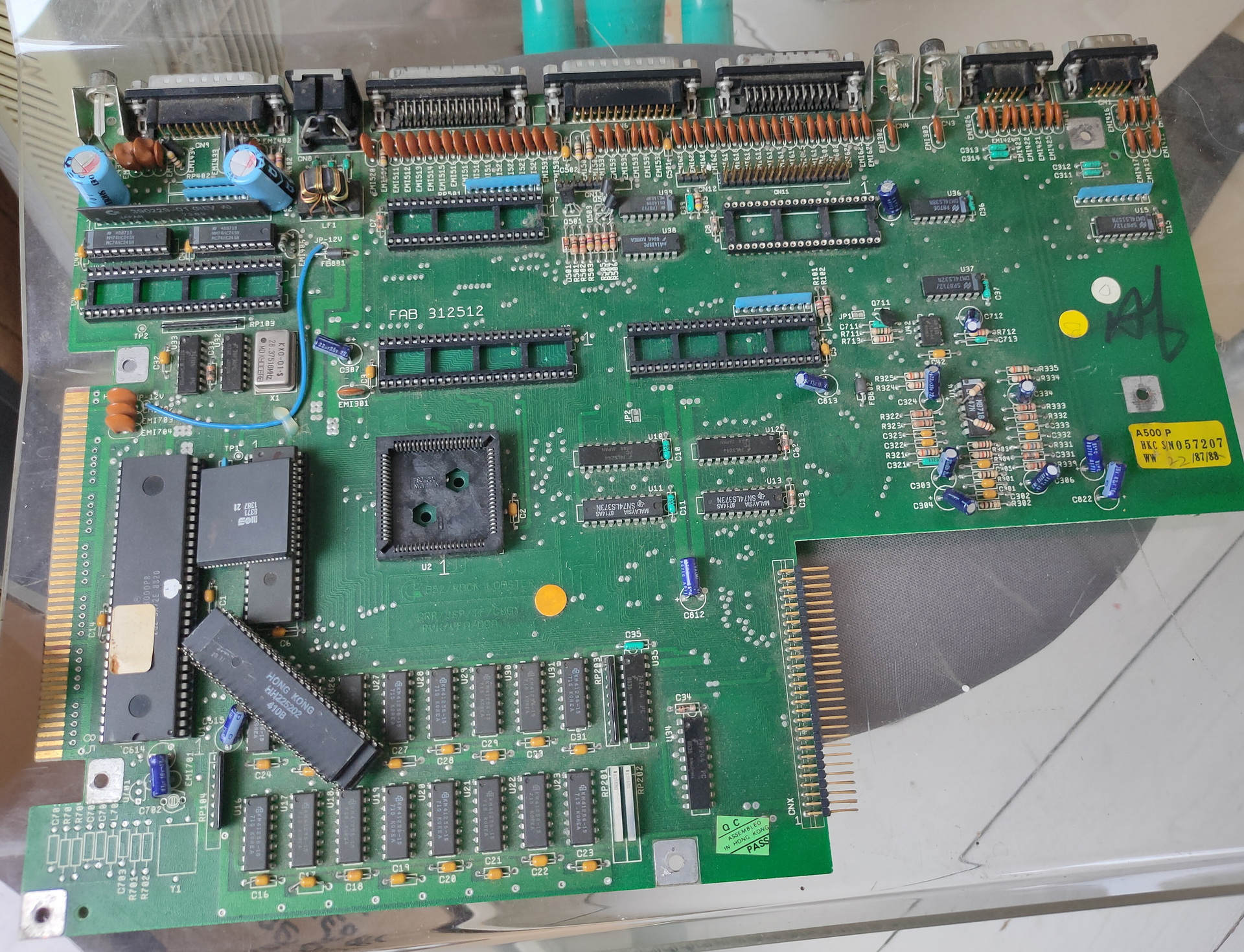
Chip donor
Scart cable i’ve got is one without the resistors, so my monitor isn’t detecting the signal. Using a A520 modulator works. At least RF, don’t know why RCA/composite video isn’t working.
Even a memory expansion and second drive (5.24 inch) are working.
One of the first disks i tested
To do:
Fix something to get disk images from and to my pc.
(My old catweasel card only fits in a ISA slot which i don’t have any more)
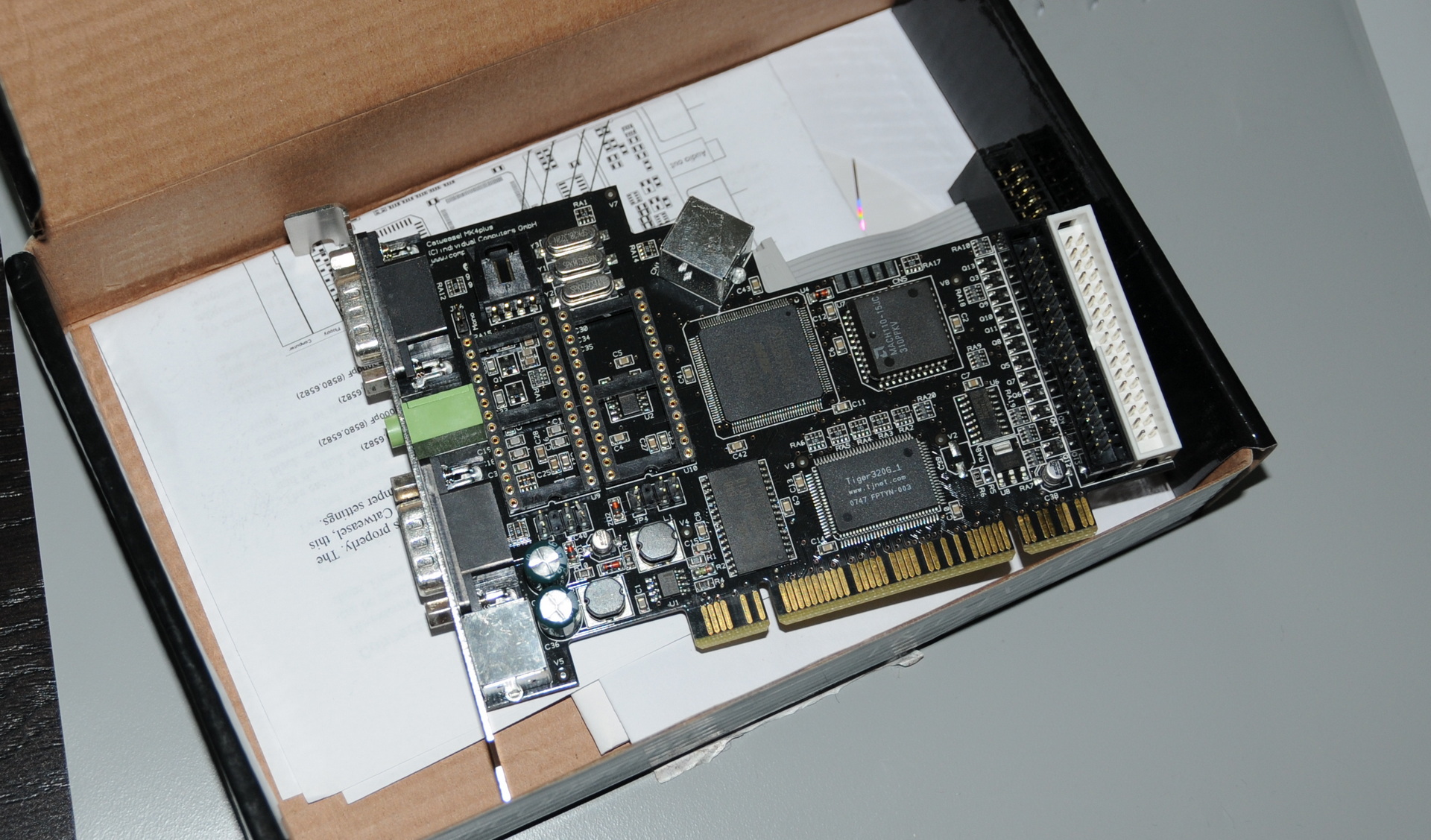
I was wrong .. i’ve got a IV Catweasel .. PCI it is
Fix scart
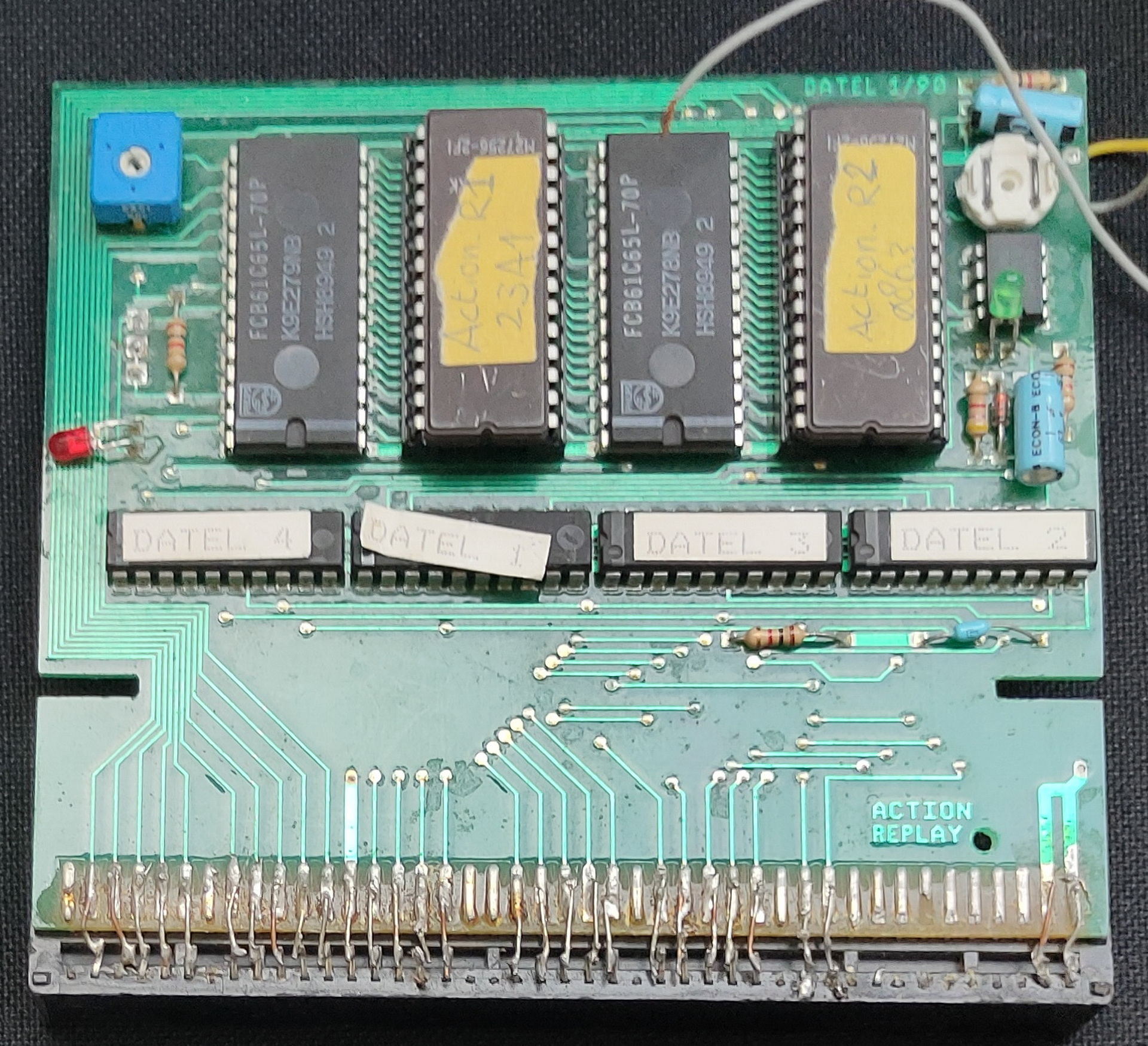
Fix my Action Replay, which i soldered into a non working state apparently .. 🙂
Get a better mouse!
Catweasel IV
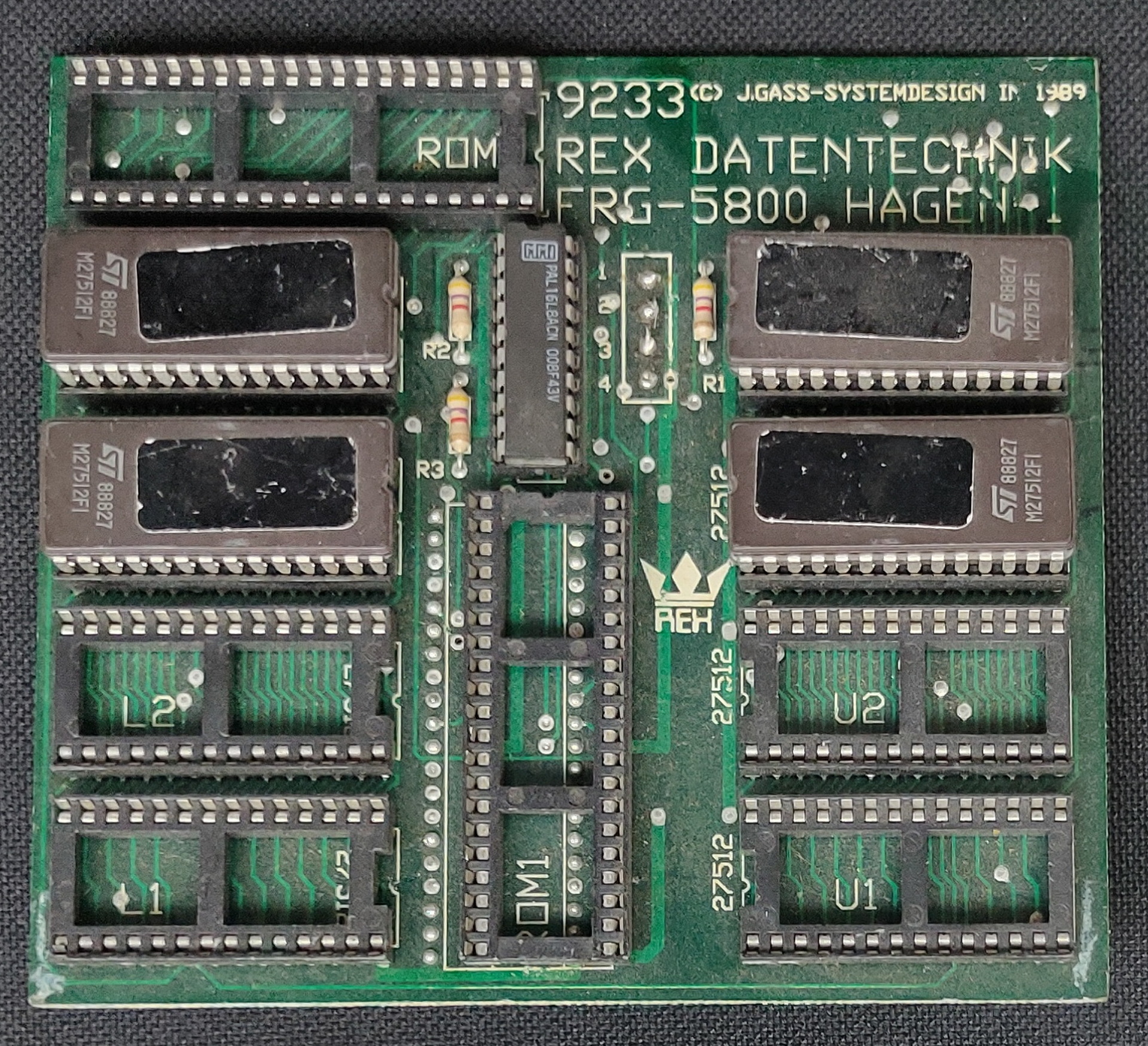
Kickstart selectorAction Replay
Disks to convert:
Personal text files from ages ago
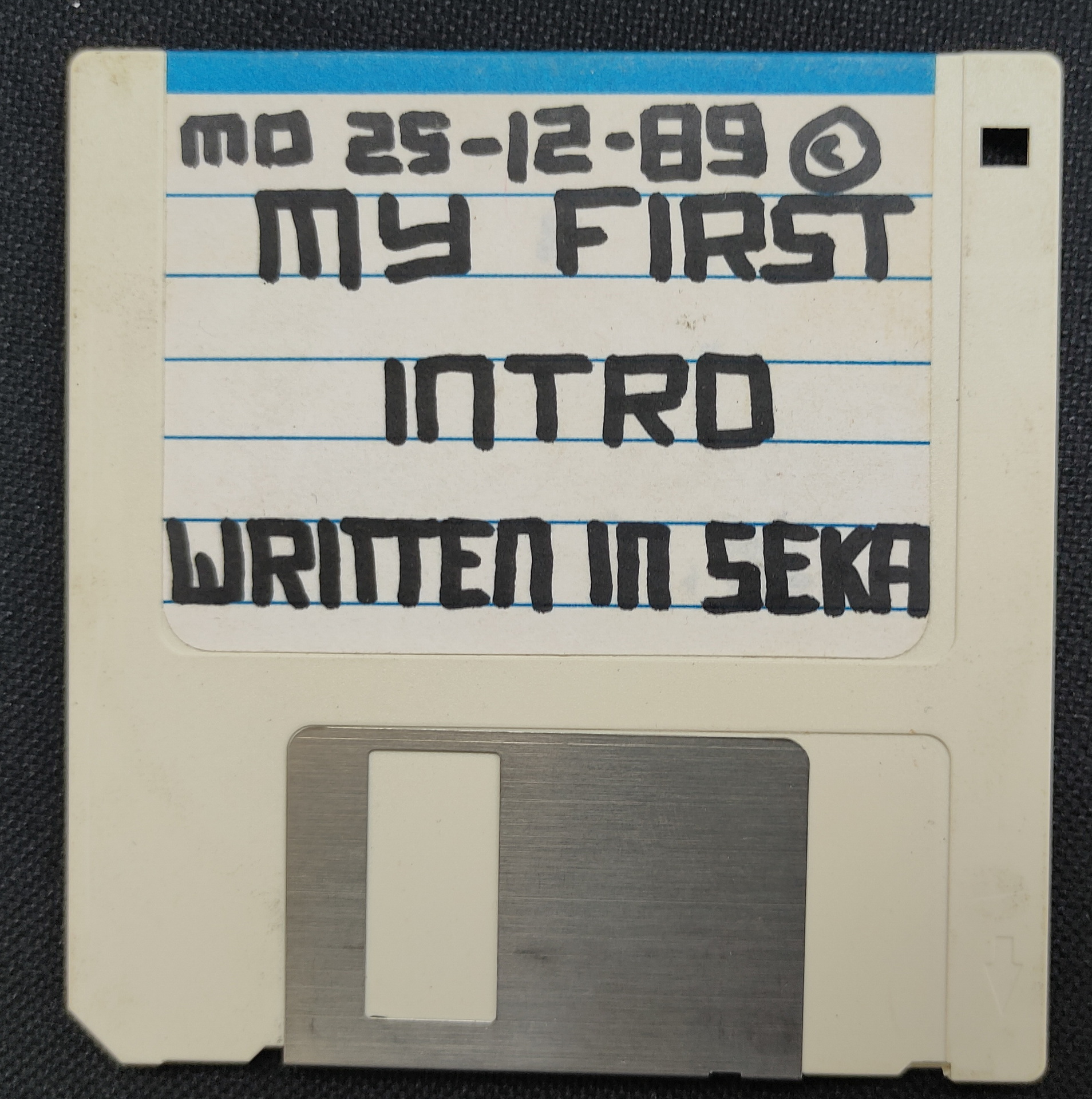
My first seka demo
My oscillator drawing program
Other assembly source files
Got another one running today also:
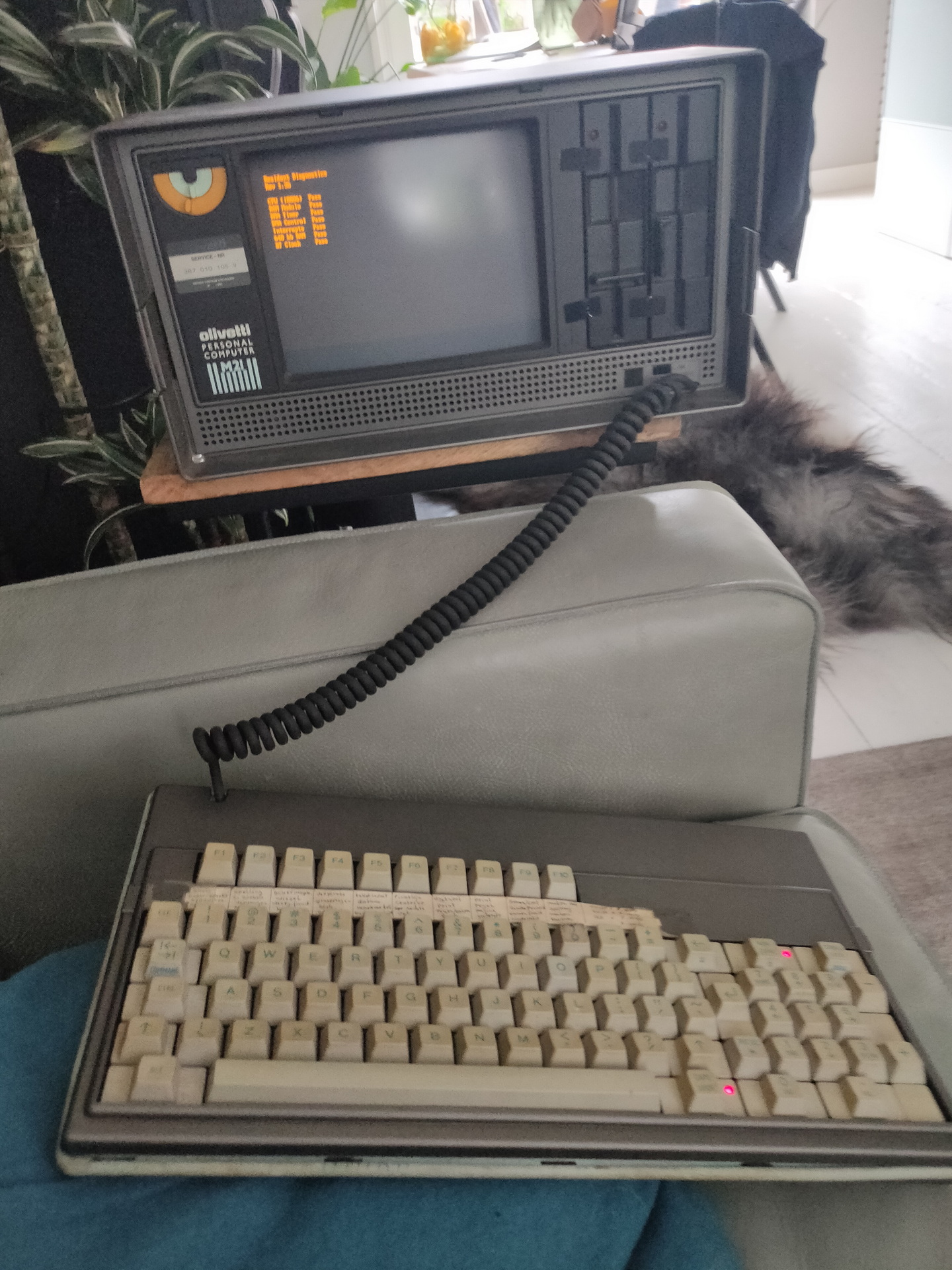
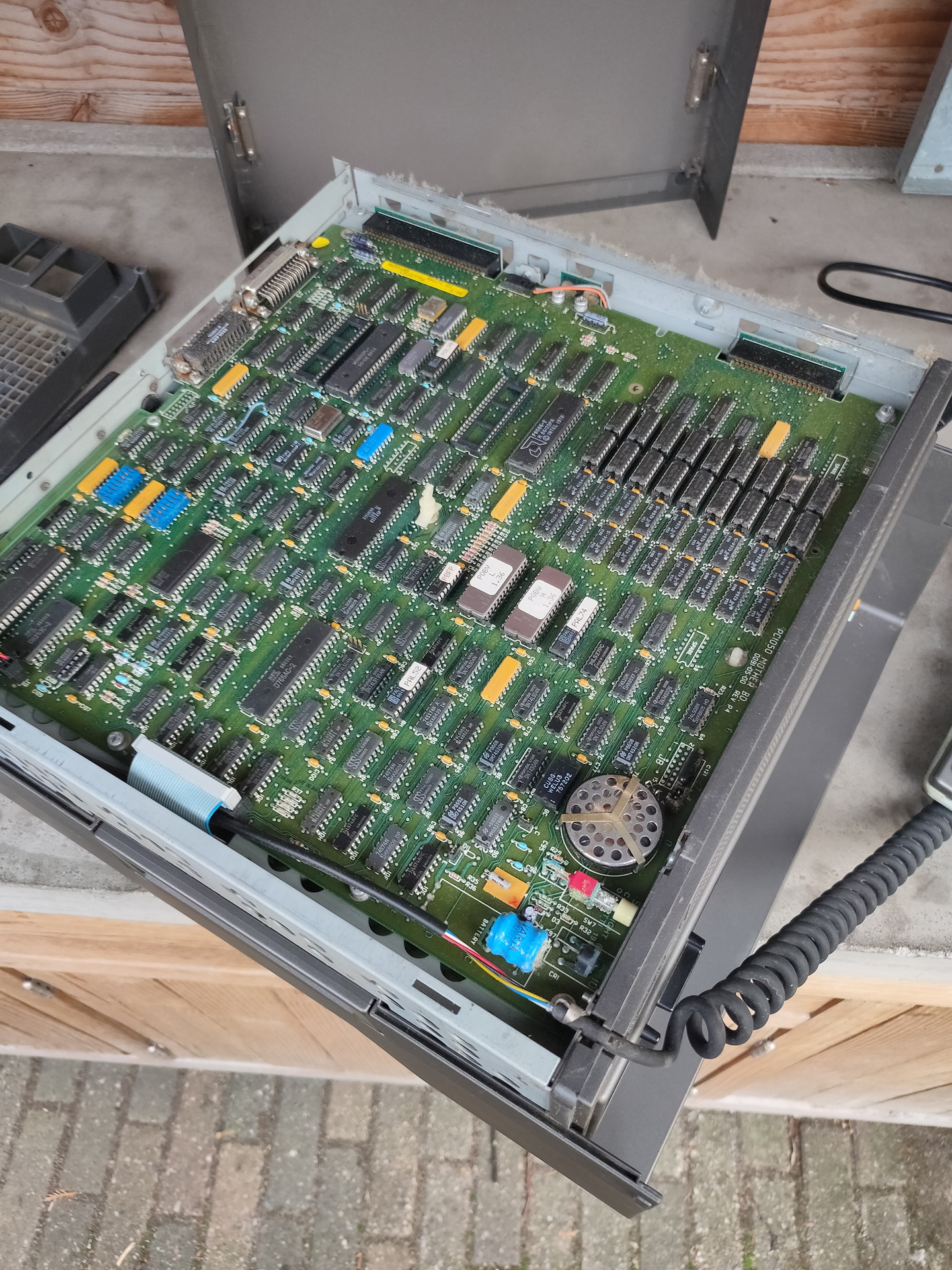
Olivetti M21 machine you could carry with you. 9″ screen, 640K memory, 8086 Cpu
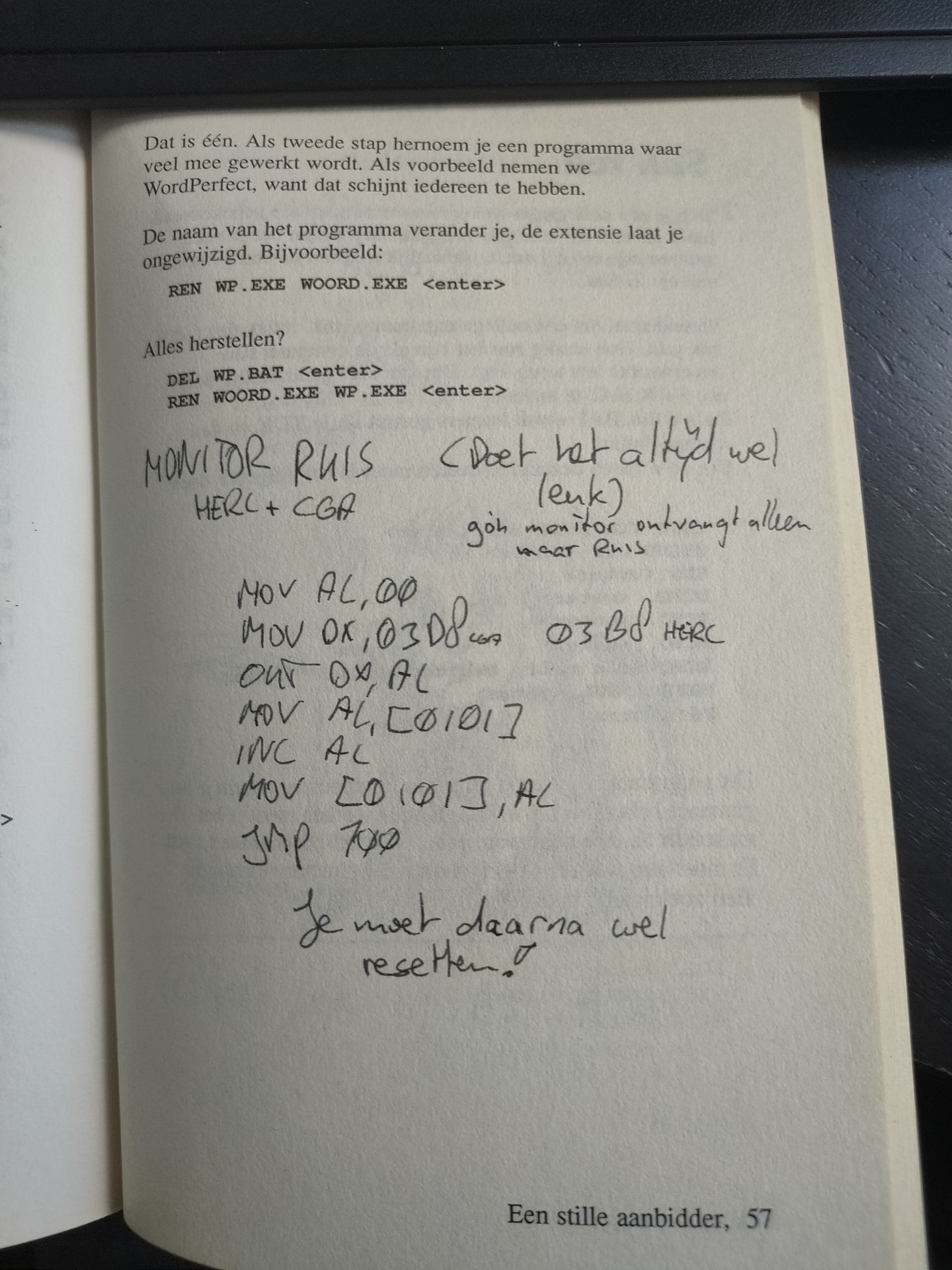
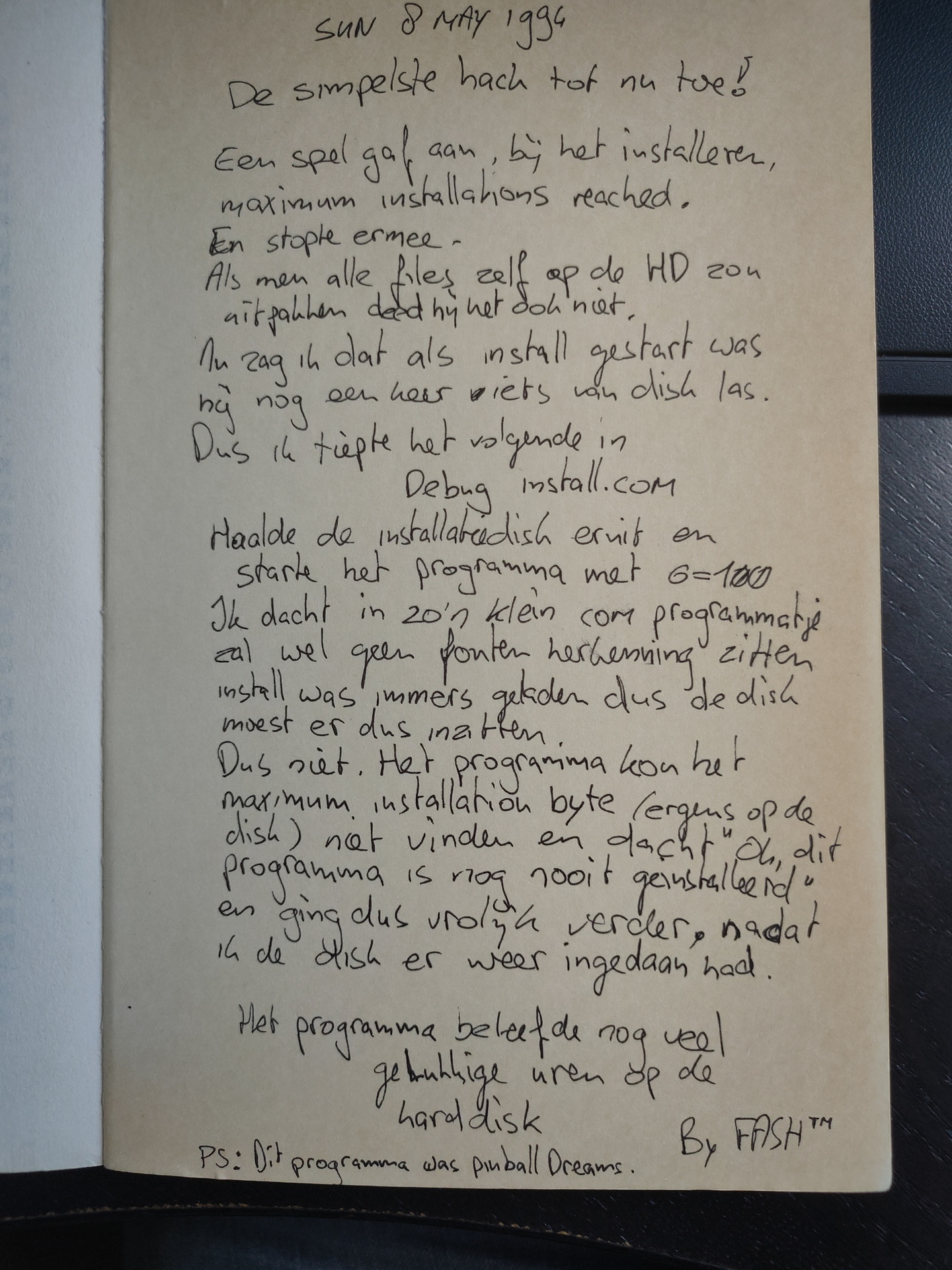
A long time ago i took a book about doing funny stuff in dos, and wrote own additions in the sidelines of the book. Or used the empty pages.
It contains jokes using autoexec.bat and config.sys. Additions by me are most of the time things you could do with debug.com, a little program which existed on any pc at that time.
A little program which created static on a CGA or Hercules monitor. Yes, that long ago. CGA provided 16 colors in 80×25 or 40×25 text modes, but only four colors at 320×200 resolution and two colors at 640×200. Hercules was only monochrome and a max resolution of 720×348. It was on a hercules card i made my first copperbar. ( Before the effect was named copperbar ). Due to difference in timing on every machine, you had to get the copperbar timing right by using two keys i’d assigned the timing to.
MOV AL,00                      # Fill AL register with 0
MOV DX,0x03D8 (cga) 03B8 (herc)# DX with address
OUT DX,AL                      # Set address with AL
MOV AL,[0101]                  # Reg AL with contents
INC AL                         # Increment AL
MOV [0101],AL                  # Address fill with AL
JMP 100                        # Jump to start
The opcodes for the program :
b0 00
66 ba d8 03
ee
a0 41 00 00 00
fe c0
a2 41 00 00 00
e9 60 00 00 00
Sometimes i put these little programs in autoexec.bat, so at next restart of the pc, it would do something weird. My little BOFH jokes. Friends and computerstores where not safe.
Another example:
Two drives in a PC ? (Wie A: zegt moet ook B: zeggen) Use with care, below will f*ck up your drives. (And makes a lot of noise while doing so.)
MOV DX,0x03F2
MOV AL,71
OUT DX,AL
MOV AL,74
OUT DX,AL
JMP 100
In the past i created a lot of websites. From scratch. I wanted to learn html and using databases. Sites got bigger and bigger, most of them personal interest. But there where several work and music band related websites. Besides that my pipetunesearch pet project, which lasted 20 years. This one started as ‘how to create a php website with a database backend’
So why hating wordpress? It’s all being done for you, but i want do it yourself and learn from it. I’ve made several sites with their own CMS. No way secure, but secure by obsurity, whereas wordpress sites a being hacked with zeroday exploits using bots. No-one WANTED, even to hack mine.
I started with SSI (server site includes), php3, cgi scripts in bash/perl/c etcetera. I loved (and still do) interactive websites, connection to a backend, reacting on user input. Sometimes while doing so, creating a thing before it was a thing.
For my webcam, which wasn’t anything more dan a video capturing card, with a simple composite little B/W camera. This camera was mounted on some big steppermotors, and held in place by a chunk of metal, machined by a friend of mine.
I learned to make streaming webcams by generating a progressive jpg being created by a cgi script. Controlling the movement was done by .. by anything which i needed to get things working. I think i where several binaries written in C and glued together with perl or bash. Pushing the little control buttons always send the user to the next page. Reloading and restarting the webcam stream. Then i found the 402 no content header, sending this to the browser kept it from progressing to the next page. Loads of problems to overcome, but learned a lot!
Sometimes you have to choose. DIY or NOT. Flacky or proven to work for many, made by many.
Today i talked about creating apps for mobiles with a colleague.
I made me wonder what programming IDE i’ve used in the past.
Things i’ve made:
clog killer – a game application i made while working at a job. It was the name of a process on our servers we all hated. It was slow and messed up your terminal.
Webled – have to install this one again, to see what its purpose was 🙂
Whistle hole calculator – When making your own tinwhistle/lowwhistle you had to calculate diameters and positions. I will make another post about this.
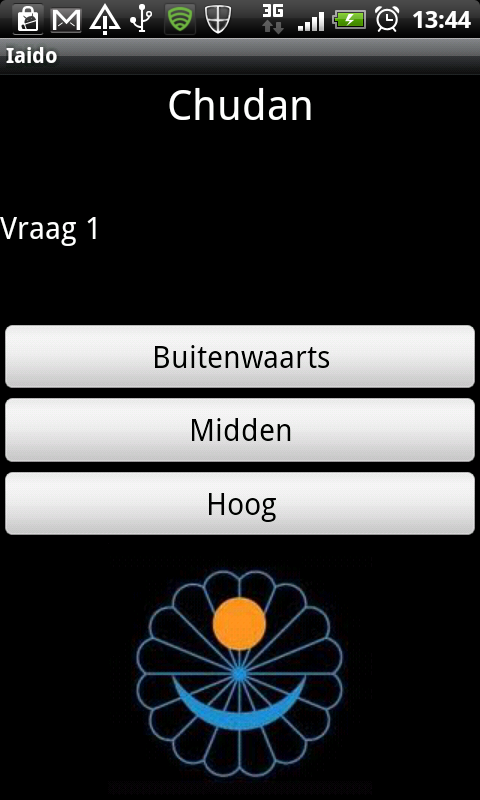
Made a Multiple-Choice Quiz tool, for learning Iai-do positions/terminology. (Japanese Martial Arts – See other posts)
A iscp Onkyo controller (see post about my web controller)
Tools used:
Android IDE
App inventor
??
And mobile applications using html5, php, css3 and jquery mobile
App ideas, not started or not completed:
Game for blind people (Or people who are bored out of their skull going to meetings) It involves a evolving maze game on a black screen, you have to remember the way. Hitting a wall, buzzz .. dead, start all over again. So you can hold your phone under the table or behind your back. (Black screen and no sound, just the little vibrating thinghy.)
New way to select app’s using a widget.
Pull down search game. (Have to look at the source again, i forgot what i did)
Downloads and screenshots:
Version 0.1 of gameTakeda quizzer
I’ll post more/better examples
Other:
Reversed engineered a tool found on a ‘hackers’ phone. Apparently it was a security test setup nobody was aware of. I was able to find urls and domains where some call-home functionality was involved.
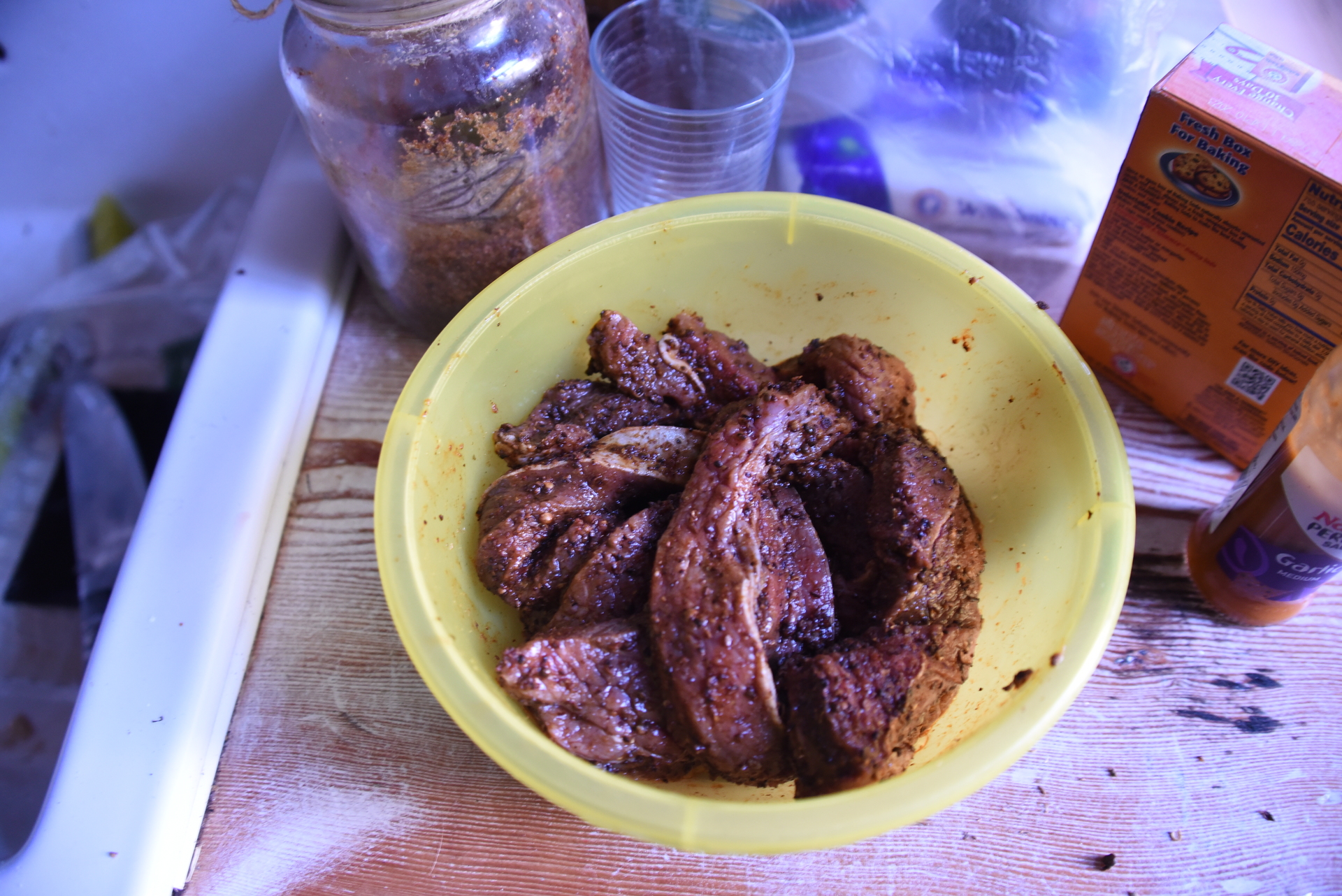
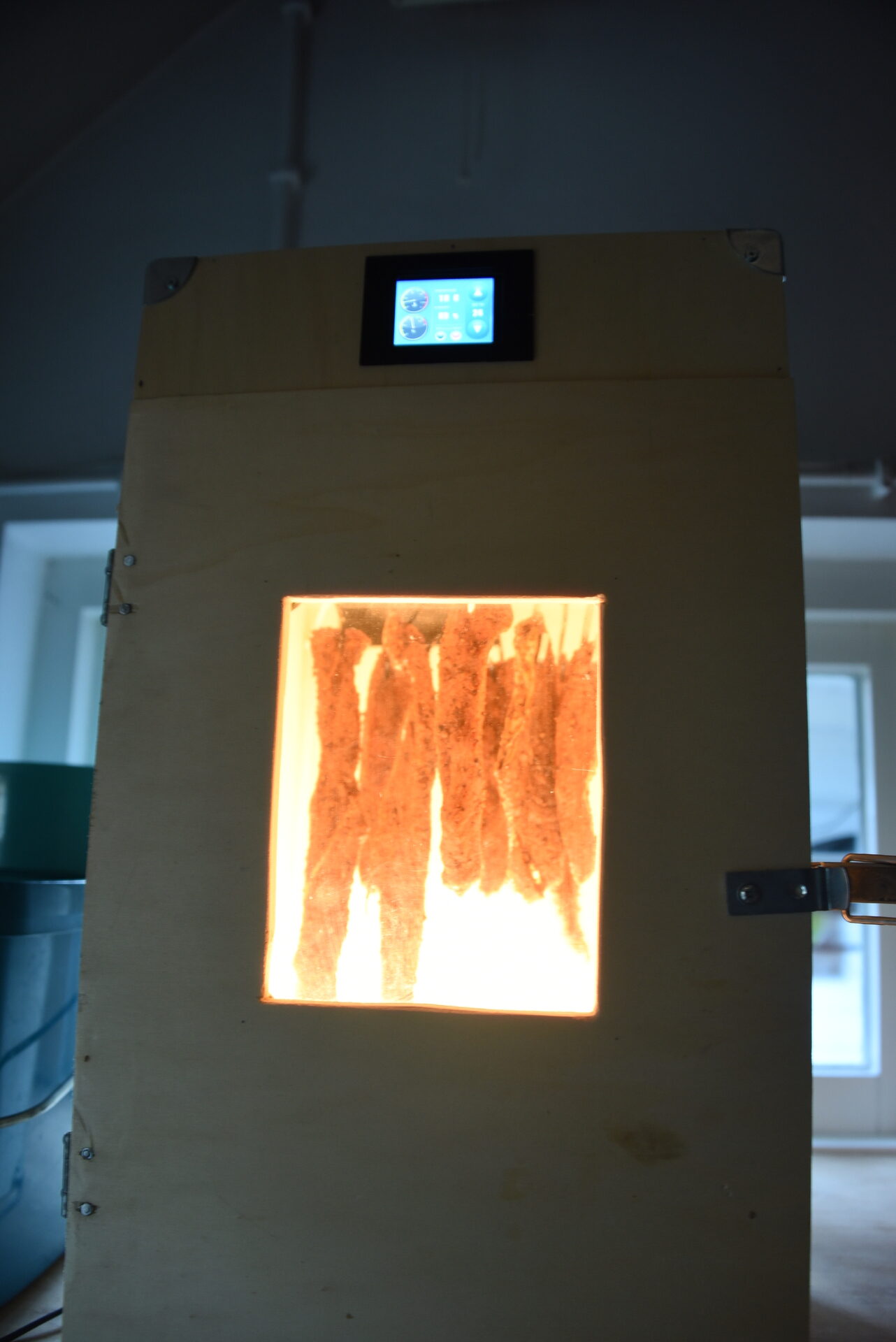
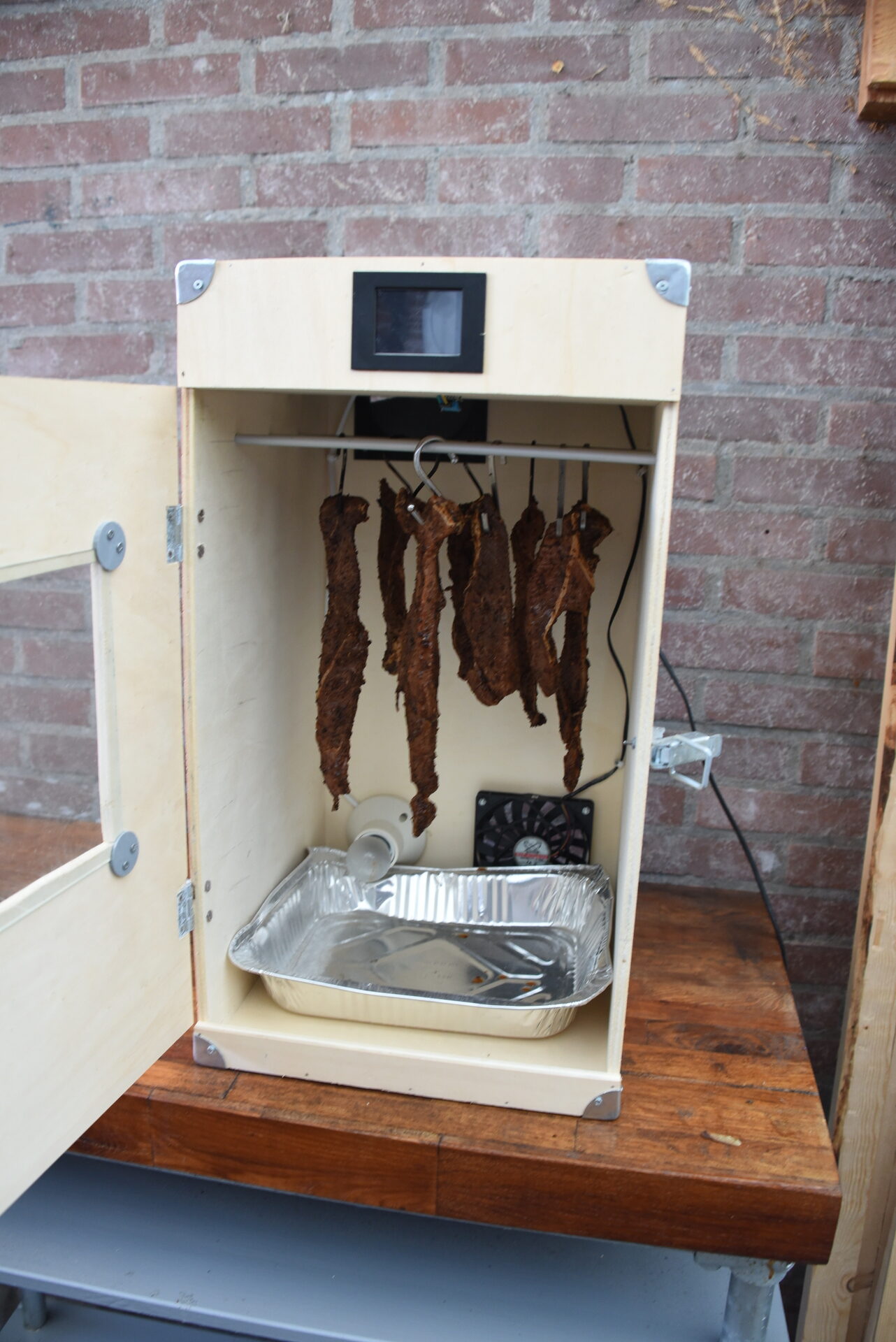
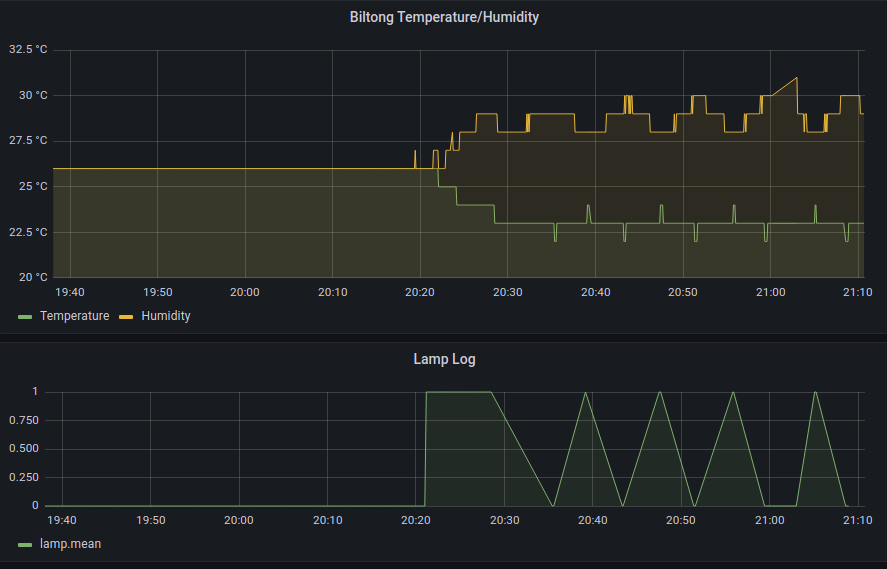
In 2020 i made a Biltong drying thingy, using a Nextion and a Arduino. Today i’m preparing for some Chilli Biltong, which i’m going to put in the drying box tomorrow.
2020 Version 1, now version 3 (no more display bugs)
Arduino functionality
Heating light
Temperature / Humidity
Air flow
MQTT to home automation
Nextion Display
Recipe
Meat
1 kg Beef Cut into 1.5cm - 2cm steak slices

Spice
2 tbsp black pepper coarsely ground.
2 tbsp course Sea Salt
1/2 tbsp smoked paprika
4 tbsp coriander seeds roasted and coarsely ground.
1 tbsp chili flakes

Marinade
50 ml worcestershire sauce
100 ml apple vinegar
1 tbsp tabasco sauce
Previous biltong pictures
Script – get images from Reolink cam
while true; do
wget "http://ip.number.or.hostname/cgi-bin/api.cgi?cmd=Snap&channel=0&rs=123asd&user=admin&password=MYSECRETPASS" -O $(date +%Y%m%d%H%M).jpg
sleep 60
done