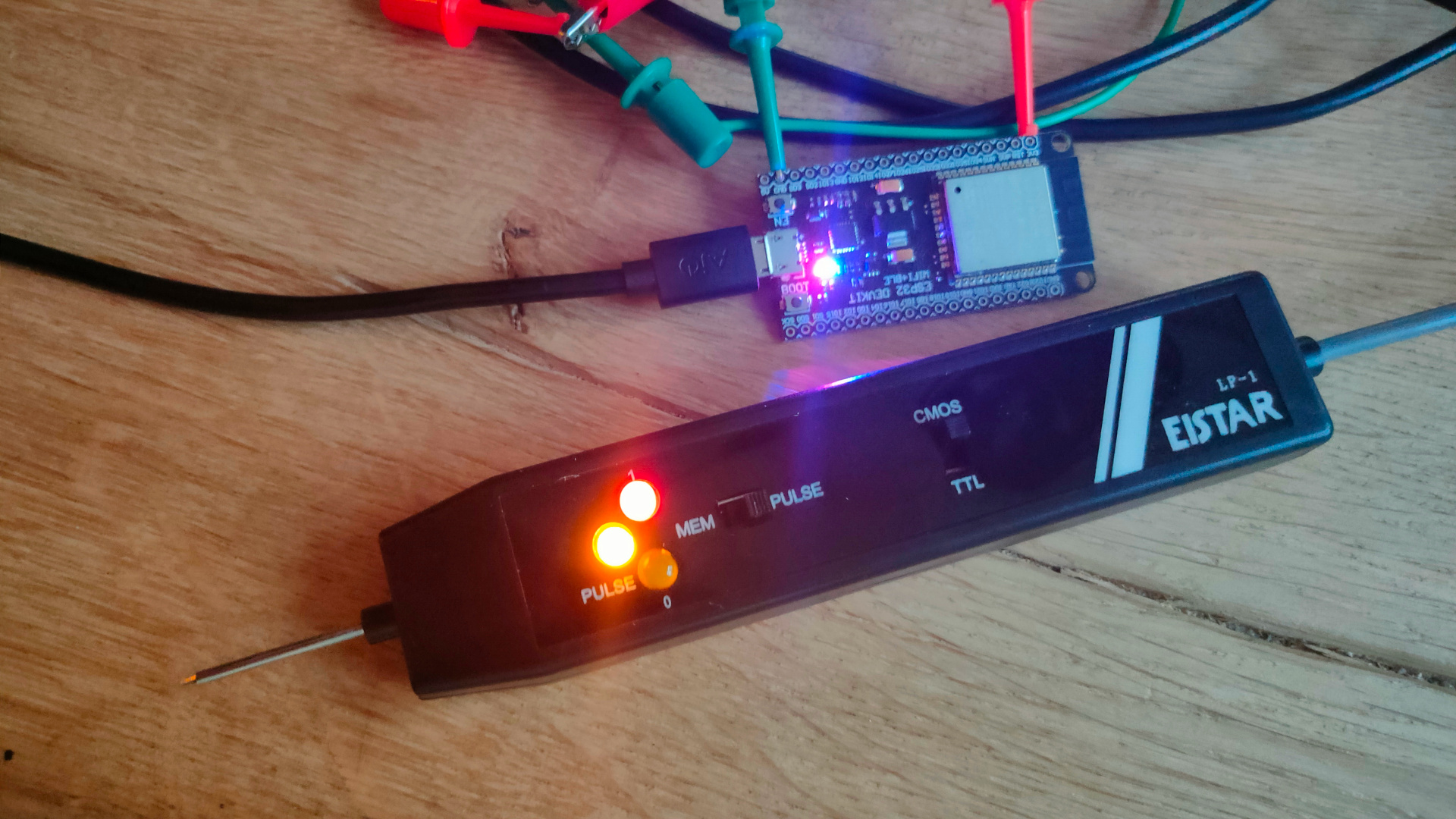
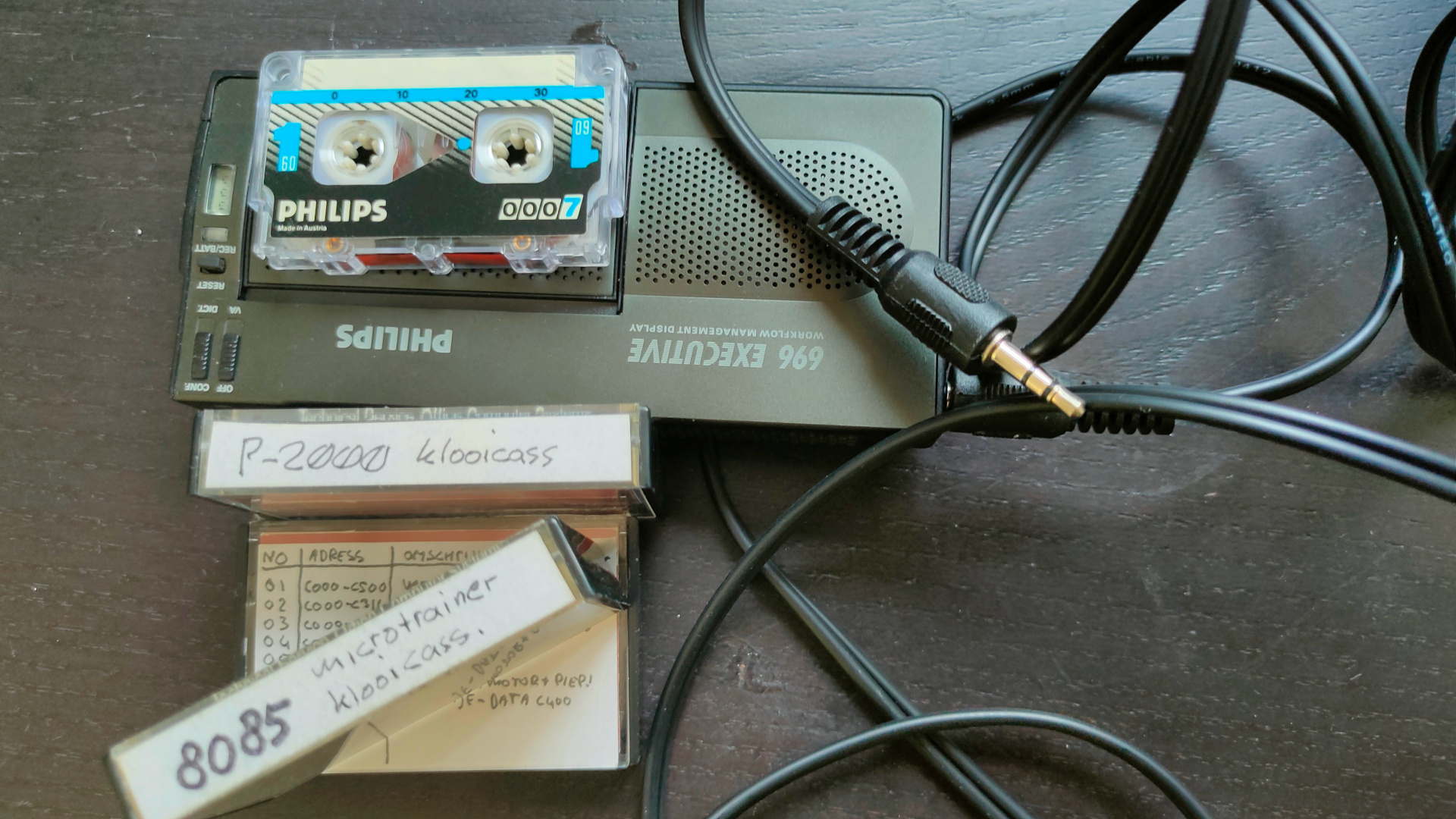
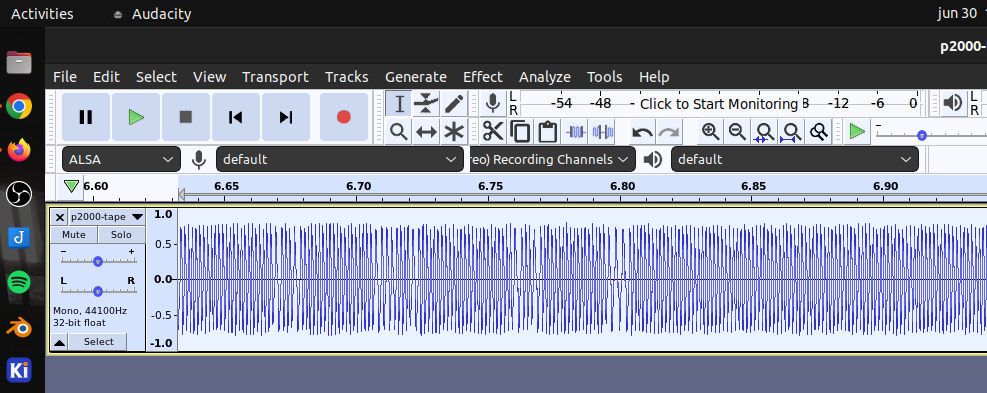
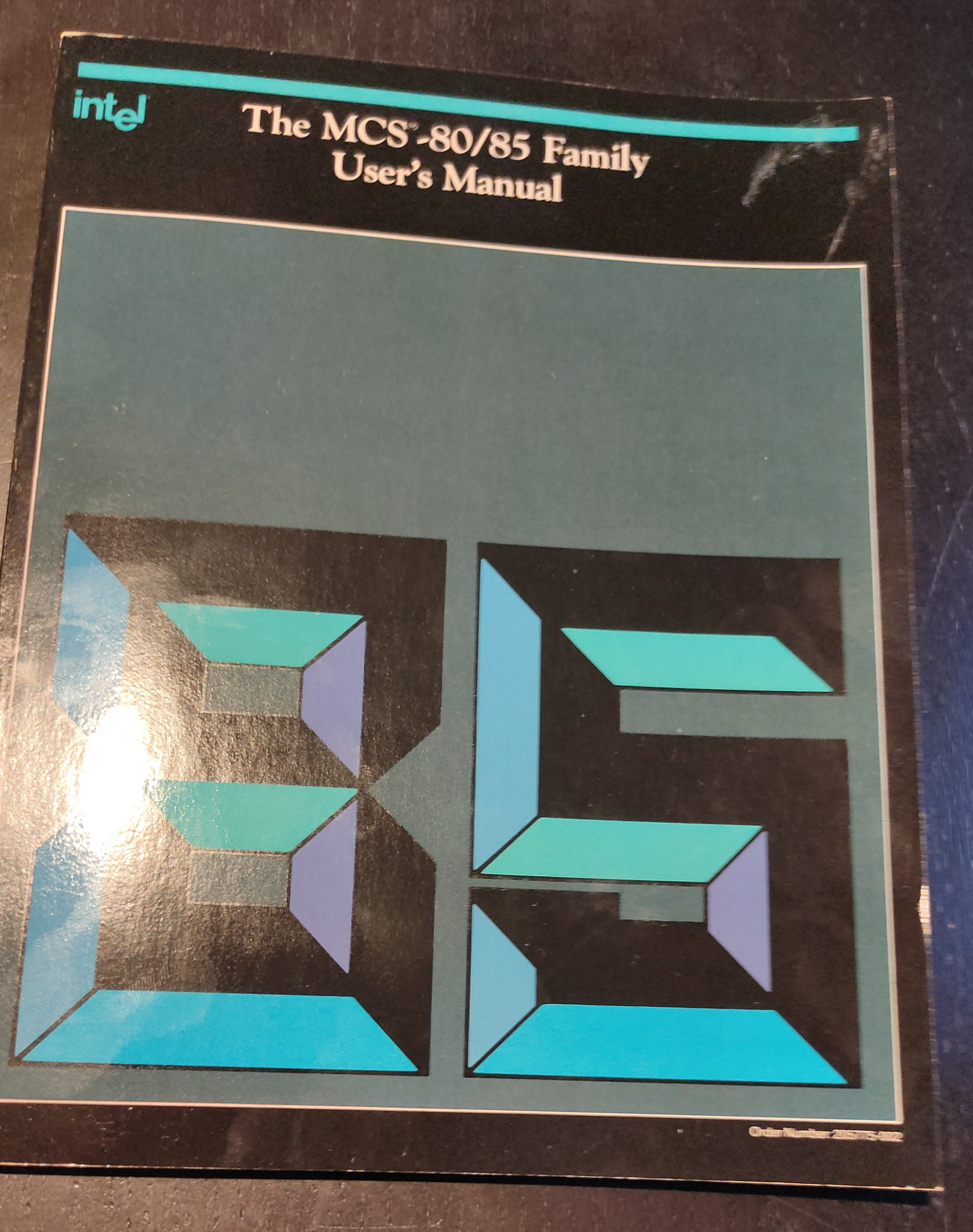
Today I got the EIStar LP-1. Its just a cheap easy probe, but does the job. My version is only TTL and this one is TTL/CMOS (cmos is better when measuring arduino’s outputs) TTL – Logic 1 = 4.75 -> 5V CMOS – Logic 1 = more around the 3.3/3.7V
Only thing my version has which i’m missing is a pulse detector. One millisecond puls gets clocked into a latch and keeps a led on.
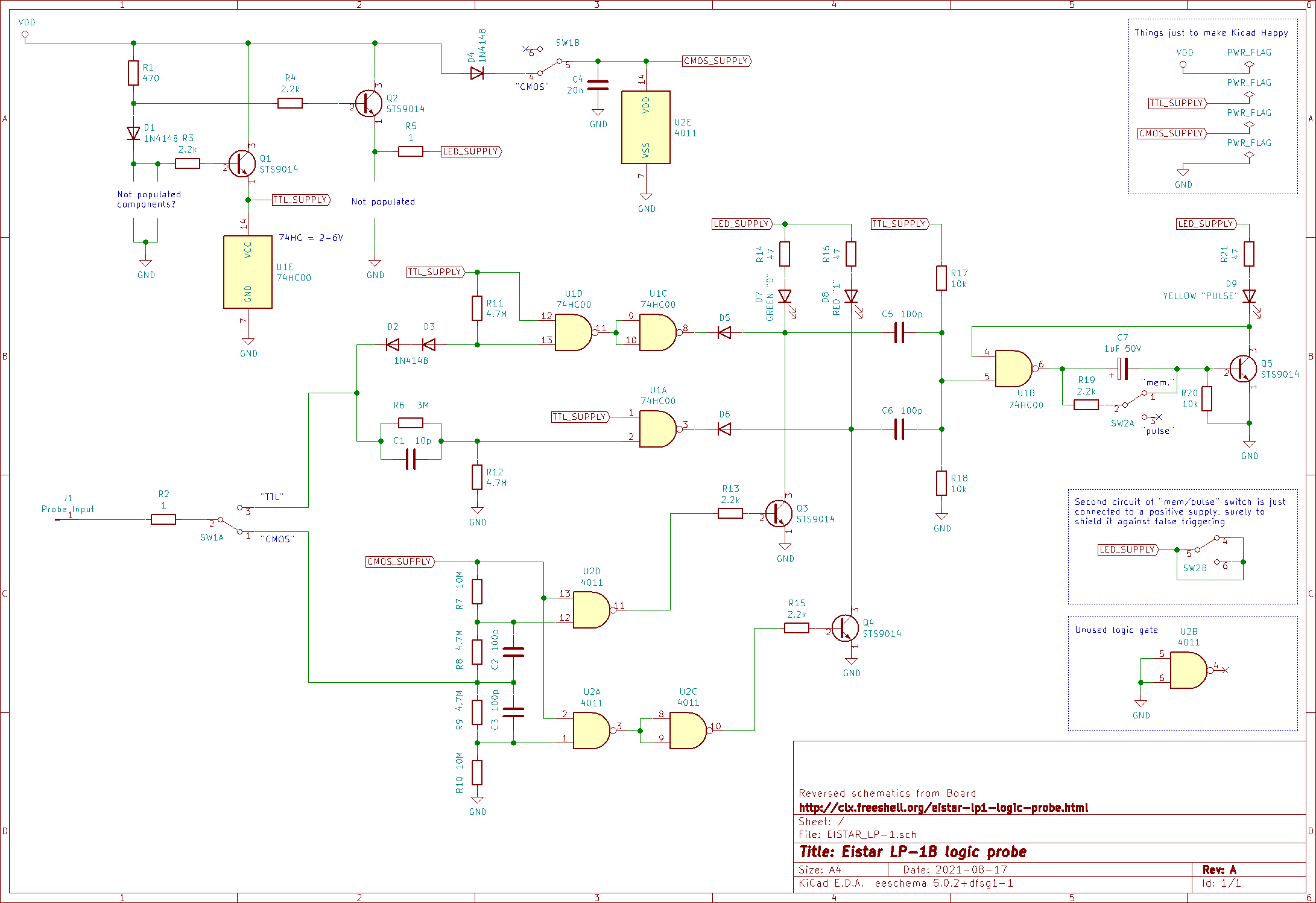
Schematic I found (some similarities can be seen with my version)
I found some parts of our (Edk and Me) bootloader demo.
It was compiled using masm or tasm. Encountering a problem converting the code into a raw bin, to put on a floppy I diverted to another setup to try to get things working.
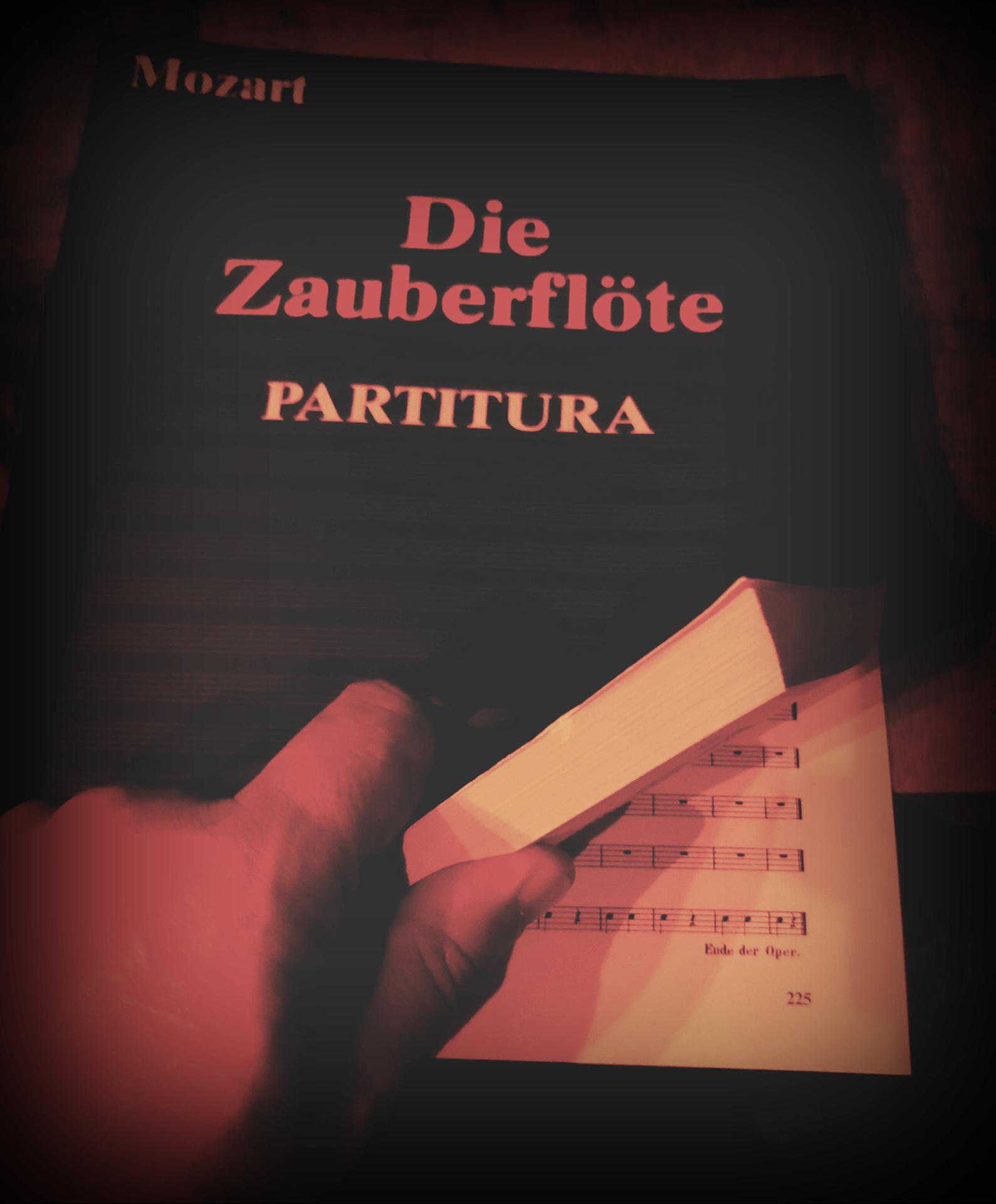
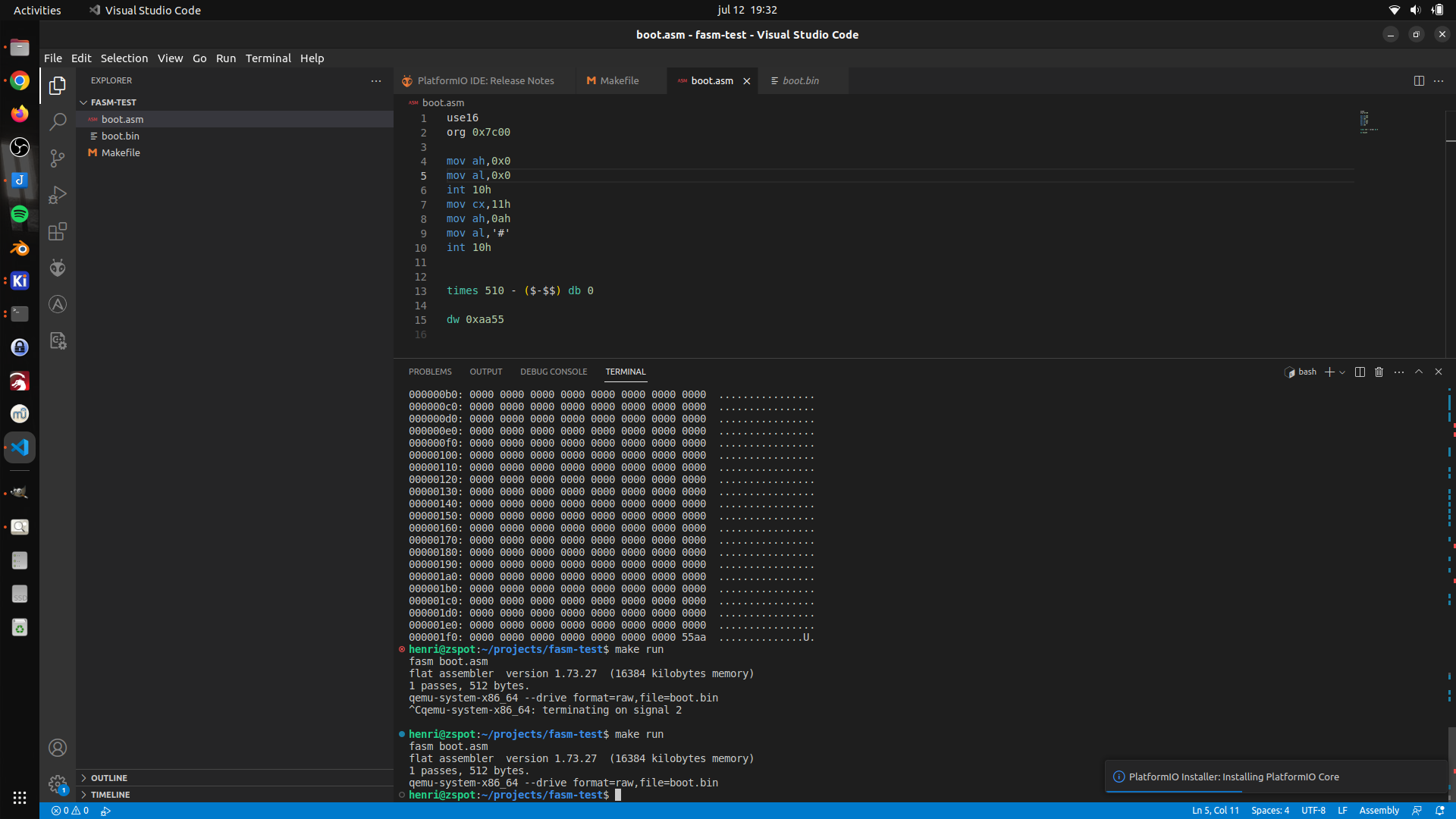
Using old code (below) and a example from YT, I made the following setup.
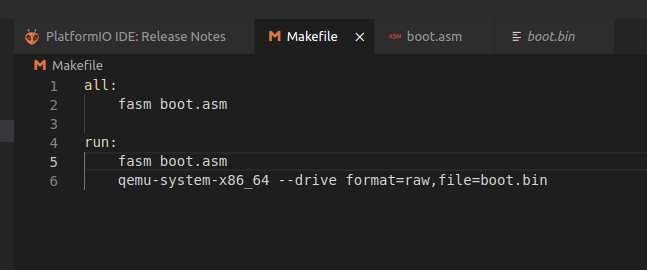
Visual studio code, with the x64 assembly plugin. xxd as hexviewer. fasm as assembler (This makes things easier, because it is a native Linux x86 compiler. So no need for dosbox anymore.)
;-------- snip
Start:
    JMP     SHORT BootHere
    NOP
    DB      "FASH-EDK"
    DW      512
    DB      2
    DW      1
    DB      2
    DW      0070h
    DW      02d0h       ;max. aantal sectoren van volume A
    DB      0Fdh        ;media descriptor
    DW      0002h       ;aantal sectoren per FAT
    DW      0009h       ;aantal sectoren per spoor
    DW      2
    DW      0
BootHere:
    mov     bp,5
tryboot:
    push bp
    mov     bx,4000h
    mov     es,bx
    mov     bx,0
    mov     cx,2        ;vanaf sector 2
    mov     dx,0        ;drive A, kant 0
    mov     ah,02h
    MOV     AL,8
    int     13h         ;sector(en) lezen
    pop     bp
    jnc     bootok
    dec     bp
    jnz     tryboot
bootok:
    mov     bp,5
;---------- snap
New setup using fasm (bootloader) boot.asm
    org 0x7c00                  ;  still not sure about this, have not found this in our demo

    mov bx, 0x1000              ; load sector address
    mov es, bx
    mov bx, 0x0

; Sector read function
    mov dh, 0x0                 ; head 0
    mov dl, 0x0                 ; drive 0
    mov ch, 0x0                 ; cylinder 0
    mov cl, 0x02                ; start sector

readdisk:
    mov ah, 0x02                ; read sec
    mov al, 0x02                ; demo is > 512 so 2 sectors
    int 0x13                    ; call bios

    mov ax, 0x1000
    mov ds, ax
    mov es, ax
jmpcode:
    jmp 0x1000:0x0              ; far jmp demo

; Expand bin to 512 byte sector
    times 510-($-$$) db 0
    dw 0xaa55                   ; Sector header (ROM as this at the start)
Graphics demo i wrote a long time ago, converted into fasm loadpart.asm
	mov ah,0
        mov ax, 4f02h   ; Set VESA video mode
        mov bx, 10dh    ; Your video mode number
	int 10h
	mov al,0
drawall:
	mov dx,0
	mov cx,0

drawloop:
	mov ah,0ch
	mov bh,0
	push ax
	int 10h
	pop ax
	inc al
	inc cx
	cmp cx,319
	jc drawloop
	mov cx,0
	inc dx
	cmp dx,199
	jmp drawloop
jmp drawall

; complete sector with zeros
    times 512-($-$$) db 0
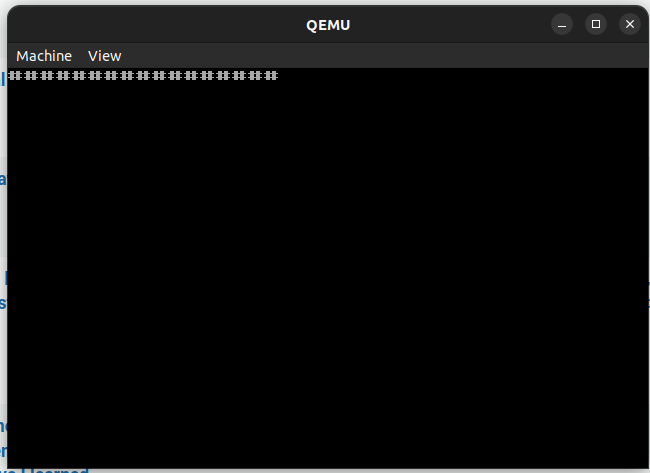
Booting the demo in milli seconds using qemu. Next to do: Write this to floppy and test on real hardware.
A reset starts the virtual machine and boots from a virtual floppy. The drawing of the pixels is slow, because I used a int 10h function for every pixel, instead of writing to screen memory directly.
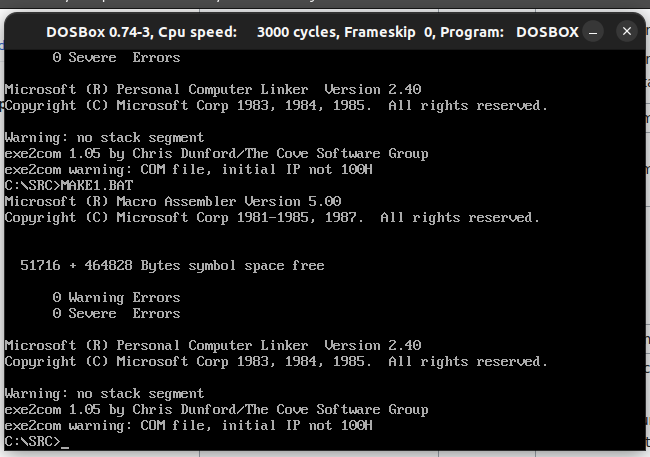
Got a part working again in PCem. This is from our bootdemo. A scroller and sector loader in a bootsector. Needed some include files masm, link, exe2com creates a 12- sector sized floppy. And we’ve got a (little distorted but working) Scroller in boot sector with custom font!
font:   db 64 dup (0)       ;space
        db 0,0,2,2,0,0,0,0  ;!
        db 0,2,2,2,2,0,0,0
        db 0,2,2,2,2,0,0,0
        db 0,2,2,2,2,0,0,0
        db 0,0,2,2,0,0,0,0
        db 0,0,2,2,0,0,0,0
        db 0,0,0,0,0,0,0,0
        db 0,0,2,2,0,0,0,0
Today two boot projects. One using a bios extension, so it chip based. Second is a floppy disk boot program. (Creating a test situation to get our old Boot floppy demo working. ( That one without using an operatingsystem like ms-dos.
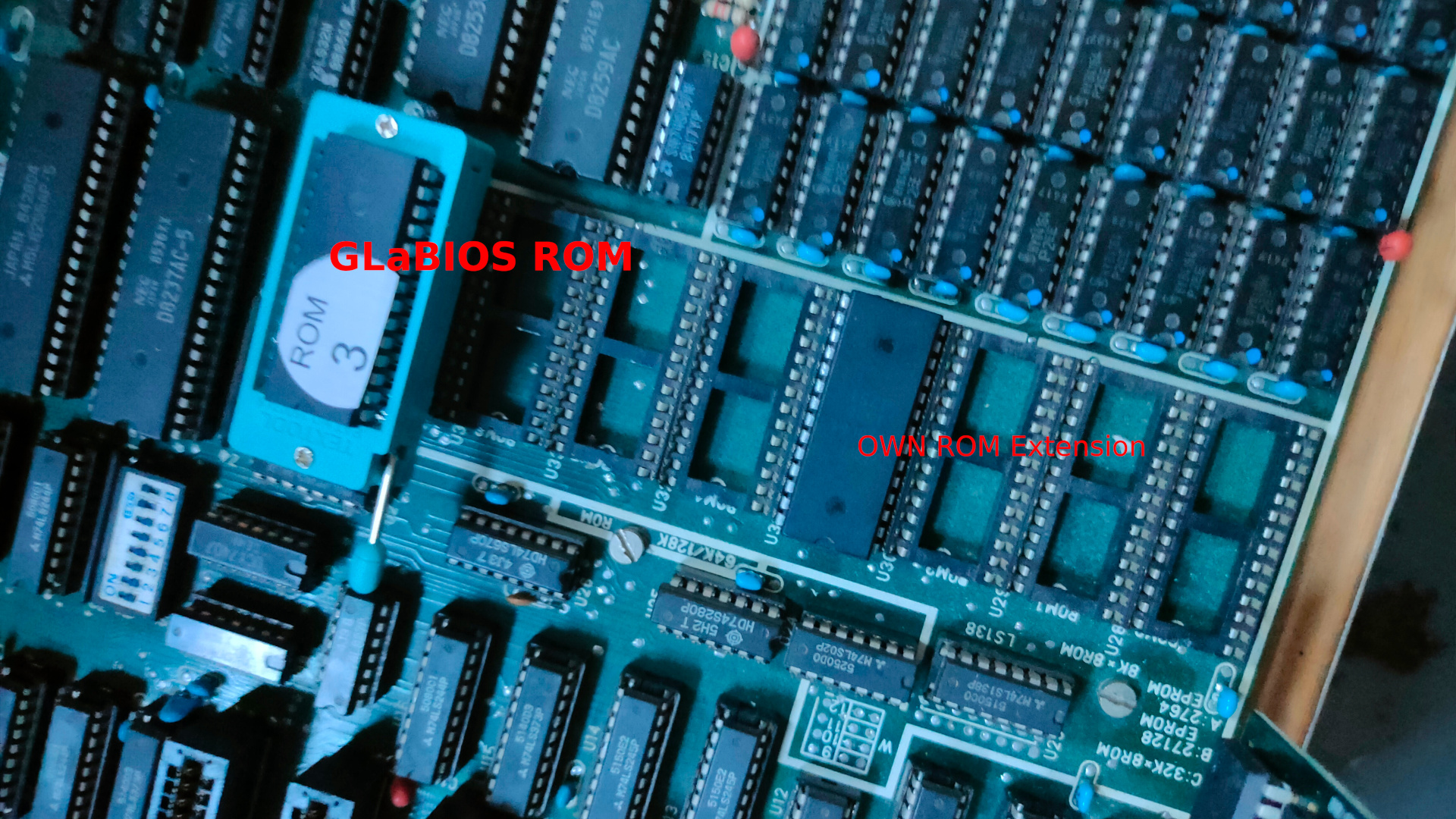
Creating a Secondary Bios ROM
NAME mycode
.model small
ORG 0h

.code
	dw 0AA55h ;  Magic header your bios is looking for
	db 16     ; lenght of this rom in 512 bytes == 8k
	jmp short clear ; jmp to program

ORG 20h                 ; start of program

clear:  mov cx,10       ; clear, set keyboard led and print 10 # chars
	mov ah,0ah
	mov al,31h
	int 10h
	mov bh,0
	mov cx,1
start:	mov al, 11000000b
        out 80h, al
print:  mov cx,10
	mov ah,0ah
	mov al,"#"
	int 10h
loop1:  nop           ; loop until doomsday
	jmp loop1
	db -68        ; This makes the checksum 0
                      ; steps to take: edit source, make this byte entry 0
                      ; compile using make.bat in dosbox
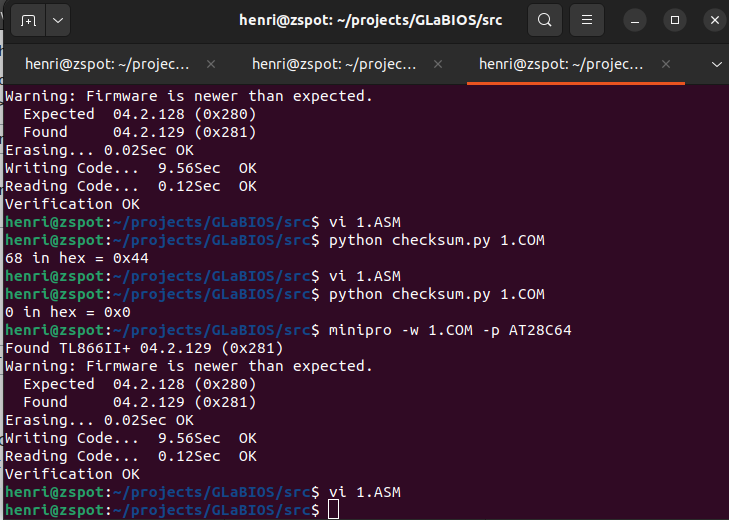
                      ; check checksum using my python script
                      ; output was 68 hex 0x44
                      ; edit asm file place -68 to make the checksum 0x00 again
                      ; compile and burn to ROM
ORG 2000h             ; create end of rom 0000h-1fffh = 8K
END
make.bat in dosbox
@ECHO OFF
MASM /DARCH_TYPE="T" /DCPU_TYPE="V" 1;
LINK 1;
EXE2COM 1.EXE
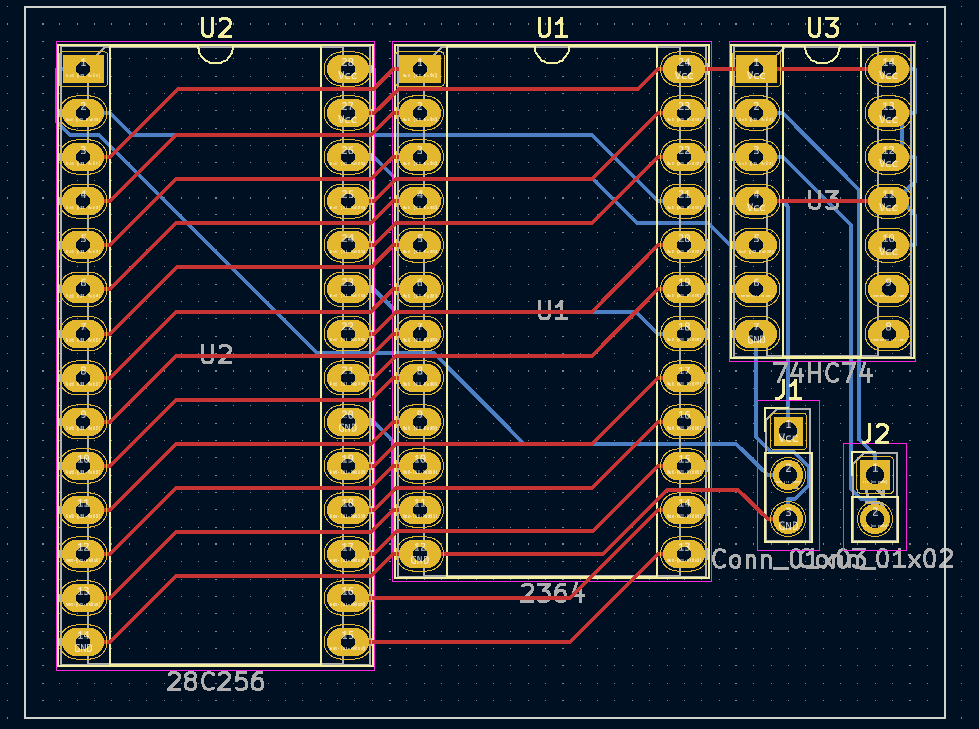
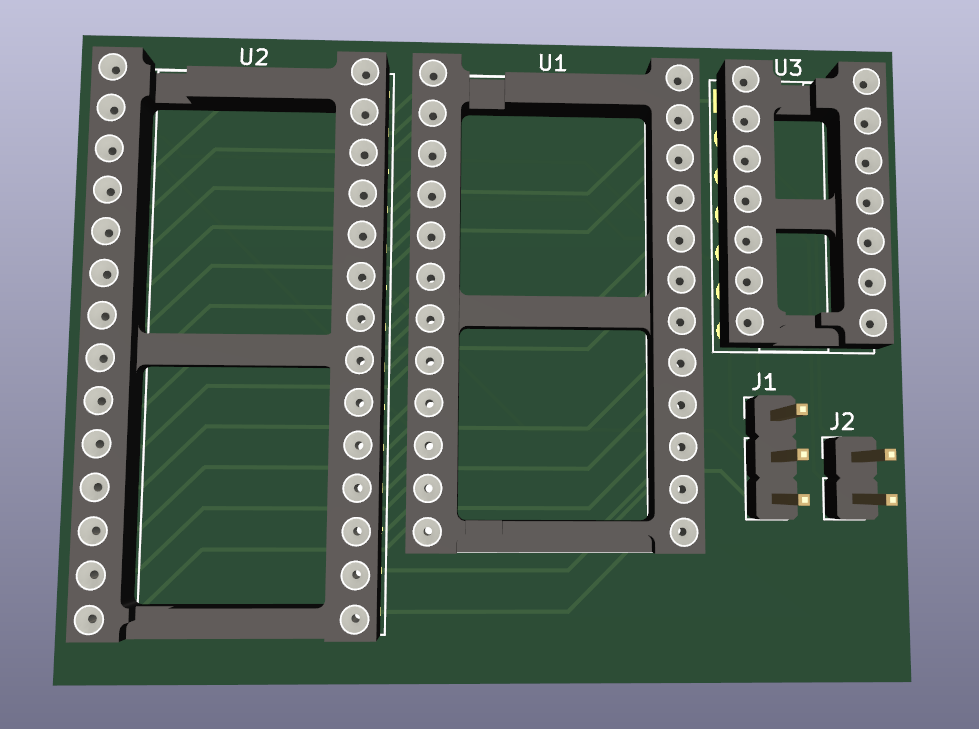
Below board replaces 2364 (8k) with a 28c256 (32k 4 roms) socket. My design in Kicad
The rom can be selected using the pressing restore while starting the C64. ( This button press to select is not my idea but I liked it, when I find the original idea I’ll post it.
After ordering and testing, I’ll attach the Gerber files.
If you are a old friend/colleage/whatever .. give me a ping to get you connected.
I’ve been using IRC a long time, we even had our own interconnected servers with our group ICE. Lipperkerk, GMC and Pixnet. Overkill I know, but we could so we did.
Last few years i’ve been using Mattermost. After testing many alternatives.
Whatsapp – not own hosted, hate it, and was not allowed for work.
Zulip – tested this for a long time
IRC at work, implemented this at 2 places i’ve worked. Once using a web gui.
A ajax chat server
??
??
After installing this in my Lab, a few colleages from work used it. After that the whole department and more. Running for more than a year, it was time got get this running on the servers at work. I’ve reinstalled a server for my friends.
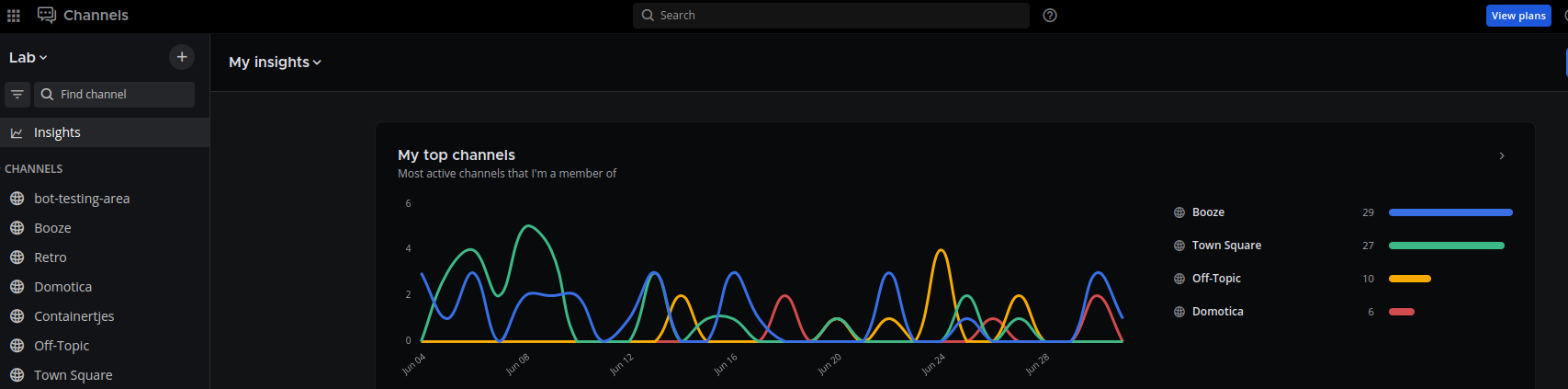
Last update gave me a nice insights desktop. Quiet days in june.
I love the webhooks and plugins.
In the past i’ve implemented a whatsapp to mattermost bridge, i will post about this .. sometime.
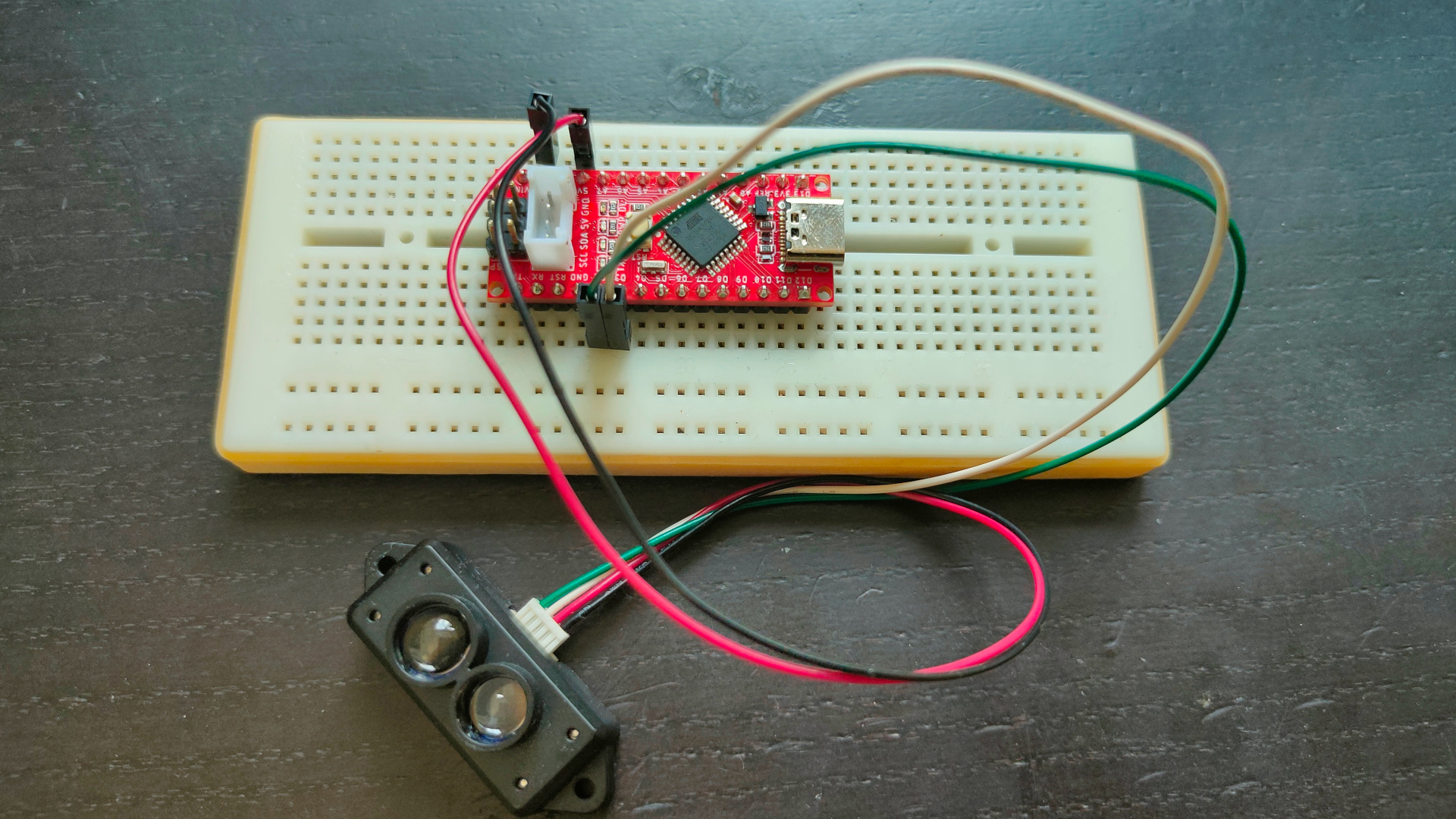
Below a implementation using a arduino and a 3D printed flag.
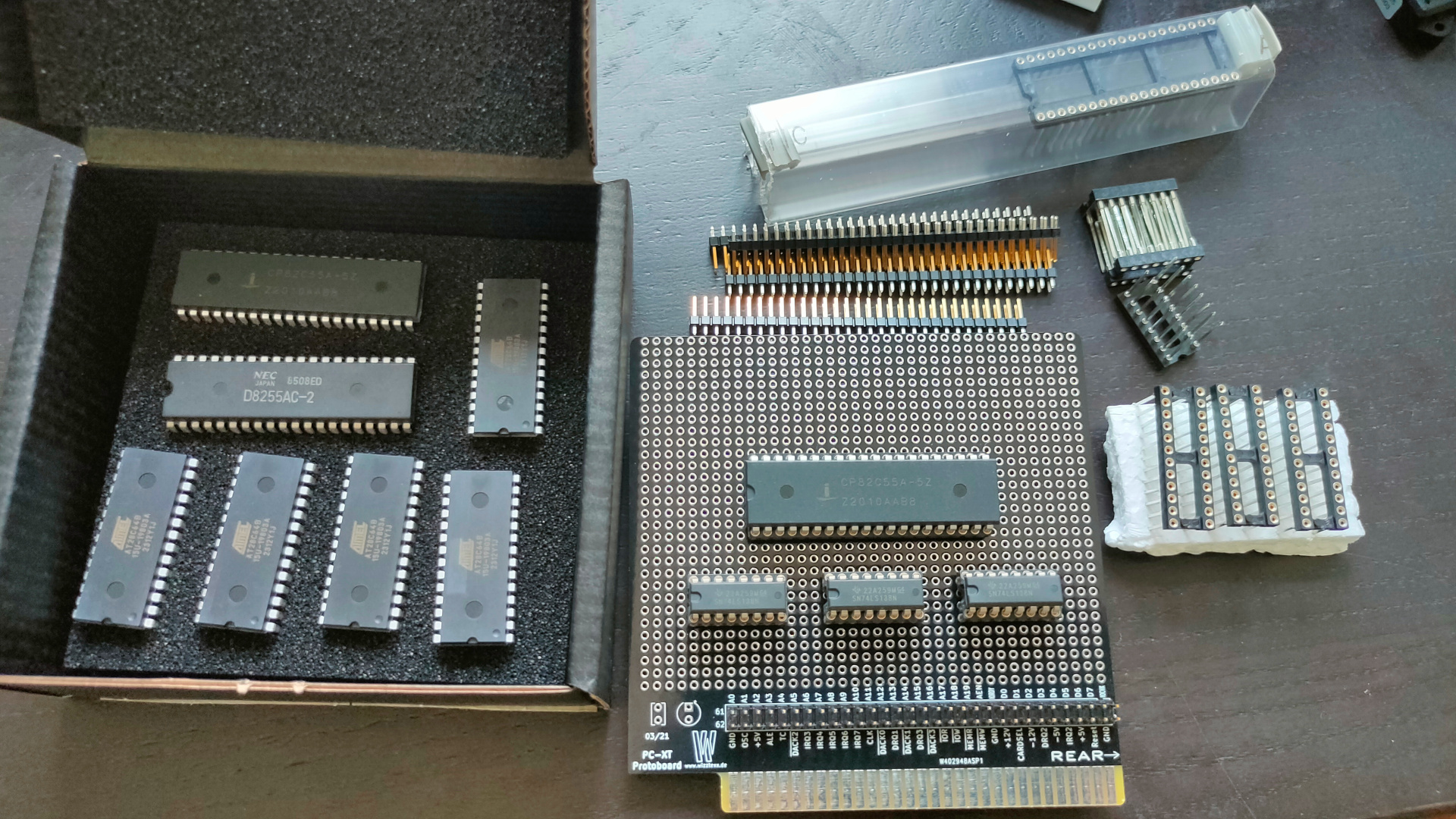
While working on a Lidar project, my mouser components came in.
Now I have to find a IO address decoder schematic I made a while ago.
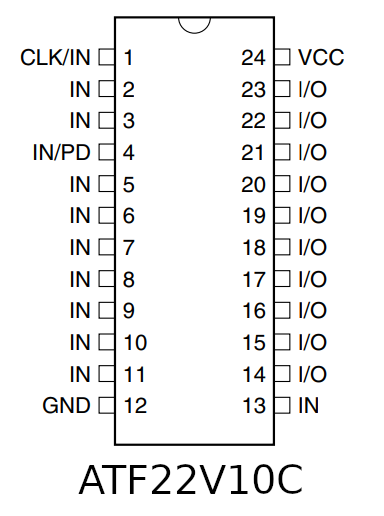
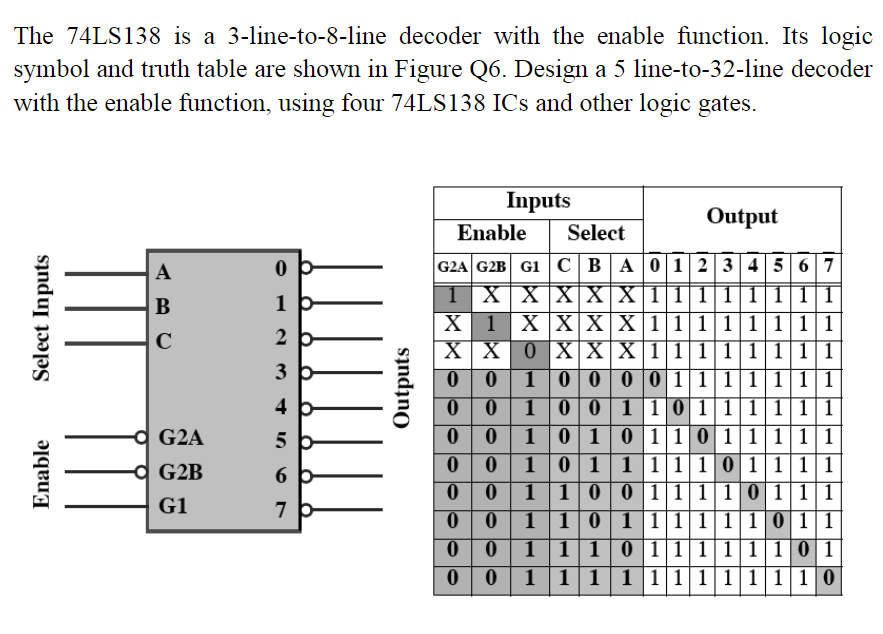
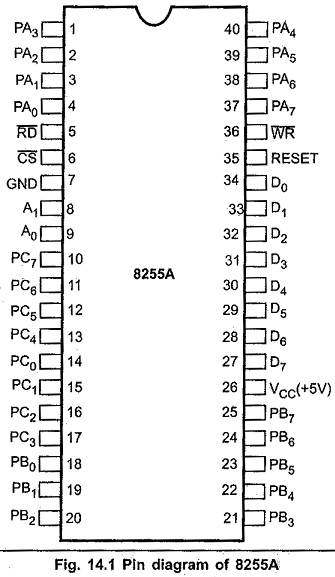
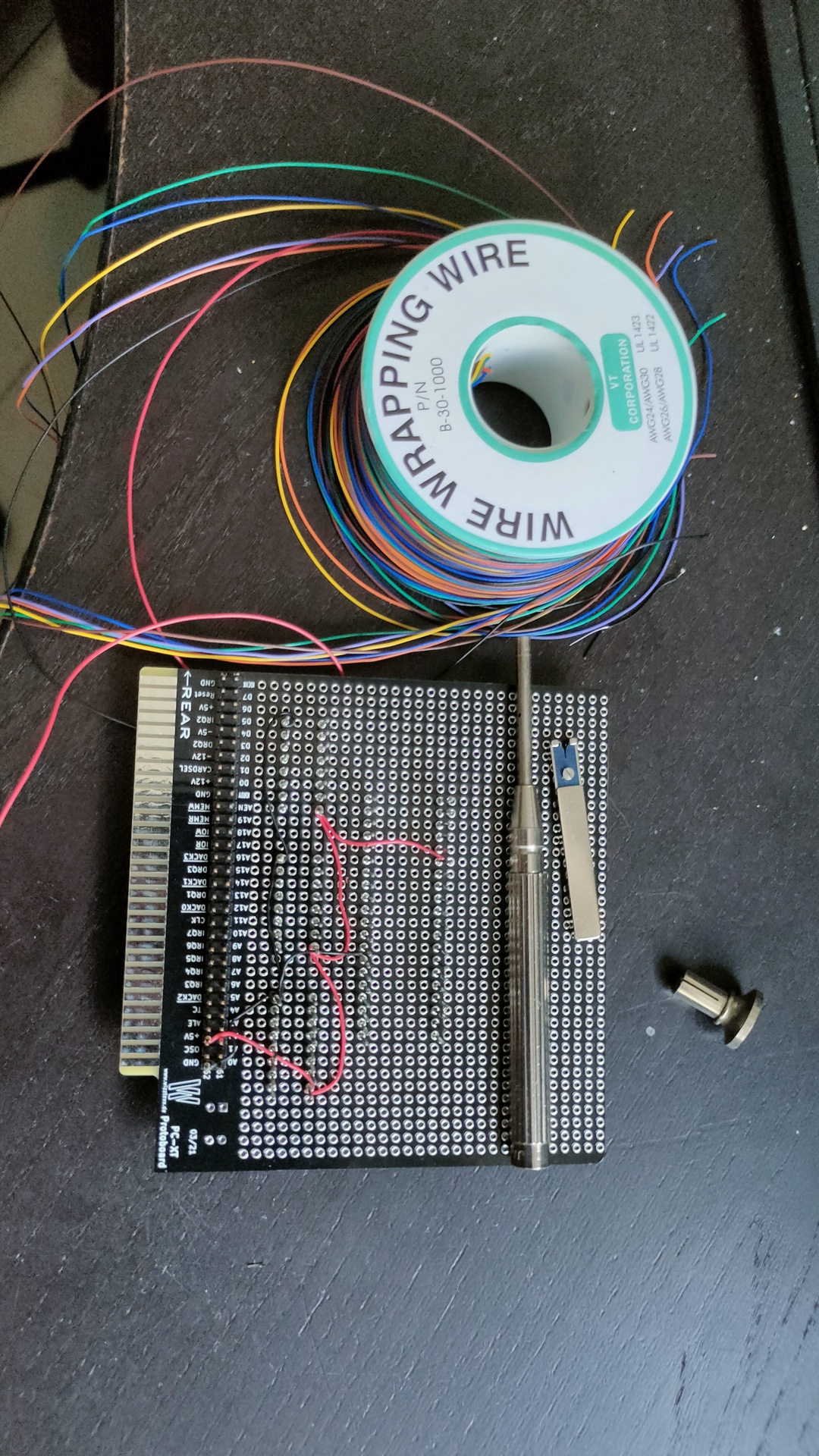
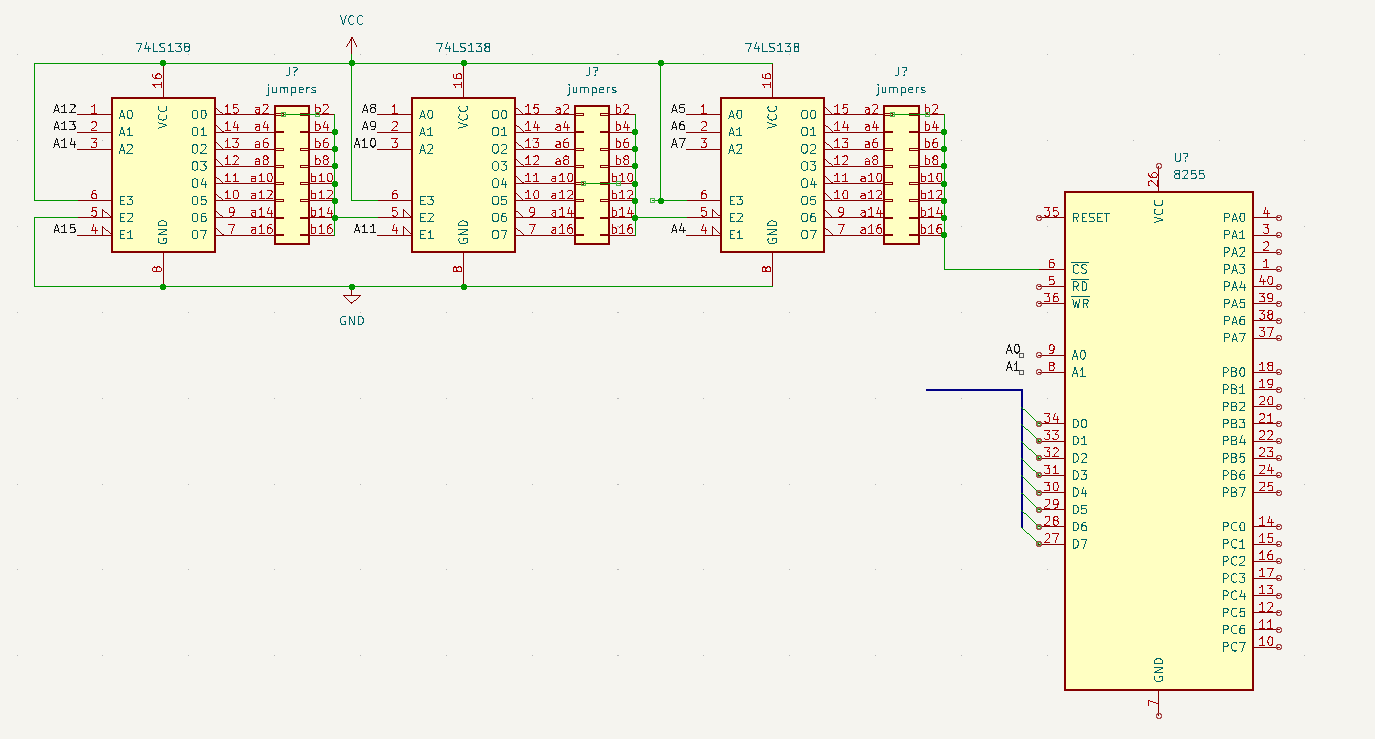
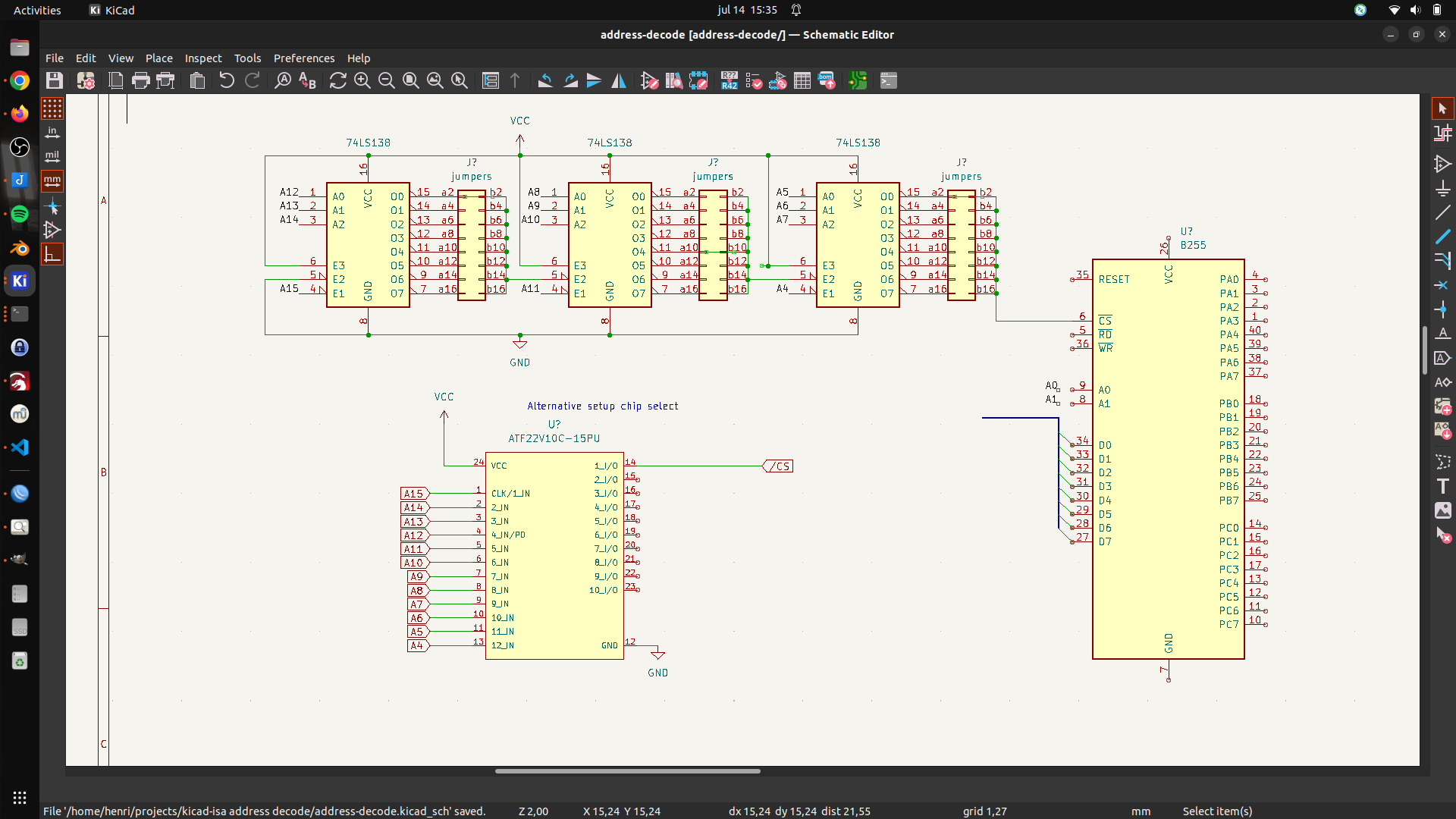
This ISA board is going to have a Wirewrapped setup. There is a 8255 IO chip, and uses 3x 74138 for IO address decoding, OR i will use a setup i’ve made for my 6502 using an atf22v10.
What to controll using this 8255? First some Leds, later a LCD display.
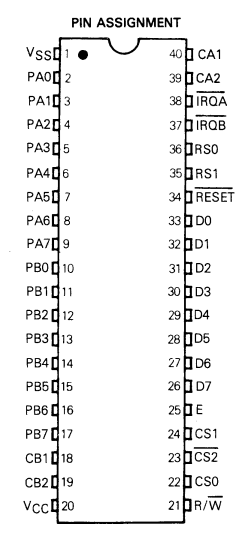
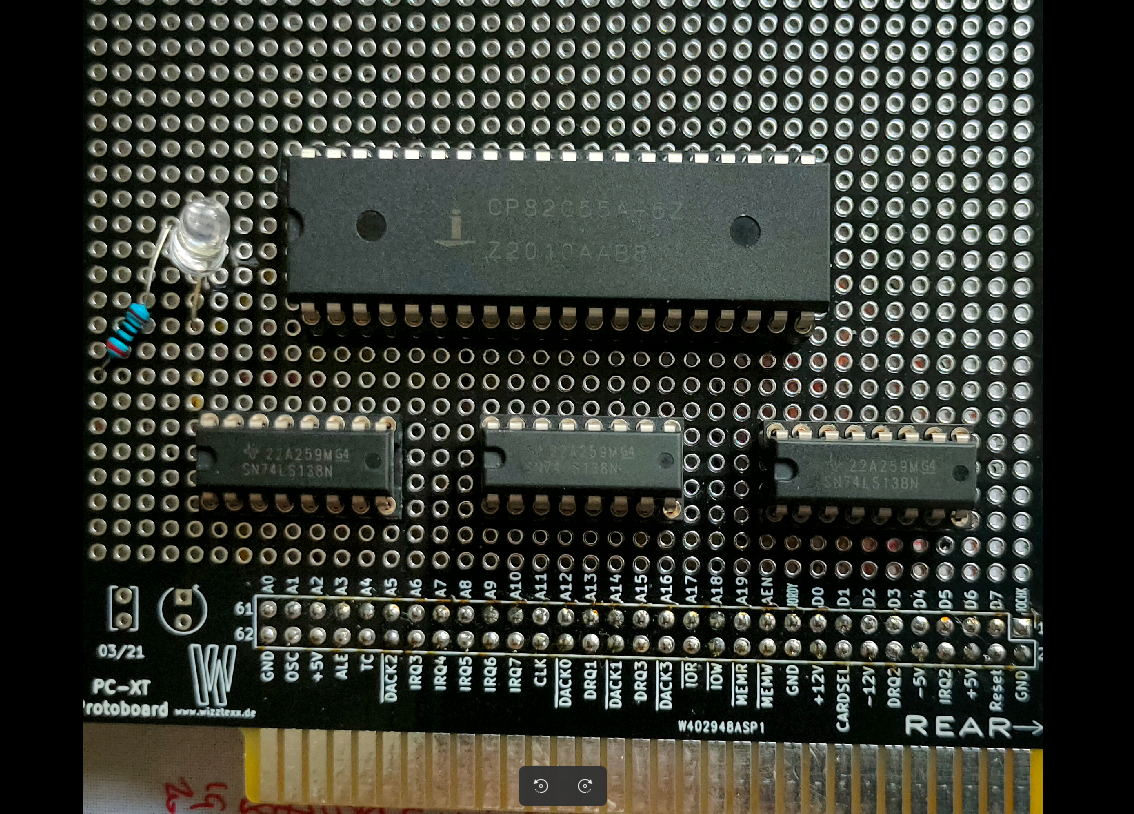
Below the 3 mentioned IC’s
The 8255 is a chip like the 6522 used in my DIY 6502 elsewhere on my site.
Overview of comparable IO chips. ( Not interchangeable due to bus timing!) Most of them have 8 data lines and 2x 8 IO bi-directional lines.
CHIP
NOTES
6522
6502 based machines
8255
8088/8068 based machines
Z84C2008
Z80 (called PIO)
8155
8085 / 8088
8520
68000 amiga
6821
6800
6821 example
UPDATE 20230702
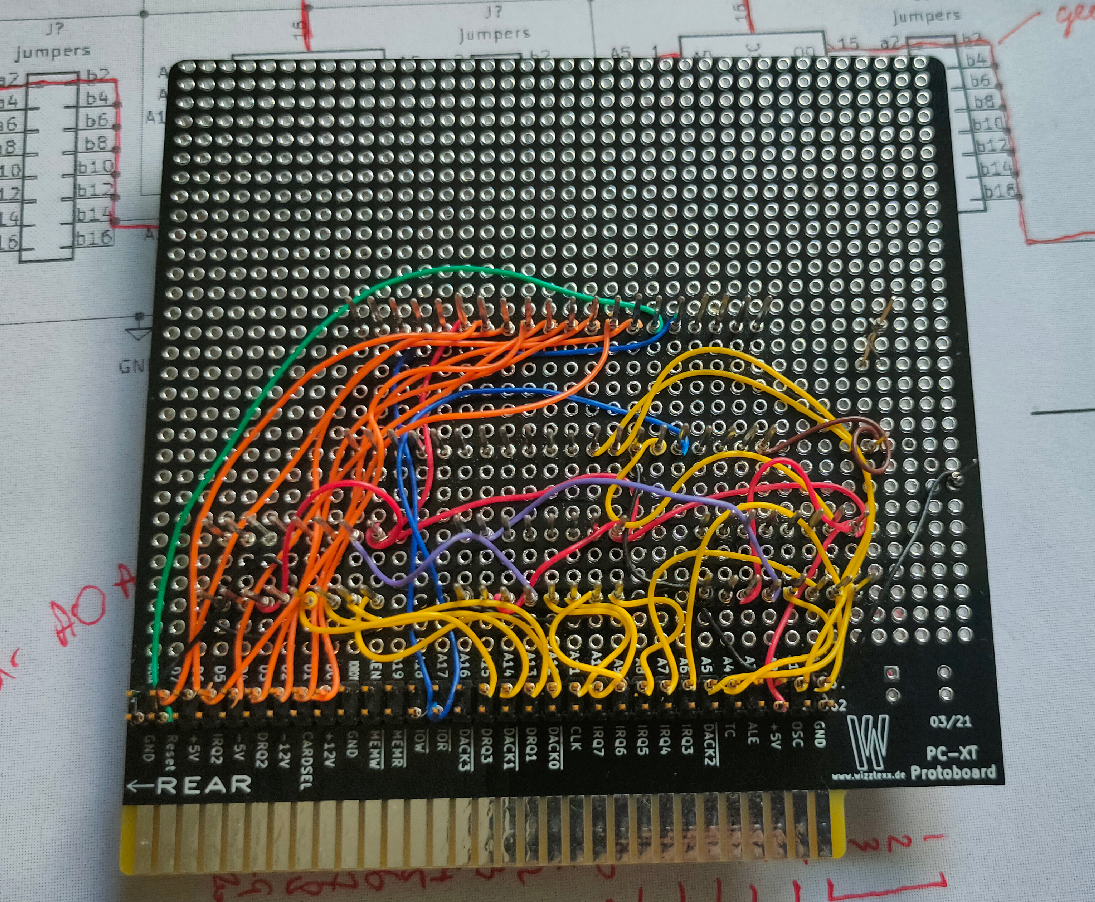
Started wirewrapping, luckily i’ve got a big choice of colors. That makes finding the right signals a breeze.
UPDATE 20230703
Found my schematic
Above uses 3 74138 decoders, address can be “programmed” using jumpers (not used on my prototype board) . Address 0400h in above example.
A15 – 0 A14,13,12 – decodes to OUT-0 A11 – 0 A10,9,8 – decodes to OUT-4 A7 – 0 A6,5,4 – decodes to OUT-0 A3 and A2 are not used (see note) A1 and A0 are register select on the 8255
Address 0000,0100,0000,xxrr xx can be a 0 or 1 the 8255 can be controlled using 0400h 0401h 0402h but also 0404h 0405h 0406h 0408h 0409h …. 040Ch ……
UPDATE 20230714 – Alternative address decode test with ATF22V10
UPDATE 20230803
UPDATE
Miswired second 74138. Tested with below code
mov dx,503h # control register
mov al,80h # output port a,b,c as standard IO/output
out dx,al # 16 bit IO mapped IO out
mov dx,500h # data register
mov al,0  # 0/ff all on/all off
out dx,al
I’ve seen many more, maybe i’ll add above and more to below list.
These are also very good, just watch them!
Things to come (1936)
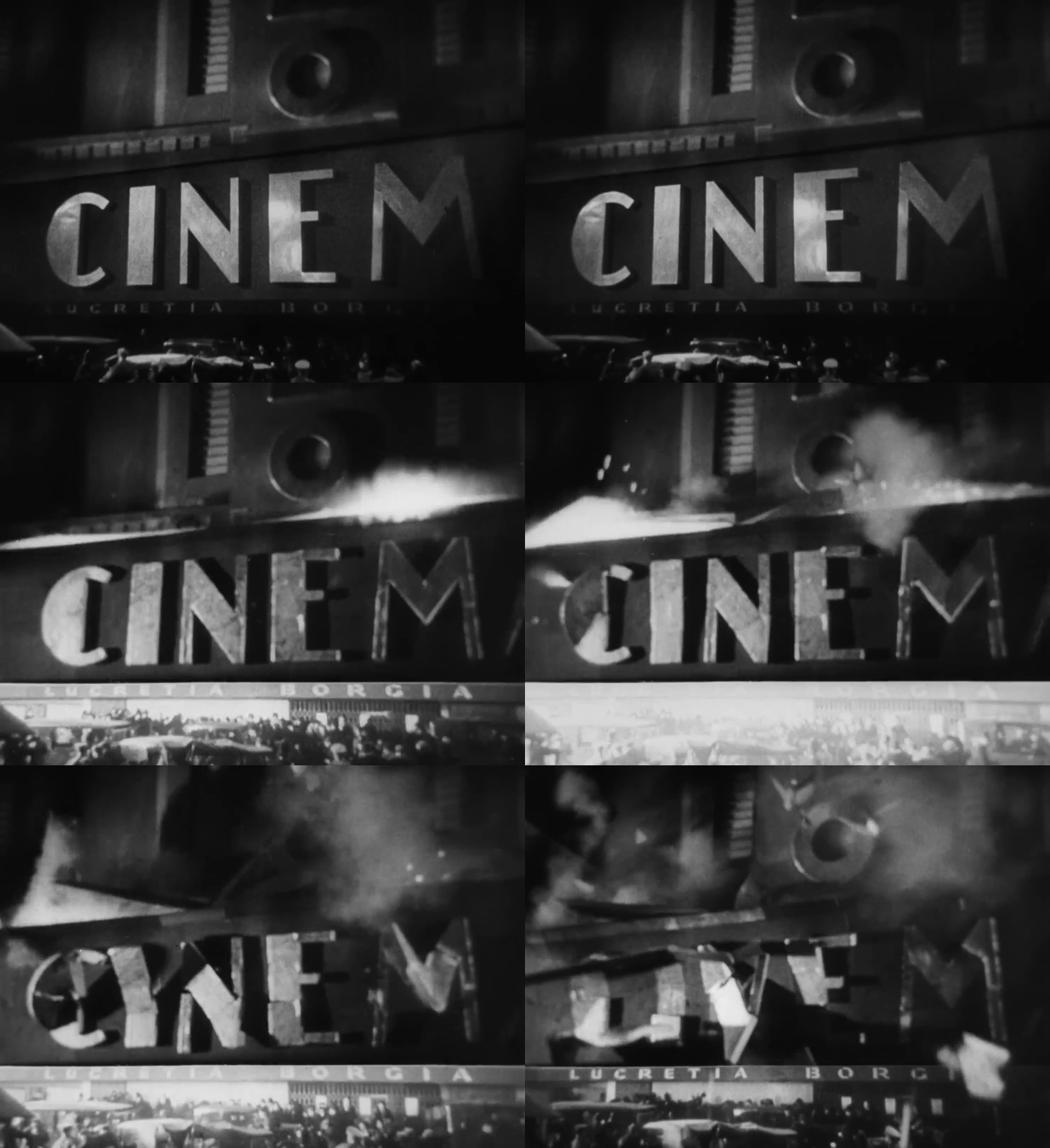
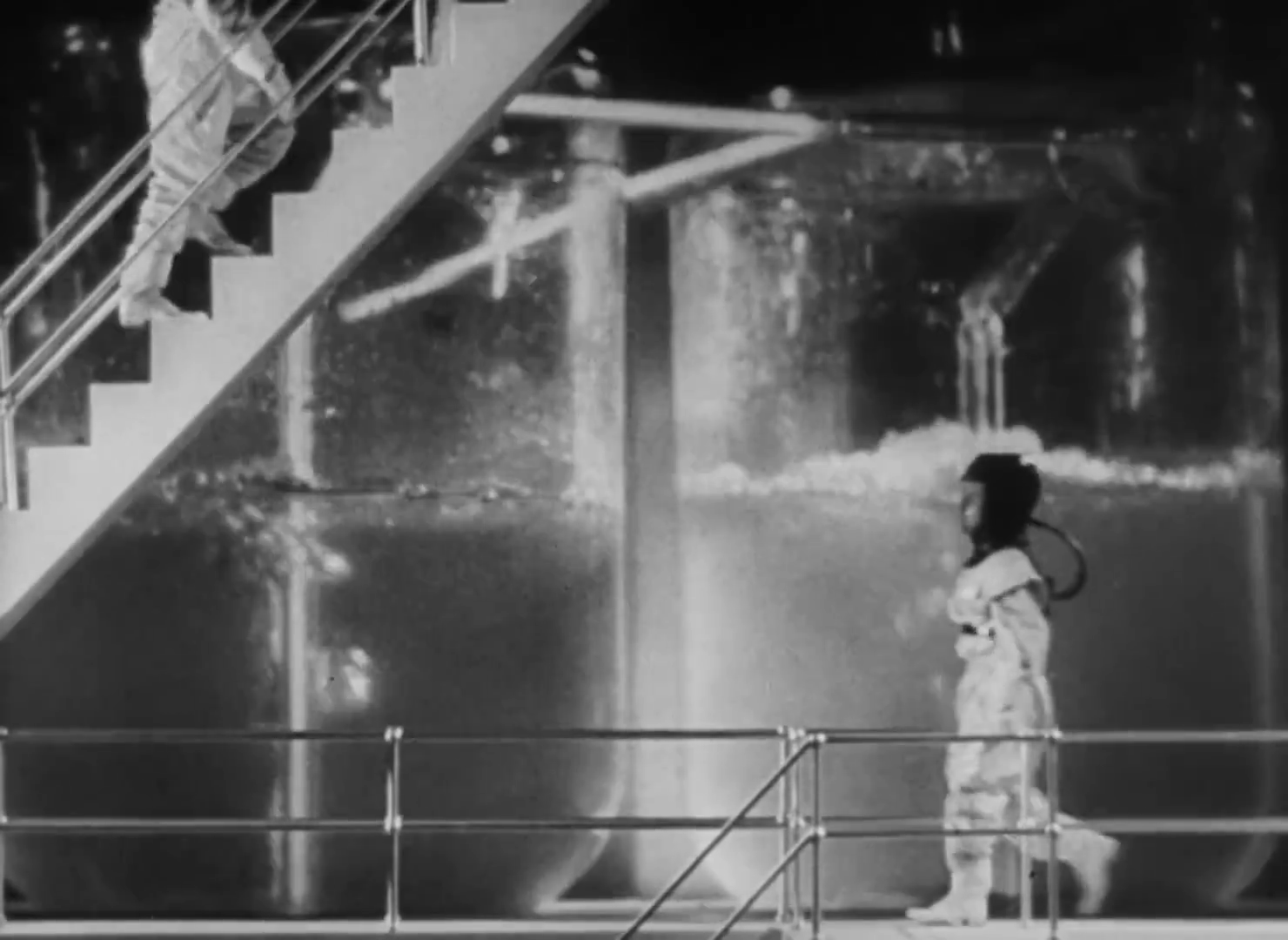
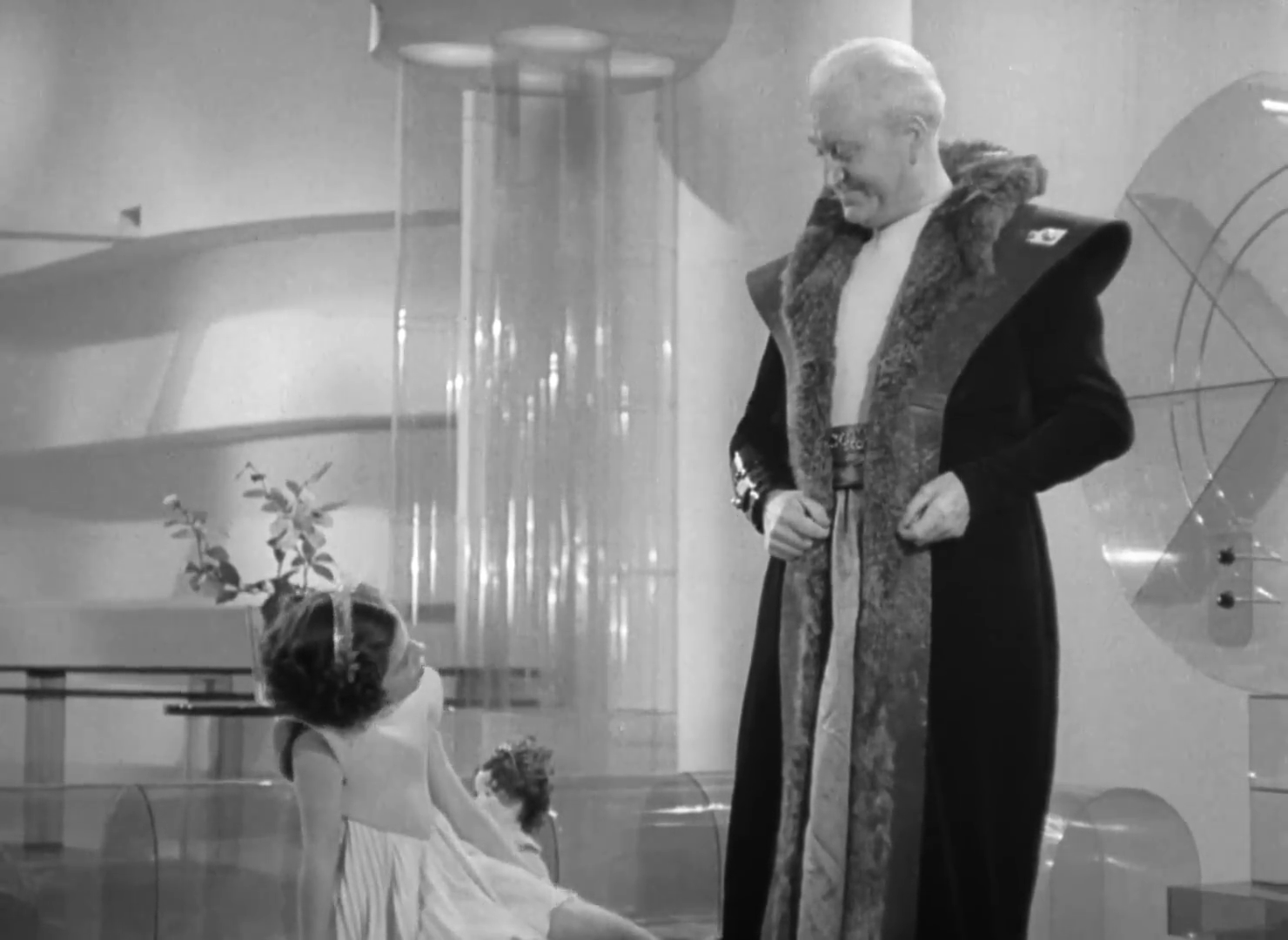
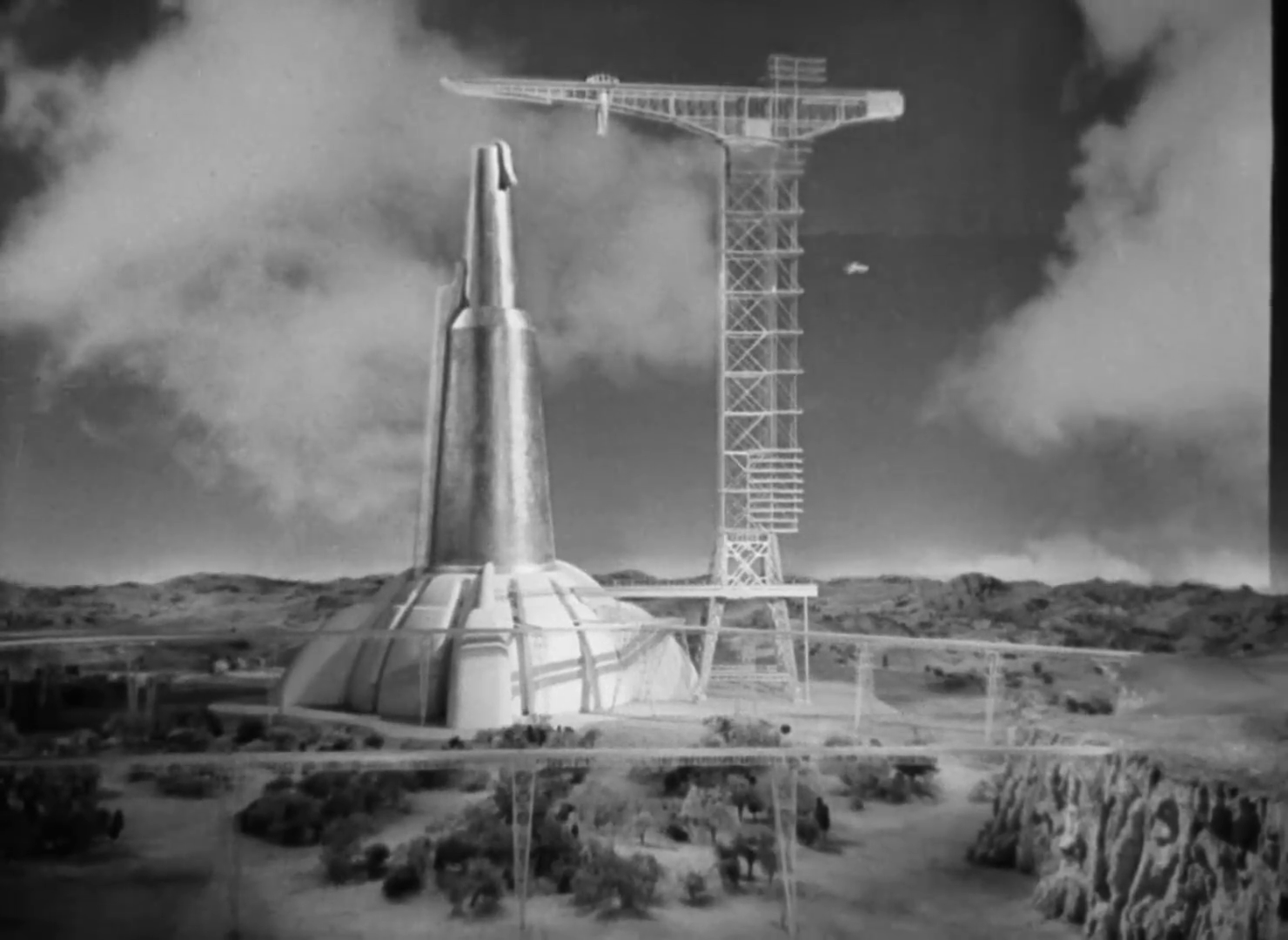
H.G.Wells sci-fi movie ‘predicting’ WWII and a trip to the moon (predicted 1970 instead of 1969) Special effects using Matte painting, double exposure and miniature models.
It’s Christmas 1940, and Everytown resident John Cabal fears that war is imminent. When it breaks out, the war lasts 30 years, destroying the city and ushering in a new dark age of plagues and petty despots. But there is hope in the form of Wings Over the World, a group of pacifist scientists and thinkers lead by Cabal. Their dream is to build a utopian society on the ruins of the old. But first they’ll have to unseat the latest ruling tyrant.
Nice transition i found from real footage to model being blown up. (These are some sloweddown screenshots, it was hardly notisable in the movie)
ModelsSciFy backdropLots of plasticModels
M (1931)
Good story with superb acting by Peter Lorre.
M is a 1931 German mystery suspense thriller film directed by Fritz Lang and starring Peter Lorre in his third screen role as Hans Beckert, a serial killer of children. An early example of a procedural drama, the film centers on the manhunt for Lorre’s character, conducted by both the police and the criminal underworld.
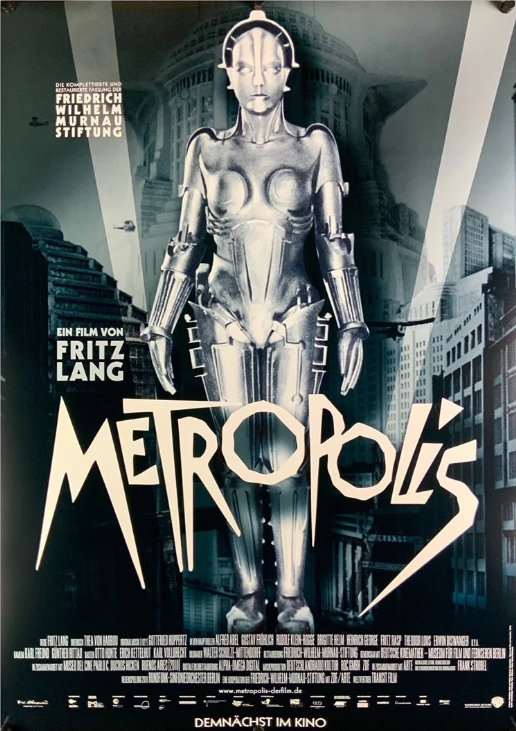
Metropolis (1927)
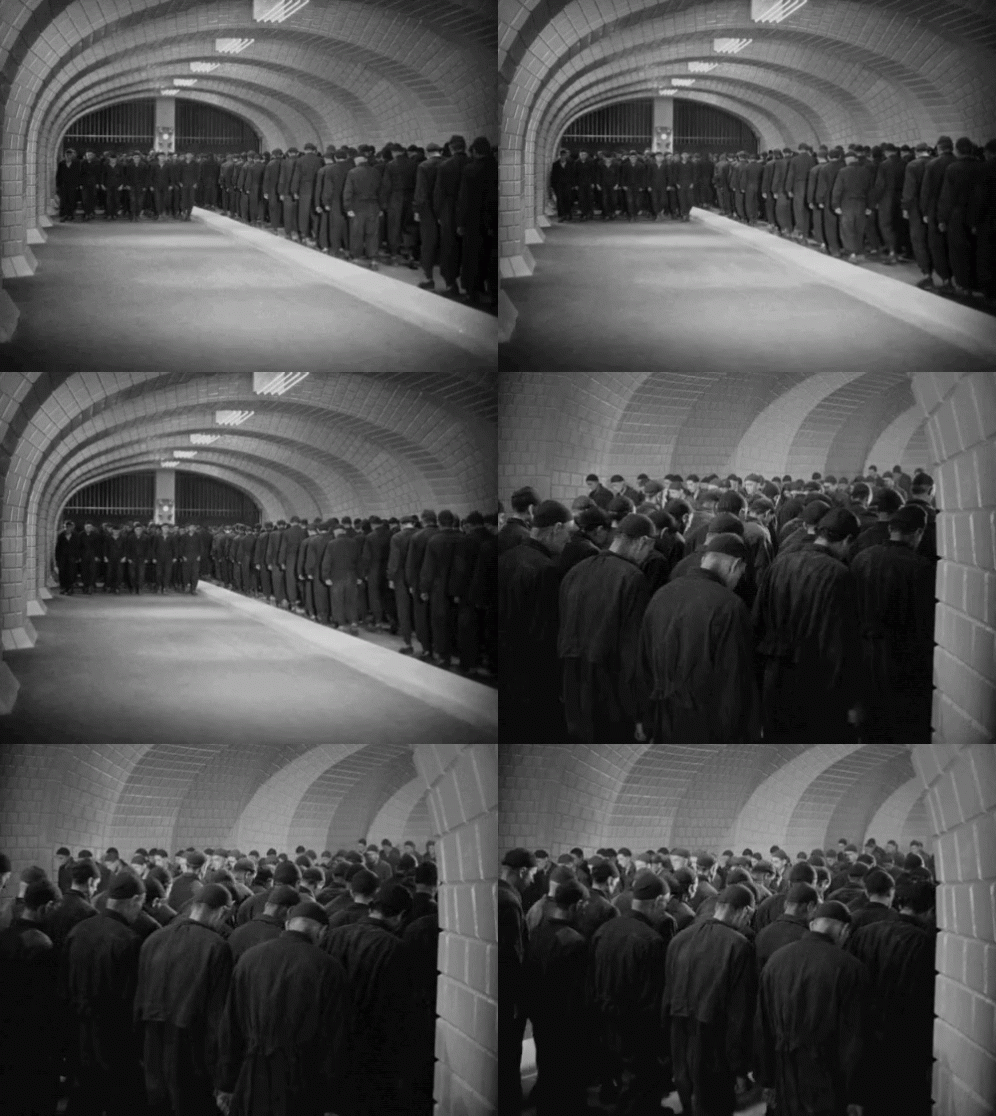
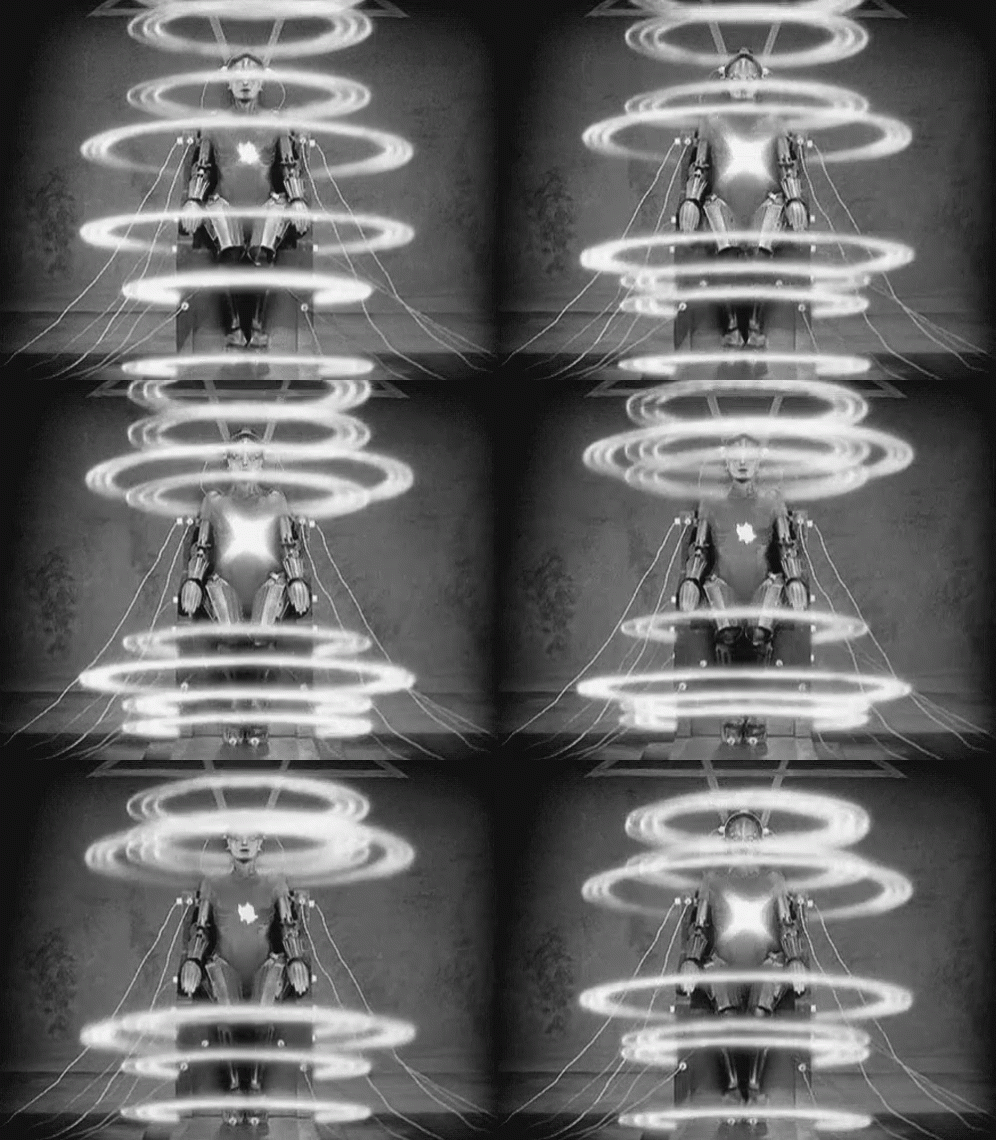
Silent Sci-Fy movie, using some special effects never seen before. It is a long movie, and shows some nice dystopian scenes.
This influential German science-fiction film presents a highly stylized futuristic city where a beautiful and cultured utopia exists above a bleak underworld populated by mistreated workers. When the privileged youth Freder discovers the grim scene under the city, he becomes intent on helping the workers. He befriends the rebellious teacher Maria , but this puts him at odds with his authoritative father, leading to greater conflict.
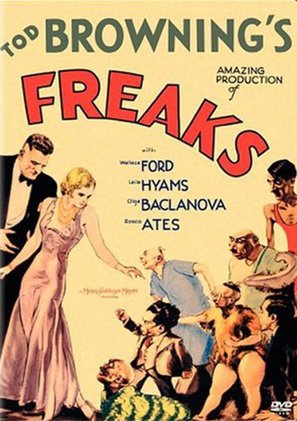
Freaks (1932)
What can I say, can’t be made anymore. Shocking to see what sideshows looked like 100 years ago. Still they managed to tell a story about relations and greed.
When trapeze artist Cleopatra learns that circus midget Hans has an inheritance, she marries the lovesick, diminutive performer, all the while planning to steal his fortune and run off with her lover, strong man Hercules. When Hans’ friends and fellow performers discover what is going on, they band together and carry out a brutal revenge that leaves Hercules and Cleopatra knowing what it truly means to be a “freak.”
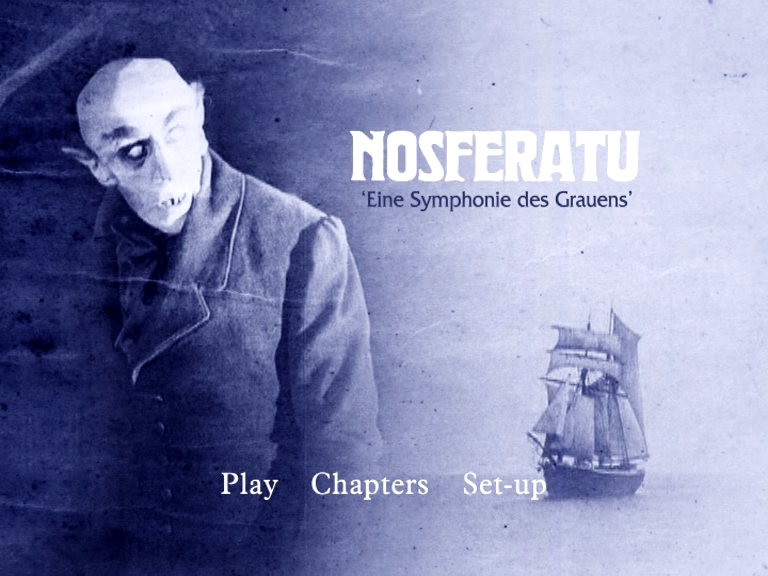
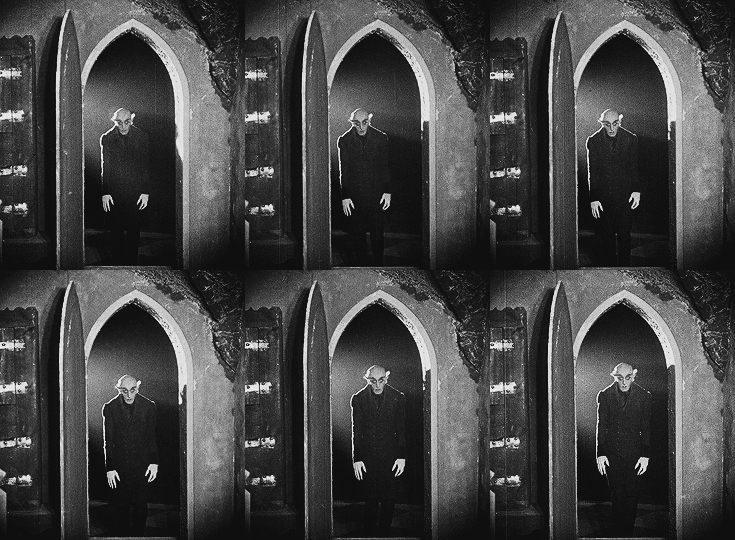
Nosferatu, eine Symphonie des Grauens (1922)
While almost at the end of our 250 best movies journey, this movie popped up. Almost the oldest in our collection. The Kid is one year older (charlie chaplin)
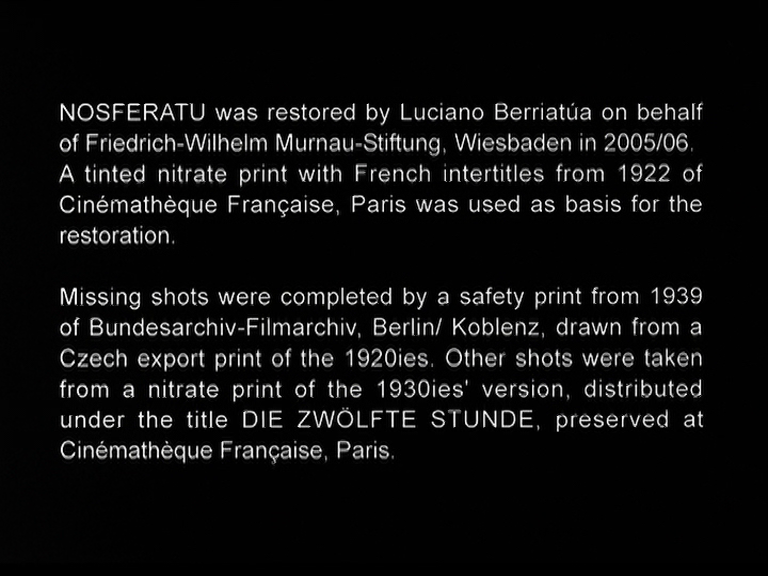
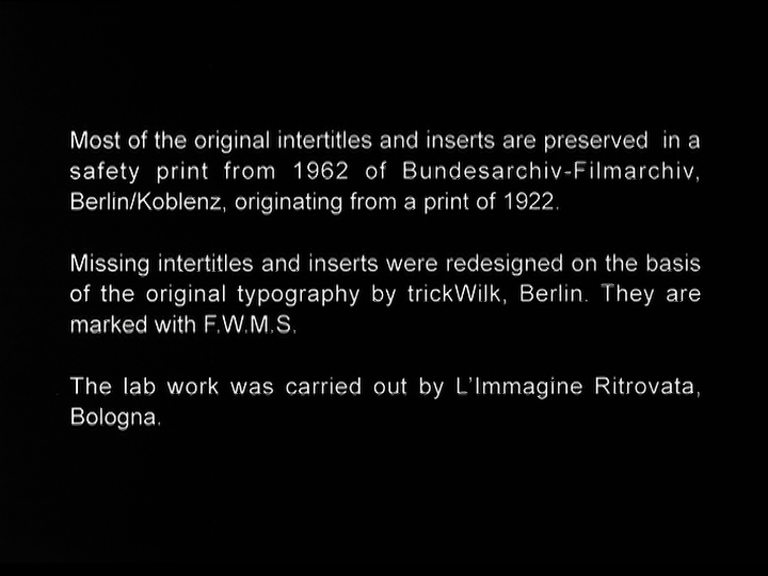
This one has a history. Al copies had to be destroyed ( Stokers Widow ordered it, because it was not authorized https://rosenbach.org/blog/the-destruction-of-nosferatu/ ) So this version I saw, was put together using multiple sources. Like a Frankensteins monster. But is it a well made movie, which had a great influence on dracula movies to come.
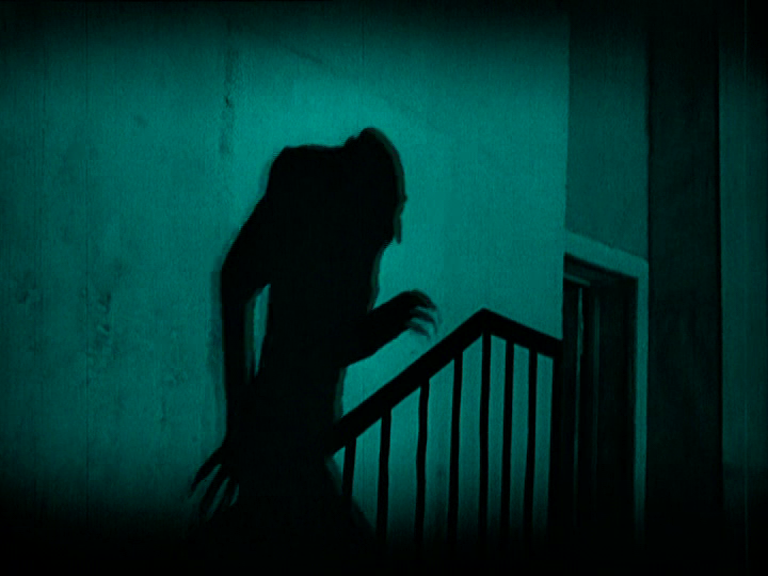
Max Schreck as Orlok is amazing! There is something in his statue/movement.